Как настроить VPN для маршрутизатора с быстрым соединением
Frustrated with how using a VPN on your router bogs down your internet speed? You're not alone. A vpn for router with fast connection can protect every device on your network, but the wrong setup may turn streaming, gaming, video calls, and browsing into a slow, unreliable experience. The good news is that router VPN speed problems usually have clear causes and practical fixes. This guide explains why slowdowns happen and how to improve performance without giving up privacy.
A VPN on a router is useful because it secures traffic for phones, laptops, smart TVs, consoles, and connected home devices from one central point. However, that convenience also means your router must do extra work. If the router, VPN server, or settings are not suited for speed, the entire household can feel the impact.
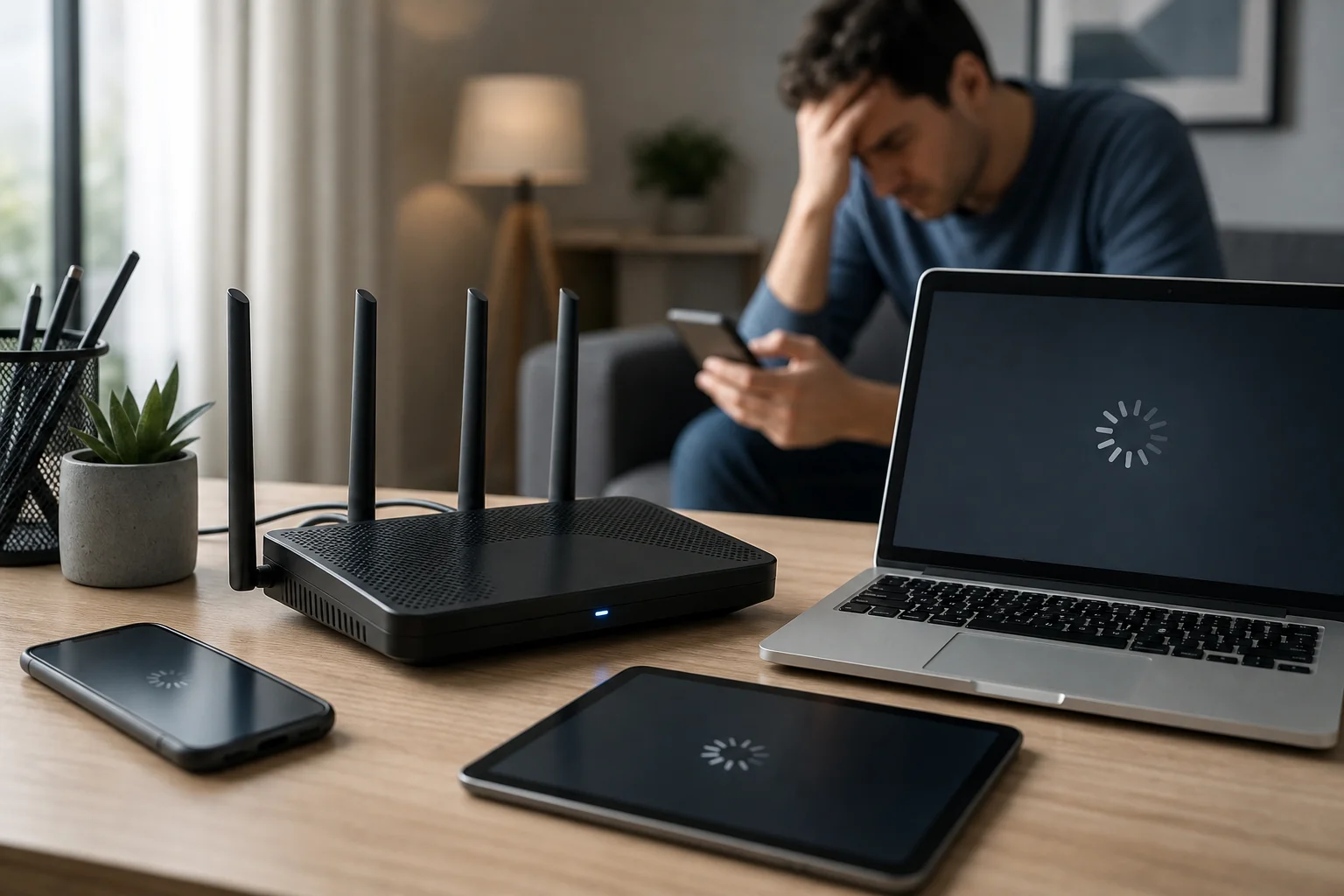
Разочарование от медленных VPN-соединений на маршрутизаторе
Using a VPN often causes internet speeds to drop, and the effect can feel worse when the VPN runs on a router. Instead of one device handling encryption, your router becomes the gateway for all encrypted traffic. If several people are online at once, the router may struggle to keep up.
This slowdown affects everyday tasks in different ways:
- Стриминг: Videos may buffer, drop to lower quality, or fail to load quickly.
- Игры: Higher latency can cause lag, delayed reactions, and unstable matches.
- Серфинг: Websites may feel sluggish, especially if pages contain many images, scripts, or videos.
- Видеозвонки: Meetings can freeze, audio may cut out, and screen sharing can stutter.
- Умные устройства: Cameras, speakers, and hubs may respond more slowly.
The frustration often comes from a reasonable expectation: you want privacy and security, but you do not want your internet to feel broken. Many people assume this trade-off is unavoidable. In reality, a VPN usually adds some overhead, but it should not make your connection unusable. With the right router, provider, protocol, and server choice, a fast VPN connection on your router is achievable.
Почему VPN замедляют ваше соединение?
A VPN creates a secure tunnel between your network and a remote server. That process is valuable, but it adds extra steps to each connection. Understanding those steps helps you find the real bottleneck instead of guessing.
Шифрование добавляет нагрузку на процессор
VPN encryption protects your data from being easily read while it travels across the internet. However, encryption and decryption require processing power. On a laptop or modern phone, this is often handled well. On an older or low-powered router, it can become a major speed limit.
For example, your internet plan may support high download speeds, but your router’s CPU may only process VPN traffic at a much lower rate. In that case, upgrading your plan will not fix the issue. The router is the bottleneck, not the internet service.
Аппаратное обеспечение маршрутизатора может быть недостаточным
Not every router is built for VPN use. Some models support VPN settings but lack the power to run them efficiently. Others require complicated firmware changes, which can create stability issues if done incorrectly.
Important hardware factors include:
- CPU performance
- Available memory
- Support for modern VPN protocols
- Firmware quality and update frequency
- Heat management under heavy use
If your router is several years old, was supplied as a basic ISP device, or has limited VPN options, it may not be the best choice for a speed-focused setup.
Нагрузка на сервер VPN может создать узкие места
Even with a strong router, your VPN server matters. If too many users connect to the same server, speeds may fall. Distance also plays a role. A server on the other side of the world usually increases latency compared with a nearby server.
A reliable VPN provider should offer fast servers, stable routing, and enough locations to help you avoid overloaded routes. Services like BeFreeVPN are useful for quick, no-registration access when you want a simple way to browse more safely without a long setup process.
Шаги к достижению быстрого VPN-соединения на вашем маршрутизаторе
The best solution is not one single trick. It is a set of practical improvements that work together. Start with the biggest bottlenecks first: router capability, VPN provider quality, server choice, and protocol settings.
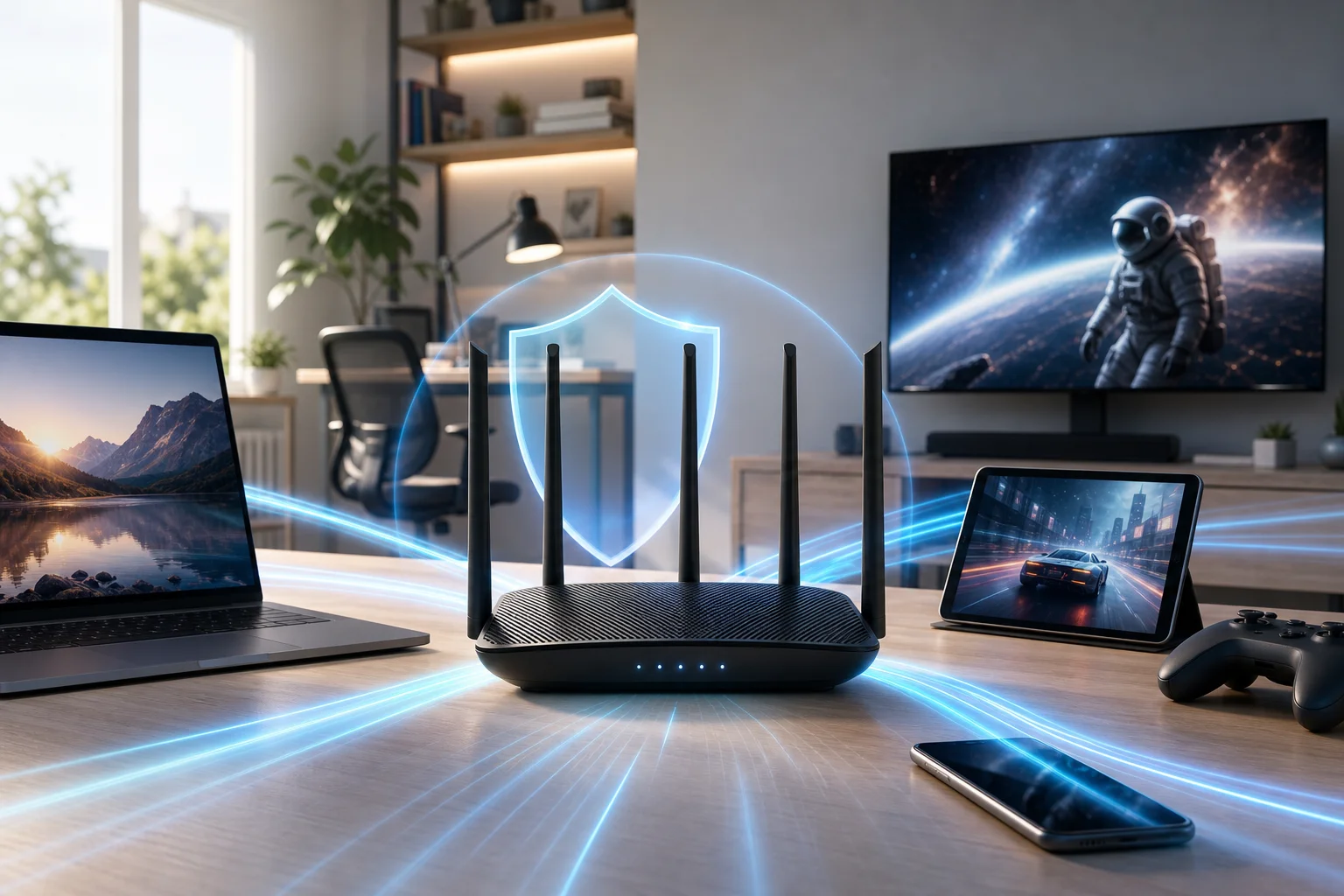
Действия по ускорению VPN на маршрутизаторе
-
Проверьте свою скорость без VPN
Run a speed test while connected normally. This gives you a baseline. If your non-VPN speed is already poor, fix your internet connection or Wi-Fi coverage before tuning the VPN. -
Проверьте свою скорость с включенным VPN
Compare download speed, upload speed, and ping. A modest drop is normal. A severe drop points to a router, server, or configuration problem. -
Выберите маршрутизатор, который эффективно обрабатывает VPN
Look for routers with strong processors, enough memory, stable firmware, and clear VPN support. If you use OpenVPN, router CPU power matters a lot. If your router supports WireGuard or another lightweight modern protocol, speeds may improve significantly. -
Выберите быстрый VPN-поставщик
Use a provider known for stable server performance and simple access. BeFreeVPN is a practical option for users who value fast browsing, privacy, and the convenience of a free no-registration service. -
Выберите ближайший VPN-сервер
In most cases, the closer the server, the lower the latency. For gaming, video calls, and general browsing, choose the nearest reliable location unless you need a specific region. -
Используйте более быстрый протокол VPN, если доступен
Protocol choice can change performance. WireGuard is often faster and lighter than older options. OpenVPN can still be secure and dependable, but it may be slower on low-powered routers. -
Снизьте ненужную нагрузку на маршрутизатор
Turn off features you do not use, such as heavy traffic monitoring, complex filtering, or extra logging. These tools can be useful, but they may consume resources. -
Держите прошивку обновленной
Firmware updates can improve stability, fix security issues, and sometimes improve VPN performance. Use official firmware unless you understand the risks and benefits of custom options. -
Улучшите производительность Wi-Fi
A slow wireless connection can look like a VPN problem. Place your router centrally, use 5 GHz or 6 GHz Wi-Fi when possible, and avoid crowded channels. -
Используйте разделенное туннелирование, если поддерживается
Some routers and VPN services let you choose which devices or apps use the VPN. This can free bandwidth for devices that do not need VPN protection.
Быстрое сравнение распространенных решений для скорости
| Проблема | Вероятная причина | Практическое решение |
|---|---|---|
| Скорость резко падает после включения VPN | Процессор маршрутизатора недостаточно мощный | Обновите до маршрутизатора, способного работать с VPN |
| Пинг высокий во время игр | VPN-сервер далеко | Выберите более близкий сервер |
| Стриминг часто буферизует | Нагрузка на сервер или слабый Wi-Fi | Измените сервер и улучшите Wi-Fi сигнал |
| Серфинг кажется непостоянным | Проблема с протоколом или DNS | Попробуйте более быстрый протокол и надежные настройки DNS |
| Только некоторые устройства требуют конфиденциальности | Весь трафик идет через VPN | Используйте разделенное туннелирование при наличии |
These steps help you move from trial and error to a clear problem-solution approach. Start with measurement, then change one setting at a time so you know what actually improves speed.
Результаты и преимущества оптимизированного VPN-соединения
When your router VPN setup is optimized, the difference is easy to feel. Pages load faster, videos start sooner, and calls become more stable. More importantly, you can keep the privacy benefits of a VPN without treating slow speeds as the cost of protection.
A well-tuned VPN router can help you:
- Наслаждаться более плавным стримингом: A faster route reduces buffering and quality drops.
- Улучшить стабильность игр: Lower latency helps reduce lag and disconnects.
- Защитить несколько устройств одновременно: Phones, laptops, smart TVs, and consoles can use the same secure connection.
- Упрощает защиту в доме: You do not need to install a VPN app on every device.
- Обеспечивает безопасность для устройств, которые не поддерживают VPN-приложения: Many smart TVs, consoles, and IoT devices benefit from router-level protection.
There is also a convenience factor. BeFreeVPN’s free, no-registration approach makes it easier to access VPN protection quickly, especially for users who want secure browsing without creating an account first. For router users, pairing a capable device with a lightweight, speed-focused VPN setup can make privacy feel practical rather than frustrating.
Часто задаваемые вопросы о настройке быстрого VPN маршрутизатора
Может ли VPN на маршрутизаторе когда-либо быть так же быстрым, как отсутствие VPN?
Usually, a VPN adds some overhead because your traffic is encrypted and routed through a VPN server. However, with a strong router, nearby server, and efficient protocol, the speed difference can be small enough that normal browsing, streaming, and gaming still feel smooth.
Какой маршрутизатор лучший для быстрого VPN-соединения?
The best choice is a router with strong CPU performance, enough memory, reliable firmware, and support for modern VPN protocols. Avoid choosing only by Wi-Fi speed ratings. A router can have fast Wi-Fi but still perform poorly when encrypting VPN traffic.
Влияет ли расположение сервера на скорость маршрутизатора VPN?
Yes. A closer server usually means lower latency and better responsiveness. If you do not need a specific country, choose a nearby server with stable performance.
Почему мой VPN быстрее на телефоне, чем на маршрутизаторе?
Your phone may have a much stronger processor than your router. When the VPN app runs on the phone, the phone handles encryption. When the VPN runs on the router, the router handles encryption for every connected device.
Должен ли я использовать VPN на каждом устройстве вместо маршрутизатора?
It depends. Router-level VPN protection is convenient for whole-home coverage. Device-level apps may offer more control and better speed on powerful devices. Some users combine both methods: router VPN for general protection and app-based VPN for specific needs.
Заключение
A slow VPN router setup is frustrating, but it is not a dead end. In most cases, speed problems come from limited router hardware, inefficient settings, distant servers, or overloaded VPN routes. By testing your baseline speed, choosing a VPN-capable router, selecting nearby servers, using efficient protocols, and keeping your setup clean, you can create a fast VPN connection that protects your network without ruining everyday performance.
Experience faster and safer internet with BeFreeVPN's no-registration service, perfect for quick and secure browsing on your router.