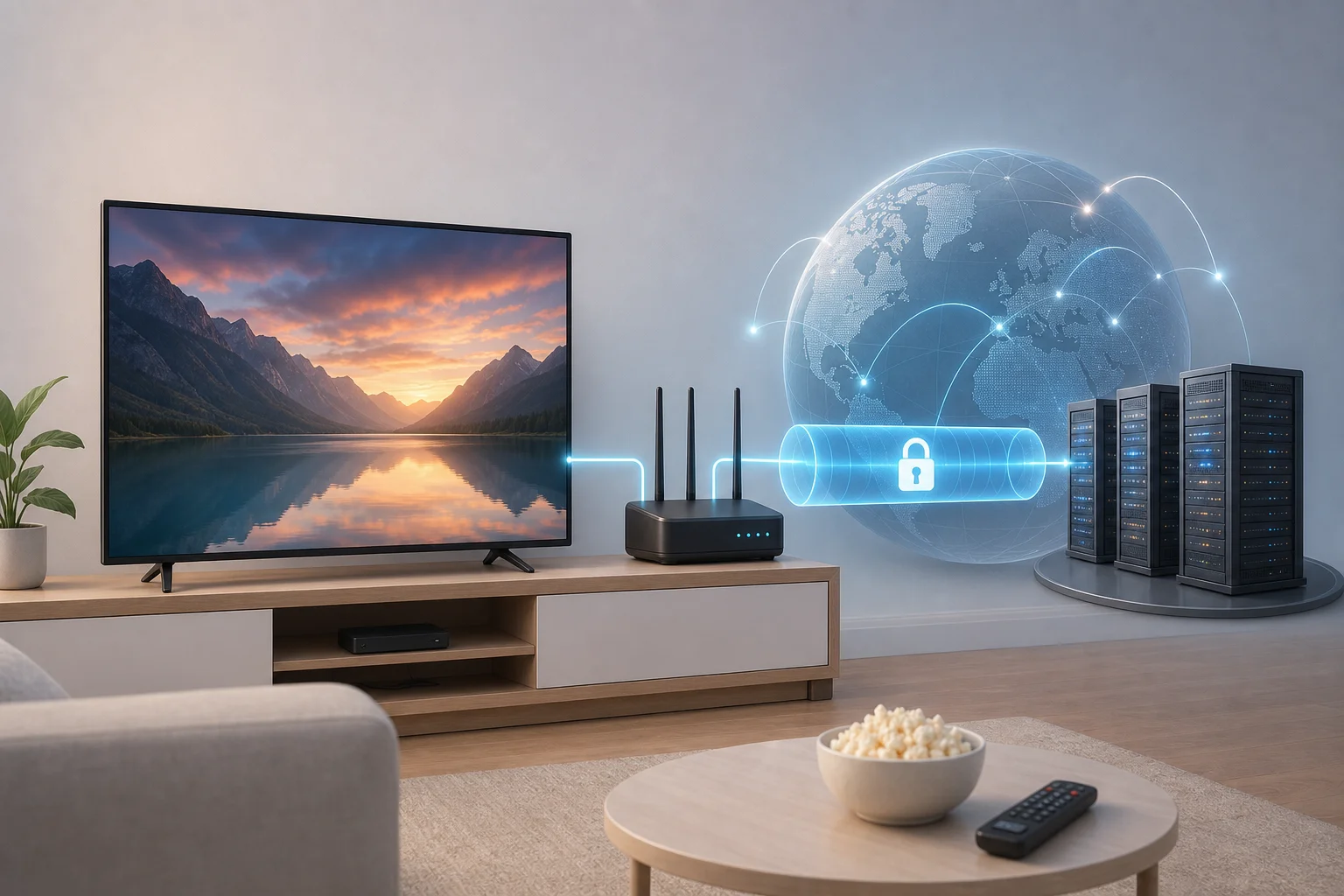
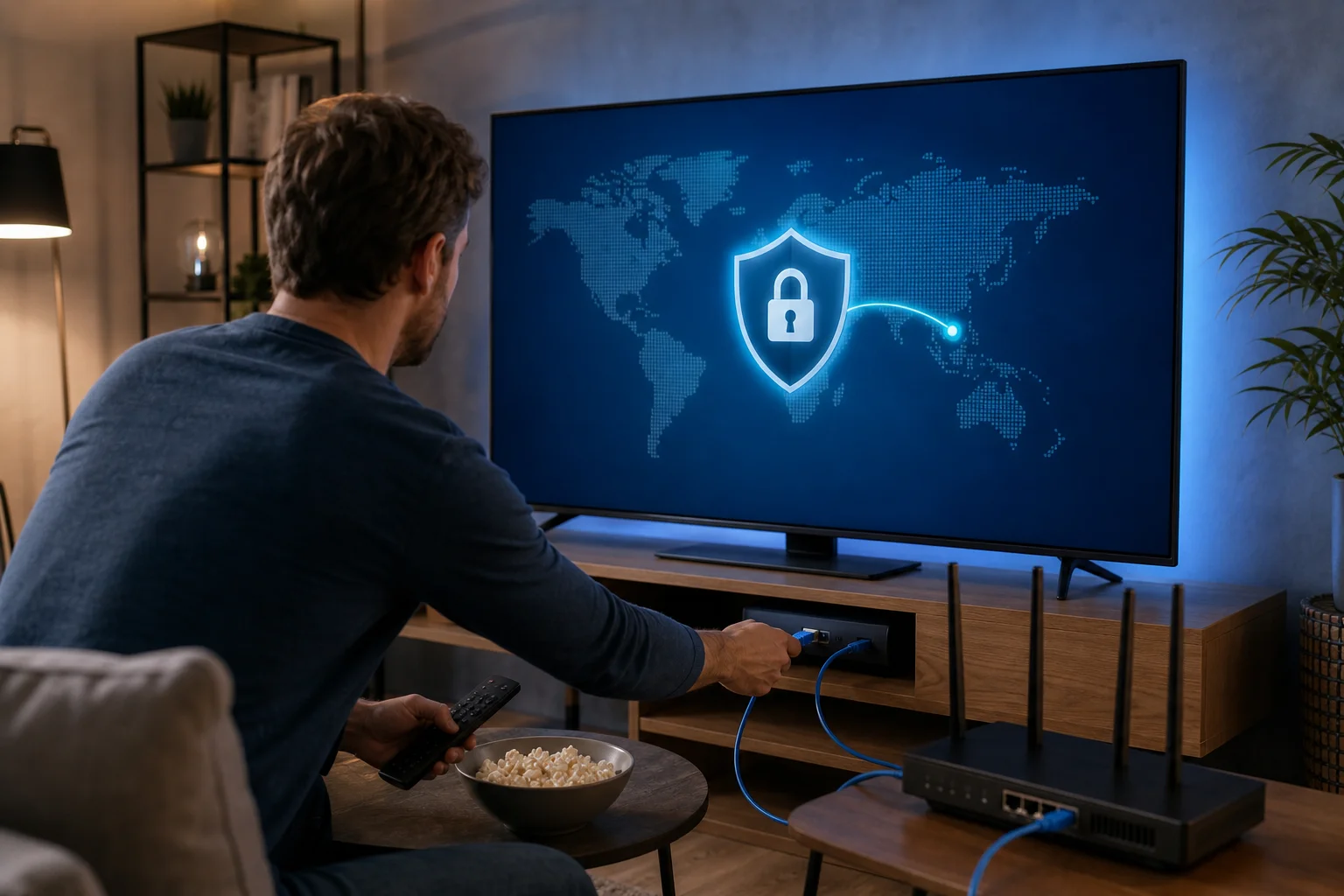
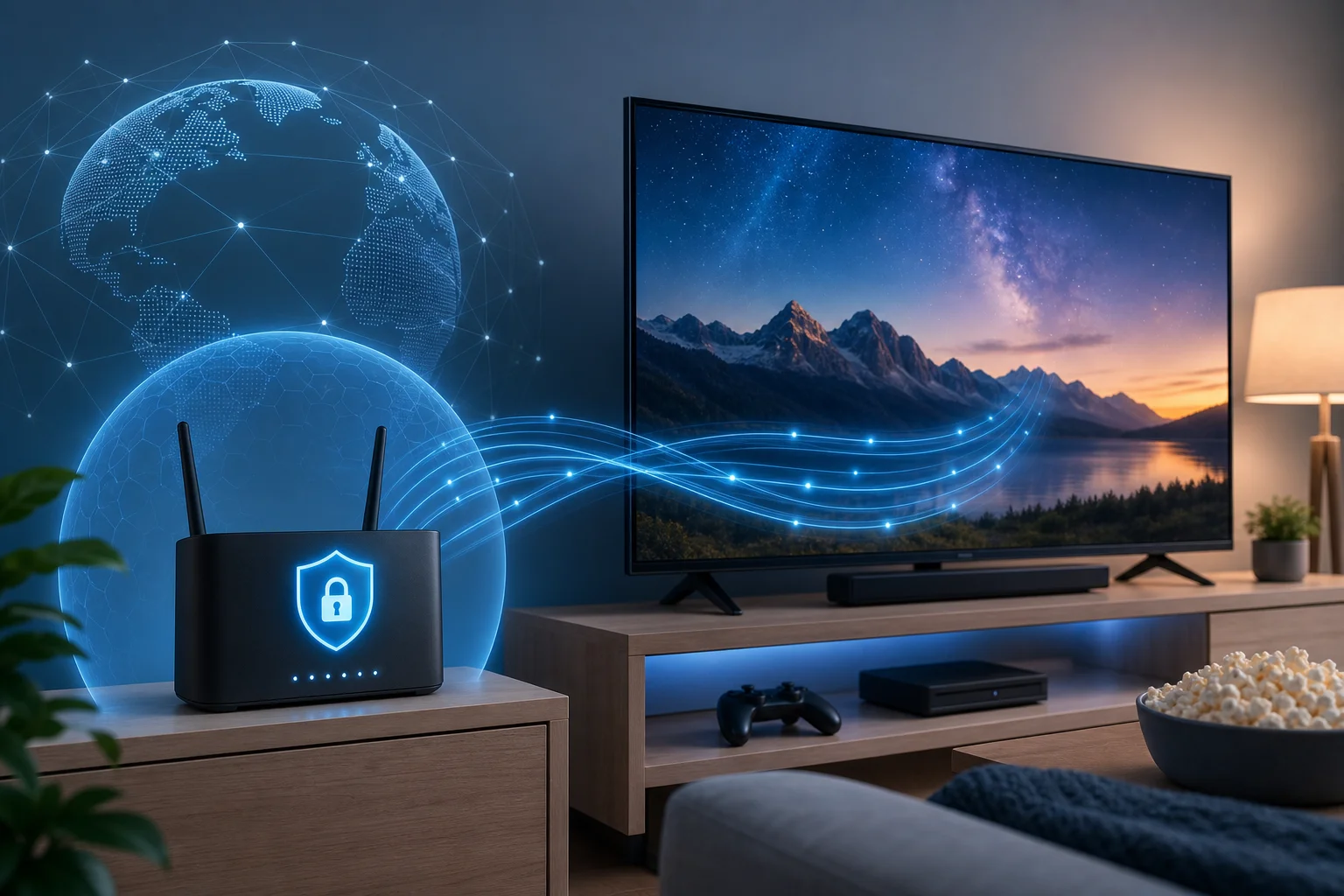
Почему платить за VPN, когда можно бесплатно получить доступ к быстрому, неограниченному телевидению? Узнайте, как оптимизировать свой опыт просмотра телевидения с BeFreeVPN. Если вы ищете VPN для телевидения с быстрым подключением, это руководство объясняет, как работает VPN, как установить его на умный телевизор или стриминговое устройство и как настроить подключение для более плавного и приватного стриминга.
VPN может помочь защитить вашу активность просмотра, уменьшить уязвимость в общественных сетях и сделать телевидение более стабильным при путешествиях. Однако скорость важна. Медленный VPN может вызвать буферизацию, снижать качество видео и вызывать раздражающие паузы. Цель не просто подключить ваш телевизор к VPN. Цель — подключить его так, чтобы стриминг оставался стабильным.
Понимание VPN и их важность для телевидения
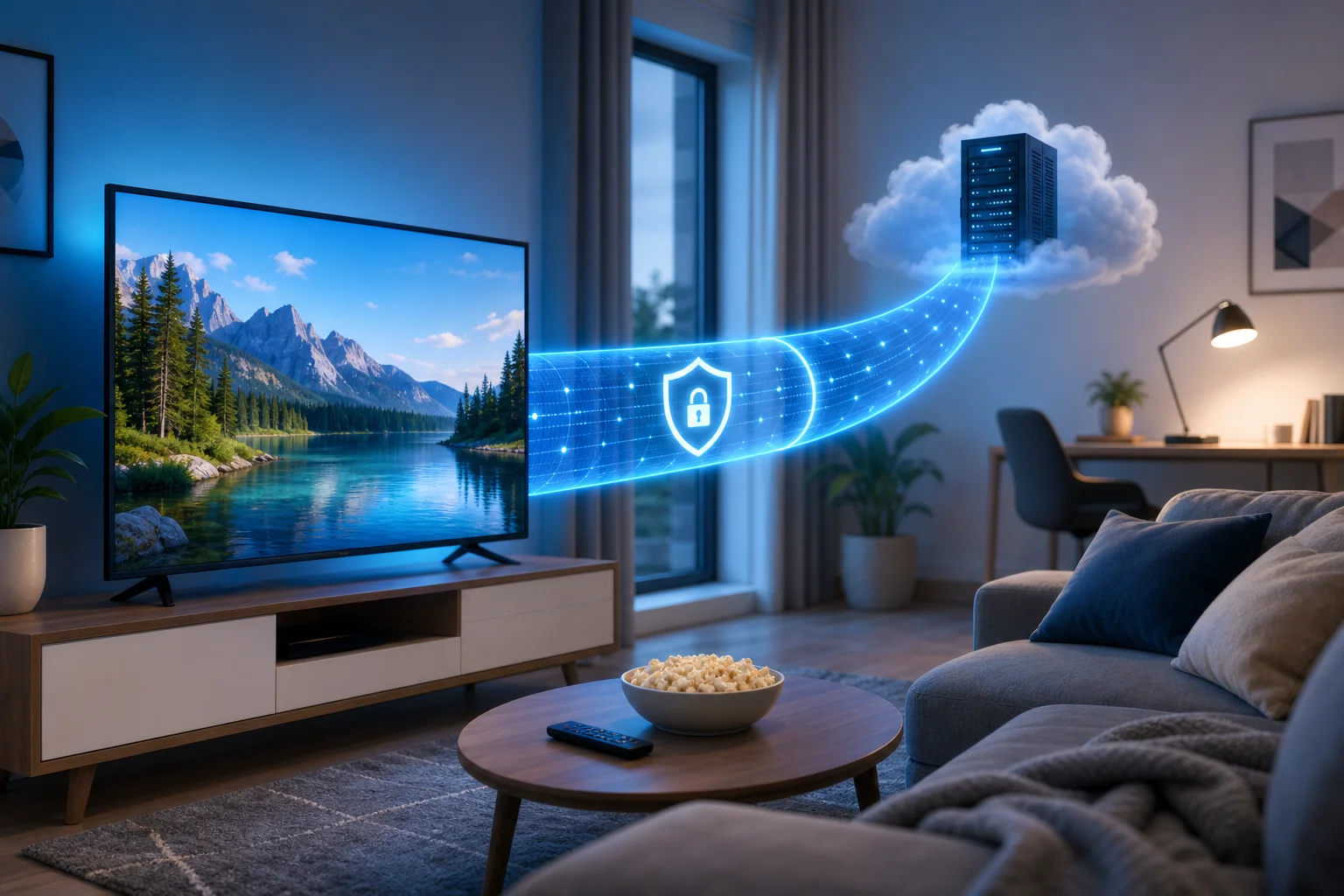
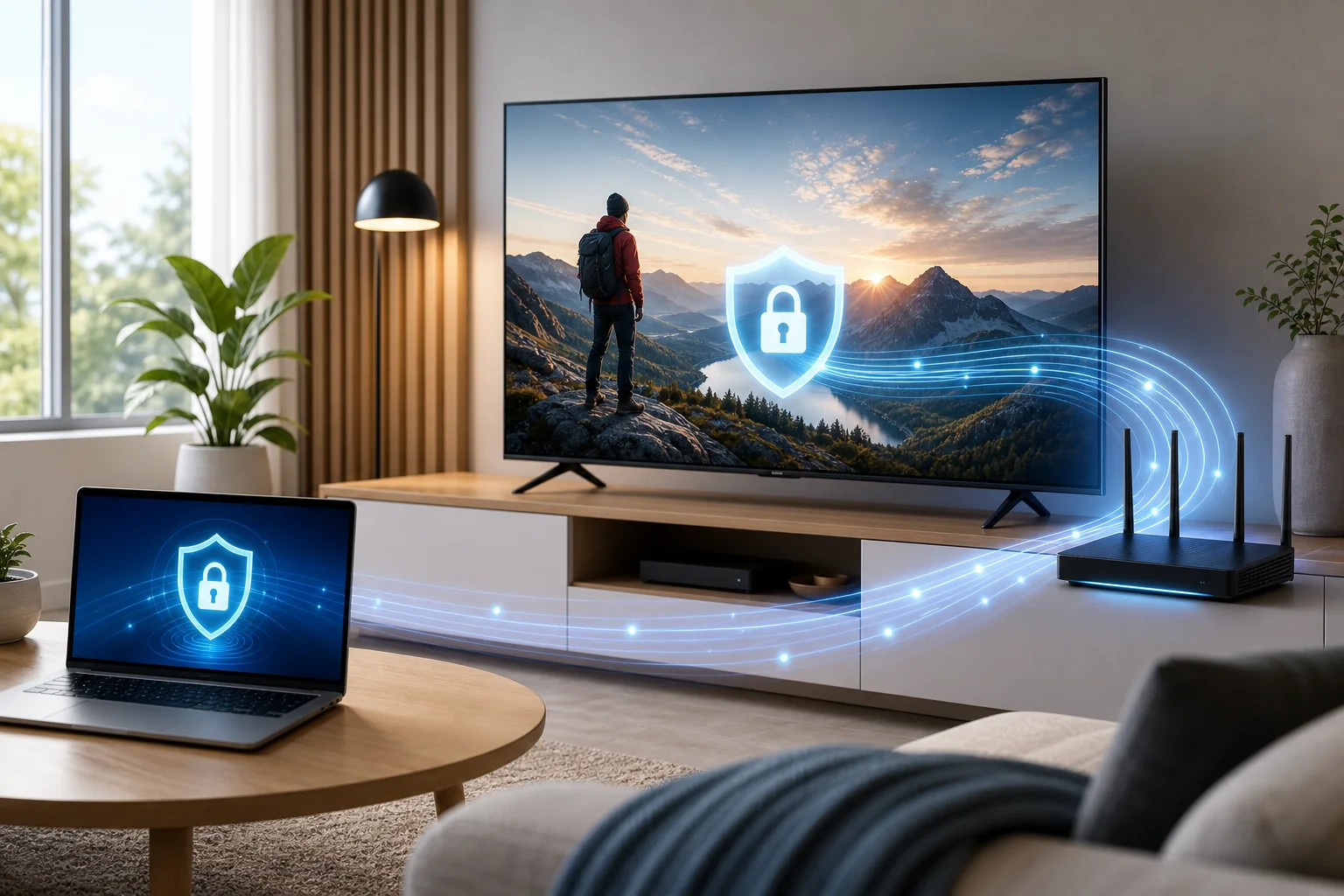
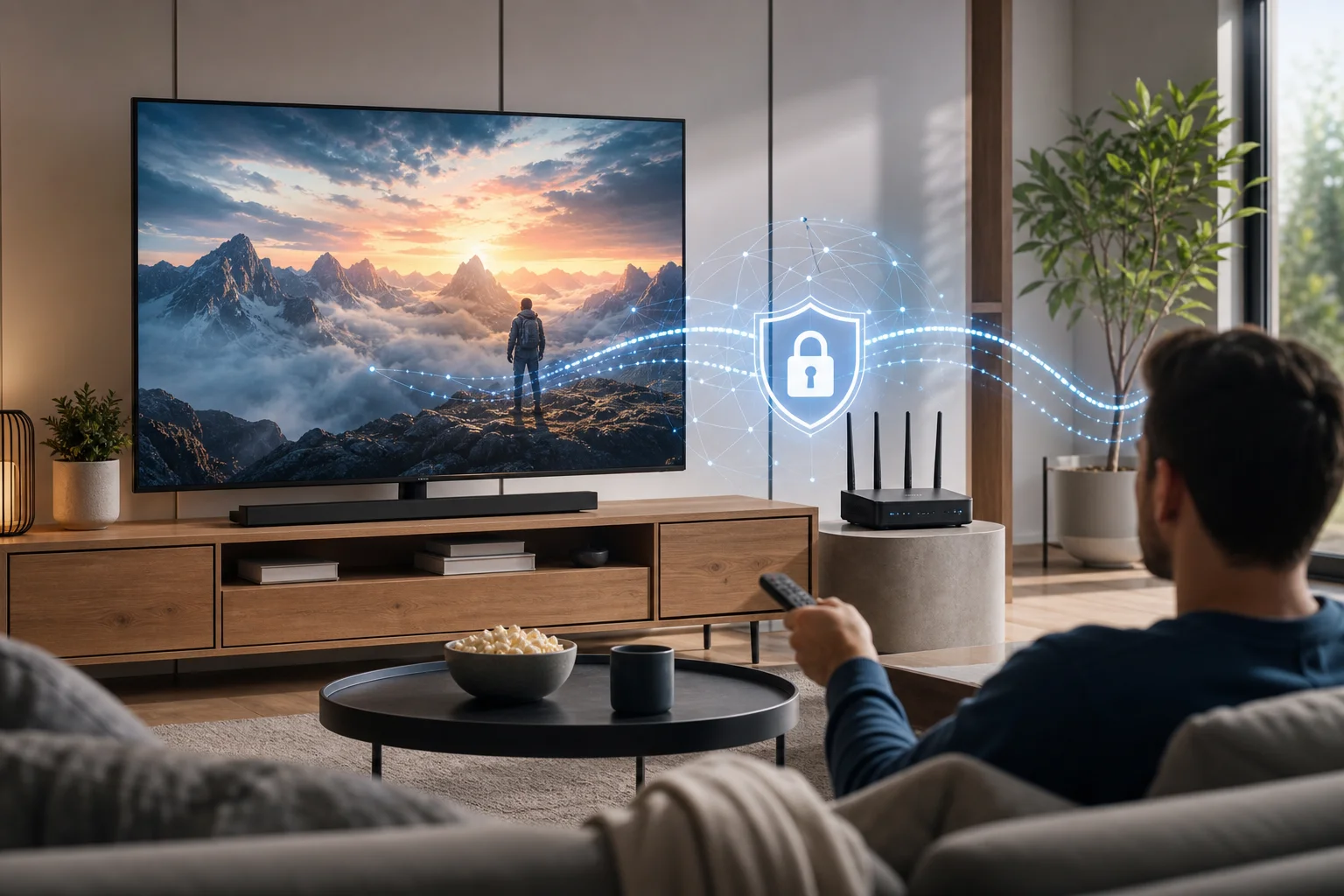
VPN, или виртуальная частная сеть, создает зашифрованное соединение между вашим устройством и сервером VPN. Вместо прямой отправки трафика с вашего телевизора, телефона, маршрутизатора или стримингового устройства в интернет, VPN направляет этот трафик через защищенный туннель. Вебсайты и приложения видят сетевой адрес сервера VPN, а не ваш обычный.
Для телевидения это полезно, потому что умные телевизоры и стриминговые устройства являются интернет-компьютерами. Они отправляют активность приложений, сигналы местоположения, идентификаторы устройств и сетевые запросы. VPN помогает уменьшить видимость этой активности для вашего интернет-провайдера, оператора общественного Wi-Fi или других сторон в одной сети.
Что такое VPN и как он работает
Когда вы открываете стриминговое приложение, ваше устройство связывается с серверами сервиса. Без VPN этот трафик проходит через вашего интернет-провайдера более прямым путем. С VPN трафик сначала идет к серверу провайдера VPN. Он шифрует соединение между вашим устройством и этим сервером, а затем пересылает запрос в пункт назначения.
Проще говоря, VPN изменяет две важные вещи:
- Конфиденциальность: Ваш интернет-провайдер может видеть, что вы подключены к VPN, но обычно не может видеть точный трафик стриминга внутри зашифрованного туннеля.
- Сетевая локация: Стриминговые приложения могут видеть IP-адрес сервера VPN вместо вашего домашнего IP-адреса.
Вот почему многие люди используют VPN для стриминга на умном телевизоре, приложениях для прямого телевидения и для просмотра во время поездок. Это может сделать ваше соединение более приватным и гибким, особенно если вы часто переключаетесь между домашними сетями, отельным Wi-Fi, мобильными точками доступа или общими квартирами.
Преимущества использования VPN для стриминга телевидения
VPN может улучшить опыт телевидения несколькими практическими способами:
- Более приватный просмотр: Шифрование помогает защитить вашу активность стриминга от шпионства в локальных сетях.
- Безопасное использование в общественных сетях: Если вы стримите в отелях, общежитиях или на короткосрочной аренде, VPN добавляет полезный уровень конфиденциальности.
- Стабильный доступ при путешествиях: Некоторые сервисы могут вести себя иначе, когда вы находитесь далеко от дома. VPN может помочь вам подключиться через предпочитаемый регион, где это разрешено сервисом.
- Сниженная уязвимость к отслеживанию в сети: Умные телевизоры часто устанавливают много фоновых соединений. VPN помогает направить эти соединения через защищенный туннель.
- Лучший контроль над устройствами: Если установлен на маршрутизаторе, VPN может защитить устройства, которые не поддерживают родные VPN-приложения.
Важно использовать VPN ответственно. Стриминговые сервисы имеют свои условия, и права на контент варьируются в зависимости от региона. VPN является инструментом конфиденциальности и безопасности, а не гарантией того, что каждое приложение, канал или библиотека будет доступна.
Важность высоких скоростей подключения
Стриминг телевидения чувствителен к пропускной способности. Видео стандартного качества требует меньшей скорости, тогда как HD и 4K требуют большей. VPN добавляет шифрование и маршрутизацию, поэтому некоторая потеря скорости является нормой. Лучшее подключение уменьшит эту потерю до такой степени, что вы ее не заметите.
Для быстрого подключения VPN для телевидения сосредоточьтесь на трех вещах: расстояние до сервера, эффективность протокола и качество сети. Обычно ближний сервер VPN обеспечивает меньшую задержку. Современные VPN-протоколы часто работают лучше, чем старые. Стабильное домашнее соединение также имеет значение, потому что VPN не может исправить слабый Wi-Fi сигнал или перегруженную широкополосную линию.
Быстрый ответ: эффективен ли бесплатный VPN для стриминга телевидения?
Да, бесплатный VPN может быть эффективным для стриминга телевидения, если он предлагает стабильные серверы, эффективные варианты подключения и достаточно скорости для качества видео, которое вы хотите. BeFreeVPN предназначен для людей, которые хотят простое, бесплатное решение для добавления конфиденциальности к стримингу телевидения, не платя за ежемесячную подписку на VPN.
Ключевое преимущество — это правильные ожидания. Бесплатный VPN для телевидения наиболее эффективен, когда вы используете его с ближайшими серверами, поддерживаете обновления устройства и выбираете настройки стриминга, соответствующие вашему интернет-соединению. Если вы ожидаете постоянного 4K стриминга в загруженной сети, любой VPN может проявить трудности. Если вы оптимизируете установку, бесплатный VPN может обеспечить плавный и полезный стриминг.
Как BeFreeVPN обеспечивает быстрые соединения бесплатно
BeFreeVPN сосредоточен на упрощении доступа к VPN и экономии средств. Вместо того, чтобы просить пользователей платить, прежде чем они смогут защитить свое стриминговое соединение, он предлагает бесплатный путь к безопасному просмотру. Это особенно полезно для пользователей телевидения, потому что многие домохозяйства уже платят за широкополосный доступ, подписки на стриминг и обновления устройств.
Чтобы добиться лучшей скорости с BeFreeVPN, используйте его как часть полноценного стримингового комплекта:
- Выбирайте сервер, близкий к вашему физическому местоположению, когда это возможно.
- Используйте современный VPN-протокол, если приложение предлагает варианты протоколов.
- Подключите свой телевизор или стриминговое устройство к сильному Wi-Fi сигналу или используйте Ethernet.
- Закройте неиспользуемые приложения, работающие в фоновом режиме.
- Протестируйте разные серверы, если один из маршрутов кажется медленным.
Этот подход помогает сократить ненужные задержки и удерживает ваш VPN для телевидения с быстрым подключением в фокусе на производительности.
Сравнение бесплатных и платных VPN для стриминга телевидения
Платный VPN может быть полезен пользователям, которым нужны многие серверные регионы, расширенные функции бизнеса или приоритетная поддержка. Однако не всем нужны такие дополнительные функции для повседневного просмотра телевидения. Бесплатный вариант, такой как BeFreeVPN, может быть практичным выбором, когда основная цель — это приватный, стабильный стриминг без дополнительных подписок.
| Функция | Бесплатный VPN с BeFreeVPN | Typical paid VPN |
|---|
| Первоначальная стоимость | Бесплатно начать | Ежемесячная или ежегодная оплата |
| Лучший для | Чувствительных к затратам зрителей | Частых пользователей, нуждающихся в премиум-опциях |
| Сложность установки | Предназначен для простоты | Варьируется в зависимости от провайдера |
| Производительность стриминга | Может быть быстрой с хорошим выбором сервера | Обычно сильная, но не гарантированная |
| Польза для конфиденциальности | Зашифрованное соединение VPN | Зашифрованное соединение VPN |
| Ценность | Высокая, если она соответствует вашим нуждам в скорости | Зависит от цены и функций |
Правильный выбор зависит от ваших привычек. Если вы стримите время от времени или хотите избежать других счетов, BeFreeVPN — это отличное место, с которого можно начать. Если вам позже понадобятся специфические места серверов или опции корпоративного уровня, вы можете пересмотреть решение.
Эффективность бесплатных VPN в поддержании качества стриминга
Качество стриминга зависит от вашей базовой скорости интернета, прочности Wi-Fi, загрузки сервера и требований приложения. Бесплатный VPN может поддерживать хорошее качество, когда эти факторы совпадают. Если ваш домашний интернет уже медленный, VPN может сделать буферизацию более заметной. Если ваше соединение быстрое и стабильное, влияние может быть небольшим.
Для лучших результатов протестируйте свое ТВ-приложение с VPN и без него. Обратите внимание на время запуска, разрешение изображения и буферизацию. Затем попробуйте подключиться к ближайшему серверу. Этот простой процесс тестирования часто выявляет лучшую конфигурацию за несколько минут.
Установка VPN на вашем телевидении
Установка VPN на телевидении зависит от платформы. Некоторые умные телевизоры поддерживают VPN-приложения напрямую. Другим требуется настройка маршрутизатора, точка доступа или стриминговое устройство, которое может запускать VPN. BeFreeVPN проще всего использовать на платформах, где приложение непосредственно поддерживается. Если ваш телевизор не поддерживает VPN-приложения, вы все равно можете защитить телевизор, подключив его через маршрутизатор с поддержкой VPN или общую сеть.
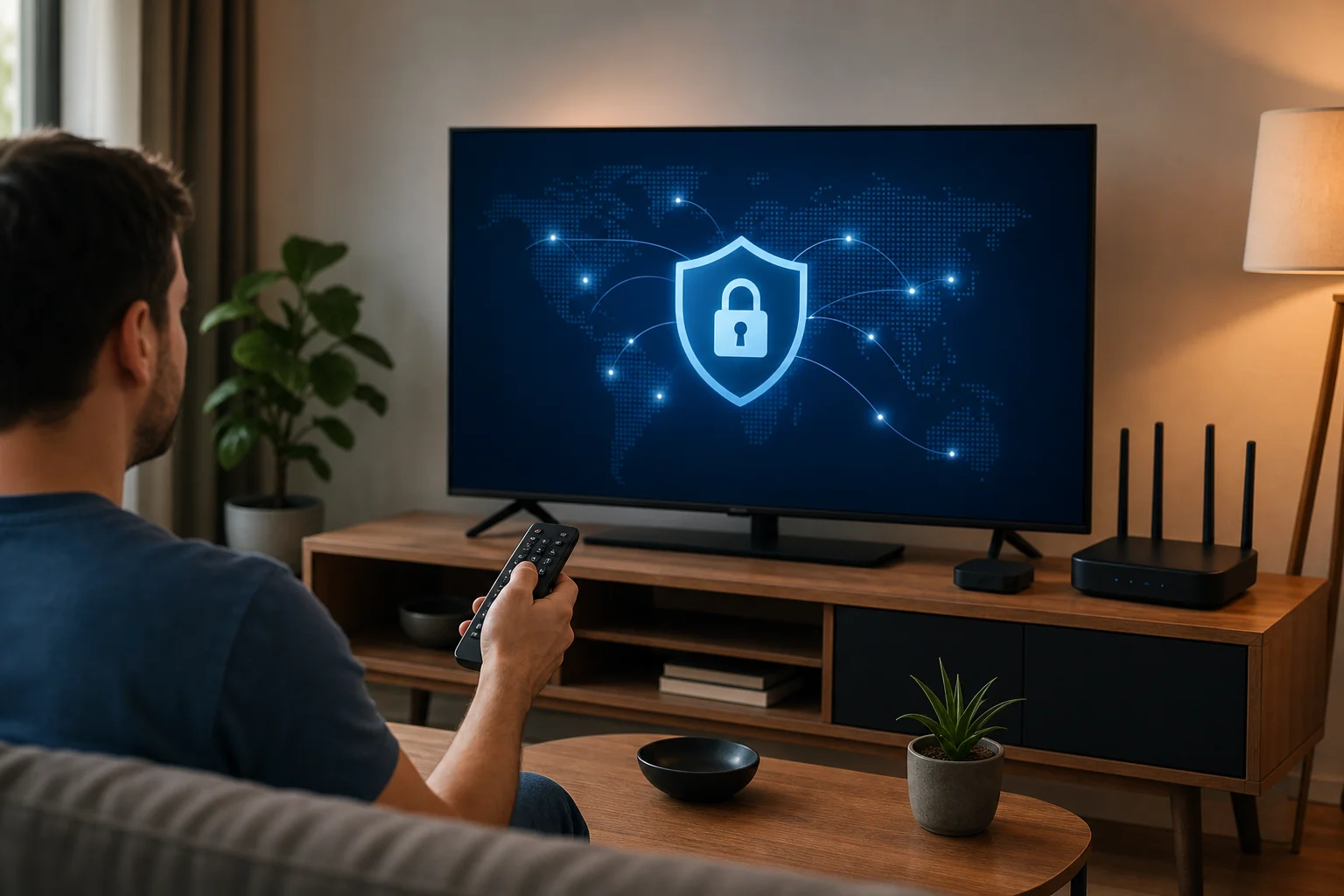
Пошаговое руководство по установке VPN на популярных умных телевизорах
Используйте шаги ниже в качестве общего пути установки. Меню могут отличаться в зависимости от бренда и версии программного обеспечения, но процесс обычно аналогичен.
- Проверьте платформу вашего телевизора. Посмотрите в настройках телевизора на операционную систему. Распространенные платформы включают Android TV, Google TV, Fire TV, Samsung Tizen, LG webOS, Roku и Apple TV.
- Ищите поддержку VPN-приложений. Откройте магазин приложений вашего телевизора и найдите BeFreeVPN или варианты поддержки VPN. Android TV, Google TV и Fire TV обычно более гибки для VPN-приложений.
- Установите BeFreeVPN, где поддерживается. Скачайте приложение из официального магазина, когда это возможно. Избегайте не известных файлов с ненадежных сайтов.
- Откройте приложение и войдите, если потребуется. Следуйте подсказкам на экране для настройки.
- Выберите ближайший сервер. Для скорости начните с ближайшего доступного расположения сервера.
- Подключите VPN. Дождитесь, пока приложение подтвердит, что VPN активен.
- Откройте свое стриминговое приложение. Протестируйте воспроизведение с известным шоу или живым каналом.
- Настройте при необходимости. Если видео буферизуется, попробуйте другой сервер, перезапустите телевизор или временно снизьте качество стриминга.
Если ваш телевизор не поддерживает VPN-приложения, используйте один из следующих альтернативных вариантов:
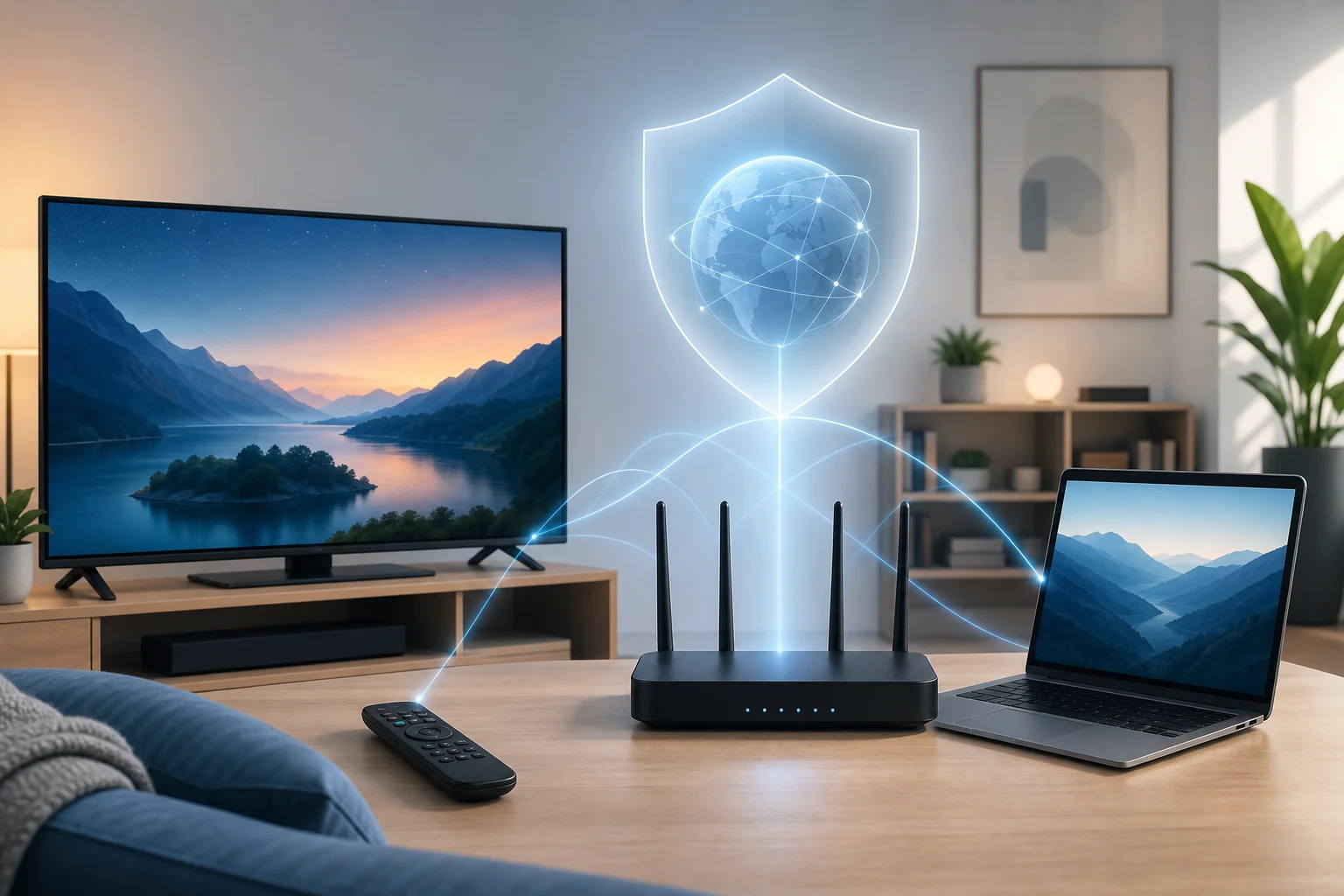
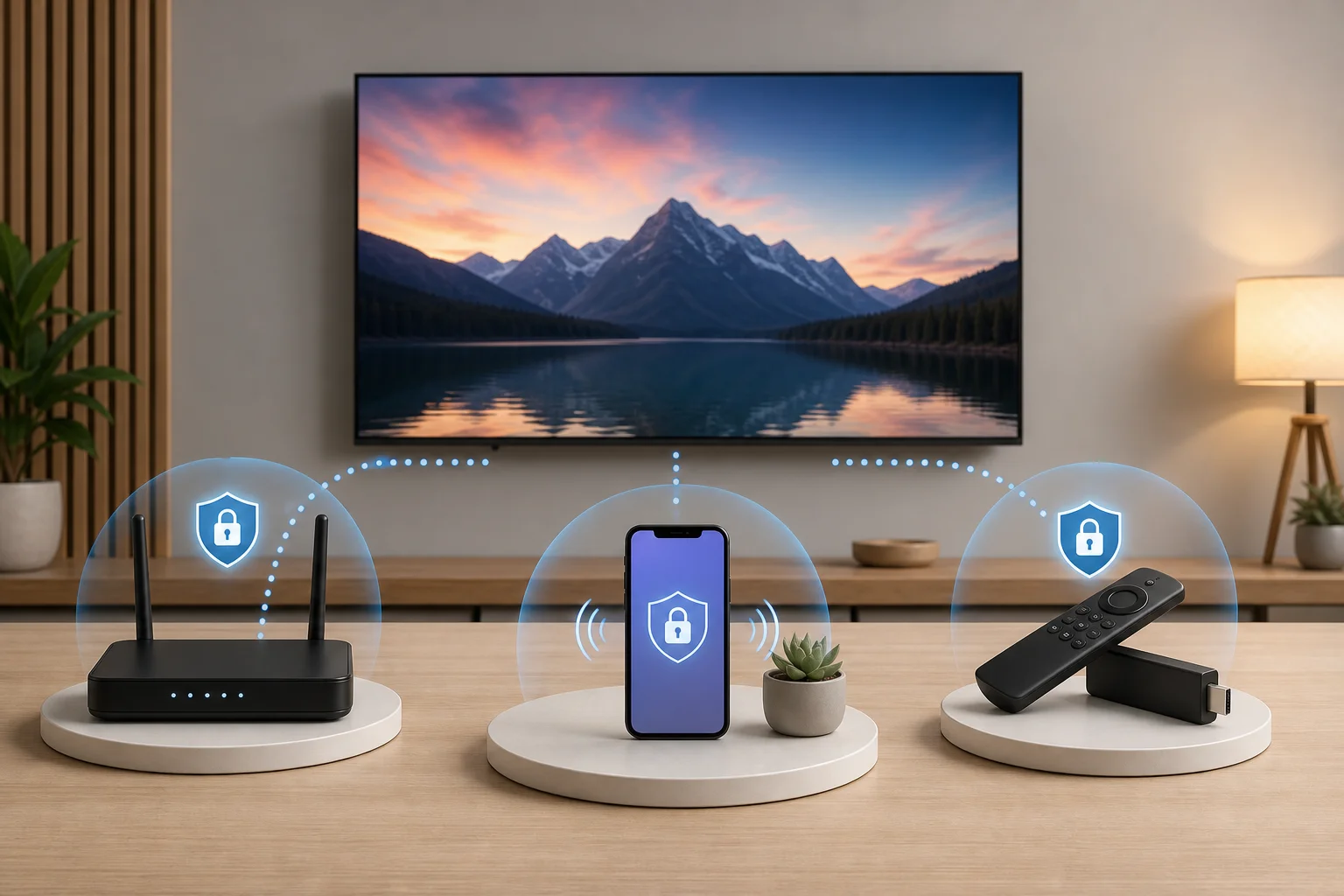
- VPN на маршрутизаторе: Настройте VPN на своем домашнем маршрутизаторе, чтобы все подключенные устройства использовали его.
- VPN на стриминговом устройстве: Используйте устройство, такое как Fire TV или Android TV box, которое поддерживает VPN-приложения.
- Общее VPN-соединение: Запустите BeFreeVPN на компьютере и поделитесь этим соединением с телевизором через Wi-Fi или Ethernet, если ваша операционная система поддерживает это.
Как настроить BeFreeVPN для оптимальной производительности
После установки изменения небольших настроек могут иметь большое значение. Начните с простого. Подключитесь к ближайшему серверу и протестируйте воспроизведение. Если приложение предоставляет варианты протоколов, сначала выберите рекомендуемую или автоматическую опцию. Автоматический режим часто балансирует скорость и стабильность без дополнительных усилий.
Затем проверьте настройки сети вашего телевидения. Если возможно, используйте проводное Ethernet-соединение. Ethernet обычно более стабильный, чем Wi-Fi, и может сократить буферизацию. Если вы вынуждены использовать Wi-Fi, разместите маршрутизатор в открытом пространстве и подключитесь к диапазону 5 ГГц, когда ваш телевизор достаточно близок к маршрутизатору. Используйте 2.4 ГГц только если телевизор далеко или за стенами.
Наконец, перезапустите стриминговые приложения после подключения VPN. Некоторые приложения сохраняют старые сетевые сессии активными, пока они полностью не закрыты. Перезапуск приложения обеспечивает ему чистое защищенное VPN-соединение.
Советы по устранению распространенных проблем с установкой
Если ваше VPN-соединение работает на телефоне, но не на телевизоре, проблема обычно заключается в поддержке платформы, настройках сети или совместимости приложений. Попробуйте эти исправления:
- Нет VPN-приложения в магазине телевизора: Используйте совместимое со VPN стриминговое устройство или настройку маршрутизатора.
- VPN подключается, но стриминговое приложение не загружается: Смените сервер и перезапустите стриминговое приложение.
- Видео часто буферизуется: Переместитесь ближе к маршрутизатору, используйте Ethernet или выберите ближний сервер VPN.
- Умный телевизор отключается от Wi-Fi: Перезапустите маршрутизатор и забудьте/переподключитесь к сети Wi-Fi.
- Приложение для прямого телевидения показывает ошибку: Проверьте условия использования приложения и настройки местоположения. Некоторые сервисы ограничивают соединения VPN.
- Медленное соединение после установки: Перезагрузите телевизор, очистите кэш приложения, где доступно, и протестируйте базовую скорость интернета.
Устранение неполадок работает лучше, когда вы меняете одну вещь за раз. Это помогает выявить настоящую причину, а не гадать.
Расширенные советы по оптимизации скорости VPN на ТВ
Как только ваш VPN работает, вы можете настроить его на скорость. Самая быстрая установка обычно имеет кратчайший надежный маршрут между вашим телевизором, сервером VPN и стриминговым сервисом. Дистанционный сервер может работать, но он часто добавляет задержку и снижает пропускную способность.
Выбор правильного места сервера для стриминга
Начните с сервера, близкого к вашему реальному местоположению. Это часто дает лучшую скорость, потому что ваш трафик путешествует на более короткое расстояние. Если конкретное стриминговое приложение работает медленно, попробуйте другой ближайший сервер. Иногда сервер в той же стране, но в другом городе, может быть быстрее, потому что он менее загружен или имеет лучшую маршрутизацию.
Для поездок выбирайте сервер, который соответствует опыту просмотра, который вам нужен, соблюдая правила стримингового сервиса. Если приложение блокирует VPN-трафик, не предполагайте, что VPN сломан. Некоторые платформы ограничивают использование VPN в рамках своих лицензионных соглашений.
Простой метод тестирования серверов может помочь:
- Подключитесь к ближайшему серверу.
- Откройте приложение для стриминга и воспроизведите видео в течение пяти минут.
- Обратите внимание на буферизацию, разрешение и время запуска.
- Переключитесь на другой ближайший сервер.
- Повторите тот же тест.
- Остановитесь на сервере, который обеспечивает наиболее стабильное воспроизведение.
Расширенные настройки для улучшения скорости VPN
Некоторые VPN-приложения предоставляют дополнительные параметры управления. Если BeFreeVPN предлагает эти опции на вашем устройстве, рассмотрите следующее:
- Выбор протокола: Используйте рекомендуемый, автоматический или современный высокоскоростной протокол, когда это возможно.
- Авто-подключение: Включите его, если хотите, чтобы телевизор защищался каждый раз при включении.
- Разделение туннелей: Если поддерживается, направляйте только трафик стриминга или телевидения через VPN, оставляя другой трафик вне туннеля.
- Защита DNS: Держите включенными функции безопасности DNS, когда это возможно, чтобы сократить утечки конфиденциальности.
- Поведение при старте: Позвольте VPN подключаться перед открытием стриминговых приложений.
Не меняйте расширенные настройки случайным образом. Тестируйте после каждого изменения. Если производительность ухудшается, вернитесь к автоматическим настройкам.
Как BeFreeVPN поддерживает стабильность соединения
Стабильность соединения обеспечивается надежной маршрутизацией серверов, эффективным шифрованием и хорошей настройкой устройства. BeFreeVPN помогает, предоставляя пользователям прямой способ подключения без финансового барьера платного плана. Вы можете поддерживать эту стабильность, обновляя приложение, выбирая разумные местоположения сервера и используя сильную локальную сеть.
Также избегайте перегрузки вашего домашнего соединения. Если несколько человек играют в игры, загружают файлы и смотрят 4K-видео одновременно, VPN может показаться медленным, даже если настоящая проблема — это перегруженность сети. Остановите тяжелые загрузки во время вечеров просмотра фильмов для более плавного воспроизводства.
Использование VPN с различными платформами телевидения
Не все телевизоры обрабатывают VPN одинаково. Прежде чем выбирать метод установки, определите свою платформу. Это экономит время и помогает вам выбрать наиболее надежный маршрут.
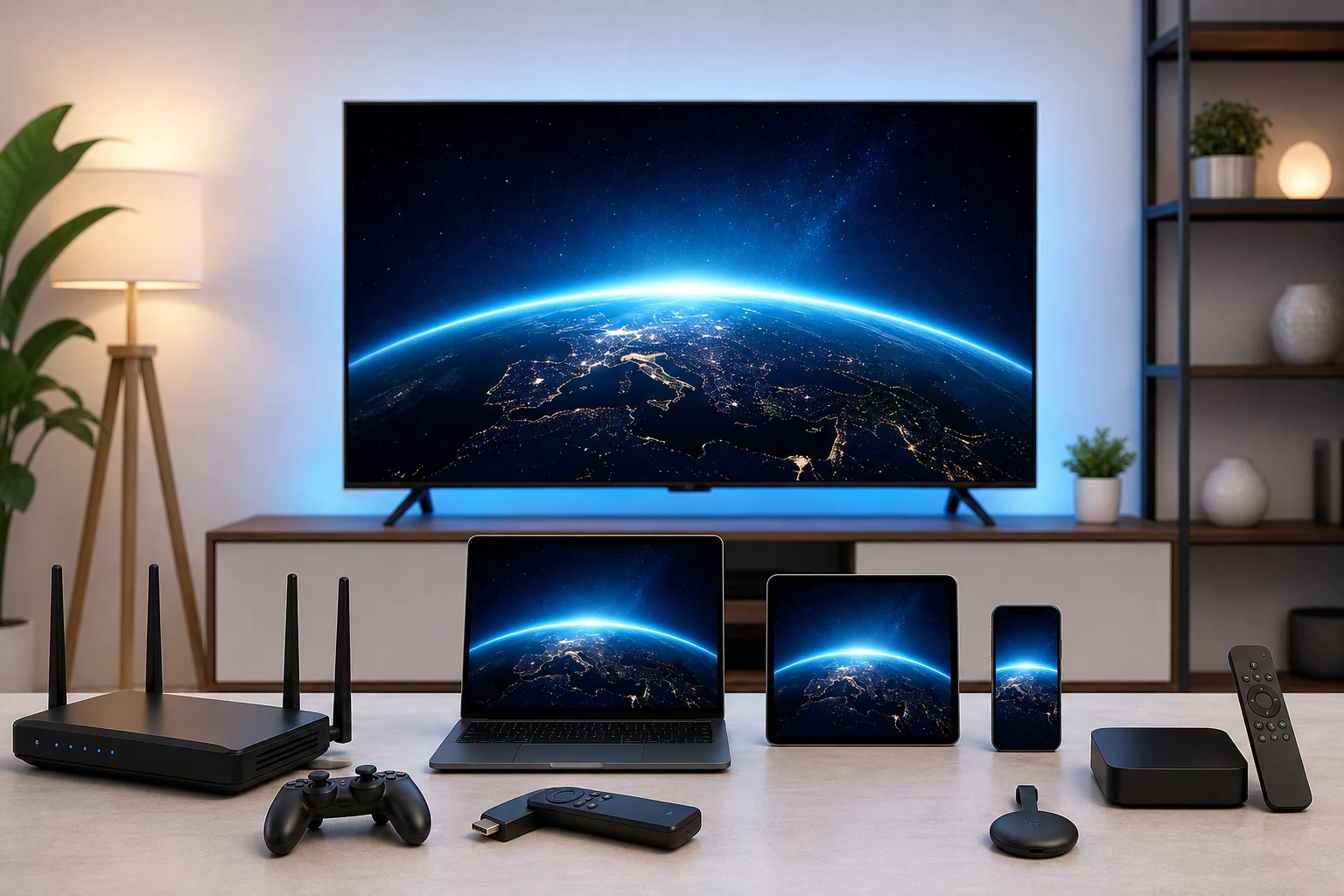
Совместимость с различными телевизионными брендами и платформами
Вот практический обзор:
| Платформа или устройство | Опция установки VPN | Примечания |
|---|
| Android TV | Родное приложение или маршрутизатор | Часто самая простая платформа для установки VPN на умных телевизорах |
| Google TV | Родное приложение или маршрутизатор | Похоже на Android TV, с широкой поддержкой приложений |
| Amazon Fire TV | Родное приложение или установка в обход, где это позволено | Используйте официальные источники приложений, когда это возможно |
| Умный телевизор Samsung | Маршрутизатор или общее соединение | Tizen обычно не поддерживает родные VPN приложения |
| Умный телевизор LG | Маршрутизатор или общее соединение | webOS обычно требует настройки VPN на уровне сети |
| Roku | Маршрутизатор или общее соединение | Устройства Roku обычно не запускают приложения VPN напрямую |
| Apple TV | Поддержка родного VPN в новых версиях tvOS или маршрутизатор | Доступ зависит от версии tvOS и поддержки провайдеров |
Если ваша платформа поддерживает BeFreeVPN напрямую, установите его там. Если нет, настройка маршрутизатора обычно является наиболее простым решением, потому что телевизору не нужно знать, что VPN запущен.
Специфические аспекты для стриминговых устройств, таких как Roku или Apple TV
Roku популярен, но ограничен для установки VPN. Большинству пользователей Roku нужен маршрутизатор с поддержкой VPN или общее VPN-соединение с компьютера. Эта настройка защищает трафик Roku на уровне сети. Это также избегает сложных обходных путей на самом устройстве.
Поддержка Apple TV зависит от версии tvOS и доступных VPN-приложений. Новые версии tvOS улучшили возможности VPN, но не каждый провайдер поддерживает каждую функцию. Если прямая установка недоступна, используйте подключение на основе маршрутизатора.
Fire TV, Android TV и устройства Google TV обычно более гибкие. Они часто позволяют устанавливать VPN-приложения из официального магазина приложений. Это делает их хорошим выбором, если вы хотите простое управление с дивана.
Обеспечение безопасности и скорости на различных устройствах
Безопасность и скорость должны работать вместе. Быстрое соединение не полезно, если оно утечет данные, а сильная конфиденциальность разочарует, если видео никогда не загрузится. Используйте эти привычки на разных платформах:
- Держите прошивки телевизора и стриминговые приложения обновленными.
- Загружайте VPN-приложения только из надежных источников.
- Используйте надежную защиту Wi-Fi на своем маршрутизаторе.
- Предпочитайте Ethernet для фиксированных устройств в гостиной.
- Перезапускайте устройства после крупных обновлений приложений или прошивок.
- Тестируйте скорость VPN в тот момент дня, когда вы обычно смотрите телевидение.
Если вы используете VPN на маршрутизаторе, помните, что каждое подключенное устройство может использовать один и тот же туннель VPN. Это может быть удобно, но это также может добавить нагрузку. Если производительность снижается, отключите устройства, которые не требуют защиты VPN во время стриминга.
Основные выводы: Быстрые соединения с BeFreeVPN
BeFreeVPN предлагает экономичный способ добавить защиту VPN к вашей настройке телевидения. Для зрителей, которые хотят более приватный стриминг без дополнительных платных подписок, это может быть экономичным выбором. Лучшие результаты приходят от согласования установки VPN с вашей платформой ТВ и оптимизации основ.
Резюме преимуществ использования BeFreeVPN для телевидения
Основные преимущества просты:
- Вы можете использовать бесплатный вариант VPN вместо немедленной оплаты.
- Вы получаете зашифрованное соединение для трафика стриминга телевидения.
- Вы можете улучшить конфиденциальность в общественных или незнакомых сетях.
- Вы можете настроить защиту на совместимых телевизорах, стриминговых устройствах, маршрутизаторах или общих соединениях.
- Вы можете настроить выбор сервера и сетевые настройки для лучшей скорости.
VPN — это не магия. Он не может создать пропускную способность, которую у вас нет. Однако, когда ваше интернет-соединение стабильно, BeFreeVPN может помочь обеспечить быстрое, приватное и бюджетное телевидение.
Резюме советов по настройке и оптимизации
Для успешной настройки следуйте этому контрольному списку:
- Определите свою платформу ТВ.
- Установите BeFreeVPN напрямую, если ваше устройство поддерживает это.
- Используйте маршрутизатор или стриминговую палочку, если телевизор не поддерживает VPN-приложения.
- Начните с ближайшего VPN-сервера.
- Используйте Ethernet или сильный Wi-Fi 5 ГГц, когда это возможно.
- Перезапустите стриминговые приложения после подключения.
- Протестируйте два или три сервера, прежде чем решать, какой лучше.
- Держите приложение VPN, прошивку телевизора и стриминговые приложения обновленными.
Эти шаги решают наиболее распространенные причины буферизации и обрывов соединения.
Почему BeFreeVPN является экономичным выбором для стриминга ТВ
Расходы на стриминг быстро накапливаются. Многие домохозяйства платят за широкополосный доступ, несколько стриминговых сервисов, спортивные пакеты и подписки на устройства. Добавление платного VPN может не быть привлекательным. BeFreeVPN предоставляет зрителям способ улучшить конфиденциальность и управление соединением без увеличения ежемесячных счетов.
Это особенно полезно для случайных стримеров, семей, смотрящих на общих сетях, путешественников и всех, кто проверяет, подходит ли VPN для их привычек просмотра. Если вашей целью является VPN для телевидения с быстрым подключением и без дополнительной цены, BeFreeVPN является практичным вариантом, который стоит попробовать в первую очередь.
Общие вопросы о использовании VPN для телевидения
Как VPN влияет на скорость интернета для ТВ?
VPN может немного снизить скорость, так как он шифрует трафик и направляет его через сервер VPN. Влияние зависит от расстояния до сервера, загрузки сервера, вашего устройства и начальной скорости интернета. Чтобы сохранить скорость стриминга ТВ, выбирайте ближний сервер, используйте сильное Wi-Fi или Ethernet-соединение и закройте неиспользуемые приложения.
Законно ли использовать VPN для телевидения?
Во многих странах использование VPN законно. Однако законы различаются, и стриминговые сервисы могут иметь свои условия использования. VPN следует использовать для конфиденциальности и безопасности. Всегда следуйте местным законам и правилам тех сервисов, которые вы используете.
Как я могу гарантировать, что мой просмотр останется приватным с VPN?
Используйте надежное VPN-приложение, подключайтесь перед открытием стримингового сервиса и поддерживайте активным VPN в процессе просмотра. Также обновляйте свое устройство, избегайте неизвестных источников приложений и используйте защищенный Wi-Fi. Если это возможно, включите защиту DNS и функции авто-подключения для большей стабильности.
Могу ли я использовать VPN на телевизоре, который не поддерживает VPN-приложения?
Да. Самое распространенное решение — установить VPN на своем маршрутизаторе. Вы также можете использовать стриминговое устройство, совместимое с VPN, или поделиться VPN-соединением с компьютера. Эти методы позволяют телевизору воспользоваться цифровой сетью VPN, даже без родного приложения.
Почему мое стриминговое приложение блокирует VPN-трафик?
Некоторые стриминговые платформы ограничивают соединения VPN из-за лицензирования, региональных прав или правил предотвращения мошенничества. Если это происходит, попробуйте другой сервер или проверьте, разрешает ли сервис использование VPN. Если условия использования приложения запрещают определенные действия VPN, следуйте этим условиям.
Заключение
Быстрая установка VPN для телевидения заключается не только в нажатии на кнопку подключения. Вам нужен правильный метод устройства, разумное местоположение сервера, стабильная домашняя сеть и VPN, который соответствует вашему бюджету. BeFreeVPN помогает сделать приватный стриминг более доступным, устраняя финансовые барьеры, при этом предоставляя инструменты для безопасных соединений. Испытайте бесшовный стриминг телевидения без лишних затрат. Скачайте BeFreeVPN сегодня для быстрого, бесплатного и безопасного подключения.