The essential guide to choosing a VPN service for your phone
Are you working from home and worried about your online security? A VPN service for phone use might just be the solution you need. Your smartphone carries work emails, cloud files, banking apps, messages, and browsing history. In this beginner-friendly guide, you’ll learn why a mobile VPN matters, how it protects your connection, what features to look for, and how to set one up before your next remote work session.
A virtual private network, or VPN, is not just for laptops or advanced users. It can be especially useful on phones because we carry them everywhere and connect to many networks throughout the day. Whether you use mobile data, airport Wi-Fi, hotel internet, or your home router, a VPN app can add a strong layer of privacy and security.
1. Why You Need a VPN on Your Phone
Smartphones are convenient, but they are also exposed to risk. You may unlock your phone dozens of times a day, open work tools, check private messages, or join video calls without thinking about the network underneath. That is where problems can start.
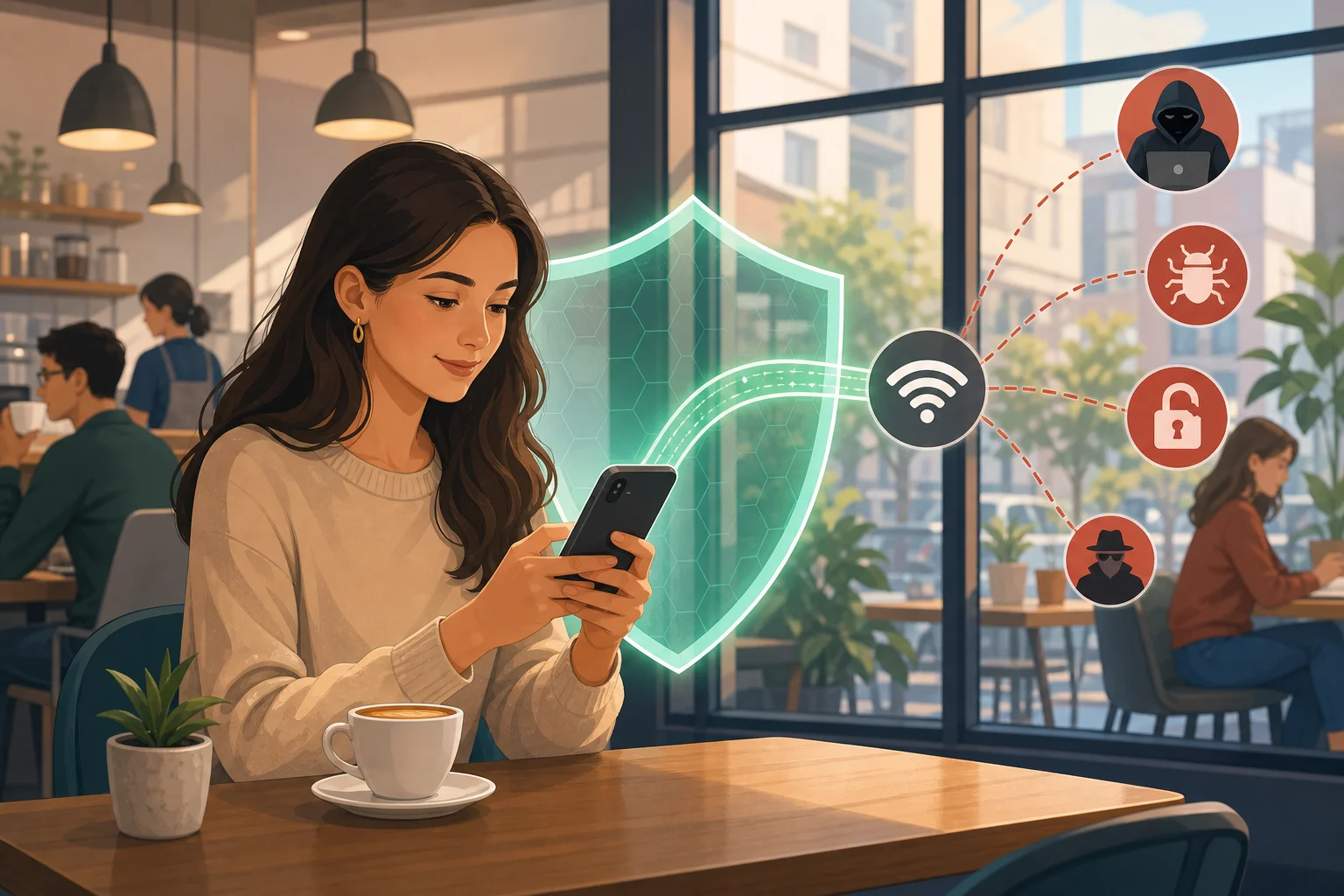
Public Wi-Fi is one of the biggest reasons to consider a VPN service for your phone. Networks in cafés, airports, hotels, libraries, and coworking spaces are easy to join, but they are not always secure. If a network is poorly configured, attackers may try to monitor traffic, redirect users to fake pages, or capture sensitive information.
A VPN helps by encrypting your internet traffic. In simple terms, encryption scrambles your data so it is unreadable to anyone trying to inspect it. This makes it much harder for prying eyes to see what websites you visit, what apps you use, or what information you send.
For remote workers, the benefit is even clearer. Your phone may be used to access company email, file storage, messaging platforms, customer data, or internal dashboards. A mobile VPN can help secure that connection when you are away from the office. It does not replace strong passwords, device updates, or multi-factor authentication, but it works well alongside them.
2. How a VPN Works: Think of It Like a Secure Tunnel
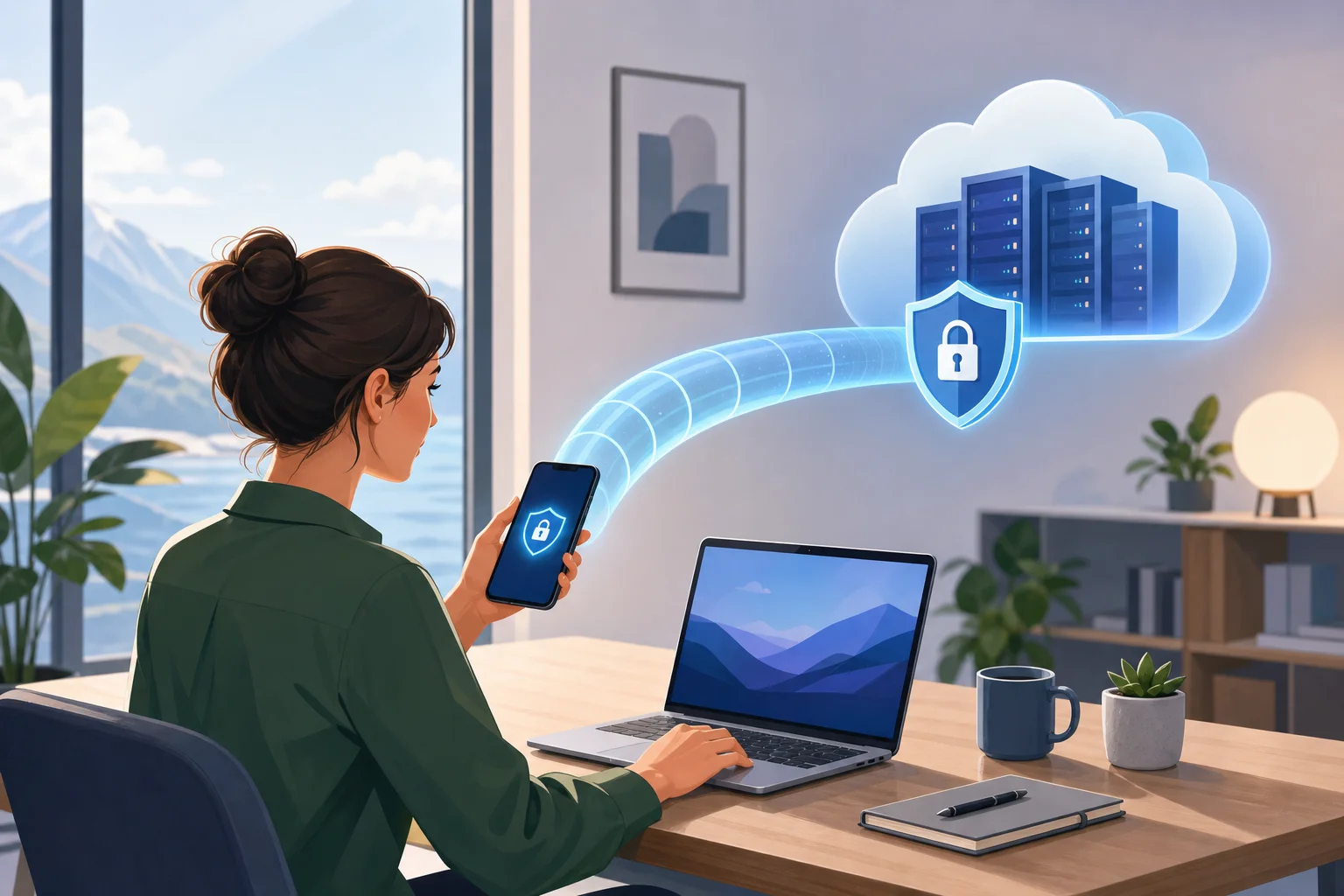
The easiest way to understand a VPN is to imagine a private tunnel beneath a busy city. Without the tunnel, everyone nearby might see where you are going. With the tunnel, your journey is hidden from onlookers.
A VPN creates a similar secure path for your data. When you turn on a VPN app, your phone connects to a VPN server. That server acts as a safe intermediary between your phone and the websites or apps you use. Instead of your traffic going directly from your device to the wider internet, it passes through the encrypted VPN connection first.
Here is the basic flow:
- You open your VPN app and tap connect.
- Your phone creates an encrypted connection to a VPN server.
- Your browsing and app traffic travels through that secure connection.
- The VPN server forwards your request to the website or online service.
- The response travels back through the same protected path.
This process gives you an additional layer of security. It can also help mask your phone’s IP address from the websites you visit, because those sites see the VPN server’s address instead. However, a VPN is not magic. It does not protect you from every online threat, such as phishing emails, weak passwords, malware, or unsafe downloads. Think of it as one important part of a safer mobile setup.
3. Key Features to Look for in a VPN Service for Your Phone
Choosing a VPN can feel confusing at first because many services use technical language. The good news is that beginners can focus on a few practical features.
| Feature | Why it matters for phone users | What to look for |
|---|---|---|
| Cross-platform compatibility | You may want protection on your phone, tablet, and laptop | Apps for iOS, Android, Windows, macOS, or browser support |
| Simple mobile app | Beginners need a clear connection process | One-tap connect, easy server selection, simple settings |
| Strong encryption | Helps keep your traffic unreadable on risky networks | Modern VPN protocols and secure encryption standards |
| No-logs policy | Limits how much activity data the provider keeps | Clear privacy policy written in plain language |
| Stable performance | A slow VPN can interrupt calls, uploads, and work apps | Reliable connections and nearby server options |
| Kill switch or auto-protect | Helps reduce exposure if the VPN drops | Automatic reconnection or traffic blocking features |
Cross-platform support is useful because your phone is rarely your only work device. If you use a laptop for video meetings and your phone for email, it makes sense to choose a VPN that can protect both.
A user-friendly app is just as important. If the app feels confusing, you may forget to turn it on. Look for a clean interface, clear connection status, and simple controls. Ideally, connecting should take one tap.
Privacy policies also deserve attention. A no-logs policy means the provider says it does not store records of your online activity. Read the policy before installing. Look for direct language about what is and is not collected.
4. Common Misconceptions About VPNs
VPNs are popular, but they are often misunderstood. Let’s clear up a few common myths.
“VPNs are only for tech-savvy users.”
This used to feel true years ago, when setup could be more manual. Today, many VPN apps are designed for everyday users. You usually download the app, follow the prompts, and tap a button to connect.
“I only need a VPN on public Wi-Fi.”
Public Wi-Fi is a major reason to use a VPN, but it is not the only one. Home networks can also have weak passwords, outdated router settings, or shared access. A VPN can add privacy on home Wi-Fi and mobile data as well.
“A VPN makes me completely anonymous.”
A VPN improves privacy, but it does not make you invisible. Websites may still identify you if you log in, accept tracking cookies, or share personal information. For better privacy, combine a VPN with good browser settings, strong passwords, and careful app permissions.
“Remote workers do not need a VPN if they use trusted apps.”
Trusted apps help, but remote work often involves sensitive information. You may access documents, client details, payment systems, or internal tools while moving between networks. A VPN reduces the risk of exposing data during those connections.
5. Setting Up a VPN on Your Phone: A Simple Guide
Getting started is usually quick. The main goal is to choose a VPN app that is easy to use and fits your needs.
Step-by-step setup
- Choose a reliable VPN service. Look for a clear privacy policy, strong encryption, and an app for your phone’s operating system.
- Download the official app. Use the Apple App Store, Google Play Store, or the provider’s official website to avoid fake apps.
- Open the app and follow the setup prompts. Most services guide you through permissions and connection settings.
- Allow the VPN configuration. Your phone may ask for permission to add a VPN profile. This is normal for legitimate VPN apps.
- Pick a server or use the default option. Beginners can usually choose the fastest or nearest server.
- Tap connect before work. Make it part of your routine before checking email, joining calls, or opening company tools.
- Check the connection status. Most phones show a VPN icon or status message when it is active.
Once installed, using a VPN should feel simple. Before you start your workday at home, in a café, or while traveling, open the app and connect. If your VPN offers auto-connect, you can turn it on for extra convenience.
FAQ: VPN Service for Phone Basics
Do I need a VPN on both Wi-Fi and mobile data?
Yes, it can be useful on both. Public Wi-Fi is often riskier, but a VPN can also add privacy when you use mobile data or your home network.
Will a VPN slow down my phone?
A VPN can sometimes reduce speed because traffic is encrypted and routed through a server. However, a good mobile VPN should still feel smooth for browsing, email, and most work apps.
Is a free VPN service for phone use safe?
Some free VPNs are limited or may collect more data than you expect. Always read the privacy policy and choose a provider that is transparent about how the service works.
Should remote workers use a VPN every day?
If you regularly access work accounts, company files, or private messages on your phone, using a VPN daily is a smart habit. It adds protection without much effort.
Final Thoughts
A VPN service for your phone is a practical security tool, especially if you work remotely or often connect outside your home. It encrypts your data, helps protect your privacy, and makes mobile work safer across Wi-Fi and mobile networks. Choose a service with simple apps, strong security features, and a clear privacy policy. Then make connecting part of your daily routine.
Try BeFreeVPN to secure your phone’s internet connection for free, with no registration required—perfect for remote work and peace of mind.