What is the best VPN service for home use?
Are you concerned about your family's online safety while using multiple devices at home? This guide will uncover the best VPN services tailored for household use. A VPN service for home can help protect laptops, phones, tablets, smart TVs, and other connected devices by encrypting internet traffic and improving privacy. For families, the right home VPN should be easy to use, support several devices, and offer safety features that make everyday browsing more secure.
Choosing a VPN for a household is different from choosing one for a single user. You may need simple apps for kids, reliable connections for remote work, and controls that help reduce exposure to harmful content. Below are the most common questions families ask before setting up a VPN at home.
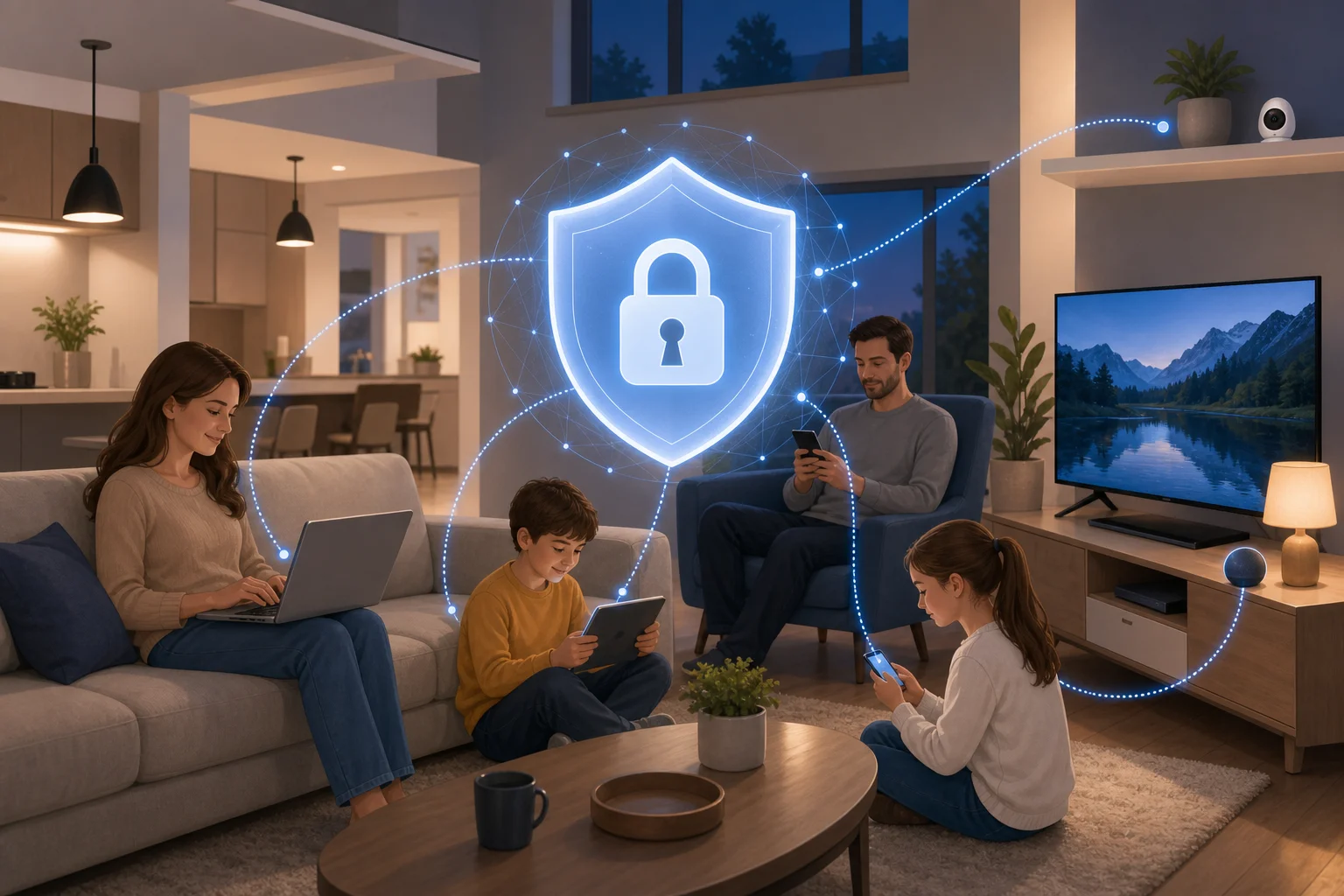
What is a VPN service for home use?
A VPN, or Virtual Private Network, is a service that encrypts your online traffic and routes it through a secure server. In simple terms, it creates a protected connection between your device and the internet. This makes it harder for outsiders to view your activity, especially on unsecured networks.
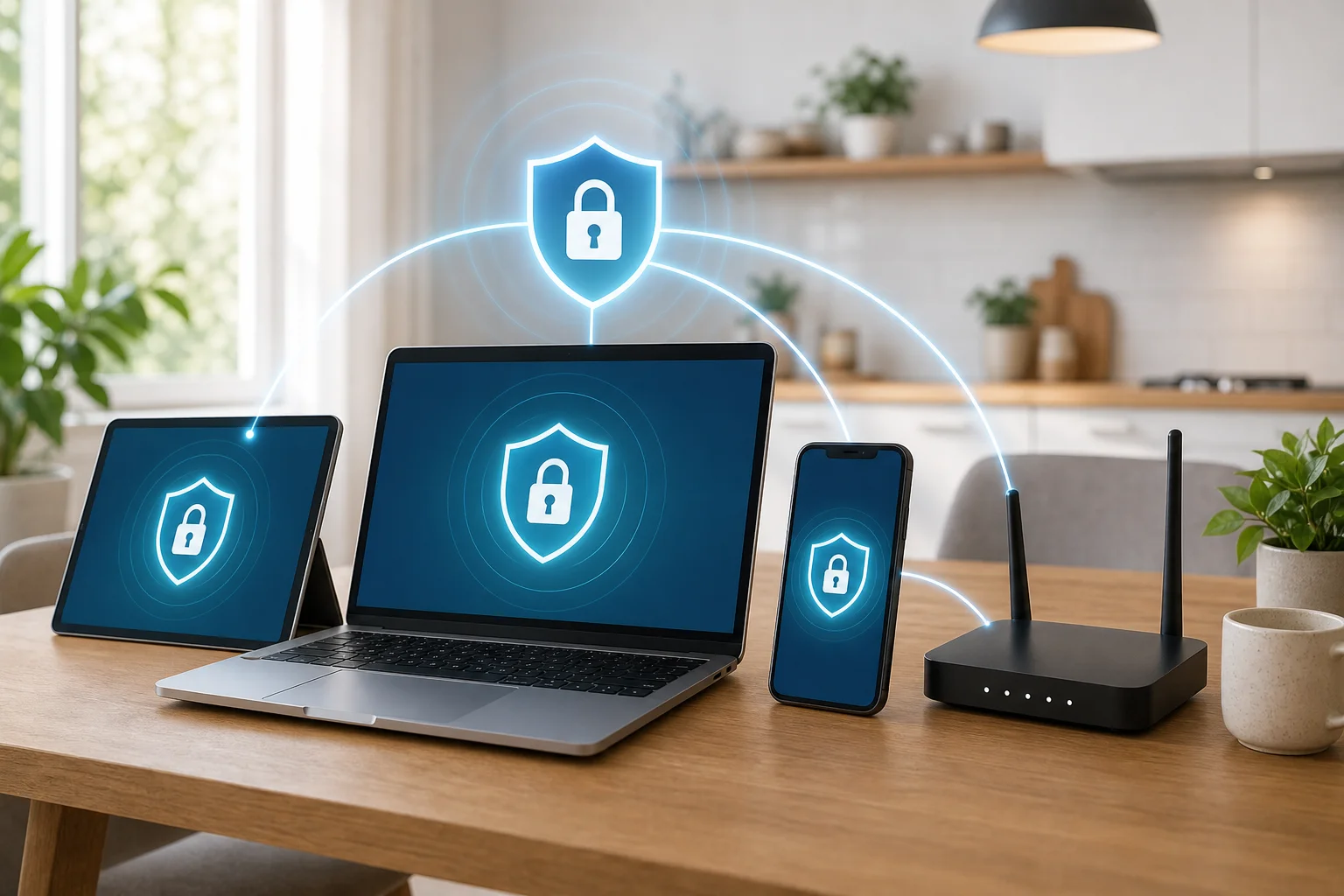
For home use, a VPN can protect more than one device. Depending on the provider, you may be able to install the VPN app on laptops, tablets, smartphones, streaming devices, or even a compatible router. This helps create safer internet access for everyone in the household.
A home VPN is especially useful for families with children because it can reduce common privacy risks. It can help protect logins, browsing sessions, and app activity from snooping on public Wi-Fi. Some VPN services also include extra tools such as malicious site warnings, ad blocking, or DNS-based content filtering.
However, a VPN is not a complete replacement for good digital habits. It works best when combined with strong passwords, device updates, parental guidance, and age-appropriate content settings.
How does a home VPN protect my family online?
A home VPN protects your family mainly by encrypting data. Encryption makes the information moving between your device and the VPN server unreadable to many third parties. This can help reduce tracking and snooping by internet service providers, hackers on shared networks, or other unwanted observers.
A VPN is most useful when your family uses public Wi-Fi in places such as airports, hotels, cafés, schools, or libraries. Even if the network is not secure, the VPN adds a private layer around your internet traffic.
Some family-friendly VPN services also include safety tools that can:
- Block known malicious websites.
- Reduce intrusive ads and trackers.
- Filter adult or harmful content through DNS settings.
- Warn users before they visit risky pages.
- Help parents manage safer browsing rules.
It is important to be precise: not every VPN blocks harmful content or ads by default. These features depend on the provider and the app settings. If child safety is a priority, look for a VPN that clearly offers parental controls, safe search support, or content filtering.
Can a VPN replace parental supervision?
No. A VPN can improve privacy and security, but it cannot replace conversations, supervision, and clear family rules. Children may still encounter unsafe messages, scams, or inappropriate content through social apps, games, or search engines. Therefore, parents should use a VPN as one part of a broader online safety plan.
Can I use a VPN service on multiple devices at home?
Yes. Most modern VPN services allow simultaneous connections on several devices. This means one subscription may cover a mix of laptops, tablets, smartphones, and sometimes smart TVs or browser extensions.
For a busy household, multi-device support is one of the most important features. Without it, you may need to disconnect one family member before another can connect. That quickly becomes frustrating.
Here is a simple comparison of common home VPN setup options:
| Setup option | Best for | Key benefit | What to check |
|---|---|---|---|
| VPN apps on each device | Most families | Easy to install and control | Number of simultaneous connections |
| VPN browser extension | Light browsing | Quick protection inside a browser | Only browser traffic may be covered |
| VPN on a router | Whole-home coverage | Protects many connected devices | Router compatibility and speed |
| VPN on mobile devices | Kids and parents on the go | Safer public Wi-Fi use | App quality and auto-connect settings |
If your family has many devices, check the provider’s connection limit before signing up. Some VPNs allow five to ten devices at once, while others offer unlimited device connections. Also review whether the VPN supports your operating systems, such as Windows, macOS, iOS, Android, Linux, Android TV, or Fire TV.
Step-by-step: how to set up a VPN for the household
- List your devices. Include phones, computers, tablets, smart TVs, and shared devices.
- Choose a VPN with enough connections. Make sure it supports every device type you use.
- Install the apps. Download them only from the VPN provider or official app stores.
- Turn on security features. Enable auto-connect, kill switch, ad blocking, or content filtering if available.
- Create family rules. Explain when the VPN should stay on and why it matters.
- Review settings regularly. Update apps and check parental controls as children grow.
Are VPNs safe for children?
Yes, VPNs are generally safe for children when configured properly. A VPN adds a layer of security by helping protect personal information, browsing sessions, and app traffic. It can be especially helpful when children use school networks, public Wi-Fi, or shared devices outside the home.
A common myth is that “using a VPN is too complicated for kids.” In reality, many VPN apps are designed with simple interfaces. Often, a child only needs to tap one button to connect. Parents can also set the VPN to connect automatically, which removes most of the effort.
Still, safety depends on the setup. A VPN does not automatically make every website age-appropriate. It also does not stop every online risk, such as cyberbullying, unsafe chats, phishing messages, or oversharing personal details. For this reason, parental supervision remains essential.
For children, the best VPN setup is simple and consistent. Use auto-connect on mobile devices, enable safe browsing tools if available, and combine the VPN with device-level parental controls. Also talk openly about privacy, scams, downloads, and respectful online behavior.
What should I look for in a VPN service for home?
The best VPN service for home use should be secure, easy, and practical for everyday family life. It should not require advanced technical knowledge, and it should work across the devices your family already owns.
Prioritize these features:
- Strong encryption: Look for modern protocols and secure connection options.
- No-log policy: Choose a provider that clearly explains what data it does and does not collect.
- Multiple device support: Confirm the number of simultaneous connections.
- User-friendly apps: Simple controls matter for children, teens, and less technical adults.
- Parental control options: Content filtering, malicious site blocking, or DNS protection can help.
- Good speeds: A home VPN should support schoolwork, streaming, browsing, and video calls.
- Reliable support: Clear help guides are useful when setting up several devices.
- Transparent pricing: Avoid confusing plans or unnecessary add-ons.
Also read reviews that focus on family safety, ease of use, and performance across devices. A VPN that is excellent for one person may not be ideal for a household if it limits connections or lacks simple controls.
What is the best VPN for families?
The best VPN for families is the one that fits your household’s device count, safety needs, and comfort level. If you have younger children, look closely at filtering and parental features. If you travel often, prioritize mobile apps and automatic Wi-Fi protection. If you have many devices, choose a VPN with generous or unlimited connections.
Do I need a VPN at home if my Wi-Fi has a password?
A Wi-Fi password helps protect your local network, but it does not encrypt all internet activity from end to end. A VPN adds another privacy layer, especially against tracking, unsecured networks, and certain forms of snooping. Using both is a stronger approach.
Final thoughts: choosing a home VPN that works for everyone
A VPN service for home should make online safety easier, not more complicated. Look for strong encryption, clear privacy policies, multi-device support, and family-friendly controls. Most importantly, pair the VPN with good habits and active parental guidance. Explore how BeFreeVPN can simplify your family's online experience—enjoy free, no-registration VPN protection on all devices!