Free private VPN with unlimited data: what to look for before you install
A free private VPN with unlimited data sounds ideal: no monthly bill, no bandwidth cap, and more privacy on public Wi-Fi. However, not every free VPN is safe, private, or truly unlimited. This guide explains what “free,” “private,” and “unlimited” usually mean, which features matter most, what risks to avoid, and how to choose a VPN that protects your browsing without slowing you down or exposing your data.
What Does a Free Private VPN With Unlimited Data Actually Mean?
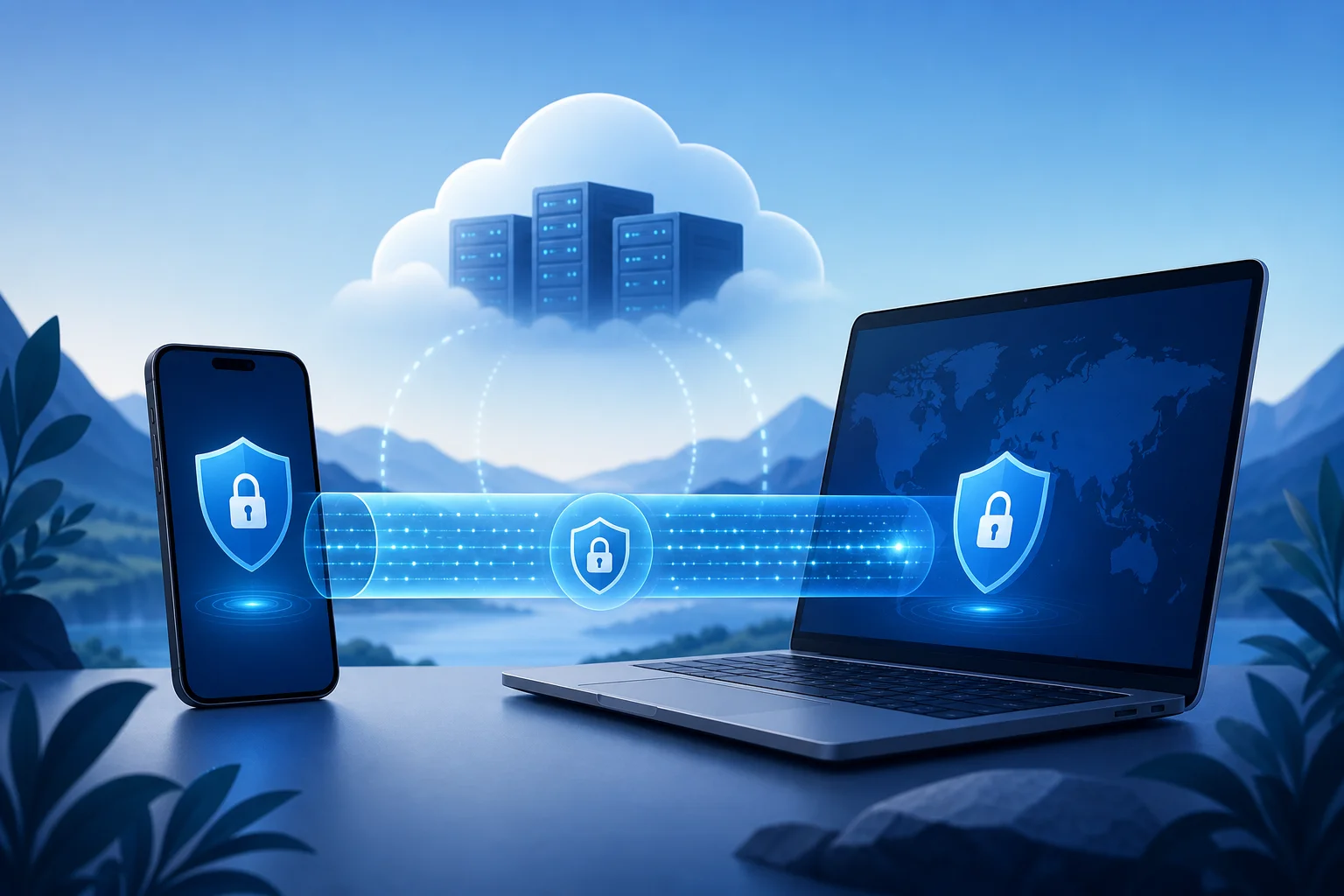
A VPN, or virtual private network, creates an encrypted tunnel between your device and a remote server. Your internet provider, public Wi-Fi operator, and some network observers can see that you are connected to a VPN, but they should not be able to read the contents of your encrypted traffic.
When a provider advertises a free private VPN with unlimited data, it is usually promising three things:
- Free access: You can use the service without paying upfront.
- Privacy features: The VPN encrypts traffic and may hide your IP address from websites.
- Unlimited data: There is no fixed monthly data allowance, such as 500 MB or 10 GB.
Still, “unlimited” does not always mean unrestricted. Some free VPNs limit server locations, speed, streaming access, device connections, or advanced security tools. Others may show ads or collect more usage data than privacy-focused users expect.
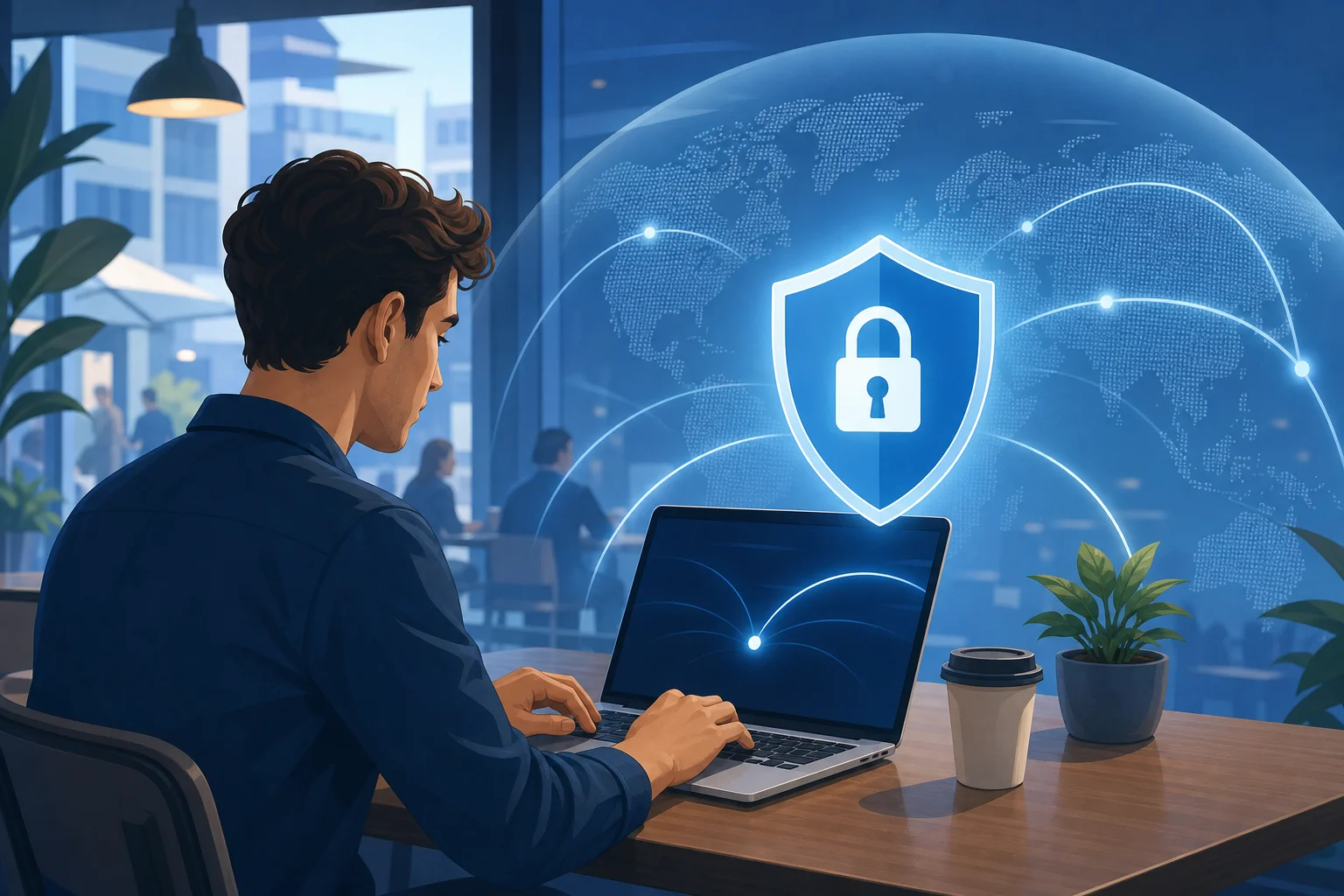
Why People Want an Unlimited Free VPN
Data caps are frustrating. A small allowance can disappear quickly when you stream video, join calls, download updates, or browse media-heavy websites. Therefore, unlimited data is useful for daily browsing and always-on protection.
A no-cost unlimited VPN can help with:
- Safer browsing on hotel, airport, school, or café Wi-Fi.
- Reducing exposure to local network snooping.
- Masking your IP address from websites and apps.
- Accessing your usual accounts while travelling.
- Testing VPN protection before choosing a paid plan.
However, privacy should come first. A free VPN that logs activity, injects ads, or sells browsing data is not a privacy tool. It is simply a different middleman.
Key Features to Check Before Choosing a Free Unlimited VPN
Use the checklist below before you install any free VPN app. It can help you separate a useful privacy tool from a risky one.
1. Clear No-Logs Policy
Look for a simple privacy policy that explains what the service collects and what it does not collect. A good VPN should avoid logging the websites you visit, the content of your traffic, and your DNS queries. Ideally, the provider should also explain how long it stores connection metadata, such as timestamps or server load information.
Be careful with vague phrases like “we may collect information to improve services.” That wording is not always bad, but it should be specific.
2. Strong Encryption and Modern Protocols
A private VPN should use modern encryption and secure protocols. Common options include WireGuard, OpenVPN, and IKEv2/IPsec. WireGuard is popular because it is fast and efficient. OpenVPN is widely trusted and flexible.
Avoid services that do not name their protocol or rely on outdated options. If the app gives no technical details at all, treat that as a warning sign.
3. No Data Cap, But Fair Speed Rules
Unlimited data means you can keep using the VPN without hitting a monthly allowance. Yet free plans may still reduce speed during busy periods or restrict high-bandwidth activity. This is normal for many free services, but the limits should be transparent.
Before relying on a free unlimited VPN for video calls, streaming, or large downloads, test it at different times of day.
4. Kill Switch and Leak Protection
A kill switch blocks internet traffic if the VPN connection drops. This helps prevent your real IP address from being exposed by accident. DNS leak protection is also important because it keeps domain lookups inside the encrypted tunnel.
If privacy is your main goal, do not skip these features.
5. Reasonable App Permissions
On mobile devices, review the permissions requested by the VPN app. A VPN does not usually need access to your contacts, camera, microphone, or photos. Excessive permissions are a red flag.
Download apps only from official app stores or the provider’s website. Also, check the developer name carefully to avoid copycat apps.
Free Unlimited VPN vs Paid VPN: Quick Comparison
The best choice depends on your needs. This table shows the typical differences.
| Feature | Free VPN with unlimited data | Paid VPN |
|---|---|---|
| Monthly cost | No upfront fee | Subscription required |
| Data allowance | No fixed cap, if truly unlimited | Usually unlimited |
| Speed | Often slower or variable | Usually faster and more stable |
| Server locations | Limited selection | Larger global network |
| Privacy controls | Basic to moderate | More advanced options |
| Streaming support | Often limited | More reliable, but not guaranteed |
| Customer support | Help articles or basic support | Faster support in many cases |
| Best for | Browsing, public Wi-Fi, testing VPN use | Daily privacy, travel, streaming, work |
In short, a free unlimited VPN can be enough for basic privacy. But if you need high speed, many countries, multiple devices, or advanced tools, a paid VPN may be more practical.
How to Set Up a Free Private VPN Safely
Follow these steps to reduce risk and get the best result.
- Define your main use case. Decide whether you need the VPN for public Wi-Fi, privacy, travel, gaming, streaming, or work.
- Check the privacy policy. Look for clear no-logs language and avoid providers that sell browsing data.
- Verify unlimited data terms. Confirm whether “unlimited” includes speed limits, queues, or server restrictions.
- Install from a trusted source. Use the official website, Apple App Store, Google Play, Microsoft Store, or another verified channel.
- Enable security settings. Turn on the kill switch, DNS leak protection, and auto-connect on public Wi-Fi.
- Run a basic leak test. Connect to the VPN, then check whether your visible IP address and DNS servers changed.
- Test real-world speed. Try browsing, video calls, and downloads before relying on the VPN daily.
- Review permissions and notifications. Remove any VPN app that asks for unnecessary access or behaves suspiciously.
This step-by-step approach is simple, but it prevents many common mistakes.
Privacy Risks to Avoid With Free VPN Apps
Free services need funding. Some use ads, limited features, or paid upgrades. Those models can be reasonable when they are transparent. The problem starts when a VPN collects too much data or hides how it makes money.
Watch for these warning signs:
- The privacy policy is missing, unclear, or copied from another company.
- The app requests unrelated permissions.
- The provider does not name its encryption or VPN protocol.
- There are too many intrusive ads or pop-ups.
- The company has no visible support page or contact method.
- Reviews mention unexpected charges, malware warnings, or connection hijacking.
Also remember that a VPN does not make you anonymous by itself. Websites can still identify you through account logins, cookies, browser fingerprinting, payment details, and device data. For better privacy, combine your VPN with good browser settings, tracker blocking, and careful account habits.
Can You Use a Free Unlimited VPN for Streaming, Gaming, or Torrents?
It depends on the provider’s rules and network quality.
For streaming, free VPNs may struggle because servers are crowded or blocked by streaming platforms. Some may work for basic viewing, but performance can change often.
For gaming, latency matters. A VPN may increase ping because your traffic takes a longer route. Choose the nearest VPN server and test before competitive play.
For torrenting, read the terms of service first. Some free VPNs block peer-to-peer traffic. Others allow it but may not offer the speed or leak protection needed for safer use.
For remote work, check company policy. Some employers require approved VPNs and may block unknown services.
FAQ: Free Private VPN With Unlimited Data
Is there a truly free VPN with unlimited data?
Yes, some VPNs offer free plans with no monthly data cap. However, they often limit speed, server choice, device connections, or advanced features. Always read the terms before installing.
Is a free unlimited VPN safe?
It can be safe if the provider has a clear privacy policy, strong encryption, leak protection, and a trustworthy app. It is not safe if it logs browsing activity, sells data, or asks for unnecessary permissions.
Will a VPN hide everything I do online?
No. A VPN hides traffic from local networks and masks your IP address from many websites. But websites, apps, cookies, and logged-in accounts can still track activity in other ways.
Does unlimited data mean unlimited speed?
Not always. Unlimited data means there is no fixed bandwidth cap. Speed may still be limited by server load, free-plan rules, location, or your internet connection.
Should I keep a VPN on all the time?
For public Wi-Fi and everyday privacy, keeping it on is often helpful. If an app or website does not work correctly, you can switch servers or temporarily pause the VPN.
Final Checklist Before You Choose
Before you commit to any free private VPN with unlimited data, make sure it meets these basics:
- No clear activity logging.
- Modern protocols such as WireGuard or OpenVPN.
- Unlimited data terms explained in plain language.
- Kill switch and DNS leak protection.
- No suspicious app permissions.
- Transparent business model.
- Good performance on your own network.
A free VPN can be a smart privacy upgrade when chosen carefully. Start by testing one trusted service, enable the key security settings, and confirm that it works for your daily browsing. If you later need faster speeds, more locations, or stronger support, consider upgrading to a reputable paid plan.