What is a VPN for internet: your beginner's guide to privacy and protection
Ever wondered how to keep your online activities private? A VPN might be the solution you need! A VPN for internet privacy helps protect your connection, hide some identifying details, and reduce the risk of snooping when you browse, shop, work, or stream online. In this beginner-friendly guide, you’ll learn what a VPN is, how it works, why it matters for security, and how to choose one that is simple enough to use every day.
1. What is a VPN and How Does It Work?
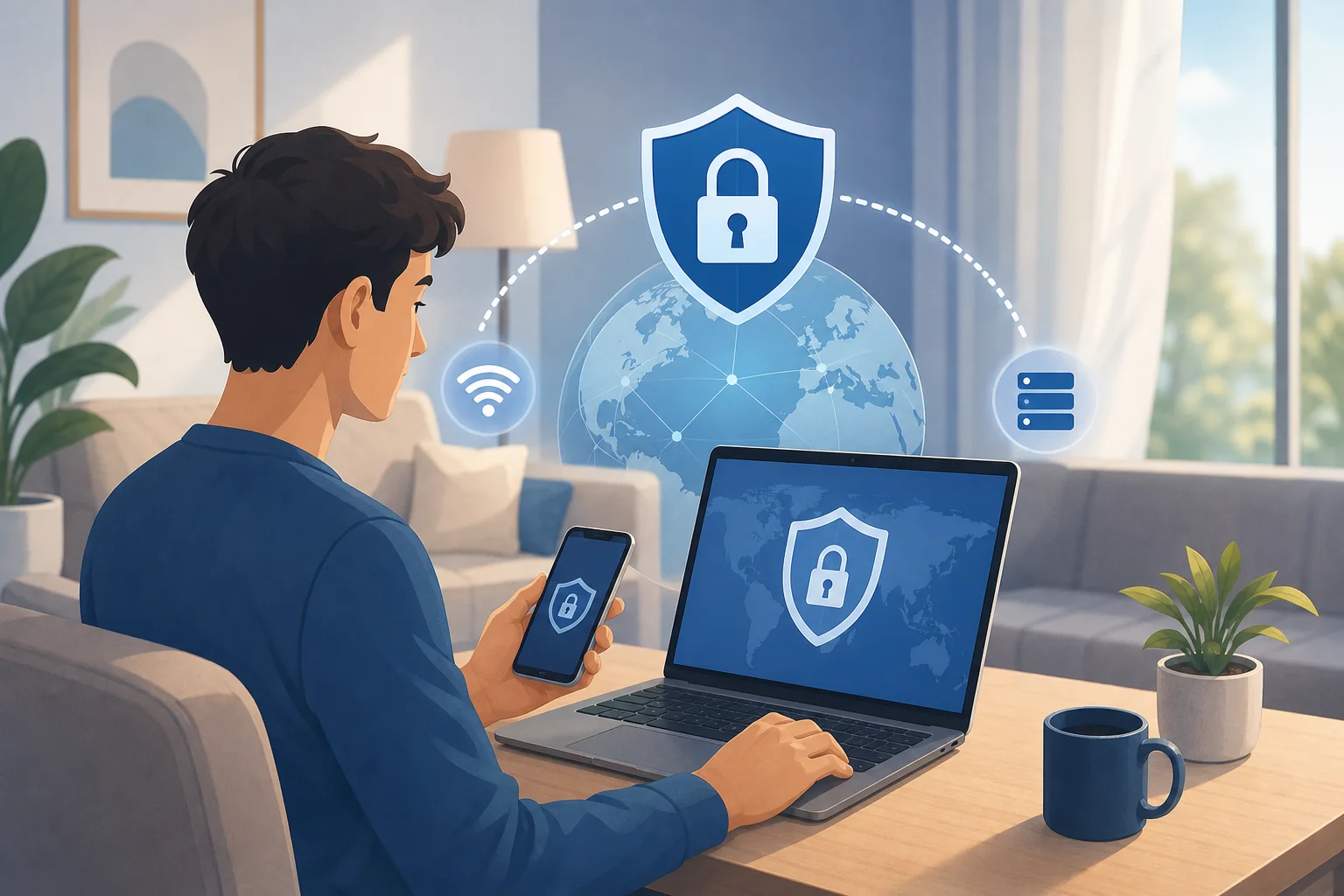
A VPN, or Virtual Private Network, is a tool that creates a secure connection over the internet. Instead of your device connecting directly to websites and online services, a VPN routes your traffic through a protected VPN server first.
Think of it like sending your internet activity through a private, guarded tunnel. Your device still uses the internet, but the path between your device and the VPN server is encrypted.
How encryption protects your data
Encryption turns readable information into scrambled data that is much harder for outsiders to understand. This matters because your internet traffic can pass through networks you do not control, such as:
- Public Wi-Fi in airports, hotels, and cafés
- Shared networks at school or work
- Internet service provider infrastructure
- Untrusted hotspots with weak security
Without protection, some data may be visible to network owners, attackers, or tracking systems, depending on the website or app you use. A VPN adds another privacy layer by encrypting traffic between your device and the VPN server.
What does VPN “tunneling” mean?
“Tunneling” is the term used to describe the secure path a VPN creates. Your online actions travel through this encrypted tunnel before reaching the wider internet.
This tunnel helps keep your browsing activity more private on the network you are using. For example, if you connect to public Wi-Fi and then turn on a VPN, people on that same Wi-Fi network cannot easily inspect what you are doing.
A VPN does not make you invisible or protect you from every threat. However, it is a strong first step for safer browsing, especially when combined with secure passwords, software updates, and careful clicking.
2. Why Do You Need a VPN for Internet Security?
Internet security is not only for experts. If you check email, use banking apps, shop online, or log in to social media, your personal data is worth protecting. A VPN for internet security helps reduce common risks that beginners often overlook.
Protection on public Wi-Fi
Public Wi-Fi is convenient, but it can be risky. You often do not know who manages the network or whether it has been set up safely. Cybercriminals may try to intercept traffic, create fake hotspots, or exploit weak network settings.
A VPN helps by encrypting your connection before your data leaves your device. This is especially useful when you enter passwords, send work files, check financial accounts, or use messaging apps on public networks.
Less tracking by websites and advertisers
Websites and advertisers use many methods to track people online. One of those identifiers is your IP address, which can reveal your general location and internet provider. A VPN masks your real IP address by replacing it with the IP address of the VPN server.
This does not stop every type of tracking. Cookies, browser fingerprinting, account logins, and app permissions can still identify you. Still, a VPN can make IP-based tracking less direct and give you more control over your online privacy.
Reducing the danger of data leaks
Data leaks happen when information is exposed in ways you did not expect. For example, your real IP address may be visible if a VPN connection drops unexpectedly, or your DNS requests may reveal the websites you visit.
Good VPN services reduce these risks with security features such as DNS leak protection and automatic connection safeguards. While no tool can guarantee perfect safety, a reliable VPN can lower your exposure and help prevent avoidable privacy mistakes.
3. How Does a VPN Improve Your Online Privacy?
Privacy is about controlling what others can learn about you. A VPN improves your online privacy by limiting what networks, websites, and some third parties can see.
Masking your IP address
Your IP address is like a return address for your internet connection. Websites need it to send information back to your device. However, it can also be used to estimate your location and connect your activity across sessions.
When you use a VPN, websites usually see the VPN server’s IP address instead of your real one. This helps protect your identity and makes it harder to link your browsing activity directly to your home or mobile network.
Accessing region-restricted content safely
Some websites, streaming platforms, apps, or services show different content depending on your location. A VPN can route your connection through servers in different regions, which may help you access content while traveling or use services more securely on unfamiliar networks.
Always use a VPN responsibly. Check the terms of the services you use, and follow local laws. The goal is safer, more private access—not bypassing rules in harmful or dishonest ways.
Extra safety features to look for
Beginner-friendly VPNs often include features that make privacy easier:
| Feature | What it does | Why it helps beginners |
|---|---|---|
| Kill switch | Blocks internet access if the VPN disconnects | Helps prevent accidental IP exposure |
| No-log policy | States that the VPN does not store activity logs | Reduces the amount of data linked to you |
| DNS leak protection | Keeps DNS requests inside the VPN tunnel | Helps hide the sites you visit from local networks |
| Auto-connect | Starts the VPN on trusted settings or unsafe Wi-Fi | Helps you stay protected without remembering every time |
These features are useful because beginners should not need to understand every technical detail to stay safer online.
4. Getting Started: Choosing the Right VPN for You
Choosing a VPN can feel confusing at first. There are many apps, plans, protocols, and privacy claims. The good news is that beginners can focus on a few practical points.
What to look for in a beginner-friendly VPN
Start with these essentials:
- Simple design: The app should be easy to turn on and off.
- Clear privacy policy: You should understand what data is collected and why.
- No complicated setup: Installation should take only a few minutes.
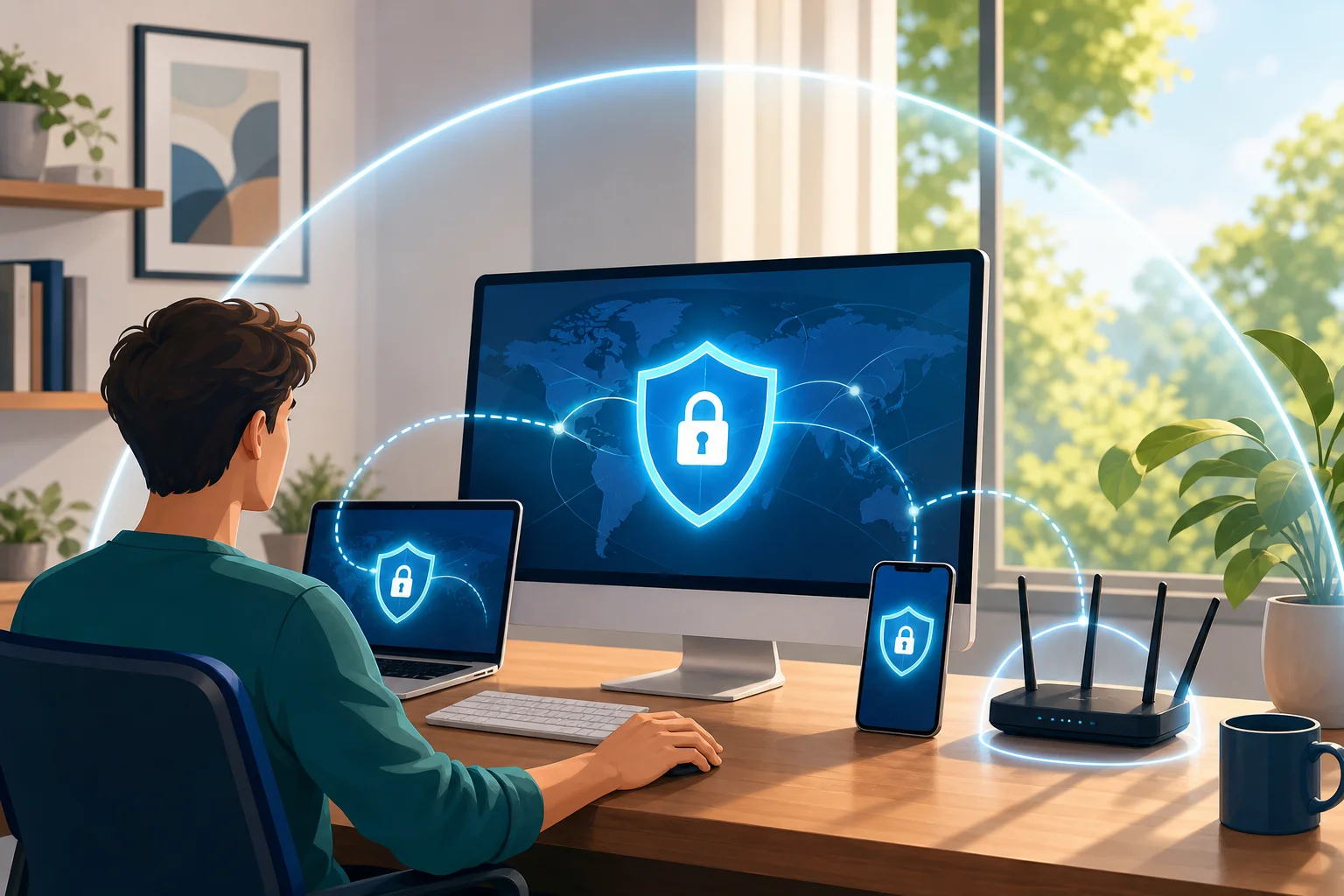
- Support for your devices: Look for coverage across phones, tablets, and computers.
- Security basics: Encryption, leak protection, and stable connections matter.
- No registration option: If you want less friction, choose a VPN that does not require creating an account before you start.
For many beginners, a free, no-registration VPN like BeFreeVPN can be a practical first step. It removes the usual barriers: no long forms, no confusing setup, and no commitment before you understand how a VPN fits into your daily browsing.
Step-by-step: How to start using a VPN
Here is a simple process you can follow:
- Choose a VPN service. Pick one with a clear privacy approach and an easy app.
- Install the app. Download it on your phone, laptop, tablet, or other device.
- Open the VPN. Follow the setup prompts if any appear.
- Select a server or use auto-connect. Beginners can usually choose the recommended option.
- Turn the VPN on. Wait for the app to show that you are connected.
- Browse as usual. Your connection now runs through the VPN tunnel.
- Use it on public Wi-Fi. Make this a habit whenever you connect outside your home.
Once you get used to it, using a VPN becomes as simple as turning on Wi-Fi or mobile data.
Quick FAQ About VPNs for Internet Privacy
Is a VPN for internet use legal?
In many countries, using a VPN is legal. However, laws vary by location, and illegal activity is still illegal when using a VPN. Use it for privacy, security, and safer browsing.
Does a VPN make me completely anonymous?
No. A VPN improves privacy by masking your IP address and encrypting your connection, but it does not erase cookies, account logins, browser fingerprints, or information you willingly share online.
Should I use a VPN all the time?
Many people keep a VPN on most of the time, especially on public Wi-Fi or mobile networks. If a website or app does not work correctly, you can pause it temporarily and reconnect afterward.
Can beginners use a VPN without technical skills?
Yes. Modern VPN apps are designed for everyday users. In most cases, you only install the app, choose a server, and tap connect.
Take Your First Step Toward Safer Browsing
A VPN for internet privacy is one of the simplest tools you can use to protect personal data, reduce tracking, and browse more safely on public Wi-Fi. It will not solve every online security problem, but it gives beginners a strong privacy foundation with very little effort. Take your first step toward online privacy today! Try BeFreeVPN for free — no registration required, and it works on all your devices!