15 posts tagged with "mobile-security"

View All Tags

How to choose the best rated VPN for phone privacy

· 11 min read

Looking for a seamless and hassle-free way to secure your phone with a top-rated VPN? Choosing the best rated VPN for phone use is easier when you know what to check: privacy features, mobile performance, setup time, app permissions, and real user reviews. This guide walks you through the practical steps to find a phone VPN that is secure, easy to use, and convenient—especially if you prefer a free VPN with no registration required.

A VPN, or virtual private network, routes your internet traffic through an encrypted connection. On a phone, that matters because you use mobile data, public Wi-Fi, apps, browsers, and location-based services all day. The right VPN app should protect your connection without slowing you down or asking for unnecessary personal details.
best rated VPN for phone security

Step 1: Understand Why You Need a VPN

Before you download any app, start with your reason for using a VPN. A highly rated mobile VPN is only the “best” option if it fits your needs.

Protect your privacy on mobile networks

Your phone connects to many networks during the day. You may use home Wi-Fi, work Wi-Fi, hotel Wi-Fi, café hotspots, airport networks, and mobile data. A VPN helps encrypt your connection so that your browsing activity is harder for others on the same network to inspect.

This is especially useful when you:

  • Check email or banking apps on public Wi-Fi
  • Use messaging apps while travelling
  • Browse websites that do not always use strong HTTPS settings
  • Want to reduce exposure to network-level tracking

A VPN is not a complete privacy solution by itself. It does not make you anonymous in every app, and it cannot fix unsafe passwords or phishing links. However, it is a strong layer of protection for everyday phone use.

Unblock content and avoid network restrictions

Many people also use a VPN to access websites, apps, or services that may be restricted on certain networks. For example, a school, workplace, hotel, or public hotspot may block social platforms, streaming services, or messaging tools.

A mobile VPN can help route your traffic through another server location, which may make blocked content available again. Results can vary by service, location, and the VPN’s server quality, so it is wise to test a VPN before relying on it for travel or daily streaming.

Identify the features you actually need

To choose the best VPN for your phone, list your main goals first:

  1. Privacy: Look for encryption, a no-log policy, and clear privacy terms.
  2. Public Wi-Fi safety: Choose a VPN with fast connection switching and stable mobile performance.
  3. Streaming or browsing access: Check server locations and connection reliability.
  4. Ease of use: Pick a VPN with one-tap connection and simple settings.
  5. Low friction: If you do not want to create an account, focus on no-registration VPN apps.

This simple checklist prevents you from choosing an app based only on star ratings or flashy claims.

Step 2: Look for Zero-Friction Setup

A good phone VPN should not make setup complicated. If you want quick protection, look for an app that lets you install, connect, and browse securely with minimal steps.

Choose a VPN with no registration required

Many VPN apps ask for an email address, password, payment method, or trial sign-up before you can connect. That may be fine for some users, but it adds friction and shares more personal information than necessary.

A no-registration VPN can be more convenient because you can:

  • Start using the VPN immediately
  • Avoid account creation
  • Skip email verification
  • Reduce personal data shared during setup
  • Test the app before making any long-term commitment

If convenience is your top priority, this is one of the most important filters when choosing a free VPN for your phone.

Check the download and installation process

The best rated VPN for phone users should be easy to find, download, and install from trusted app sources. For Android, that usually means Google Play or a verified official download source. For iPhone, that means the Apple App Store.

A simple setup should look like this:

  1. Download the VPN app from a trusted source.
  2. Open the app and review the basic permissions.
  3. Tap to connect to a VPN server.
  4. Approve the phone’s VPN connection prompt.
  5. Confirm that the VPN icon appears in your status bar.

If the app pushes too many pop-ups, confusing plans, or unrelated tools before connecting, it may not be the most user-friendly choice.

Avoid intrusive permissions

VPN apps need permission to create a VPN connection. That is normal. However, be cautious if a VPN asks for access to contacts, photos, microphone, camera, call logs, or other unrelated phone data.

In general, a clean mobile VPN setup should require only what is needed to route your internet connection. If permissions feel excessive, check the developer’s explanation, privacy policy, and recent user reviews before continuing.

Step 3: Check Compatibility with Your Phone

Not every VPN app works equally well on every device. A VPN may be excellent on desktop but average on mobile. For phone use, compatibility and performance matter as much as features.

Verify Android and iOS support

If you use one phone, this step is simple. If you use multiple devices or share recommendations with family, look for a VPN that supports both Android and iOS. Cross-platform support makes it easier to keep protection consistent.

Check for:

  • Android app availability
  • iOS app availability
  • Recent app updates
  • Clear setup instructions for each platform
  • Mobile-specific support pages or help guides

Regular updates are important because phone operating systems change often. A VPN app that has not been updated in a long time may have bugs or performance issues.

Make sure performance is optimized for mobile

Phones switch networks often. You may move from Wi-Fi to mobile data, enter weak signal areas, or connect through battery-saving modes. A good mobile VPN should handle these changes without constant disconnects.

Look for signs of strong mobile performance:

  • Quick connection times
  • Stable reconnection after signal changes
  • Low battery impact
  • Smooth browsing in normal use
  • Simple server selection
  • Clear connection status

Also, test the VPN with the apps you use most. Some users care most about messaging, while others need streaming, maps, email, or mobile gaming to work smoothly.

Read phone-specific ratings and reviews

App ratings can help, but do not rely on the average score alone. Read recent reviews and look for comments from users with your phone model or operating system version.

Pay attention to reviews that mention:

  • Crashes after updates
  • Battery drain
  • Slow browsing
  • Problems connecting on mobile data
  • Issues with specific countries or servers
  • Whether the app is truly free or pushes registration

This gives you a clearer picture of the real phone experience.

Step 4: Evaluate Features and User Experience

Once you have a shortlist, compare the features that affect daily use. The best mobile VPN app should be secure, simple, and reliable.

Use this quick comparison checklist

What to checkWhy it matters on a phoneWhat to look for
No registrationSaves time and limits account setupConnect without email or sign-up
Kill switchHelps prevent traffic leaks if the VPN dropsAvailable in settings or enabled by default
No-log policyExplains how usage data is handledClear privacy policy in plain language
Server locationsImproves flexibility for browsing and accessMultiple regions or automatic best server
App designMakes daily use easierOne-tap connect and clear status
Mobile performanceReduces frustrationStable on Wi-Fi and mobile data
PermissionsProtects phone privacyNo unrelated access requests

Prioritize a simple interface

A VPN should not require technical knowledge. The main screen should clearly show whether you are connected, which server you are using, and how to disconnect. Settings should be easy to understand, especially for features like auto-connect or protocol selection.

If an app is confusing during the first five minutes, it may become annoying in daily use.

Look for essential security features

For most phone users, the most useful VPN features include:

  • Kill switch: Blocks internet traffic if the VPN connection drops.
  • No-log policy: States that the provider does not keep activity logs.
  • Multiple server locations: Gives you more options for speed and access.
  • Auto-connect: Starts the VPN on unsafe or unknown networks.
  • Protocol options: Lets advanced users adjust speed and reliability.

You do not need every advanced feature. Instead, choose a VPN that balances security with ease of use.

Check reviews for real-world performance

Ratings are useful, but the words behind the ratings matter more. A VPN with strong reviews for speed, simple setup, and stable mobile connections is often a better choice than one with a long feature list and poor usability.

Also, look for transparent responses from the developer. Helpful support replies can indicate that the app is actively maintained.

Step 5: Troubleshooting Common VPN Issues

Even a good VPN can run into problems. Fortunately, many phone VPN issues are easy to fix.
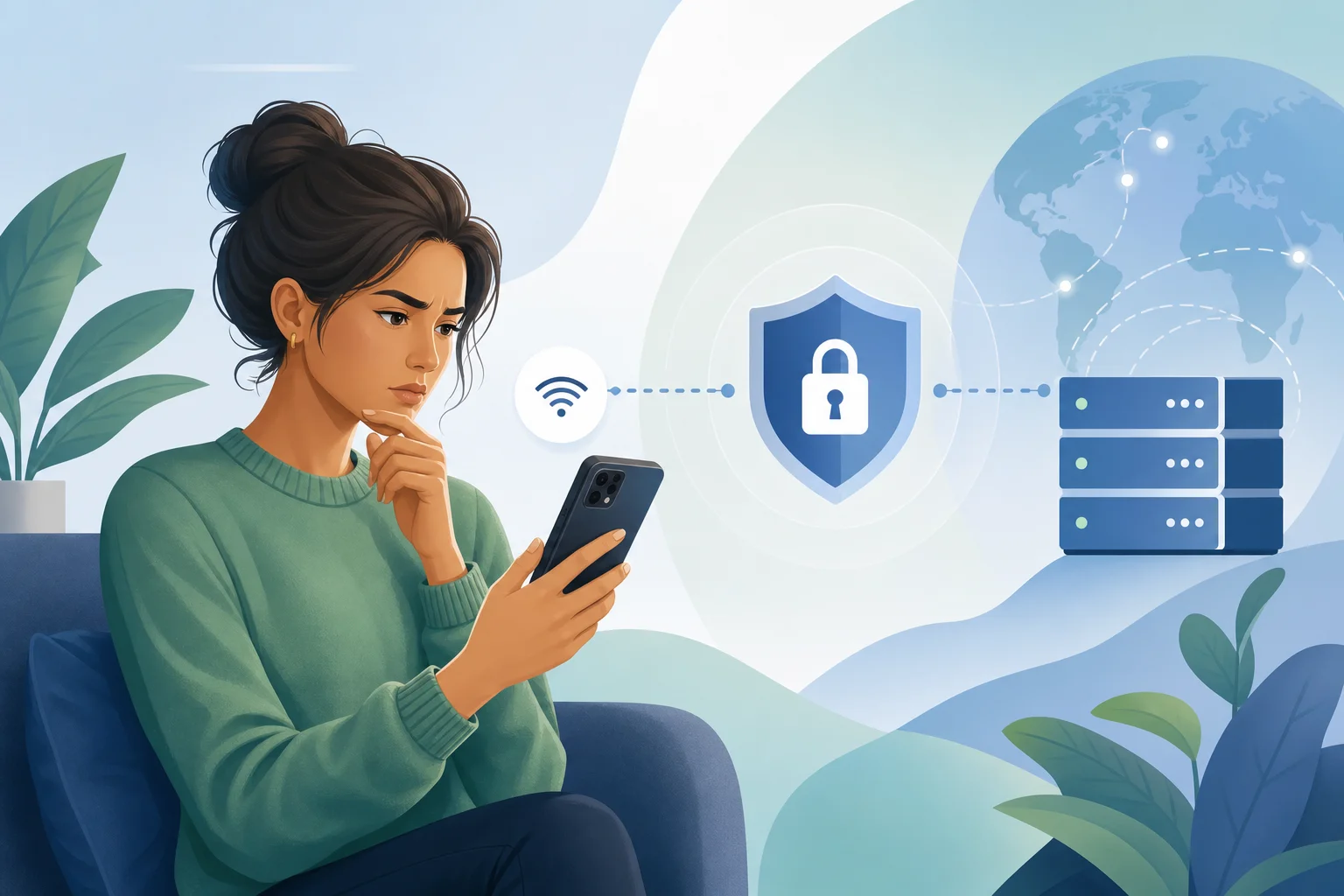
mobile VPN troubleshooting

Fix connectivity issues on your phone

If your VPN will not connect, try these steps:

  1. Switch from Wi-Fi to mobile data, or the other way around.
  2. Restart the VPN app.
  3. Choose a different server location.
  4. Turn airplane mode on and off.
  5. Restart your phone.
  6. Update the VPN app.
  7. Check whether another VPN or security app is interfering.

If the VPN works on one network but not another, the network may be blocking VPN traffic. In that case, try a different server or protocol if the app offers that option.

Tweak settings for better performance

If your VPN feels slow, start with the simplest changes:

  • Connect to the nearest or “fastest” server.
  • Close background apps using heavy data.
  • Disable battery saver temporarily to test performance.
  • Switch VPN protocols if available.
  • Disconnect and reconnect after changing networks.

Remember that some speed change is normal with any VPN because your traffic is being encrypted and routed through a server. The goal is to find a stable balance between privacy and performance.

Solve app crashes or bugs

If the VPN app crashes, freezes, or fails to open, try this quick routine:

  1. Update the app from the official app store.
  2. Update your phone’s operating system if available.
  3. Clear the app cache on Android.
  4. Reinstall the app if the issue continues.
  5. Review app permissions and VPN configuration.
  6. Contact support or check recent reviews for known bugs.

For iPhone users, removing and reinstalling the VPN profile can sometimes help. For Android users, checking battery optimization settings may prevent the system from closing the VPN in the background.

FAQ: Choosing the Best VPN App for Your Phone

What is the best rated VPN for phone users?

The best option is the one that fits your needs, works well on your device, and has strong recent reviews. Look for privacy features, simple setup, no unnecessary permissions, and stable mobile performance.

Is a free VPN with no registration safe?

It can be, but you should still check the privacy policy, permissions, app reviews, and developer reputation. A no-registration setup is convenient, but safety depends on how the VPN handles data and security.

Do I need a VPN on both Wi-Fi and mobile data?

A VPN is most useful on public Wi-Fi, but it can also add privacy on mobile data. Many users keep it available for travel, commuting, shopping, banking, and browsing on unfamiliar networks.

Will a VPN slow down my phone?

A VPN may reduce speed slightly because it encrypts and reroutes traffic. However, a well-optimized mobile VPN should still feel smooth for normal browsing, messaging, and app use.

What permissions should a VPN app ask for?

A VPN app normally needs permission to create a VPN connection. Be cautious if it asks for unrelated access, such as contacts, camera, microphone, or photos, unless there is a clear and reasonable explanation.

Final Thoughts

Choosing the best rated VPN for phone use is not about chasing the highest star rating alone. It is about finding a secure, easy, mobile-friendly app that matches how you actually use your device. Start with your privacy needs, choose zero-friction setup, confirm Android or iOS compatibility, compare core features, and keep simple troubleshooting steps ready.

For a fast start, try BeFreeVPN for a free, no-registration, seamless VPN experience on your phone today.

Best paid VPN for phone: top faqs for families

· 8 min read

Are you looking for the best paid VPN for your phone that suits an entire family's needs? Our FAQ guide helps you find the perfect solution for multiple devices and children's safety. A phone VPN can help protect private data, secure public Wi-Fi use, and make online browsing safer for adults and children. However, families need more than a fast app. They need clear controls, broad device support, reliable customer help, and simple setup across different phones and tablets.

Below, we answer the most common questions about choosing a paid VPN for mobile devices in a family setting.

best paid VPN for phone family security

What is the best paid VPN for phone users in a family setting?

The best paid VPN for phone users in a family setting is one that combines strong privacy, easy mobile apps, and enough simultaneous connections for everyone at home. Instead of choosing only by price, look at how the VPN works for real family routines: schoolwork, streaming, travel, gaming, and public Wi-Fi use.

A family-friendly paid VPN should offer:

  • Multiple device connections: A good plan should cover several phones at once. Many households also need support for tablets, laptops, and smart TVs.
  • Simple apps for iOS and Android: The app should have a clear connect button, automatic Wi-Fi protection, and easy server selection.
  • Child safety features: Some VPNs include malicious site blocking, ad blocking, tracker blocking, or DNS filtering. These can reduce exposure to risky sites.
  • Reliable customer support: Families benefit from live chat, clear setup guides, and quick answers when a child's device will not connect.
  • Consistent speeds: The VPN should be fast enough for video calls, homework platforms, and streaming without constant buffering.

It is important to note that a VPN is not a full parental control system by itself. It protects the connection and can help filter threats, but it may not replace screen-time tools, app restrictions, or family rules. The strongest setup combines a trusted VPN with built-in phone safety settings.

How does a VPN protect children's safety on phones?

A VPN protects children's safety on phones mainly by securing their internet connection. When a child uses public Wi-Fi at a cafe, airport, school, or hotel, a VPN encrypts the data moving between the phone and the internet. This makes it much harder for attackers on the same network to view browsing activity, logins, or personal information.

Key ways a mobile VPN can help children stay safer

  1. Encrypted connections guard against hackers
    VPN encryption helps protect passwords, messages, and browsing sessions from interception on unsecured networks.

  2. Unsafe website filtering can reduce risk
    Some VPNs include filters that block known malware domains, phishing pages, and inappropriate websites. This adds a helpful layer of defense, especially for younger users.

  3. Tracker and ad blocking may improve privacy
    Many children use apps and websites that collect data. VPN tools with tracker blocking can reduce some forms of online profiling.

  4. Monitoring and control features support parents
    Certain VPN services include family dashboards, DNS controls, or usage settings. These features vary, so review them carefully before subscribing.

  5. Automatic protection prevents mistakes
    Auto-connect on unknown Wi-Fi is useful for children because they may not remember to turn the VPN on manually.

Still, parents should set realistic expectations. A VPN cannot make every app safe, stop all scams, or replace conversations about online behavior. It is one part of a broader digital safety plan.

Are there any myths about using paid VPNs on phones?

Yes. Several myths make families unsure about whether a paid VPN for mobile devices is worth it. Here are the most common misconceptions.

MythReality for families
VPNs always slow down phone internet.Any VPN can affect speed, but high-quality paid VPNs usually maintain stable performance for browsing, streaming, and video calls.
VPNs are only needed on laptops.Phones store banking apps, photos, emails, location data, and school accounts, so mobile protection matters.
VPNs do not work across different devices.Many VPNs support iPhone, Android, tablets, Windows, macOS, and sometimes routers or smart TVs.
A VPN is the same as parental controls.A VPN secures and may filter traffic, but parental controls manage app limits, purchases, screen time, and content settings.
Free VPNs and paid VPNs are always equal.Some free options are useful, but paid services often provide more server choices, higher speeds, and broader support. Always read the privacy policy.

The biggest myth is that phones are naturally safe because they use mobile apps. In reality, phones connect to unknown Wi-Fi networks, open links in messages, and handle sensitive personal data every day. A trustworthy VPN can reduce these risks.

phone VPN comparison for families

How do I choose a VPN for multiple devices in a family?

To choose a VPN for multiple devices in a family, start with the number of users and the type of devices they use. Then compare features that make setup easy for both adults and children.

Step-by-step checklist for families

  1. Count every device
    Include parents' phones, children's phones, tablets, school laptops, and shared devices. Choose a plan with enough simultaneous connections.

  2. Check platform compatibility
    Make sure the VPN works on iOS, Android, and any other systems your family uses. If you use a router VPN, confirm that your router is supported.

  3. Look for simple user profiles or settings
    A clean interface helps younger users connect without confusion. Parents should be able to change settings without technical knowledge.

  4. Review safety features
    Prioritize malware blocking, phishing protection, DNS filtering, and auto-connect. If content filtering is important, confirm exactly what the VPN can and cannot block.

  5. Test speed and reliability
    Use the trial or money-back period if available. Try video calls, school apps, streaming, and browsing at different times of day.

  6. Read support resources
    Look for mobile setup guides, troubleshooting pages, and responsive support. Family devices often need quick fixes.

  7. Check privacy basics
    Review the no-logs policy, encryption standards, company transparency, and independent audits if available.

A generous multi-device policy is often more cost-effective than buying separate subscriptions. Also, choose a VPN that lets you install the app quickly, because families rarely want a complicated setup process.

What should I look for in the best paid VPN for phone?

When comparing the best paid VPN for phone use, focus on practical features first. A long list of servers is helpful, but it is not the only factor. Security, speed, usability, and trust matter more.

Essential features to prioritize

  • Strong encryption standards: Look for modern VPN protocols and strong encryption, such as WireGuard, IKEv2, or OpenVPN support.
  • No-logs policy: The provider should clearly explain what data it does and does not collect.
  • Kill switch: This blocks internet access if the VPN connection drops, helping prevent accidental exposure.
  • Auto-connect on public Wi-Fi: This is especially useful for children and busy parents.
  • Fast nearby servers: Nearby locations often provide better speed and lower latency.
  • Good app ratings and real customer reviews: Reviews can reveal whether the mobile app is stable, easy to use, and reliable.
  • Family-friendly features: These may include threat blocking, ad blocking, safe browsing tools, and simple setup guides.
  • Responsive customer support: Live chat or fast email support helps when several family devices need help at once.

Quick answer: what is the best paid VPN for a phone?

The best option is the VPN that fits your family's device count, safety needs, and budget while offering strong encryption, reliable speeds, and easy apps for iPhone and Android. For some families, the top choice will be a premium VPN with advanced parental features. For others, a simpler service with automatic protection and no registration hurdles may be more practical.

Before paying for a long subscription, compare two or three reputable services. Check whether they support all your devices, test the mobile apps, and read the privacy policy. This helps you avoid paying for features your family will not use.

Final takeaway

Finding the best paid VPN for phone use is about more than choosing the fastest name on a list. Families should look for secure encryption, multi-device support, child safety tools, simple mobile apps, and helpful support. A VPN can protect data on public Wi-Fi, reduce exposure to risky sites, and make everyday phone use more private.

Explore BeFreeVPN to enjoy a free service that protects your family's devices without the hassle of registration.

The ultimate guide to VPNs for free for phones: breaking through censorship

· 19 min read

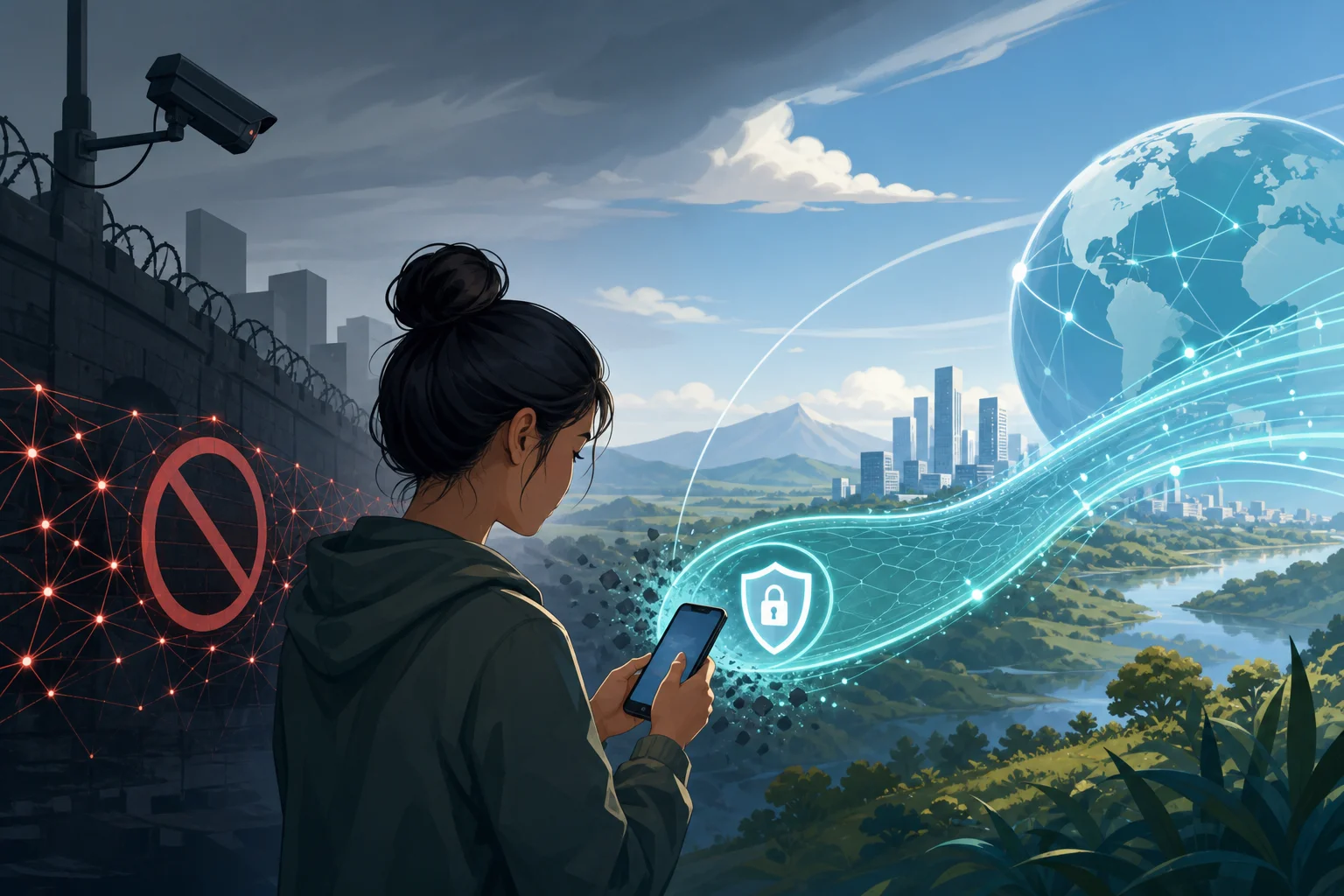
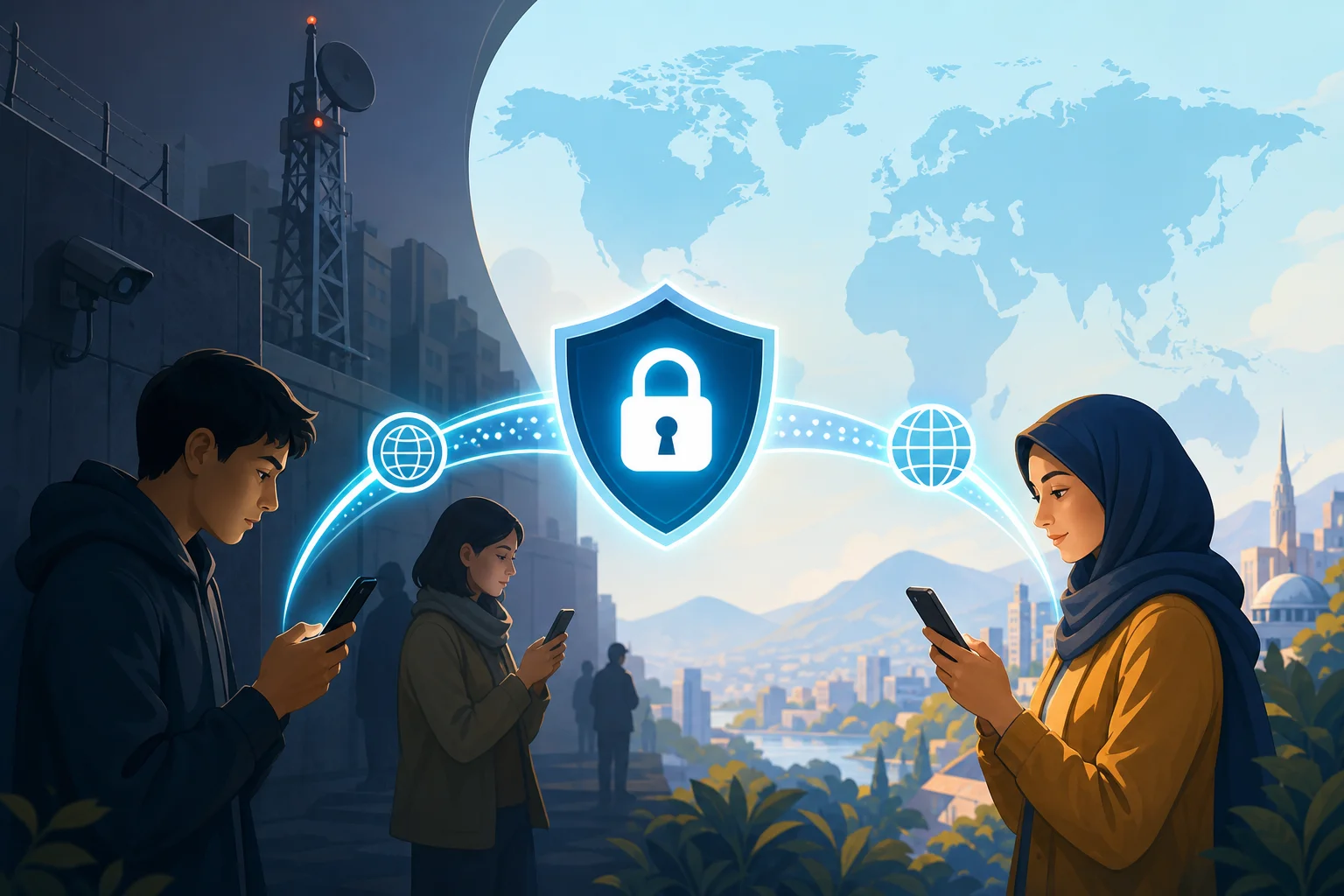
In regions where internet content is carefully controlled, accessing the full web on your phone can be a challenge. Discover how free VPN technology can help you bypass these barriers efficiently. This deep dive explains how to choose, configure, and troubleshoot a vpn for free for phone use while keeping privacy, performance, and mobile security in focus.

A virtual private network is not magic. It is a set of protocols, cryptographic choices, routing decisions, and trust assumptions. Used well, a free VPN on Android or iPhone can help you reach blocked services, protect traffic on hostile Wi-Fi, and reduce exposure to network-level surveillance. Used poorly, it can leak metadata, slow down your apps, or shift trust from an ISP to an unknown provider.

Before using any circumvention tool, understand your local laws, your threat model, and the risks of connecting to restricted content. The goal is to make informed technical decisions.

vpn for phone encrypted tunnel

1. Understanding VPNs: How Do They Work?

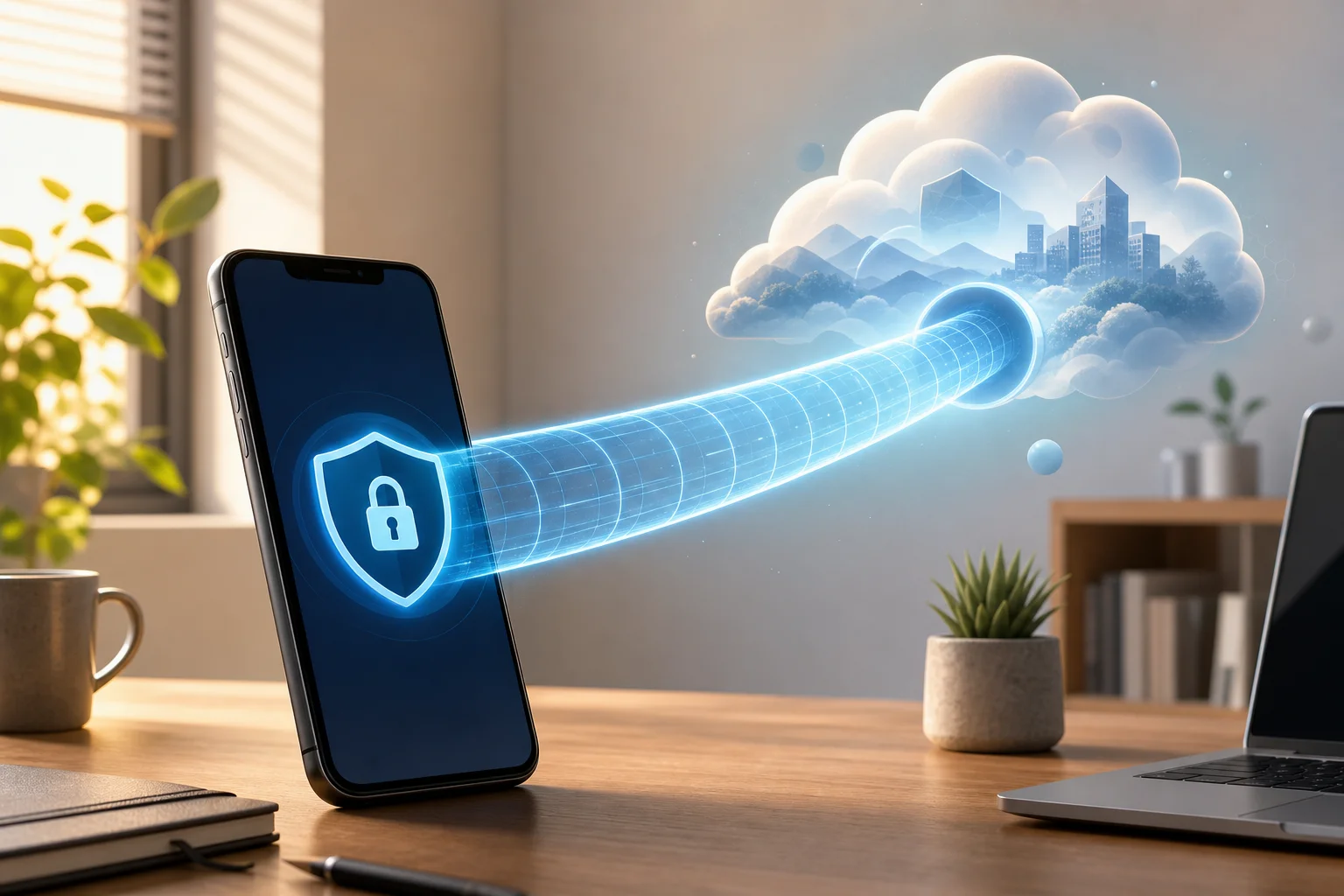
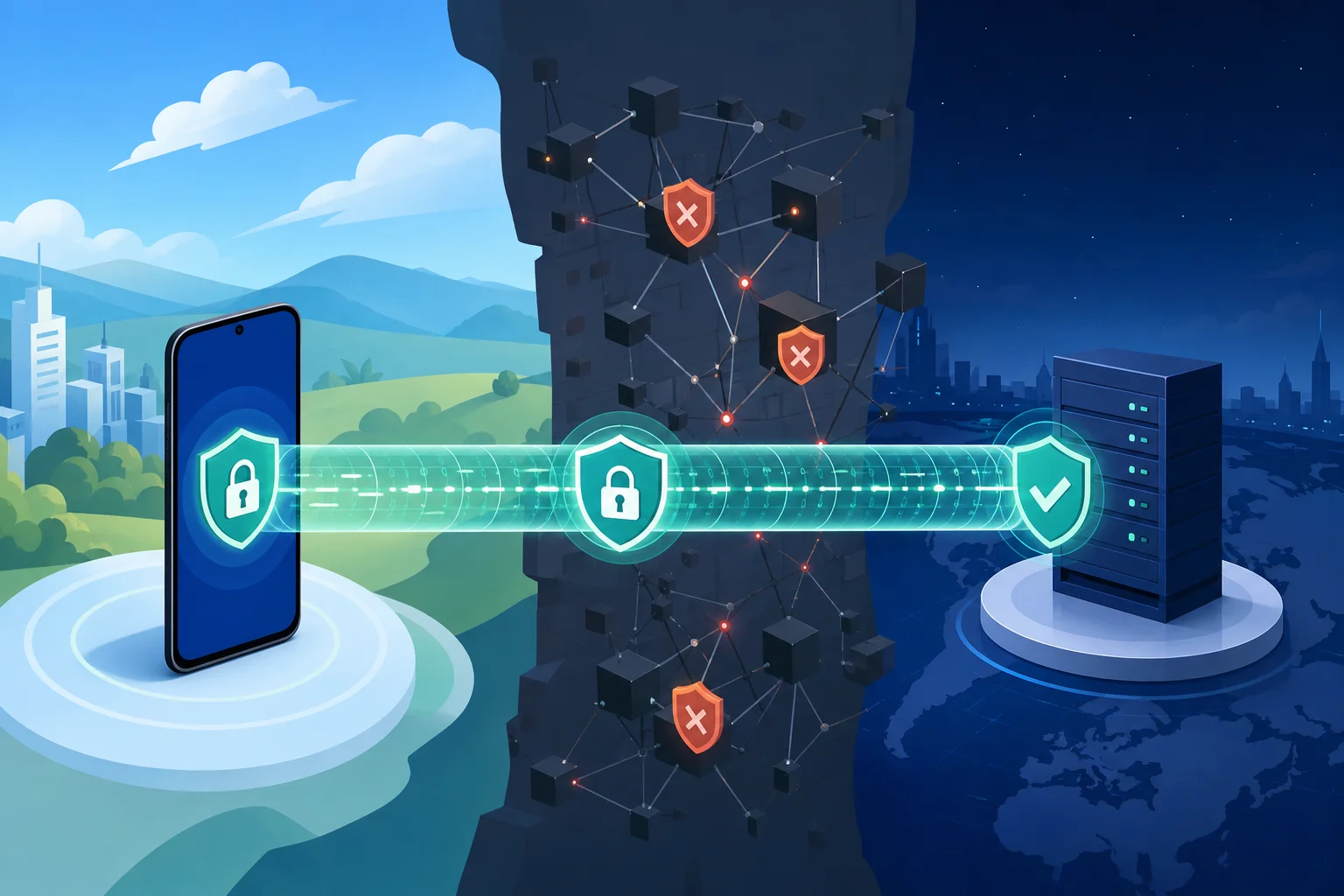
A VPN creates an encrypted tunnel between your phone and a remote VPN server. Instead of sending traffic directly from your mobile device to a website or app endpoint, your phone encapsulates packets and sends them to the VPN server. The server decrypts or decapsulates the traffic, forwards it to the destination, and returns responses through the same tunnel.

To the local network, your traffic generally appears to be going to the VPN server. To the destination website, your traffic appears to originate from the VPN server’s IP address. This can help when content is blocked by local IP filtering, DNS manipulation, or simple geographic restrictions.

Definition and Components of a VPN

A phone VPN typically includes these components:

  • VPN client: The Android or iOS app, or the native VPN profile installed on the device.
  • VPN server: The remote endpoint that terminates the tunnel and forwards traffic.
  • Tunnel interface: A virtual network interface on the phone that routes selected traffic into the VPN.
  • Authentication mechanism: Credentials, certificates, pre-shared keys, tokens, or app-managed session keys.
  • Encryption suite: Cryptographic algorithms that protect data confidentiality and integrity.
  • Routing and DNS rules: Controls that determine which traffic uses the tunnel and which DNS resolvers handle lookups.

On mobile operating systems, the VPN client integrates with a system VPN API. This is important because mobile apps usually cannot create unrestricted low-level network interfaces without OS permission. Android’s VpnService and Apple’s Network Extension framework provide controlled ways to route traffic through the tunnel.

Tunneling Protocols: OpenVPN, L2TP/IPSec, and PPTP

Different VPN protocols package traffic in different ways. The protocol affects censorship resistance, battery use, speed, and reliability.

ProtocolTypical mobile useSecurity statusNotes for censorship resistance
OpenVPNCommon in third-party appsStrong when configured wellCan run over TCP 443 to resemble HTTPS-like traffic patterns, though not fully invisible
L2TP/IPSecSupported by many systemsAcceptable but olderEasier to block because it uses recognizable ports and protocol patterns
PPTPLegacy onlyInsecureShould be avoided; weak cryptography and widely fingerprinted

OpenVPN is mature and flexible. It can use UDP for speed or TCP for networks that block UDP. It supports strong authentication and modern ciphers, but configuration matters.

L2TP/IPSec combines Layer 2 Tunneling Protocol with IPSec encryption. It is older and often easier for restrictive networks to identify because it uses common IPSec-related ports.

PPTP is obsolete. It is fast because it is lightweight, but its security weaknesses make it unsuitable for privacy. If a free phone VPN offers only PPTP, choose another option.

The Role of Encryption in VPNs

Encryption protects the contents of your traffic inside the tunnel. However, it does not hide everything. A network operator may still see that your phone is connecting to a VPN server, the timing and volume of packets, and sometimes protocol fingerprints.

Good VPN security depends on:

  • Confidentiality: Preventing local networks from reading tunneled traffic.
  • Integrity: Preventing tampering with packets in transit.
  • Authentication: Ensuring your phone connects to the intended VPN server.
  • Forward secrecy: Reducing damage if a long-term key is compromised later.
  • DNS protection: Preventing domain lookups from leaking outside the tunnel.

In censorship-heavy regions, encryption helps prevent basic inspection. Yet advanced filtering systems may block known VPN IP addresses, detect protocol signatures, or throttle encrypted traffic. That is why protocol choice, server rotation, and DNS handling matter.

2. Why Use a Free VPN on Your Phone?

A free VPN for phone users is attractive because the phone is often the primary internet device. In many places, mobile data is more available than fixed broadband. Phones are also used for messaging, banking, news, navigation, work, and emergency communication.

Comparative Advantages: Cost and Accessibility

The main advantage is obvious: no subscription barrier. A free mobile VPN can be useful when you need immediate access, when payments are restricted, or when international cards are not available.

Other practical advantages include:

  • Fast deployment: Install an app or profile and connect within minutes.
  • No router configuration: The tunnel runs directly on the device.
  • Works across networks: Use it on mobile data, public Wi-Fi, campus networks, or hotel networks.
  • App-level convenience: Many mobile VPN apps include one-tap connection and automatic reconnection.

For advanced users, the value is not just “free.” It is the ability to test reachability, compare protocols, and maintain fallback connectivity without committing to one provider.

Importance for Users in Censor-Heavy Regions

When content filtering blocks news sites, social platforms, messaging services, app stores, or documentation, a VPN can restore access by routing traffic through a less restricted network path.

A phone VPN may help against:

  • DNS poisoning or DNS blocking by using VPN-provided resolvers.
  • IP blocking when the VPN server is outside the filtered network.
  • Basic URL filtering when HTTPS and VPN encapsulation hide request details.
  • Public Wi-Fi restrictions in airports, schools, cafés, or workplaces.

However, severe censorship may use deep packet inspection, active probing, and VPN server blacklists. In those cases, a standard free VPN may work intermittently. Reliability depends on server diversity, protocol options, and how quickly the provider adapts.

Potential Limitations and How to Mitigate Them

Free VPNs often have trade-offs. The most common are bandwidth limits, fewer server locations, congestion, ads, limited protocol choices, or weaker support.

Mitigate these limitations with practical controls:

  • Choose providers with clear privacy policies. Avoid vague claims and unknown ownership.
  • Prefer modern protocols. WireGuard, IKEv2/IPSec, and well-configured OpenVPN are better options than PPTP.
  • Enable the kill switch if available. It reduces accidental traffic leaks during drops.
  • Use secure DNS inside the tunnel. Prevent DNS queries from escaping to the local ISP.
  • Keep multiple options. Have more than one reliable free VPN app or configuration ready.
  • Test before you need it. Verify that messaging, browsers, app stores, and critical sites work.

3. Setting Up a Free VPN on Your Phone

The exact setup depends on the provider and operating system. Still, the process follows a predictable pattern: select a trustworthy provider, install the app or profile, verify permissions, connect, and test for leaks.

free mobile vpn setup

Step-by-Step Guide for Android

  1. Choose a reputable free VPN provider. Look for transparent terms, reasonable limits, and modern protocol support.
  2. Install from a trusted source. Prefer Google Play or the provider’s official website if Play access is blocked.
  3. Review requested permissions. A VPN app needs VPN permission, but it should not require unnecessary access to contacts, SMS, microphone, or photos.
  4. Open the app and select a server. Choose a nearby region for speed or a specific region for content access.
  5. Select the protocol if available. Start with WireGuard or IKEv2 for mobile performance. Use OpenVPN TCP 443 if UDP is blocked.
  6. Approve the VPN connection prompt. Android will show a system dialog before allowing tunnel creation.
  7. Enable Always-on VPN. Go to Android settings and set the VPN as always-on if reliability is critical.
  8. Enable “Block connections without VPN.” This Android option acts like a kill switch.
  9. Test IP and DNS behavior. Use a trusted leak test site and confirm DNS resolvers are not local ISP resolvers.
  10. Test your real apps. Browsers are not enough. Check messaging, email, app updates, and video if needed.

Step-by-Step Guide for iOS

  1. Select a reliable free VPN app. Install from the App Store where possible.
  2. Open the app and read the privacy prompts. Avoid apps with unclear data practices.
  3. Allow VPN configuration. iOS requires approval before adding a VPN profile.
  4. Authenticate with Face ID, Touch ID, or passcode. This confirms profile installation.
  5. Choose a server and protocol. IKEv2 and WireGuard-based implementations often perform well on iPhones.
  6. Connect and verify the VPN indicator. iOS shows a VPN status icon or entry in Control Center/settings.
  7. Check DNS and IP address. Confirm that traffic exits through the expected VPN region.
  8. Review Connect On Demand options. If supported, use automatic reconnection on untrusted networks.
  9. Disable risky local network access if not needed. Reduce exposure when using public Wi-Fi.
  10. Keep the app updated. VPN profile behavior and protocol libraries change over time.

Selecting Reliable Free VPN Providers

Advanced users should evaluate more than marketing claims. Use this checklist:

  • Does the provider explain how it funds the free tier?
  • Are data limits, speed limits, and server locations clearly stated?
  • Are there third-party audits, open-source clients, or reproducible builds?
  • Does the app support a kill switch or OS-level equivalent?
  • Does it protect DNS by default?
  • Does it avoid intrusive permissions?
  • Does it support modern mobile protocols?
  • Is registration optional or minimal?

Free does not automatically mean unsafe. But “free and opaque” is a risk. A good free VPN for phone use should be transparent about limits and should not monetize sensitive browsing data.

Ensuring Privacy Through Security Settings

After setup, harden the configuration:

  • Turn on auto-connect for untrusted Wi-Fi.
  • Turn on kill switch or OS-level traffic blocking.
  • Disable split tunneling unless you need it and understand the leak risk.
  • Use private DNS carefully. On Android, Private DNS may conflict with the VPN’s DNS design.
  • Block IPv6 leaks if the VPN does not tunnel IPv6 properly.
  • Clear old VPN profiles you no longer use.
  • Use a privacy-focused browser and keep HTTPS-only mode enabled.

4. Technical Behind the Scenes: VPN Protocols on Mobile

Mobile networks are unstable. Phones switch between LTE, 5G, Wi-Fi, captive portals, and power-saving states. A protocol that works well on a desktop may behave poorly on a phone if it cannot handle network changes efficiently.

In-Depth Look at Mobile-Specific Protocols

Although OpenVPN, L2TP/IPSec, and PPTP are widely known, modern mobile VPNs often rely on protocols designed or tuned for roaming.

IKEv2/IPSec is strong for mobile because it supports MOBIKE, which helps maintain sessions when the device changes networks. For example, moving from Wi-Fi to cellular can be smoother than with older tunnels.

WireGuard uses a lean codebase and modern cryptography. It is usually fast on phones and efficient with battery. Its roaming behavior is good because endpoints can update as network paths change.

OpenVPN remains valuable because it is flexible. It can run over UDP for performance or TCP 443 when restrictive firewalls block other traffic. The downside is higher overhead and sometimes more battery usage than WireGuard.

L2TP/IPSec is mostly a compatibility fallback. It can still work, but it is less ideal for restrictive regions because network filters often identify IPSec traffic.

PPTP should be treated as deprecated. It does not provide modern security and is not suitable for anonymity or sensitive access.

How These Protocols Help Bypass Censorship

Censorship systems often rely on a mix of DNS blocking, IP blacklists, protocol blocking, and traffic fingerprinting. VPN protocols help by changing both the route and the observable structure of traffic.

  • Route change: Traffic exits from a VPN server outside the restricted path.
  • DNS isolation: Domain lookups happen through the tunnel rather than through local resolvers.
  • Encryption: Local filters cannot easily inspect the content of tunneled traffic.
  • Port flexibility: Some protocols can use commonly allowed ports such as 443.
  • Server rotation: Changing endpoints can evade static IP blocks.

Still, no free VPN can guarantee access in every region or at every time. Advanced filtering can block known VPN infrastructure. That is why mobile users should keep updated apps and multiple protocol options.

Performance Analysis of Different Protocols on Phones

Performance depends on CPU, signal quality, server distance, congestion, and protocol overhead. In general:

ProtocolSpeedBattery impactRoaming stabilityBest use case
WireGuardHighLow to moderateGoodDaily mobile browsing and messaging
IKEv2/IPSecHighModerateExcellent with MOBIKESwitching between Wi-Fi and cellular
OpenVPN UDPMedium to highModerate to highModerateBalanced security and compatibility
OpenVPN TCPMediumHigher under packet lossModerateNetworks that block UDP
L2TP/IPSecMediumModerateModerateLegacy compatibility
PPTPHighLowPoor securityAvoid

For advanced users, the best strategy is empirical. Test each protocol on your actual network. Measure latency, packet loss, reconnection time, app behavior, and battery drain over a normal day.

5. Common Misconceptions About Free VPNs for Phones

Free mobile VPNs are often discussed in extremes. Some users assume every free VPN is dangerous. Others assume a VPN makes them fully anonymous. Both views are incomplete.

Privacy Concerns and the Truth Behind Them

A VPN does not eliminate trust. It moves part of your trust from the local ISP or Wi-Fi operator to the VPN provider. That is why provider selection matters.

A trustworthy free VPN should minimize logs, explain operational data collection, and avoid selling browsing activity. However, even a privacy-focused VPN may need temporary technical data for abuse prevention, load balancing, or service reliability.

Also, a VPN does not hide everything from everyone. Websites can still identify you through logins, cookies, browser fingerprints, device identifiers, and behavioral patterns. If you sign into a personal account, the site knows it is you regardless of VPN use.

Understanding Speed Reductions

Speed loss is normal because traffic takes a longer route and passes through encryption. On a phone, speed can also drop because of weak radio signal, background battery limits, or congested free servers.

To reduce slowdowns:

  • Use the nearest reliable server unless you need a specific region.
  • Prefer WireGuard or IKEv2 when available.
  • Use UDP-based modes unless UDP is blocked.
  • Avoid overloaded peak hours if possible.
  • Disconnect apps that sync large files in the background.

Misunderstandings About Data Limits

A data cap does not always mean the VPN is low quality. Free providers use limits to control abuse and server costs. The key is whether the limit is clear and reasonable for your needs.

For messaging, email, and text-heavy browsing, small limits may be usable. For video, app downloads, and cloud backups, free limits can disappear quickly. Advanced users should separate critical access from high-bandwidth entertainment when using a free VPN on a phone.

FAQ: Is a VPN for Free for Phone Safe?

It can be safe if the provider is transparent, uses modern encryption, avoids intrusive permissions, and protects DNS traffic. Avoid unknown apps with aggressive ads, unclear ownership, or requests for unrelated phone permissions.

FAQ: Can a Free Phone VPN Bypass All Censorship?

No. A free phone VPN can bypass many common blocks, but advanced censorship can block VPN IPs or detect protocol signatures. Keep multiple protocols available and update apps regularly.

FAQ: Does a VPN Make My Phone Anonymous?

Not by itself. A VPN hides some network-level information from local observers, but websites and apps can still track accounts, cookies, device fingerprints, and behavior.

6. Troubleshooting Common Issues with Free VPNs

Even a well-chosen free VPN can fail under real mobile conditions. Troubleshooting should be systematic: identify whether the problem is the network, protocol, server, phone settings, or app compatibility.

mobile vpn troubleshooting

Connection Drops and How to Prevent Them

Drops happen when the phone changes networks, enters battery-saving mode, loses signal, or when the VPN server becomes unreachable.

Try these fixes:

  1. Switch protocol. Use IKEv2 or WireGuard for better roaming. Try OpenVPN TCP if UDP fails.
  2. Change servers. The current endpoint may be blocked or overloaded.
  3. Disable aggressive battery optimization. On Android, exclude the VPN app from battery restrictions.
  4. Enable auto-reconnect. Use app settings or OS-level VPN controls.
  5. Use always-on VPN with blocking. This prevents accidental leaks during reconnects.
  6. Check captive portals. Hotel or café Wi-Fi may require browser login before the VPN can connect.

Addressing Slow Speeds and Latency

Slow VPN performance is not always the VPN’s fault. Test baseline speed without the VPN, then compare.

Useful checks:

  • If baseline mobile data is poor, move location or switch networks.
  • If only one server is slow, try another region.
  • If all VPN servers are slow, switch protocol.
  • If latency is high, choose a geographically closer server.
  • If downloads are slow but browsing is fine, the free tier may throttle bulk traffic.

For technical testing, measure ping, jitter, DNS lookup time, and packet loss. A high download speed with bad jitter can still make calls and messaging feel unstable.

Overcoming App Compatibility Problems

Some apps block VPN traffic, require local network discovery, or use region-specific endpoints. Others fail when DNS responses differ from expected local results.

Possible solutions:

  • Use split tunneling cautiously for apps that must bypass the VPN.
  • Clear app DNS/cache data after changing VPN regions.
  • Switch VPN servers to avoid IPs flagged by the service.
  • Disable private relay or other proxy layers if they conflict with the VPN.
  • Update the app and VPN client to fix network API issues.

If an app handles sensitive personal data, think carefully before excluding it from the VPN. Split tunneling improves compatibility but can reveal traffic to the local network.

7. Ensuring Maximum Privacy and Security

A VPN is one layer. Strong mobile privacy requires device hygiene, account security, browser controls, and careful operational habits.

Tips for Maintaining Anonymity

For high-risk environments, reduce linkability:

  • Do not log into personal accounts when you need separation.
  • Use privacy-focused browsers with tracker blocking.
  • Clear cookies and site data between identities.
  • Avoid reusing usernames, emails, and profile photos.
  • Disable ad identifiers where possible.
  • Keep location permissions restricted.
  • Use end-to-end encrypted messaging for sensitive conversations.
  • Avoid installing unknown APKs or configuration profiles.

Also remember metadata. Even if content is encrypted, timing and volume may reveal patterns. For example, a burst of traffic after a major event may still be observable.

Using Extra Security Features Available in Free VPNs

Some free VPNs include useful safeguards. Enable them when available:

  • Kill switch: Blocks traffic if the VPN disconnects.
  • DNS leak protection: Forces DNS requests through the tunnel.
  • Auto-connect: Starts VPN on untrusted networks.
  • Protocol selection: Lets you adapt to blocking and performance conditions.
  • Malicious domain blocking: Filters known dangerous domains, if implemented transparently.
  • No-registration mode: Reduces account-level identifiers.

Do not enable features blindly. For example, ad blocking may route DNS through a specific resolver. Read how the feature works and confirm it matches your threat model.

Regular Updates and Why They Matter

VPN apps depend on cryptographic libraries, OS networking APIs, and server-side configurations. Updates can patch vulnerabilities, improve censorship resistance, add new servers, and fix battery drain.

Keep updated:

  • The VPN app.
  • Android or iOS system software.
  • Browser and messaging apps.
  • Security patches and WebView components.
  • VPN profiles or configuration files.

If you manually import OpenVPN or WireGuard profiles, replace outdated configs when the provider rotates keys or changes servers. Old profiles may fail silently or use weaker settings.

Final Technical Checklist for Using a Free Phone VPN

Before relying on a VPN for free for phone access in a restrictive region, verify the essentials:

  • The provider is transparent about the free tier.
  • The app requests only necessary permissions.
  • The protocol is modern and secure.
  • DNS queries stay inside the tunnel.
  • Kill switch or OS-level blocking is enabled.
  • The VPN reconnects after switching networks.
  • Critical apps work under real conditions.
  • You have a backup server or provider.
  • The app and phone OS are updated.
  • You understand what the VPN does not hide.

A free VPN on your phone can be a practical tool for censorship circumvention, but it works best when treated as part of a broader security model. Choose carefully, test often, and tune the protocol and privacy settings for your actual network conditions.

Explore BeFreeVPN to experience seamless connections on your phone at no cost, with no registration required, perfect for maintaining internet access in restrictive regions.

5 reasons to use an online VPN for your phone

· 7 min read

Did you know that using an online VPN on your phone can enhance your security and unlock content effortlessly? Your phone is often the device you use most for banking, messaging, shopping, streaming, and browsing. That also makes it a high-value target on public networks and a source of personal data for trackers. In this guide, you’ll learn five practical reasons to use an online VPN for phone protection, privacy, and a smoother mobile internet experience.

online vpn for phone security

1. Enhanced Security on Public Wi-Fi

Public Wi-Fi is convenient, but it is not always safe. Cafes, airports, hotels, malls, and train stations often offer open networks that anyone nearby can join. That means attackers may try to monitor traffic, create fake hotspots, or intercept unprotected data.

An online VPN for your phone helps by creating an encrypted tunnel between your device and the VPN server. This makes your mobile data much harder to read if someone is snooping on the same network.

Your phone can be more exposed on public Wi-Fi because it connects quickly and often in the background. Apps may refresh email, sync files, load notifications, or send session data while you are not paying attention. A VPN adds a protective layer for these everyday connections.

Use a mobile VPN especially when you:

  • Check email or work apps on public Wi-Fi
  • Log in to banking, shopping, or travel accounts
  • Send private messages or documents
  • Connect to hotel or airport networks
  • Use unfamiliar hotspots while traveling

A VPN does not replace strong passwords or software updates. However, it is one of the simplest ways to reduce risk when using shared networks.

2. Access Geo-Restricted Content

Streaming services, news sites, sports platforms, and apps may show different content based on your location. Sometimes, content available at home is blocked when you travel. Other times, a website limits access to certain regions.

With an online VPN app, you can switch your virtual location by connecting to a server in another country. Your phone then appears to browse from that server location. This can help you access region-specific websites or keep up with local content from back home while abroad.

This is especially useful for travelers who want to:

  • Watch familiar shows while away from home
  • Read local news from their country
  • Access region-based services securely
  • Avoid location-based blocks on certain websites

Always remember to follow the terms of the services you use. A VPN is a helpful privacy and access tool, but rules can vary by platform and region.

3. Maintain Privacy and Anonymity

Your phone reveals a lot about your online habits. Mobile browsers, apps, websites, ad networks, and internet service providers can collect or infer information about what you do online.

A VPN helps protect your privacy by masking your IP address and encrypting your internet traffic. Your ISP can usually see that you are connected to a VPN, but it cannot easily view the specific websites or app traffic inside the encrypted tunnel.

This makes a VPN useful if you want to reduce tracking while browsing, shopping, reading, or streaming on your phone.

Simple steps to stay more anonymous on mobile

  1. Turn on your VPN before opening sensitive apps. This protects traffic from the start of your session.
  2. Use private browsing when needed. It helps reduce local browser history on your phone.
  3. Limit app permissions. Disable location, contacts, or camera access when an app does not need them.
  4. Avoid logging in everywhere. Staying logged out can reduce account-based tracking.
  5. Clear cookies and trackers regularly. This helps reduce personalized profiling.

A VPN is not a full anonymity solution on its own. Still, when paired with smart privacy habits, it can make mobile browsing much more private.

mobile vpn privacy protection

4. Reduce Data Throttling

Some mobile carriers or internet providers may slow certain types of traffic, such as video streaming, gaming, or large downloads. This is often called throttling. It can lead to buffering, lower video quality, or uneven speeds.

A VPN can help in some cases because it encrypts your traffic, making it harder for a provider to identify the exact service or type of content you are using. As a result, you may get a more consistent mobile internet experience.

However, results depend on your network, location, and VPN server quality. If your connection is slow because of weak signal, network congestion, or a distant VPN server, a VPN may not increase speed. In some cases, encryption can add a small amount of overhead.

VPN vs. no VPN on your phone

SituationWithout VPNWith VPN
Public Wi-FiData may be easier to interceptTraffic is encrypted
Streaming while travelingContent may be region-limitedVirtual location can be changed
ISP visibilityISP may see more browsing activityISP sees VPN connection, not detailed traffic
Possible throttlingCertain traffic may be slowedSome restrictions may be harder to apply
IP address exposureWebsites see your real IPWebsites see the VPN server IP

For best results, choose a nearby VPN server when speed matters. If you need content from another region, choose a server in that location.

5. Protect Everyday Mobile Activities

Your phone is more than a browser. It is also your wallet, map, mailbox, calendar, camera, and personal assistant. That means a lot of your daily life passes through mobile apps.

A VPN can help protect common phone activities such as:

  • Online shopping on mobile networks
  • Checking bank accounts while traveling
  • Sending work files from your phone
  • Using messaging apps on public Wi-Fi
  • Signing in to cloud storage or email

This is why using a VPN on your phone is not only for tech experts. It is a practical habit for anyone who wants safer browsing with less effort.

FAQ About Using an Online VPN for Phone

Do I need a VPN on my phone?

Yes, a VPN is useful if you use public Wi-Fi, travel often, stream on mobile, or want more private browsing. It adds encryption and helps hide your real IP address.

Does a phone VPN work on mobile data?

Yes. A VPN can work on both Wi-Fi and mobile data. It protects traffic from your phone to the VPN server, regardless of the network type.

Will a VPN drain my phone battery?

A VPN may use some extra battery because it encrypts traffic and keeps a secure connection active. In most cases, the impact is manageable, especially with a lightweight mobile VPN app.

Can I use a free VPN for my phone?

You can, but choose carefully. Look for a service with clear privacy practices, stable connections, and no unnecessary sign-up steps. Avoid unknown apps that request excessive permissions.

Final Thoughts

An online VPN for phone use can make everyday browsing safer, more private, and more flexible. It helps secure public Wi-Fi, access region-based content, reduce tracking, and protect sensitive mobile activity. For simple protection without extra hassle, try BeFreeVPN today to secure your phone with no registration and experience free, seamless internet protection.

Understanding a personal VPN for phone: a guide for beginners

· 9 min read

Did you know using a VPN on your phone can protect all your online activities, especially when working from a home office? A personal vpn for phone helps secure your browsing, app traffic, work logins, and messages by creating an encrypted connection between your device and the internet. If you are new to remote work or often use your phone for email, banking, file sharing, or company tools, this guide explains what a mobile VPN does, why it matters, and how to choose one without getting lost in technical jargon.

What is a Personal VPN for Your Phone?

A personal VPN for your phone is a privacy and security tool that routes your mobile internet traffic through a protected server before it reaches websites, apps, or online services. Think of it like a private tunnel for everything your phone sends and receives online.

Without a VPN, your phone connects more directly to the internet through mobile data or Wi-Fi. That connection may be visible to internet service providers, Wi-Fi network owners, or attackers on unsafe networks. With a VPN, your data travels through an encrypted tunnel, making it much harder for outsiders to read or track.

This is especially useful when your phone handles sensitive tasks, such as:

  • Checking work email while away from your desk
  • Logging in to company dashboards or cloud tools
  • Joining video meetings from a café or airport
  • Opening documents stored in shared drives
  • Using banking, shopping, or messaging apps on public Wi-Fi

In home office terms, a VPN is like closing the door to your workspace and locking your filing cabinet. You can still work normally, but your activity is better protected from people who should not see it.

personal vpn for phone secure tunnel

Why You Need a VPN When Working Remotely

Remote work often blurs the line between personal and professional devices. You might start the day on a laptop, answer Slack or Teams messages on your phone, review a document in a rideshare, and approve a payment while connected to public Wi-Fi. Each connection can create a risk if it is not protected.

Think of a VPN like a security officer for your phone at home or on the go. It checks the route your data takes and helps keep your work information away from strangers. This matters because public Wi-Fi networks are often convenient but not always safe. Some may be poorly secured, and fake hotspots can be set up to trick users into connecting.

A phone VPN can help reduce common remote-work risks by:

  • Encrypting your internet traffic before it leaves your phone
  • Hiding your real IP address from websites and some trackers
  • Making it harder for attackers on the same Wi-Fi network to snoop on activity
  • Adding privacy when accessing company resources from a personal device
  • Keeping your browsing more consistent when switching between Wi-Fi and mobile data

However, a VPN is not magic. It does not replace strong passwords, two-factor authentication, software updates, or careful clicking. Instead, it adds an important layer to your overall phone security. For beginners, that extra layer can make remote work safer without changing how you use your phone day to day.

Setting Up a Personal VPN on Your Phone

Setting up a personal VPN on your phone is usually as simple as installing an app from the Apple App Store or Google Play Store. Most trusted VPN services guide you through the process in a few taps.

Here is a simple step-by-step setup process:

  1. Choose a VPN provider. Look for a reputable mobile VPN that supports your phone, has clear privacy information, and is easy to use.
  2. Install the app. Download the VPN app from the official app store, not from random websites or unknown links.
  3. Open the app and follow the prompts. Some VPNs require an account, while others let you connect without registration.
  4. Allow VPN permissions. Your phone will ask permission to add a VPN configuration. This is normal for VPN apps.
  5. Select a server or use auto-connect. Beginners can usually choose “fastest” or “nearest” server for simple browsing.
  6. Turn on the VPN. Once connected, your phone traffic starts passing through the encrypted VPN tunnel.
  7. Check key settings. Look for options such as auto-connect on public Wi-Fi, kill switch, or always-on VPN if available.

Popular VPN apps that many beginners find easy to install include Proton VPN, NordVPN, Surfshark, ExpressVPN, and BeFreeVPN. Each service may offer different features, pricing models, and privacy settings, so it is worth reviewing what you need before choosing.

The most important setup tip is to make sure your VPN is actually active when you need it. If you often work from cafés, hotels, coworking spaces, or airports, enable automatic protection on unsecured Wi-Fi where possible.

mobile vpn setup on phone

How a VPN Keeps Your Phone Connection Secure

A VPN keeps your phone connection secure mainly through encryption. Imagine placing every email, message, search, and app request into a sealed envelope before sending it out. People may see that an envelope exists, but they cannot easily read what is inside.

When your VPN is connected, it encrypts your internet traffic between your phone and the VPN server. This helps protect your activity from people who might be watching the network, such as attackers on shared Wi-Fi. It also makes your browsing less exposed to network owners, including public hotspot operators.

A mobile VPN can provide several practical security benefits:

  • Traffic encryption: Your data is scrambled so it is much harder to read in transit.
  • IP address masking: Websites and services may see the VPN server’s IP address instead of your phone’s real network address.
  • Safer public Wi-Fi use: A VPN reduces the risk of snooping when you connect to open or shared networks.
  • Extra privacy for apps and browsing: Your online activity becomes less directly tied to your local connection.
  • Protection during travel: A VPN can help keep your connection more secure when moving between unfamiliar networks.

Still, it is important to be realistic. A VPN does not stop phishing emails, malicious apps, or weak passwords. If you type your password into a fake login page, the VPN cannot know that the page is fake. That is why a VPN works best as part of a larger security routine: update your phone, use a screen lock, enable two-factor authentication, and avoid suspicious links.

Choosing the Right VPN for Your Phone

Choosing the right VPN for your phone comes down to balance. You want strong security, but you also want an app that is simple enough to use every day. If a VPN is confusing or slows your phone too much, you may stop using it, which defeats the purpose.

When comparing VPNs, focus on these beginner-friendly features:

FeatureWhy it matters for phone users
Easy mobile appYou should be able to connect and disconnect in one or two taps.
Device compatibilityThe VPN should work on iPhone, Android, tablets, and other devices you use.
Strong encryptionThis helps protect your data on Wi-Fi and mobile networks.
Good speedA VPN should allow smooth browsing, video calls, and app use.
No complicated setupBeginners benefit from automatic server selection and simple settings.
Clear privacy approachLook for understandable privacy policies and transparent permissions.
Public Wi-Fi protectionAuto-connect features can help secure you when networks change.

Speed and security should work together. The fastest VPN is not useful if it lacks basic protections, and the most advanced VPN may not help if it is too difficult to use. For most beginners, the best phone VPN is the one you can turn on confidently and leave running when needed.

You may also want to consider BeFreeVPN, especially if you want a simple starting point. It is free, requires no registration, and works effortlessly on mobile devices. That makes it a practical option for people who want quick protection for remote work, browsing, and everyday phone use without a long setup process.

FAQ: Personal VPNs for Phones

Do I need a VPN on my phone if I use mobile data?

A VPN can still be useful on mobile data because it encrypts your traffic and helps protect your privacy. The risk is usually higher on public Wi-Fi, but mobile data connections can also benefit from added privacy.

Will a VPN slow down my phone?

A VPN can sometimes reduce speed because your traffic is encrypted and routed through a VPN server. However, a good mobile VPN should still feel smooth for browsing, email, messaging, and many work tasks.

Should I leave my phone VPN on all the time?

If battery life and speed remain acceptable, leaving it on can be convenient. At minimum, turn it on when using public Wi-Fi, accessing work tools, handling personal accounts, or traveling.

Is a free VPN safe for remote work?

Some free VPNs are useful, while others may have limits or unclear privacy practices. Choose a service that is transparent, easy to understand, and suitable for your needs. BeFreeVPN is a beginner-friendly option because it is free, requires no registration, and works on mobile devices.

Does a VPN protect everything on my phone?

A VPN protects internet traffic, but it does not protect against every threat. You still need strong passwords, app updates, two-factor authentication, and safe browsing habits.

Final Thoughts

A personal VPN for your phone is one of the simplest ways to add privacy and security to your daily online routine. It works like a private tunnel, a home-office security officer, and a sealed envelope for your mobile data. Whether you are checking work email, joining meetings, using public Wi-Fi, or managing sensitive accounts, a VPN helps protect your connection without requiring advanced technical knowledge.

Start protecting your phone today by trying BeFreeVPN — it's free, works on any device, and requires no registration, making it perfect for securing your remote work activities.

The ultimate guide to using a VPN for free for phone access in censored regions

· 19 min read

In regions where internet freedom is restricted, a free VPN for your phone can be a lifeline, allowing you to bypass censorship and access critical information safely. If you are searching for a vpn for free for phone use, the goal is not only to install an app. It is to understand routing, encryption, protocol behavior, logging risk, and mobile-specific threat models so you can make safer choices under pressure.

This deep dive explains how free mobile VPNs work, where they help, where they fail, and how advanced users can configure them for stronger privacy in censored environments.

free VPN for phone in censored region

1. Understanding the Need for Free VPNs in Restrictive Regions

Internet censorship is not a single technique. It is a layered control system that can include DNS poisoning, IP blocking, SNI filtering, deep packet inspection, app-store restrictions, keyword filtering, throttling, and legal pressure on local platforms. Different countries and networks apply different combinations of these controls.

For example, one region may block news sites by DNS manipulation, while another may block entire IP ranges used by messaging apps. Some networks allow a service to load but throttle media uploads. Others block VPN protocol signatures or disrupt encrypted connections that look unusual. As a result, a mobile VPN must do more than “change location.” It must survive unstable networks, hostile filtering, and device constraints.

Explaining Internet Censorship in Different Countries

Censorship varies by jurisdiction and by network operator. Common patterns include:

  • DNS interference: The resolver returns a false IP address, no answer, or a government-controlled block page.
  • IP address blocking: Traffic to known hosting providers, social platforms, or VPN servers is dropped.
  • SNI and TLS filtering: The network inspects the Server Name Indication in TLS handshakes to infer the destination domain.
  • Protocol fingerprinting: Firewalls detect OpenVPN, WireGuard, or other tunnel patterns and throttle or block them.
  • App-store restrictions: VPN apps may be removed from local app stores, forcing users to rely on direct APKs, alternate stores, or preinstalled tools.
  • Platform-level takedowns: Social networks, messaging platforms, or cloud services may be intermittently blocked during protests or elections.

Advanced users should treat censorship as an adaptive adversary. A VPN that works today may fail tomorrow if its endpoints become known or its protocol signature is classified.

Why Mobile Access Is Critical for Users in Censored Regions

Phones are often the primary device for people in restrictive regions. They are portable, battery-powered, and tied to messaging, maps, banking, authentication, and emergency communication. Mobile networks may also remain available when home broadband is disrupted.

However, phones introduce specific risks:

  • Cellular carriers can observe metadata and sometimes enforce stricter filtering than fixed ISPs.
  • Mobile operating systems aggressively suspend background apps, which can break VPN tunnels.
  • Captive portals and public Wi-Fi can interrupt secure routing.
  • Push notification services may leak connection patterns even when content remains encrypted.
  • Users may depend on app stores that are filtered or region-locked.

A free VPN for phone users must therefore be evaluated for both censorship resistance and mobile reliability.

The Role of Free VPNs in Promoting Digital Freedom

Free VPNs matter because payment can be a barrier. In some regions, international cards do not work. In others, paying for privacy tools can create a paper trail or expose users to risk. A no-cost VPN can help people reach blocked news, contact family, verify information, and use secure messaging tools.

Still, “free” is not automatically safe. Some free VPN providers monetize through advertising, analytics, weak privacy policies, or traffic brokerage. The best free VPN choices are usually limited versions of reputable services, public-interest tools, or no-registration services with clear technical boundaries.

2. How Free VPNs Function

A VPN creates an encrypted tunnel between your phone and a remote server. Your phone encapsulates network packets, sends them through the tunnel, and the VPN server forwards them to the public internet. To the local network, your traffic appears to go to the VPN endpoint. To destination websites, your traffic appears to come from the VPN server.

This model helps bypass simple filtering because the ISP no longer sees the final domain or service in the same way. It also helps protect traffic on public Wi-Fi. However, it does not make you anonymous by default. The VPN provider can potentially see metadata, and websites can still track you through cookies, browser fingerprints, account logins, and device identifiers.

Overview of VPN Technology and Its Importance

At a technical level, mobile VPNs typically provide:

  1. Tunnel establishment: The client authenticates and negotiates cryptographic parameters.
  2. Encapsulation: Original packets are wrapped inside VPN protocol packets.
  3. Encryption and integrity: Traffic is encrypted and authenticated to prevent passive reading and tampering.
  4. Routing policy: The operating system routes selected traffic through the VPN interface.
  5. NAT and egress: The VPN server forwards traffic to the destination and returns responses through the tunnel.

For censored regions, the key benefit is controlled egress. Instead of exiting through a local ISP path subject to blocking, traffic exits through infrastructure in another region.

Remote Access VPN vs. Site-to-Site VPN

Most phone VPN apps are remote access VPNs. A single device connects to a provider’s server. This is the model used by consumer mobile VPNs.

A site-to-site VPN connects entire networks, such as two offices or a private cloud and a data center. It is common in enterprise environments. Advanced users sometimes build personal site-to-site or remote-access tunnels using VPS servers, but that requires operational security, server hardening, and ongoing maintenance.

For mobile users in censored regions, remote access VPNs are usually more practical. They require no server administration and can be switched quickly when endpoints are blocked.

How Free VPNs Can Still Maintain User Privacy

A free VPN can protect privacy if its business model and technical design support it. Important signs include:

  • No registration or minimal registration.
  • Clear no-logs policy written in plain language.
  • Strong protocols such as WireGuard, OpenVPN, or IKEv2/IPsec.
  • DNS leak protection.
  • Kill switch or always-on VPN support.
  • Independent audits or open-source clients where available.
  • No traffic injection, tracking SDKs, or invasive app permissions.

The provider’s incentives matter. A free tier from a reputable paid VPN may be sustainable because paid users fund the service. A free-only provider with vague ownership and aggressive ads deserves more scrutiny.

3. Key Protocols Behind VPN Technology

VPN performance and censorship resistance depend heavily on protocol choice. Mobile users need protocols that reconnect quickly, tolerate network changes, and avoid obvious fingerprints when possible.

mobile VPN protocol encryption

OpenVPN, L2TP/IPsec, and PPTP

OpenVPN is mature and widely supported. It can run over UDP or TCP and uses TLS for key exchange. UDP is usually faster, while TCP over port 443 may blend with HTTPS in some networks. However, OpenVPN can still be fingerprinted by advanced firewalls.

L2TP/IPsec combines Layer 2 Tunneling Protocol with IPsec encryption. It is built into many operating systems but can be blocked easily because it uses recognizable ports and encapsulation patterns. It is less flexible for censorship-heavy environments.

PPTP is obsolete. It is fast but cryptographically broken and should not be used for sensitive activity. If a free VPN app still promotes PPTP as a primary option, treat that as a warning sign.

Modern mobile VPNs may also use WireGuard or IKEv2/IPsec. WireGuard is lean, fast, and battery-friendly, but its default traffic pattern may be identifiable. IKEv2 is strong on mobile because it handles network switching well, such as moving from Wi-Fi to cellular data.

Understanding Encryption Mechanisms Used in VPNs

Strong VPNs use a combination of cryptographic primitives:

  • Key exchange: Establishes shared secrets without sending them directly. Examples include ECDHE or WireGuard’s Noise-based handshake.
  • Symmetric encryption: Protects packet contents after the tunnel is established. Common algorithms include AES-GCM and ChaCha20-Poly1305.
  • Authentication: Confirms that packets were not modified. AEAD ciphers combine encryption and authentication.
  • Perfect forward secrecy: Limits damage if a long-term key is later compromised.

For phone users, ChaCha20-Poly1305 can perform well on devices without hardware AES acceleration. AES-GCM is also strong and efficient on modern chips.

How Protocols Affect Speed and Security for Mobile Users

Protocol choice changes the user experience:

ProtocolMobile performanceSecurity postureCensorship resistanceBest use case
WireGuardExcellentStrongMedium unless obfuscatedDaily browsing, streaming where allowed
OpenVPN UDPGoodStrongMediumGeneral use on stable networks
OpenVPN TCP 443ModerateStrongBetter against simple blocksRestrictive Wi-Fi or networks allowing HTTPS
IKEv2/IPsecExcellent roamingStrongMedium-lowSwitching between Wi-Fi and cellular
L2TP/IPsecModerateAcceptable if configured wellLowLegacy compatibility
PPTPFastWeakLowAvoid

If a censor blocks a protocol signature, switching servers may not help. You may need obfuscation, TCP mode, stealth protocols, or a provider with rotating infrastructure.

4. Evaluating the Best Free VPNs for Phones

A good free VPN for phones should be judged on technical and operational criteria, not only on app-store ratings. Reviews can be manipulated, and performance varies by country.

Criteria for Assessing Free VPN Options

Use this step-by-step checklist before relying on a free mobile VPN:

  1. Check the logging policy. Prefer providers that do not log source IP, browsing history, DNS queries, or connection timestamps tied to identity.
  2. Inspect app permissions. A VPN app should not need contacts, microphone, camera, or precise location.
  3. Confirm protocol support. Look for WireGuard, OpenVPN, or IKEv2. Avoid PPTP.
  4. Test DNS leaks. Use multiple DNS leak test sites over both Wi-Fi and mobile data.
  5. Enable kill switch features. On Android, use Always-on VPN and Block connections without VPN when possible.
  6. Measure latency and packet loss. Speed tests alone are insufficient. Test messaging, uploads, DNS resolution, and video calls.
  7. Read ownership details. Avoid unknown operators with no privacy documentation.
  8. Check censorship reports. A VPN that is excellent for privacy may not work in heavily filtered networks.
  9. Validate update frequency. Stale apps are a security risk.
  10. Plan a backup. Keep at least one alternate VPN or circumvention tool ready before a shutdown.

Availability, limits, and policies change. Always verify current terms before use.

Free VPN optionPhone supportRegistrationFree limitsTechnical strengthsMain trade-offs
Proton VPN FreeAndroid, iOSAccount requiredNo fixed data cap, limited locationsStrong reputation, modern protocols, no-logs stanceServer choice and speed may be limited on free tier
Windscribe FreeAndroid, iOSAccount required for full free allowanceMonthly data capGood protocol options, firewall features, configurable clientsData limit can be restrictive
hide.me FreeAndroid, iOSUsually account-based depending on planData/location limits varySupports modern protocols, clear settingsFree locations and throughput may be limited
TunnelBear FreeAndroid, iOSAccount requiredSmall monthly data capSimple interface, useful for occasional accessToo limited for heavy use
Cloudflare WARPAndroid, iOSNo traditional accountGenerally free basic modeFast encrypted tunnel to Cloudflare edgeNot a full privacy VPN; limited location control; not designed for all censorship cases

Proton VPN Free is often suitable for users who need more than a few minutes of access because it does not rely on a tiny data allowance. It is useful for reading news, messaging, and general browsing. The main drawback is congestion and limited free server selection.

Windscribe Free provides flexible apps and useful configuration options. Advanced users may appreciate its protocol choices and firewall controls. The data cap is the constraint, so it is better for targeted access than constant tunneling.

hide.me Free offers solid protocol support and clear client settings. It can be a practical fallback when other providers are blocked. Limits on server locations or monthly usage may affect reliability.

TunnelBear Free is easy to use and transparent for casual access. For advanced users in censored regions, the small data allowance makes it more of an emergency backup than a primary tool.

Cloudflare WARP encrypts traffic between the phone and Cloudflare, which can improve privacy on local networks and sometimes bypass simple blocks. However, it is not a classic VPN for choosing exit countries, and it should not be treated as an anonymity tool.

5. Common Misconceptions About Free VPNs

Free VPNs are often discussed in extremes. Some users assume every free VPN is malicious. Others assume any VPN app guarantees privacy. Both views are incomplete.

Is a Free VPN for Phone Use Always Unsafe?

No. A free mobile VPN is not automatically unsafe. The risk depends on the provider’s logging practices, funding model, jurisdiction, app behavior, and technical controls. A reputable free tier can be safer than a paid but obscure VPN with invasive tracking.

Does a VPN Make You Anonymous?

Not by itself. A VPN hides traffic content from local networks and changes your apparent IP address, but it does not erase browser fingerprints, account logins, payment trails, device IDs, or behavioral patterns. If you log into a personal account, the service can still identify you.

Do No-Logs Policies Mean No Data Exists Anywhere?

Not necessarily. “No logs” may mean no browsing logs, but the provider might still process operational metrics, crash reports, payment records, or anti-abuse signals. Read the policy carefully. Look for specifics: what is collected, how long it is retained, and whether it is linked to your account or IP address.

Are Free VPNs Too Slow to Be Useful?

Sometimes, but not always. Speed depends on server load, distance, protocol, throttling, packet loss, and local censorship interference. For advanced users, latency stability may matter more than maximum throughput. A slower tunnel that keeps Signal, email, and news sites reachable can still be valuable.

Does Incognito Mode Replace a VPN?

No. Incognito mode mainly limits local browser history and some cookies after the session ends. It does not encrypt traffic from your ISP, bypass IP blocks, or hide your network path.

6. Real-World Use Cases: Success Stories of Bypassing Censorship

Because users in restrictive regions can face real risk, responsible reporting often anonymizes details. The following scenarios are representative examples of how mobile VPNs are used during censorship events. They are not a guarantee that the same method will work everywhere.

Case Study 1: Accessing Blocked News During a DNS Block

A university student finds that several international news sites fail to resolve on campus Wi-Fi and mobile data. The block appears DNS-based because direct IP tests and alternate resolvers produce inconsistent results.

The student enables a free VPN on Android with DNS leak protection. Once connected, DNS queries travel through the encrypted tunnel instead of the local resolver. The blocked sites load again. The user also enables Always-on VPN to prevent apps from falling back to the censored network during reconnects.

Technical lesson: DNS-only censorship can often be bypassed by tunneling DNS inside the VPN. However, if the destination IP is also blocked, a VPN server outside the censored network becomes necessary.

Case Study 2: Activists Maintaining Communication During Platform Blocking

A small civil-society group depends on encrypted messaging to coordinate legal aid and medical support. During a period of unrest, the network begins blocking access to messaging service endpoints.

Members install a reputable free VPN before traveling to protest areas. Some use OpenVPN TCP 443 when UDP traffic becomes unreliable. Others switch to mobile data when public Wi-Fi starts dropping tunnel handshakes. The group also shares offline instructions for enabling kill switches and verifying DNS leaks.

Technical lesson: The VPN is only one part of the workflow. Preinstallation, backup protocols, secure messengers, and operational discipline matter just as much.

Case Study 3: Reaching Educational Resources on a Limited Connection

A teacher needs to access blocked educational videos and cloud documents from a phone. A free VPN with a monthly data cap is not enough for full video streaming, so the teacher uses it selectively: loading text pages, downloading compressed documents, and syncing only essential files.

When the cap is nearly exhausted, the teacher switches to a no-data-cap free option for low-bandwidth browsing and saves video downloads for trusted Wi-Fi.

Technical lesson: Free VPN limits can be managed with bandwidth discipline. Disable auto-play, lower media quality, and avoid background app updates through the tunnel.

User Testimonials and Mobile Access Patterns

In public digital-rights discussions, users repeatedly emphasize three practical benefits of phone VPNs: quick access to blocked information, safer communication on untrusted networks, and continuity when desktop access is unavailable. The common theme is mobility. A VPN already installed on a phone can be activated within seconds, which matters during fast-changing censorship events.

free mobile VPN bypassing censorship

7. Best Practices for Maximizing Your Free VPN Experience

A free VPN is most effective when paired with careful configuration. Mobile operating systems provide useful controls, but many users never enable them.

Configure Settings for Optimal Security on Mobile Devices

For Android:

  1. Open Settings and search for VPN.
  2. Select your VPN app.
  3. Enable Always-on VPN.
  4. Enable Block connections without VPN if available.
  5. Disable battery optimization for the VPN app if the tunnel drops in the background.
  6. Test DNS and IP leaks on Wi-Fi and cellular data.
  7. Keep a second VPN app installed as a fallback if local law and policy allow it.

For iPhone:

  1. Install the VPN app from a trusted source.
  2. Review the VPN profile before approving it.
  3. Enable the VPN from Settings or the app.
  4. Check whether the app supports automatic reconnect.
  5. Use Lockdown Mode only if your threat model justifies the usability trade-offs.
  6. Test connectivity after switching between Wi-Fi and cellular data.

For both platforms:

  • Use secure DNS only if it does not conflict with the VPN’s DNS leak protection.
  • Disable unnecessary background sync on untrusted networks.
  • Avoid logging into sensitive accounts while testing unknown VPN providers.
  • Use HTTPS-only mode in the browser.
  • Keep secure messaging apps updated.

Regularly Update VPN Apps to Ensure They’re Secure

VPN apps handle privileged network traffic. Outdated clients can contain exploitable bugs or broken certificate validation. Update the app, operating system, and browser regularly. If app stores are blocked in your region, learn the provider’s official update channel before a crisis. Avoid random APK mirrors unless you can verify signatures and hashes.

Understand When to Switch From Free to Paid VPN Services

A free VPN can be enough for emergency access, messaging, and light browsing. Consider a paid VPN or self-hosted solution when you need:

  • Consistent high-speed streaming or large downloads.
  • More server locations.
  • Better obfuscation or stealth modes.
  • Multi-hop routing.
  • Reliable support.
  • Router-level protection.
  • Lower congestion during peak censorship events.

However, paid does not automatically mean safer. Evaluate paid providers with the same scrutiny: logging, audits, ownership, protocols, leak protection, and censorship performance.

Quick FAQ: Free VPNs for Phones in Censored Regions

What is the safest free VPN for Android or iPhone?

The safest option depends on your country, threat model, and required features. Prefer reputable providers with clear no-logs policies, modern protocols, DNS leak protection, and minimal app permissions.

Can a free VPN bypass government censorship?

Sometimes. Free VPNs can bypass DNS blocks, IP blocks, and some app restrictions. They may fail against advanced deep packet inspection or active VPN blocking unless they support obfuscation or alternative transports.

Should I leave my phone VPN on all the time?

If your VPN is reliable and trustworthy, always-on mode can reduce accidental leaks. If the free VPN is slow or untrusted, use it selectively and avoid sensitive logins until you verify its behavior.

Is WireGuard better than OpenVPN on mobile?

WireGuard is usually faster and more battery-efficient. OpenVPN may offer more flexibility on restrictive networks, especially when using TCP 443. The best choice depends on what the local network blocks.

Can my mobile carrier see what I do when I use a VPN?

Your carrier can see that you are connecting to a VPN server, plus metadata such as timing and data volume. It should not see the contents of encrypted VPN traffic or the final websites you visit through the tunnel.

Conclusion: Use Free Mobile VPNs Strategically, Not Blindly

A free VPN for your phone can be an essential censorship-circumvention tool, but it works best when you understand its limits. Choose providers with transparent policies, strong protocols, leak protection, and reliable mobile behavior. Test before you need it. Keep backups ready. Most importantly, match the tool to your threat model instead of assuming one app solves every privacy problem.

By using BeFreeVPN, you gain access to a free, no-registration VPN service that works seamlessly on your phone, offering you the freedom to browse the internet safely and privately.

Boost your Android experience with a fast VPN for Android download

· 10 min read

Tired of your Android device slowing down every time you connect to a VPN? You're not alone. Many people search for a vpn for android download because they want privacy, safer public Wi-Fi, and better control over mobile browsing, but they do not want lag, pop-ups, or complicated sign-ups. The good news is that the right Android VPN download can protect your connection while keeping everyday use smooth, especially if you choose a fast VPN for Android with no registration, no ads, and auto-connect.

1. The Problem: VPNs Slowing Down Your Android Experience

A VPN should make your Android experience safer, not more frustrating. Yet many users install a VPN app for Android download and quickly notice common problems: pages take longer to load, videos buffer, games feel delayed, and apps refresh slowly. On mobile data, the slowdown can feel even worse because the connection already changes as you move between towers.

This is why people look for a free VPN for Android download that feels light and simple. They want privacy when browsing, protection on public Wi-Fi, and a more secure path for everyday online activity. However, if the VPN drains speed or fills the screen with ads, it becomes hard to keep it turned on.

The frustration is easy to understand. You may need a secure VPN for Android download to help protect your traffic at airports, cafés, hotels, or shared networks. You may also want an Android VPN for mobile data so your connection stays protected when you switch from Wi-Fi to 4G or 5G. But if that protection makes streaming, messaging, maps, banking, or browsing harder, you may be tempted to disconnect.

That creates the real problem: users need VPN protection, but they also need speed. A good VPN for Android without registration should reduce friction. A good VPN for Android with no ads should avoid distractions. And a good VPN for Android with auto connect should protect you without making you remember to tap a button every time your network changes.

vpn for android speed problem

2. Why It Happens: Understanding VPN Speed Issues on Android

VPN speed issues are not random. They usually come from a few technical factors working together. Once you understand them, it becomes easier to choose the best VPN for Android download for your needs.

Encryption adds a small processing step

A VPN encrypts your internet traffic and sends it through a secure tunnel. This is useful because it helps protect your data from snooping on unsafe networks. However, encryption also adds work for your phone and for the VPN server. On modern Android phones, this process is often fast, but older devices or poorly optimized apps can struggle.

This is one reason why a lightweight VPN app matters. A fast VPN for Android without registration can save time during setup, but it also needs efficient software behind the scenes.

Server distance affects latency

Distance matters. If you are in Europe and your VPN connects to a server on another continent, your data has farther to travel. That can increase latency, which is the delay before a site or app responds. For streaming, the impact may be buffering. For gaming or video calls, it may feel like lag.

When choosing a fast VPN for Android download, look for apps that offer high-speed servers and smart connection options. The closer and less crowded the server, the better your experience usually feels.

Server load can reduce performance

Even a nearby server can slow down if too many users are connected. Server load is one of the biggest reasons some free VPN apps feel inconsistent. If a provider has limited capacity, peak times can mean slower browsing and unstable video playback.

A better Android VPN with auto connect can help by choosing a suitable server when available. This is useful for people who move between Wi-Fi and mobile data throughout the day.

Device compatibility and settings also matter

Android versions, battery saver settings, background data limits, and app permissions can all affect VPN performance. Some phones restrict VPN apps in the background to save power. Others may pause connections when the screen is off. If you want a VPN for Android for mobile data, check that the app works well with your Android version and does not require constant manual reconnects.

3. The Solution: Fast, Secure VPN Download on Android

The solution is not simply “install any VPN.” The better approach is to choose a secure VPN for Android that is easy to start, avoids unnecessary interruptions, and keeps speed in mind. If you want a VPN for Android without registration, the setup should be short. If you want an Android VPN with no ads, the app should not force you through pop-ups before you connect.

Step-by-step: how to download a fast VPN on Android

  1. Choose a trusted VPN source. Start with the official website or a reputable app store page. This helps reduce the risk of modified or unsafe APK files.
  2. Check the setup requirements. If you want a free VPN for Android without registration, confirm that you do not need to create an account before connecting.
  3. Install the VPN app. For most users, the standard app install is the safest path. If you need a VPN APK for Android download, only use the provider’s official APK source.
  4. Open the app and review permissions. Android will ask you to approve the VPN connection. This is normal for VPN apps, but you should still avoid apps that request unrelated permissions.
  5. Enable auto-connect if available. A VPN for Android with auto connect helps protect you when your network changes, such as moving from home Wi-Fi to mobile data.
  6. Test your speed. Open a browser, stream a short video, and try the apps you use daily. If the connection feels slow, switch to a closer or less busy server if the option exists.
  7. Keep the app updated. Updates can improve compatibility, stability, and performance on newer Android versions.

What to look for in the best VPN for Android download

FeatureWhy it matters on Android
No registrationFaster setup and less personal information required
No adsFewer interruptions and a cleaner mobile experience
Auto-connectHelps maintain protection when switching networks
Fast serversReduces buffering, lag, and slow browsing
Mobile data supportKeeps protection active outside Wi-Fi networks
Tablet and TV supportUseful if you also need a VPN for Android tablet download or VPN for Android TV download

Why BeFreeVPN stands out

BeFreeVPN is built for people who want simple VPN protection without unnecessary friction. If you are looking for a free VPN for Android with no ads, it is designed to keep the experience clean. If you prefer an Android VPN without registration, it helps you get started quickly. And if you want a fast VPN for Android for mobile data, auto-connect support can make protection easier when you are on the move.

This combination matters because speed is not only about raw download numbers. It is also about how quickly you can connect, how stable the VPN feels, and whether the app stays out of your way. For many users, the best VPN for Android with auto connect is the one they can leave on without thinking about it.

fast vpn for android download

4. Results/Benefits: Enhanced Android Experience with a VPN

A well-chosen VPN can make your Android device feel safer without making it feel slower. Instead of turning protection on only when you remember, you can keep it active during normal use.

Seamless streaming and browsing

With a fast VPN for Android download, you can reduce the common pain points that make VPNs feel heavy. Pages should open smoothly, videos should start faster, and daily apps should remain responsive. Your final speed still depends on your network, device, server distance, and server load, but a better VPN app helps remove avoidable delays.

Privacy and security without constant trade-offs

A secure VPN for Android helps protect your traffic on public Wi-Fi and shared networks. This is useful for travel, remote work, online shopping, and banking. When the app is simple, you are more likely to keep it enabled. That matters because privacy tools only help when you actually use them.

Consistent protection on the go

Auto-connect is especially useful on Android. Your phone may switch between Wi-Fi, 4G, and 5G many times each day. A VPN for Android with auto connect helps restore protection without extra taps. This is also helpful for tablets, shared family devices, and Android TV setups where you may not want to manage the VPN manually each time.

FAQ: VPN for Android Download Questions

What is the best VPN for Android without registration?

The best option is one that lets you connect quickly, avoids unnecessary account creation, and still offers stable performance. BeFreeVPN is a strong choice for users who want a VPN for Android without registration and a simple setup.

Can I use a free VPN for Android with no ads?

Yes. Some free VPN apps rely on ads, but not all do. If ads bother you or slow down your phone, choose a free VPN for Android with no ads so the app stays clean and easier to use.

Is a VPN APK for Android download safe?

It can be safe if it comes from the VPN provider’s official source. Avoid random APK sites, because modified apps may include malware or tracking. When possible, use the official download page or a trusted app store.

Does an Android VPN work on mobile data?

Yes. An Android VPN for mobile data can protect your connection over 4G or 5G as well as Wi-Fi. For the best experience, choose a fast VPN for Android for mobile data with auto-connect support.

Can I use the same VPN on Android TV or an Android tablet?

Often, yes. Many providers support phones, tablets, and Android TV. If you need a VPN for Android tablet download or VPN for Android TV download, check device compatibility before installing.

Conclusion: Get Speed and Protection Together

You should not have to choose between privacy and performance. By choosing a fast, secure, no-registration VPN with auto-connect, you can protect your Android phone, tablet, or TV while keeping browsing and streaming smooth. Upgrade your Android experience today by downloading BeFreeVPN, ensuring fast and seamless protection with no registration required.

5 best free VPN for phone options in 2026

· 8 min read

Ever wondered which free VPNs can truly provide seamless and secure browsing on your phone? If you are searching for a free vpn for phone, the best option should be simple to install, private by design, light on ads, and generous with data. In this list, we focus on mobile-first picks for Android and iOS, including options that fit common needs like a free VPN without registration, a free VPN with no ads, and a free VPN with unlimited data.

Before you install any free VPN app for phone, check the app store listing, permissions, privacy policy, and data limits. Free plans can change, and the safest choice is the one that is clear about what it collects and how it makes money.

free vpn for phone comparison

Quick Comparison: Best Free VPNs for Your Phone

VPN optionBest forRegistrationAdsDataMobile focus
SecureConnectFast setupNoNoUnlimitedAndroid and iOS browsing
StreamSafeStreaming on mobileNoMinimal or noneUnlimitedVideo and media apps
AdBlockVPNAd-free browsingNoNoVaries by planSimple phone use
EasyFlowVPNData protectionNo personal detailsNo hidden chargesFree plan availablePrivacy-first setup
BeFreeVPNAll-in-one phone useNoNoUnlimitedStreaming, browsing, and security

This table is designed for quick scanning. However, your best free VPN 2026 choice depends on your phone, your country, and whether you need streaming, work access, or general privacy on public Wi-Fi.

1. SecureConnect: Free VPN Without Registration

SecureConnect is a strong starting point if you want a free VPN service without registration. It is designed for people who do not want to create an account, share an email address, or enter payment details just to protect their phone connection.

The biggest benefit is simplicity. You download the app, choose a server if needed, and connect. That makes it useful when you are on airport Wi-Fi, hotel networks, cafés, or any public hotspot where you want a secure tunnel between your phone and the internet.

Why it stands out

  • Offers a completely free service with no registration required.
  • No ads to interrupt your mobile browsing experience.
  • Unlimited data for continuous streaming and browsing.
  • Good fit for users who want a free secure VPN without registration.

SecureConnect is also worth considering if you sometimes compare mobile options with a free VPN for computer. The experience is phone-first, but the same privacy checklist applies on desktop: clear permissions, no unnecessary tracking, and transparent limits.

2. StreamSafe: Unlimited Data for Your Mobile

StreamSafe is built around one major need: data. If you watch videos, listen to music, or use social apps often, a tiny monthly data cap can make a free VPN app with unlimited data much more appealing than a feature-packed app that stops working after a few hours.

For users looking for the best free VPN for streaming, StreamSafe focuses on stable mobile use across Android and iOS. It is a practical option for people who want to browse and stream without constantly checking a data meter.

Best features

  • Provides free unlimited data, which is useful for streaming.
  • Works smoothly on both Android and iOS devices.
  • Keeps your information private without any sign-ups.
  • Suitable if you need a free unlimited VPN for phone.

That said, streaming support can vary by platform. Some video services block VPN traffic, even from paid providers. So, if streaming is your main goal, test your preferred apps before relying on any free VPN service with unlimited data.

3. AdBlockVPN: No Ads, Just Browsing

A free VPN with no ads is rare because many free tools rely on advertising to cover costs. AdBlockVPN focuses on removing that distraction. For phone users, that can make a big difference. No pop-ups. No forced video ads. No confusing buttons that look like system alerts.

AdBlockVPN is especially useful for casual browsing, reading, shopping, and checking email on mobile networks. It is also easy to recommend to beginners because setup is simple.

Why mobile users like it

  • Eliminates ads for a cleaner, uninterrupted experience.
  • Easy to install on most mobile devices.
  • No need for registration; just download and connect.
  • A good match for anyone searching for a free VPN app with no ads.

If you also need a free VPN app for computer, look for the same no-ad policy on desktop. Some providers offer a clean mobile app but show ads elsewhere, so compare the mobile and computer versions before installing both.

free vpn app with no ads

4. EasyFlowVPN: Best Free Option for Data Protection

EasyFlowVPN is a good fit for people who care most about protecting phone data. Instead of trying to do everything, it focuses on secure connections, easy setup, and a clear user experience.

This matters because a free private VPN for phone should not feel risky or confusing. If an app asks for too many permissions, hides its privacy policy, or pushes upgrades too aggressively, it may not be the right choice.

What makes it useful

  • Specializes in securing your phone data for free.
  • Does not require personal details for setup.
  • Offers a user-friendly app with no hidden charges.
  • Works well for people seeking a free secure VPN for phone.

EasyFlowVPN can also make sense for work-related browsing when you are away from trusted networks. However, if your employer has strict security rules, use the approved company VPN. A best free VPN for work should never replace official workplace security tools unless your IT team allows it.

5. BeFreeVPN: All-in-One Solution for Phone Users

BeFreeVPN is the most complete option on this list for users who want fewer trade-offs. It brings together the features people usually search for: no registration, no ads, unlimited data, and secure mobile connections.

That makes it a strong everyday choice for browsing, streaming, messaging, and using public Wi-Fi. It is also easy to understand. You do not need to compare complicated tiers before getting started.

Why it earns a top spot

  • Completely free with no need for registration.
  • No ads and unlimited data make it practical for streaming and browsing.
  • Works seamlessly on smartphones, helping protect your connection.
  • Fits searches for a free private VPN with unlimited data and a free unlimited VPN without registration.

BeFreeVPN is a smart pick if you want one free VPN service for phone use instead of switching between apps for different tasks.

How to Choose a Free VPN for Phone: Step-by-Step

  1. Check the privacy policy. Avoid apps that are vague about logs, tracking, or third-party data sharing.
  2. Look for no registration. A free VPN service without registration collects less personal information at signup.
  3. Confirm the data limit. If you stream often, choose a free VPN app with unlimited data.
  4. Avoid intrusive ads. A free VPN service with no ads is safer and less annoying.
  5. Test speed on Wi-Fi and mobile data. Performance can change by location and server load.
  6. Compare phone and desktop support. If you need a free secure VPN for computer too, check whether the provider has apps for all your devices.

FAQ: Free VPNs for Phones

What is the best free VPN for phone in 2026?

The best free VPN for phone depends on your needs. BeFreeVPN is the strongest all-in-one pick here, while StreamSafe is better for unlimited mobile streaming and AdBlockVPN is better for ad-free browsing.

Can I use a free VPN for computer as well?

Yes, some providers offer both a free VPN app for phone and a free VPN app for computer. Before installing, check whether the computer version has the same no-ads, no-registration, and unlimited-data features.

Is a free VPN without registration safer?

It can be more private because you share less personal information upfront. Still, safety also depends on encryption, permissions, logging policies, and the provider’s reputation.

Are free VPNs with unlimited data really unlimited?

Some are, but terms can change. Always review the provider’s current limits. A free VPN service with unlimited data may still have speed limits, server limits, or fair-use rules.

What should I avoid in a free VPN app?

Avoid unclear privacy policies, excessive permissions, forced ads, unknown ownership, and apps that ask for payment details before showing the free plan.

Final Thoughts

A good free VPN for phone should be simple, private, and reliable enough for daily use. SecureConnect is great for quick access, StreamSafe is useful for streaming, AdBlockVPN keeps browsing clean, EasyFlowVPN focuses on data protection, and BeFreeVPN combines the most requested features in one mobile-friendly package. Try BeFreeVPN today for a seamless browsing experience on your phone with no registration, no ads, and unlimited data.