5 best VPNs for your phone: stay secure on the go
Are you worried about your privacy while using your phone? Check out these top 5 VPNs that provide both security and convenience for mobile users! A good VPN for phone use can protect your data on public Wi-Fi, reduce tracking, and help keep your browsing private whether you are on iPhone or Android.
Phones are now our wallets, inboxes, photo albums, and travel companions. That makes mobile privacy more important than ever. However, the best mobile VPN is not just the one with the most servers. It should be fast, simple to use, battery-conscious, and reliable when you switch between Wi-Fi and mobile data.
Below are five strong options for everyday mobile users, with a quick comparison and practical tips to help you choose.
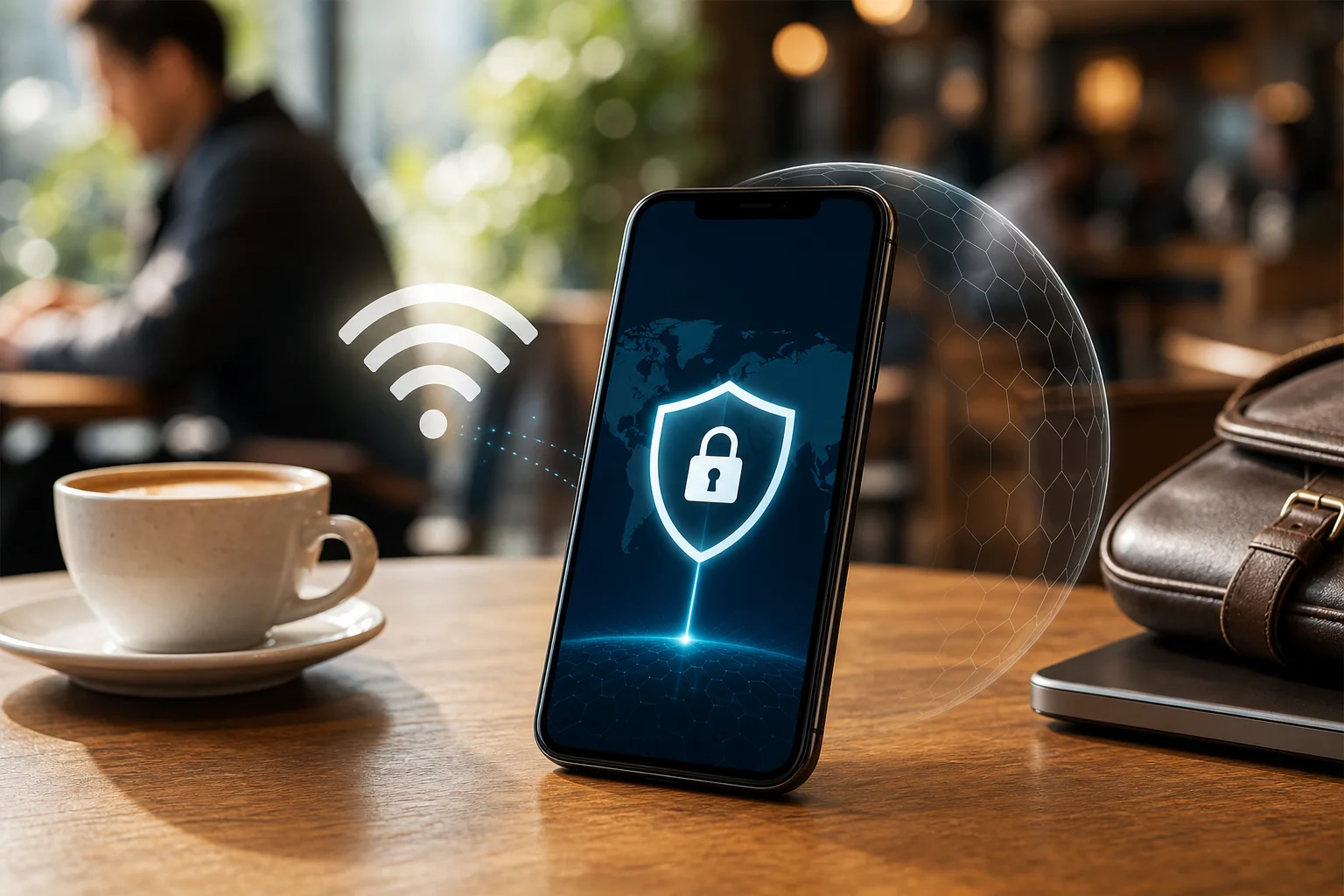
Quick Comparison: Best VPNs for Phone Users
| VPN | Best for | Key mobile feature | Good fit if you want |
|---|---|---|---|
| ExpressVPN | Streaming and speed | Simple iOS and Android apps | Fast, smooth performance |
| NordVPN | Extra security | Double VPN and split tunneling | More control over privacy |
| Surfshark | Many devices | Unlimited connections | One plan for phone, tablet, laptop, and family devices |
| CyberGhost | Beginners | Easy setup and specialized servers | A simple first VPN experience |
| BeFreeVPN | Quick access | Free use with no registration | Fast mobile protection without account setup |
1. ExpressVPN: Lightning-Fast Speeds for Streaming Anywhere
ExpressVPN is a popular choice for phone users who want a VPN that feels quick and polished. Its mobile apps are clean, responsive, and easy to understand, which matters when you are connecting on the go.
The biggest strength is speed. If you often stream videos, join video calls, or browse while traveling, ExpressVPN is built to keep the experience smooth. Of course, VPN speeds can vary by location, server load, and your mobile network, but ExpressVPN is widely known for strong performance.
It also uses strong encryption to help protect your data when you connect to public Wi-Fi in cafés, airports, hotels, or coworking spaces. That is especially useful on a phone because you may connect to unknown networks without thinking twice.
Why it works well on mobile
- High-speed connections that suit streaming and browsing.
- User-friendly apps for both iOS and Android.
- Strong encryption for safer use on public Wi-Fi.
- Quick connect options for busy users.
ExpressVPN is best if you want a premium, low-friction VPN app that is easy to trust during daily phone use.
2. NordVPN: Double Protection for Peace of Mind
NordVPN is a strong pick if security is your top concern. Its mobile apps work across major phone operating systems and include tools that let you fine-tune how your VPN behaves.
One standout feature is Double VPN. This routes your traffic through two VPN servers instead of one. It can add an extra privacy layer, although it may reduce speed compared with a normal VPN connection. For everyday browsing, you may not need it all the time. Still, it is useful when you want added protection on risky networks.
NordVPN also supports split tunneling on compatible platforms. This lets you choose which apps use the VPN and which connect normally. For example, you might send your browser and banking app through the VPN while leaving a local food delivery app outside the tunnel.
Why it works well on mobile
- Double VPN for enhanced security against hackers and snoopers.
- Split tunneling for app-by-app control.
- Smooth support for major mobile operating systems.
- Useful privacy features without a complicated layout.
NordVPN is ideal if you want a mobile VPN with advanced features but still prefer an app that is easy to manage.
3. Surfshark: Unlimited Devices, One Subscription
Surfshark is a smart option for anyone with more than one device. One subscription allows unlimited device connections, so you can protect your phone, tablet, laptop, and even family devices without counting slots.
For phone users, Surfshark’s CleanWeb feature is especially helpful. It can block many ads, trackers, and malicious domains while you browse. This does not replace common sense or dedicated security tools, but it can make mobile browsing cleaner and safer.
Surfshark is also known for affordable pricing compared with many premium VPN services. That makes it a strong choice if you want solid performance without paying for multiple subscriptions.
Why it works well on mobile
- Unlimited devices under one account.
- CleanWeb helps block ads, trackers, and malware-related domains.
- Good value for users with several devices.
- Simple apps for Android and iPhone.
Choose Surfshark if you want flexible mobile VPN protection for yourself or your household.
4. CyberGhost: Ideal for Beginners with Easy Setup
CyberGhost is a friendly choice for people who are new to VPNs. Its interface is simple, and the app makes it easy to connect without digging through advanced settings.
One of its useful features is specialized servers. Depending on your needs, you can choose servers designed for activities such as streaming or torrenting. On a phone, this can save time because you do not have to guess which server is best for a certain task.
CyberGhost also has a no-logs policy, which means it says it does not keep records of your browsing activity. As with any VPN, it is worth reading the privacy policy so you understand what is and is not collected.
Why it works well on mobile
- Simple interface for first-time VPN users.
- Specialized servers for streaming and torrenting.
- No-logs policy focused on user privacy.
- Straightforward setup on iOS and Android.
CyberGhost is best if you want a phone VPN that gets out of your way and makes private browsing feel simple.
5. BeFreeVPN: Quick Mobile Protection Without Registration
BeFreeVPN is a convenient option when you want fast mobile protection without a long setup process. It is designed to be simple, which makes it useful for people who need a VPN on their phone but do not want to create an account before getting started.
This can be helpful when you are traveling, using public Wi-Fi, or need a quick privacy layer for everyday browsing. While advanced users may still compare server options and technical features, many phone users simply want a VPN that works quickly and feels easy.
Why it works well on mobile
- Free to try.
- No registration required.
- Suitable for mobile devices.
- Simple option for quick privacy on the go.
How to Choose the Best VPN for Your Phone
Follow these quick steps before installing a mobile VPN:
- Check app support. Make sure the VPN has a dedicated iOS or Android app.
- Look for strong encryption. This helps protect your data on public Wi-Fi.
- Test speed. Try nearby servers first for better performance.
- Review privacy terms. A clear no-logs policy is a good sign.
- Consider device limits. If you own several devices, unlimited connections may save money.
- Use trusted downloads. Install VPN apps only from official app stores or provider websites.
FAQ: VPN for Phone Use
Do I really need a VPN on my phone?
A VPN is useful if you use public Wi-Fi, travel often, or want to reduce exposure to network-level tracking. It encrypts your connection and helps keep your browsing more private.
Does a VPN work on both iPhone and Android?
Yes. Most major VPN providers offer apps for both iOS and Android. Features can vary by platform, so check the app details before choosing.
Will a mobile VPN slow down my phone?
A VPN can reduce speed because your traffic is encrypted and routed through a server. However, a good mobile VPN should still feel smooth for browsing, messaging, and streaming.
Is a free VPN for phone use safe?
Some free VPNs are limited but legitimate, while others may use unclear privacy practices. Choose services that are transparent about data handling, permissions, and limitations.
Final Thoughts
The best VPN for phone use depends on your habits. ExpressVPN is great for speed, NordVPN adds advanced protection, Surfshark covers unlimited devices, CyberGhost keeps things beginner-friendly, and BeFreeVPN offers a quick way to get started. Ready to enhance your mobile security? Try BeFreeVPN for free – no registration required and it's perfect for any mobile device.