FAQ: Installing a VPN on your Wi-Fi router for secure family browsing
Ever wondered how to protect your entire family's online activities with a single VPN installation? Installing a VPN on your Wi-Fi router might be the answer. This FAQ explains the essentials of a vpn for wi-fi router install, including router compatibility, setup steps, speed expectations, and how router-level VPN protection can help secure phones, tablets, laptops, smart TVs, and children's devices at home.
A VPN on a router works differently from a VPN app on one device. Instead of installing software on every phone or computer, you configure the router so that connected devices use an encrypted VPN tunnel automatically. This can reduce setup hassle and help prevent accidental unprotected browsing.
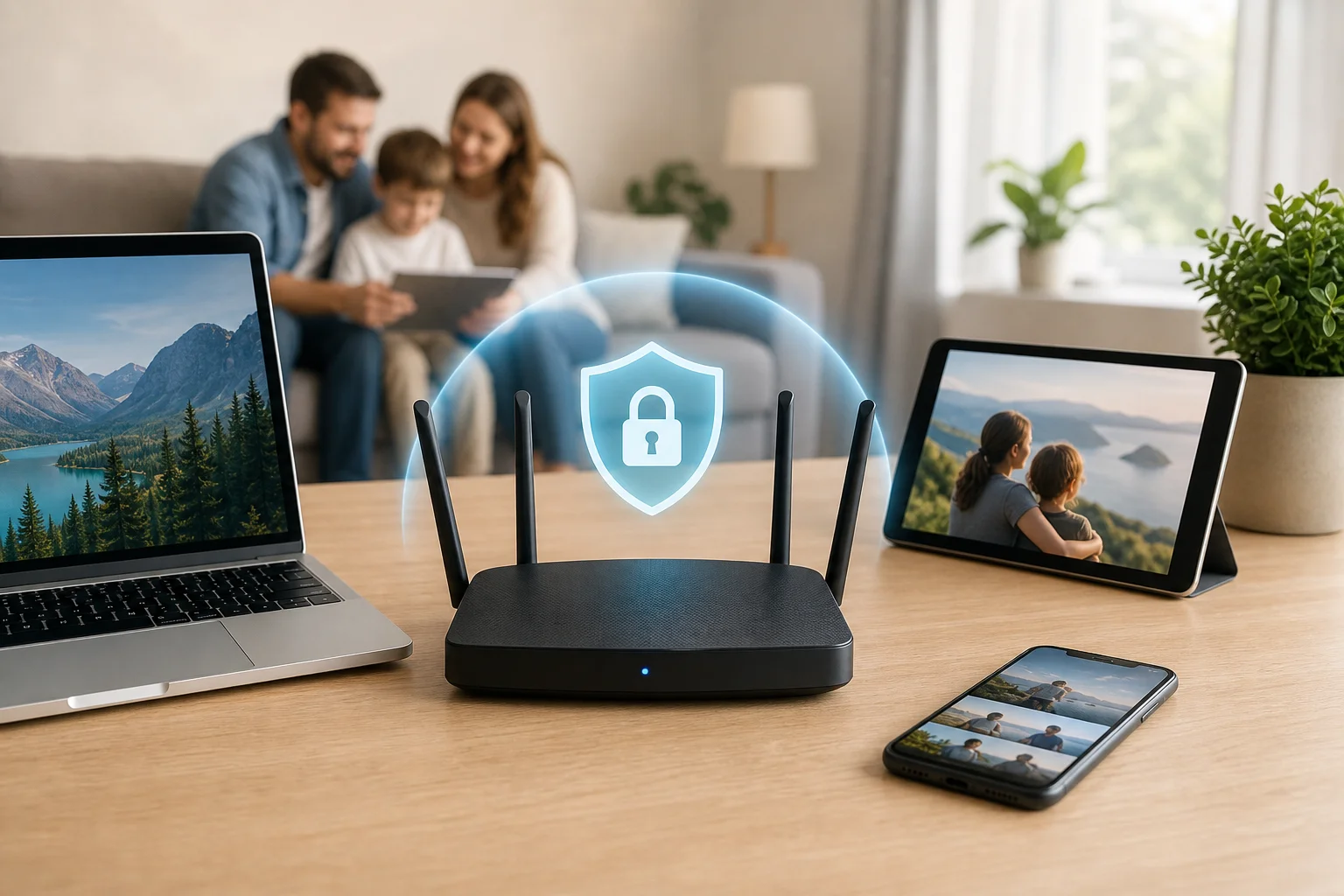
How do I install a VPN on my Wi-Fi router?
Begin by choosing a VPN that supports router installation, such as BeFreeVPN. Not every VPN service provides router configuration files or clear instructions, so this choice matters. Before changing settings, check your router model, firmware version, and whether it supports VPN client mode.
Here is a simple step-by-step process:
-
Choose a router-compatible VPN provider
Select a VPN that offers router setup guidance and the configuration details your router needs. These may include server addresses, usernames, passwords, certificates, or OpenVPN configuration files. -
Confirm your router supports VPN client settings
Log in to your router's admin panel and look for settings such as “VPN client,” “OpenVPN client,” “WireGuard,” “PPTP,” or “L2TP.” For modern security, OpenVPN or WireGuard is usually preferred when available. -
Access the router admin panel
Open a web browser and enter your router's local address. Common examples include192.168.0.1or192.168.1.1. Sign in with your admin username and password. If you have never changed the default password, update it before proceeding. -
Locate the VPN settings
Router menus vary by brand. Look under sections such as “Advanced,” “Internet,” “WAN,” “Security,” or “VPN.” If you cannot find VPN client settings, check the router manual or the manufacturer's support site. -
Enter the VPN configuration details
Follow the provider's specific instructions for your router model. Add the required server address, protocol, login credentials, certificates, or uploaded configuration file. Save the settings. -
Connect and test the VPN
Start the VPN connection from the router interface. Then visit an IP-checking website from a connected device to confirm that your visible IP address has changed. -
Set basic safety preferences
If available, enable features such as auto-reconnect, DNS leak protection, and a kill switch or traffic-blocking option. These settings help keep devices protected if the VPN connection drops.
If anything stops working, revert only the last change and test again. Router setup can differ widely, so it is better to move slowly than to change multiple settings at once.
Can I install a VPN on any Wi-Fi router?
No. Not all routers support VPN configurations. Some basic routers supplied by internet service providers only support VPN passthrough, which means they allow VPN apps on devices to connect through the router. That is not the same as running the VPN directly on the router.
To check compatibility, look for these features:
| Router feature | Why it matters |
|---|---|
| VPN client mode | Lets the router connect to the VPN service directly |
| OpenVPN or WireGuard support | Provides stronger modern VPN protocol options |
| Custom DNS settings | Helps route DNS requests more privately |
| Sufficient CPU and memory | Improves speed when encrypting traffic |
| Firmware update support | Adds security fixes and sometimes new VPN features |
If your router does not support VPN client settings, you still have options. First, check whether a firmware update from the manufacturer adds VPN support. Second, consider custom firmware like DD-WRT or Tomato if your model is supported. Custom firmware can unlock advanced VPN features, but it is not risk-free. Installing the wrong firmware can damage the router or void the warranty.
If your router is incompatible or too slow, a VPN-enabled router may be a worthwhile investment. This is especially useful for families with many devices, smart home products, or children who switch between tablets, phones, and gaming systems.
Will installing a VPN on my Wi-Fi router slow down my internet speed?
Yes, you should expect some reduction in speed because VPNs encrypt and route your traffic through a VPN server. However, the slowdown is often not significant for daily browsing, messaging, email, shopping, schoolwork, and streaming at normal quality.
The main factors that affect VPN router speed are:
- Router performance: Encryption takes processing power. Older or low-cost routers may struggle.
- VPN protocol: Some protocols are faster than others. WireGuard is often efficient when supported.
- Server distance: A server closer to your location usually provides better speed and lower latency.
- VPN server load: Busy servers may respond more slowly.
- Your base internet speed: A VPN cannot make a slow connection fast.
To minimize slowdown, invest in a high-quality VPN and a robust router. Also, choose servers geographically closer to you when possible. If your router allows split tunneling or policy-based routing, you may be able to send only selected devices through the VPN while keeping other traffic on your normal connection.
For most households, the goal is balance. You want strong encryption and privacy without making everyday internet use frustrating.
Is it true that a VPN on a router ensures safety for my children's devices?
Yes, a VPN on your router protects all connected devices, including smartphones, tablets, laptops, game consoles, and some smart TVs. Once the router VPN is active, devices connected to that Wi-Fi network can use the encrypted connection without needing separate VPN apps.
This helps in several ways:
- It encrypts traffic between your home network and the VPN server.
- It hides your household's public IP address from websites and online services.
- It can reduce exposure on devices that do not support VPN apps.
- It helps protect children’s devices when they connect at home.
However, a VPN is not a complete parental control system. It does not replace content filters, safe search settings, screen time rules, or conversations about online behavior. Parents should still monitor online activity in an age-appropriate way and educate children on internet safety.
For example, children should learn not to share personal details, click suspicious links, download unknown files, or talk to strangers in games and social apps. A VPN improves privacy and security, but guidance and supervision remain essential.
Does a router VPN block harmful websites automatically?
Usually, no. A router VPN encrypts traffic and masks your IP address. It may not block harmful websites unless the VPN provider includes filtering features or you use separate DNS-based parental controls. For family safety, combine the VPN with browser safety settings, device controls, and trusted content filters.
Why should I choose a VPN for my Wi-Fi router instead of individual devices?
A VPN on a router is ideal when you want one-time setup for many devices. Instead of installing and configuring a VPN app on each phone, laptop, tablet, and smart TV, the router handles the connection for the whole Wi-Fi network.
Here are the main benefits:
- One setup covers many devices: This reduces hassle and avoids repeated configuration.
- Better protection for families: Multiple people can connect without needing to remember to open a VPN app.
- Support for devices without VPN apps: Smart TVs, consoles, and some connected devices may benefit from router-level protection.
- Fewer accidental gaps: Devices are protected whenever they use the VPN-enabled Wi-Fi network.
- Simpler household management: Parents can manage the VPN from one router dashboard.
There are also a few trade-offs. Changing VPN server locations can be less convenient on a router than in a mobile app. Also, if you take a phone or laptop outside the home, the router VPN no longer protects it. In that case, installing the VPN app on portable devices is still useful.
A practical approach is to use both methods. Set up the VPN on your Wi-Fi router for home coverage, then install VPN apps on devices that leave the house. This gives your family more consistent protection at home and on public Wi-Fi.
Final thoughts
A vpn for wi-fi router install can be a smart way to secure family browsing, protect multiple devices, and simplify privacy at home. The key is to choose a compatible VPN, confirm your router supports VPN client settings, follow the provider's instructions carefully, and test the connection after setup.
Ready to protect your family online? Install BeFreeVPN on your router for free, no registration needed, and enjoy secure browsing on all devices effortlessly.