4 posts tagged with "security"

View All Tags

Why choose the best rated VPN 2026 for privacy and security

· 9 min read

With digital threats evolving every day, choosing the best rated VPN in 2026 could be your frontline defense for privacy. If you are searching for the best rated VPN 2026, this beginner-friendly guide will help you understand what matters most: personal data protection, simple setup, strong encryption, and privacy-first features. You do not need to be technical to make a smart choice. You only need to know what a VPN does, what it cannot do, and which features are worth trusting.
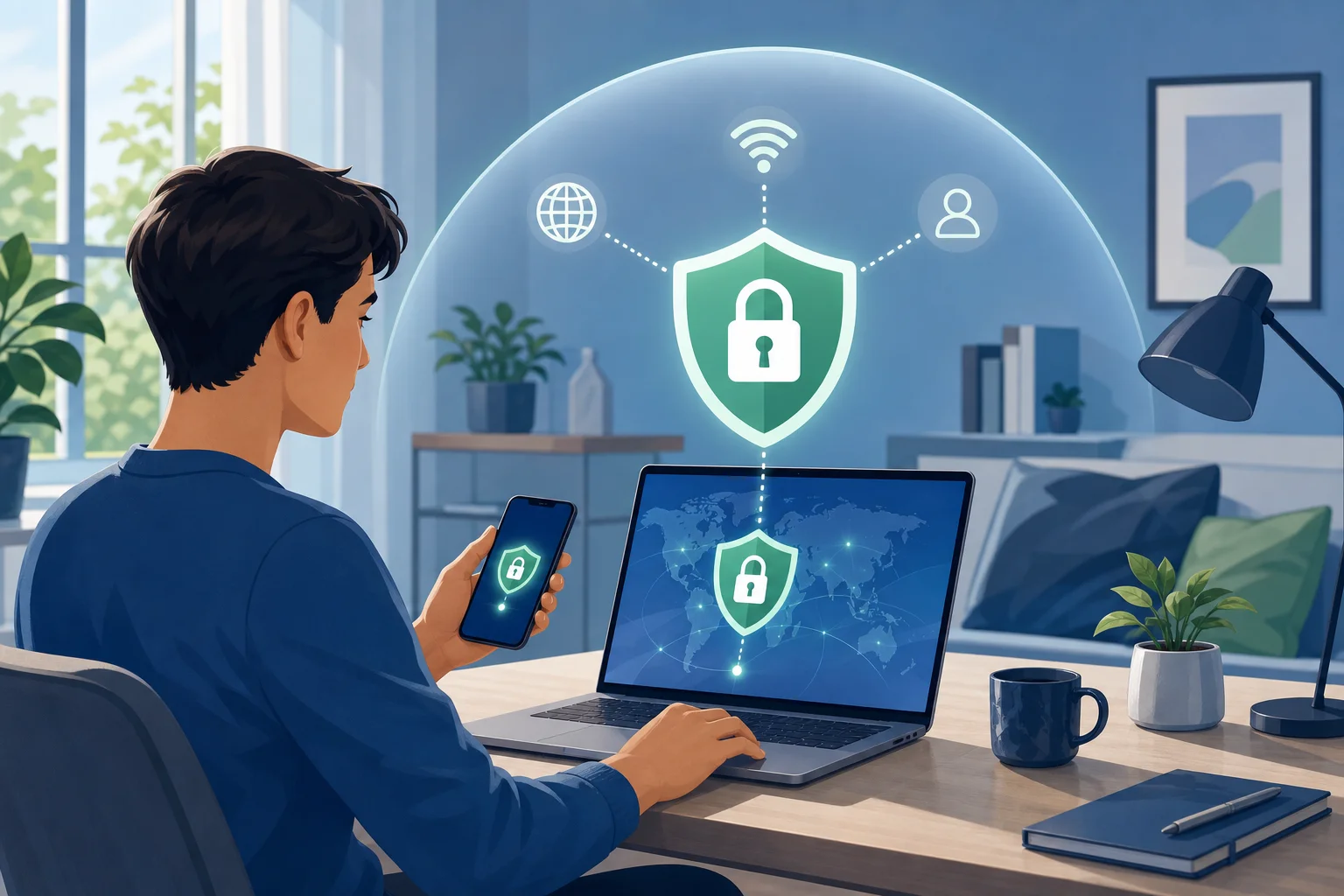
best rated VPN privacy protection

What Is a VPN and Why Does It Matter in 2026?

A VPN, or virtual private network, is a tool that creates a secure connection between your device and the internet. Instead of sending your traffic directly through your internet provider or a public Wi-Fi network, a VPN routes it through an encrypted tunnel. This makes it harder for outsiders to see what you are doing online.

In simple terms, a VPN helps protect three important things:

  • Your location: It can mask your real IP address.
  • Your browsing activity: It can reduce tracking by networks and third parties.
  • Your personal data: It can help protect information sent over unsafe connections.

This matters more in 2026 because everyday internet use has become more connected. People manage bank accounts, medical portals, work documents, shopping profiles, cloud storage, and private messages across multiple devices. At the same time, threats have become more targeted. Fake Wi-Fi hotspots, phishing pages, device tracking, data brokers, credential theft, and invasive advertising all create privacy risks.

A VPN is not magic. It will not stop every scam, remove malware, or make you completely anonymous. However, it is a practical privacy layer. For beginners, that layer can make a big difference, especially when using public Wi-Fi in airports, hotels, cafés, coworking spaces, or schools.

Why Privacy Is the Key Feature of the Best Rated VPNs in 2026

Speed and streaming access often get attention, but privacy should be the core reason to use a VPN. The best rated VPNs in 2026 are not just fast. They are designed to limit how much personal information is exposed, collected, or stored.

Online privacy matters because your data can reveal more than you think. Your IP address can suggest your city, internet provider, and browsing patterns. Your traffic can show which services you use. Over time, trackers can build profiles based on your habits, interests, location, and devices.

A privacy-focused VPN helps reduce that exposure. Here are the features beginners should understand.

Key privacy features to look for

  • Strong encryption: This scrambles your internet traffic so it is difficult to read if intercepted.
  • No-log policy: A good VPN should clearly state that it does not keep records of your browsing activity.
  • Kill switch: If the VPN connection drops, this feature can block internet traffic to prevent accidental exposure.
  • DNS leak protection: This helps make sure your web requests stay inside the VPN tunnel.
  • Modern VPN protocols: Protocols such as WireGuard or OpenVPN are commonly used for secure, reliable connections.
  • Transparent privacy policy: The provider should explain what data it collects, why it collects it, and how long it keeps it.

These features protect personal data by reducing weak points. For example, encryption helps defend against snooping on public Wi-Fi. A kill switch reduces the chance of your real IP address appearing if the connection fails. A no-log approach limits the amount of information that could be exposed if a provider receives data requests or suffers a breach.

For beginners, the main idea is simple: choose a VPN that collects as little as possible and explains its privacy practices clearly.

How Beginners Can Choose the Best Rated VPN in 2026

Choosing a VPN can feel confusing because many services use similar words: secure, private, fast, unlimited, anonymous. Instead of trying to compare every technical detail, use a simple checklist.

Step-by-step VPN checklist for beginners

  1. Start with privacy, not price. A cheap VPN is not a good deal if it tracks too much data or has unclear policies.
  2. Check the no-log policy. Look for clear wording about browsing history, IP addresses, connection timestamps, and retained data.
  3. Look for strong encryption. The VPN should use trusted encryption and modern protocols.
  4. Confirm there is a kill switch. This is important for preventing accidental data leaks.
  5. Review ease of use. A beginner-friendly VPN should connect in a few taps and make settings easy to understand.
  6. Check device support. Make sure it works on the devices you use most, such as phones, laptops, tablets, or browsers.
  7. Read the privacy policy. Avoid providers that make vague claims or hide important details.
  8. Look for reliable support and updates. A VPN should improve as threats change.

Beginner comparison table: what matters most

FeatureWhy it mattersBeginner tip
No-log policyLimits stored activity dataPrefer clear, simple privacy wording
EncryptionProtects traffic from snoopingLook for modern protocols and secure defaults
Kill switchPrevents exposure if VPN disconnectsTurn it on if available
User-friendly appReduces setup mistakesChoose simple controls over complex menus
DNS leak protectionKeeps requests inside the VPN tunnelUse built-in leak protection when offered
Regular updatesFixes bugs and security issuesAvoid abandoned or outdated apps

Common beginner concerns

Many new users worry that a VPN will be hard to set up. In most cases, it is not. A good VPN app should let you choose a server and connect with one button. You may also wonder whether a VPN slows down your internet. Some slowdown is possible because traffic is encrypted and routed through a VPN server, but a well-built service should still feel smooth for browsing, messaging, and everyday use.

Another common question is whether a free VPN is safe. Some free VPNs may limit speed, locations, or features. Others may collect more data than expected. Always read the privacy policy before trusting any VPN, free or paid.

What Makes a VPN Best Rated in 2026 for Data Protection?

A VPN becomes best rated for data protection when it combines strong technology with trustworthy behavior. Ratings should not be based only on marketing claims. They should consider how well the VPN protects user data in real-world situations.
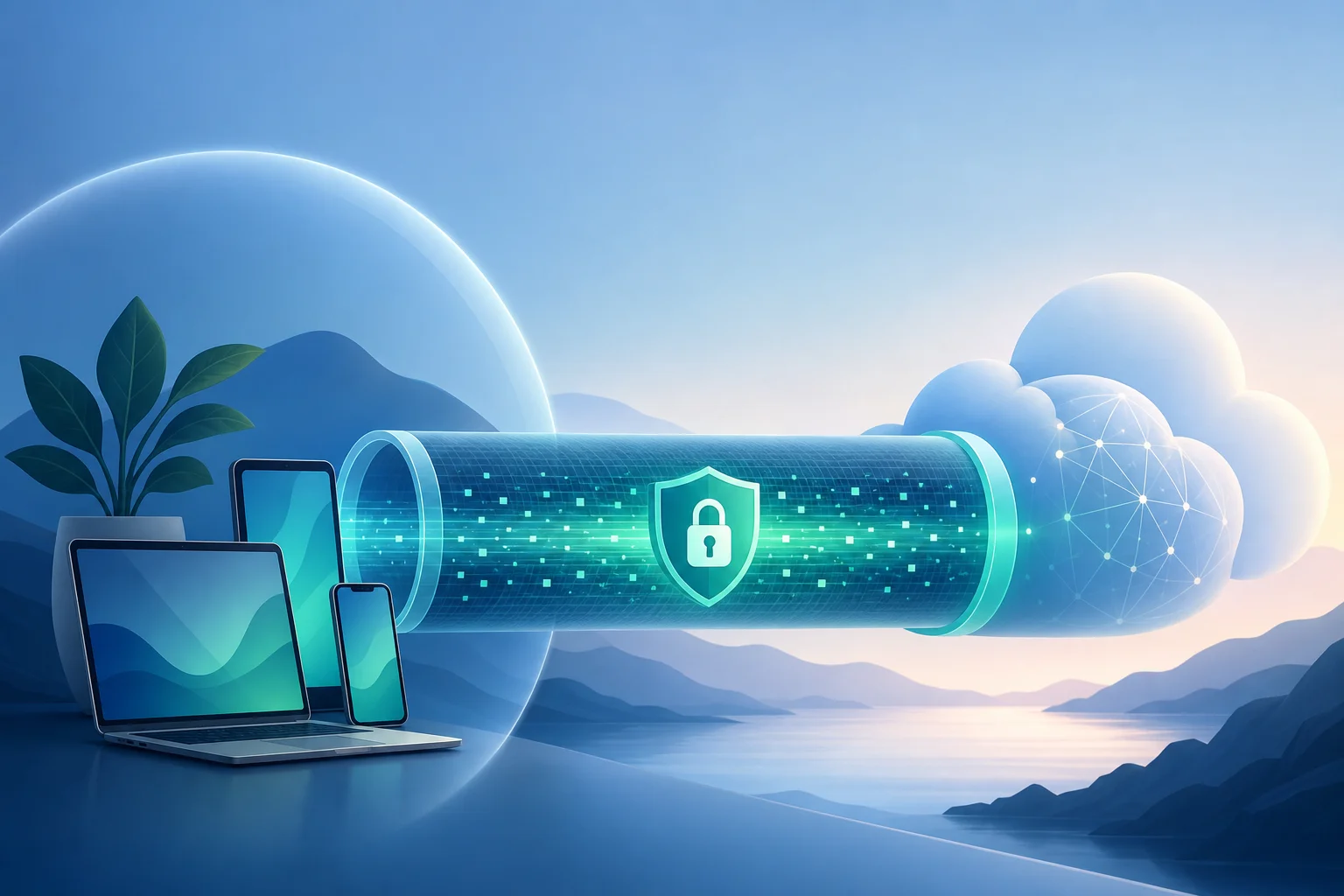
VPN data protection encryption

Core criteria for data protection

Encryption quality: Strong encryption helps protect your traffic from interception. This is especially useful on shared networks where attackers may try to monitor activity.

No-log policies: A no-log policy means the provider does not store details about what you do online. The best policies are specific, easy to read, and supported by transparency reports or independent audits when available.

Leak prevention: Even with a VPN enabled, leaks can happen if DNS requests or IP details escape the encrypted tunnel. Data-protection-focused VPNs include tools to prevent this.

Security updates: Threats change. A VPN that was secure years ago may not be enough today if it is not maintained. Regular app updates, protocol improvements, and quick bug fixes matter.

Support and documentation: Beginners need clear help. Good support pages explain setup, privacy settings, troubleshooting, and security options in plain language.

Minimal data collection: Some services collect account details, device data, payment information, or diagnostics. The best privacy-focused VPNs collect only what is necessary to run the service.

Encryption and no-log policies explained simply

Encryption is like placing your internet traffic in a locked box before it travels across the network. Anyone who sees the box cannot easily read what is inside. A no-log policy is different. It is about what the VPN provider records after your traffic passes through its systems.

Both matter. Encryption protects data in motion. A no-log policy helps protect your activity history. Together, they form the foundation of a safer VPN experience.

Why continuous updates matter

In 2026, digital security is not a one-time setup. Devices, operating systems, browsers, and attack methods keep changing. A reliable VPN provider should update its apps, improve stability, patch vulnerabilities, and keep security features compatible with modern devices.

For beginners, this means you should avoid old apps that rarely update. A VPN that actively maintains its service is better positioned to protect your personal data over time.

FAQ: Best Rated VPN 2026 Questions Beginners Ask

Is a VPN enough to protect all my privacy online?

No. A VPN is an important privacy tool, but it is not complete protection by itself. You should also use strong passwords, enable two-factor authentication, avoid suspicious links, and keep your devices updated.

Should I keep my VPN on all the time?

For most beginners, keeping the VPN on during browsing, public Wi-Fi use, travel, and sensitive account access is a smart habit. If an app or website does not work correctly, you can troubleshoot by changing servers or checking settings.

What is the most important VPN feature for beginners?

Privacy-friendly design is the most important. Look for a clear no-log policy, strong encryption, a kill switch, and an app that is easy to use. Simple controls reduce mistakes.

Can a VPN protect me on public Wi-Fi?

Yes, a VPN can help protect your traffic on public Wi-Fi by encrypting your connection. This makes it harder for others on the same network to monitor your activity. Still, avoid entering sensitive information on suspicious websites.

How do I know if a VPN is trustworthy?

Read the privacy policy, check whether the provider explains its data practices clearly, and look for signs of active maintenance. Trustworthy VPNs avoid vague promises and give users control over privacy settings.

Final Thoughts: Choose Privacy Before Convenience

The best rated VPN 2026 for beginners is not just the one with the loudest advertising or the longest feature list. It is the one that makes privacy easy to understand and simple to use. Focus on strong encryption, a clear no-log policy, leak protection, regular updates, and a clean interface. These basics help protect your personal data without forcing you to become a security expert.

Start protecting your personal data today by exploring BeFreeVPN, where privacy is paramount, and registration is never required.

Unveiling the best paid VPNs of 2026: a comprehensive guide

· 17 min read

Navigating digital restrictions requires the right tools—discover which paid VPNs in 2026 are worth your consideration. This deep dive into the best paid vpn 2026 options focuses on security architecture, protocol choice, audit posture, performance reliability, and, most importantly, how premium VPN services help users bypass censorship in restrictive regions without sacrificing too much speed or usability.

A paid VPN is not magic. It cannot make unsafe behavior safe, and it cannot guarantee access in every country or network. However, the right service can hide DNS queries, encrypt traffic over hostile networks, rotate exit locations, and use obfuscation to make VPN traffic harder to identify. For advanced users, the best choice depends less on advertising claims and more on protocol design, operational transparency, server reach, and resilience against blocking.

best paid vpn protocol comparison

1. Understanding VPN Protocols in 2026

VPN protocols define how your device builds an encrypted tunnel to a remote server. In 2026, the market is still shaped by a few core technologies: WireGuard, OpenVPN, IKEv2/IPsec, and proprietary protocol variants built on similar cryptographic principles.

WireGuard: fast, lean, and widely adopted

WireGuard remains the default performance choice for many paid VPNs. It uses modern cryptography, including ChaCha20 for symmetric encryption, Poly1305 for authentication, Curve25519 for key exchange, and BLAKE2s for hashing. Its small codebase is easier to audit than older protocols, and it reconnects quickly when users switch between Wi-Fi and mobile networks.

However, classic WireGuard has a privacy design challenge: servers need to know which public key belongs to which internal VPN IP address. Reputable providers address this with double NAT systems, ephemeral key handling, or custom account-token layers. Advanced users should check how a provider implements WireGuard rather than assuming all WireGuard deployments are equal.

OpenVPN: mature and flexible

OpenVPN remains important because it is highly configurable and battle-tested. It can run over TCP or UDP and can be wrapped in additional layers to look more like ordinary HTTPS traffic. Its common encryption stack includes AES-256-GCM or AES-256-CBC with HMAC-based integrity, depending on configuration.

The downside is performance. OpenVPN usually has more overhead than WireGuard. Still, in restrictive networks, its flexibility matters. OpenVPN over TCP 443 can sometimes pass where raw WireGuard is blocked, although sophisticated censorship systems may still detect it.

IKEv2/IPsec: stable for mobile, weaker for stealth

IKEv2/IPsec is reliable on mobile devices because it handles network changes well. It can be useful for users who frequently move between cellular and Wi-Fi. Yet it is not usually the best protocol for bypassing censorship. IPsec traffic has recognizable patterns and can be easier to block on restrictive networks.

Proprietary and stealth protocols

Many leading services now offer branded protocols. Examples include NordVPN’s NordLynx, ExpressVPN’s Lightway, and obfuscation modes from providers such as Proton VPN, Surfshark, and others. These protocols vary. Some are built around WireGuard. Others use TLS-like handshakes or custom transport layers.

The key question is not whether a protocol is proprietary. The question is whether its design has been publicly documented, independently audited, and tested under censorship pressure.

Protocol comparison for censorship resistance

ProtocolMain strengthCommon weaknessBest use case
WireGuardHigh speed, low latency, modern cryptoEasier to fingerprint unless obfuscatedStreaming, gaming, general secure browsing
OpenVPN UDPReliable security, broad compatibilitySlower than WireGuardGeneral privacy and fallback connectivity
OpenVPN TCP 443Can mimic HTTPS portsTCP-over-TCP can reduce speedNetworks blocking most VPN traffic
IKEv2/IPsecStable roaming on mobileOften identifiable and blockableMobile users on normal networks
Stealth/obfuscated modesBetter at bypassing censorshipMay reduce speed and transparencyHigh-censorship regions

For users in restrictive regions, the strongest setup is often not the fastest protocol. It is the protocol that survives active probing, deep packet inspection, DNS tampering, and IP blocking.

2. Top Features to Look for in a Paid VPN

A premium VPN should earn its subscription fee through verifiable privacy practices, robust infrastructure, and tools that work under pressure. The following features matter most in 2026.

No-log policies and data protection

A no-log policy should be more than a slogan. Look for providers that clearly state what they do not collect: browsing history, DNS queries, source IP addresses, connection timestamps tied to accounts, and traffic content. Also check what they do collect, such as payment records, device counts, app diagnostics, or bandwidth totals.

The strongest services support privacy-friendly payment methods, minimal email requirements, diskless or RAM-only servers, and regular third-party audits. A legal jurisdiction with strong due process can help, but jurisdiction alone is not enough. Technical design matters more than marketing.

Speed and server availability worldwide

Server count is useful, but location quality matters more. A provider with fewer well-maintained servers may outperform a larger network with congested locations. Advanced users should inspect:

  • Physical versus virtual server locations.
  • Availability of nearby exit nodes.
  • IPv6 support or IPv6 leak protection.
  • DNS resolver ownership.
  • Multi-hop routing options.
  • Consistency during regional peak hours.

For censorship bypass, nearby uncensored countries are often critical. A user in a restrictive region may benefit from stable servers in neighboring jurisdictions because distance affects latency.

Split tunneling and advanced routing

Split tunneling lets some apps use the VPN while others connect directly. It improves usability and can reduce suspicion on networks where all-VPN traffic is unusual. For example, a user may route a browser, messaging app, and DNS through the VPN while allowing local banking or work tools to remain outside the tunnel.

Advanced split tunneling should support both app-based and IP-based rules. On desktop systems, command-line or configuration-file support is a major advantage.

Kill switch, DNS control, and leak prevention

A kill switch blocks internet traffic if the VPN disconnects. This is essential in high-risk environments. The best implementations are firewall-based, not just app-level toggles. DNS leak protection is equally important. If your DNS requests go to a local ISP while your browser traffic goes through a VPN, censorship systems may still infer what you are trying to access.

Obfuscation and bridge-like access

In countries that block known VPN protocols, obfuscation is a core requirement. Look for stealth servers, alternative ports, domain fronting-style techniques where legally and technically available, or bridge-like connection methods. Because censorship changes quickly, a provider’s ability to update infrastructure matters as much as the feature itself.

3. Evaluating the Best Paid VPNs: 2026 Edition

There is no single best VPN for everyone. The best paid VPN service for censorship resistance may not be the best for torrenting, gaming, streaming, or enterprise travel. The following evaluation focuses on advanced users who need strong privacy, credible security design, and practical access in restricted networks.

paid vpn comparison dashboard

Comparison of leading paid VPNs

VPN serviceStrongest fitSecurity postureCensorship-bypass notes
Proton VPNPrivacy-focused users and activistsOpen-source apps, public security posture, audit historyStealth protocol and Secure Core routing are useful in hostile networks
MullvadAnonymous account model and minimal identity exposureStrong transparency, numbered accounts, independent auditsExcellent privacy model, but streaming and some restricted networks may vary
IVPNAdvanced users who value simplicity and transparencyStrong anti-tracking stance, open-source apps, audit historyGood controls, multi-hop, but smaller network than mass-market VPNs
NordVPNBroad server reach and high performanceNordLynx, RAM-only infrastructure claims, audit historyObfuscated servers and wide geography help in many regions
ExpressVPNUsability, travel, broad device supportTrustedServer RAM-based architecture claims, Lightway protocolLightway and obfuscation can help, but performance depends on region
SurfsharkMulti-device households and broad feature setWireGuard, rotating IP options, audit historyNoBorders and camouflage-style modes target restrictive networks

This table is not a permanent ranking. VPN infrastructure changes. A blocked provider can become effective again after adding new IP ranges or stealth transports. Conversely, a previously reliable VPN can degrade when censors identify its servers.

Proton VPN

Proton VPN is a strong candidate for users who prioritize privacy engineering. Its ecosystem is built around security-conscious users, and its apps have been open source. Features such as Secure Core route traffic through hardened jurisdictions before exiting elsewhere. This adds latency but can reduce exposure to compromised exit regions.

For censorship, Proton’s stealth-oriented protocol support is a key advantage. Users in restrictive networks should test multiple profiles: WireGuard for speed, stealth mode for blocking resistance, and Secure Core for higher-risk sessions.

Mullvad

Mullvad stands out because it does not require a traditional user account. Users receive an account number, and the service supports privacy-preserving payment options. This reduces identity linkage. Mullvad also appeals to advanced users because of its transparent technical documentation and strong desktop controls.

Its main trade-off is convenience. It may not be the best choice for users who need streaming access or hand-holding. In censorship-heavy environments, its success can vary by country and protocol. Still, for privacy minimalism, it remains one of the strongest paid VPN options.

IVPN

IVPN is known for a focused product and clear privacy posture. It offers multi-hop routing, anti-tracker features, and open-source clients. Its network is smaller than the largest commercial VPNs, but that can be acceptable for users who value quality over size.

For advanced users, IVPN’s strength is predictable behavior. It avoids excessive feature bloat and offers strong configuration clarity. Users in restrictive areas should confirm nearby server availability before committing to a long plan.

NordVPN

NordVPN is often considered when users want a large server network, strong speeds, and specialized modes. NordLynx, its WireGuard-based protocol, is designed to combine performance with privacy-preserving account handling. Its obfuscated servers are relevant for censorship bypass.

The main advantage is reach. A large network can provide more fallback options when specific IP ranges are blocked. However, users should test performance from their actual region, because advertised global coverage does not guarantee local reliability.

ExpressVPN

ExpressVPN focuses on usability and broad platform support. Its Lightway protocol is designed for fast connections and stable roaming. The provider’s RAM-based server architecture is intended to reduce persistent data exposure on servers.

For travelers and non-specialist users in restrictive regions, ExpressVPN can be practical because its apps are simple and consistent. Advanced users may want deeper configuration options than it exposes by default.

Surfshark

Surfshark is attractive for users who need many devices under one subscription. It includes features such as split tunneling, rotating IP, and modes intended to work on restrictive networks. It is often chosen by families, small teams, and users with multiple phones, laptops, and browser profiles.

Its value depends on whether its servers remain fast in your region. Like other large VPNs, the best results usually come from testing several nearby countries and protocols.

How to choose among them

Use this step-by-step selection process:

  1. Define your threat model. Are you avoiding ISP tracking, workplace filtering, state censorship, or targeted surveillance?
  2. Identify nearby uncensored regions. Prioritize providers with reliable servers close to you.
  3. Check stealth options. If VPN blocking is common, require obfuscation or stealth modes.
  4. Verify audit and app transparency. Prefer open-source clients or recently audited apps.
  5. Test before committing. Use monthly plans or trial periods before buying a long subscription.
  6. Prepare fallback paths. Install more than one protocol profile before entering a restrictive region.

4. Performance Tests: Speed and Reliability

Performance claims are hard to compare because every network path is different. A meaningful VPN speed test must control variables and repeat measurements.

Testing methodology

For advanced users, a practical methodology looks like this:

  1. Establish a non-VPN baseline on the same network.
  2. Test at least three protocols: WireGuard, OpenVPN UDP, and stealth mode if available.
  3. Use nearby, regional, and long-distance servers.
  4. Measure download speed, upload speed, latency, jitter, and packet loss.
  5. Repeat tests during morning, evening, and peak local hours.
  6. Test real tasks, not only speed-test sites: video calls, SSH, large file transfer, and web browsing.

This approach reveals more than headline download speed. For censorship bypass, connection establishment time and tunnel stability may matter more than raw throughput.

High-traffic behavior

During high traffic, VPN servers can suffer from congestion, routing instability, or rate-limiting by upstream providers. The best paid VPNs manage this with capacity planning, server load balancing, and fast IP replacement when blocks occur.

WireGuard-based protocols often maintain better speeds under load. Yet stealth protocols may be slower because they add extra wrapping to evade detection. That trade-off is acceptable when the alternative is no access at all.

Peak-hour consistency

Peak hours are where weaker services fail. A VPN that works at 2 a.m. but drops repeatedly at 8 p.m. is not reliable. Track three indicators:

  • Reconnect frequency: how often the tunnel drops.
  • Server switching success: how quickly you can move to another server.
  • DNS consistency: whether DNS queries stay inside the tunnel after reconnects.

If you are in a high-censorship area, also test whether the provider’s app can fetch server lists when partially blocked. Some VPNs fail not because the tunnel cannot work, but because the app cannot reach its own control infrastructure.

5. Bypassing Censorship: A Strategic Approach

Censorship systems use multiple layers. They may block DNS, poison routing, filter SNI fields, detect protocol fingerprints, throttle suspicious flows, or block known VPN IP ranges. Therefore, the best paid VPN 2026 strategy is layered rather than dependent on one feature.

vpn bypassing censorship strategy

Technical challenges

The most common obstacles are:

  • DNS manipulation: local resolvers return false or empty results.
  • IP blocking: known VPN server addresses are blocked.
  • Deep packet inspection: traffic patterns reveal VPN protocols.
  • Active probing: censors connect to suspected servers to confirm VPN behavior.
  • App-store restrictions: users cannot download VPN apps when already inside the restricted region.

A paid VPN helps when it offers private DNS, rotating infrastructure, stealth protocols, and direct configuration files. However, users should prepare before travel or before a censorship event escalates.

2026 adaptations against new restrictions

VPN providers increasingly rely on adaptive transports, rotating entry points, RAM-only infrastructure, and better server discovery methods. Some services also offer alternative domains, manual WireGuard configs, or bridge-style access paths.

Still, no provider can guarantee access everywhere. In the most restrictive environments, users may need several tools: a paid VPN, encrypted DNS, Tor bridges, secure messaging apps, and offline installation files.

Recommendations for high-censorship areas

Before entering a restrictive region:

  1. Install at least two VPN apps and export manual configurations.
  2. Save support pages, server lists, and setup guides offline.
  3. Enable the kill switch and DNS leak protection.
  4. Test stealth mode on a network that blocks standard VPN traffic.
  5. Keep a non-VPN communication channel for emergency updates.
  6. Avoid discussing sensitive activity over untrusted local services.

While connected:

  • Prefer stealth protocols over maximum-speed modes when blocking is active.
  • Use nearby uncensored countries first to reduce latency.
  • Rotate servers if speeds suddenly collapse.
  • Avoid logging into accounts that reveal identity unless necessary.
  • Keep software updated, but do not update from suspicious local mirrors.

The goal is not only access. The goal is controlled, stable, and low-leakage access.

6. Common Misconceptions About Paid VPNs

Paid VPNs are often misunderstood. Some myths exaggerate what they can do. Others dismiss real benefits.

Myth 1: A paid VPN makes you anonymous

A VPN hides your traffic from your local ISP and changes your visible IP address. It does not make you fully anonymous. Websites can still track browser fingerprints, account logins, cookies, payment identifiers, and behavioral patterns. For stronger anonymity, users need compartmentalization, hardened browsers, and sometimes Tor.

Myth 2: Free VPNs are always unsafe and paid VPNs are always safe

Payment does not automatically create trust. Some paid VPNs have poor policies, weak apps, or misleading claims. Likewise, a few free services are legitimate when supported by a transparent business model. The real question is incentives. If a provider has no clear revenue model, users should ask how infrastructure is funded.

Myth 3: VPN use is always illegal in restrictive countries

VPN legality varies by country. In some places, VPNs are legal for business and personal privacy. In others, only approved services are allowed, or use may be restricted. Users should understand local law and risk before connecting. Ethical use also matters. A VPN should protect privacy and access to information, not enable harm.

Myth 4: The most expensive VPN is the most secure

Price is not a security metric. A higher subscription may fund better infrastructure and support, but it may also fund advertising. Evaluate audits, technical documentation, protocol choices, and incident response history.

Myth 5: More servers always means better performance

A large network helps, but quality matters. Server load, routing, peering, censorship pressure, and DNS design all influence performance. For many users, three reliable nearby servers are more valuable than hundreds of distant ones.

FAQ: Best Paid VPNs in 2026

What is the best paid VPN for bypassing censorship in 2026?

There is no universal winner. Proton VPN, NordVPN, ExpressVPN, Surfshark, Mullvad, and IVPN are all credible options for different users. For heavy censorship, prioritize stealth protocols, nearby servers, leak protection, and the ability to install manual configurations.

Is WireGuard better than OpenVPN for restricted regions?

WireGuard is usually faster, but OpenVPN can be easier to disguise in some networks. If censorship is active, use WireGuard with obfuscation or a provider’s stealth mode. Keep OpenVPN TCP 443 as a fallback.

Should advanced users pay monthly or annually?

Start monthly if censorship resistance is your main goal. Test from your real network before buying a long plan. Annual plans can save money, but they are risky if the service becomes blocked in your region.

Can a VPN bypass every government firewall?

No. Strong censorship systems can block VPN websites, app infrastructure, protocols, and server IPs. A VPN improves your chances, especially with stealth features, but it should be part of a broader access strategy.

What matters more: audits or open-source apps?

Both help. Open-source apps allow public inspection, while audits provide structured third-party review. The strongest providers combine transparent clients, clear privacy policies, and repeated independent assessments.

Conclusion: Choosing the Best Paid VPN in 2026

The best paid VPNs of 2026 combine modern protocols, audited privacy claims, reliable global infrastructure, and practical censorship-bypass tools. For advanced users, the decision should start with threat modeling and regional testing, not brand popularity. Choose WireGuard or a modern equivalent for speed, use stealth modes when blocking appears, and verify that DNS, kill switch, and server discovery features work before you need them.

To ensure seamless, unrestricted internet access, try BeFreeVPN, a free service with no registration required that excels in bypassing regional restrictions.

Free private VPN with unlimited data: what to look for before you install

· 9 min read

A free private VPN with unlimited data sounds ideal: no monthly bill, no bandwidth cap, and more privacy on public Wi-Fi. However, not every free VPN is safe, private, or truly unlimited. This guide explains what “free,” “private,” and “unlimited” usually mean, which features matter most, what risks to avoid, and how to choose a VPN that protects your browsing without slowing you down or exposing your data.

VPN for home: a practical guide to safer, more private browsing

· 12 min read

A VPN for home can help protect your internet traffic, improve privacy on shared networks, and make everyday browsing safer across phones, laptops, tablets, and smart devices. This guide explains what a home VPN does, when it is useful, how to choose one, and how to set it up without overcomplicating your network. You will also learn the limits of VPN protection, so you can make a smart decision based on real needs rather than marketing claims.