39 posts tagged with "online-privacy"

View All Tags

Beginner's guide to VPN for router setup: protect your privacy

· 10 min read

Are you concerned about online privacy and looking to secure all your devices at once? Discover how setting up a VPN on your router can safeguard your entire network easily. This beginner’s guide to VPN for router setup explains what a router VPN does, why it can be useful at home, how to choose a compatible service, and how to configure it step by step without getting lost in technical jargon.
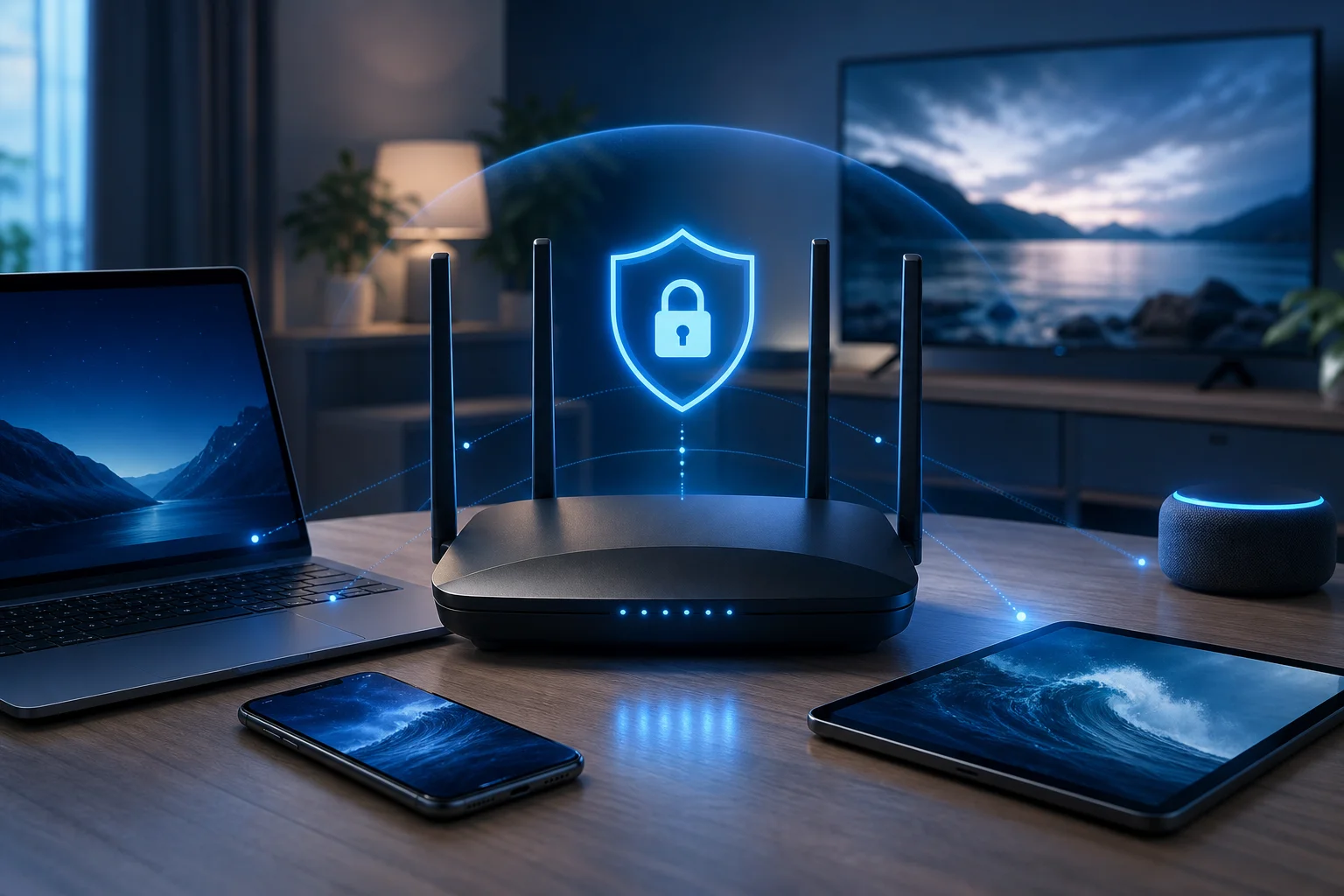
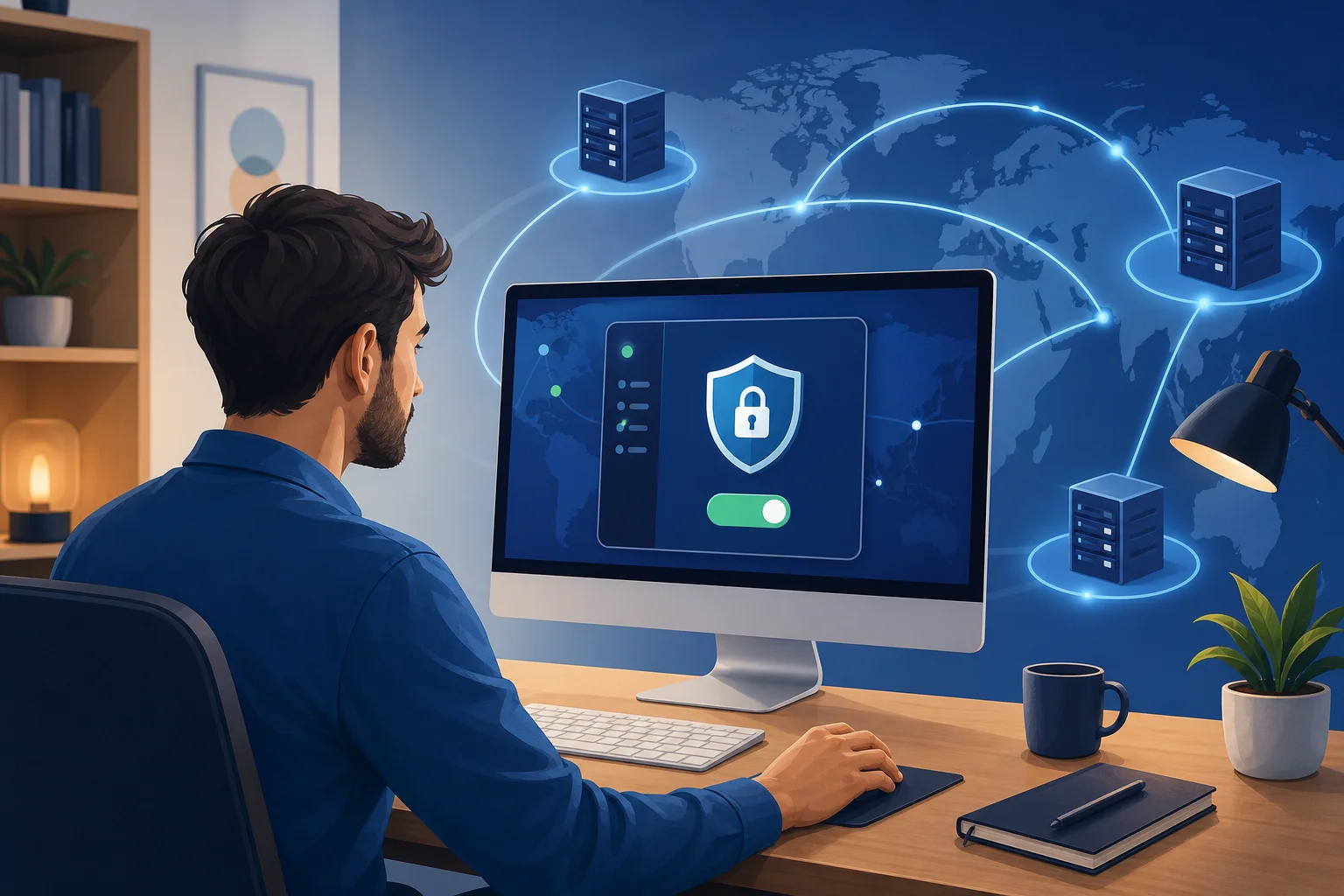
VPN for router setup protecting home devices

What is a VPN and how does it enhance router security?

A VPN, or Virtual Private Network, creates an encrypted tunnel between your device and a VPN server. Instead of sending your internet traffic directly through your internet service provider and then to websites or apps, the VPN routes that traffic through a secure server first.

When you install or configure a VPN on a single phone or laptop, only that device is protected. When you set up a VPN on your router, the router sends traffic from connected devices through the VPN tunnel. That can include phones, tablets, laptops, smart TVs, streaming boxes, game consoles, and some smart home devices.

VPN on a router vs. VPN on individual devices

Here is a simple comparison:

Setup optionBest forMain advantageMain limitation
VPN app on each devicePeople who use a few devicesEasy to turn on and off per deviceYou must install and manage every app separately
VPN on a routerHomes with many connected devicesCentral protection from one setupSetup depends on router compatibility
Both togetherUsers who travel and also want home protectionFlexible protection at home and awayRequires more management

A router VPN is especially helpful for devices that do not support VPN apps directly. For example, many smart TVs and consoles cannot run standard VPN apps, but they can still use the protected connection if they connect through a VPN-enabled router.

How VPNs protect personal data across your network

A VPN can help protect personal data by encrypting traffic between your network and the VPN server. This makes it harder for outsiders on the network path to inspect your browsing activity. It can also mask your home IP address from websites and apps, replacing it with the VPN server’s IP address.

However, a VPN is not a complete security solution by itself. You should still use strong passwords, keep router firmware updated, enable WPA2 or WPA3 Wi-Fi security, and avoid suspicious links. Think of a VPN as one important privacy layer in a broader home network security plan.

Why should you consider setting up a VPN on your router?

Setting up a VPN on your router can be a practical choice if you want simple, always-on protection for your home network. Instead of asking every family member to remember a VPN app, your router handles the connection in the background.

Centralized protection for all connected devices

The biggest benefit is centralized coverage. Once the router is configured, supported devices connected to that router can use the VPN connection automatically. This is useful for:

  • Families with many phones, laptops, and tablets
  • Smart TVs and media players that do not support VPN apps
  • Game consoles and other connected devices
  • Guests using your Wi-Fi network
  • Small home offices that need a simple privacy layer

This makes router-level VPN protection easier to maintain than installing separate apps on every device.

Increased privacy and data security

A VPN on your router can reduce how much browsing information is exposed to your internet provider and other parties along the connection path. It also helps hide your real IP address from websites and services you access.

In addition, router-level encryption is helpful when several devices share the same connection. Rather than protecting only one laptop, the VPN can secure traffic from many devices at once, depending on your router setup and VPN provider rules.

Ease of management with one setup

Managing privacy from one router dashboard can be simpler than checking multiple apps. You can usually choose a VPN server, update settings, and restart the connection from the router’s admin panel.

That said, router VPN setup is less flexible than app-based VPN use. If you want one device to use a different VPN location, you may need advanced settings such as split tunneling, policy-based routing, or a second Wi-Fi network. Beginners can start with a basic full-router setup and adjust later.

How to choose the right VPN for your router

Not every VPN service works well on routers. Before you subscribe or configure anything, check the provider’s router support pages and make sure your router model is supported.

Key features to look for in a VPN provider

A good VPN for router setup should offer:

  • Router compatibility: Clear setup guides for your router brand or firmware.
  • OpenVPN or WireGuard support: These are common VPN protocols used on routers.
  • Reliable server options: Choose a provider with server locations that match your needs.
  • Strong encryption: Look for modern, well-documented security standards.
  • Clear privacy policy: The provider should explain what data it collects and why.
  • Stable speeds: Router VPN performance depends on both the VPN and your router hardware.
  • Helpful support: Beginners benefit from step-by-step instructions and troubleshooting guides.

Compatibility with different router brands

Router VPN support varies widely. Some routers include VPN client settings in their default firmware. Others require custom firmware. Common router categories include:

  • ASUS routers: Many models include built-in VPN client features.
  • TP-Link routers: Some models support VPN clients, while others only support VPN passthrough.
  • Netgear routers: VPN support depends heavily on model and firmware.
  • GL.iNet routers: Many are designed with VPN use in mind and are beginner-friendly.
  • DD-WRT, OpenWrt, and Tomato routers: These custom firmware options can add advanced VPN features.

Before changing firmware, be careful. Installing unsupported firmware can damage your router or void its warranty. If you are new to this, choose a router with built-in VPN client support instead.

Importance of choosing a trustworthy VPN service

Your VPN provider can see some connection information because your traffic passes through its servers. That makes trust essential. Look for a provider that is transparent about privacy practices, offers secure protocols, and avoids confusing claims.

Also consider the account model. Some VPN services require registration, while others aim for simpler access. Choose the option that best matches your privacy expectations, technical comfort level, and device needs.

How to set up a VPN on your router: a step-by-step guide

The exact steps depend on your router and VPN provider. Still, the general process is similar for most router VPN setups.
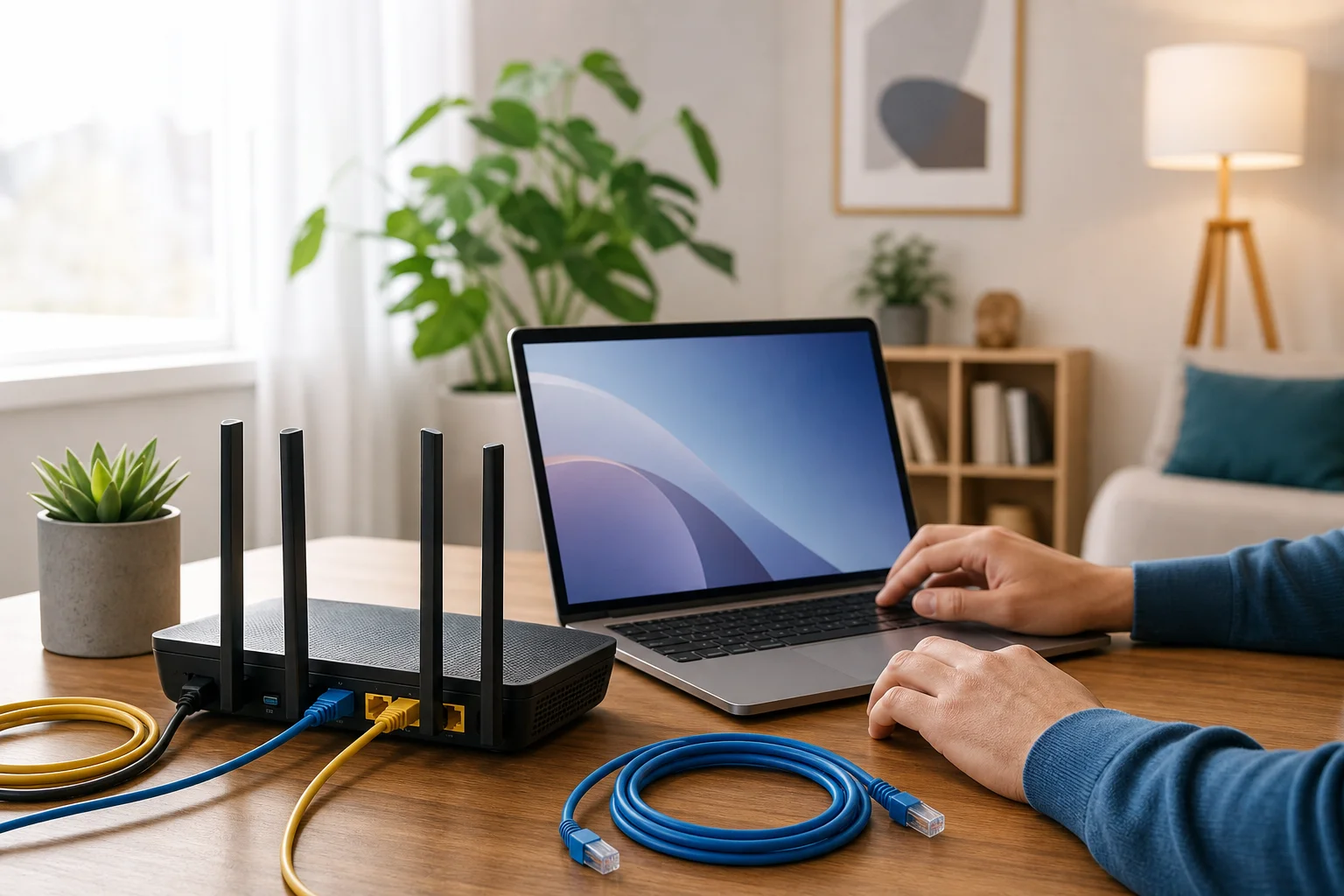
Router VPN setup steps on a home network

Step 1: Check router compatibility and firmware

Start by finding your router model number. It is usually printed on a label under the router or listed in the router admin page.

Then check:

  1. Whether the router supports VPN client mode.
  2. Which protocols it supports, such as OpenVPN or WireGuard.
  3. Whether your firmware is up to date.
  4. Whether your VPN provider offers configuration files for routers.

Important: “VPN passthrough” is not the same as “VPN client.” VPN passthrough allows devices behind the router to connect to a VPN app. A VPN client lets the router itself connect to the VPN.

Step 2: Sign in to your router admin panel

Open a browser and enter your router’s local address. Common addresses include 192.168.1.1, 192.168.0.1, or a custom address shown on your router label.

Log in with your admin username and password. If you still use the default admin password, change it before continuing. A strong router password is a basic security step.

Step 3: Find the VPN client settings

Look for a menu named something like:

  • VPN
  • VPN client
  • Advanced settings
  • Internet settings
  • Network settings
  • OpenVPN client
  • WireGuard client

If you only see “VPN server,” that means the router can accept incoming VPN connections, but it may not connect your home network to an outside VPN service.

Step 4: Add your VPN configuration

Your VPN provider should give you setup details. Depending on the router, you may need to:

  1. Upload an OpenVPN configuration file.
  2. Paste WireGuard keys and server details.
  3. Enter a server address.
  4. Add your VPN username and password if required.
  5. Choose whether all traffic should use the VPN.
  6. Save the profile.

Use the provider’s recommended settings if you are not sure. Beginners should avoid changing advanced encryption or routing options unless the provider’s guide tells them to.

Step 5: Connect and test the VPN

After saving the profile, click connect or enable. Wait for the router to show a connected status.

Next, test the setup:

  • Visit an IP-checking website and confirm the visible IP address changed.
  • Open a few websites to confirm browsing works.
  • Test a phone, laptop, and smart TV if available.
  • Restart the router once to make sure the VPN reconnects correctly.

If your internet becomes slower, try a nearby VPN server or a lighter protocol if your router supports it.

For ASUS routers, check the VPN client area in the admin interface. Many models allow OpenVPN profile uploads. Upload the configuration file, enter credentials if needed, activate the profile, and test your IP address.

For TP-Link routers, confirm that your exact model supports VPN client mode. Some TP-Link models only include VPN server or passthrough features. If VPN client mode is available, add the provider’s server details under the VPN client section.

For Netgear routers, support varies by firmware. Some users rely on custom firmware, but beginners should avoid flashing firmware unless they understand the risks. Check Netgear’s documentation and your VPN provider’s router guide first.

For GL.iNet routers, open the router dashboard, go to the VPN section, upload or paste the configuration, and connect. These routers are often easier for beginners because VPN features are usually built into the interface.

Troubleshooting common setup issues

Why is my router VPN not connecting?

Check your server address, username, password, configuration file, and system time. VPN connections can fail if the router clock is wrong or if the configuration file does not match the selected protocol.

Why is my internet slow after setting up a VPN on my router?

VPN encryption uses router processing power. Older routers may slow down. Try a closer server, update firmware, use WireGuard if available, or choose a router with a stronger processor.

Can I exclude one device from the router VPN?

Sometimes. You need a router that supports split tunneling or policy-based routing. If your router does not support this, you can connect that device to another network or use VPN apps per device instead.

Is a VPN on a router always on?

It can be. Most router VPN setups reconnect automatically after a restart, but you should test this. Some routers need an extra setting to reconnect after power loss or internet outages.

Take control of your router privacy

A VPN for router setup is a smart way to protect many devices from one place, especially if you want simple home network privacy without installing apps everywhere. Start by checking compatibility, choose a trustworthy VPN service, follow your router’s setup process carefully, and test the connection before relying on it.

Take control of your online privacy today by setting up BeFreeVPN on your router. Enjoy seamless protection for all your devices without the hassle of registration.
The ultimate guide to VPN for television with fast connection

· 18 min read

Why pay for a VPN when you can access fast, unrestricted television content for free? Discover how to optimize your TV viewing experience with BeFreeVPN. If you are looking for a VPN for television with fast connection, this guide explains how VPNs work, how to set one up on a smart TV or streaming device, and how to tune your connection for smoother, more private streaming.

A VPN can help protect your viewing activity, reduce exposure on shared networks, and make television apps work more consistently when you travel. However, speed matters. A slow VPN can cause buffering, lower video quality, and frustrating pauses. The goal is not just to connect your TV to a VPN. The goal is to connect it in a way that keeps streaming stable.

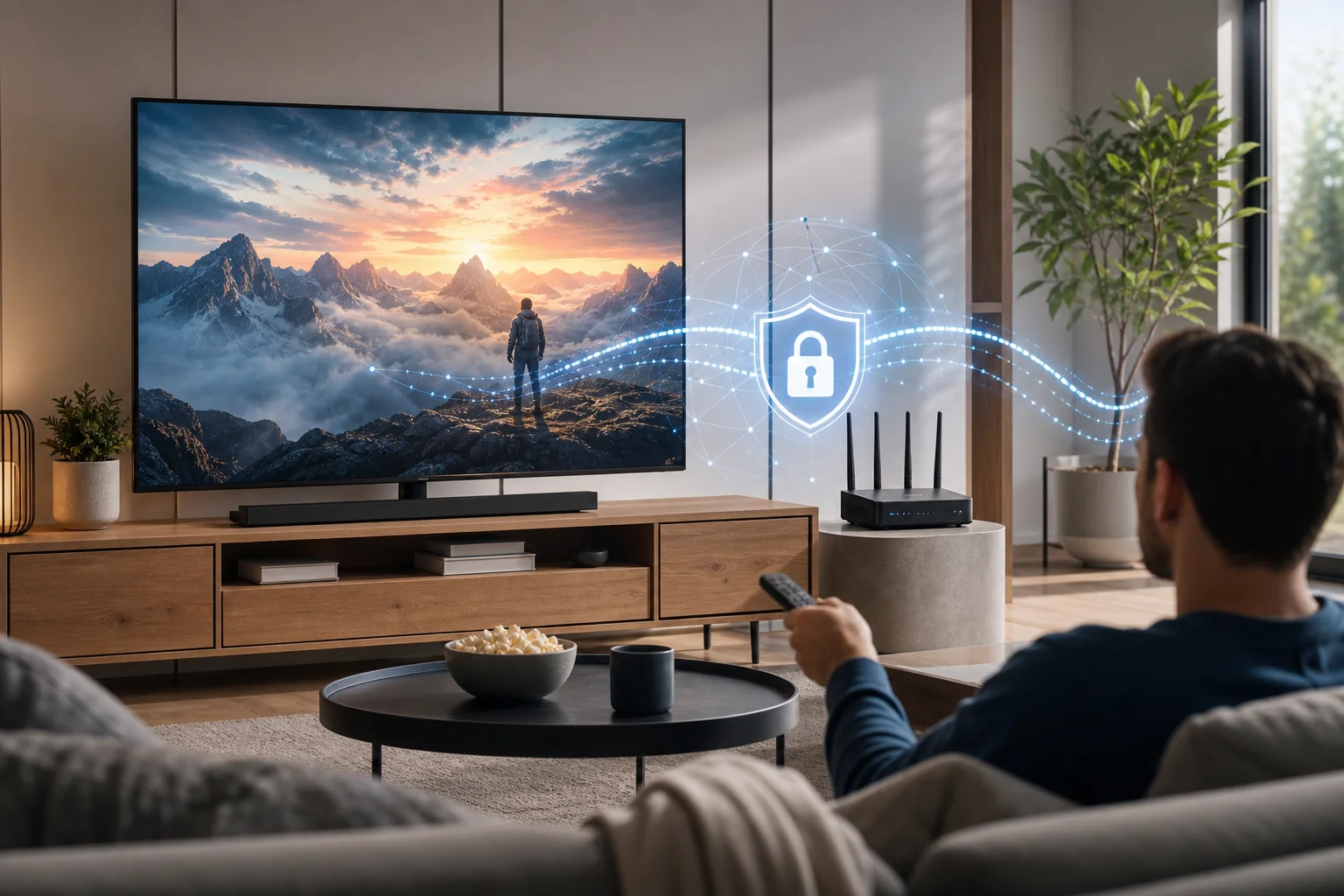
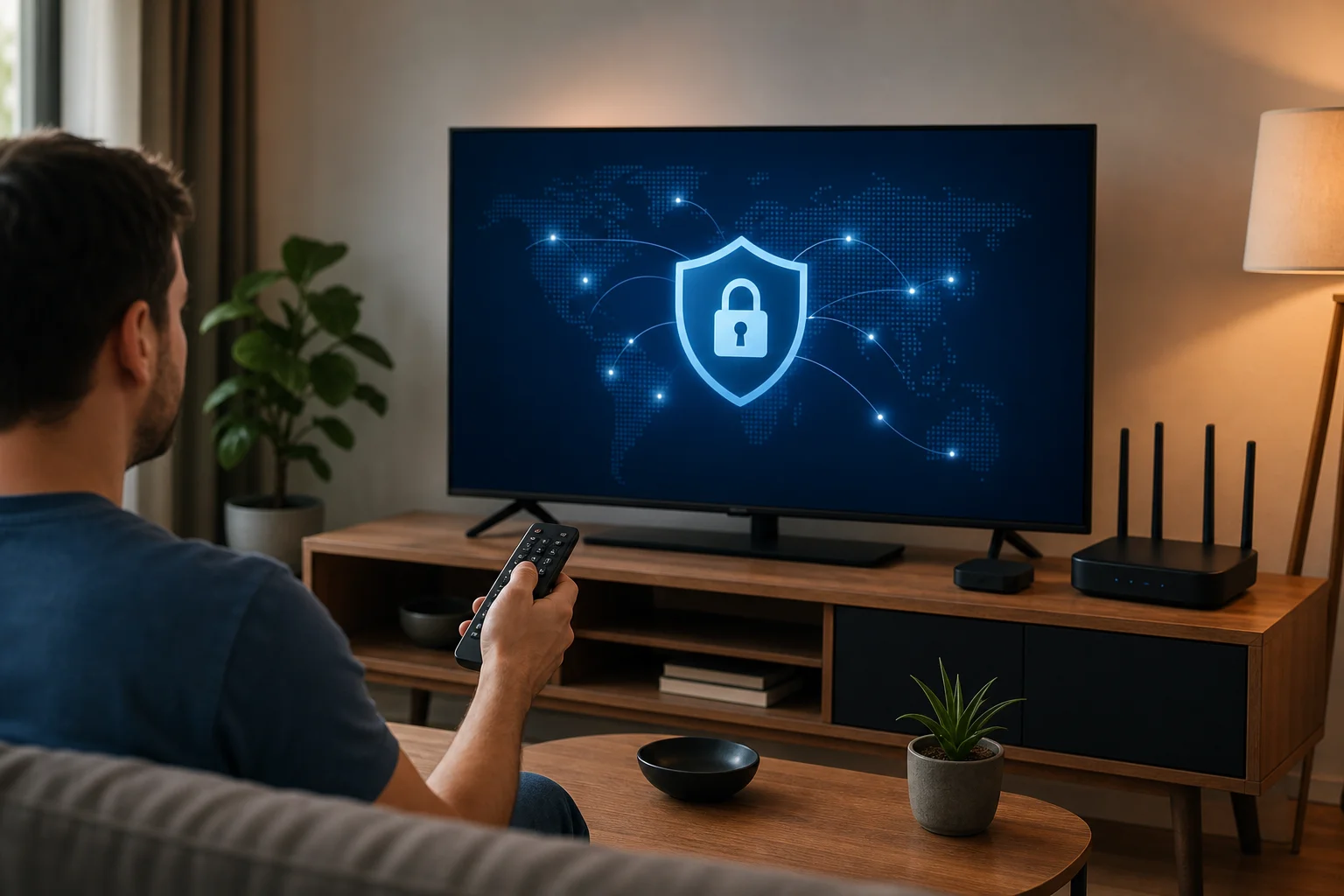
VPN for television streaming setup

Understanding VPNs and their importance for television

A VPN, or virtual private network, creates an encrypted connection between your device and a VPN server. Instead of sending traffic directly from your television, phone, router, or streaming stick to the internet, the VPN routes that traffic through a secure tunnel. Websites and apps then see the VPN server’s network address rather than your regular one.

For television, this can be useful because smart TVs and streaming devices are internet-connected computers. They send app activity, location signals, device identifiers, and network requests. A VPN helps reduce how much of that activity is visible to your internet provider, public Wi-Fi operator, or other parties on the same network.

What a VPN is and how it works

When you open a streaming app, your device contacts the service’s servers. Without a VPN, that traffic travels through your internet service provider in a more direct path. With a VPN, the traffic first goes to the VPN provider’s server. The VPN encrypts the connection between your device and that server, then forwards the request to the destination.

In simple terms, a VPN changes two important things:

  • Privacy: Your internet provider can see that you are connected to a VPN, but it generally cannot see the exact streaming traffic inside the encrypted tunnel.
  • Network location: Streaming apps may see the VPN server’s IP address instead of your home IP address.

This is why many people use a VPN for smart TV streaming, live television apps, and travel viewing. It can make your connection more private and flexible, especially if you often switch between home networks, hotel Wi-Fi, mobile hotspots, or shared apartments.

Benefits of using a VPN for streaming TV

A VPN can improve the television experience in several practical ways:

  • More private viewing: Encryption helps shield your streaming activity from local network snooping.
  • Safer use on shared networks: If you stream in hotels, dorms, or short-term rentals, a VPN adds a useful privacy layer.
  • Consistent access when traveling: Some services may behave differently when you are away from home. A VPN can help you connect through a preferred region, where permitted by the service.
  • Reduced exposure to network tracking: Smart TVs often run many background connections. A VPN helps route those connections through a protected tunnel.
  • Better control across devices: If installed on a router, a VPN can protect devices that do not support native VPN apps.

It is important to use VPNs responsibly. Streaming services have their own terms, and content rights vary by region. A VPN is a privacy and security tool, not a guarantee that every app, channel, or library will be available.

The importance of fast connection speeds

Television streaming is bandwidth-sensitive. Standard-definition video needs less speed, while HD and 4K need more. A VPN adds encryption and routing, so some speed loss is normal. The best setup keeps that loss small enough that you do not notice it.

For a fast VPN connection for TV, focus on three things: server distance, protocol efficiency, and network quality. A nearby VPN server usually provides lower latency. Modern VPN protocols often perform better than older ones. A stable home connection also matters, because a VPN cannot fix a weak Wi-Fi signal or an overloaded broadband line.

Quick answer: Is a free VPN effective for TV streaming?

Yes, a free VPN can be effective for TV streaming if it offers stable servers, efficient connection options, and enough speed for the video quality you want. BeFreeVPN is designed for people who want a simple, no-cost way to add privacy to television streaming without paying for a monthly VPN subscription.

The key is to set expectations correctly. A free VPN for TV is most effective when you use it with nearby servers, keep your device updated, and choose streaming settings that match your internet connection. If you expect constant 4K streaming on a congested network, any VPN may struggle. If you optimize the setup, free VPN streaming can be smooth and useful.

How BeFreeVPN provides fast connections for free

BeFreeVPN focuses on making VPN access simple and cost-saving. Instead of asking users to pay before they can protect their streaming connection, it offers a free path to secure browsing and viewing. For television users, that can be especially helpful because many households already pay for broadband, streaming subscriptions, and device upgrades.

To get the best speed with BeFreeVPN, use it as part of a complete streaming setup:

  1. Choose a server close to your physical location when possible.
  2. Use a modern VPN protocol if the app offers protocol options.
  3. Connect your TV or streaming device to a strong Wi-Fi signal, or use Ethernet.
  4. Close unused apps running in the background.
  5. Test different servers if one route feels slow.

This approach helps reduce unnecessary delays and keeps your VPN for television with fast connection focused on performance.

Comparing free versus paid VPNs in TV streaming

A paid VPN can be useful for users who need many server regions, advanced business features, or priority support. However, not everyone needs those extras for everyday television viewing. A free option such as BeFreeVPN can be a practical choice when the main goal is private, stable streaming without another subscription.

FeatureFree VPN with BeFreeVPNTypical paid VPN
Upfront costFree to startMonthly or annual fee
Best forCost-conscious TV viewersHeavy users needing premium extras
Setup complexityDesigned to be simpleVaries by provider
Streaming performanceCan be fast with good server choiceOften strong, but not guaranteed
Privacy benefitEncrypted VPN connectionEncrypted VPN connection
ValueHigh if it meets your speed needsDepends on price and features

The right choice depends on your habits. If you stream casually or want to avoid adding another bill, BeFreeVPN is a strong place to begin. If you later need highly specific server locations or enterprise-style options, you can reassess.

Effectiveness of free VPNs in maintaining streaming quality

Streaming quality depends on your base internet speed, Wi-Fi strength, server load, and app requirements. A free VPN can maintain good quality when those factors line up. If your home internet is already slow, the VPN may make buffering more noticeable. If your connection is fast and stable, the impact may be small.

For best results, test your TV app with and without the VPN. Look at startup time, picture resolution, and buffering. Then try a nearby server. This simple testing process often reveals the best configuration in minutes.

Setting up a VPN on your television

Setting up a VPN on a television depends on the platform. Some smart TVs support VPN apps directly. Others need a router setup, hotspot sharing, or a streaming device that can run the VPN. BeFreeVPN is easiest to use on platforms where the app is directly supported. If your TV does not allow VPN apps, you can still protect the TV by connecting it through a VPN-enabled router or shared connection.

Smart TV VPN setup steps

Use the steps below as a general setup path. Menus can vary by brand and software version, but the process is usually similar.

  1. Check your TV platform. Look in your TV settings for the operating system. Common platforms include Android TV, Google TV, Fire TV, Samsung Tizen, LG webOS, Roku, and Apple TV.
  2. Look for VPN app support. Open the TV app store and search for BeFreeVPN or VPN support options. Android TV, Google TV, and Fire TV are usually more flexible for VPN apps.
  3. Install BeFreeVPN where supported. Download the app from the official store when available. Avoid unknown files from untrusted websites.
  4. Open the app and sign in if required. Follow the on-screen setup prompts.
  5. Choose a nearby server. For speed, start with the closest available server location.
  6. Connect the VPN. Wait until the app confirms that the VPN is active.
  7. Open your streaming app. Test playback with a familiar show or live channel.
  8. Adjust if needed. If video buffers, try another server, restart the TV, or lower the streaming quality briefly.

If your TV does not support VPN apps, use one of these alternatives:

  • VPN on router: Configure the VPN on your home router so all connected devices use it.
  • VPN on a streaming stick: Use a device such as Fire TV or Android TV box that supports VPN apps.
  • Shared VPN connection: Run BeFreeVPN on a computer and share that connection with the TV through Wi-Fi or Ethernet if your operating system supports it.

How to configure BeFreeVPN for optimal performance

After installation, small settings changes can make a big difference. Start simple. Connect to the closest server and test playback. If the app provides protocol choices, select the recommended or automatic option first. Automatic mode often balances speed and stability without extra work.

Next, check your television network settings. If possible, use a wired Ethernet connection. Ethernet is usually more stable than Wi-Fi and can reduce buffering. If you must use Wi-Fi, place your router in an open area and connect to the 5 GHz band when your TV is close enough to the router. Use 2.4 GHz only if the TV is far away or behind walls.

Finally, restart your streaming apps after connecting the VPN. Some apps keep old network sessions active until they are fully closed. Restarting the app gives it a clean VPN-protected connection.

Tips for troubleshooting common setup issues

If your VPN connection works on a phone but not on your TV, the issue is usually platform support, network settings, or app compatibility. Try these fixes:

  • No VPN app in the TV store: Use a VPN-compatible streaming device or router setup.
  • VPN connects but streaming app will not load: Switch servers and restart the streaming app.
  • Video buffers often: Move closer to the router, use Ethernet, or choose a nearer VPN server.
  • Smart TV disconnects from Wi-Fi: Restart the router and forget/rejoin the Wi-Fi network.
  • Live TV app shows an error: Check the app’s terms and location settings. Some services restrict VPN connections.
  • Slow connection after setup: Reboot the TV, clear app cache where available, and test your base internet speed.

Troubleshooting works best when you change one thing at a time. This helps you identify the real cause instead of guessing.

Advanced tips for optimizing VPN speed on TV

Once your VPN is working, you can tune it for speed. The fastest setup is usually the one with the shortest reliable route between your TV, the VPN server, and the streaming service. A distant server may work, but it often adds latency and reduces throughput.

Choosing the right server location for streaming

Start with a server close to your real location. This often gives the best speed because your traffic travels a shorter distance. If a specific streaming app performs poorly, try another nearby server. Sometimes a server in the same country but a different city is faster because it is less busy or has better routing.

For travel, choose a server that matches the viewing experience you need while respecting the streaming service’s rules. If the app blocks VPN traffic, do not assume the VPN is broken. Some platforms limit VPN use as part of their licensing agreements.

A simple server testing method can help:

  1. Connect to the closest server.
  2. Open your streaming app and play a video for five minutes.
  3. Note buffering, resolution, and startup time.
  4. Switch to another nearby server.
  5. Repeat the same test.
  6. Keep the server that gives the most stable playback.

Advanced settings to improve VPN speed

Some VPN apps provide extra controls. If BeFreeVPN offers these options on your device, consider the following:

  • Protocol selection: Use the recommended, automatic, or modern high-speed protocol when available.
  • Auto-connect: Enable it if you want the TV protected every time it starts.
  • Split tunneling: If supported, route only streaming or TV traffic through the VPN while leaving other traffic outside the tunnel.
  • DNS protection: Keep secure DNS features on when available to reduce privacy leaks.
  • Startup behavior: Let the VPN connect before opening streaming apps.

Do not change advanced settings randomly. Test after each change. If performance gets worse, return to automatic settings.

How BeFreeVPN maintains connection stability

Connection stability comes from reliable server routing, efficient encryption, and good device setup. BeFreeVPN helps by giving users a direct way to connect without the cost barrier of a paid plan. You can support that stability by keeping the app updated, choosing sensible server locations, and using a strong local network.

Also, avoid overloading your home connection. If several people are gaming, downloading files, and streaming 4K video at the same time, the VPN may appear slow even when the real issue is network congestion. Pause heavy downloads during movie nights for smoother playback.

Using VPNs with different television platforms

Not all televisions handle VPNs the same way. Before choosing a setup method, identify your platform. This saves time and helps you pick the most reliable route.

VPN compatibility for streaming devices

Compatibility with different TV brands and platforms

Here is a practical overview:

Platform or deviceVPN setup optionNotes
Android TVNative app or routerOften the easiest smart TV platform for VPN apps
Google TVNative app or routerSimilar to Android TV, with broad app support
Amazon Fire TVNative app or sideloading where allowedUse official app sources when possible
Samsung smart TVRouter or shared connectionTizen usually does not support native VPN apps
LG smart TVRouter or shared connectionwebOS usually needs network-level VPN setup
RokuRouter or shared connectionRoku devices generally do not run VPN apps directly
Apple TVNative VPN support on newer tvOS versions or routerAvailability depends on tvOS version and provider support

If your platform supports BeFreeVPN directly, install it there. If not, a router setup is usually the cleanest solution because the TV does not need to know a VPN is running.

Specific considerations for streaming devices like Roku or Apple TV

Roku is popular but limited for VPN installation. Most Roku users need a VPN-enabled router or a shared VPN connection from a computer. This setup protects Roku traffic at the network level. It also avoids complicated workarounds on the device itself.

Apple TV support depends on the tvOS version and available VPN apps. Newer versions of tvOS have improved VPN possibilities, but not every provider supports every feature. If direct setup is unavailable, use a router-based connection.

Fire TV, Android TV boxes, and Google TV devices are usually more flexible. They often allow VPN apps from the official app store. That makes them a good choice if you want simple control from the couch.

Ensuring security and speed across various devices

Security and speed should work together. A fast connection is not helpful if it leaks data, and strong privacy is frustrating if video never loads. Use these habits across platforms:

  • Keep TV firmware and streaming apps updated.
  • Download VPN apps only from trusted sources.
  • Use strong Wi-Fi security on your router.
  • Prefer Ethernet for fixed living room devices.
  • Restart devices after major app or firmware updates.
  • Test VPN speed during the time of day you usually watch TV.

If you use a router VPN, remember that every connected device may share the same VPN tunnel. That can be convenient, but it can also add load. If performance drops, disconnect devices that do not need VPN protection during streaming.

Key takeaways: Fast connections with BeFreeVPN

BeFreeVPN offers a cost-saving way to add VPN protection to your television setup. For viewers who want more private streaming without another paid subscription, it can be an economical choice. The best results come from matching the VPN setup to your TV platform and optimizing the basics.

Summarizing the benefits of using BeFreeVPN for television

The main benefits are simple:

  • You can use a free VPN option instead of paying immediately.
  • You get an encrypted connection for TV streaming traffic.
  • You can improve privacy on shared or unfamiliar networks.
  • You can set up protection on compatible TVs, streaming devices, routers, or shared connections.
  • You can tune server choice and network settings for better speed.

A VPN is not magic. It cannot create bandwidth you do not have. However, when your internet connection is stable, BeFreeVPN can help deliver a fast, private, and budget-friendly television experience.

Recap of setup and optimization tips

For a smooth setup, follow this checklist:

  1. Identify your TV platform.
  2. Install BeFreeVPN directly if your device supports it.
  3. Use a router or streaming stick if the TV does not support VPN apps.
  4. Start with the nearest VPN server.
  5. Use Ethernet or strong 5 GHz Wi-Fi when possible.
  6. Restart streaming apps after connecting.
  7. Test two or three servers before deciding which is best.
  8. Keep the VPN app, TV firmware, and streaming apps updated.

These steps address the most common causes of buffering and connection drops.

Why BeFreeVPN is the economical choice for streaming TV

Streaming costs add up quickly. Many households pay for broadband, several streaming services, sports packages, and device subscriptions. Adding a paid VPN may not be appealing. BeFreeVPN gives viewers a way to improve privacy and connection control without increasing monthly bills.

That makes it especially useful for casual streamers, families watching on shared networks, travelers, and anyone testing whether a VPN fits their viewing habits. If your goal is a VPN for television with fast connection and no added price tag, BeFreeVPN is a practical option to try first.

Common questions about using VPNs for television

How does a VPN affect internet speed for TV?

A VPN can reduce speed slightly because it encrypts traffic and routes it through a VPN server. The impact depends on server distance, server load, your device, and your base internet speed. To keep TV streaming fast, choose a nearby server, use a strong Wi-Fi or Ethernet connection, and close unused apps.

In many countries, using a VPN is legal. However, laws vary, and streaming services may have their own terms of use. A VPN should be used for privacy and security. Always follow local laws and the rules of the services you use.

How can I ensure my viewing remains private with a VPN?

Use a trusted VPN app, connect before opening your streaming service, and keep the VPN active while watching. Also update your device, avoid unknown app sources, and use secure Wi-Fi. If available, enable DNS protection and auto-connect features for extra consistency.

Can I use a VPN on a TV that does not support VPN apps?

Yes. The most common solution is to set up the VPN on your router. You can also use a VPN-compatible streaming device or share a VPN connection from a computer. These methods allow the TV to benefit from the VPN even without a native app.

Why does my streaming app block VPN traffic?

Some streaming platforms restrict VPN connections because of licensing, regional rights, or fraud prevention rules. If this happens, try another server or check whether the service allows VPN use. If the app’s terms prohibit certain VPN behavior, follow those terms.

Conclusion

A fast television VPN setup is about more than pressing connect. You need the right device method, a sensible server location, a stable home network, and a VPN that fits your budget. BeFreeVPN helps make private streaming more accessible by removing the price barrier while still giving you tools to connect securely. Experience seamless TV streaming without the price tag. Download BeFreeVPN today for a fast, free, and secure connection.

Top 5 best rated VPN for computer security and speed

· 8 min read

Looking to secure your computer online? These top-rated VPNs have you covered with excellent features and performance. If you are searching for the best rated vpn for computer use, the right choice depends on what matters most to you: speed, privacy, ease of use, device coverage, or a free and simple way to stay protected.

A good computer VPN should do more than hide your IP address. It should run smoothly in the background, protect your data on public Wi-Fi, avoid DNS leaks, and offer apps that are easy to use on Windows, macOS, or Linux. Below are five strong options, each suited to a different type of computer user.

best rated vpn for computer comparison

Quick Comparison: Best Rated VPNs for Computers

VPNBest ForStandout FeatureGood Fit If You Want
ExpressVPNSpeed and reliabilityFast global server networkSmooth browsing, streaming, and downloads
NordVPNSecurityAdvanced encryption and kill switchStrong protection for daily computer use
SurfsharkEase of useUnlimited simultaneous connectionsOne VPN for your computer and other devices
CyberGhostPrivacyNo-logs policy and DNS leak protectionSimple privacy tools with user-friendly apps
BeFreeVPNFree, no-registration accessEasy setup without sign-upA quick way to protect your computer online

1. Speed and Reliability: ExpressVPN

ExpressVPN is often rated highly by users who want a VPN that feels fast on a computer. It is known for its lightning-fast connection speeds, which can help keep browsing, video calls, downloads, and streaming smooth. While VPN performance always depends on your location, internet provider, and chosen server, ExpressVPN is built to reduce slowdowns as much as possible.

Reliability is another major reason people choose it. A stable VPN connection matters when you are working remotely, using cloud apps, or sending sensitive files. ExpressVPN offers apps for major desktop platforms and keeps the interface clean, so connecting to a secure server does not feel technical.

Its server network also covers many regions around the world. That gives your computer more connection options and may help you find a nearby server for better performance. For users who value a premium, polished VPN for computer security and speed, ExpressVPN is a strong pick.

Best for: users who want a fast, stable VPN for everyday desktop browsing, streaming, and work.

2. Security Focus: NordVPN

NordVPN is a popular choice for people who put security first. It offers advanced encryption protocols designed to help keep your computer safe when you browse, shop, work, or connect through public Wi-Fi. This is especially useful if you often use your laptop in airports, cafés, hotels, or shared offices.

One of NordVPN’s most important features is its kill switch. If your VPN connection drops, the kill switch can block internet traffic to help prevent your real IP address or unprotected data from being exposed. That small feature can make a big difference for computer users who want consistent protection.

NordVPN has also undergone third-party audits, which helps build trust. Independent audits do not make any VPN perfect, but they can provide more confidence that a provider’s privacy and security claims are being checked. For users who want a well-known VPN with strong security tools, NordVPN deserves a place on this list.

Best for: users who want stronger protection, trusted security features, and a kill switch for safer computer use.

3. Ease of Use: Surfshark

Surfshark stands out because it makes VPN protection simple. Its desktop apps are designed for both beginners and more advanced users, with a clean interface and quick access to important settings. If you want to secure your computer without dealing with complicated menus, Surfshark is easy to understand.

A major benefit is unlimited simultaneous connections. That means you can protect your computer, phone, tablet, and other compatible devices under one account. For families, shared households, or anyone with several devices, this can be more convenient than managing multiple VPN plans.

Surfshark also includes a one-click connect feature. Open the app, press connect, and your computer traffic is routed through the VPN. This makes it a practical choice for people who want online protection but do not want to think about server settings every day.

Best for: users who want a beginner-friendly VPN that also covers multiple devices beyond one computer.

computer vpn app security

4. Best for Privacy: CyberGhost

CyberGhost is a strong option for privacy-minded computer users. Its no-logs policy is designed to ensure your browsing activity is not stored by the VPN provider. For anyone who wants a private browsing experience on a desktop or laptop, that policy is an important factor to review.

It also includes strict security features such as DNS leak protection. DNS leaks can reveal the websites you visit even when a VPN appears to be connected, so leak protection is an important layer of privacy. CyberGhost’s desktop apps are also known for being accessible, which makes privacy tools easier to use.

User reviews often highlight CyberGhost’s effectiveness in maintaining online privacy on computers, especially for people who want a simple app with clear server choices. As always, you should review current features, pricing, and platform support before choosing any VPN.

Best for: users who want privacy-focused VPN protection with clear desktop apps and no-logs safeguards.

5. Free Simplicity: BeFreeVPN

BeFreeVPN is worth considering if you want a simple, free VPN for your computer without a long setup process. Many people do not need advanced settings every day. They just want a quick way to add a layer of privacy when browsing, using public Wi-Fi, or checking accounts online.

The key advantage is convenience. BeFreeVPN is built as a free, no-registration VPN solution, so you can get started without creating an account. That makes it appealing for users who want peace of mind online without extra friction.

Best for: users who want a fast, no-registration way to protect their computer connection.

How to Choose the Best VPN for Your Computer

Use this quick step-by-step checklist before installing a VPN:

  1. Choose your main goal. Pick speed, security, privacy, ease of use, or free access as your top priority.
  2. Check desktop compatibility. Make sure the VPN supports your computer’s operating system.
  3. Look for a kill switch. This helps protect your data if the VPN disconnects.
  4. Review privacy policies. A clear no-logs policy is important for private browsing.
  5. Test performance. Try nearby servers first for better speed and lower lag.
  6. Keep the app updated. VPN updates often include security and performance improvements.

FAQ: Best Rated VPN for Computer Users

What is the best VPN for a computer?

The best VPN for a computer depends on your needs. ExpressVPN is a strong choice for speed, NordVPN for security, Surfshark for ease of use, CyberGhost for privacy, and BeFreeVPN for free no-registration access.

Will a VPN slow down my computer?

A VPN may reduce internet speed slightly because it encrypts and reroutes your traffic. However, high-quality VPNs are designed to keep performance smooth, especially when you connect to a nearby server.

Do I need a VPN on my home computer?

Yes, a VPN can still be useful at home. It helps protect your browsing activity, adds privacy from network tracking, and can secure your connection when handling sensitive tasks online.

Is a free VPN good enough for computer protection?

A free VPN can be useful for basic protection, especially if it is easy to use and does not require registration. For advanced features, heavy streaming, or business use, a paid VPN may offer more options.

Final Thoughts

The best rated VPN for computer use is the one that fits your daily routine. Choose ExpressVPN if speed is your priority, NordVPN if you want stronger security, Surfshark if you need simple protection across many devices, and CyberGhost if privacy matters most. And if you want to protect your computer effortlessly, try BeFreeVPN — the free, no-registration VPN solution that’s easy to use and gives you peace of mind online.

How sarah discovered the best paid VPN for streaming seamlessly

· 10 min read

Discover how Sarah overcame her streaming frustrations with a simple VPN solution that unlocked endless entertainment possibilities. In this case study, we follow her search for the best paid VPN for streaming, why free tools failed, and how BeFreeVPN helped her enjoy smoother access to geo-restricted content across her devices.

Streaming should feel simple. You choose a show, press play, and relax. Yet for Sarah, an avid viewer with a growing watchlist, that easy routine often ended with a frustrating message: “This title is not available in your region.” Her journey shows what many streamers learn the hard way: speed, reliability, and ease of use matter just as much as access.

Meet Sarah: The Avid Binge-Watcher

Sarah is the kind of viewer who plans her evenings around season premieres. She follows international dramas, documentaries, comedy specials, and limited series from multiple streaming platforms. When a new show trends overseas, she wants to understand the conversation, not wait months for a local release.

At first, she assumed every subscription gave her the same library as everyone else. But the more she searched, the more she noticed gaps. Friends in other countries could watch shows she could not find. Trailers appeared in her recommendations, but the full episodes stayed locked. Sometimes a platform showed the title page, only to block playback at the final step.

That mismatch made streaming feel unpredictable. Sarah was not trying to avoid paying for content. She already subscribed to legitimate services. She simply wanted to access the entertainment available through her accounts while traveling, browsing international catalogs, or catching releases that were not yet available in her region.

So she began looking for a practical answer. Her goal was clear: find the best paid VPN for seamless streaming without turning every movie night into a technical project.

streaming VPN setup

The Streaming Challenge: Geo-Restrictions Unveiled

Geo-restrictions are one of the most common reasons viewers see different content libraries. Streaming platforms license shows and films by country or region. As a result, a series available in one location may be unavailable in another, even on the same service.

For Sarah, this created three recurring problems:

  • Missing titles: Shows promoted online did not appear in her local app.
  • Blocked playback: Some titles appeared but would not stream from her location.
  • Inconsistent access while traveling: A series she started at home could disappear abroad.

A VPN can help by routing internet traffic through a server in another location. This may allow a user to access content catalogs associated with that region. However, viewers should always respect local laws and the terms of their streaming platforms. A VPN is also not a magic switch. Some services actively block VPN traffic, so quality and reliability matter.

Why free VPNs failed Sarah’s streaming needs

Before paying for a VPN, Sarah tried free options. They seemed attractive because they required little commitment. But once she used them for real streaming sessions, the drawbacks became obvious.

Streaming needFree VPN experienceWhy it mattered
Stable speedFrequent buffering and quality dropsHD and 4K streaming need consistent bandwidth
Server choiceFew locations availableLimited locations reduced content access options
ReliabilityConnections failed during peak hoursMovie nights became unpredictable
Data allowanceMonthly caps ran out quicklyA few episodes could exhaust the limit
Ease of useCluttered apps and repeated promptsSetup felt harder than it should

The biggest issue was not one single failure. It was the combination. A free VPN might work for light browsing, but Sarah needed long sessions, stable video quality, and servers that did not collapse under demand.

That is when she realized a reliable paid VPN for streaming was less of a luxury and more of a practical tool.

Finding the Ideal Solution: The VPN Quest

Sarah approached her search like an informed consumer. She did not want to choose the loudest ad or the most complicated feature list. Instead, she focused on the factors that affect streaming in everyday use.

Sarah’s criteria for the best paid VPN options

She narrowed her decision to four core requirements:

  1. Speed for smooth playback
    A VPN adds an extra step between the device and the internet. If the service is slow, streaming quality suffers. Sarah wanted fast connections that could handle HD viewing without constant buffering.

  2. Reliable access to multiple regions
    A streaming VPN should offer useful server locations and stable connections. Sarah wanted the flexibility to access geo-restricted content when traveling or when a title was available in a different catalog.

  3. Simple setup across devices
    She watched on a laptop, phone, tablet, and sometimes a TV setup. A good VPN had to be easy enough to use on a busy weekday evening.

  4. Cost-effectiveness
    Sarah did not want to overpay for features she would never use. She wanted a paid option that balanced performance, privacy, and value.

During her research, Sarah found many VPN providers with long feature pages. Some were built for advanced users. Others focused mainly on corporate security. Then she came across BeFreeVPN, which stood out because it matched her actual streaming routine: simple access, no registration required, and compatibility across devices.

Step-by-step: how Sarah tested BeFreeVPN for streaming

To avoid guessing, Sarah created a simple test process. This helped her compare real results instead of relying on marketing claims.

  1. She listed the platforms she used most.
    This included the streaming apps where she already had valid subscriptions.

  2. She identified the shows that were blocked or missing.
    Instead of testing random titles, she focused on the series she actually wanted to watch.

  3. She connected to a relevant VPN location.
    She chose a server region where the show was available, then reopened the streaming app.

  4. She checked playback quality.
    Sarah watched for buffering, resolution drops, audio delays, and connection interruptions.

  5. She repeated the test on different devices.
    A VPN that works on a laptop but feels awkward on mobile would not solve her everyday problem.

  6. She compared the experience with her free VPN attempts.
    This made the improvement easy to measure: fewer interruptions, faster loading, and less frustration.

BeFreeVPN did not require Sarah to become a networking expert. That mattered. The best VPN for streaming is not only the one with technical power. It is also the one people can use consistently.

Results: Streaming Without Borders

After switching to BeFreeVPN, Sarah’s streaming routine changed. She could open her device, connect to the location she needed, and start watching with far fewer interruptions. Shows that were previously unavailable became accessible when supported by the relevant streaming catalog and her account.

The most noticeable improvement was stability. Instead of pausing every few minutes or dropping to low resolution, streams loaded more smoothly. She could finish full episodes without restarting the app or switching servers repeatedly.

For Sarah, this was the real win. Access was important, but uninterrupted viewing made the difference between a tool she would keep and a tool she would abandon.

What improved in Sarah’s viewing experience

  • Fewer playback interruptions: Her sessions felt more consistent than with free VPNs.
  • Better video quality: Stable speeds helped maintain clearer playback.
  • More useful regional access: She could explore content available in different regions while using her subscriptions.
  • Less setup friction: No registration required meant she could get started quickly.
  • Device flexibility: She could use the VPN across the devices she already relied on.

Sarah also became more realistic about VPN use. She learned that no VPN can guarantee access to every streaming service or title at all times. Licensing changes, platform policies, and VPN detection can affect availability. Still, compared with her previous setup, BeFreeVPN gave her a better balance of simplicity, performance, and cost.

paid VPN for streaming

Takeaways: Lessons from Sarah’s VPN Journey

Sarah’s case is useful because it reflects a common streaming problem. Many viewers do not need a complex security stack or dozens of advanced settings. They need a dependable paid VPN that supports smooth streaming, protects everyday browsing, and works without constant troubleshooting.

Key factors to consider when choosing a VPN for streaming

When comparing paid VPN services, focus on the features that shape real viewing quality:

  • Connection speed: Look for stable performance, not just impressive speed claims.
  • Server locations: More relevant locations can improve your chances of accessing the catalogs you need.
  • Streaming reliability: The VPN should maintain long sessions without frequent disconnects.
  • Device compatibility: Make sure it works on your phone, laptop, tablet, and preferred streaming setup.
  • Ease of use: A clean, simple app helps you connect quickly.
  • Privacy basics: A VPN should encrypt traffic and avoid unnecessary complexity.
  • Fair pricing: The best paid VPN for streaming should offer value, not just a long feature list.

Why paid VPNs usually beat free VPNs for streaming

Free VPNs can be useful for occasional browsing, but streaming exposes their limits quickly. Video requires steady bandwidth. Regional access requires dependable servers. Long viewing sessions require connections that do not cut out halfway through an episode.

Paid VPNs are generally better suited to these demands because they can support stronger infrastructure, more consistent speeds, and fewer restrictive limits. For Sarah, that difference turned VPN use from a workaround into a normal part of her entertainment routine.

Where BeFreeVPN fit Sarah’s needs

BeFreeVPN helped Sarah find the middle ground she wanted. It was simple enough for quick use, practical for streaming, and cost-effective for someone who cared more about reliable access than complicated settings. Most importantly, it solved the problem she actually had: watching the content available through her services with fewer regional roadblocks.

FAQ: Choosing the Best Paid VPN for Streaming

What makes a VPN good for streaming?

A good streaming VPN offers stable speed, useful server locations, simple apps, and reliable connections. It should reduce buffering and make it easy to switch regions when appropriate.

Is a paid VPN better than a free VPN for streaming?

In most cases, yes. Paid VPNs are usually more reliable for streaming because they tend to offer better speeds, fewer data limits, and more consistent server access than free services.

Can a VPN unlock every streaming service?

No VPN can guarantee access to every title or platform. Streaming services may change licensing rules or block VPN traffic. A strong VPN improves flexibility, but users should follow platform terms and local laws.

Why did Sarah choose BeFreeVPN?

Sarah chose BeFreeVPN because it matched her priorities: smooth streaming, ease of use, cost-effectiveness, no registration required, and compatibility with the devices she used every day.

Conclusion: A Better Way to Stream Across Borders

Sarah’s experience shows that the right VPN can turn a frustrating streaming routine into a smoother one. By moving beyond limited free tools and choosing a reliable paid option, she gained better speed, fewer interruptions, and easier access to geo-restricted content through her existing subscriptions.

Try BeFreeVPN today to experience effortless access to geo-restricted content, with no registration required and complete compatibility with all your devices.

Choosing the best paid VPN for computer use: a guide for remote workers

· 10 min read

Imagine working from your cozy home office while knowing your internet connection is as safe as a fortress—discover how the right VPN can make this possible. If you are searching for the best paid VPN for computer use, the goal is simple: protect your work, keep your browsing private, and maintain a smooth connection during calls, file sharing, and everyday tasks.

For beginners, VPNs can sound technical. However, the idea is easy to understand. A VPN, or virtual private network, creates a protected connection between your computer and the internet. For remote workers, that protection can be especially useful when handling client files, logging into company tools, or using shared Wi-Fi.

This guide explains what a VPN does, why a paid VPN may be worth it for your home office, which features matter most, and how to set it up for reliable remote work.

1. Understanding VPNs: Your Virtual Bodyguard

A VPN acts like a security guard for your internet connection. Without one, your internet traffic may be easier for third parties to observe, especially on public or poorly secured networks. With a VPN, your connection is routed through a private server, which helps hide your IP address and adds a layer of protection to your data.

Think of it like a secure tunnel. Your information travels through that tunnel instead of moving openly across the web. This does not make you invisible or immune to every online threat, but it does make your browsing more private and your connection harder to inspect.

For computer users, a VPN can help with three key goals:

  • Privacy: It masks your real IP address, which can reduce tracking based on location.
  • Security: It encrypts your internet traffic, helping protect data while it moves between your computer and the VPN server.
  • Access: It can let you connect through servers in other regions, which may help you view content or tools available in specific locations.

For remote workers, those benefits are practical. You might join meetings, send documents, access dashboards, or review private client information. A VPN helps create a safer foundation for those daily tasks.

vpn security for remote work

2. Why Your Home Office Needs a Paid VPN

Free VPNs can be tempting, especially if you only need occasional protection. However, a paid VPN is usually a better fit for remote work because it tends to offer stronger security controls, better reliability, and more server choices. When your job depends on stable internet access, those details matter.

A paid VPN can be useful in a home office for several reasons:

  • Stronger security features: Paid services often include modern encryption, DNS leak protection, kill switches, and security-focused connection protocols.
  • More stable performance: Free VPNs may limit speed, server access, or data usage. Paid plans are often designed for heavier everyday use.
  • Better device coverage: Many paid VPNs support several devices, such as your desktop, laptop, phone, and tablet.
  • More support options: If something breaks before a client call, quick customer support can save time.

For example, imagine you are on a video call discussing a confidential project. At the same time, you are sharing files through a work portal and checking notes in a browser. A reliable VPN helps protect that activity in the background without forcing you to think about every connection.

That said, a VPN is not a replacement for good security habits. You should still use strong passwords, enable multi-factor authentication, update your computer, and avoid suspicious links. The VPN is one important layer in a broader remote work security setup.

3. Features to Consider When Choosing a VPN

The best paid VPN for your computer is not always the one with the longest feature list. It is the one that fits your work style, device setup, and privacy needs. Use the table below as a beginner-friendly checklist.

FeatureWhy it matters for remote workWhat to look for
Strong encryptionHelps protect data in transitModern protocols such as WireGuard, OpenVPN, or IKEv2
No-log policyLimits what the provider records about your activityClear privacy policy and, ideally, independent audits
Kill switchBlocks internet access if the VPN dropsSystem-wide kill switch for your computer
DNS leak protectionHelps prevent browsing requests from bypassing the VPNBuilt-in DNS protection or private DNS options
Multi-device supportKeeps your work tools protected across devicesApps for Windows, macOS, Linux, iOS, and Android
Server locationsHelps with speed and regional accessServers near you and in regions you need for work
Customer supportHelps you fix issues quicklyLive chat, clear guides, and responsive ticket support

Look for strong encryption and a no-log policy

Strong encryption is like having an unbreakable lock on your data while it travels online. In simple terms, encryption scrambles your traffic so it is harder to read if intercepted. For remote workers, this is important when accessing cloud tools, sending files, or working from locations outside the home.

A no-log policy is also important. It means the VPN provider says it does not store certain details about your online activity. Read the policy carefully. Look for plain language about what is collected, why it is collected, and how long it is kept.

Make sure it works on all your devices

Your computer may be your main work machine, but it is rarely your only device. You may approve invoices on your phone, check messages on a tablet, or use a second laptop while traveling. A good paid VPN should work across your devices so your setup stays consistent.

Check support before you need it

Customer support is much like having helpful tech support at home. Before choosing a VPN, visit the provider’s help center. Are the setup guides clear? Is there support for your operating system? Can you contact a real support team if you need help? These small checks can prevent stress later.

4. Think of a VPN Like Your Personal Key to the Internet

A paid VPN can unlock content that is restricted in your region, much like having a universal key. This can be useful when you work with international clients, research competitors in other markets, or test how a website appears in another country.

For example, a marketing consultant may need to view search results or landing pages from a client’s target region. A developer may need to test whether a web app works correctly for users in another country. A customer support specialist may need to understand what users see in a different location.

In that sense, a VPN works like a passport for unrestricted web access. You choose a server in another region, and websites may see your connection as coming from that location. This can be helpful, but it should always be used responsibly. Follow local laws, workplace rules, and the terms of the services you access.

Also, remember that server choice affects speed. A server close to your physical location is usually better for daily work. A distant server may help with regional access, but it can also add delay. Choose based on the task.

5. How to Set Up and Optimize Your VPN for Remote Work

Setting up a VPN on your computer is usually simple. Most providers offer an app that handles the technical details. Still, a few smart choices can make your connection faster and more reliable.

Step-by-step VPN setup for your computer

  1. Choose a trusted VPN provider. Compare privacy policies, security features, device support, and pricing.
  2. Create your account. Use a strong, unique password and enable multi-factor authentication if available.
  3. Download the official app. Get it only from the provider’s website or your operating system’s app store.
  4. Install the VPN software. Follow the prompts for Windows, macOS, or Linux.
  5. Sign in and select a server. Start with a nearby server for better speed.
  6. Turn on key settings. Enable the kill switch, DNS leak protection, and auto-connect if offered.
  7. Test your connection. Check that your IP address changes and that your work tools still load correctly.
  8. Adjust when needed. If calls lag or downloads slow down, try a different nearby server or protocol.

Choosing server locations wisely is much like choosing the fastest lane in traffic. The closest lane is often the quickest, but not always. If one server feels slow, switch to another in the same region. If your VPN app offers an automatic or “fastest server” option, it can be a good starting point.

vpn setup on computer

Optimize for video calls and file sharing

Remote work often depends on video meetings, cloud drives, and messaging apps. To keep them smooth:

  • Connect to a nearby server for everyday work.
  • Close unused apps that consume bandwidth.
  • Use a wired connection or strong Wi-Fi when possible.
  • Try a modern VPN protocol if your provider offers several options.
  • Pause the VPN only if your workplace allows it and only for trusted tasks.

Monitor performance over time. If your VPN slows your workflow every day, it may not be the right fit. The best VPN for a work computer should protect your connection without constantly getting in your way.

FAQ: Common Questions About Paid VPNs for Computers

What is the best paid VPN for computer users who work remotely?

The best choice depends on your needs. Look for strong encryption, a clear no-log policy, a kill switch, fast nearby servers, and apps for all your devices. If you handle sensitive work data, prioritize security and reliability over the lowest price.

Is a paid VPN better than a free VPN for remote work?

Often, yes. Paid VPNs typically provide more consistent speeds, more server options, and stronger support. Free VPNs may have limits on data, speed, locations, or features, which can be frustrating during meetings or large file transfers.

Will a VPN make my computer completely secure?

No. A VPN improves privacy and protects your connection, but it does not stop every threat. You still need safe browsing habits, software updates, strong passwords, and multi-factor authentication.

Can I use a VPN on both my work laptop and personal computer?

Usually, yes. Many VPN services allow multiple devices under one account. However, if you use a company-owned laptop, check your employer’s IT policy before installing any software.

Does a VPN slow down internet speed?

It can, because your traffic travels through an extra server and is encrypted. However, a good VPN with nearby servers should still feel smooth for normal browsing, calls, and cloud work. If speed drops too much, try another server or protocol.

Conclusion: Choose Security That Fits the Way You Work

Choosing the best paid VPN for computer use starts with your daily routine. If you work from home, join video calls, share files, and access client systems, focus on privacy, stable speeds, strong encryption, and support you can rely on. Start with a nearby server, turn on essential protections, and test your setup before important work sessions.

Secure your home office and guarantee privacy with BeFreeVPN, a free VPN solution that requires no registration, making setup simple and efficient.

The ultimate guide to using a VPN without subscription with unlimited data

· 17 min read

Why pay for a VPN when you can get unlimited data without a subscription? Explore BeFreeVPN's offerings in our comprehensive guide. If you are searching for a vpn without subscription with unlimited data, this guide explains what that means, when it makes sense, how to compare options, and what security details to check before you connect.

A VPN can help protect your connection on public Wi-Fi, reduce tracking by masking your IP address, and create a more private browsing experience. However, many VPNs ask you to create an account, choose a plan, and commit to a recurring payment. A subscription-free VPN changes that model. It aims to give you simple access without monthly billing.

In this ultimate guide, you will learn the basics, compare free and paid VPNs, review privacy considerations, and see where BeFreeVPN fits for users who want unlimited data without the friction of a subscription.

1. Introduction to Subscription-Free VPNs with Unlimited Data

A subscription-free VPN is a virtual private network service that does not require a recurring paid plan to start using it. Instead of signing up for a monthly or yearly contract, you can connect through the app and use the VPN without managing renewals, invoices, or cancellation dates.

The key appeal is convenience. Many people do not need a complex business VPN plan. They simply want safer browsing on shared networks, fewer location-based interruptions, and a more private connection during everyday use.

Unlimited data makes the idea much more practical. Some free VPNs limit you to a small amount of data per day or month. That can work for quick email checks, but it falls short for streaming, video calls, downloads, research, gaming updates, and regular mobile browsing. With unlimited data, you can keep the VPN on for longer periods without worrying that your allowance will run out halfway through the day.

Here is what this guide covers:

  • A quick answer on whether you really need a paid VPN
  • Beginner-friendly definitions and core VPN functions
  • How unlimited data changes real-world VPN use
  • Security and privacy checks for no-subscription VPNs
  • A practical comparison of free and paid VPNs
  • FAQs for common search questions
  • Decision tips for choosing the right VPN

vpn without subscription privacy

A VPN without subscription with unlimited data is especially useful if you want privacy tools without adding another recurring cost. Still, not all free VPNs are equal. The best choice depends on transparency, security, usability, data access, and whether the service fits your daily habits.

2. Quick Answer: Do You Really Need a Paid VPN?

In many everyday situations, you do not necessarily need a paid VPN. If your goal is to browse more privately, use public Wi-Fi with more confidence, or avoid strict data caps, a no-cost VPN with unlimited data can be enough.

However, paid VPNs may still be useful for users who need advanced server controls, business features, dedicated IP addresses, multi-hop routing, or specialized support. The right answer depends on your needs rather than the price tag alone.

Quick Answer Box

Quick Answer: You do not always need a paid VPN. A reliable VPN without subscription and unlimited data can cover common needs such as private browsing, public Wi-Fi protection, and everyday app use. Choose a service that is transparent about privacy, uses secure VPN technology, and does not force you into recurring billing.

The main advantages of a no-cost VPN with unlimited data include:

  • No monthly commitment: You avoid subscriptions and cancellation hassle.
  • Unlimited usage: You can stay connected without watching a data meter.
  • Lower barrier to entry: You can try VPN protection without financial risk.
  • Simple setup: Many users prefer an app that works without complex plan selection.
  • Better daily coverage: Unlimited data encourages users to leave protection on when needed.

BeFreeVPN is positioned around this cost-saving approach: premium-style VPN access without a subscription barrier and with unlimited data for regular use. For users who want straightforward protection without paying upfront, that model can be attractive.

3. Beginner's Guide: Understanding Free VPNs Without Subscription

Before choosing a VPN, it helps to understand what a VPN actually does.

A VPN, or virtual private network, creates an encrypted connection between your device and a VPN server. When you browse through that connection, websites and online services see the VPN server’s IP address rather than your direct home, school, office, or mobile network IP address.

What a VPN Does

A VPN can help with several core tasks:

  1. Encrypting network traffic
    The VPN tunnel helps protect data as it travels between your device and the VPN server. This is especially useful on public Wi-Fi networks.

  2. Masking your IP address
    Websites usually see the VPN server IP rather than your original IP. This can reduce direct tracking based on your network identity.

  3. Improving privacy on shared networks
    Airports, hotels, cafes, and libraries often use shared Wi-Fi. A VPN adds another layer of protection.

  4. Reducing location-based exposure
    Your apparent location may be tied to the VPN server rather than your exact connection point.

  5. Supporting safer everyday browsing habits
    A VPN is not a complete security solution, but it can be an important part of a privacy toolkit.

How VPNs Without Subscription Are Different

A typical paid VPN asks you to choose a plan, create an account, and provide payment details. A VPN without subscription removes or reduces that process. Instead of treating privacy as a recurring bill, it makes basic VPN access easier to start.

This difference matters for several groups:

  • Students who need privacy tools but have limited budgets
  • Travelers who want short-term protection on public Wi-Fi
  • Casual users who dislike subscriptions
  • Families looking to reduce recurring software costs
  • First-time VPN users who want to test the concept before paying for anything

Where BeFreeVPN Fits

BeFreeVPN’s unique appeal is built around the phrase many users search for: a VPN with no subscription and unlimited data. Instead of limiting the experience behind a paid plan, BeFreeVPN focuses on giving users access without the usual subscription pressure.

For beginners, that reduces friction. You do not have to compare complicated pricing tiers before learning how a VPN works. You can start with the essentials: open the app, connect, and use the internet through a protected VPN connection.

That said, beginners should still read the app’s privacy details, check requested permissions, and understand what a VPN can and cannot do. A VPN improves privacy, but it does not make you anonymous in every situation. For example, if you log in to a social media account, that platform can still identify you through your account activity.

4. Intermediate Insights: Unlocking Unlimited Data Potential

Unlimited data is one of the most important features in a subscription-free VPN. It changes how you use the service.

With a capped VPN, you may save your data for “important” moments. You might connect only at an airport or while checking a bank account. This stop-start habit weakens the benefit because your connection is protected only some of the time.

With unlimited data, you can use the VPN more naturally. You can keep it on during routine browsing, research, messaging, travel planning, online shopping, and media use.

When Unlimited Data Matters Most

Unlimited VPN data is especially helpful in these scenarios:

  • Remote work from public places: Coffee shops and hotels are convenient, but shared Wi-Fi can be risky.
  • Online learning: Video lessons, research databases, and downloads can consume data quickly.
  • Travel: Airports, rental homes, and public hotspots often require extra caution.
  • Streaming and media browsing: Video content can use large amounts of data in a short time.
  • Mobile browsing: Apps constantly refresh, sync, and send background data.
  • Gaming updates: Downloads and patches can exceed small VPN data limits.
  • Family use: Multiple devices can quickly drain a capped plan.

Practical Examples with BeFreeVPN

Here are simple examples of how unlimited data can improve everyday VPN use with BeFreeVPN:

  1. Public Wi-Fi browsing
    You connect to cafe Wi-Fi, open BeFreeVPN, and keep it running while you check email, read news, and use messaging apps. Because the data is unlimited, you do not need to disconnect after a few minutes.

  2. Travel research
    You compare hotels, routes, maps, and local services from a hotel network. A no-subscription VPN gives you a more private connection without signing up for a paid plan just for one trip.

  3. Study sessions
    You watch educational videos, download PDFs, and use cloud documents. Unlimited data helps you avoid hitting a cap in the middle of a session.

  4. Everyday mobile use
    You use your phone throughout the day for browsing and apps. With an unlimited VPN, you can protect more of that activity without manually calculating usage.

unlimited data vpn use

Step-by-Step: How to Use a No-Subscription VPN Wisely

Use this simple process to get better results from a free VPN with unlimited data:

  1. Download from a trusted source
    Use the official app store or the provider’s official website.

  2. Review permissions
    Make sure the app requests permissions that make sense for VPN operation.

  3. Read the privacy policy
    Look for clear information about data handling, logging, and third-party sharing.

  4. Connect before using public Wi-Fi
    Turn on the VPN before opening sensitive apps or websites.

  5. Check connection status
    Confirm the VPN icon or in-app status shows that you are connected.

  6. Use HTTPS websites
    A VPN helps protect the connection, but secure websites add another layer.

  7. Keep the app updated
    Updates often include stability, compatibility, and security improvements.

  8. Avoid risky behavior
    Do not download suspicious files or ignore browser warnings just because a VPN is on.

This approach helps you get practical value from unlimited data while keeping realistic expectations.

5. Advanced Knowledge: Security and Privacy in Free VPNs

A common question is simple: how can a free VPN provide security without a subscription?

The answer depends on the provider’s model. Some VPNs use ads, freemium upgrades, partnerships, or other funding methods. Others focus on scale and simple access. Because models vary, users should evaluate each service carefully.

Security Measures to Look For

When choosing any VPN, free or paid, look for these basics:

  • Strong encryption: The VPN should protect traffic inside an encrypted tunnel.
  • Modern VPN protocols: Common secure protocols include WireGuard, IKEv2, and OpenVPN, depending on platform support.
  • Clear privacy policy: The provider should explain what it collects and why.
  • No unnecessary permissions: A VPN app should not ask for unrelated access without a clear reason.
  • DNS leak protection: This helps prevent DNS requests from bypassing the VPN tunnel.
  • Kill switch or connection protection: If available, this helps reduce exposure if the VPN disconnects unexpectedly.
  • Regular updates: Active maintenance is a good sign.

Privacy Measures Users Should Check

Privacy is not just about encryption. It is also about data handling. Before relying on a VPN, check whether the provider explains:

  • Whether browsing activity is logged
  • Whether IP addresses are stored
  • Whether diagnostic data is collected
  • Whether data is shared with advertisers or analytics partners
  • How long any data is retained
  • How users can contact support or request information

A trustworthy VPN should make these details easy to find. If a provider makes broad promises but avoids specifics, be cautious.

How BeFreeVPN Builds User Trust

BeFreeVPN’s value proposition is straightforward: no subscription requirement and unlimited data. From a privacy standpoint, the lack of a subscription can also reduce payment-related exposure because users are not necessarily handing over recurring billing details just to use the VPN.

For security, users should look at the current BeFreeVPN app details on their platform, including privacy disclosures, permissions, and available connection features. The most important trust signals are transparency, stable performance, secure VPN tunneling, and a clear explanation of how the service operates.

In short, BeFreeVPN is most compelling for users who want accessible VPN protection without a paid plan. To get the best experience, pair that convenience with smart habits: update the app, use secure websites, and review privacy settings.

6. Comparing Free vs. Paid VPNs: Real-World Implications

Free and paid VPNs can both be useful. The better choice depends on what you need, what you are willing to pay, and how much control you expect.

Free vs. Paid VPN Comparison Table

FeatureVPN Without Subscription and Unlimited DataPaid VPN
CostNo recurring subscriptionMonthly or yearly fee
Data allowanceUnlimited if offered by the providerUsually unlimited
SetupOften simple and fastMay require account and payment setup
Best forEveryday privacy, public Wi-Fi, budget usersPower users, businesses, advanced needs
Advanced controlsMay be limitedOften broader server and protocol options
SupportMay vary by providerOften more structured support
CommitmentLow commitmentOngoing billing commitment
Privacy considerationsMust review policy carefullyMust review policy carefully

The table shows an important point: paid does not automatically mean perfect, and free does not automatically mean unsafe. The details matter.

Cost-Benefit of Using a Free VPN

A free VPN with unlimited data can offer strong practical value because it removes two common barriers: price and usage limits. For many users, those barriers are the reason they never use a VPN at all.

The cost-benefit is strongest when:

  • You do not need advanced enterprise tools
  • You want to avoid recurring payments
  • You use public Wi-Fi often
  • You need enough data for normal daily browsing
  • You prefer simple setup over complex configuration

BeFreeVPN fits this category well because its no-subscription model supports users who want VPN access without turning privacy into another monthly bill.

Potential Limitations of Free VPNs and How to Mitigate Them

Free VPNs may have limitations. These can include fewer server options, ads, variable speeds, limited advanced settings, or less personalized support. However, you can reduce friction with a few practical steps.

  • If speeds vary: Try reconnecting or changing network conditions.
  • If a site blocks VPN traffic: Disconnect temporarily only if the site is trusted and you do not need VPN protection at that moment.
  • If features are limited: Decide whether you truly need advanced controls or only basic protection.
  • If ads are present: Review whether the ad experience is acceptable and check the privacy policy.
  • If support is limited: Use official help resources and app store information.

The goal is not to assume every free VPN is perfect. The goal is to choose carefully and use the service in the situations where it provides real value.

Case-Style Examples: When BeFreeVPN Makes Sense

Rather than relying on exaggerated claims, consider realistic use cases:

The budget-conscious student
A student uses campus and library Wi-Fi daily. A paid VPN may not fit their budget. BeFreeVPN can help them keep a VPN connection active during research, messaging, and online coursework without a subscription.

The frequent traveler
A traveler connects to hotel and airport networks. They want basic VPN protection for browsing and planning, but they do not want a yearly plan. A VPN without subscription and unlimited data is a practical travel companion.

The casual home user
A home user wants to reduce IP-based tracking and add privacy to routine browsing. They do not need advanced business features. BeFreeVPN offers a simple way to start using VPN protection with minimal commitment.

The mobile-first user
A smartphone user relies on apps all day. Data caps can make free VPNs frustrating. Unlimited data allows more consistent protection during normal mobile use.

These examples show the real-world implication: the best VPN is the one you will actually use consistently and responsibly.

FAQ: Common Questions About VPNs Without Subscription and Unlimited Data

Is there really a VPN without subscription with unlimited data?

Yes, some VPN services offer access without a recurring subscription and advertise unlimited data. BeFreeVPN is designed around this idea, making it appealing for users who want VPN access without monthly billing.

Are free unlimited VPNs safe?

Some can be safe, but you should check the provider carefully. Look for clear privacy policies, secure VPN tunneling, sensible app permissions, and regular updates. Avoid services that are vague about logging or data sharing.

Can I use a no-subscription VPN for streaming?

You can use a VPN with unlimited data for data-heavy activities such as streaming, but performance may vary by server, network, and platform rules. If a streaming service restricts VPN traffic, results can differ.

Does a VPN make me anonymous online?

No VPN can guarantee total anonymity. A VPN can mask your IP address and encrypt traffic between your device and the VPN server, but websites can still identify you if you log in, accept cookies, or share personal information.

Why choose BeFreeVPN instead of a paid VPN?

Choose BeFreeVPN if your priority is no subscription, unlimited data, and simple everyday VPN access. A paid VPN may be better if you need specialized features, business tools, or advanced configuration options.

7. Key Takeaways: Choosing the Right VPN for Your Needs

A subscription-free VPN with unlimited data can be a smart choice for many users. It lowers cost, removes billing friction, and makes it easier to keep VPN protection active during everyday browsing.

The main benefits are clear:

  • You avoid recurring VPN payments.
  • You can use the VPN without strict data caps.
  • You get a simpler path to private browsing.
  • You can protect more public Wi-Fi sessions.
  • You can test VPN habits before considering paid tools.

free vpn decision guide

Decision-Making Tips

Use these tips when selecting a VPN:

  1. Start with your main goal
    Do you need public Wi-Fi protection, more private browsing, travel convenience, or advanced controls?

  2. Check data limits
    If you browse often, choose unlimited data rather than a tiny monthly cap.

  3. Avoid unnecessary subscriptions
    If you do not need advanced paid features, a no-subscription VPN may be enough.

  4. Review privacy details
    Read the privacy policy before trusting any VPN with your traffic.

  5. Look for easy setup
    A VPN should be simple enough that you actually use it.

  6. Keep expectations realistic
    A VPN improves privacy, but it does not replace safe browsing, strong passwords, or device security.

  7. Choose a service that fits daily life
    The most useful VPN is one that works for your routine without constant management.

BeFreeVPN stands out for users who want premium-style VPN features at no cost, unlimited data, and no subscription hassle. It is especially relevant for beginners, travelers, students, and anyone who wants to reduce recurring software expenses.

In the end, you do not have to pay for a VPN simply because privacy matters. What matters is choosing a service that is transparent, practical, and easy to use. Discover how BeFreeVPN can provide you with premium VPN features at no cost. Enjoy unlimited data without the hassle of subscription. Download today!

Faq: VPN without subscription for computer

· 9 min read

Looking for a VPN without pesky subscriptions for your computer and family devices? Find answers to common questions here. A vpn without subscription for computer can help households add a layer of privacy, protect shared devices, and make safer browsing easier without monthly bills or complicated sign-ups. In this FAQ, you’ll learn what these VPNs do, why families use them, how they may support children’s online safety, and how to set one up on a desktop or laptop.

What is a VPN without subscription for computer?

A VPN without subscription for computer is a virtual private network service that lets you connect your PC, laptop, or desktop to an encrypted VPN connection without paying an ongoing monthly or yearly fee. Instead of committing to a recurring plan, you can often download an app and use basic VPN features with no payment details.

In simple terms, a VPN creates a secure tunnel between your computer and the internet. This can help reduce exposure on public Wi-Fi, hide your IP address from websites, and make everyday browsing more private. A no-subscription VPN focuses on access without financial commitment.

Common features may include:

  • Basic encrypted browsing for your computer
  • A simple app for Windows, macOS, or other desktop systems
  • No recurring billing or long-term contract
  • Limited or free server access, depending on the provider
  • Quick setup without needing advanced technical skills

This type of VPN is ideal for users who want privacy without adding another household bill. It can also be useful for families that need simple protection on shared computers, school laptops, or home devices used by several people.

However, not every free or no-subscription VPN is the same. Some may limit speed, server locations, or daily data. Others may require account creation. Before installing any VPN, check the provider’s privacy policy, app permissions, and reputation.

vpn without subscription for family computer

Why choose a VPN without subscription for families?

Families often share devices, Wi-Fi networks, streaming accounts, school portals, and online shopping sessions. Because of that, one weak point can affect everyone in the home. A VPN without subscription can help protect your family’s data across multiple devices without adding a financial barrier.

For households, the biggest benefit is accessibility. Parents, teens, grandparents, and guests may all use the same internet connection. A free VPN app that does not require payment details makes it easier to encourage safer habits without asking everyone to manage accounts or credit cards.

Key family benefits

Family needHow a no-subscription VPN can help
Shared computer privacyEncrypts traffic when different family members use the same device
Public Wi-Fi protectionHelps secure browsing at cafes, hotels, airports, or libraries
Children’s safety routinesAdds a privacy layer for schoolwork, research, and supervised browsing
Budget controlAvoids recurring VPN charges for households watching expenses
Simple accessMakes basic protection available without complex setup

A no-subscription VPN is especially helpful when children use a family computer for homework, games, or video calls. It does not replace parental guidance, device rules, or content filters. Still, it can be part of a broader family safety plan.

For example, you might combine a VPN with browser safe-search settings, parental controls, strong passwords, and regular conversations about online risks. Together, these tools create a safer and more predictable digital environment.

How does a VPN without subscription work for children's safety?

A VPN supports children’s online safety mainly by encrypting internet traffic and reducing exposure on unsecured networks. When a child uses a computer on public Wi-Fi, such as at a library or during travel, encryption helps protect browsing activity from people trying to monitor that network.

For kids, this matters because they may not always recognize risky Wi-Fi networks, suspicious pages, or unsafe downloads. A VPN can work quietly in the background, making everyday browsing more secure without asking children to understand the technical details.

Some VPN services or related security tools may also support network-level protections, such as blocking known malicious sites or restricting inappropriate content. These features vary by provider, so parents should check what is included before relying on a VPN for content control.

What parents should know

A VPN can help with:

  • Encrypting internet traffic on shared or public networks
  • Reducing IP address exposure while browsing
  • Adding a safety layer for school research and online learning
  • Making secure browsing easier on family computers

A VPN cannot fully replace:

  • Parental supervision
  • Age-appropriate device rules
  • Browser and operating system parental controls
  • Content filters from your router, school, or safety software
  • Conversations about scams, strangers, and unsafe links

No subscription means setup can be easier for parents who are not comfortable with complicated tech. In many cases, you can install the app, choose a server or quick-connect option, and leave it enabled when children use the computer. For best results, explain to kids that the VPN is one safety tool, not permission to visit unsafe sites.

children online safety with vpn

Is it true that free VPNs are always unsafe?

No. It is a myth that all free VPNs are automatically unsafe. Some reputable free VPNs are designed to provide basic privacy without charging users. However, it is also true that some free VPNs may collect data, show intrusive ads, use weak security, or make unclear promises.

The key is to choose a trusted provider. A VPN without subscription should still be transparent about privacy practices, encryption, app permissions, and any limits. If a provider does not explain how it handles user data, be cautious.

Some free VPNs require registration. Others, such as BeFreeVPN, don’t require registration, which can be convenient for users who want quick access without sharing personal details. Even so, you should still review the provider’s terms and privacy policy before installing the app.

How to evaluate a free VPN before using it

Ask these questions:

  1. Does it require payment details? A true no-subscription option should not force recurring billing.
  2. Does it explain its privacy policy clearly? Look for simple information about data handling.
  3. Does it come from a verified source? Download only from the official website or a trusted app store.
  4. Does it request unnecessary permissions? Be careful with apps that ask for access unrelated to VPN use.
  5. Does it have a simple setup process? A reliable VPN should be easy to enable and disable.
  6. Does it work across family devices? Multi-device support helps protect more of your household.

A free VPN can be useful, but trust matters. Avoid unknown apps that make extreme promises, hide ownership details, or push aggressive ads. For family use, it is better to choose a simple, transparent VPN that balances convenience with responsible privacy.

How can I set up a VPN without subscription on my computer?

Setting up a VPN without subscription on your computer is usually straightforward. Most modern VPN apps are built for beginners, so you do not need to configure complex network settings manually.

Step-by-step setup guide

  1. Choose a trusted free VPN provider. Look for a service with a clear privacy policy and no hidden subscription requirement.
  2. Download the app from a verified source. Use the provider’s official website or a trusted app store for your operating system.
  3. Install the VPN app. Open the installer and follow the on-screen instructions.
  4. Open the app and review the settings. Check whether quick connect, auto-connect, or startup options are available.
  5. Connect to the VPN. Click the connect button or choose an available server.
  6. Confirm that it is working. Make sure the app shows an active connection before browsing.
  7. Repeat on family devices. If supported, install and enable the VPN on other computers, laptops, or shared devices.

For family safety, consider enabling the VPN before children start homework, online classes, or browsing sessions. If your VPN has an auto-connect feature, turning it on can reduce the chance that someone forgets to activate protection.

Also, keep the app updated. Updates can improve stability, fix bugs, and maintain compatibility with your computer’s operating system. If the VPN ever slows your connection, try another available server or restart the app.

Common questions about using a no-subscription VPN at home

Can I use a VPN without subscription on more than one computer?

Often, yes. It depends on the provider. Some free VPNs allow use on multiple devices, while others limit simultaneous connections. Check the app’s terms before installing it across the household.

Will a no-subscription VPN make my internet private from everyone?

A VPN improves privacy by encrypting traffic between your device and the VPN server, but it does not make you invisible. Websites, accounts you log into, browser cookies, and unsafe downloads can still affect privacy.

Is a free VPN enough for children’s online safety?

It can help, but it should be one part of a larger safety plan. Use parental controls, safe-search tools, content filters, and clear family rules alongside the VPN.

Do I need technical skills to use one?

Usually not. Most VPN apps are designed for quick setup. Download, install, connect, and keep the app updated.

A VPN without subscription for computer can be a practical way to improve privacy for the whole household without ongoing fees. It is especially useful for shared computers, children’s browsing routines, and family devices used on public Wi-Fi. Explore BeFreeVPN to keep your entire family's internet activity secure on all devices without a subscription or registration. Enjoy peace of mind today!

VPN without subscription with no ads: a secure choice for remote work

· 10 min read

Are endless subscriptions and constant ads bogging down your quest for online security? Discover a VPN solution tailor-made for seamless remote work without the hassle. If you want a vpn without subscription with no ads, this guide explains what to look for, why it matters for home offices, and how beginners can protect everyday work tasks without complicated setup or recurring fees.

Remote work is convenient, but it also moves sensitive activity outside the traditional office network. Emails, video calls, cloud files, project tools, and client dashboards may all pass through your home Wi-Fi or public hotspots. A simple, ad-free VPN can add a practical layer of privacy without turning security into another monthly bill.

What Is a VPN and Why Remote Workers Need One

A VPN, or virtual private network, creates an encrypted connection between your device and a VPN server. In simple terms, it works like a private tunnel for your internet traffic. Instead of your data traveling openly through your internet provider, router, or public Wi-Fi network, the VPN helps shield it from casual snooping.

For beginners, the key idea is this: a VPN does not make you invisible or magically stop every threat. However, it can make your connection more private, especially when you are using networks you do not fully control.

Remote workers often face risks such as:

  • Unsecured Wi-Fi: Coffee shops, airports, hotels, and shared workspaces may expose traffic to others on the same network.
  • Home router weaknesses: Old passwords, outdated firmware, or shared household devices can increase risk.
  • Phishing and fake sites: Remote workers often rely on email and cloud tools, making them targets for credential theft.
  • Location and IP exposure: Websites and services can see your IP address, which may reveal your approximate location and internet provider.
  • Client confidentiality concerns: Freelancers and employees may handle private documents, contracts, or internal tools.

A VPN is especially useful when working from home because it gives you a more consistent privacy baseline. Whether you are sending files, joining calls, or logging into work platforms, your traffic is encrypted between your device and the VPN endpoint.

vpn for remote work security

The Drawbacks of Subscription-Based VPNs

Many popular VPN services use monthly or yearly subscription models. You create an account, enter payment details, choose a plan, and continue paying as long as you want access. For some users, this is fine. For beginners or occasional remote workers, it can feel like too much commitment.

Think of it like renting an apartment perpetually. You may only need a safe place to work for certain days or trips, but the bill keeps coming every month. Over time, even a small recurring fee can become annoying, especially if you only use the VPN on public Wi-Fi or during travel.

Common subscription pitfalls include:

IssueWhy It Matters for Beginners
Recurring chargesYou may forget to cancel after occasional use.
Account creationMore personal data may be required before you can connect.
Long plan discountsThe cheapest price often requires paying for one or two years upfront.
Feature overloadBeginners may not need advanced settings, yet still pay for them.
Trial confusion“Free” trials can turn into paid plans if you miss the deadline.

Ads create another problem. Some free VPN tools display pop-ups, banners, or forced screens before connection. This complicates the user experience and can make a privacy tool feel distracting. Worse, ads often rely on tracking systems, third-party scripts, or ad networks. That does not automatically mean every ad-supported VPN is unsafe, but it does add another layer of data handling to consider.

For remote work, simplicity matters. When you are about to join a meeting or send a time-sensitive file, you do not want to close ads, manage billing reminders, or wonder what data is being used to serve promotions.

How a Non-Subscription VPN Works

A non-subscription VPN removes the recurring payment step. Depending on the provider, you may be able to download an app, open it, and connect without choosing a paid plan. Some services operate with optional upgrades, donations, limited server choices, or other funding models. Others focus on keeping the experience simple for people who need quick private access.

Technically, the core VPN process is similar whether the service is paid monthly or not:

  1. You open the VPN app or VPN connection tool.
  2. Your device requests a secure connection to a VPN server.
  3. The VPN uses encryption to protect traffic between your device and that server.
  4. Websites see the VPN server’s IP address instead of your home or public network IP.
  5. Your work apps continue to run through the protected connection.

A real-world example is simple. Imagine you are working from a hotel lobby before a client call. You need to open your email, check a shared document, and message your team. Instead of using the hotel Wi-Fi directly, you connect to a free VPN first. This helps reduce exposure on that shared network while you complete your work.

The best no-subscription experience is also ad-free. That means you can focus on the task, not the tool. No ad screens before connecting. No banners taking up space. No confusing prompts that look like system warnings. For beginners, this is a major advantage because the VPN becomes part of a clean, repeatable work routine.

Step-by-Step: How to Choose a VPN Without a Subscription

Use this quick checklist before installing any free or no-subscription VPN:

  1. Check whether registration is required. Less account friction can mean less personal information shared.
  2. Look for an ad-free interface. Ads can distract and may introduce tracking concerns.
  3. Read the privacy basics. Avoid services that are vague about data handling.
  4. Confirm device support. Make sure it works on your phone, laptop, or tablet.
  5. Test speed with normal tasks. Try email, video calls, and file uploads before relying on it.
  6. Avoid suspicious promises. No VPN can guarantee total anonymity or perfect protection.

This simple process helps you find a practical VPN without subscription fees while avoiding tools that add more risk than value.

Ensuring Security and Privacy: The Ad-Free Advantage

Ads may seem harmless, but they can be intrusive in privacy products. Ad networks often use data signals to decide what to show. In some cases, ads can also be abused for malicious redirects or deceptive download buttons. Even when ads are legitimate, they can make a security app feel less trustworthy.

An ad-free VPN experience is cleaner. It is like having a conversation without eavesdroppers. You open the app, connect, and get back to work without extra screens competing for your attention.

For remote workers, an ad-free VPN can improve digital safety in several ways:

  • Fewer distractions: You are less likely to click a misleading ad when rushing between tasks.
  • Cleaner workflow: The connection process is faster and easier to remember.
  • Reduced third-party exposure: No ad placements can mean fewer outside systems involved in the app experience.
  • Better trust signals: A simple interface helps beginners understand what is happening.

Of course, ad-free does not automatically mean secure. You should still use strong passwords, enable multi-factor authentication, update your devices, and avoid suspicious links. A VPN is one layer in a broader security routine. However, when the VPN has no ads and no subscription hassle, it is easier to use consistently.

ad-free vpn privacy

Using BeFreeVPN: The Easy Solution for Remote Work

BeFreeVPN is designed for people who want a simple VPN without subscription fees, ads, or registration. That makes it a beginner-friendly option for remote workers who need quick protection without creating another account.

Here is a general setup flow you can follow on common devices:

On a Windows or Mac Laptop

  1. Go to the official BeFreeVPN source for your device.
  2. Download and install the app.
  3. Open BeFreeVPN.
  4. Choose the available connection option.
  5. Connect before opening work email, cloud storage, or team chat tools.

On a Smartphone or Tablet

  1. Install BeFreeVPN from the appropriate official app source.
  2. Open the app.
  3. Allow the VPN configuration if your device asks for permission.
  4. Tap connect.
  5. Keep the VPN on while using public Wi-Fi or work apps.

For a Home Office Routine

  1. Start your computer.
  2. Connect to your home Wi-Fi.
  3. Turn on BeFreeVPN before work begins.
  4. Log in to your work tools.
  5. Disconnect only when you no longer need the private tunnel.

Specific remote work use cases include:

  • Checking email from a shared or public network.
  • Accessing cloud documents while traveling.
  • Joining work chats from coworking spaces.
  • Protecting everyday browsing during client research.
  • Reducing IP exposure when managing online accounts.

The biggest benefit is that BeFreeVPN keeps the process simple. No registration means fewer steps. No subscription means no recurring bill. No ads means fewer interruptions. For beginners, that combination can make VPN use feel less technical and more like a normal part of starting the workday.

FAQ: VPN Without Subscription With No Ads

Is a free VPN without ads safe for remote work?

It can be safe if the provider is transparent, easy to use, and does not rely on intrusive ads. Still, you should combine any VPN with strong passwords, software updates, and multi-factor authentication.

Do I need a VPN when working from home?

Yes, it can help. Your home network is usually safer than public Wi-Fi, but a VPN adds encryption and reduces direct IP exposure. It is useful for remote workers who handle sensitive files or use cloud tools often.

Will an ad-free VPN make me anonymous?

No VPN can promise complete anonymity. An ad-free VPN can improve privacy and reduce distractions, but websites, accounts, browser settings, and cookies can still identify you.

Why choose a VPN with no registration?

A no-registration VPN is faster to start and may require less personal information. For beginners, it also removes the friction of creating and managing another account.

Conclusion: Make Remote Work Security Easier

A VPN without subscription with no ads is a practical choice for beginners who want privacy without extra complexity. It helps protect remote work sessions, especially on public Wi-Fi, while avoiding recurring payments and ad-filled screens. The goal is not to chase perfect security. It is to build a simple habit that makes everyday work safer.

Ready to enhance your remote work security effortlessly? Try BeFreeVPN today for a free, no-registration experience that keeps your connection private and ad-free.