6 posts tagged with "cybersecurity"

View All Tags

The ultimate guide to finding the best paid VPN for work

· 15 min read

Why spend on a VPN for work when powerful, free options like BeFreeVPN exist? Dive into our comprehensive guide to make the best choice. If you are searching for the best paid vpn for work, the real goal is not just buying a subscription. It is protecting company data, keeping remote access stable, and choosing a VPN that fits how you actually work. This guide compares paid VPN strengths with credible free alternatives, explains essential features, and helps you decide when paying is worth it.

best paid vpn for work security

1. Introduction to VPNs: Why Consider Going Paid?

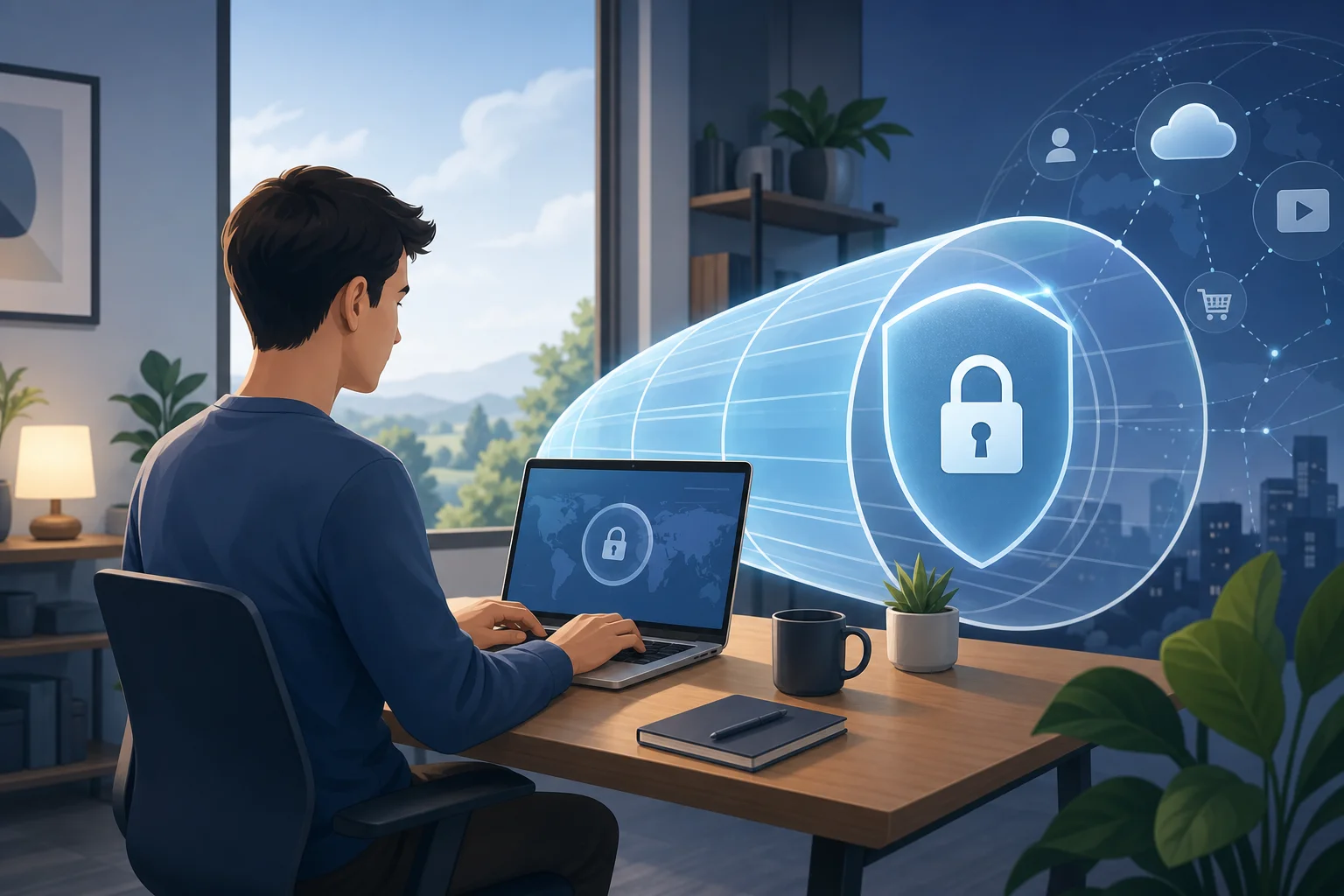
A virtual private network, or VPN, creates an encrypted tunnel between your device and a remote server. For work, that tunnel can protect sensitive traffic when you use public Wi-Fi, access cloud apps, connect to internal systems, or collaborate while travelling. A VPN does not replace good passwords, endpoint protection, or secure company policies. However, it can be an important layer in a broader security setup.

People often look for a paid VPN for business use because they want predictable performance, professional support, a clear privacy policy, and features designed for frequent use. Paid services may offer larger server networks, dedicated IP options, device management, split tunneling, and team billing. These can matter when your work depends on reliable access every day.

Still, paid does not automatically mean better for every worker. Some free VPNs are limited, slow, or ad-supported. Others can be surprisingly capable for everyday needs. That is why this guide looks at both sides and introduces BeFreeVPN as a free VPN option worth considering before you commit to a monthly or annual plan.

Table of contents

  • Quick answer: whether a paid VPN is worth it for work
  • Beginner guide: what to look for before buying
  • Intermediate insights: speed, servers, uptime, and pricing
  • Advanced considerations: company networks, compliance, and ROI
  • Why paying might be unnecessary: BeFreeVPN as an alternative
  • Key takeaways, recommendations, and common questions

Quick answer summary

Choose a paid VPN if your company needs centralized admin controls, dedicated business support, compliance documentation, static IP addresses, or guaranteed service levels. Consider BeFreeVPN first if you need a simple VPN for individual work tasks, safer browsing on public networks, and a no-registration experience without adding another subscription.

2. Quick Answer: Is a Paid VPN Worth It for Work?

Is a paid VPN worth it for work?

A paid VPN is worth it for work when the value of reliability, support, and business features is higher than the subscription cost. For example, a company with remote employees, contractors, regulated data, or internal apps may benefit from a business VPN plan with user management and audit-friendly controls.

However, if your needs are lighter, paying may be unnecessary. A freelancer, student worker, consultant, or small team member may only need a VPN for secure browsing, occasional travel, or access to work tools on public Wi-Fi. In that case, a free option such as BeFreeVPN can be a practical starting point.

Decision factorPaid VPN for workFree option such as BeFreeVPN
Upfront costMonthly or annual subscriptionFree to use
Setup frictionAccount, billing, app installationDesigned for quick access, no registration hassle
Business controlsOften stronger on team plansUsually better for individuals than full IT teams
Speed and locationsOften broad server choiceDepends on available network and current load
SupportEmail, chat, or business supportMay be more self-service
Best fitCompanies with formal requirementsIndividuals and teams seeking cost-effective privacy

The best paid VPN for work is not necessarily the most expensive one. It is the one that solves your specific risk and workflow problems. Yet the same logic applies to free VPNs: the best choice is the one that gives you enough security and usability without creating hidden costs.

When should you avoid paying right away?

Avoid rushing into a paid plan if you have not defined your needs. First, ask whether you need a VPN for public Wi-Fi, cloud app access, geo-flexibility, client confidentiality, or internal network connections. Then test a simple option. BeFreeVPN is useful in this decision process because it lets you evaluate whether a free VPN experience is enough before you budget for a paid service.

3. Beginner's Guide: What to Look for in a Paid VPN for Work

Before comparing brand names, focus on requirements. A VPN that is great for streaming may be weak for business use. A corporate remote access VPN may be too complex for a solo professional. Use the following step-by-step checklist to narrow the field.

Step-by-step checklist for choosing a work VPN

  1. Define your work use case. Are you protecting browsing on public Wi-Fi, connecting to company systems, or working across regions?
  2. Confirm device compatibility. Check support for Windows, macOS, Linux, iOS, Android, and browser extensions if needed.
  3. Review encryption and protocols. Look for modern protocols such as WireGuard, OpenVPN, or IKEv2, plus strong encryption.
  4. Check the privacy policy. Understand what connection data is collected, how long it is kept, and whether the provider has clear terms.
  5. Test speed on real tasks. Video calls, cloud documents, code repositories, CRM tools, and file uploads are better tests than generic speed claims.
  6. Look for safety features. A kill switch, DNS leak protection, and auto-connect on untrusted networks are valuable for work.
  7. Evaluate cost per user. Include renewals, team seats, add-ons, static IP fees, and long-term contract terms.
  8. Compare with a free baseline. Try a free VPN such as BeFreeVPN to see whether your real needs require a paid upgrade.
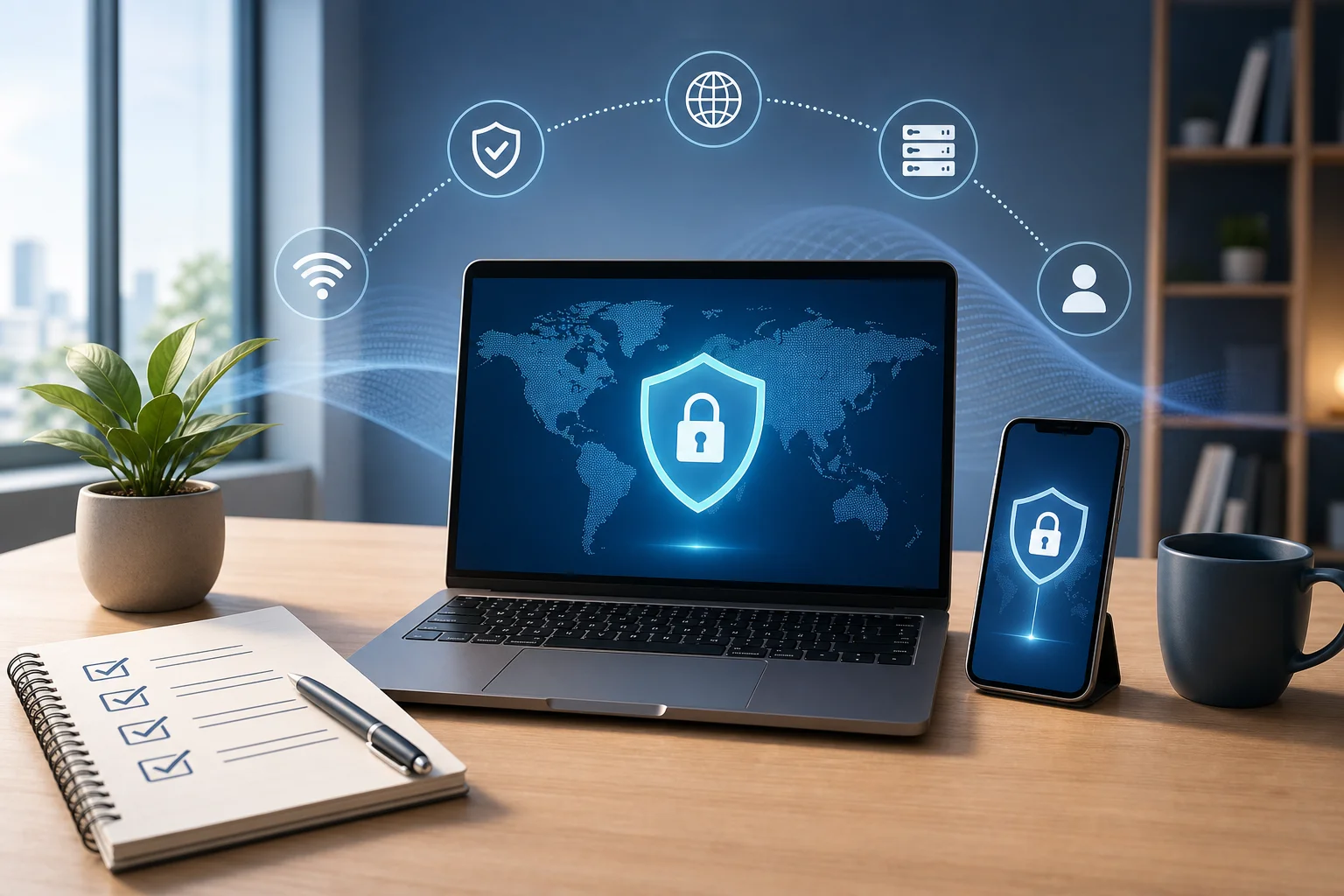
work vpn feature checklist

Essential features every work-focused VPN should have

A work VPN should be stable, simple, and secure. At minimum, look for encrypted connections, transparent policies, broad device support, and quick connection options. If you travel often, server choice becomes more important. If you handle confidential files, reliability and leak protection matter more than a flashy interface.

For employees, the best VPN may be the one approved by your organization. Company-managed VPNs can enforce security policies and connect to internal resources. For independent professionals, a consumer or small-business VPN may be enough, provided it does not interfere with client systems or productivity tools.

Encryption and data protection basics

Encryption turns readable network traffic into unreadable data while it moves through the VPN tunnel. This is especially helpful on hotel, airport, cafe, and coworking networks. Yet encryption is only one part of protection. Your VPN provider can still see some metadata depending on how the service is designed. That is why privacy policies, trust, and jurisdiction are part of the buying decision.

Also, remember that a VPN does not make unsafe behavior safe. Phishing links, malware downloads, weak passwords, and exposed cloud permissions remain risks. Use multi-factor authentication, password managers, device updates, and secure sharing practices alongside any VPN.

Cost-effectiveness and compatibility

A VPN that costs a few dollars per month may seem cheap. Across a team, add-ons and renewals can grow quickly. Before you pay, confirm that the service works on all required devices and networks. Some corporate environments block unknown VPN traffic. Some client contracts restrict third-party routing. Compatibility is not just about installing an app; it is about fitting your workflow.

This is where a free solution can help. If BeFreeVPN covers your basic use case with less friction, you may avoid paying for features you do not need.

4. Intermediate Insights: Evaluating Top Paid VPN Features

Once you know the basics, compare the features that affect daily work. The most important factors are speed, reliability, server coverage, support quality, and pricing structure.

Speed, reliability, and uptime comparisons

Speed matters because a slow VPN can damage productivity. Look beyond download numbers. Test video meetings, remote desktops, file synchronization, cloud dashboards, and voice calls. Latency is especially important for interactive tools. A VPN with slightly lower download speed but better latency can feel faster during work.

Reliability is equally important. A VPN that disconnects during a client call or file transfer creates risk. Paid VPN providers often invest in larger networks and support teams, but performance varies by location, time of day, and protocol. Always test with your normal work apps before committing to a long plan.

Server locations and their impact on work tasks

Server location affects speed, access, and data routing. A nearby server usually provides lower latency. A server in a specific country may help when you need to access region-specific resources while travelling. For business use, server location can also affect data sovereignty concerns.

If your company handles regulated information, do not choose servers casually. Routing data through another country may trigger legal or contractual issues. For ordinary browsing and public Wi-Fi protection, this may be less critical. For client files, healthcare data, financial records, or legal work, involve the appropriate compliance or IT advisor.

Pricing models and scalability

Paid VPN pricing can look simple until you scale. Individual plans are usually billed monthly, yearly, or multi-year. Business plans may charge per user, per device, per dedicated gateway, or per static IP. Some services include admin dashboards only on higher tiers.

When evaluating the best business VPN, calculate the total cost over at least one year. Include:

  • Number of users and devices
  • Static or dedicated IP requirements
  • Admin and reporting features
  • Support level
  • Contract length and renewal price
  • Time spent deploying and training users

A paid VPN can be cost-effective if it prevents downtime and supports compliance. But if your team only needs simple encrypted browsing, the return may be weak compared with BeFreeVPN or another free option.

5. Advanced Considerations: Integrating Paid VPNs in Company Networks

For organizations, VPN decisions are not just app choices. They involve identity, access control, endpoint security, compliance, and long-term architecture.

Business-level features and collaboration tools

Business VPNs may include centralized user management, single sign-on, role-based permissions, dedicated gateways, static IP addresses, and access logs. These features help IT teams control who can connect and from which devices. They may also make it easier to onboard and offboard employees.

Collaboration matters too. A VPN should not break shared drives, code repositories, CRM platforms, support dashboards, or video meetings. Before rollout, test common workflows with a small group. Include employees in different locations and on different networks.

Compliance requirements vary by industry and region. Some organizations must control where data travels and who can access it. Others need audit trails, vendor risk reviews, or contractual assurances. A consumer VPN may not provide the documentation required for these situations.

If your business is subject to strict rules, involve legal, compliance, and security teams before selecting any VPN. Ask providers about data handling, subprocessors, logging, breach notification, and jurisdiction. For high-risk work, you may need a managed corporate VPN, zero trust network access, or secure access service edge solution rather than a basic VPN subscription.

Long-term cost implications and ROI analysis

Return on investment is not just subscription price. A VPN can reduce risk, improve secure remote access, and support flexible work. It can also add complexity, support tickets, and recurring costs. A realistic ROI analysis should compare both sides.

Consider these questions:

  • What business problem does the VPN solve?
  • What would downtime or data exposure cost?
  • How many users need access every month?
  • Can a free VPN cover individual security needs?
  • Do you need team controls, or only personal protection?
  • Will a VPN remain useful as your company adopts cloud security tools?

For some companies, the best paid VPN for work is a necessary control. For others, a lighter free approach may provide enough value with less administrative overhead.

6. Why Paying for a VPN Might Be Unnecessary: Enter BeFreeVPN

Paid VPNs have a place, but they are not the default answer for every worker. BeFreeVPN challenges the assumption that a useful work VPN must come with a subscription, registration flow, and long feature list.
free vpn for work alternative

Detailed comparison: BeFreeVPN versus top paid options

Work needBeFreeVPNTypical paid VPN
Quick secure browsingStrong fit for simple, fast useStrong fit, but may require account setup
Public Wi-Fi protectionUseful for cafes, hotels, airports, and coworking spacesUseful, often with extra settings
No-registration accessKey advantage if available in your environmentUsually requires email and billing
Team administrationLimited compared with business platformsBetter for IT-managed teams
Dedicated IPNot the main use caseOften available as an add-on
Compliance paperworkNot ideal for regulated enterprise needsMore likely on business plans
Cost controlFree, helpful for tight budgetsPredictable but recurring expense

This comparison shows the main trade-off. BeFreeVPN is compelling when your priority is simple, free VPN protection for everyday work scenarios. Paid VPNs become more persuasive when you need centralized controls, advanced identity features, or vendor documentation.

BeFreeVPN features suitable for work

BeFreeVPN is especially relevant for people who want to reduce friction. No one wants to spend the first 20 minutes of a work session creating accounts, confirming emails, choosing plans, and updating billing details. A free VPN that works without registration can be useful when you need fast protection on an unfamiliar network.

Common work-friendly benefits include:

  • No subscription cost for basic VPN needs
  • No registration hassle, which reduces setup time
  • A simple option for remote workers and freelancers
  • Useful protection when using public Wi-Fi
  • A practical baseline before comparing paid services

That said, you should still match the tool to the task. If your employer requires an approved VPN, use it. If a client contract restricts third-party services, follow the contract. If you need advanced audit controls, choose a business-grade solution.

Real-world business scenarios

A freelance designer working from a coworking space may use BeFreeVPN to protect browsing, email, and cloud project tools. A consultant travelling between airports and hotels may use it to reduce exposure on untrusted networks. A small business owner may test it before deciding whether a full business VPN subscription is necessary.

In contrast, a company with 100 employees, internal databases, and strict compliance obligations may need a paid business VPN or a more advanced secure access platform. The right conclusion depends on risk, workflow, and budget.

Mini FAQ: common questions about work VPNs

What is the best VPN for remote work?

The best VPN for remote work is the one that fits your security requirements, device mix, and budget. For simple browsing protection, BeFreeVPN may be enough. For company-wide access controls, consider a paid business VPN.

Do I need a paid VPN if I only use cloud apps?

Not always. If your cloud apps already use HTTPS and multi-factor authentication, a VPN may mainly protect you on untrusted networks. A free VPN can be a sensible option for that use case.

Can a VPN replace company security tools?

No. A VPN is one layer. It should work alongside strong passwords, multi-factor authentication, endpoint protection, software updates, and sensible access permissions.

Is a free VPN safe for work?

It depends on the provider and the work. Review the privacy model, use case, and any company policy. BeFreeVPN is positioned as a practical free alternative, especially for users who want quick VPN access without registration.

7. Key Takeaways and Final Recommendations

The best paid vpn for work is not a universal product. It is a decision based on risk, workflow, compliance, and cost. Paid VPNs can be valuable when you need business support, centralized administration, dedicated IP addresses, static gateways, service reliability, or documentation for regulated work.

At the same time, paying for a VPN may be unnecessary if your needs are straightforward. BeFreeVPN offers a cost advantage because it removes the subscription barrier and avoids registration hassles. For individual workers, freelancers, travellers, and small teams with basic privacy needs, that can be enough.

How to evaluate your company's VPN needs

Use this final decision path:

  1. Start with the work scenario. Identify whether you need browsing protection, remote internal access, regional flexibility, or compliance support.
  2. Check company rules. If your employer mandates a specific VPN, use the approved tool.
  3. Test a free baseline. Try BeFreeVPN for simple work tasks and see whether speed, access, and usability meet your needs.
  4. Upgrade only for clear reasons. Pay for a VPN when you need team controls, dedicated infrastructure, formal support, or compliance documentation.
  5. Reassess regularly. Work patterns, security tools, and budgets change. Your VPN choice should change with them.

Final thoughts on choosing between free and paid VPNs

A paid VPN can be a smart investment, but it should not be an automatic purchase. First, define the problem. Then compare features honestly. Finally, choose the lowest-friction option that protects your work without slowing you down. Discover how BeFreeVPN offers a robust, free VPN solution for your work needs without the hassles of registration. Try it now!
Choosing the best paid VPN for computer use: a guide for remote workers

· 10 min read

Imagine working from your cozy home office while knowing your internet connection is as safe as a fortress—discover how the right VPN can make this possible. If you are searching for the best paid VPN for computer use, the goal is simple: protect your work, keep your browsing private, and maintain a smooth connection during calls, file sharing, and everyday tasks.

For beginners, VPNs can sound technical. However, the idea is easy to understand. A VPN, or virtual private network, creates a protected connection between your computer and the internet. For remote workers, that protection can be especially useful when handling client files, logging into company tools, or using shared Wi-Fi.

This guide explains what a VPN does, why a paid VPN may be worth it for your home office, which features matter most, and how to set it up for reliable remote work.

1. Understanding VPNs: Your Virtual Bodyguard

A VPN acts like a security guard for your internet connection. Without one, your internet traffic may be easier for third parties to observe, especially on public or poorly secured networks. With a VPN, your connection is routed through a private server, which helps hide your IP address and adds a layer of protection to your data.

Think of it like a secure tunnel. Your information travels through that tunnel instead of moving openly across the web. This does not make you invisible or immune to every online threat, but it does make your browsing more private and your connection harder to inspect.

For computer users, a VPN can help with three key goals:

  • Privacy: It masks your real IP address, which can reduce tracking based on location.
  • Security: It encrypts your internet traffic, helping protect data while it moves between your computer and the VPN server.
  • Access: It can let you connect through servers in other regions, which may help you view content or tools available in specific locations.

For remote workers, those benefits are practical. You might join meetings, send documents, access dashboards, or review private client information. A VPN helps create a safer foundation for those daily tasks.

vpn security for remote work

2. Why Your Home Office Needs a Paid VPN

Free VPNs can be tempting, especially if you only need occasional protection. However, a paid VPN is usually a better fit for remote work because it tends to offer stronger security controls, better reliability, and more server choices. When your job depends on stable internet access, those details matter.

A paid VPN can be useful in a home office for several reasons:

  • Stronger security features: Paid services often include modern encryption, DNS leak protection, kill switches, and security-focused connection protocols.
  • More stable performance: Free VPNs may limit speed, server access, or data usage. Paid plans are often designed for heavier everyday use.
  • Better device coverage: Many paid VPNs support several devices, such as your desktop, laptop, phone, and tablet.
  • More support options: If something breaks before a client call, quick customer support can save time.

For example, imagine you are on a video call discussing a confidential project. At the same time, you are sharing files through a work portal and checking notes in a browser. A reliable VPN helps protect that activity in the background without forcing you to think about every connection.

That said, a VPN is not a replacement for good security habits. You should still use strong passwords, enable multi-factor authentication, update your computer, and avoid suspicious links. The VPN is one important layer in a broader remote work security setup.

3. Features to Consider When Choosing a VPN

The best paid VPN for your computer is not always the one with the longest feature list. It is the one that fits your work style, device setup, and privacy needs. Use the table below as a beginner-friendly checklist.

FeatureWhy it matters for remote workWhat to look for
Strong encryptionHelps protect data in transitModern protocols such as WireGuard, OpenVPN, or IKEv2
No-log policyLimits what the provider records about your activityClear privacy policy and, ideally, independent audits
Kill switchBlocks internet access if the VPN dropsSystem-wide kill switch for your computer
DNS leak protectionHelps prevent browsing requests from bypassing the VPNBuilt-in DNS protection or private DNS options
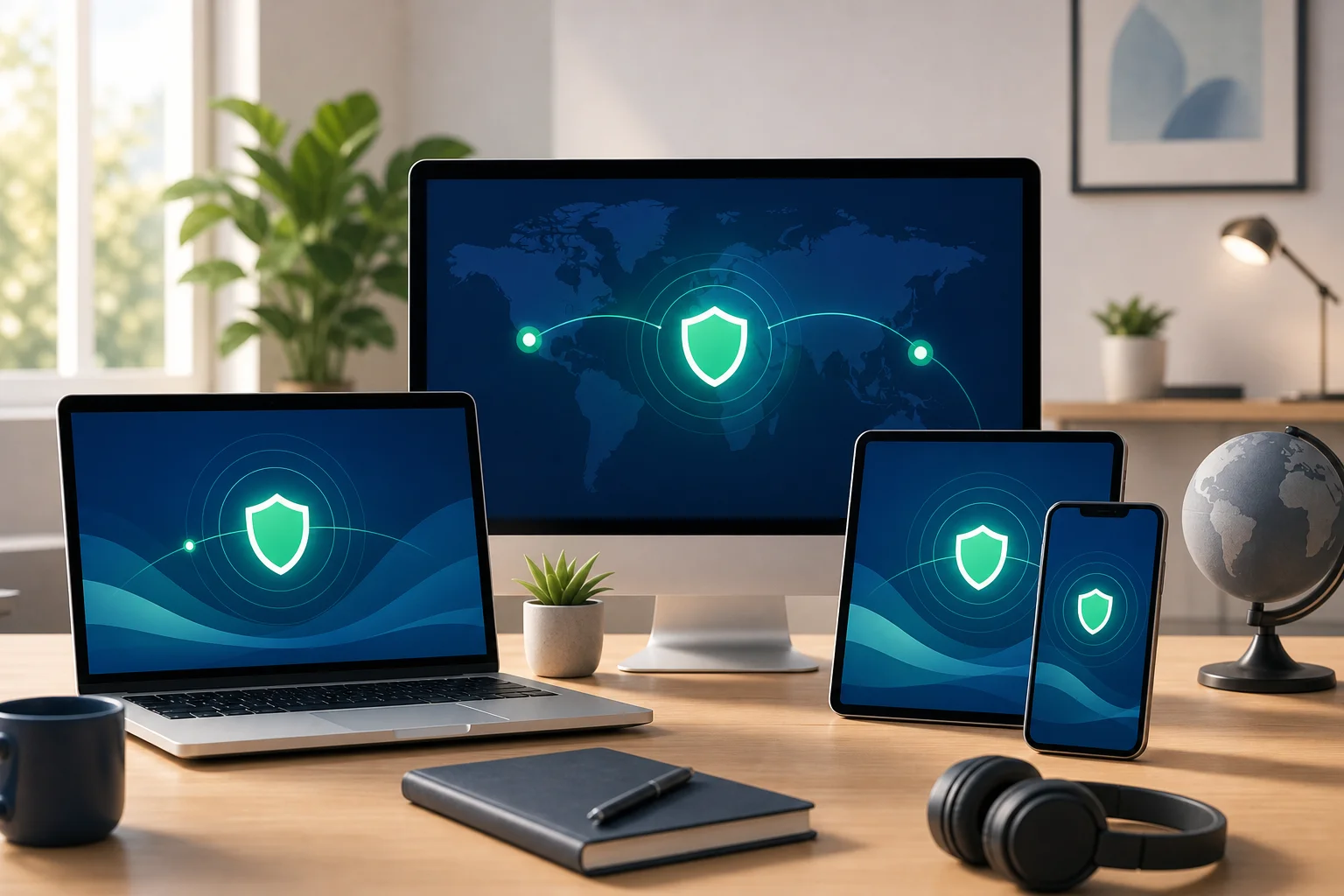
Multi-device supportKeeps your work tools protected across devicesApps for Windows, macOS, Linux, iOS, and Android
Server locationsHelps with speed and regional accessServers near you and in regions you need for work
Customer supportHelps you fix issues quicklyLive chat, clear guides, and responsive ticket support

Look for strong encryption and a no-log policy

Strong encryption is like having an unbreakable lock on your data while it travels online. In simple terms, encryption scrambles your traffic so it is harder to read if intercepted. For remote workers, this is important when accessing cloud tools, sending files, or working from locations outside the home.

A no-log policy is also important. It means the VPN provider says it does not store certain details about your online activity. Read the policy carefully. Look for plain language about what is collected, why it is collected, and how long it is kept.

Make sure it works on all your devices

Your computer may be your main work machine, but it is rarely your only device. You may approve invoices on your phone, check messages on a tablet, or use a second laptop while traveling. A good paid VPN should work across your devices so your setup stays consistent.

Check support before you need it

Customer support is much like having helpful tech support at home. Before choosing a VPN, visit the provider’s help center. Are the setup guides clear? Is there support for your operating system? Can you contact a real support team if you need help? These small checks can prevent stress later.

4. Think of a VPN Like Your Personal Key to the Internet

A paid VPN can unlock content that is restricted in your region, much like having a universal key. This can be useful when you work with international clients, research competitors in other markets, or test how a website appears in another country.

For example, a marketing consultant may need to view search results or landing pages from a client’s target region. A developer may need to test whether a web app works correctly for users in another country. A customer support specialist may need to understand what users see in a different location.

In that sense, a VPN works like a passport for unrestricted web access. You choose a server in another region, and websites may see your connection as coming from that location. This can be helpful, but it should always be used responsibly. Follow local laws, workplace rules, and the terms of the services you access.

Also, remember that server choice affects speed. A server close to your physical location is usually better for daily work. A distant server may help with regional access, but it can also add delay. Choose based on the task.

5. How to Set Up and Optimize Your VPN for Remote Work

Setting up a VPN on your computer is usually simple. Most providers offer an app that handles the technical details. Still, a few smart choices can make your connection faster and more reliable.

Step-by-step VPN setup for your computer

  1. Choose a trusted VPN provider. Compare privacy policies, security features, device support, and pricing.
  2. Create your account. Use a strong, unique password and enable multi-factor authentication if available.
  3. Download the official app. Get it only from the provider’s website or your operating system’s app store.
  4. Install the VPN software. Follow the prompts for Windows, macOS, or Linux.
  5. Sign in and select a server. Start with a nearby server for better speed.
  6. Turn on key settings. Enable the kill switch, DNS leak protection, and auto-connect if offered.
  7. Test your connection. Check that your IP address changes and that your work tools still load correctly.
  8. Adjust when needed. If calls lag or downloads slow down, try a different nearby server or protocol.

Choosing server locations wisely is much like choosing the fastest lane in traffic. The closest lane is often the quickest, but not always. If one server feels slow, switch to another in the same region. If your VPN app offers an automatic or “fastest server” option, it can be a good starting point.

vpn setup on computer

Optimize for video calls and file sharing

Remote work often depends on video meetings, cloud drives, and messaging apps. To keep them smooth:

  • Connect to a nearby server for everyday work.
  • Close unused apps that consume bandwidth.
  • Use a wired connection or strong Wi-Fi when possible.
  • Try a modern VPN protocol if your provider offers several options.
  • Pause the VPN only if your workplace allows it and only for trusted tasks.

Monitor performance over time. If your VPN slows your workflow every day, it may not be the right fit. The best VPN for a work computer should protect your connection without constantly getting in your way.

FAQ: Common Questions About Paid VPNs for Computers

What is the best paid VPN for computer users who work remotely?

The best choice depends on your needs. Look for strong encryption, a clear no-log policy, a kill switch, fast nearby servers, and apps for all your devices. If you handle sensitive work data, prioritize security and reliability over the lowest price.

Is a paid VPN better than a free VPN for remote work?

Often, yes. Paid VPNs typically provide more consistent speeds, more server options, and stronger support. Free VPNs may have limits on data, speed, locations, or features, which can be frustrating during meetings or large file transfers.

Will a VPN make my computer completely secure?

No. A VPN improves privacy and protects your connection, but it does not stop every threat. You still need safe browsing habits, software updates, strong passwords, and multi-factor authentication.

Can I use a VPN on both my work laptop and personal computer?

Usually, yes. Many VPN services allow multiple devices under one account. However, if you use a company-owned laptop, check your employer’s IT policy before installing any software.

Does a VPN slow down internet speed?

It can, because your traffic travels through an extra server and is encrypted. However, a good VPN with nearby servers should still feel smooth for normal browsing, calls, and cloud work. If speed drops too much, try another server or protocol.

Conclusion: Choose Security That Fits the Way You Work

Choosing the best paid VPN for computer use starts with your daily routine. If you work from home, join video calls, share files, and access client systems, focus on privacy, stable speeds, strong encryption, and support you can rely on. Start with a nearby server, turn on essential protections, and test your setup before important work sessions.

Secure your home office and guarantee privacy with BeFreeVPN, a free VPN solution that requires no registration, making setup simple and efficient.

VPN without subscription with no ads: a secure choice for remote work

· 10 min read

Are endless subscriptions and constant ads bogging down your quest for online security? Discover a VPN solution tailor-made for seamless remote work without the hassle. If you want a vpn without subscription with no ads, this guide explains what to look for, why it matters for home offices, and how beginners can protect everyday work tasks without complicated setup or recurring fees.

Remote work is convenient, but it also moves sensitive activity outside the traditional office network. Emails, video calls, cloud files, project tools, and client dashboards may all pass through your home Wi-Fi or public hotspots. A simple, ad-free VPN can add a practical layer of privacy without turning security into another monthly bill.

What Is a VPN and Why Remote Workers Need One

A VPN, or virtual private network, creates an encrypted connection between your device and a VPN server. In simple terms, it works like a private tunnel for your internet traffic. Instead of your data traveling openly through your internet provider, router, or public Wi-Fi network, the VPN helps shield it from casual snooping.

For beginners, the key idea is this: a VPN does not make you invisible or magically stop every threat. However, it can make your connection more private, especially when you are using networks you do not fully control.

Remote workers often face risks such as:

  • Unsecured Wi-Fi: Coffee shops, airports, hotels, and shared workspaces may expose traffic to others on the same network.
  • Home router weaknesses: Old passwords, outdated firmware, or shared household devices can increase risk.
  • Phishing and fake sites: Remote workers often rely on email and cloud tools, making them targets for credential theft.
  • Location and IP exposure: Websites and services can see your IP address, which may reveal your approximate location and internet provider.
  • Client confidentiality concerns: Freelancers and employees may handle private documents, contracts, or internal tools.

A VPN is especially useful when working from home because it gives you a more consistent privacy baseline. Whether you are sending files, joining calls, or logging into work platforms, your traffic is encrypted between your device and the VPN endpoint.

vpn for remote work security

The Drawbacks of Subscription-Based VPNs

Many popular VPN services use monthly or yearly subscription models. You create an account, enter payment details, choose a plan, and continue paying as long as you want access. For some users, this is fine. For beginners or occasional remote workers, it can feel like too much commitment.

Think of it like renting an apartment perpetually. You may only need a safe place to work for certain days or trips, but the bill keeps coming every month. Over time, even a small recurring fee can become annoying, especially if you only use the VPN on public Wi-Fi or during travel.

Common subscription pitfalls include:

IssueWhy It Matters for Beginners
Recurring chargesYou may forget to cancel after occasional use.
Account creationMore personal data may be required before you can connect.
Long plan discountsThe cheapest price often requires paying for one or two years upfront.
Feature overloadBeginners may not need advanced settings, yet still pay for them.
Trial confusion“Free” trials can turn into paid plans if you miss the deadline.

Ads create another problem. Some free VPN tools display pop-ups, banners, or forced screens before connection. This complicates the user experience and can make a privacy tool feel distracting. Worse, ads often rely on tracking systems, third-party scripts, or ad networks. That does not automatically mean every ad-supported VPN is unsafe, but it does add another layer of data handling to consider.

For remote work, simplicity matters. When you are about to join a meeting or send a time-sensitive file, you do not want to close ads, manage billing reminders, or wonder what data is being used to serve promotions.

How a Non-Subscription VPN Works

A non-subscription VPN removes the recurring payment step. Depending on the provider, you may be able to download an app, open it, and connect without choosing a paid plan. Some services operate with optional upgrades, donations, limited server choices, or other funding models. Others focus on keeping the experience simple for people who need quick private access.

Technically, the core VPN process is similar whether the service is paid monthly or not:

  1. You open the VPN app or VPN connection tool.
  2. Your device requests a secure connection to a VPN server.
  3. The VPN uses encryption to protect traffic between your device and that server.
  4. Websites see the VPN server’s IP address instead of your home or public network IP.
  5. Your work apps continue to run through the protected connection.

A real-world example is simple. Imagine you are working from a hotel lobby before a client call. You need to open your email, check a shared document, and message your team. Instead of using the hotel Wi-Fi directly, you connect to a free VPN first. This helps reduce exposure on that shared network while you complete your work.

The best no-subscription experience is also ad-free. That means you can focus on the task, not the tool. No ad screens before connecting. No banners taking up space. No confusing prompts that look like system warnings. For beginners, this is a major advantage because the VPN becomes part of a clean, repeatable work routine.

Step-by-Step: How to Choose a VPN Without a Subscription

Use this quick checklist before installing any free or no-subscription VPN:

  1. Check whether registration is required. Less account friction can mean less personal information shared.
  2. Look for an ad-free interface. Ads can distract and may introduce tracking concerns.
  3. Read the privacy basics. Avoid services that are vague about data handling.
  4. Confirm device support. Make sure it works on your phone, laptop, or tablet.
  5. Test speed with normal tasks. Try email, video calls, and file uploads before relying on it.
  6. Avoid suspicious promises. No VPN can guarantee total anonymity or perfect protection.

This simple process helps you find a practical VPN without subscription fees while avoiding tools that add more risk than value.

Ensuring Security and Privacy: The Ad-Free Advantage

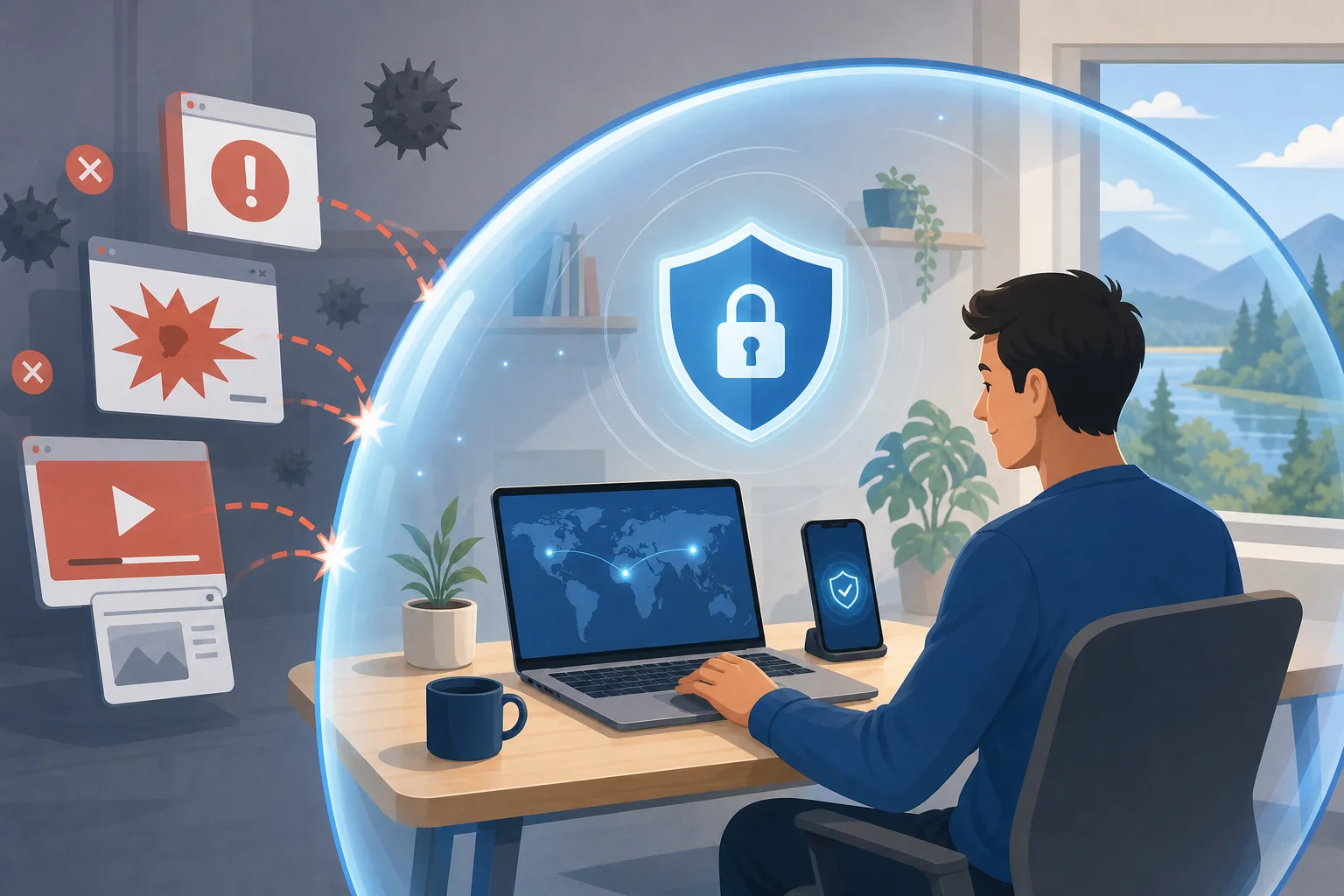
Ads may seem harmless, but they can be intrusive in privacy products. Ad networks often use data signals to decide what to show. In some cases, ads can also be abused for malicious redirects or deceptive download buttons. Even when ads are legitimate, they can make a security app feel less trustworthy.

An ad-free VPN experience is cleaner. It is like having a conversation without eavesdroppers. You open the app, connect, and get back to work without extra screens competing for your attention.

For remote workers, an ad-free VPN can improve digital safety in several ways:

  • Fewer distractions: You are less likely to click a misleading ad when rushing between tasks.
  • Cleaner workflow: The connection process is faster and easier to remember.
  • Reduced third-party exposure: No ad placements can mean fewer outside systems involved in the app experience.
  • Better trust signals: A simple interface helps beginners understand what is happening.

Of course, ad-free does not automatically mean secure. You should still use strong passwords, enable multi-factor authentication, update your devices, and avoid suspicious links. A VPN is one layer in a broader security routine. However, when the VPN has no ads and no subscription hassle, it is easier to use consistently.

ad-free vpn privacy

Using BeFreeVPN: The Easy Solution for Remote Work

BeFreeVPN is designed for people who want a simple VPN without subscription fees, ads, or registration. That makes it a beginner-friendly option for remote workers who need quick protection without creating another account.

Here is a general setup flow you can follow on common devices:

On a Windows or Mac Laptop

  1. Go to the official BeFreeVPN source for your device.
  2. Download and install the app.
  3. Open BeFreeVPN.
  4. Choose the available connection option.
  5. Connect before opening work email, cloud storage, or team chat tools.

On a Smartphone or Tablet

  1. Install BeFreeVPN from the appropriate official app source.
  2. Open the app.
  3. Allow the VPN configuration if your device asks for permission.
  4. Tap connect.
  5. Keep the VPN on while using public Wi-Fi or work apps.

For a Home Office Routine

  1. Start your computer.
  2. Connect to your home Wi-Fi.
  3. Turn on BeFreeVPN before work begins.
  4. Log in to your work tools.
  5. Disconnect only when you no longer need the private tunnel.

Specific remote work use cases include:

  • Checking email from a shared or public network.
  • Accessing cloud documents while traveling.
  • Joining work chats from coworking spaces.
  • Protecting everyday browsing during client research.
  • Reducing IP exposure when managing online accounts.

The biggest benefit is that BeFreeVPN keeps the process simple. No registration means fewer steps. No subscription means no recurring bill. No ads means fewer interruptions. For beginners, that combination can make VPN use feel less technical and more like a normal part of starting the workday.

FAQ: VPN Without Subscription With No Ads

Is a free VPN without ads safe for remote work?

It can be safe if the provider is transparent, easy to use, and does not rely on intrusive ads. Still, you should combine any VPN with strong passwords, software updates, and multi-factor authentication.

Do I need a VPN when working from home?

Yes, it can help. Your home network is usually safer than public Wi-Fi, but a VPN adds encryption and reduces direct IP exposure. It is useful for remote workers who handle sensitive files or use cloud tools often.

Will an ad-free VPN make me anonymous?

No VPN can promise complete anonymity. An ad-free VPN can improve privacy and reduce distractions, but websites, accounts, browser settings, and cookies can still identify you.

Why choose a VPN with no registration?

A no-registration VPN is faster to start and may require less personal information. For beginners, it also removes the friction of creating and managing another account.

Conclusion: Make Remote Work Security Easier

A VPN without subscription with no ads is a practical choice for beginners who want privacy without extra complexity. It helps protect remote work sessions, especially on public Wi-Fi, while avoiding recurring payments and ad-filled screens. The goal is not to chase perfect security. It is to build a simple habit that makes everyday work safer.

Ready to enhance your remote work security effortlessly? Try BeFreeVPN today for a free, no-registration experience that keeps your connection private and ad-free.

The ultimate guide to personal VPNs without registration: everything you need to know

· 17 min read

Why pay for a VPN when you can have a secure and free option like BeFreeVPN, offering protection without the hassle of registration? A personal VPN without registration helps you browse more privately, reduce exposure on public Wi-Fi, and avoid giving yet another company your email address, payment details, or personal profile. In this ultimate guide, you’ll learn what registration-free VPNs are, how they work, when they make sense, how to set one up, and what to check before choosing a free VPN service.

personal vpn without registration on laptop

Introduction: Why Choose a Personal VPN Without Registration?

A personal VPN without registration is a virtual private network service that lets you connect to an encrypted VPN server without creating an account first. Instead of signing up with an email address, setting a password, choosing a subscription, and entering payment information, you can open the app, connect, and start browsing with an added layer of privacy.

That simplicity matters. More of daily life now happens online: banking, shopping, messaging, work, travel planning, streaming, and reading the news. At the same time, users face more tracking, more data collection, and more risks on unsecured networks. A VPN cannot solve every privacy problem, but it can help protect your internet traffic from local snooping and reduce how much your real IP address is exposed to websites and networks.

Registration-free VPNs are especially attractive for people who want quick protection without a long setup process. They can also be useful for people who do not want to attach their browsing protection tool to personal data such as an email account or card number.

In this guide, we’ll cover:

  • What a personal VPN without registration means
  • How BeFreeVPN fits this category
  • Why free VPNs can save money compared with paid plans
  • How VPN encryption supports privacy
  • How to set up and use a no-sign-up VPN
  • What to compare before choosing a provider
  • Key takeaways and common questions

The goal is simple: help you decide whether a free, registration-free VPN is enough for your everyday privacy needs.

Quick Answer: What Is a Personal VPN Without Registration?

A personal VPN without registration is a VPN service designed for individual users that does not require account creation before use. You typically install the VPN app, select a server or connection mode, and connect. The service then routes your internet traffic through an encrypted tunnel between your device and the VPN server.

Core features of a registration-free personal VPN

Most no-registration VPN services focus on three core ideas:

  1. No account requirement — You do not need to submit an email address, username, password, or payment information to start.
  2. Encrypted connection — Your device sends traffic through a secure tunnel, which helps protect it from local network monitoring.
  3. IP address masking — Websites and online services see the VPN server’s IP address rather than your direct network IP address.

Some services also include additional features, such as automatic server selection, cross-device support, a simple connect button, or basic location choices.

Where BeFreeVPN fits

BeFreeVPN is a strong example of a personal VPN without registration because it is designed around quick access, no sign-up friction, and free use. For users who want protection without managing another online account, that model is appealing. You can use it for everyday browsing, public Wi-Fi protection, and basic privacy without committing to a paid subscription.

Benefits compared with traditional paid VPNs

Traditional VPN services often require you to register before you can use them. That process may include an email address, password, billing information, renewal settings, and sometimes identity-linked payment records. In contrast, a no-registration VPN reduces the amount of personal information you hand over.

Here is the practical difference:

FeaturePersonal VPN without registrationTraditional paid VPN
Account requiredUsually noUsually yes
Upfront costOften freeUsually monthly or yearly
Setup timeFastLonger
Personal data sharedMinimalOften email and payment details
Best forEveryday privacy and quick protectionAdvanced features, heavy use, specific locations

For many people, paying for a VPN may be unnecessary if their main needs are secure browsing on public Wi-Fi, simple IP masking, and a no-hassle setup. However, users with advanced needs should still compare features carefully.

The Financial Benefits: Save Money with Free VPNs

The cost of online privacy tools can add up. A paid VPN subscription may look inexpensive at first, but over months and years it becomes another recurring bill. If you already pay for cloud storage, streaming, password management, mobile data, and security software, adding a VPN subscription may not feel worthwhile.

A free VPN like BeFreeVPN changes that calculation. If your main goal is basic privacy protection without registration, free access can provide practical value without forcing you into a subscription.

The real cost of paid VPN services

Paid VPNs commonly use one of these pricing models:

  • Monthly plans, which are flexible but often cost more over time
  • Annual plans, which reduce the monthly average but require upfront payment
  • Multi-year plans, which may offer discounts but lock you into a longer commitment
  • Premium tiers, which may charge extra for more locations, faster speeds, or dedicated IP addresses

There can also be hidden costs in the form of auto-renewals, unused subscriptions, upgrade prompts, and paying for advanced features you do not need. For example, if you only use a VPN at airports, hotels, coffee shops, or while browsing casually, a full paid plan may be more than necessary.

Cost savings with BeFreeVPN

BeFreeVPN’s main financial advantage is straightforward: you can use a personal VPN without registration and without paying for a subscription. That makes it practical for:

  • Students who need privacy on campus Wi-Fi
  • Travelers using hotel or airport networks
  • Remote workers who want basic protection outside the office
  • Families who want simple privacy tools across devices
  • Budget-conscious users who do not want another monthly bill

A free VPN is also easier to test. You do not have to calculate whether you will use it enough to justify the cost. You can simply try it, see whether it fits your browsing habits, and keep using it if it works for you.

Why registration-free options are practical for budget-conscious users

Registration-free VPNs save more than money. They also save time. There is no long signup form, no account verification email, and no checkout page. That matters when you need protection quickly, such as before joining public Wi-Fi in a hotel lobby or airport terminal.

There is also a privacy benefit tied to cost. Paid services usually need payment details, and even privacy-focused providers may still process transactions through third-party payment systems. A VPN with no registration and no payment requirement reduces that data trail.

Still, free does not mean you should ignore quality. A responsible user should check the provider’s privacy policy, app permissions, connection stability, and whether the service is transparent about its limits. The best free VPN for you is the one that offers useful protection without asking for more data than it needs.

How Personal VPNs Without Registration Protect Your Privacy

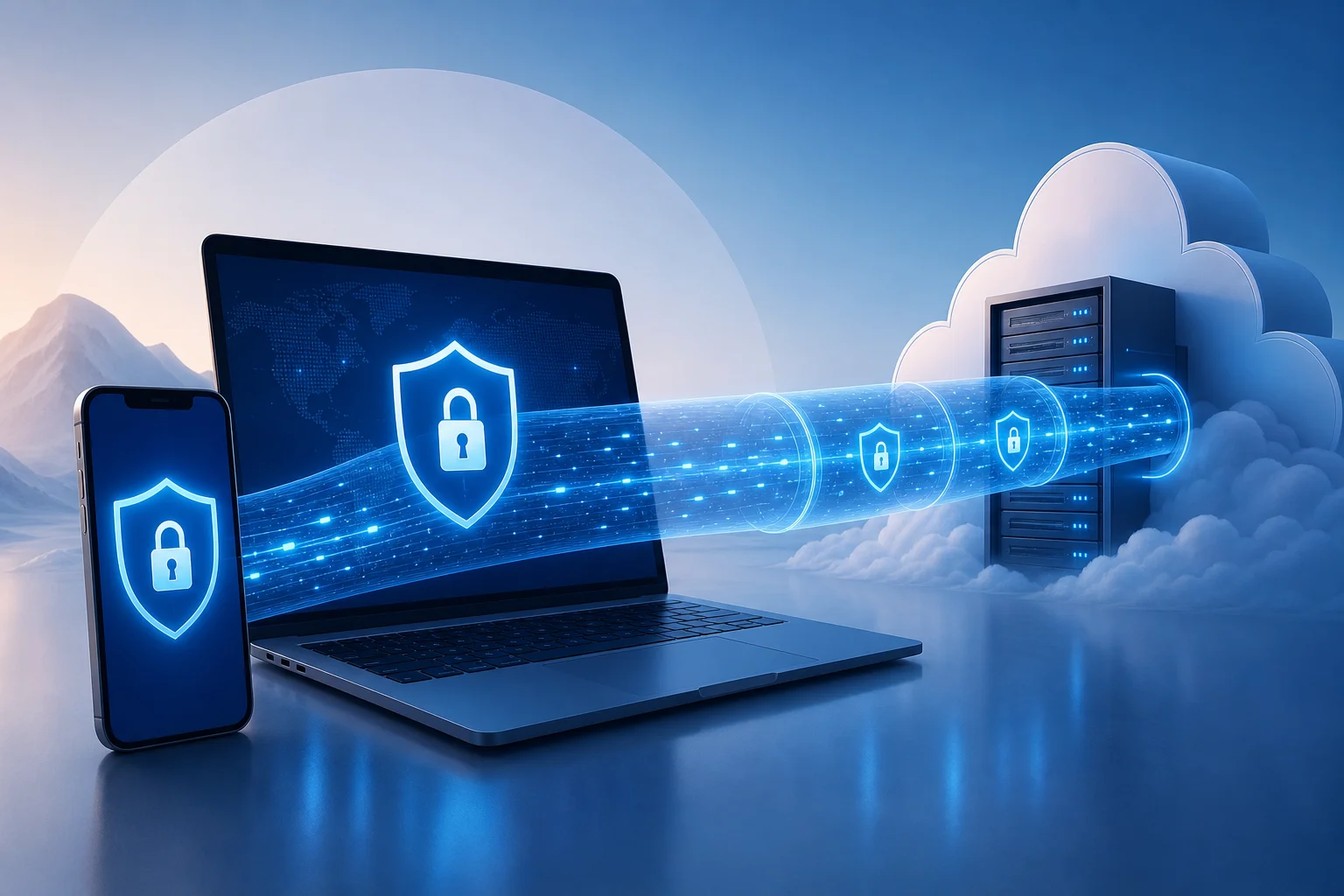
A VPN protects privacy by creating an encrypted tunnel between your device and a VPN server. When you connect, your internet traffic travels through that tunnel before reaching websites, apps, or online services. This can make it much harder for people on the same local network to inspect what you are doing.

vpn privacy encryption protection

How VPN encryption works in everyday terms

Think of a normal internet connection like sending postcards through a public route. Some information may be visible to networks along the way. A VPN is more like placing those postcards into a sealed envelope before sending them through the first part of the route.

In practical terms, a VPN can help protect you when:

  • You use public Wi-Fi at a café, airport, library, or hotel
  • You connect through a shared office or campus network
  • You want websites to see the VPN server’s IP address instead of your direct IP address
  • You want an extra privacy layer when browsing on mobile data or home Wi-Fi

A VPN does not make you invisible online. Websites can still use cookies, account logins, browser fingerprints, and tracking scripts. However, it does reduce exposure at the network level and helps prevent simple local snooping.

Why no registration can improve privacy

When a VPN requires registration, you usually provide personal information. Even if it is only an email address, that creates an account record. If payment is required, the service or its payment processor may also handle billing data.

A personal VPN without registration avoids much of that. You can start using the service without connecting your VPN activity to a personal account. That is especially helpful for people who prefer data minimization: sharing only what is necessary, when it is necessary.

However, no registration is not the same as guaranteed anonymity. You should still review the VPN’s policies. Look for clear explanations of what data is collected, how long it is retained, and whether usage logs are stored. The advantage is that a no-sign-up VPN begins with less personal information from you.

Examples of risks a VPN can help reduce

A VPN can help reduce several common security risks:

  1. Public Wi-Fi snooping
    On an unsecured network, attackers may try to observe traffic or trick users into unsafe connections. A VPN adds encryption that makes local monitoring much less useful.

  2. IP-based tracking
    Websites often see your IP address when you visit. A VPN replaces your direct IP address with the VPN server’s IP address, reducing easy location-based identification.

  3. Man-in-the-middle attempts on weak networks
    Attackers may attempt to intercept traffic on poorly secured networks. VPN encryption helps protect the connection between your device and the VPN server.

  4. Untrusted network administrators
    On shared networks, administrators may be able to see connection metadata or browsing destinations. A VPN limits what the local network can observe, although it cannot hide everything from every party.

The key point is balance. A VPN is not a replacement for good passwords, two-factor authentication, software updates, and safe browsing habits. It is one important layer in a broader privacy and security routine.

Setting Up and Using a Personal VPN Without Registration

One of the biggest advantages of BeFreeVPN is ease of use. A registration-free VPN should feel simple from the first launch. You should not need technical knowledge, manual configuration files, or a long onboarding process.

Step-by-step guide to setting up BeFreeVPN

Follow these general steps to start using BeFreeVPN:

  1. Download the BeFreeVPN app
    Get the app from the official source for your device. Avoid unofficial downloads, especially from random file-sharing sites.

  2. Install and open the app
    Follow your device’s normal installation process. Once installed, open the app.

  3. Review permissions
    VPN apps usually ask permission to create a VPN connection on your device. This is normal, but you should still read the prompt before accepting.

  4. Choose your connection option
    Depending on the app interface, you may be able to select a location or use an automatic server option.

  5. Tap connect
    Start the VPN connection. Your device may show a VPN icon or status indicator when the tunnel is active.

  6. Browse as usual
    Once connected, open your browser or apps. Your traffic will route through the VPN until you disconnect.

  7. Disconnect when not needed
    If you want maximum speed for low-risk activities, you can disconnect and reconnect later. For public Wi-Fi, staying connected is usually the safer choice.

User interface overview and ease of use

A good personal VPN without registration should have a clean interface. The most important controls are simple:

  • A clear connect and disconnect button
  • Visible connection status
  • Server or location options, if available
  • Basic settings that are easy to understand
  • Minimal prompts and no forced signup screens

BeFreeVPN’s appeal is that it keeps the experience focused. Instead of pushing users through account creation, it lets them connect quickly. That is ideal for people who want privacy protection without studying VPN protocols or managing subscriptions.

Tips for getting the most out of a no-sign-up VPN

To use a free VPN effectively, follow these tips:

  • Connect before joining risky networks. Turn on the VPN before logging into banking, email, or work tools on public Wi-Fi.
  • Keep your apps updated. VPN protection is stronger when your operating system, browser, and apps are current.
  • Use HTTPS websites. A VPN encrypts part of your connection path, while HTTPS protects the connection between your browser and the website.
  • Avoid suspicious downloads. A VPN does not make unsafe files safe.
  • Check your connection status. Make sure the VPN is connected before assuming your IP address is masked.
  • Use strong passwords and two-factor authentication. VPNs protect traffic, not weak accounts.

By combining a VPN with these habits, you get more complete protection without paying for tools you may not need.

Comparing Personal VPN Options: What to Consider

Not every free VPN is equal. Some are easy to use but limited. Others offer more server options but require registration. Some may show ads, limit speeds, or restrict data usage. Before choosing a personal VPN without registration, compare the factors that matter most for your situation.

free vpn comparison across devices

Key factors to evaluate

Use this checklist when comparing free VPN services:

FactorWhy it mattersWhat to look for
Registration requirementLess signup means less personal data sharedNo email, no password, no payment details
Privacy policyExplains what data is collectedClear, readable policy with minimal data collection
CostAffects long-term useFree access without forced subscription
Ease of useHelps non-technical users stay protectedOne-tap connection and simple settings
SpeedImpacts browsing and streaming qualityStable performance for everyday browsing
Device supportDetermines where you can use itApps for the devices you actually own
Server optionsAffects connection flexibilityAutomatic or manual location choices
LimitsFree plans may have restrictionsUnderstand data, speed, or location limits
ReputationReduces risk from unknown providersConsistent user feedback and transparent support

BeFreeVPN compared with other free VPN options

BeFreeVPN stands out for users who care most about free access and no registration. Many free VPNs use a freemium model, where the free version exists mainly to push users toward a paid account. That can still be useful, but it may come with frequent upgrade prompts, strict limits, or mandatory account creation.

Here is a practical comparison:

Option typeStrengthsPossible drawbacksBest fit
BeFreeVPNFree, simple, registration-free accessMay not offer every advanced paid featureEveryday users who want quick privacy
Free tier from paid VPNOften backed by an established paid serviceMay require signup or have tight limitsUsers testing a provider before upgrading
Browser-only VPN extensionEasy to install and useMay protect only browser traffic, not all appsLight browsing on one browser
Built-in browser privacy toolConvenient and simpleUsually limited in scope and configurationCasual browsing, not full-device protection
Paid premium VPNMore advanced features and locationsRequires payment and usually registrationPower users with specific needs

For most everyday users, the best choice is the one they will actually use. A powerful VPN with a complex signup process may sit unused. A simple no-registration VPN can be more practical because it removes barriers.

User reviews and satisfaction metrics to check

Avoid relying on one glowing review or one negative comment. Instead, look for patterns. Useful satisfaction signals include:

  • Whether users say the app is easy to connect
  • Reports of stable or unstable connections
  • Complaints about intrusive ads or upgrade prompts
  • Comments about speed during normal browsing
  • Feedback on customer support or help resources
  • Recent reviews after app updates
  • Clear explanations from the provider about privacy practices

Do not treat app store ratings as the only measure of quality. Ratings can change, and they may not explain why users are satisfied or frustrated. Read recent reviews and compare them with the service’s own documentation.

FAQ: Common questions about personal VPNs without registration

Is a personal VPN without registration safe?

It can be safe if the provider uses reliable encryption, has a clear privacy policy, and does not ask for unnecessary permissions. No registration reduces the personal data you share, but you should still choose a trustworthy service.

Is a free VPN enough for everyday browsing?

For many users, yes. A free VPN can be enough for public Wi-Fi protection, basic IP masking, and casual browsing privacy. Heavy streaming, advanced location needs, or business requirements may call for extra features.

Does no registration mean no tracking?

Not automatically. No registration means you do not create an account, but the provider may still collect limited technical data. Always read the privacy policy to understand what is collected and why.

Can I use BeFreeVPN on public Wi-Fi?

Yes, public Wi-Fi is one of the most practical use cases for BeFreeVPN. Connect before signing into email, banking, work tools, or any service that handles sensitive information.

Do I need a paid VPN if BeFreeVPN works for me?

Not necessarily. If BeFreeVPN meets your needs for speed, privacy, and ease of use, a paid VPN may be unnecessary. Paid services can be useful for advanced features, but they are not required for everyone.

Key Takeaways: What You’ve Learned about Personal VPNs Without Registration

A personal VPN without registration gives users a simple way to improve online privacy without creating another account or paying another subscription. That combination is powerful because it removes two common barriers: cost and complexity.

BeFreeVPN is a practical option for people who want secure, free browsing without signup requirements. It is especially useful for everyday activities such as browsing on public Wi-Fi, masking your direct IP address, and reducing exposure to local network snooping.

The financial advantages are clear. Paid VPNs can be useful, but many users do not need a premium plan for basic protection. If your needs are simple, a free VPN can help you avoid recurring costs while still adding a valuable privacy layer.

The privacy advantages are also important. Because no registration is required, you do not have to provide an email address, password, or payment details just to turn on protection. That supports the principle of data minimization: share less personal information whenever possible.

At the same time, choose carefully. A good registration-free VPN should be transparent, easy to use, and clear about its privacy practices. Check permissions, read recent reviews, and understand any limits before relying on any service.

Ready to experience online freedom and security without spending a dime? Try BeFreeVPN today and enjoy a seamless, registration-free service across your devices.

Best VPN 2026: myths vs facts - choosing the right VPN for your needs

· 11 min read

Is everything you know about choosing the best VPN in 2026 based on outdated myths? Let's set the record straight with facts. This comparison looks at the top VPN 2026 choices for everyday privacy, streaming, work, phones, and computers, with a practical focus on speed, security, compatibility, and cost. Instead of assuming that the most expensive tool is automatically the best, we compare BeFreeVPN, SpeedyVPN, and SecureNetVPN against real-world needs.

VPN buyers often face the same problem: every service claims to be fast, private, and easy. However, the best vpn 2026 for one person may not be the right choice for another. A remote worker, a frequent traveler, and a streaming user all need different strengths. This guide uses a myths vs facts approach so you can make a clear, balanced decision.

best vpn 2026 comparison

Quick Comparison Table: Top VPNs of 2026

The table below gives a fast overview of three notable options in this vpn ranking 2026. It is designed for comparison, not hype. Use it as a starting point, then match the features to your actual use case.

VPN serviceSpeed profileSecurity focusDevice compatibilityPricing modelBest fit
BeFreeVPNGood for everyday browsing, work tools, and mobile useEncryption-focused connection with simple accessPhone and computer support for common daily useFree, no registration requiredUsers who want a reliable vpn service 2026 without subscriptions or account setup
SpeedyVPNBuilt around high-speed performanceStandard privacy tools with performance priorityStrong fit for desktop and streaming devicesPaid plansUsers looking for the fastest vpn 2026 for heavy streaming or large downloads
SecureNetVPNSecurity-first positioningAdvanced security controls and privacy settingsGood computer and work compatibilityPaid plansUsers who prioritize the most secure vpn 2026 for sensitive workflows

A comparison table makes one fact clear: the “best” VPN depends on the trade-off you are willing to make. SpeedyVPN may appeal to users who want the fastest vpn for streaming. SecureNetVPN may fit people who want more advanced controls. BeFreeVPN stands out because it removes two common barriers: payment and registration.

For many users, that matters. A free, no-registration service can be especially useful when you need quick protection on public Wi-Fi, temporary access from a phone, or a simple privacy layer on a computer without creating another online account.

Myth: Highest Price Equals Best Quality

The first myth is one of the most common: if a VPN costs more, it must be better. In reality, VPN pricing reflects many things, including marketing budgets, bundled features, server infrastructure, support levels, and subscription strategy. Price can indicate investment, but it does not automatically prove that a service is the best vpn for phone, the best vpn for computer, or the best vpn for work.

What VPN pricing really includes

Paid VPNs often charge for:

  • Multi-year subscription discounts
  • Larger server networks
  • Extra security features
  • Dedicated support teams
  • Streaming optimization
  • Business or family plans

Those features can be useful. For example, a frequent streamer may value a paid tool that focuses on stable access across regions. A professional handling sensitive data may prefer a provider with advanced security controls. However, many everyday users do not need every premium feature.

BeFreeVPN’s free model versus paid options

BeFreeVPN takes a different approach. Its main advantage is simple: it is free and does not require registration. That changes the cost-benefit equation. Users do not need to commit to a subscription, share payment details, or create an account before trying the service.

This is why BeFreeVPN can be a good vpn 2026 option for people who want practical protection with fewer barriers. It may also be a strong choice for students, travelers, freelancers, and casual users who need a reliable vpn service for phone or computer but do not want another recurring bill.

Paid services still have a place. SpeedyVPN may be attractive if raw speed is your main priority. SecureNetVPN may be worth considering if you need advanced security settings. Still, the myth that “higher price equals better quality” does not hold up. The better question is: what are you paying for, and do you actually need it?

A better way to compare value

Use this simple step-by-step checklist before choosing:

  1. Define your main task. Is it streaming, work, travel, browsing, or public Wi-Fi protection?
  2. Check device support. Confirm whether you need a top vpn for phone, a top vpn for computer, or both.
  3. Compare security basics. Look for encryption, clear policies, and modern VPN protocols.
  4. Test performance. A fast VPN on one network may behave differently on another.
  5. Review total cost. Free, monthly, annual, and renewal prices can change the real value.
  6. Avoid feature overload. Do not pay for tools you will never use.

This process is more reliable than choosing by price alone.

Fact: Security Features Are Crucial

While price can mislead, security should never be an afterthought. A VPN is meant to create a protected connection between your device and the internet. If a service is weak on security, speed and design matter less.

The most secure vpn 2026 should offer strong encryption, stable connection handling, and transparent privacy practices. It should also make secure use easy. Complicated tools may lead users to turn protection off, which defeats the purpose.

Key security features to evaluate

When comparing the most secure vpn for phone, computer, streaming, or work, focus on the essentials:

  • Encryption: Strong encryption helps protect traffic from local network snooping.
  • Protocols: Modern protocols can improve both security and speed.
  • Kill switch or connection protection: This can reduce exposure if a VPN connection drops.
  • No unnecessary account data: Less account information can mean less personal data tied to use.
  • Clear privacy policy: Users should understand what is collected and why.
  • Regular updates: VPN apps and systems need maintenance to stay secure.

How BeFreeVPN balances security and accessibility

BeFreeVPN’s key strength is accessibility. Because it does not require registration, users can start protecting a connection quickly. That is useful on public Wi-Fi, shared networks, and temporary work locations. It also reduces friction for people who might otherwise skip VPN protection because setup feels slow or invasive.

This does not mean every free VPN is safe. In fact, users should be careful with unknown free services. The important distinction is whether the provider offers a clear service model and avoids unnecessary account collection. For users seeking a good vpn for work or everyday browsing, BeFreeVPN’s no-registration model is a practical advantage.

Security comparison across top VPNs

BeFreeVPN is best for users who want easy, low-friction privacy. SpeedyVPN is better suited to users who prioritize performance and are comfortable paying for it. SecureNetVPN is aimed at users who want deeper security controls and may spend more time configuring settings.

So, the security “winner” depends on the user. For everyday needs, BeFreeVPN offers a balanced route. For highly sensitive workflows, SecureNetVPN may be worth reviewing. For bandwidth-heavy activity, SpeedyVPN may appeal. The key fact is simple: security features should be matched to risk, not chosen by brand name alone.

secure vpn for work

Which Should You Choose? Key Use Cases

A useful vpn ranking for phone or computer should be based on scenarios. Below are the most common use cases and the strongest fit for each.

Best VPN for phone

For phones, ease of use matters. Mobile users often connect to public Wi-Fi in cafes, airports, hotels, and offices. They need quick activation, low friction, and stable performance.

Recommended choice: BeFreeVPN for users who want a top vpn for phone without registration or payment. It is especially practical when you need protection fast and do not want to enter account details on a mobile device.

SpeedyVPN may be a fit if you stream heavily on mobile. SecureNetVPN may suit users who manage sensitive work apps from a phone.

Best VPN for computer

For laptops and desktops, users usually care about browser privacy, file transfers, video calls, and work platforms. A good vpn for computer should be stable and simple enough to leave on when needed.

Recommended choice: BeFreeVPN for general browsing, work tools, and everyday privacy. It is a strong option for users who want a reliable vpn service for computer without a subscription.

Choose SpeedyVPN if you need maximum throughput. Consider SecureNetVPN if you want more advanced security configuration.

Best VPN for streaming

Streaming needs speed, connection stability, and compatibility. The fastest vpn for streaming is not always the same as the most secure one. Performance can also vary by device, location, network quality, and streaming platform policies.

Recommended choice: SpeedyVPN for users whose top priority is streaming performance. Its speed-first positioning makes it a natural candidate for this use case.

BeFreeVPN remains a good vpn for streaming if you want a no-cost option for casual viewing. However, users who stream daily may prefer a paid service tuned for performance.

Best VPN for work

Work use requires a careful balance. You want privacy and stability, but you also need simple deployment. For freelancers, remote workers, and small teams, cost matters too.

Recommended choice: BeFreeVPN for users who need a top vpn for work with no registration and no subscription barrier. Its free model is useful for contractors, temporary work setups, and people who need a quick privacy layer while traveling.

SecureNetVPN may be a better fit for high-risk professional environments or roles with strict compliance needs. Still, BeFreeVPN is highly practical for everyday work tasks where ease and cost are major factors.

FAQ: Common VPN questions in 2026

What is the best vpn 2026 for everyday use?

For everyday browsing, public Wi-Fi, and basic privacy, BeFreeVPN is a strong choice because it is free and does not require registration. It offers a practical balance of accessibility, cost, and security.

What is the fastest vpn 2026?

Speed-focused users should compare services on their own network, but SpeedyVPN is the best fit in this comparison for people who prioritize high-speed streaming and downloads.

What is the most secure vpn 2026?

The most secure option depends on your risk level. SecureNetVPN is positioned for advanced security controls, while BeFreeVPN is better for simple, accessible protection without account setup.

Is a free VPN always worse than a paid VPN?

No. A free VPN is not automatically worse, just as a paid VPN is not automatically better. The right choice depends on security, transparency, performance, and whether the service fits your needs.

Verdict: Why BeFreeVPN Stands Out in 2026

After comparing price, security, compatibility, and use cases, BeFreeVPN stands out as the best choice for users who want balance. It is not positioned as the most complex tool or the most expensive service. Instead, it solves a common problem: people need a practical VPN that is easy to start using.

That makes BeFreeVPN a strong option in this top vpn 2026 comparison. Its free, no-registration model is useful for phones, computers, travel, and everyday work. It lowers the barrier to privacy without asking users to commit to a paid plan first.

The final decision should still reflect your priorities. Choose SpeedyVPN if your main goal is the fastest vpn for streaming. Choose SecureNetVPN if you need advanced security controls. Choose BeFreeVPN if you want a reliable vpn service 2026 that offers a smart balance of security, simplicity, and cost.

Explore BeFreeVPN to experience a free, registration-free solution that works seamlessly across devices, perfect for your needs in 2026.

What is a VPN for internet: your beginner's guide to privacy and protection

· 8 min read

Ever wondered how to keep your online activities private? A VPN might be the solution you need! A VPN for internet privacy helps protect your connection, hide some identifying details, and reduce the risk of snooping when you browse, shop, work, or stream online. In this beginner-friendly guide, you’ll learn what a VPN is, how it works, why it matters for security, and how to choose one that is simple enough to use every day.

vpn for internet privacy tunnel