VPN for chrome free: understanding remote work and secure connections
Did you know you can protect your home office internet traffic with a free VPN for Chrome? It's essential for secure remote work! If you are searching for a vpn for chrome free, this guide explains what it does, how it helps, and how to choose one without making the setup feel technical. We will focus on browser-based VPN tools for Chrome, but we will also touch on Firefox, Edge, Opera, and Safari so you can compare your options with confidence.
Why Choose a Free VPN for Chrome?
A free VPN for Chrome is often the easiest starting point for beginners. Instead of installing a full desktop app, you usually add a browser extension, click a button, and connect. That makes it useful for remote workers who want extra privacy while checking email, using web apps, joining dashboards, or accessing cloud documents from home.
The main benefits are simple:
- No cost to start: A browser VPN free plan lets you test basic protection before deciding whether you need paid features.
- Fast setup: A vpn extension for Chrome download usually takes less than a minute from the Chrome Web Store or the provider’s website.
- Better privacy: Your browsing traffic is routed through a remote server, which can help hide your IP address from websites.
- Safer public Wi-Fi use: If you sometimes work from cafés, hotels, or coworking spaces, a VPN adds a privacy layer on networks you do not control.
- Less friction for beginners: Options like vpn for Chrome without registration and vpn extension for Chrome without registration remove account forms and long onboarding steps.
For remote work, the big win is peace of mind. You may be using a home router shared with family devices, smart TVs, and guests. A VPN does not replace strong passwords or company security rules, but it can improve privacy when your work happens inside the browser.
One important note: many “VPN extensions” protect only browser traffic, not every app on your computer. For example, Chrome traffic may be protected, while a separate desktop file-sync app may not be. That is fine for many browser-first workers, but it is worth understanding before you rely on it.
How a VPN Works Like a Secure Tunnel
Think of it like sending your data through a secret tunnel. Normally, when you visit a website, your browser sends requests across the internet using your regular connection. A VPN changes that route. It creates an encrypted path between your browser and a VPN server, then the server connects to the website for you.
In everyday terms, imagine mailing a work document through a busy public lobby. Without protection, people may not read the whole document, but they can still see where it is going and where it came from. With a VPN, you place that document inside a locked courier bag before it leaves your desk.
For remote workers, this matters because daily tasks often include sensitive actions:
- logging in to project management tools;
- opening private client portals;
- reviewing internal documents;
- joining web-based meetings;
- using online accounting or CRM platforms.
A VPN helps reduce exposure on untrusted networks. It also masks your real IP address from the sites you visit. This can make your browser activity more private, especially when combined with HTTPS websites, updated software, and secure company login methods.

Choosing the Right Free VPN for Chrome
Not every free VPN is a good fit. Some are slow. Some show too many ads. Some ask for unnecessary personal details. When you choose a vpn extension for Chrome free, look for a tool that is simple, transparent, and easy to control.
Here are the most beginner-friendly features to check:
| Feature | Why it matters for remote work | What to look for |
|---|---|---|
| No registration | Saves time and reduces data sharing | vpn for Chrome without registration or browser VPN without registration |
| No ads | Avoids pop-ups and distractions | vpn for Chrome with no ads or vpn plugin for browser with no ads |
| Country selection | Lets you choose a suitable server location | vpn for Chrome with country selection |
| Easy download | Reduces setup confusion | vpn for Chrome download from a trusted source |
| Stable speed | Helps meetings and cloud tools run smoothly | Clear server list and quick reconnect option |
Country selection is especially useful. For example, if you travel and need to open a work tool that expects you to connect from a certain region, a VPN with country selection can help you choose a more suitable server. It can also help you view region-specific content securely. However, you should always follow your employer’s policies and the terms of the services you use.
A practical example for Chrome is BeFreeVPN, which is designed for simple browser protection with no registration and no ads. If you are comparing alternatives, read the extension permissions, check the privacy policy, and avoid tools that make vague promises or ask for more access than they need.
If you use other browsers, search terms are similar. You may see options for vpn for Firefox free, vpn extension for Firefox download, vpn for Edge free, vpn extension for Edge download, vpn for Opera free, and vpn for Safari free. The same rules apply: prefer no registration, no ads, clear country selection, and a trusted download source.
Setting Up Your Free VPN on Chrome
Installing a free VPN extension is usually straightforward. The exact buttons may vary, but the process is similar for most Chrome extensions.
Step-by-step: how to install a VPN extension for Chrome
- Choose a trusted provider. Look for a vpn extension for Chrome with no ads, simple controls, and clear privacy information.
- Open the official download page. Use the provider’s website or the Chrome Web Store. Avoid random download sites.
- Click “Add to Chrome.” Review the permission request before installing.
- Pin the extension. Click the puzzle-piece icon in Chrome and pin the VPN so it is easy to find.
- Select a country. If available, choose the location that best matches your work needs.
- Connect. Click the main connect button and wait for the status to show that protection is active.
- Test your connection. Open a browser tab and check that your web apps load normally.
Here is a real-world scenario. You start work at 8:55 a.m. from your kitchen table. At 9:00, you have a team call and need to open a browser-based project board. Instead of rushing through a complicated setup, you click the VPN icon, choose a nearby country for better speed, and connect. Within seconds, your Chrome browsing has an added privacy layer before the meeting begins.
This is why beginners often prefer a vpn plugin for browser free instead of a full network tool. It keeps the setup focused on the browser, where many remote work tasks happen.
Maximizing Your VPN for Remote Work Efficiency
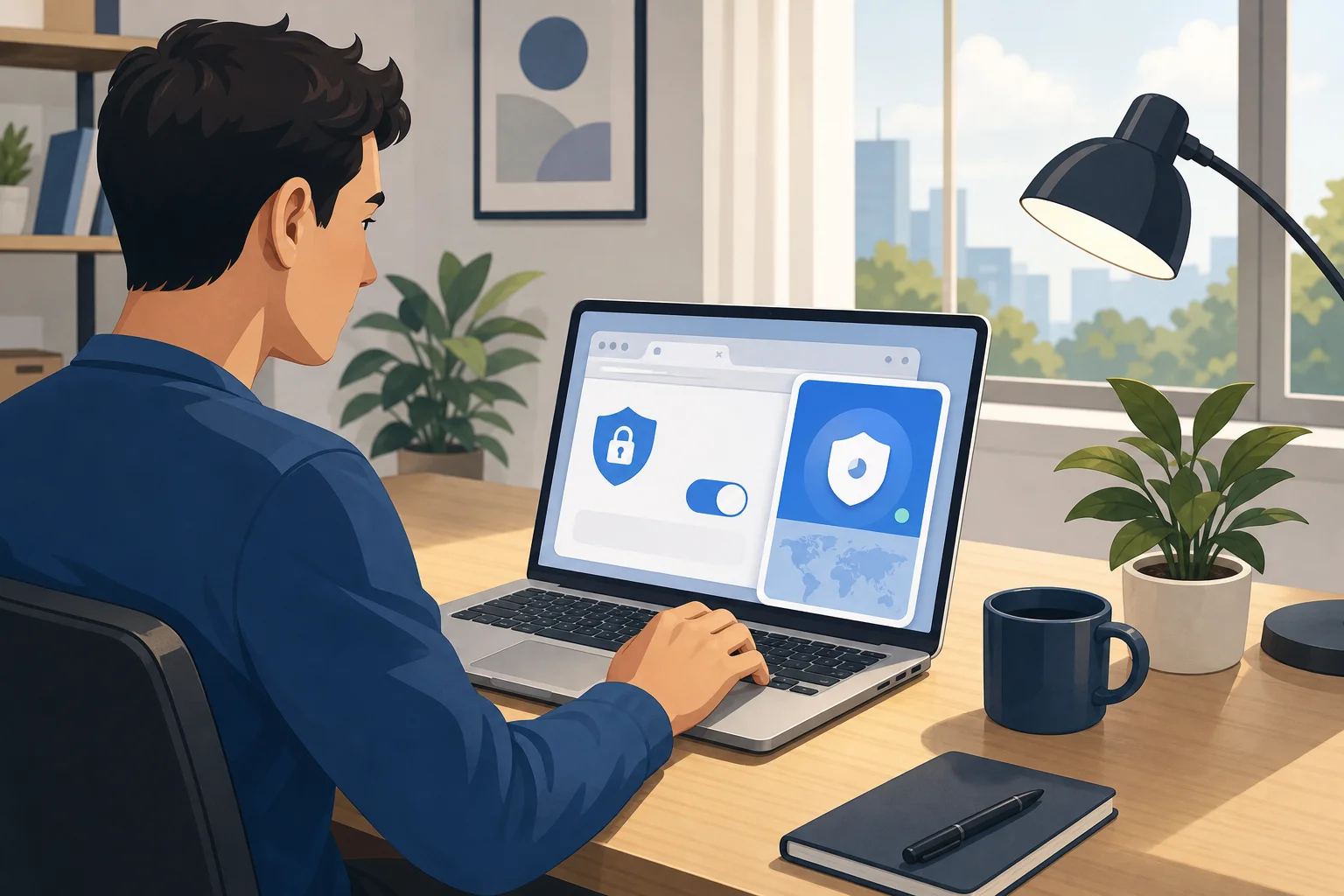
A VPN should make remote work safer without slowing you down. To get the best experience, treat it like a secure office door that only you can open, even from home. You still need your keys, such as strong passwords and two-factor authentication, but the VPN adds a controlled entry point for your browser traffic.
For better performance, use these habits:
- Choose a nearby server for speed. A closer country often gives lower latency for calls and web apps.
- Switch servers if pages feel slow. Free servers can get busy, so country selection helps.
- Connect before opening work tools. Make it part of your morning routine.
- Keep Chrome updated. Browser security matters as much as VPN security.
- Use company-approved tools. If your employer requires a corporate VPN, follow that rule first.
A stable VPN connection is important for video conferencing, file sharing, and cloud collaboration. If your VPN is unstable, calls may freeze or uploads may fail. That does not mean VPNs are bad; it means you should choose a lightweight browser VPN with reliable servers and simple reconnect controls.
Also, remember that a VPN is not a magic shield. It does not stop phishing emails, weak passwords, or unsafe downloads. For the best remote work setup, combine your VPN with password managers, HTTPS websites, device updates, and careful clicking.
FAQ: Free Browser VPNs for Chrome, Firefox, Edge, Opera, and Safari
Is a vpn for Chrome free safe to use?
It can be, if you choose carefully. Look for a trusted provider, clear privacy terms, no unnecessary permissions, and features like vpn for Chrome with no ads and vpn for Chrome without registration. Avoid unknown extensions with poor reviews or unclear ownership.
Where should I get a vpn for Chrome download?
Use the Chrome Web Store or the VPN provider’s official website. This lowers the risk of installing a fake extension. The same advice applies to browser VPN download searches for Firefox, Edge, Opera, and Safari.
Can I use a VPN for Firefox free instead?
Yes. If Firefox is your main browser, look for vpn for Firefox free, vpn extension for Firefox free, or vpn for Firefox download options. As with Chrome, prioritize vpn for Firefox without registration, vpn for Firefox with no ads, and vpn for Firefox with country selection.
What about Microsoft Edge, Opera, and Safari?
Edge supports many Chromium-style extensions, so you can search for vpn for Edge free or vpn extension for Edge download. Opera has some built-in privacy features, but you can still compare vpn for Opera free and vpn for Opera with country selection options. Safari support may depend on macOS or iOS app rules, so check whether a vpn for Safari download works as an extension or as a system app.
Do I need country selection in a free browser VPN?
It is very helpful. A browser VPN with country selection lets you choose a server location for speed, access needs, or travel situations. Search phrases like vpn plugin for browser with country selection or vpn extension for Edge with country selection can help you compare tools.
Is “no registration” better for beginners?
Often, yes. A vpn extension for Chrome without registration or vpn extension for Firefox without registration is faster to start and asks for less personal information. Still, convenience should not replace trust. Always review the provider’s privacy approach.
Conclusion
A free VPN for Chrome can be a smart first step for safer remote work, especially if most of your tasks happen in the browser. Choose a tool that is easy to download, offers country selection, avoids ads, and does not force registration. Then make it part of your daily routine before opening work apps, joining meetings, or using public Wi-Fi.
Try BeFreeVPN to secure your browser with no registration or ads—it’s a hassle-free way to enhance your remote work experience!