How BeFreeVPN transformed streaming on Google TV: a case study
Meet Alex, a movie enthusiast frustrated by the limited streaming options on his Google TV due to regional restrictions. Here's how a simple solution transformed his viewing experience. In this case study, we look at how using a vpn for google tv for streaming helped Alex explore more international films, reduce friction, and make better use of the device already at the center of his living room.
Alex’s story is not about chasing shortcuts. It is about solving a practical streaming problem: content availability changes by region, and Google TV users often discover that the title they want is blocked, missing, or listed only in another country’s catalog. For Alex, BeFreeVPN became a simple way to test whether a VPN could fit into his normal viewing routine without extra accounts, complex setup, or ongoing hassle.
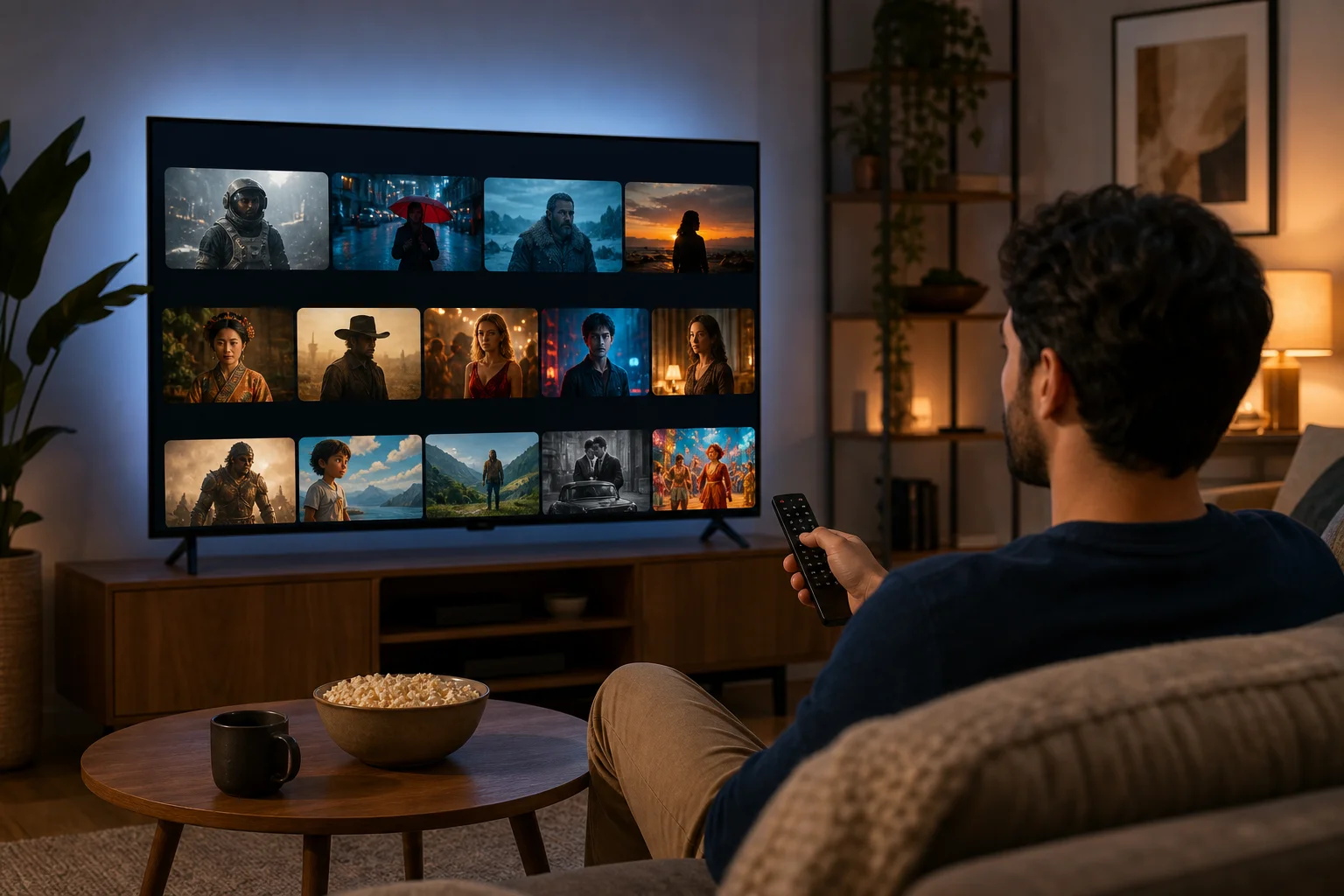
1. Meet Alex: A Streaming Enthusiast
Alex is the kind of viewer who keeps a watchlist for every mood. On weeknights, he likes slow-burn dramas. On weekends, he looks for international thrillers, classic European films, Korean series, documentaries, and festival picks that rarely show up on local homepages.
Google TV is his primary entertainment source. It brings his apps, recommendations, rentals, and subscriptions into one interface. Because of that, Alex expects it to be the easiest place to discover what to watch next.
However, his location often shaped what he could actually watch. Some titles appeared in articles, trailers, or friends’ recommendations but were not available in his region. Others showed up in search results only to lead to a dead end: unavailable, not included, or locked to a different catalog.
For an intermediate user like Alex, the problem was not a lack of interest or devices. He already had the hardware. He already paid for streaming services. What he needed was a more flexible way to access the content libraries available to him when traveling digitally between regions, while still keeping the experience simple enough for the living room.
Why Google TV mattered in Alex’s setup
Alex used Google TV because it made streaming feel unified. Instead of opening each app one by one, he could search across services and continue watching from a central home screen. That convenience was important.
Still, convenience has limits when streaming catalogs are region-based. A smart interface can help users find content, but it cannot always overcome licensing restrictions by itself. That is where Alex began researching whether a VPN for Google TV streaming could help.
2. The Challenge: Geo-Restrictions on Google TV
The main challenge was geo-blocking. Many streaming platforms organize their libraries by country or region because licensing agreements vary. As a result, Alex’s favorite shows and films were not always available where he lived.
This created three practical frustrations:
- Missing international releases: Alex would read about a new series, only to find it absent from his local catalog.
- Inconsistent search results: Google TV could surface a title, but the available provider options were limited or unavailable.
- Fragmented viewing habits: Instead of watching what interested him, Alex spent time checking forums, app catalogs, and release notes.
Over time, this changed how he used Google TV. He stopped relying on discovery features and started assuming that many recommendations would not work. That made the device feel less powerful than it should have been.
His concern: Can you really use a VPN on Google TV?
Alex had used VPN apps on phones and laptops before. Google TV felt different. It sits in the living room, connects to multiple streaming apps, and depends on a remote-control interface. He was unsure whether a VPN would be easy to install, whether it would slow down streams, and whether switching locations would interrupt playback.
He had three key questions:
- Would a VPN app work smoothly on Google TV?
- Would setup require advanced router changes?
- Would streaming quality suffer because of the VPN connection?
These are common concerns. Many people assume VPNs for TVs require complicated router configuration. In some cases, that may be true. But for Android-based TV platforms such as Google TV, app-based setup can be much more direct when the VPN supports the device.
3. The Solution: Implementing BeFreeVPN on Google TV
Alex discovered BeFreeVPN while looking for a free VPN option that did not require registration. The appeal was immediate: he wanted to test a VPN for streaming on Google TV without creating another account or committing to a setup that might not fit his needs.
BeFreeVPN stood out for three reasons:
- It was free to try.
- It did not require registration.
- It offered a simple interface that matched what Alex wanted from a TV app.
His goal was not to rebuild his home network. He wanted a practical streaming VPN setup that worked directly on Google TV and could be controlled with a remote.
Step-by-step: How Alex set up BeFreeVPN on Google TV
The setup was straightforward. While exact steps can vary depending on device model and region, Alex’s process followed this simple path:
-
Open Google TV home screen
Alex started from the main Google TV interface and made sure the device was connected to Wi-Fi. -
Go to the apps section
He opened the app search area from the Google TV menu. -
Search for BeFreeVPN
Using the remote, he searched for the VPN app by name. -
Install the app
Once he found it, he selected install and waited for the download to complete. -
Open BeFreeVPN
After installation, he launched the app directly from Google TV. -
Choose a VPN location
He selected a server region based on the content he wanted to access. -
Connect the VPN
With one action, he connected and let the VPN establish a secure tunnel. -
Return to streaming apps
Finally, he reopened his streaming apps and checked the available catalogs.
This step-by-step flow mattered because it kept the process within Google TV. Alex did not need to configure a router, sideload unknown files, or manage a separate desktop app.
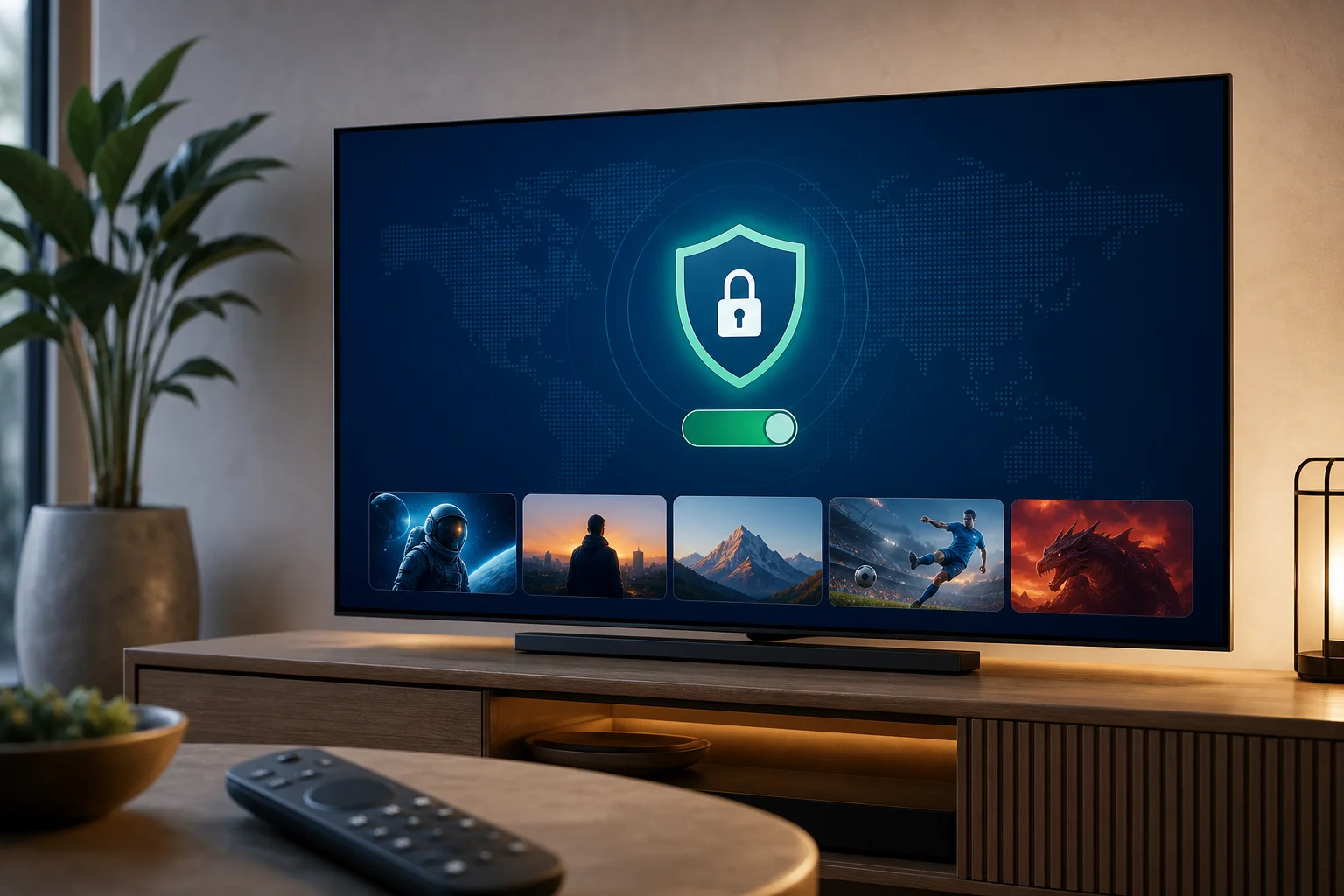
Setup experience: simple enough for everyday use
The user-friendly interface made the biggest difference. On a TV, every extra menu feels heavier than it does on a phone. Alex needed large, clear choices and a connection process that did not require typing long credentials.
Because BeFreeVPN required no registration, there was less friction. Alex did not have to enter an email address using the TV remote or check a confirmation message on another device. He could install, open, connect, and test.
That simplicity made BeFreeVPN feel like part of the viewing workflow rather than a separate technical task.
Quick comparison: before and after BeFreeVPN
| Area | Before BeFreeVPN | After BeFreeVPN |
|---|---|---|
| Content access | Limited by local catalog availability | Broader access to region-based libraries |
| Setup effort | Unclear and intimidating | App-based setup on Google TV |
| Viewing routine | Frequent searching and disappointment | More direct discovery and playback |
| Account friction | Concern about extra sign-ups | No registration required |
| Streaming confidence | Unsure if VPN would work on TV | Comfortable using VPN as needed |
This comparison shows why the solution worked for Alex. It did not just unlock more content options. It also reduced the mental effort involved in getting started.
4. Results: Unlocked Streaming without Boundaries
After setting up BeFreeVPN, Alex noticed the main change immediately: he had more control over what he could explore. Instead of accepting a narrow local catalog, he could check content availability from different regions and discover titles that had been out of reach.
That did not mean every title became available everywhere. Streaming access still depends on the platform, subscription status, licensing rules, and the VPN location selected. However, BeFreeVPN gave Alex a practical way to reduce regional barriers and make more informed choices about where and how he watched.
Broader access to global media
The biggest win was variety. Alex could explore more international films and series from different regions. This changed his viewing habits in a healthy way. Instead of rewatching the same local recommendations, he began exploring:
- International dramas and crime series
- Documentaries from other regions
- Foreign-language films
- Regional streaming catalogs while traveling or researching content
- Niche genres that were harder to find locally
For someone who loves global cinema, this felt like restoring the promise of streaming. Google TV became a discovery tool again.
Streaming quality and buffering experience
Alex was especially concerned about buffering. A VPN can affect speed because traffic is routed through a remote server. However, in his experience, BeFreeVPN operated smoothly enough for normal streaming sessions.
Several factors helped:
- He used a stable home Wi-Fi connection.
- He selected VPN locations that matched his streaming goals.
- He avoided switching regions during active playback.
- He closed unused apps when performance felt heavy.
As a result, he did not feel that the VPN made streaming difficult. Instead, it became a background tool he used when needed.
A better relationship with Google TV
The most interesting result was not only technical. It was behavioral. Alex started using Google TV more confidently.
Before BeFreeVPN, he often stopped searching after one or two unavailable titles. After setup, he was more willing to explore recommendations, compare catalogs, and try new genres. The device felt less restricted and more aligned with his interests.
That is the real value of a Google TV VPN for streaming: it can turn a passive, limited experience into an active discovery process.
5. Takeaways: The Game-Changer for Google TV Users
Alex’s case offers several useful lessons for anyone facing similar streaming restrictions.
First, a VPN can be practical on Google TV when it is easy to install and operate. Many users avoid VPNs because they imagine advanced networking steps. In Alex’s case, app-based setup made the process manageable.
Second, no-registration access matters on a TV device. Typing emails, passwords, and verification codes with a remote can be annoying. BeFreeVPN reduced that friction, which made testing easier.
Third, streaming freedom is not only about access. It is about enjoyment. When Alex stopped worrying so much about unavailable titles, he spent more time watching and less time troubleshooting.
Key benefits Alex experienced
- More streaming options: He could explore a wider range of regional content.
- Simpler setup: Installation happened directly on Google TV.
- No registration barrier: He could try BeFreeVPN without creating an account.
- Smooth daily use: The app fit naturally into his viewing routine.
- Better content discovery: Google TV became more useful for international media.
What other Google TV users should consider
If you are thinking about using a VPN for streaming on Google TV, keep a few best practices in mind:
- Use a reliable internet connection.
- Choose the VPN location based on the content region you need.
- Check the terms of service of your streaming platforms.
- Keep your Google TV software and apps updated.
- Test performance with different servers if playback feels slow.
These habits help make the VPN experience smoother and more predictable.
FAQ: VPN for Google TV for Streaming
Can I use a VPN on Google TV for streaming?
Yes. Many Google TV devices support VPN apps, making it possible to install and run a VPN directly on the device. This can help with privacy and with accessing region-specific streaming catalogs, depending on the service and licensing rules.
Is BeFreeVPN free on Google TV?
BeFreeVPN is positioned as a free VPN option with no registration required. That made it useful for Alex because he could test the setup quickly without creating another account.
Will a VPN improve streaming quality?
A VPN is not designed to increase your base internet speed. In some cases, it may slightly reduce speed because traffic is routed through another server. However, with a stable connection and a suitable server, Alex was able to stream smoothly without major buffering issues.
Do I need to change my router settings to use a VPN on Google TV?
Not always. If the VPN app is available for your Google TV device, you may be able to install it directly. Router setup is usually only needed when a device does not support VPN apps or when you want VPN coverage for every device on the network.
Is using a VPN for streaming legal?
VPN use is legal in many countries, but laws vary by location. Also, streaming platforms may have terms that govern region access. Always follow local laws and review the terms of the services you use.
Conclusion: A Practical Streaming Upgrade for Google TV
Alex’s experience shows how a simple VPN setup can change the way someone uses Google TV. He started with frustration: unavailable shows, limited catalogs, and uncertainty about whether a VPN would be too technical. By using BeFreeVPN, he found a practical way to explore more global content, keep setup simple, and enjoy Google TV as a more flexible streaming hub.
Ready to transform your Google TV streaming experience like Alex? Try BeFreeVPN for free — no registration required, and enjoy your favorite content seamlessly from anywhere.