The ultimate faq guide to anonymous VPN for home
Are you concerned about your family's online privacy? Discover how an anonymous VPN can provide safety and convenience for multiple devices in your home. An anonymous VPN for home encrypts your internet connection, helps hide your IP address, and gives every family member a more private way to browse, stream, learn, and work online.
For households, privacy is not just about one laptop. It often involves phones, tablets, smart TVs, school devices, and shared Wi-Fi. This FAQ explains what an anonymous VPN can and cannot do, how it supports safer browsing for families, and what features to check before choosing one.
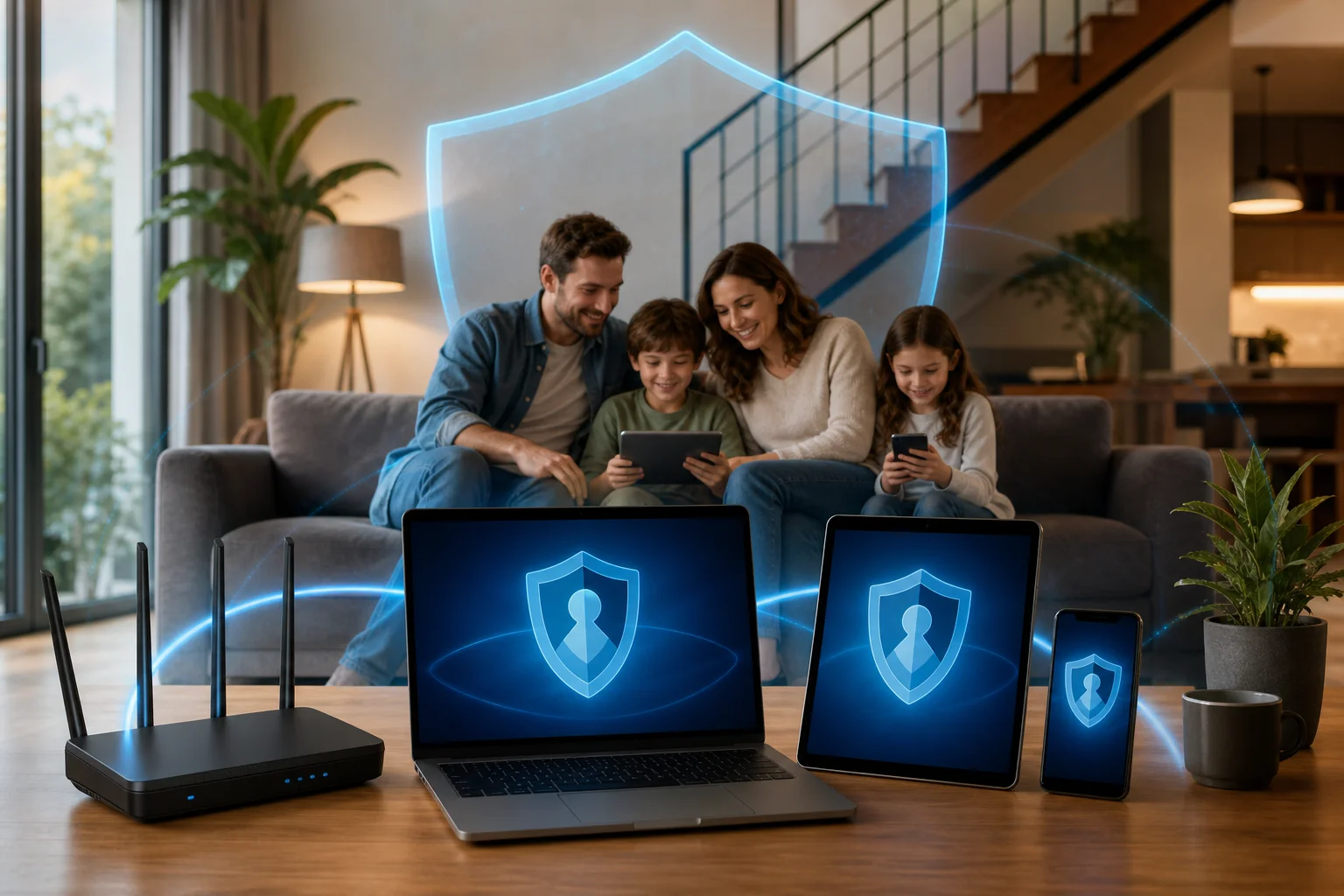
What is an anonymous VPN and how does it work for home use?
An anonymous VPN is a privacy tool that creates an encrypted tunnel between your device and the internet. Instead of your online traffic going directly through your internet service provider and then to websites, it first passes through a VPN server.
In simple terms, it does three important things:
- Encrypts your internet traffic so it is harder for outsiders to read or intercept.
- Masks your IP address by showing the VPN server’s IP instead of your home IP.
- Adds a privacy layer across devices when used on phones, laptops, tablets, or even a compatible router.
This is especially useful at home because families often use many devices at the same time. One person may be working remotely, another may be streaming, and a child may be using a tablet for school. A home VPN can help protect these activities from unnecessary exposure.
However, it is important to understand the word “anonymous” correctly. A VPN improves privacy and reduces tracking, but it does not make you invisible online. Websites can still use cookies, account logins, browser fingerprints, and other tools to identify you. For better results, combine a VPN with privacy-friendly browsers, strong passwords, and careful app permissions.
How does a home VPN connection work step by step?
Here is a simple breakdown:
- You open the VPN app on your device or connect through a VPN-enabled router.
- The VPN encrypts your traffic before it leaves your device.
- Your traffic travels to a VPN server instead of going directly to the website or app.
- The website sees the VPN server’s IP address, not your home IP address.
- The response returns through the same encrypted tunnel, helping keep the connection private.
For families, this process should be easy and quick. The best home VPN setup is one that does not require technical knowledge every time someone wants to go online.
Why should families use an anonymous VPN at home?
Families use the internet for almost everything: homework, gaming, banking, shopping, video calls, and entertainment. Because of that, privacy risks can affect both adults and children.
An anonymous VPN for home can help in several practical ways.
It helps protect children’s online activity from unwanted exposure
Children may not fully understand how much information apps and websites can collect. A VPN can reduce exposure by hiding the household IP address and encrypting traffic. This is helpful when children use tablets, school laptops, or shared family devices.
That said, a VPN does not automatically block every harmful website or unsafe interaction. It should be part of a broader family safety plan that includes parental controls, open conversations, and age-appropriate rules.
It supports secure browsing on different devices
A modern home may include:
- Smartphones
- Tablets
- Laptops
- Desktop computers
- Smart TVs
- Streaming devices
- Game consoles
- School-issued devices
A VPN can help secure browsing across these devices when the service supports them. For example, parents may install VPN apps on phones and laptops while using router-level protection for devices that do not support VPN apps directly.
It reduces targeted ads and tracking
Many companies track browsing habits to build advertising profiles. A VPN can make this harder by masking your IP address and location. It will not stop all tracking, especially if you are logged into social media or shopping accounts, but it can reduce one major source of identification.
For better privacy, families can also clear cookies, use private browsing tools, limit app permissions, and avoid signing into unnecessary accounts.
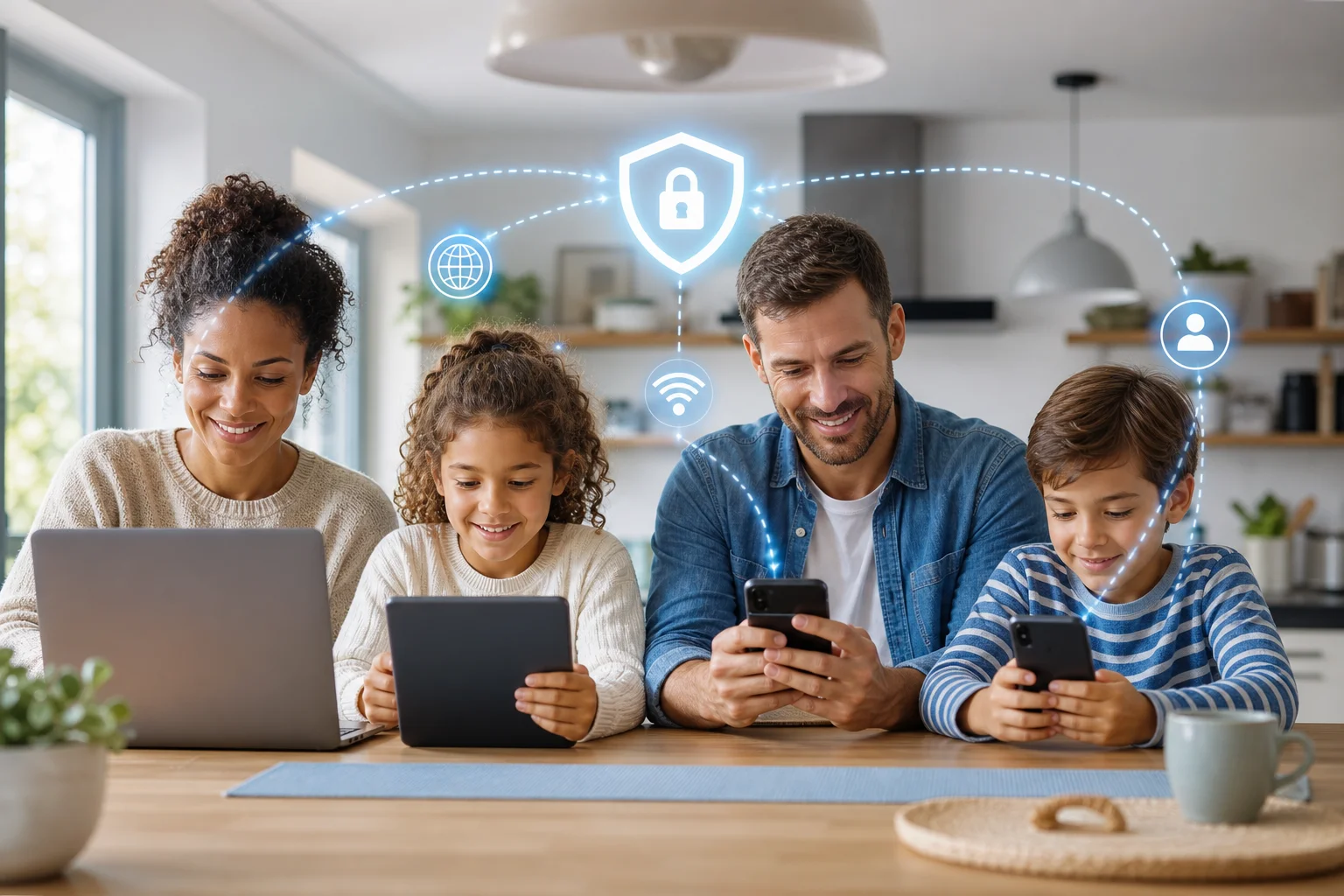
Can an anonymous VPN protect multiple devices in a household?
Yes, many anonymous VPN services allow multiple simultaneous connections. This means several family members can use the VPN at the same time on different devices. However, the exact number depends on the provider.
Before choosing a VPN for household use, always check the policy on simultaneous connections. Some services allow only a few devices. Others support many devices or offer router setup, which can protect all traffic that passes through your home Wi-Fi.
Home VPN protection options compared
| Setup option | Best for | Main advantage | Key limitation |
|---|---|---|---|
| VPN app on each device | Phones, tablets, laptops | Easy to install and control per person | Must install and update on every device |
| VPN on a router | Whole-home Wi-Fi coverage | Protects many connected devices at once | Setup can be more technical |
| Browser-based VPN or extension | Basic web browsing | Simple and lightweight | May protect only browser traffic |
| Smart TV or streaming device app | Streaming privacy | Useful for entertainment devices | Not all devices support VPN apps |
For most families, VPN apps are the easiest starting point. They let each user connect when needed and choose settings based on the device. Router setup may be better for larger households, but it requires a compatible router and careful configuration.
What should families check before choosing a multi-device VPN?
Look for these features:
- Simultaneous connection limit: Make sure it covers your household.
- Device compatibility: Check support for iOS, Android, Windows, macOS, browsers, and routers if needed.
- No-registration or privacy-focused access: Less personal data can mean better privacy.
- Clear privacy policy: Understand what data, if any, the VPN collects.
- Stable speeds: Choose a VPN that works well for video calls, schoolwork, and streaming.
- Simple interface: Family members should be able to use it without confusion.
The right anonymous VPN for home is not always the one with the longest feature list. It is the one your family will actually use consistently.
Is it safe for children to use an anonymous VPN?
Yes, it can be safe for children to use a VPN, as long as parents understand its role. A VPN provides privacy and encryption, but it is not a replacement for parental controls, content filters, or family rules.
In fact, a VPN should be treated as one layer of protection. It can help secure a child’s connection, especially on shared networks or school-related devices. But it does not teach children how to spot scams, avoid oversharing, or handle inappropriate content.
What VPN features matter for child safety?
When setting up a VPN for children, look for:
- Kill switch: Stops internet traffic if the VPN connection drops.
- DNS leak protection: Helps ensure browsing requests do not bypass the VPN.
- Simple on/off controls: Makes use easier for younger family members.
- Reliable connection: Reduces the chance that children disconnect it out of frustration.
- Privacy-focused design: Avoids collecting unnecessary user information.
Some VPNs also include malware blocking or unsafe-site warnings. These can be helpful, but they vary by provider. Do not assume every VPN includes full cybersecurity protection.
How can parents combine VPN use with safer browsing habits?
A practical family approach works best:
- Explain why privacy matters in simple language.
- Set age-appropriate rules for websites, apps, downloads, and chats.
- Use parental controls on devices, browsers, and app stores.
- Keep devices updated to reduce security risks.
- Teach children not to share personal details such as home address, school name, or passwords.
- Review settings together so children know the VPN is for safety, not for hiding risky behavior.
This balanced approach protects privacy while keeping parents involved.
What are common myths about anonymous VPNs for home use?
VPNs are popular, but they are often misunderstood. Here are some common myths families should know before choosing a home VPN.
Myth 1: Using a VPN makes my internet speed unbearably slow
Reality: A VPN can affect speed because traffic is encrypted and routed through a server. However, a good VPN can maintain fast speeds when chosen wisely. The final speed depends on server quality, distance, encryption method, network congestion, and your home internet plan.
For everyday use like browsing, schoolwork, messaging, and streaming, many families find that a reliable VPN works smoothly. If speed matters, choose nearby servers and avoid overloaded locations.
Myth 2: VPNs are only for tech-savvy users
Reality: Most modern VPNs are designed for easy use. Many apps have a simple connect button, automatic server selection, and default privacy settings. This makes them suitable for parents, children, grandparents, and anyone who wants stronger privacy without technical setup.
A router VPN can be more advanced, but device apps are usually straightforward.
Myth 3: All VPNs protect against malware and cyber threats
Reality: Not all VPNs include malware protection, phishing protection, or antivirus tools. Some focus mainly on anonymity, IP masking, and encrypted traffic. That is useful, but it does not replace security software or safe online behavior.
Families should still use trusted app stores, update devices, avoid suspicious links, and create strong passwords. A VPN is a privacy tool first. Extra security features are a bonus, not a guarantee.
Myth 4: A VPN makes everything completely anonymous
Reality: A VPN hides your IP address from websites and encrypts your connection, but it cannot erase every trace of identity. If you sign into email, social media, school platforms, or streaming accounts, those services can still know who you are.
For stronger privacy, use the VPN with good habits: limit tracking cookies, review privacy settings, and avoid sharing personal information unnecessarily.
Conclusion: Should your family use an anonymous VPN at home?
An anonymous VPN for home can be a smart privacy layer for families with multiple devices. It encrypts internet traffic, masks your IP address, and helps reduce tracking. It can also support safer browsing for children when combined with parental controls and clear digital safety rules.
Explore BeFreeVPN to keep your family's online activities safe and anonymous at home, completely free and without any registration.