Understanding VPN without credit card for your phone: a beginner's guide
Ever wondered how you can boost your phone's security without spending a dime? Discover how VPNs can protect your data without needing a credit card. A vpn without credit card for phone use is a simple way to add privacy when browsing, using public Wi-Fi, or checking apps on the go. In this beginner-friendly guide, you’ll learn why mobile VPNs matter, how to set one up, what privacy benefits to expect, and how to choose a free VPN that does not ask for payment details.
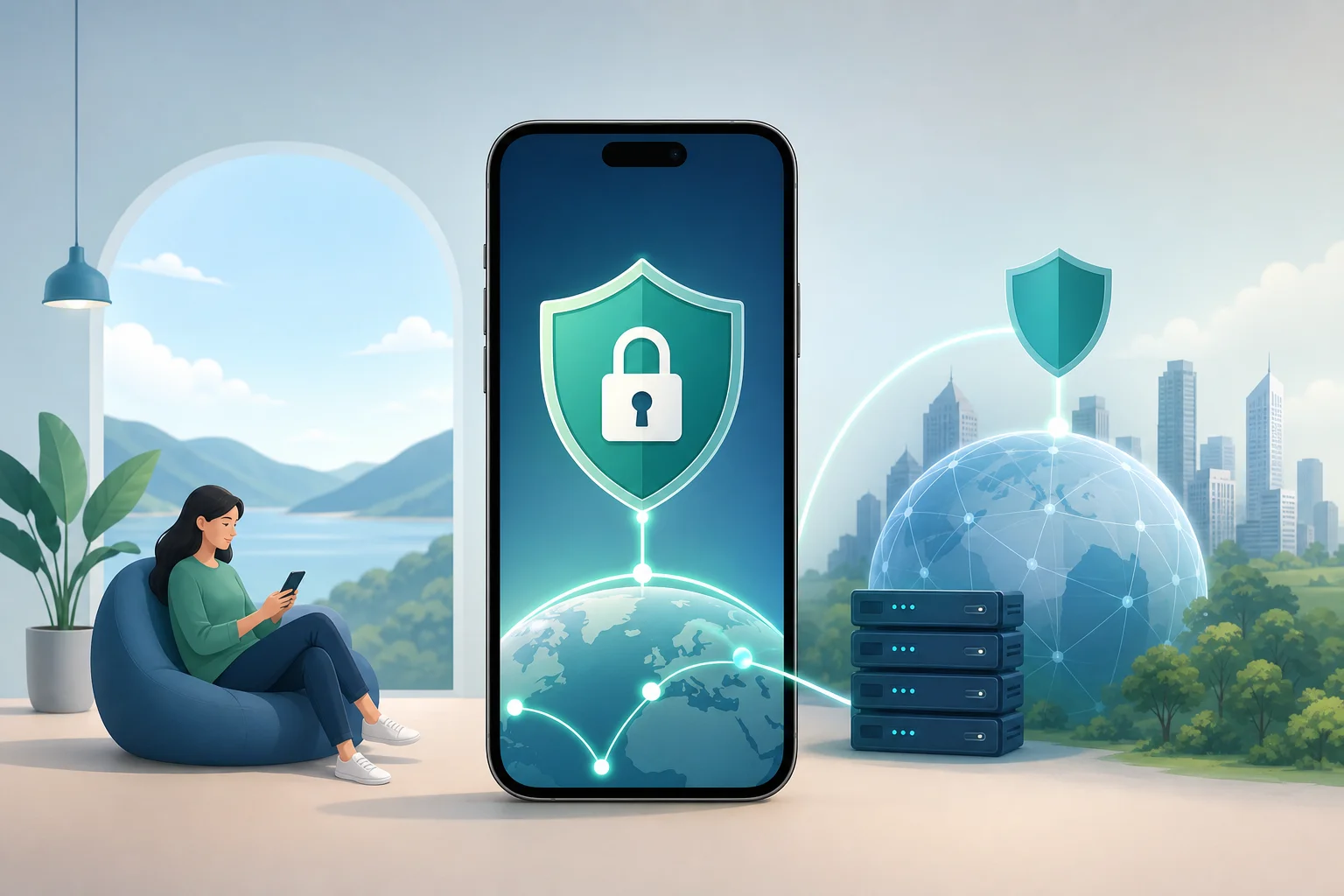
1. Why Use a VPN Without a Credit Card on Your Phone?
Your phone carries a lot of personal information. It may include emails, banking apps, photos, location data, messages, and browser history. Because phones connect to many networks during the day, they can be exposed to more privacy risks than a home computer.
A VPN, or virtual private network, helps by creating an encrypted connection between your phone and the internet. This makes it harder for others on the same network to see what you are doing online.
Key benefits of using a VPN on mobile
Using a VPN on your phone can help with:
- Safer public Wi-Fi use: Coffee shops, airports, hotels, and libraries often have open Wi-Fi. A VPN helps protect your browsing on these shared networks.
- More private browsing: Your internet provider or Wi-Fi operator may be able to see some details about your online activity. A VPN can reduce that visibility.
- Protection from basic snooping: Encryption helps keep your data safer from people trying to monitor unsecured networks.
- Better control over your online privacy: A VPN can mask your IP address, which may reduce tracking based on your network location.
Why “no credit card” matters
A VPN without a credit card is useful for beginners because it removes friction. You do not need to enter payment information, start a trial, or remember to cancel before a billing date. This makes it easier to test the service and decide if it fits your needs.
It can also be more private. If a VPN does not require credit card details or registration, you share less personal information from the start. For many users, that is the whole point: simple protection without giving away extra data.
Growing concerns about mobile data privacy
Mobile privacy is becoming more important because phones are always connected. Apps may request permissions, public networks may be unsafe, and tracking can happen across websites and services. A VPN is not a complete privacy solution, but it is a strong first step. Combined with safe habits, it can make everyday browsing more secure.
2. How to Set Up a Free VPN on Your Phone
Setting up a free VPN on your phone is usually quick. The exact steps may vary depending on whether you use Android or iPhone, but the process is similar.
Step-by-step setup guide
-
Choose a trusted free VPN app
Look for a VPN that clearly says it has a free plan and does not require a credit card. Read the app description, privacy policy, and recent user reviews. -
Download it from the official app store
Use Google Play for Android or the App Store for iPhone. Avoid downloading VPN apps from unknown websites, as they may be unsafe. -
Open the app and check the sign-up process
If the VPN asks for a credit card to start a “free trial,” it may not be the right choice. A true free VPN without payment details should let you connect without entering card information. -
Allow VPN permissions
Your phone will ask if you want to add a VPN configuration. This is normal. It allows the app to route your internet connection through the VPN. -
Select a server or use auto-connect
Beginners can usually choose “fastest” or “nearest” server. This often gives better speed. -
Tap connect
Once connected, you should see a VPN icon in your phone’s status bar or settings area. -
Test your connection
Open a browser and visit a trusted IP-checking site. If your IP location changes or your connection shows the VPN server, it is working.
Tips to avoid VPNs that require credit cards
Before installing, check for these signs:
- The app listing says free forever, no payment required, or no credit card needed.
- The app does not force you into a paid trial during setup.
- The privacy policy is easy to find and understand.
- The free plan terms are clear, including any speed, data, or server limits.
If you see phrases like “7-day free trial” or “start trial with payment method,” be careful. That often means you must provide card details first.
Basic troubleshooting for setup issues
If your VPN does not connect, try these quick fixes:
- Switch from Wi-Fi to mobile data, or the other way around.
- Restart the VPN app.
- Choose a different server location.
- Restart your phone.
- Update the VPN app.
- Check whether another VPN or security app is already active.
If websites load slowly, connect to a closer server or use the automatic option. Free VPNs can be slower during busy times, so testing more than one server can help.
3. What Privacy Benefits Does a VPN Provide Without a Credit Card?
A VPN protects your connection by encrypting the data that travels between your phone and the VPN server. This is especially helpful on public or shared networks, where other users may be connected to the same router.
How a VPN protects personal data and browsing
A mobile VPN can help protect:
- Search activity and browsing sessions on unsecured Wi-Fi
- App data sent over the internet
- Login sessions when using websites or services
- Your IP address from websites and some trackers
- Basic network information from Wi-Fi operators
However, it is important to be realistic. A VPN does not make you anonymous on its own. Websites can still track you if you log in, accept cookies, or use apps linked to your identity. For better privacy, combine a VPN with strong passwords, two-factor authentication, private browser settings, and careful app permissions.
Why no credit card adds another layer of privacy
When a VPN does not require a credit card, you avoid sharing billing information. Some services also avoid registration, which means you may not need to provide your name or email address either.
This matters because every account you create adds another data point. A no-card VPN keeps the process simpler and reduces the amount of personal information tied to your VPN use.
Examples of VPN protection on mobile networks
Here are common situations where a VPN can help:
- At an airport: You connect to free Wi-Fi before a flight. A VPN helps encrypt your browsing while you check travel details.
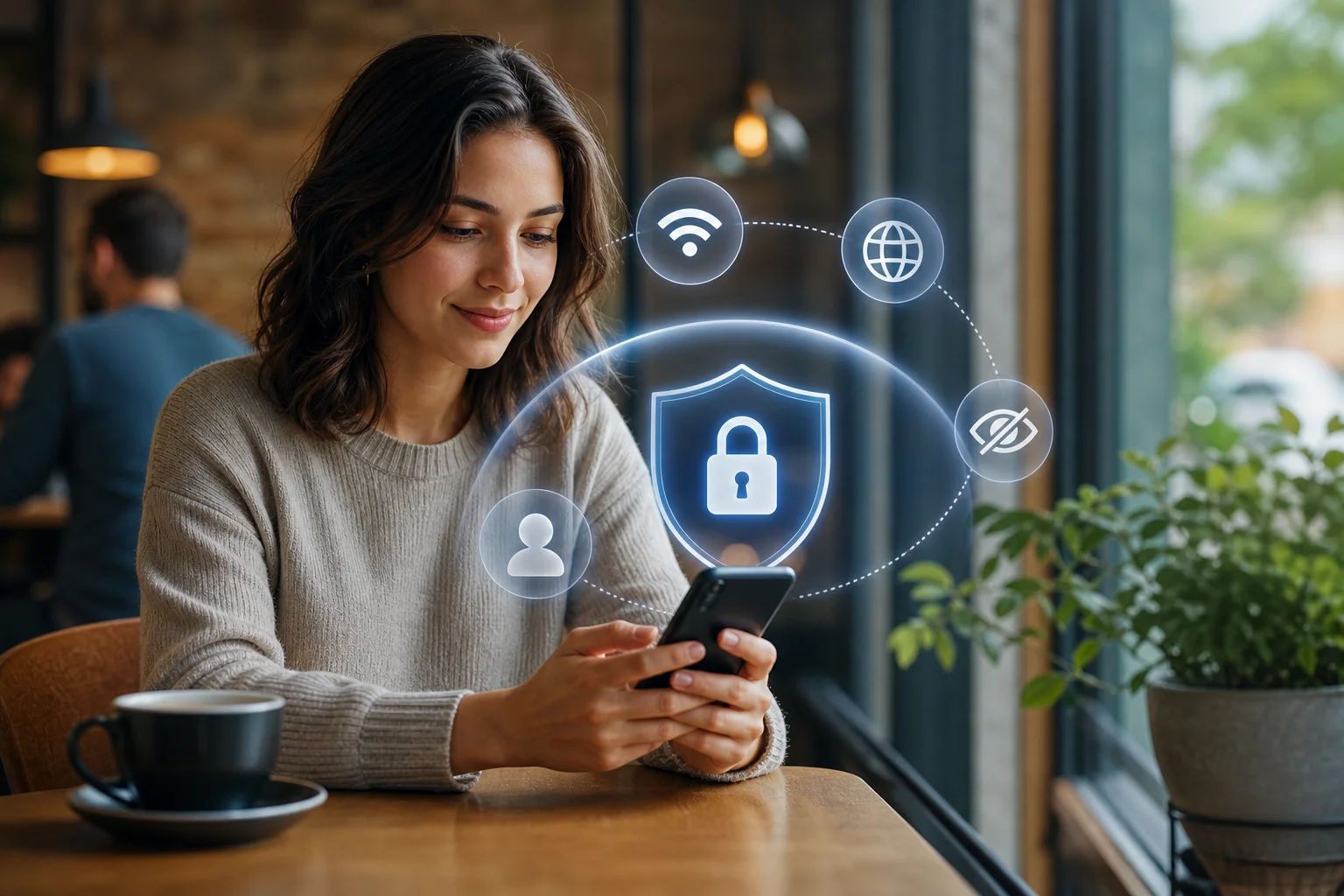
- At a café: You read email or use social media on public Wi-Fi. The VPN makes it harder for others on the network to inspect your traffic.
- On hotel Wi-Fi: You stream, browse, or work remotely. A VPN adds protection on a network shared by many guests.
- On mobile data: Your connection is already more controlled than public Wi-Fi, but a VPN can still help mask your IP address and reduce some network-level tracking.
4. Which Free VPNs Work Best for Phones Without Credit Cards?
The best free VPN for your phone depends on what you need most: simplicity, speed, privacy, data allowance, or server choice. Beginners should focus on trustworthy apps with clear policies and no forced payment trial.
Free VPN comparison for phones
| VPN option | Credit card required? | Registration required? | Best for | Things to check |
|---|---|---|---|---|
| BeFreeVPN | No | No | Simple mobile privacy with quick setup | Server availability and performance in your area |
| Proton VPN Free | No | Yes | Unlimited data on a reputable free plan | Free server choices may be limited |
| Windscribe Free | No | Usually yes | Flexible free data allowance | Monthly data limits apply |
| hide.me Free | No | May require account | Basic secure browsing | Speed and server limits on free plan |
| TunnelBear Free | No | Yes | Beginner-friendly design | Small free data allowance |
This table is a starting point. Free VPN features can change, so always confirm current terms before installing.
What to look for in a free mobile VPN
When choosing a free VPN without credit card details, consider:
- Privacy policy: Does the VPN explain what it collects and why?
- No forced trial: Can you use it without entering payment information?
- Ease of use: Is the connect button easy to find?
- Speed: Does browsing feel normal for basic tasks?
- Data limits: Is the free data enough for your needs?
- Device support: Does it work well on Android, iPhone, or both?
- Security features: Look for encryption, auto-connect, and a kill switch if available.
Matching a VPN to your needs
Choose based on your main use case:
- For public Wi-Fi protection: Pick a VPN with fast connection times and auto-connect.
- For basic private browsing: Choose a no-registration option if available.
- For streaming or heavy use: A free VPN may have limits. Check speed and data rules first.
- For travel: Look for reliable servers in regions you need.
- For beginners: Choose the simplest app that does not ask for a credit card or complicated setup.
FAQ: VPN Without Credit Card for Phone
Can I use a VPN on my phone without paying?
Yes. Many VPNs offer free plans for Android and iPhone. Some require an account, while others let you connect without registration. Always check whether the free plan asks for a credit card before you start.
Is a free VPN without a credit card safe?
It can be safe if you choose a trustworthy provider with clear privacy practices. Avoid unknown apps with vague policies, aggressive ads, or requests for unnecessary permissions.
Will a VPN slow down my phone?
A VPN may slow your connection slightly because it encrypts and routes your traffic through a VPN server. For everyday browsing, the difference is often manageable. If it feels slow, try a closer server.
Do I need a VPN on mobile data?
A VPN is most useful on public Wi-Fi, but it can still help on mobile data by masking your IP address and adding privacy from network-level tracking.
What is the easiest VPN setup for beginners?
The easiest setup is a VPN app that requires no credit card, no registration, and has a one-tap connect button. This keeps the process simple and reduces the amount of personal information you share.
Start Protecting Your Phone the Easy Way
Using a vpn without credit card for phone security is one of the simplest ways to improve mobile privacy. It helps protect your connection on public Wi-Fi, reduces exposure of your browsing activity, and lets you get started without sharing payment details. Start securing your phone today with BeFreeVPN, a free service that doesn't require a credit card or registration—ensuring easy and secure browsing.