VPN for Google TV install: your top questions answered
Are you looking to safeguard your family's online activities on Google TV? Discover how a VPN can be the key to a secure home entertainment experience. This vpn for google tv install FAQ explains how to set up a VPN app, what it can and cannot do for children’s safety, and how it helps protect privacy across your home streaming setup.
Google TV is often shared by the whole household. That makes privacy, safe viewing habits, and simple setup important. A VPN can encrypt traffic from your TV, help reduce tracking, and support safer use across multiple devices when configured correctly.
How do I install a VPN on Google TV?
Installing a VPN on Google TV is usually straightforward if your VPN provider offers an app that supports Google TV or Android TV. Begin by subscribing to a compatible VPN service like BeFreeVPN. Then use the Google Play Store on your TV to find and install the app.
Step-by-step Google TV VPN installation
-
Choose a compatible VPN provider
Select a VPN service that supports Google TV. Look for an app designed for TV screens, simple sign-in, and stable streaming performance. -
Open Google Play Store on Google TV
From your Google TV home screen, go to the apps area and open the Google Play Store. -
Search for the VPN app
Type the VPN provider’s name, such as BeFreeVPN, into the search bar. Select the official app when it appears. -
Install the app
Choose Install and wait for the download to finish. The app should then appear with your other Google TV apps. -
Open the VPN and follow the setup prompts
Launch the app. Follow the on-screen instructions to configure permissions, choose a server location, and connect. -
Confirm the VPN is connected
Most VPN apps show a connected status. Once active, your Google TV traffic should pass through the encrypted VPN connection.
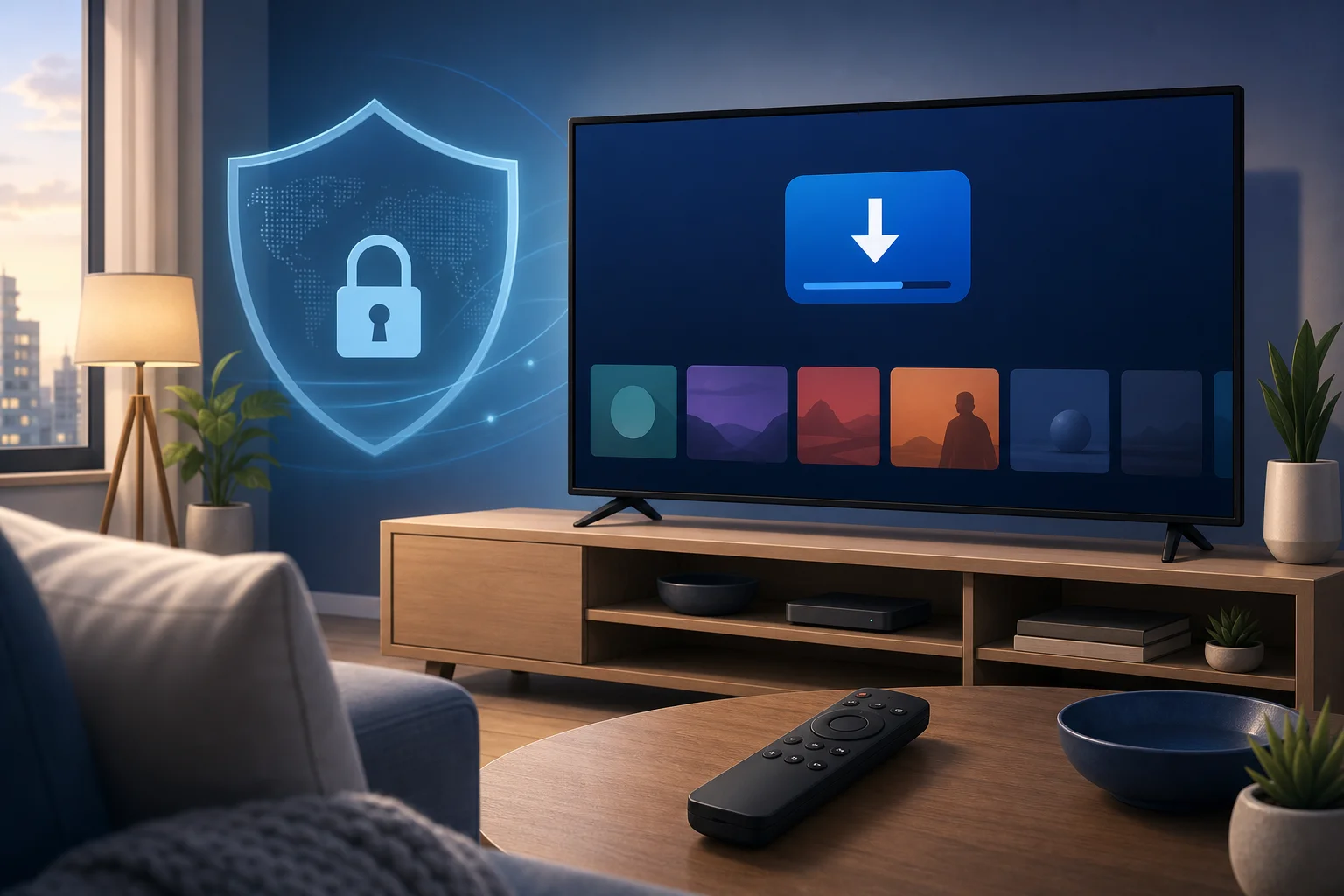
If your preferred VPN app is not available in the Play Store for Google TV, you may still have options. Some households install a VPN on the router so every device connected to Wi-Fi is protected. However, router setup can vary by model, so check your router and VPN provider’s guides before changing settings.
Can children safely use Google TV with a VPN?
Yes, children can use Google TV with a VPN, but a VPN should be viewed as one part of a broader safety setup. A VPN encrypts internet traffic, which adds a layer of privacy and helps reduce exposure of household browsing or streaming data to outside parties.
However, a VPN does not replace parental supervision or content controls. It does not automatically block unsuitable shows, apps, ads, or search results. For children, the safest setup combines privacy protection with age-appropriate restrictions.
Use a VPN alongside parental controls
For a safer Google TV experience, consider using:
- Google TV children’s profiles for age-based viewing controls.
- App restrictions to limit which streaming services children can open.
- Content filters inside each streaming platform.
- Purchase controls to prevent unwanted rentals, subscriptions, or app downloads.
- A VPN to help protect data privacy and encrypt internet traffic.
This layered approach is more effective than relying on any single tool. In addition, talk with children about why some content is restricted, how to ask for help, and why privacy matters online.
What are the benefits of using a VPN for family viewing on Google TV?
A VPN for Google TV can improve privacy and flexibility for the whole household. For family viewing, the biggest benefits are not just technical. They also support better conversations about safe and responsible internet use.
First, a VPN masks your household’s IP address. This can reduce the amount of location-based data visible to websites, apps, and some network observers. It also encrypts traffic between your device and the VPN server, which helps protect data from being read in transit.
Second, a VPN may provide access to geo-restricted content when you are traveling or when a service offers different libraries by region. Always follow the terms of service for your streaming platforms and local laws.
Third, a VPN can support more consistent privacy across shared devices. Families often use one TV for children’s shows, films, live events, and educational videos. When privacy tools are built into that routine, children learn that digital safety is normal.
Quick benefits for households
| Benefit | How it helps on Google TV |
|---|---|
| Encrypted traffic | Adds privacy to streaming and app activity |
| Masked IP address | Reduces exposure of your household’s network identity |
| Travel flexibility | Helps access eligible services while away from home |
| Family safety habits | Encourages discussion about privacy and responsible viewing |
| Multi-device planning | Can fit into a broader home privacy setup |
A VPN is not a magic safety switch. Still, it can be a practical part of a safer, more private home entertainment system.
Is it difficult to set up a VPN for all my devices?
For most people, setting up a VPN is not difficult. Most VPN providers offer user-friendly apps for common devices, including phones, tablets, laptops, and smart TVs. Installation usually means downloading an app, opening it, and logging in or starting the service. No advanced technical skills are needed for the basic setup.
Google TV is often one of the easiest devices to protect because it uses the Google Play Store. If the VPN app supports Google TV, you can install it much like any streaming app.
App setup vs. router setup
There are two common ways to protect family devices:
- Install the VPN app on each device. This is simple and flexible. You can choose which devices use the VPN and change settings per device.
- Install the VPN on the router. Once configured, it can cover all devices on the home network, including devices that do not support VPN apps. However, router setup is more technical and depends on router compatibility.
For most families, the best starting point is app-based installation. Begin with Google TV, then add the VPN to phones, tablets, and laptops as needed. If you later want whole-home coverage, consider router setup after reviewing the provider’s instructions.
Do I need a VPN if I'm just using Google TV at home?
Many people think VPNs are only useful on public Wi-Fi. That is a myth. Public networks can be risky, but home networks also involve privacy concerns. Your internet service provider may be able to see certain connection data, and apps or services may collect information linked to your IP address.
A VPN helps reduce this exposure by encrypting traffic and masking your household IP address. This can be useful even when you only stream from your living room.
There is also the issue of bandwidth throttling. Some users choose a VPN because they want to reduce the chance of traffic-based slowdowns. A VPN cannot guarantee faster streaming, and performance depends on server location, network speed, and provider quality. Even so, it can help protect streaming activity from being easily categorized by outside network observers.
Common questions about home VPN use
Will a VPN make Google TV safer for kids?
It can make Google TV more private by encrypting traffic, but it should be used with parental controls, content filters, and clear family rules.
Can I leave the VPN on all the time?
In many cases, yes. If streaming apps work correctly and speeds remain stable, leaving the VPN connected can provide ongoing privacy protection.
Will a VPN block inappropriate content?
No. A VPN is mainly a privacy and security tool. Use platform-level parental controls and content restrictions to manage what children can watch.
Is router VPN setup required?
No. Installing a VPN app directly on Google TV is usually enough for that device. Router setup is useful if you want to protect many devices at once.
Final thoughts
A VPN for Google TV install does not need to be complicated. Choose a compatible provider, download the app from the Google Play Store, follow the setup prompts, and connect. For families, the real value comes from combining VPN privacy with parental controls, content filters, and open conversations about safe viewing.
Protect your family's online activities on multiple devices by easily installing BeFreeVPN on your Google TV. Benefit from free access with no registration required.