What is a reliable VPN for internet privacy?
Did you know that your online activity is being tracked more than you think? A reliable VPN for internet privacy could be the key to protecting your personal data. Whether you are checking email, shopping online, using public Wi-Fi, or streaming on your phone, a VPN helps make your connection more private and secure. In this beginner-friendly guide, you will learn what a VPN does, why reliability matters, which features to look for, and how to get started without stress.
1. What is a VPN and How Does it Protect Your Privacy?
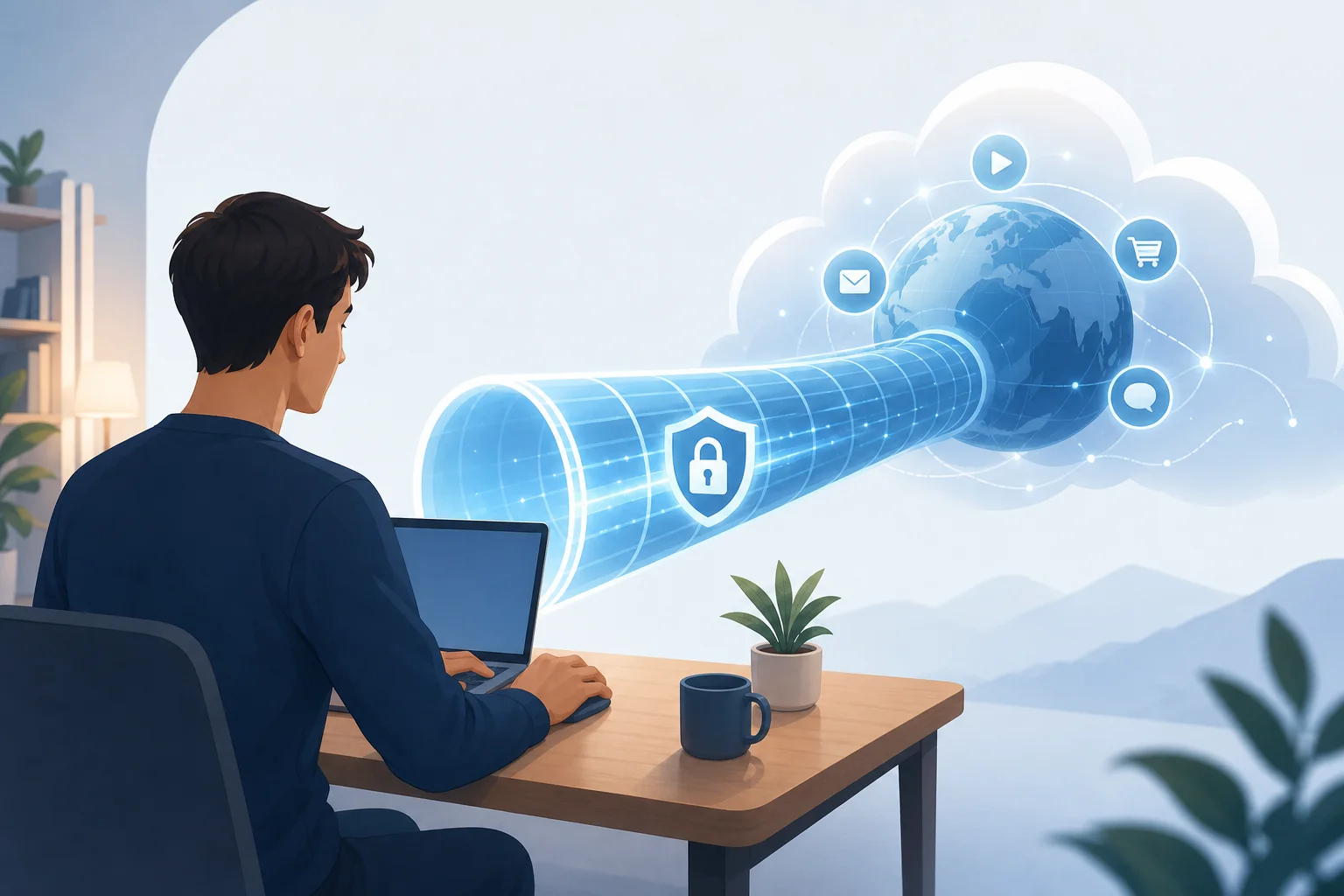
A VPN, short for Virtual Private Network, is a tool that creates a secure connection between your device and the internet. Instead of sending your traffic directly from your phone, laptop, or tablet to the websites you visit, a VPN routes it through a protected VPN server first.
Think of it like using a private tunnel on a busy road. Other people may know that a tunnel exists, but they cannot easily see what is moving inside it.
How VPN encryption works in simple terms
When you connect to a VPN, your internet traffic is encrypted. Encryption means your data is scrambled into unreadable code while it travels across the network. This can help protect sensitive information such as:
- Login details
- Search activity
- Messages and emails
- Online shopping information
- App and browser traffic
Without encryption, your data may be easier to inspect on unsecured networks. With a reliable VPN, your connection becomes much harder for outsiders to read.
How a VPN hides your IP address
Every device connected to the internet uses an IP address. This address can reveal general information about your location and internet provider. Websites, apps, advertisers, and trackers may use it to identify your activity across the web.
A VPN masks your real IP address by replacing it with the IP address of the VPN server. As a result, websites see the VPN server instead of your direct connection. This does not make you completely invisible online, but it does improve your online anonymity and reduces easy tracking.
Does a VPN make you fully anonymous?
No. A VPN is an important privacy tool, but it is not a magic shield. If you log in to a personal account, such as email or social media, that service can still identify you. However, a VPN can reduce exposure by encrypting traffic, hiding your IP address, and protecting you on risky networks.
2. Why is a Reliable VPN Essential for Internet Safety?
Internet safety is not only about avoiding suspicious websites. Your data can be exposed through weak networks, unsafe apps, poor privacy settings, and public Wi-Fi. A reliable VPN helps reduce these risks by giving your connection a safer route to the internet.
The risks of unsecured internet connections
An unsecured internet connection may allow third parties to monitor or intercept your activity. This is especially concerning when you are handling private information, such as passwords, banking details, work files, or personal messages.
Common risks include:
- Network snooping on open Wi-Fi
- Fake hotspots that mimic real networks
- Session hijacking on poorly protected websites
- Data collection by advertisers and trackers
- Exposure of your real IP address and approximate location
Even if you are not doing anything “sensitive,” your browsing habits can still reveal a lot about you. Over time, this information can be used to build detailed profiles.
Why public Wi-Fi is especially risky
Public Wi-Fi in cafés, airports, hotels, libraries, and shopping centres is convenient. However, it is often less secure than your home network. You may not know who manages the network, whether it is configured safely, or who else is connected.
For example, a cybercriminal could set up a hotspot with a name that looks legitimate. If you connect, they may try to capture your traffic or redirect you to unsafe pages. A VPN helps by encrypting your connection before your data passes through that network.
How a reliable VPN helps keep personal data safe
A reliable VPN adds a practical layer of protection. It can:
- Encrypt your internet traffic on public and private networks
- Hide your real IP address from websites and many trackers
- Reduce exposure to network-based snooping
- Help protect browsing activity from unsecured Wi-Fi risks
- Give you more control over your online privacy
Reliability is important because a VPN that drops often, logs too much data, or uses weak security can give you a false sense of safety. The best VPN for privacy is one that protects consistently and is simple enough that you will actually use it.
3. What Features Should You Look for in a Reliable VPN?
Not every VPN service offers the same level of privacy, performance, or ease of use. Before choosing one, focus on features that matter for personal data protection and everyday internet use.
Reliable VPN features comparison
| Feature | Why it matters for beginners |
|---|---|
| Strong encryption | Helps keep your internet traffic unreadable to outsiders |
| No-logs policy | Reduces the amount of activity data the VPN provider stores |
| Server diversity | Gives you more connection options and can improve reliability |
| Kill switch | Blocks internet traffic if the VPN connection drops unexpectedly |
| User-friendly apps | Makes it easier to connect, disconnect, and change settings |
| Good speed | Keeps browsing, calls, and streaming smooth enough for daily use |
| Customer support | Helps you solve setup or connection problems quickly |
| Clear reputation | Shows the provider takes privacy and reliability seriously |
Strong encryption and modern security
Look for a VPN that uses strong encryption and modern VPN protocols. You do not need to understand every technical detail, but the provider should explain its security clearly. If a VPN is vague about how it protects your traffic, treat that as a warning sign.
A no-logs policy
A no-logs policy means the VPN provider says it does not store records of your browsing activity. This is important because privacy is not only about hiding your activity from networks and websites. It is also about limiting what your VPN provider can collect.
When possible, choose providers with clear privacy policies written in plain language. Avoid services that are unclear about what data they store, how long they keep it, or whether they share it.
Server diversity and stable performance
Server diversity means the VPN offers multiple servers or locations. This helps because if one server is busy or slow, you can connect to another. A larger or well-managed server network can also reduce connection problems.
For beginners, reliability is more useful than a long list of advanced features. You want a VPN that connects quickly, stays connected, and does not make normal browsing frustrating.
Beginner-friendly design
A VPN should be easy to use. If the app is confusing, you may forget to turn it on or avoid using it altogether. Look for a simple interface with clear connection status, quick server selection, and minimal setup.
Good beginner-focused VPNs make privacy feel routine, not technical.
Reputation and customer support
Finally, consider the company behind the VPN. Read its privacy information, check whether support is available, and look for a provider with a trustworthy reputation. A reliable VPN service should be transparent about what it does and does not protect.
4. How to Get Started with a Reliable VPN?
Getting started is easier than it may seem. You do not need to be a cybersecurity expert. Follow this simple process to choose and use a reliable VPN for internet privacy.
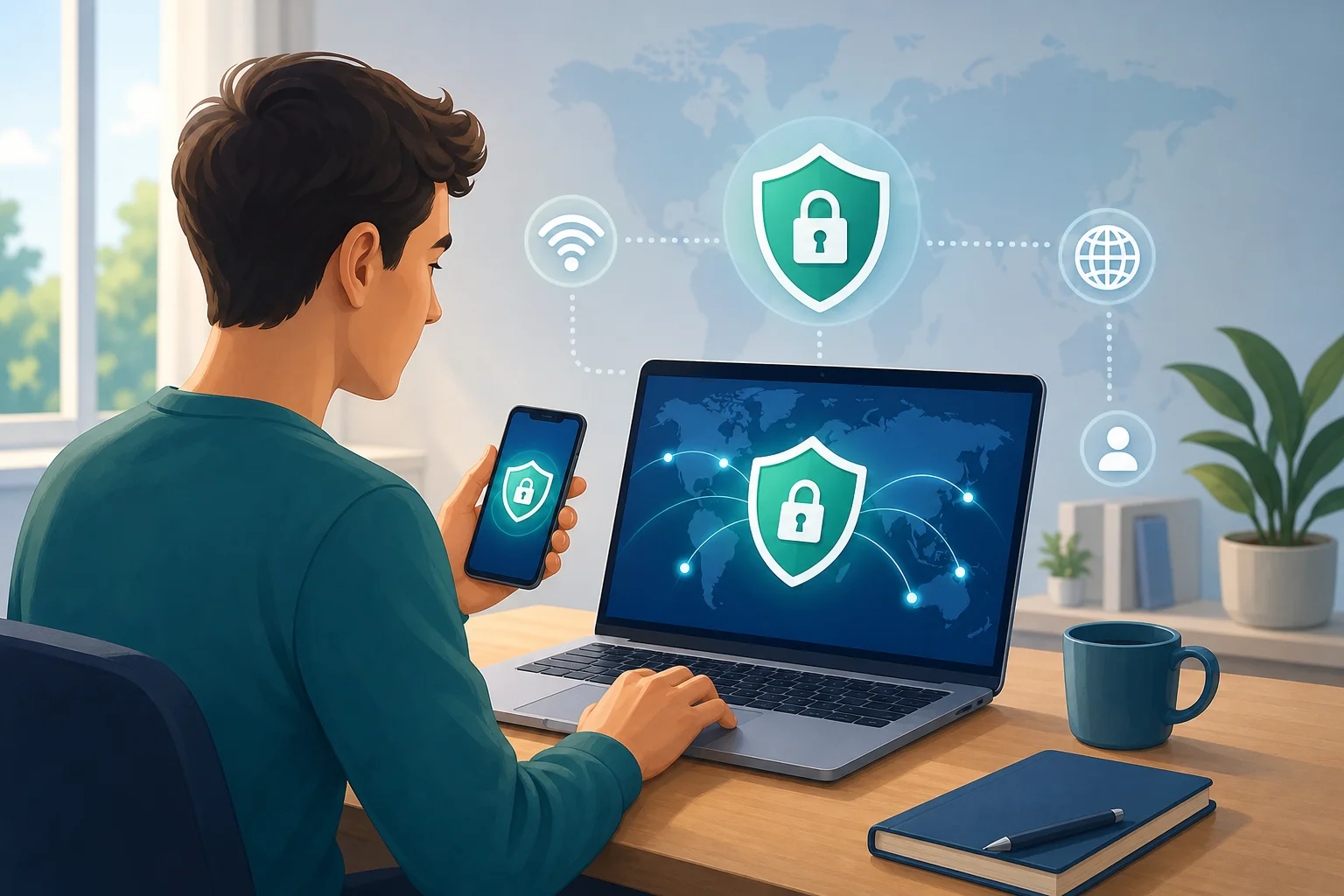
Step-by-step guide to choosing and installing a VPN
- Decide what you need it for. Start with your main goal, such as safer public Wi-Fi, better privacy, or protection across multiple devices.
- Check the privacy features. Look for strong encryption, a no-logs policy, and protection against connection drops.
- Review ease of use. Choose a VPN with a simple interface, especially if you are new to privacy tools.
- Look at device support. Make sure it works on the devices you use most, such as your phone, laptop, tablet, or browser.
- Install the VPN. Download it from the official website or trusted app store.
- Connect before browsing. Open the VPN and connect before using public Wi-Fi or visiting sites where privacy matters.
- Make it a habit. Keep your VPN on whenever you want a more private and secure connection.
A simple option for beginners
If you want a hassle-free start, BeFreeVPN is designed to be simple: it is free, requires no registration, and works on any device. That makes it a practical option for beginners who want to try VPN protection without creating an account or dealing with a complicated setup.
Common beginner questions about reliable VPNs
Is a VPN legal to use?
In many countries, using a VPN is legal. However, laws vary by location, and using a VPN does not make illegal activity legal. Always follow local rules and the terms of the services you use.
Will a VPN slow down my internet?
A VPN can sometimes reduce speed because your traffic is encrypted and routed through a VPN server. However, a reliable VPN should still be fast enough for everyday browsing, messaging, and streaming.
Should I use a VPN on my phone?
Yes, using a VPN on your phone can be helpful, especially when connecting to public Wi-Fi. Phones often carry sensitive information, including email, banking apps, photos, and personal messages.
Do I need a VPN at home?
A VPN can still be useful at home. It can help hide your IP address from websites, reduce tracking, and add privacy to your normal browsing. It is especially useful if you want consistent protection across all networks.
Take the First Step Toward Better Internet Privacy
A reliable VPN is one of the easiest privacy tools for beginners. It encrypts your connection, hides your IP address, and helps protect personal data on public Wi-Fi and everyday networks. The key is to choose a VPN that is secure, transparent, easy to use, and reliable enough for daily browsing.
Ready to enhance your online privacy? Try BeFreeVPN today — it's free, no registration is needed, and it works on any device!