Achieve online freedom: discover a personal VPN without registration
Feeling frustrated with slow internet speeds while trying to protect your online privacy? You're not alone, and finding a personal VPN without registration that meets your needs doesn’t have to be a hassle. Many people want safer browsing, easier access to content, and more control over their data. However, long sign-up forms and sluggish connections often get in the way. This guide explains why those issues happen and how a fast, no-registration VPN can help you browse with less friction.
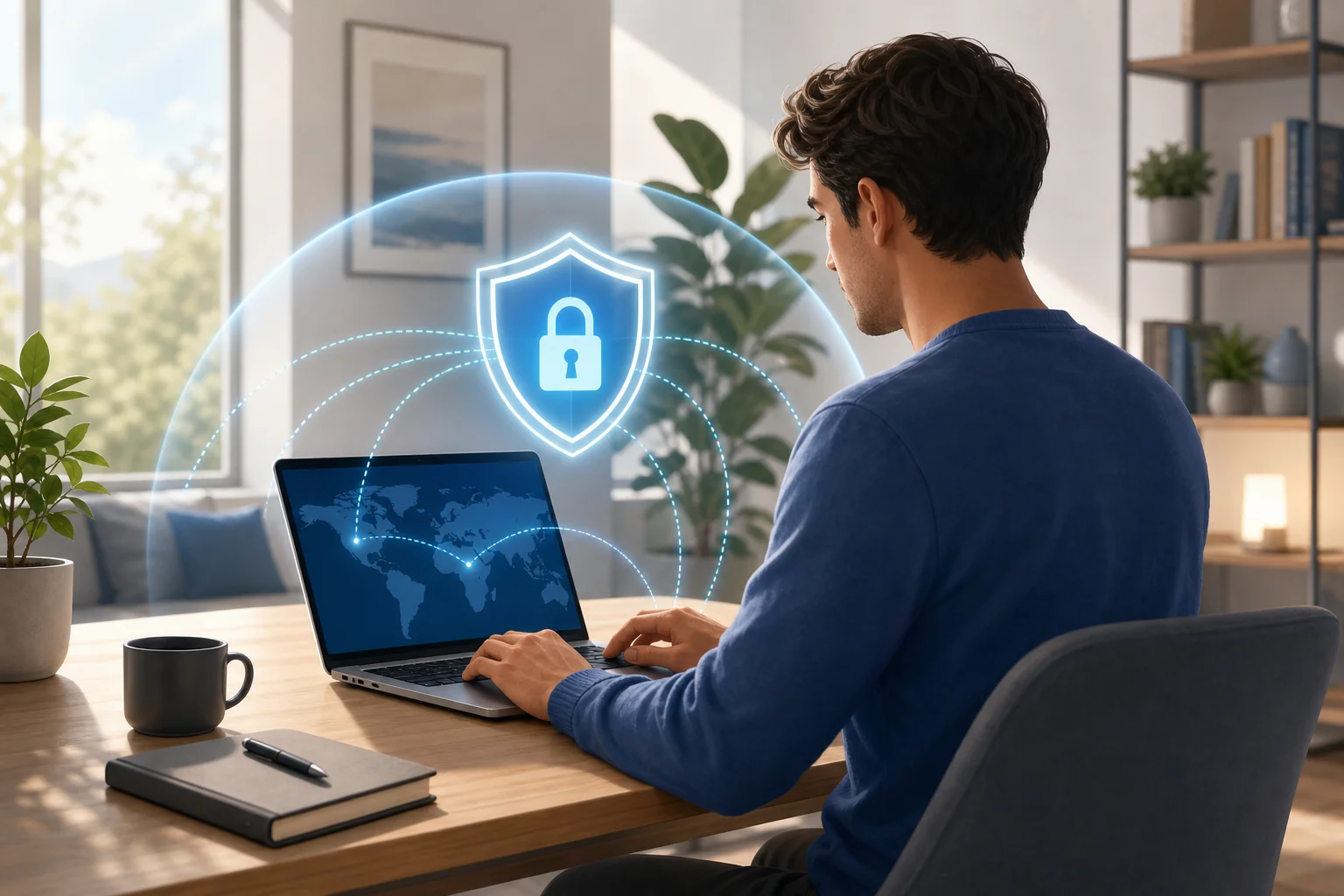
1. The Problem: Slow Internet and Complicated Registration
A virtual private network can be a smart privacy tool. It helps route your internet connection through a secure tunnel, which can make your browsing activity harder for outsiders to observe. Yet for many users, the experience is not always smooth.
The first common problem is speed. Some traditional VPN services create noticeable slowdowns. Pages may take longer to load. Video streams may buffer. Downloads may feel inconsistent. If you are trying to work, study, stream, or travel online, that delay can become frustrating fast.
The second problem is registration. Many VPN providers ask you to create an account before you can even test the service. That may include an email address, password, payment details, or other personal information. For users who only want quick, private browsing, this feels like an unnecessary barrier.
The third issue is trust. People often turn to VPNs because they care about privacy. So when a service asks for personal data before providing protection, it can feel contradictory. Even if a provider has legitimate reasons for account creation, the process may discourage users who want a simple and private start.
In short, users face a trade-off they should not have to accept: protect privacy but lose speed, or keep speed but sacrifice privacy. A personal VPN without registration aims to reduce that friction.
2. Why It Happens: The Mechanisms Behind VPN Performance
VPN slowdowns are not random. They usually come from how VPN technology works and how each service is built.
VPN routing can add distance and latency
When you use a VPN, your internet traffic is redirected through a VPN server before reaching the website, app, or service you want. This extra route can increase latency, especially if the server is far from your physical location. Latency is the delay between your action and the response from the internet. The higher it is, the slower browsing can feel.
Encryption also adds some processing overhead. Modern VPN protocols are usually efficient, but performance depends on your device, network, server load, and provider infrastructure.
Registration can reduce user confidence
Many VPNs require account creation to manage subscriptions, prevent abuse, or sync settings. However, extensive registration can create a privacy concern. If a user must submit personal information before using a privacy tool, they may wonder how that data is stored, used, or shared.
A no-registration VPN reduces that initial exposure. It lets you focus on the core benefit: connecting securely without handing over unnecessary details first.
Not all VPN services are optimized for speed
Some VPN providers are better built than others. Speed depends on server capacity, network locations, protocol choices, routing efficiency, and how well the apps are maintained. A crowded server can slow down even a strong internet connection. Poorly optimized apps can also drain battery or create unstable connections.
That is why choosing a fast VPN without sign-up matters. The goal is not only privacy. It is privacy that works in everyday life.
3. The Solution: Using a Personal VPN Without Registration
The practical solution is to look for a personal VPN that offers quick access, reliable performance, and no mandatory account creation. This type of service is useful when you want to secure your connection quickly, especially on public Wi-Fi, while traveling, or when accessing region-limited content.
Step-by-step: how to get started with a no-registration VPN
-
Research reputable no-registration VPN services.
Look for services that clearly explain how they work, what platforms they support, and whether you can connect without creating an account. For example, you can research options like BeFreeVPN if you want a simple personal VPN without registration. -
Check the privacy and usage details.
Before using any VPN, review its privacy policy, terms, and service limits. A no-registration setup is helpful, but you should still understand what data, if any, is processed to operate the service. -
Download the app or use the web interface.
If the service offers an app, install it from the official website or a trusted app store. If it offers a web interface, open it in your browser and follow the connection instructions. The point is to start browsing securely without a long sign-up process. -
Choose a suitable server or connection mode.
For better speed, select a nearby server when possible. If you need access to content from another region, choose a location that matches your goal. -
Confirm device compatibility.
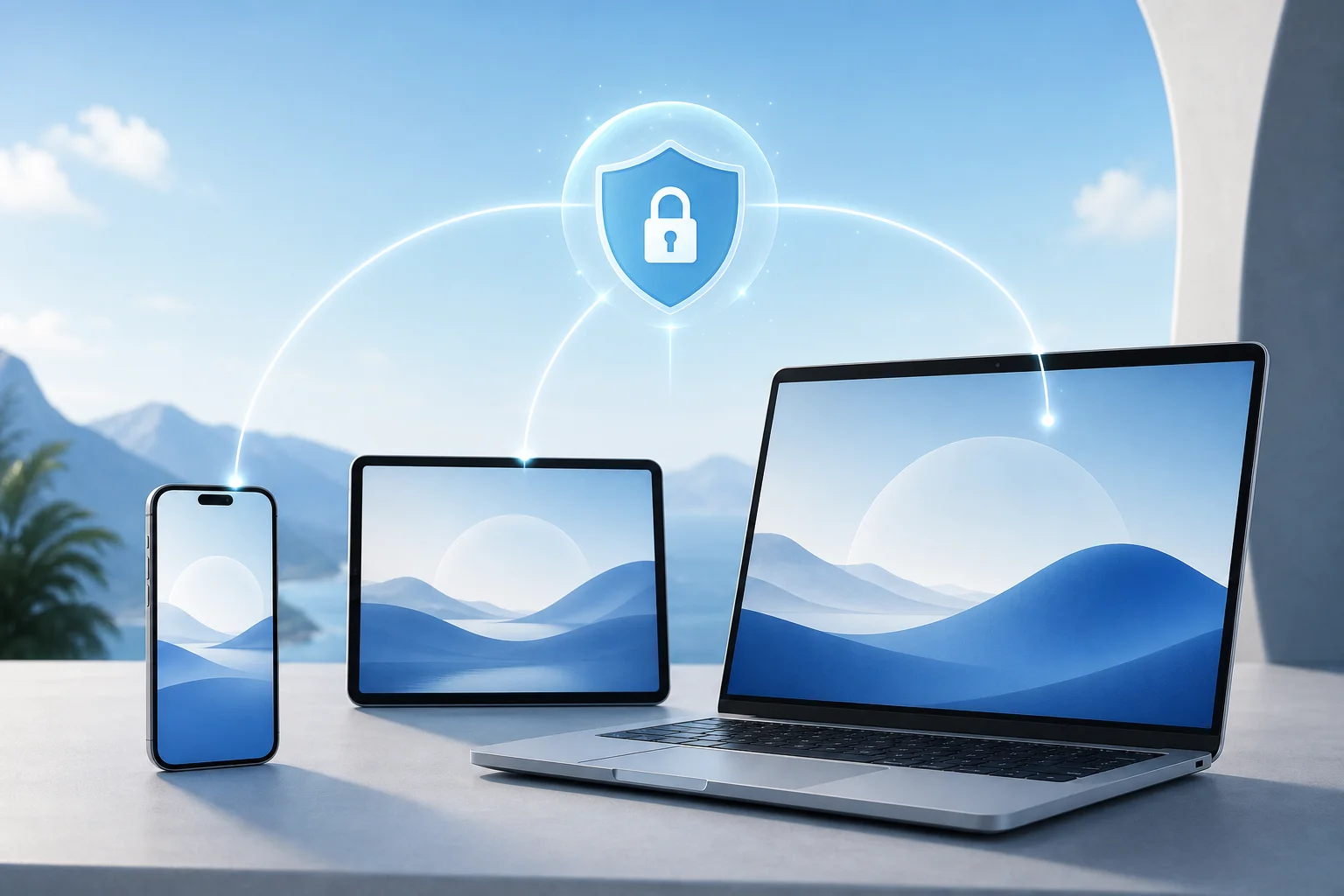
Make sure the VPN works on your device, browser, or operating system. A smooth experience depends on compatibility with phones, tablets, laptops, and desktops. -
Test your connection.
Open a few websites, stream a short video, or run a basic speed test. If performance feels slow, try a different server or reconnect.
Quick comparison: traditional VPN vs no-registration personal VPN
| Feature | Traditional VPN with registration | Personal VPN without registration |
|---|---|---|
| Setup time | Often longer due to account creation | Usually faster to start |
| Personal details | May require email, password, or payment data | Often requires less information upfront |
| Ease of use | Can be feature-rich but more complex | Designed for quick access |
| Privacy comfort | Depends on provider policies | Helpful for users who prefer fewer sign-up steps |
| Best for | Long-term managed subscriptions | Fast, simple, private browsing sessions |
A no-registration VPN is not automatically better in every case. Some users need advanced features, dedicated support, or business controls. However, if your main needs are speed, privacy, and ease of access, it can be a strong fit.
4. Results/Benefits: Enjoy Speed and Privacy with Ease
When you choose the right fast no-registration VPN, the benefits are immediate and practical.
First, browsing becomes simpler. You do not need to spend time creating an account before protecting your connection. This is especially helpful when you are on public Wi-Fi in a café, airport, hotel, or shared workspace.
Second, you can improve privacy without submitting unnecessary personal data. A personal VPN without registration helps reduce the information you share during setup. That can make the experience feel more aligned with the reason you wanted a VPN in the first place.
Third, a well-optimized VPN can support smoother browsing and streaming. While every VPN can affect speed to some degree, a fast service with efficient routing can reduce the impact. For best results, use a nearby server, keep your app updated, and avoid overloaded networks.
Fourth, you may be able to access geo-restricted content with less hassle. VPNs can help you connect through servers in different locations. This may allow access to websites, apps, or media libraries that vary by region. Always follow the laws and terms of service that apply to the content you use.
Finally, the experience is more convenient. You can protect your connection on your own terms, without dealing with long forms or delayed setup.
FAQ: Personal VPN Without Registration
Is a personal VPN without registration safe?
It can be safe if the provider uses strong security practices and explains its privacy approach clearly. Always choose a reputable service, download from official sources, and review the privacy policy before connecting.
Will a no-registration VPN make my internet faster?
A VPN usually does not increase your base internet speed. In some cases, it may reduce throttling or improve routing, but it can also add latency. A fast VPN aims to minimize slowdowns so browsing feels smooth.
Do I need technical skills to use a no-sign-up VPN?
No. Most personal VPN services are designed for everyday users. You typically download an app, open it, choose a connection, and start browsing.
Can I use a personal VPN on any device?
Compatibility depends on the provider. Before you choose a service, check whether it supports your phone, tablet, computer, browser, or operating system.
What should I look for before choosing a VPN without an account?
Look for clear privacy information, fast connection options, device support, easy setup, and a transparent explanation of any limits. Avoid services that make unclear claims or ask for permissions that do not match their function.
Conclusion: Make Privacy Easier, Not Harder
Online privacy should not require a complicated setup or a painful speed trade-off. A personal VPN without registration can help you protect your connection, browse more freely, and avoid unnecessary sign-up steps. The key is to choose a service that balances convenience, performance, and transparency. Try BeFreeVPN today for a personal VPN experience without registration—you’ll enjoy fast and secure browsing on any device!