Solving slow streaming issues: VPN for Fire TV with fast connection
Streaming your favorite show on Fire TV only to be hit with buffering interrupts a perfect night. Why endure this when the solution is just a few clicks away? If you are looking for a vpn for fire tv with fast connection, this guide explains why slow streaming happens, how a VPN can affect performance, and how BeFreeVPN can help you keep privacy protection on without turning your movie night into a loading screen.
The frustration of buffering on Fire TV
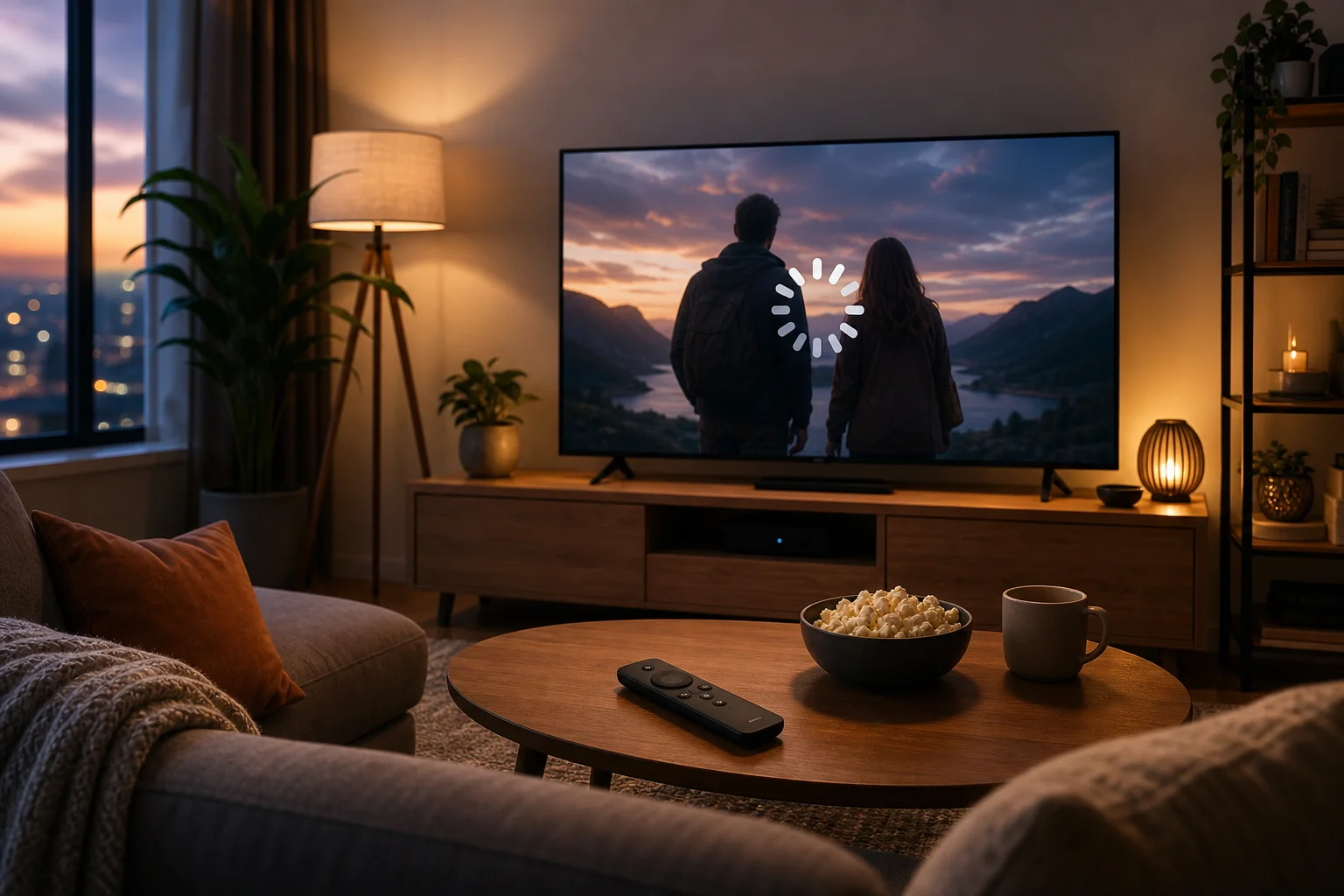
You settle in, open your favorite streaming app, choose an episode, and wait for the intro to start. Then the video freezes. The spinning circle appears. The quality drops from crisp HD to a blurry mess. A few minutes later, it happens again.
Fire TV is popular because it makes streaming simple. It puts major apps, live channels, movies, and shows in one place. For many people, it is the center of their home entertainment setup. So when speed issues appear, the frustration feels immediate. The device is ready. The show is ready. Your internet should be ready too.
However, many Fire TV users become unsure about VPNs when buffering starts. They may think, “The VPN is slowing everything down,” and turn it off. That can solve one problem while creating another: less privacy, less control over your connection, and less confidence when streaming on shared or unfamiliar networks.
The truth is more balanced. A poorly optimized VPN can slow streaming. But a fast VPN for Fire TV, configured correctly, can protect your connection while keeping video playback smooth.
Understanding why slow connections happen
Before fixing slow streaming, it helps to understand what causes it. Buffering is not always the VPN’s fault. It can come from your internet plan, Wi-Fi signal, device limits, background apps, or a crowded server. VPN performance is only one part of the picture.
Encryption adds work to your connection
A VPN protects your traffic by sending it through an encrypted tunnel. This is useful because it helps keep your online activity more private from local network snooping and other unwanted monitoring. But encryption requires processing.
When you stream without a VPN, your Fire TV receives video data more directly. When you stream with a VPN, that data is encrypted, routed through a VPN server, and then decrypted on your device. Each step can add a little delay. With a slow or overloaded VPN server, that delay becomes noticeable.
That said, encryption does not have to ruin streaming. A well-built VPN service reduces the impact by using efficient protocols, responsive servers, and stable routing. The goal is not “zero speed loss,” because any VPN can add overhead. The goal is low enough speed loss that HD streaming still feels smooth.
Fire TV devices have processing limits
Fire TV devices are compact streaming hardware. They are designed to run apps, decode video, manage Wi-Fi, and respond to your remote. They are not as powerful as a full desktop computer.
This matters because a VPN app also needs device resources. If your Fire TV is older, nearly full on storage, or running many background processes, VPN encryption can feel heavier. You may see slower app loading, more buffering, or delayed remote response.
For this reason, a fast connection is not only about the VPN provider. It is also about keeping the Fire TV clean, updated, and connected to a strong Wi-Fi signal.
Common misconceptions about VPN speed
Many people assume that every VPN makes streaming slow. That is not true. VPN speed depends on several factors:
- The distance between you and the selected VPN server
- Server load at the time you connect
- The VPN protocol used by the app
- Your base internet speed before the VPN is turned on
- Fire TV model, storage, and software condition
- Wi-Fi strength and router performance
In other words, a VPN is not automatically the problem. The wrong VPN, server, or setup can be the problem. With the right approach, you can use a VPN on Fire TV and still enjoy steady streaming.
Solution: Fast, no-registration VPN for Fire TV
The best solution is simple: choose a VPN designed for easy access, low friction, and stable performance on streaming devices. BeFreeVPN is built around a no-registration experience, which means you can start without creating an account before every test or setup attempt. That matters when you just want to fix buffering and get back to watching.
How to set up BeFreeVPN on Fire TV
Use these steps as a practical setup checklist for a faster Fire TV VPN connection:
-
Check your internet speed first
Before installing anything, test your normal connection on another device near the TV. If your base Wi-Fi is already slow, the VPN cannot fully solve that. Move your router closer, restart it, or use a stronger network if needed. -
Install BeFreeVPN on Fire TV
Open the Fire TV search option and look for BeFreeVPN. Install it from the available app source for your device. If your setup requires an alternative installation method, use only the official BeFreeVPN source or trusted app store instructions. -
Open the app without registration
Launch BeFreeVPN and start the connection process. The no-registration model reduces setup time and avoids extra account steps, which is helpful when you want quick access from the sofa. -
Choose a nearby VPN location when possible
For speed, select a server that is geographically close to you unless you have a specific reason to choose another location. Shorter routes often mean lower latency and faster response. -
Connect before opening your streaming app
Turn on BeFreeVPN first. Then open your streaming app. This helps the app start with a stable network path instead of switching mid-session. -
Test one stream in HD
Play a video for several minutes. If it buffers, try a different nearby server, restart the streaming app, or reboot the Fire TV. -
Keep the fastest working setup
Once you find a smooth server and setting combination, use it as your default for future viewing.
How BeFreeVPN minimizes speed loss
A fast VPN for Fire TV needs to balance privacy and performance. BeFreeVPN focuses on making that balance easy for everyday users. It keeps the setup lightweight, avoids unnecessary registration friction, and aims to provide responsive VPN connections suitable for streaming.
The practical benefit is that you spend less time adjusting technical options and more time watching. Encryption still happens, but the service is designed to keep the experience simple and efficient.
Fire TV settings to optimize for better VPN performance
A few device adjustments can improve streaming quality with BeFreeVPN:
- Restart Fire TV regularly. This clears temporary glitches and frees memory.
- Remove unused apps. Low storage can affect performance.
- Update Fire TV software. Updates can improve app stability and network handling.
- Use 5 GHz Wi-Fi if available. It is often faster than 2.4 GHz at shorter distances.
- Place the router closer to the TV. Walls and distance weaken signal strength.
- Close apps you are not using. Background apps can consume resources.
- Avoid peak network congestion. If many devices stream or download at once, speed can drop.
These steps are simple, but they often make the difference between constant buffering and smooth playback.
The benefits of using BeFreeVPN for Fire TV
Using BeFreeVPN on Fire TV is not only about fixing slow streaming. It is about making your viewing experience more reliable, private, and convenient.
Seamless HD streaming with fewer pauses
When your VPN connection is stable and your Fire TV is optimized, streaming feels natural again. Shows start faster. Video quality stays more consistent. You are less likely to be pulled out of the moment by buffering screens.
A fast VPN connection can be especially useful if you switch between apps, watch longer movies, or use Fire TV as your main entertainment device. Smooth streaming is not a luxury. It is the basic experience users expect.
No-registration access for less hassle
Many VPNs ask you to create an account before you can even test the service. That can be annoying on a TV interface, where typing with a remote is slow. BeFreeVPN’s no-registration approach removes that barrier.
This is helpful for all users, including beginners. You do not need to manage extra login steps just to protect your connection. You can open the app, connect, and focus on your content.
Privacy and performance in one setup
Turning off your VPN whenever streaming gets slow is tempting. But it also means giving up the privacy benefits you wanted in the first place. A better approach is to use a VPN that is fast enough for Fire TV and simple enough to keep on.
With BeFreeVPN, the aim is to make privacy feel practical. You get a smoother path to encrypted streaming without complicated setup or unnecessary delays.
Frequently asked questions about fast VPNs for Fire TV
Does a VPN always slow down Fire TV streaming?
No. A VPN can add some overhead because of encryption and routing, but it should not always cause buffering. Slowdowns often come from distant servers, weak Wi-Fi, overloaded networks, or an older Fire TV device.
What is the best VPN server location for faster Fire TV streaming?
For speed, start with a nearby server. A closer VPN location usually reduces latency. If playback is still slow, try another nearby option and compare results.
Can BeFreeVPN help if my internet plan is already slow?
BeFreeVPN can help reduce VPN-related friction, but it cannot make a weak base internet connection faster than your provider allows. First, check your normal speed. Then use BeFreeVPN with an optimized Fire TV setup.
Should I leave my VPN on while using Fire TV?
If your connection remains smooth, leaving your VPN on is convenient and helps maintain privacy. If you notice buffering, switch to a closer server, restart the app, or optimize your Fire TV before turning the VPN off.
Enjoy faster, more private streaming on Fire TV
Buffering can make Fire TV feel unreliable, but you do not have to choose between privacy and performance. By understanding what causes slow connections, choosing a fast VPN for Fire TV, and optimizing your device settings, you can create a smoother streaming setup. Enhance your Fire TV experience today: Try BeFreeVPN for free, without any registration hassles, and enjoy fast, uninterrupted streaming.