VPN without subscription with no ads: a secure choice for remote work
Are endless subscriptions and constant ads bogging down your quest for online security? Discover a VPN solution tailor-made for seamless remote work without the hassle. If you want a vpn without subscription with no ads, this guide explains what to look for, why it matters for home offices, and how beginners can protect everyday work tasks without complicated setup or recurring fees.
Remote work is convenient, but it also moves sensitive activity outside the traditional office network. Emails, video calls, cloud files, project tools, and client dashboards may all pass through your home Wi-Fi or public hotspots. A simple, ad-free VPN can add a practical layer of privacy without turning security into another monthly bill.
What Is a VPN and Why Remote Workers Need One
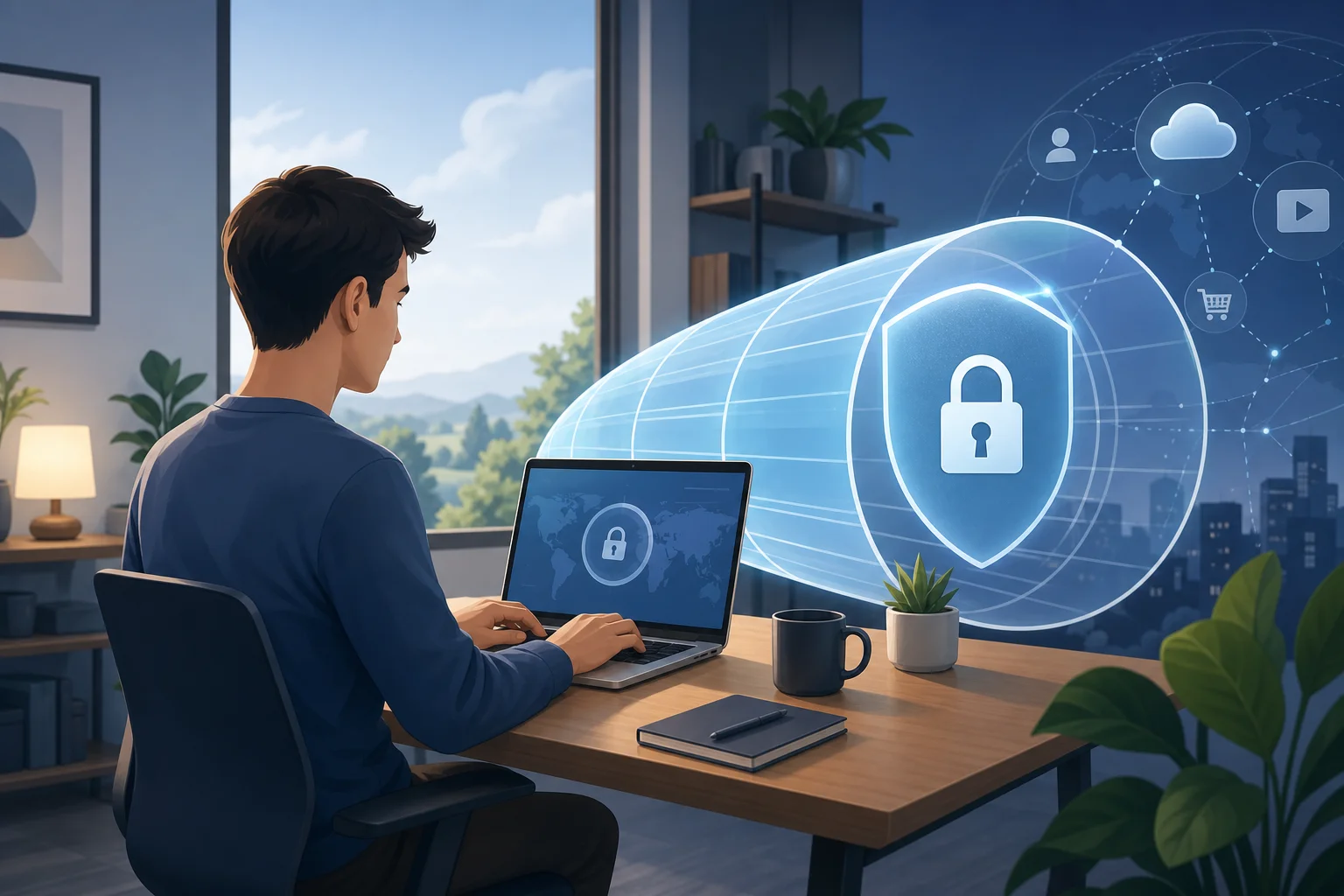
A VPN, or virtual private network, creates an encrypted connection between your device and a VPN server. In simple terms, it works like a private tunnel for your internet traffic. Instead of your data traveling openly through your internet provider, router, or public Wi-Fi network, the VPN helps shield it from casual snooping.
For beginners, the key idea is this: a VPN does not make you invisible or magically stop every threat. However, it can make your connection more private, especially when you are using networks you do not fully control.
Remote workers often face risks such as:
- Unsecured Wi-Fi: Coffee shops, airports, hotels, and shared workspaces may expose traffic to others on the same network.
- Home router weaknesses: Old passwords, outdated firmware, or shared household devices can increase risk.
- Phishing and fake sites: Remote workers often rely on email and cloud tools, making them targets for credential theft.
- Location and IP exposure: Websites and services can see your IP address, which may reveal your approximate location and internet provider.
- Client confidentiality concerns: Freelancers and employees may handle private documents, contracts, or internal tools.
A VPN is especially useful when working from home because it gives you a more consistent privacy baseline. Whether you are sending files, joining calls, or logging into work platforms, your traffic is encrypted between your device and the VPN endpoint.
The Drawbacks of Subscription-Based VPNs
Many popular VPN services use monthly or yearly subscription models. You create an account, enter payment details, choose a plan, and continue paying as long as you want access. For some users, this is fine. For beginners or occasional remote workers, it can feel like too much commitment.
Think of it like renting an apartment perpetually. You may only need a safe place to work for certain days or trips, but the bill keeps coming every month. Over time, even a small recurring fee can become annoying, especially if you only use the VPN on public Wi-Fi or during travel.
Common subscription pitfalls include:
| Issue | Why It Matters for Beginners |
|---|---|
| Recurring charges | You may forget to cancel after occasional use. |
| Account creation | More personal data may be required before you can connect. |
| Long plan discounts | The cheapest price often requires paying for one or two years upfront. |
| Feature overload | Beginners may not need advanced settings, yet still pay for them. |
| Trial confusion | “Free” trials can turn into paid plans if you miss the deadline. |
Ads create another problem. Some free VPN tools display pop-ups, banners, or forced screens before connection. This complicates the user experience and can make a privacy tool feel distracting. Worse, ads often rely on tracking systems, third-party scripts, or ad networks. That does not automatically mean every ad-supported VPN is unsafe, but it does add another layer of data handling to consider.
For remote work, simplicity matters. When you are about to join a meeting or send a time-sensitive file, you do not want to close ads, manage billing reminders, or wonder what data is being used to serve promotions.
How a Non-Subscription VPN Works
A non-subscription VPN removes the recurring payment step. Depending on the provider, you may be able to download an app, open it, and connect without choosing a paid plan. Some services operate with optional upgrades, donations, limited server choices, or other funding models. Others focus on keeping the experience simple for people who need quick private access.
Technically, the core VPN process is similar whether the service is paid monthly or not:
- You open the VPN app or VPN connection tool.
- Your device requests a secure connection to a VPN server.
- The VPN uses encryption to protect traffic between your device and that server.
- Websites see the VPN server’s IP address instead of your home or public network IP.
- Your work apps continue to run through the protected connection.
A real-world example is simple. Imagine you are working from a hotel lobby before a client call. You need to open your email, check a shared document, and message your team. Instead of using the hotel Wi-Fi directly, you connect to a free VPN first. This helps reduce exposure on that shared network while you complete your work.
The best no-subscription experience is also ad-free. That means you can focus on the task, not the tool. No ad screens before connecting. No banners taking up space. No confusing prompts that look like system warnings. For beginners, this is a major advantage because the VPN becomes part of a clean, repeatable work routine.
Step-by-Step: How to Choose a VPN Without a Subscription
Use this quick checklist before installing any free or no-subscription VPN:
- Check whether registration is required. Less account friction can mean less personal information shared.
- Look for an ad-free interface. Ads can distract and may introduce tracking concerns.
- Read the privacy basics. Avoid services that are vague about data handling.
- Confirm device support. Make sure it works on your phone, laptop, or tablet.
- Test speed with normal tasks. Try email, video calls, and file uploads before relying on it.
- Avoid suspicious promises. No VPN can guarantee total anonymity or perfect protection.
This simple process helps you find a practical VPN without subscription fees while avoiding tools that add more risk than value.
Ensuring Security and Privacy: The Ad-Free Advantage
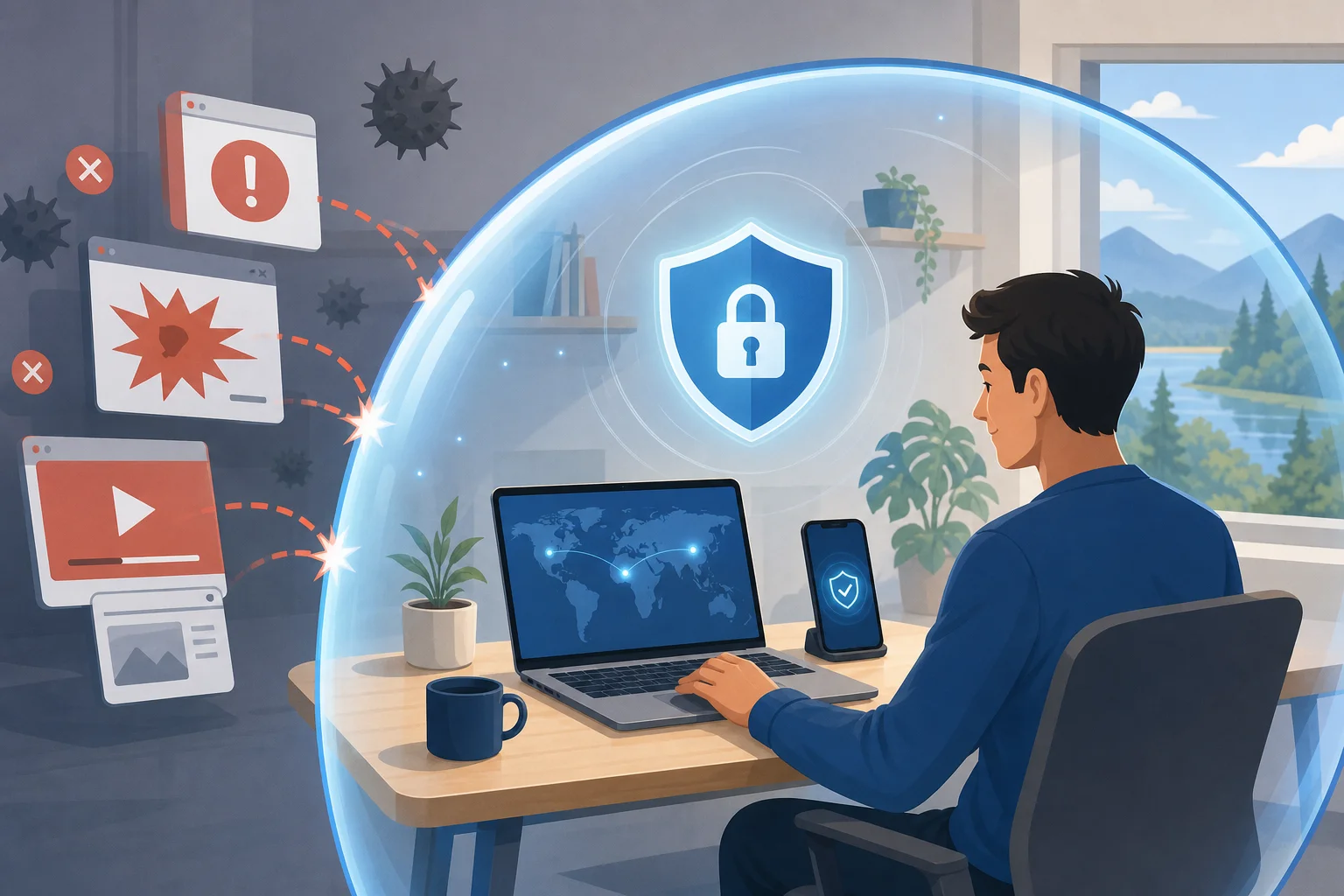
Ads may seem harmless, but they can be intrusive in privacy products. Ad networks often use data signals to decide what to show. In some cases, ads can also be abused for malicious redirects or deceptive download buttons. Even when ads are legitimate, they can make a security app feel less trustworthy.
An ad-free VPN experience is cleaner. It is like having a conversation without eavesdroppers. You open the app, connect, and get back to work without extra screens competing for your attention.
For remote workers, an ad-free VPN can improve digital safety in several ways:
- Fewer distractions: You are less likely to click a misleading ad when rushing between tasks.
- Cleaner workflow: The connection process is faster and easier to remember.
- Reduced third-party exposure: No ad placements can mean fewer outside systems involved in the app experience.
- Better trust signals: A simple interface helps beginners understand what is happening.
Of course, ad-free does not automatically mean secure. You should still use strong passwords, enable multi-factor authentication, update your devices, and avoid suspicious links. A VPN is one layer in a broader security routine. However, when the VPN has no ads and no subscription hassle, it is easier to use consistently.
Using BeFreeVPN: The Easy Solution for Remote Work
BeFreeVPN is designed for people who want a simple VPN without subscription fees, ads, or registration. That makes it a beginner-friendly option for remote workers who need quick protection without creating another account.
Here is a general setup flow you can follow on common devices:
On a Windows or Mac Laptop
- Go to the official BeFreeVPN source for your device.
- Download and install the app.
- Open BeFreeVPN.
- Choose the available connection option.
- Connect before opening work email, cloud storage, or team chat tools.
On a Smartphone or Tablet
- Install BeFreeVPN from the appropriate official app source.
- Open the app.
- Allow the VPN configuration if your device asks for permission.
- Tap connect.
- Keep the VPN on while using public Wi-Fi or work apps.
For a Home Office Routine
- Start your computer.
- Connect to your home Wi-Fi.
- Turn on BeFreeVPN before work begins.
- Log in to your work tools.
- Disconnect only when you no longer need the private tunnel.
Specific remote work use cases include:
- Checking email from a shared or public network.
- Accessing cloud documents while traveling.
- Joining work chats from coworking spaces.
- Protecting everyday browsing during client research.
- Reducing IP exposure when managing online accounts.
The biggest benefit is that BeFreeVPN keeps the process simple. No registration means fewer steps. No subscription means no recurring bill. No ads means fewer interruptions. For beginners, that combination can make VPN use feel less technical and more like a normal part of starting the workday.
FAQ: VPN Without Subscription With No Ads
Is a free VPN without ads safe for remote work?
It can be safe if the provider is transparent, easy to use, and does not rely on intrusive ads. Still, you should combine any VPN with strong passwords, software updates, and multi-factor authentication.
Do I need a VPN when working from home?
Yes, it can help. Your home network is usually safer than public Wi-Fi, but a VPN adds encryption and reduces direct IP exposure. It is useful for remote workers who handle sensitive files or use cloud tools often.
Will an ad-free VPN make me anonymous?
No VPN can promise complete anonymity. An ad-free VPN can improve privacy and reduce distractions, but websites, accounts, browser settings, and cookies can still identify you.
Why choose a VPN with no registration?
A no-registration VPN is faster to start and may require less personal information. For beginners, it also removes the friction of creating and managing another account.
Conclusion: Make Remote Work Security Easier
A VPN without subscription with no ads is a practical choice for beginners who want privacy without extra complexity. It helps protect remote work sessions, especially on public Wi-Fi, while avoiding recurring payments and ad-filled screens. The goal is not to chase perfect security. It is to build a simple habit that makes everyday work safer.
Ready to enhance your remote work security effortlessly? Try BeFreeVPN today for a free, no-registration experience that keeps your connection private and ad-free.