The ultimate guide to using a VPN for free with unlimited data
Why pay for a VPN when you can enjoy unlimited data for free? Learn how to secure your online presence without spending a dime using BeFreeVPN. If you are searching for a vpn for free with unlimited data, this guide explains what that means, how free unlimited VPN access works, when it is useful, and how to set it up safely across your devices.
A VPN can help protect your connection on public Wi-Fi, reduce exposure to tracking by networks, and make it easier to access the open internet while traveling. However, not every free VPN is equal. Many free services limit speed, bandwidth, server access, or session length. BeFreeVPN stands out because it is designed to offer free VPN access without data caps and without requiring registration.
1. Introduction to Free VPNs with Unlimited Data
This guide is organized like a practical table of contents. We will start with VPN basics, move into whether unlimited free VPN access is realistic, compare the benefits, explain how BeFreeVPN supports free usage, walk through setup, and finish with advanced privacy tips and key takeaways.
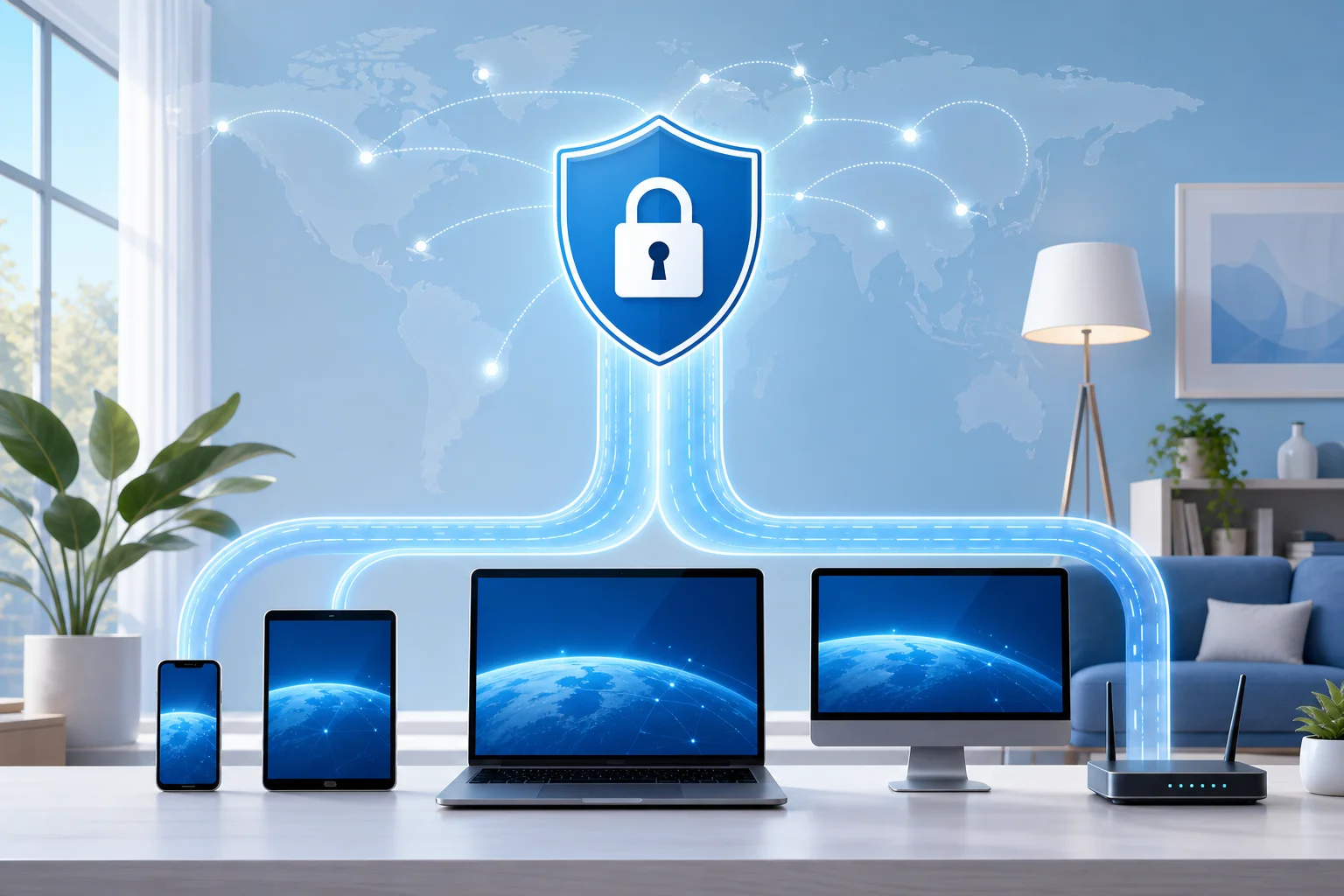
In simple terms, a virtual private network, or VPN, creates an encrypted tunnel between your device and a VPN server. Instead of your traffic going directly from your device to a website or app, it first passes through that secure tunnel. This can help hide your real IP address from the sites you visit and reduce what local networks, such as hotel, airport, café, school, or office Wi-Fi, can see about your browsing activity.
“Unlimited data” means the VPN does not impose a fixed monthly data allowance, such as 500 MB, 2 GB, or 10 GB. With a capped free VPN, you may run out of data after streaming a few videos, downloading updates, joining video calls, or gaming online. With a free VPN with unlimited data, you can keep the VPN connected without constantly checking a usage meter.
BeFreeVPN is built around this exact need: a free VPN service without data caps. It is especially useful for people who want basic VPN protection without subscriptions, long sign-up forms, or trial periods that later turn into paid plans.
Still, it is important to use any VPN with realistic expectations. A VPN improves privacy, but it does not make you completely invisible online. Websites can still use cookies, browser fingerprinting, account logins, and other tracking methods. For best results, combine a VPN with good browser habits, strong passwords, and careful app permissions.
2. Quick Answer: Is a Free VPN with Unlimited Data Possible?
Yes, it is possible to use a VPN for free with unlimited data. BeFreeVPN is an example of a service that focuses on free access without a traditional bandwidth cap, making it a practical choice for users who do not want to pay for basic VPN protection.
The main features that make this appealing include:
- Unlimited data: No fixed monthly bandwidth allowance for normal use.
- Free access: No subscription is required to start using the VPN.
- No registration: You can connect without creating an account.
- Simple setup: The service is designed for people who want a quick, beginner-friendly VPN.
- Privacy support: A VPN tunnel can reduce exposure on unsecured or shared networks.
Common myths about free unlimited VPNs
There are many assumptions about free VPNs. Some are fair warnings, while others are too broad.
| Myth | Reality |
|---|---|
| “Every free VPN has a tiny data limit.” | Many free VPNs do, but some services, including BeFreeVPN, are designed around unlimited data. |
| “A free VPN is never useful.” | A free VPN can be useful for everyday privacy, public Wi-Fi protection, and basic location masking. |
| “Unlimited data always means poor performance.” | Performance depends on server load, distance, network quality, and app design. Unlimited data does not automatically mean unusable speeds. |
| “A VPN makes you fully anonymous.” | A VPN helps hide your IP address from websites, but it cannot remove all tracking methods. |
| “You must pay to get any security benefit.” | Paid VPNs can offer extra features, but a free VPN can still provide meaningful protection compared with using no VPN at all. |
The key is to choose a service with clear terms, easy controls, and a privacy-conscious approach. You should also avoid unknown VPN apps that ask for unnecessary permissions, make unrealistic claims, or provide no information about how they operate.
3. Why Choose a Free VPN with Unlimited Data?
A free unlimited VPN is attractive because it removes the two biggest barriers to VPN use: cost and restrictions. When a VPN is expensive or heavily capped, people often leave it disconnected. That defeats the purpose. A VPN is most helpful when you can keep it on during everyday browsing, travel, streaming, work, and study.
Save money without giving up basic VPN protection
Paid VPN subscriptions can be worthwhile for advanced users who need specialty servers, dedicated IPs, multi-hop routing, or business-grade features. However, many people only need a simple tool that protects traffic on public Wi-Fi and masks their IP address during normal browsing.
For those users, BeFreeVPN makes a strong case against paying for a VPN. If your priority is free access, unlimited data, and easy connection without registration, a paid plan may not be necessary.
Unlimited data matters for real-world use
Data caps can be frustrating because modern internet use is bandwidth-heavy. Unlimited VPN data is valuable for:
- Streaming: Video can consume data quickly, especially in HD.
- Online gaming: Multiplayer sessions may not use as much data as video, but they require long, stable connections.
- Downloads and updates: App updates, operating system patches, and cloud files can exceed small limits.
- Video calls: Remote work, online classes, and family calls need steady connectivity.
- Travel: Hotel and airport Wi-Fi are often shared networks where VPN protection is useful.
With a free VPN with unlimited bandwidth, you are less likely to disconnect the VPN just to conserve data.
Security and privacy benefits
A VPN can support safer browsing by encrypting traffic between your device and the VPN server. This is especially helpful on networks you do not control. For example, if you join public Wi-Fi at a café, a VPN can make it harder for others on that network to inspect your traffic.
A VPN may also help reduce IP-based tracking. Websites and apps often see the VPN server’s IP address instead of your real one. This does not eliminate all tracking, but it adds a useful privacy layer.
4. How BeFreeVPN Provides Unlimited Data for Free
Free VPN services need a sustainable way to operate. Servers, bandwidth, app development, and maintenance all cost money. BeFreeVPN’s appeal is that it gives users access to unlimited VPN data at no cost while keeping the experience simple and registration-free.
Because VPN services may update their infrastructure, policies, and funding models over time, users should always review the current terms and privacy information inside the official app or website. In general, a free VPN can support broad access through a mix of efficient infrastructure, streamlined app design, optional monetization methods, and careful traffic management that avoids hard data caps.
A lightweight model for free usage
BeFreeVPN focuses on removing friction. You do not need to create an account before connecting, and you do not need to manage a subscription just to use the core VPN function. This makes the service more accessible for people who want quick protection without sharing personal details during sign-up.
A simpler model can also reduce overhead. When a VPN does not require complex account systems for every user, onboarding becomes faster and easier.
Technical infrastructure and performance
Unlimited data does not mean every connection will always be the fastest possible. VPN performance depends on factors such as:
- Your base internet speed.
- Distance to the VPN server.
- Network congestion.
- Device processing power.
- Time of day and server demand.
- Wi-Fi signal strength.
BeFreeVPN’s unlimited-data approach is useful because it removes the anxiety of hitting a bandwidth ceiling. However, for best performance, you should still choose the nearest suitable location when options are available, avoid unstable Wi-Fi, and keep the VPN app updated.
Security measures that help protect users
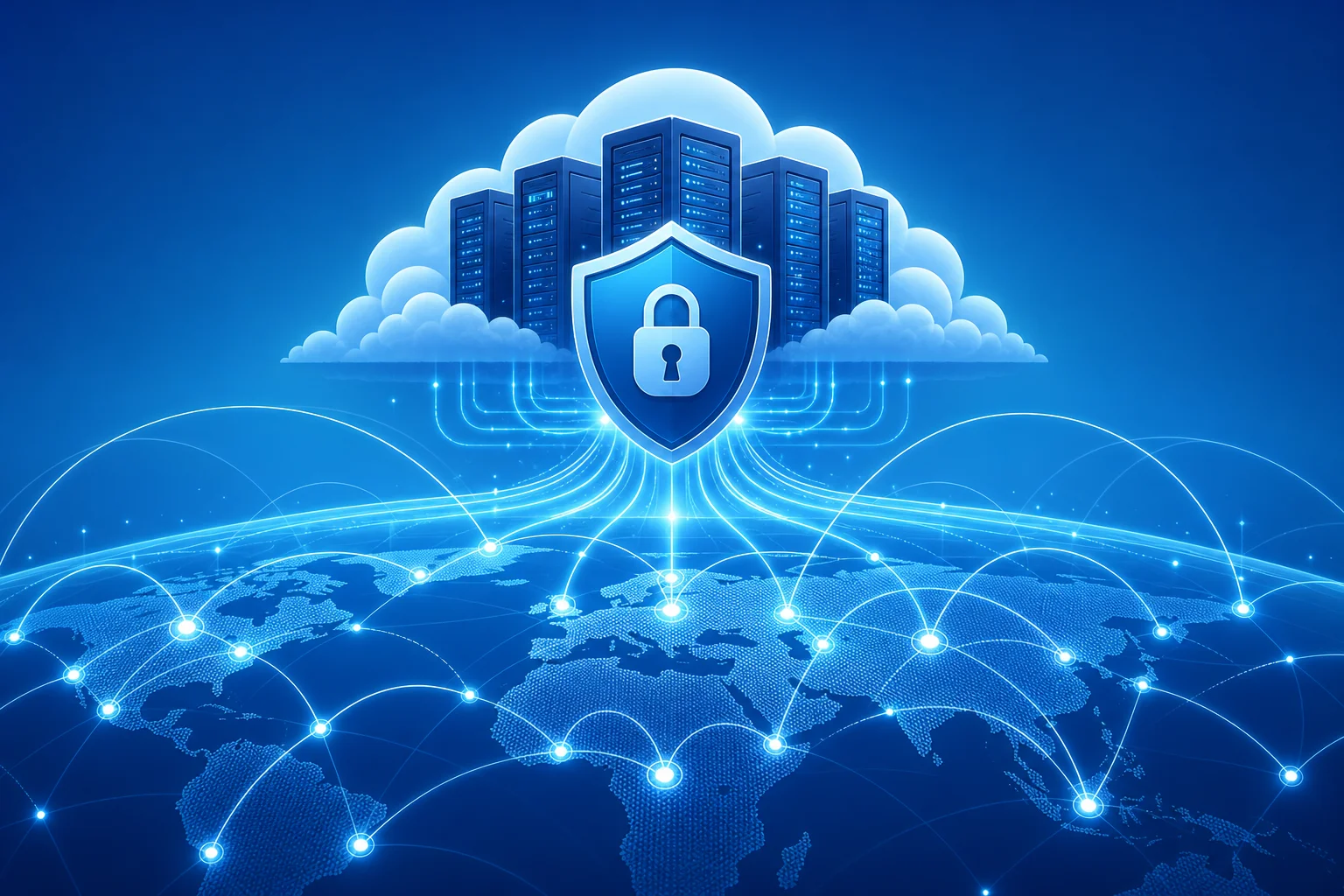
A secure VPN should use encryption to protect traffic in transit. It should also avoid asking for permissions it does not need. When using BeFreeVPN or any other VPN, check the app permissions and privacy details. A trustworthy VPN experience should be easy to understand and should not require access to unrelated data such as contacts, photos, or messages.
To strengthen your security further:
- Keep your operating system updated.
- Use HTTPS websites whenever possible.
- Enable two-factor authentication on important accounts.
- Avoid downloading files from untrusted sources.
- Log out of sensitive accounts on shared devices.
A VPN is one layer of protection, not the whole security plan.
5. Setting Up Your Free VPN with Unlimited Data
Setting up BeFreeVPN is designed to be simple. The exact screens may vary by device, but the general process is similar.
Step-by-step setup for beginners
-
Download BeFreeVPN from an official source.
Use the official website or trusted app store for your device. Avoid copycat apps or third-party download sites. -
Install the app.
Follow the standard installation prompts. On mobile, this usually takes less than a minute. On desktop, you may need to approve the installer. -
Open BeFreeVPN.
Launch the app after installation. If the app offers a quick-start button, use it to connect automatically. -
Allow VPN configuration.
Your device may ask permission to add a VPN profile. This is normal. Approve it only if you downloaded the real BeFreeVPN app from an official source. -
Connect to the VPN.
Tap or click the connect button. Wait for the app to show a connected status. -
Check your connection.
Open a browser and visit a website. If pages load normally and the VPN status remains active, your setup is complete. -
Keep it on during risky connections.
Use the VPN especially on public Wi-Fi, shared networks, while traveling, or whenever you want extra privacy.
Setup tips by device type
| Device | Setup tip |
|---|---|
| Android | Install from a trusted app store, approve the VPN profile, and disable battery settings that force-close the app. |
| iPhone or iPad | Allow the VPN configuration when prompted and check the VPN icon or status in settings. |
| Windows | Run the installer from the official source and allow any required network adapter setup. |
| macOS | Approve system permissions if requested and check privacy settings if the app cannot connect. |
| Browser-based use | If using a VPN-related browser tool, remember it may protect only browser traffic, not all apps. |
Troubleshooting common issues
Why will my free VPN not connect?
First, check your internet connection without the VPN. If your Wi-Fi or mobile data is not working, the VPN cannot connect. Next, restart the app, switch networks, or reboot your device. If the issue continues, update the app and try again.
Why is my VPN connection slow?
VPNs add encryption and routing, so some speed change is normal. To improve performance, move closer to your Wi-Fi router, close bandwidth-heavy apps, try another network, or choose a nearby VPN location if available.
Why does a website still know my location?
A VPN changes your visible IP address, but websites may also use GPS, browser permissions, account settings, cookies, or payment details. Turn off unnecessary location permissions and clear site data if needed.
Do I need to register to use BeFreeVPN?
BeFreeVPN is designed to offer free VPN access without registration. This makes it easier to start quickly and reduces the amount of personal information needed to use the service.
6. Advanced Tips for Maximizing Free VPN Use
Once your VPN is installed, a few habits can make the experience faster, safer, and more reliable.
Optimize your network settings
Start with your own connection. A VPN cannot fully fix weak Wi-Fi or an overloaded network. If your connection is unstable, try these steps:
- Use a strong Wi-Fi signal or switch to mobile data.
- Restart your router if home internet feels slow.
- Close cloud backups, large downloads, or streaming apps when gaming.
- Keep the BeFreeVPN app updated.
- Restart the VPN connection if speeds drop suddenly.
- Use modern browsers and keep them updated.
If the app offers multiple connection options, choose the one closest to your real location for speed. Choose a different region only when you need access to content or services that depend on location.
Use BeFreeVPN to access global content responsibly
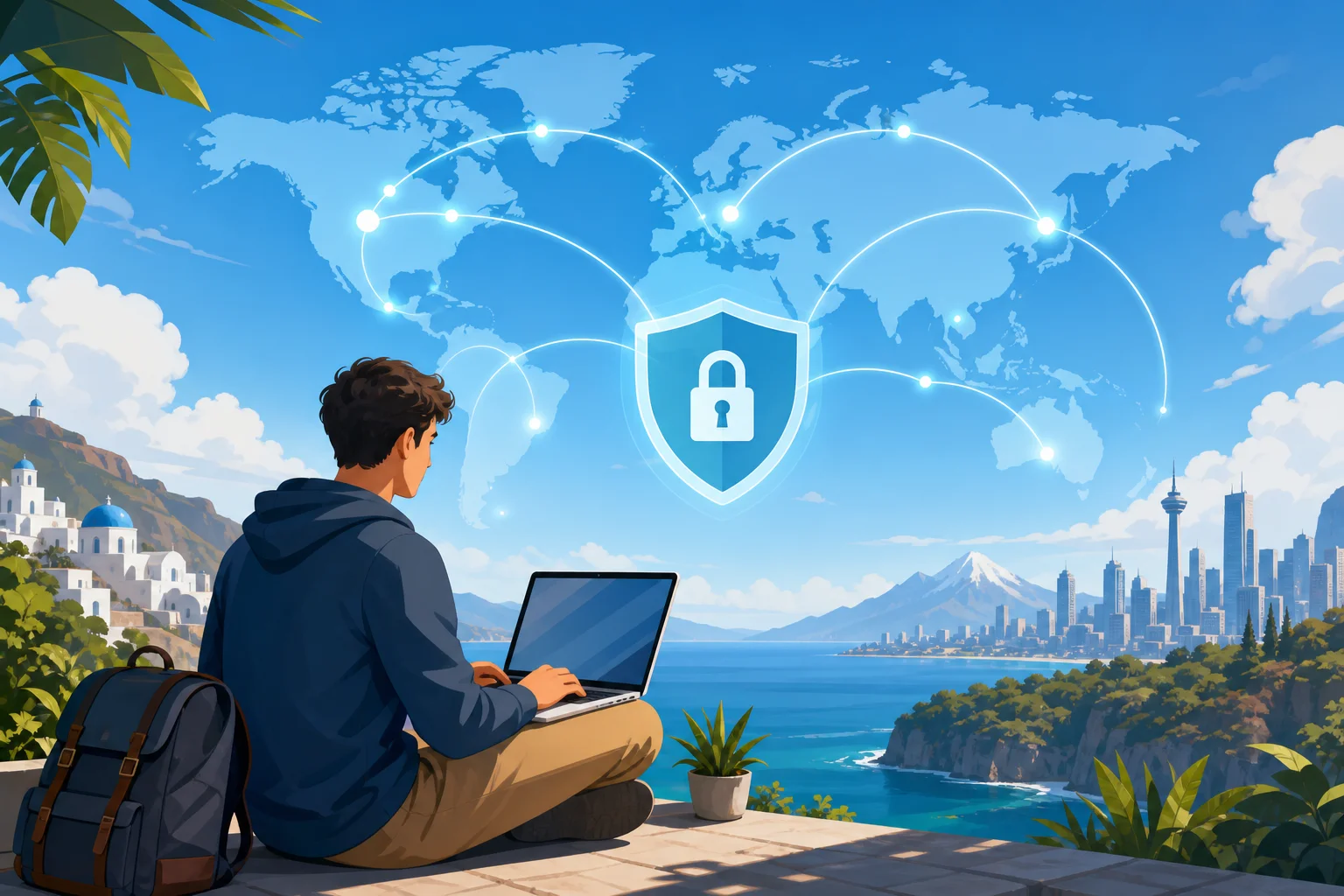
Many people use a VPN to access websites, apps, and services while traveling. A VPN can help maintain a more consistent browsing experience when networks block certain sites or when content availability changes by region.
However, always follow the laws in your location and the terms of the services you use. A VPN is a privacy and access tool, not permission to break rules or bypass legal restrictions.
Improve anonymity and privacy online
A VPN is most effective when combined with other privacy practices. For better protection:
- Use private browsing when you do not want local history stored.
- Block third-party cookies where possible.
- Review app permissions regularly.
- Avoid logging into personal accounts when you want separation.
- Use unique passwords with a password manager.
- Enable two-factor authentication.
- Be careful with browser extensions, as they can track activity.
- Do not share sensitive information on unsecured websites.
Also remember that logging into an account identifies you to that service. For example, if you sign in to your email or social media account, the platform knows it is you even if your IP address is masked by a VPN.
FAQ: Common questions about a VPN for free with unlimited data
Is a free VPN with unlimited data safe?
It can be safe if you choose a reputable service, download it from an official source, and review its permissions and privacy information. BeFreeVPN is designed for simple free VPN use without data caps, but you should still follow basic security habits.
Can I stream with a free unlimited VPN?
Yes, unlimited data is useful for streaming because video can use a lot of bandwidth. Actual streaming quality depends on your internet speed, server load, and the streaming service’s own policies.
Does a VPN hide all my activity?
No. A VPN helps protect traffic between your device and the VPN server and can mask your IP address. It does not erase cookies, account logins, device fingerprinting, or information you voluntarily share.
Is a paid VPN always better than a free VPN?
Not always. Paid VPNs may offer more advanced features, but many users only need free unlimited data, simple setup, and basic privacy protection. For that use case, BeFreeVPN can be enough.
Can I use BeFreeVPN on public Wi-Fi?
Yes. Public Wi-Fi is one of the most practical reasons to use a VPN. Connecting through BeFreeVPN can add a layer of protection when using shared networks in cafés, hotels, airports, libraries, or campuses.
7. Key Takeaways
Using a VPN for free with unlimited data is possible, and it can be practical for everyday users. BeFreeVPN is built around that idea: free VPN access, no data caps, and no registration barrier.
The biggest benefit is cost. You can protect your connection without adding another monthly subscription. That matters if you only need a straightforward VPN for public Wi-Fi, travel, casual streaming, gaming, browsing, and general privacy.
The unlimited data feature is equally important. Small free VPN data caps often force users to disconnect. With BeFreeVPN, you can keep your VPN active for longer sessions without worrying about a monthly allowance running out.
Security is another major reason to use a VPN. While no VPN makes you completely anonymous, a VPN can encrypt your connection, mask your IP address, and reduce exposure on networks you do not trust. Combined with strong passwords, updated devices, and careful browsing habits, it becomes a useful part of your online safety routine.
For many people, a paid VPN is not necessary. If your goal is simple, free, unlimited VPN access, BeFreeVPN provides a strong option without the friction of subscriptions or registration. Experience seamless connectivity and online security today with BeFreeVPN—use it for free and enjoy unlimited data without the need for registration.