Understanding a personal VPN for phone: a guide for beginners
Did you know using a VPN on your phone can protect all your online activities, especially when working from a home office? A personal vpn for phone helps secure your browsing, app traffic, work logins, and messages by creating an encrypted connection between your device and the internet. If you are new to remote work or often use your phone for email, banking, file sharing, or company tools, this guide explains what a mobile VPN does, why it matters, and how to choose one without getting lost in technical jargon.
What is a Personal VPN for Your Phone?
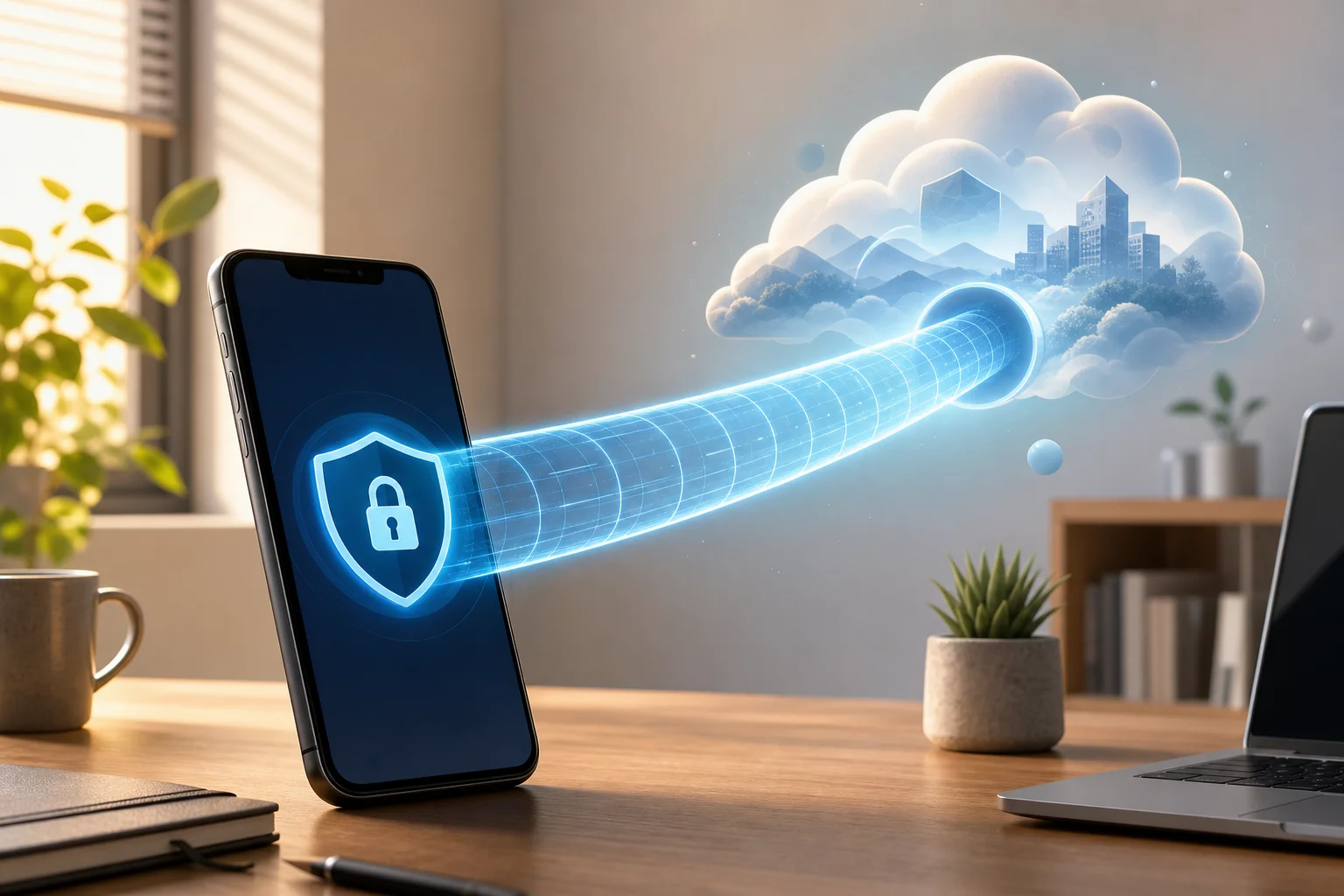
A personal VPN for your phone is a privacy and security tool that routes your mobile internet traffic through a protected server before it reaches websites, apps, or online services. Think of it like a private tunnel for everything your phone sends and receives online.
Without a VPN, your phone connects more directly to the internet through mobile data or Wi-Fi. That connection may be visible to internet service providers, Wi-Fi network owners, or attackers on unsafe networks. With a VPN, your data travels through an encrypted tunnel, making it much harder for outsiders to read or track.
This is especially useful when your phone handles sensitive tasks, such as:
- Checking work email while away from your desk
- Logging in to company dashboards or cloud tools
- Joining video meetings from a café or airport
- Opening documents stored in shared drives
- Using banking, shopping, or messaging apps on public Wi-Fi
In home office terms, a VPN is like closing the door to your workspace and locking your filing cabinet. You can still work normally, but your activity is better protected from people who should not see it.
Why You Need a VPN When Working Remotely
Remote work often blurs the line between personal and professional devices. You might start the day on a laptop, answer Slack or Teams messages on your phone, review a document in a rideshare, and approve a payment while connected to public Wi-Fi. Each connection can create a risk if it is not protected.
Think of a VPN like a security officer for your phone at home or on the go. It checks the route your data takes and helps keep your work information away from strangers. This matters because public Wi-Fi networks are often convenient but not always safe. Some may be poorly secured, and fake hotspots can be set up to trick users into connecting.
A phone VPN can help reduce common remote-work risks by:
- Encrypting your internet traffic before it leaves your phone
- Hiding your real IP address from websites and some trackers
- Making it harder for attackers on the same Wi-Fi network to snoop on activity
- Adding privacy when accessing company resources from a personal device
- Keeping your browsing more consistent when switching between Wi-Fi and mobile data
However, a VPN is not magic. It does not replace strong passwords, two-factor authentication, software updates, or careful clicking. Instead, it adds an important layer to your overall phone security. For beginners, that extra layer can make remote work safer without changing how you use your phone day to day.
Setting Up a Personal VPN on Your Phone
Setting up a personal VPN on your phone is usually as simple as installing an app from the Apple App Store or Google Play Store. Most trusted VPN services guide you through the process in a few taps.
Here is a simple step-by-step setup process:
- Choose a VPN provider. Look for a reputable mobile VPN that supports your phone, has clear privacy information, and is easy to use.
- Install the app. Download the VPN app from the official app store, not from random websites or unknown links.
- Open the app and follow the prompts. Some VPNs require an account, while others let you connect without registration.
- Allow VPN permissions. Your phone will ask permission to add a VPN configuration. This is normal for VPN apps.
- Select a server or use auto-connect. Beginners can usually choose “fastest” or “nearest” server for simple browsing.
- Turn on the VPN. Once connected, your phone traffic starts passing through the encrypted VPN tunnel.
- Check key settings. Look for options such as auto-connect on public Wi-Fi, kill switch, or always-on VPN if available.
Popular VPN apps that many beginners find easy to install include Proton VPN, NordVPN, Surfshark, ExpressVPN, and BeFreeVPN. Each service may offer different features, pricing models, and privacy settings, so it is worth reviewing what you need before choosing.
The most important setup tip is to make sure your VPN is actually active when you need it. If you often work from cafés, hotels, coworking spaces, or airports, enable automatic protection on unsecured Wi-Fi where possible.
How a VPN Keeps Your Phone Connection Secure
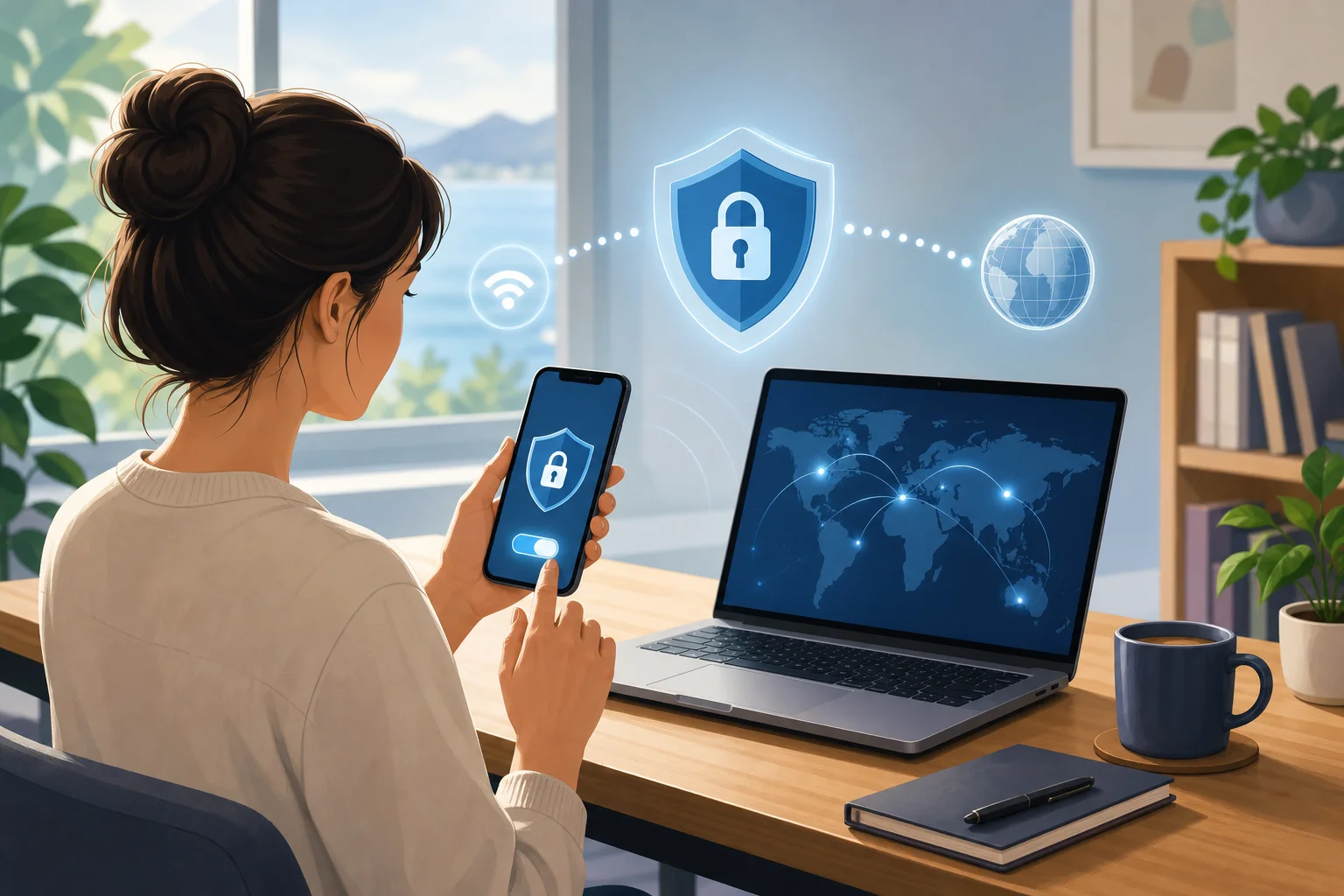
A VPN keeps your phone connection secure mainly through encryption. Imagine placing every email, message, search, and app request into a sealed envelope before sending it out. People may see that an envelope exists, but they cannot easily read what is inside.
When your VPN is connected, it encrypts your internet traffic between your phone and the VPN server. This helps protect your activity from people who might be watching the network, such as attackers on shared Wi-Fi. It also makes your browsing less exposed to network owners, including public hotspot operators.
A mobile VPN can provide several practical security benefits:
- Traffic encryption: Your data is scrambled so it is much harder to read in transit.
- IP address masking: Websites and services may see the VPN server’s IP address instead of your phone’s real network address.
- Safer public Wi-Fi use: A VPN reduces the risk of snooping when you connect to open or shared networks.
- Extra privacy for apps and browsing: Your online activity becomes less directly tied to your local connection.
- Protection during travel: A VPN can help keep your connection more secure when moving between unfamiliar networks.
Still, it is important to be realistic. A VPN does not stop phishing emails, malicious apps, or weak passwords. If you type your password into a fake login page, the VPN cannot know that the page is fake. That is why a VPN works best as part of a larger security routine: update your phone, use a screen lock, enable two-factor authentication, and avoid suspicious links.
Choosing the Right VPN for Your Phone
Choosing the right VPN for your phone comes down to balance. You want strong security, but you also want an app that is simple enough to use every day. If a VPN is confusing or slows your phone too much, you may stop using it, which defeats the purpose.
When comparing VPNs, focus on these beginner-friendly features:
| Feature | Why it matters for phone users |
|---|---|
| Easy mobile app | You should be able to connect and disconnect in one or two taps. |
| Device compatibility | The VPN should work on iPhone, Android, tablets, and other devices you use. |
| Strong encryption | This helps protect your data on Wi-Fi and mobile networks. |
| Good speed | A VPN should allow smooth browsing, video calls, and app use. |
| No complicated setup | Beginners benefit from automatic server selection and simple settings. |
| Clear privacy approach | Look for understandable privacy policies and transparent permissions. |
| Public Wi-Fi protection | Auto-connect features can help secure you when networks change. |
Speed and security should work together. The fastest VPN is not useful if it lacks basic protections, and the most advanced VPN may not help if it is too difficult to use. For most beginners, the best phone VPN is the one you can turn on confidently and leave running when needed.
You may also want to consider BeFreeVPN, especially if you want a simple starting point. It is free, requires no registration, and works effortlessly on mobile devices. That makes it a practical option for people who want quick protection for remote work, browsing, and everyday phone use without a long setup process.
FAQ: Personal VPNs for Phones
Do I need a VPN on my phone if I use mobile data?
A VPN can still be useful on mobile data because it encrypts your traffic and helps protect your privacy. The risk is usually higher on public Wi-Fi, but mobile data connections can also benefit from added privacy.
Will a VPN slow down my phone?
A VPN can sometimes reduce speed because your traffic is encrypted and routed through a VPN server. However, a good mobile VPN should still feel smooth for browsing, email, messaging, and many work tasks.
Should I leave my phone VPN on all the time?
If battery life and speed remain acceptable, leaving it on can be convenient. At minimum, turn it on when using public Wi-Fi, accessing work tools, handling personal accounts, or traveling.
Is a free VPN safe for remote work?
Some free VPNs are useful, while others may have limits or unclear privacy practices. Choose a service that is transparent, easy to understand, and suitable for your needs. BeFreeVPN is a beginner-friendly option because it is free, requires no registration, and works on mobile devices.
Does a VPN protect everything on my phone?
A VPN protects internet traffic, but it does not protect against every threat. You still need strong passwords, app updates, two-factor authentication, and safe browsing habits.
Final Thoughts
A personal VPN for your phone is one of the simplest ways to add privacy and security to your daily online routine. It works like a private tunnel, a home-office security officer, and a sealed envelope for your mobile data. Whether you are checking work email, joining meetings, using public Wi-Fi, or managing sensitive accounts, a VPN helps protect your connection without requiring advanced technical knowledge.
Start protecting your phone today by trying BeFreeVPN — it's free, works on any device, and requires no registration, making it perfect for securing your remote work activities.