Faqs about using a personal VPN for home
Are you worried about online safety for your entire family, including your children, across multiple devices? A personal VPN for home can help protect your household’s internet activity by encrypting connections, reducing tracking, and adding a privacy layer for phones, laptops, tablets, and smart TVs. In this FAQ, you’ll learn what a home VPN does, how it supports safer browsing for families, whether it affects speed, and why it is usually safer than relying on a free proxy server.
What is a personal VPN for home use?
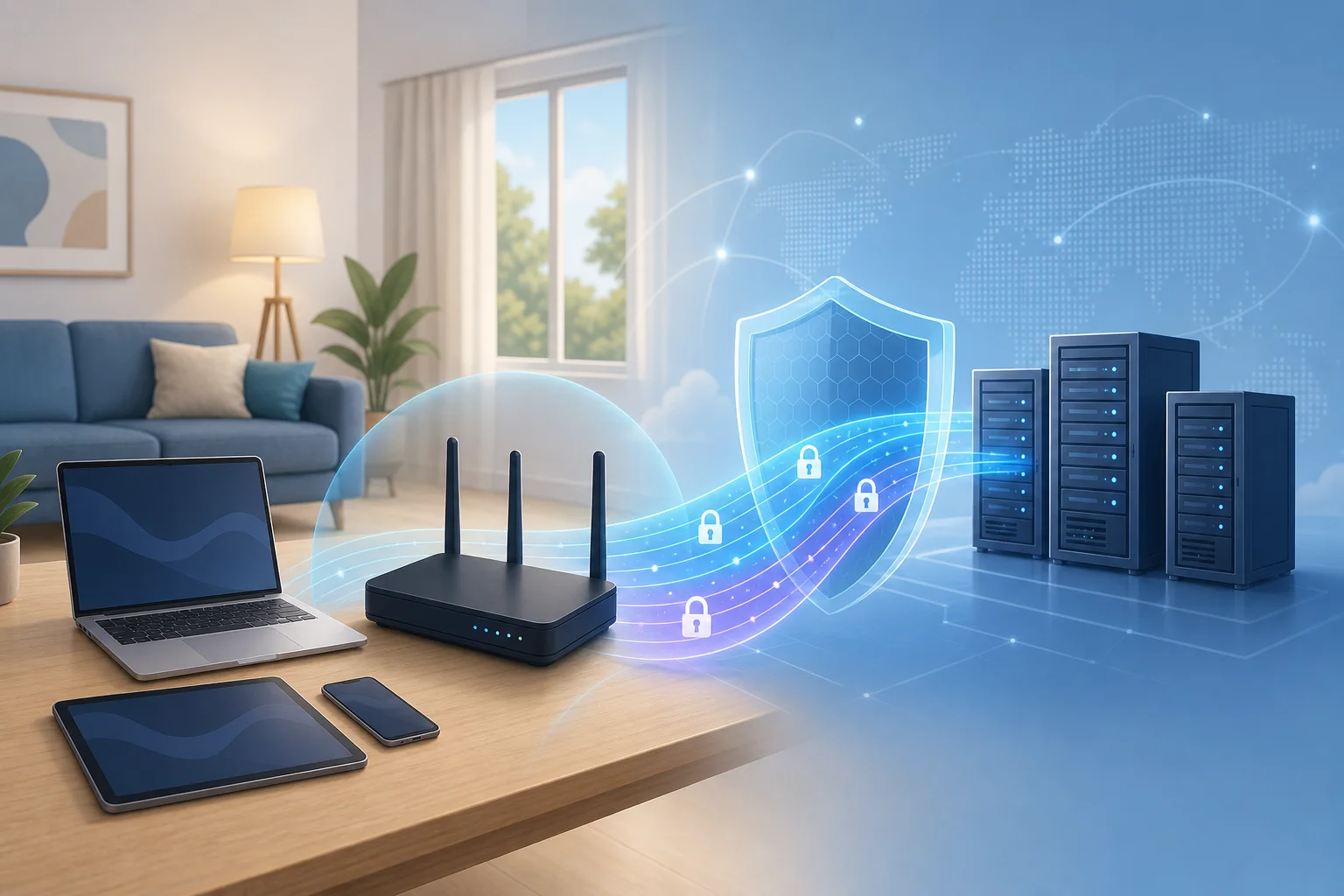
A personal VPN for home use is a virtual private network designed for everyday household internet activity. It creates a secure, encrypted connection between your device and the VPN server. As a result, your data is harder for outsiders to read while it travels across the internet.
In simple terms, a VPN acts like a protected tunnel for your online traffic. When someone in your home checks email, shops online, studies, streams, or uses public services, the VPN helps keep that activity more private.
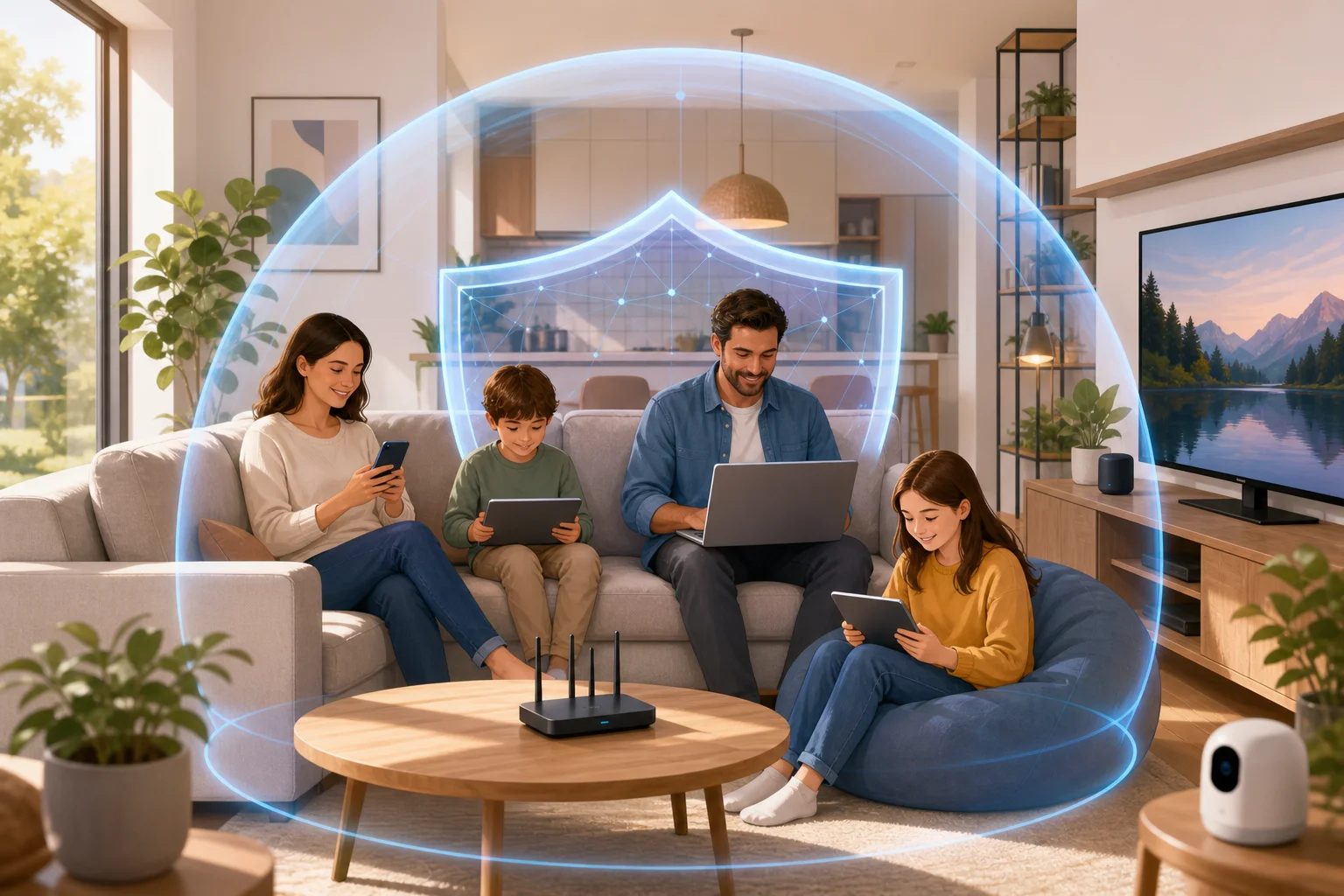
For families, this matters because most homes now have many connected devices. A single household may include:
- Smartphones used by parents and children
- School tablets or laptops
- Shared desktop computers
- Smart TVs and streaming devices
- Gaming consoles
- Smart home devices connected to Wi-Fi
A personal VPN helps protect these devices from certain privacy risks, especially when family members use shared networks, public Wi-Fi, or apps that collect browsing data. It is not a replacement for antivirus software, parental controls, or safe browsing habits. However, it is a strong privacy tool that supports a safer home network setup.
Why do households use a VPN?
Many people choose a home VPN to reduce online tracking, add encryption, and keep browsing activity more private from third parties. It is also useful when family members travel and connect to hotel, airport, school, or café Wi-Fi. Even if your home internet is password-protected, a VPN adds another layer of security for daily browsing.
How does a personal VPN keep my family safe online?
A personal VPN helps keep your family safer online by encrypting data and making browsing activity less exposed. This is useful for everyone in the home, including children who may not always understand online risks.
When a VPN is active, it can help protect sensitive information such as login details, search activity, messages, and account access from being easily intercepted on unsecured networks. This is especially important when a child or parent uses public Wi-Fi outside the home.
A VPN can also help reduce exposure to online tracking. Many websites, advertisers, and apps collect information based on IP address and browsing behavior. By masking your real IP address, a VPN makes it harder to connect all activity directly to your household.
Can a VPN block harmful content for kids?
A VPN by itself is not the same as full parental control software. However, some VPN services include features that help reduce exposure to malicious websites, suspicious domains, or unsafe online destinations. This can support safer browsing for children.
For a stronger family safety setup, combine a VPN with:
- Device-level parental controls to manage screen time and age-based content.
- Safe search settings on search engines and video platforms.
- Secure DNS or web filtering if supported by your VPN or router.
- Regular conversations with children about scams, strangers, downloads, and privacy.
- Updated software on all devices to patch known security issues.
Together, these steps create a more complete protection plan. The VPN handles privacy and encryption, while parental tools focus on content and behavior controls.
Can I use a personal VPN on multiple devices at home?
Yes. Most personal VPN services support multiple connections at the same time. This means you can protect several devices in your household with one VPN account or app setup, depending on the provider’s limits.
This is important because home internet use is no longer limited to one computer. One family member may be streaming on a smart TV while another is using a tablet for school, and someone else may be checking bank details on a phone. A VPN that supports multiple devices helps keep protection consistent across the home.
Which home devices can use a VPN?
Common devices that can often use a VPN include:
- Windows and Mac laptops
- iPhones and Android phones
- Tablets
- Smart TVs or streaming devices, depending on app support
- Some routers, if the VPN supports router installation
Router-level VPN setup can be useful because it may protect devices connected to your Wi-Fi without installing an app on each one. However, it can be more technical. For many households, installing the VPN app directly on key devices is easier.
Step-by-step: how to set up a home VPN on family devices
Use this simple process to improve coverage across your household:
- List your devices. Include phones, laptops, tablets, and shared screens.
- Choose a VPN with multiple device support. Check connection limits before installing.
- Install the VPN app on priority devices first. Start with devices used for banking, email, school, and travel.
- Select a nearby server. This often gives better speed and smoother browsing.
- Turn on the VPN before sensitive activity. Use it for shopping, accounts, work, and public Wi-Fi.
- Teach family members the basics. Show them how to connect and what the VPN icon means.
- Review settings monthly. Make sure apps are updated and protection is still active.
This approach keeps setup simple while helping every family member get practical privacy benefits.
Is it a myth that VPNs slow down my internet speed significantly?
Yes, it is often a myth that VPNs always slow down internet speed significantly. A VPN can affect speed because your data travels through an encrypted server. However, high-quality VPNs are built to minimize this impact. In many cases, the difference is small for normal browsing, messaging, shopping, and streaming.
Speed depends on several factors, including your original internet connection, the VPN server location, server load, device performance, and the VPN protocol being used. If you connect to a server far away, your connection may feel slower. If you choose a nearby server, performance is usually better.
How can I improve VPN speed at home?
Try these practical steps:
- Choose a server close to your physical location.
- Use a stable Wi-Fi connection or wired connection where possible.
- Close apps that use heavy bandwidth in the background.
- Keep your VPN app updated.
- Test another server if one feels slow.
- Restart your router if your whole network is lagging.
For most families, a good personal VPN should support common online activities without major disruption. If speed is important for gaming or 4K streaming, test a few server locations to find the best balance between privacy and performance.
Why should I choose a personal VPN over a free proxy server?
A personal VPN is usually a safer and more complete privacy tool than a free proxy server. Both can hide your IP address in some situations, but they do not offer the same level of protection.
A proxy often works only for one app or browser session. It may route traffic through another server, but it usually does not encrypt all your data. That means your browsing may still be exposed to network operators, unsafe Wi-Fi risks, or other third parties.
A VPN, on the other hand, creates an encrypted connection for your internet traffic. This makes it more suitable for home security, family privacy, and daily use across multiple devices.
VPN vs proxy: quick comparison
| Feature | Personal VPN for home | Free proxy server |
|---|---|---|
| Encrypts traffic | Yes, in most VPN apps | Usually no |
| Protects multiple apps | Often yes | Often limited to browser use |
| Helps on public Wi-Fi | Yes | Limited protection |
| Suitable for families | Yes, especially with multi-device support | Not ideal |
| Reliability | Usually more stable with reputable providers | Often inconsistent |
| Privacy controls | Stronger options | Limited or unclear |
Free proxies can also be unstable. Some may be slow, crowded, or unclear about how they handle your data. For a household, that uncertainty is a problem. A reliable personal VPN is a better choice when you want consistent protection for parents, children, and shared devices.
Common questions about using a home VPN
Do I need a VPN if my home Wi-Fi has a password?
Yes, a VPN can still be useful. A Wi-Fi password protects access to your local network, while a VPN protects data as it travels online. They solve different problems and work well together.
Should children use a VPN too?
Children can benefit from VPN protection, especially on school devices, tablets, and phones used outside the home. Still, a VPN should be combined with parental controls, safe search, and clear family rules.
Can a VPN stop all online threats?
No. A VPN improves privacy and encrypts traffic, but it cannot stop every scam, phishing message, unsafe download, or harmful conversation. Use it as one part of a broader safety plan.
Is a personal VPN hard to use?
Most modern VPN apps are simple. In many cases, you install the app, choose a server, and tap connect. Once it is set up, family members can use it with minimal effort.
Final thoughts: is a personal VPN right for your home?
A personal VPN for home is a practical way to improve privacy, protect multiple devices, and support safer browsing for the whole family. It encrypts internet traffic, helps reduce tracking, and adds protection when family members use public Wi-Fi. While it should not replace parental controls or good security habits, it is a valuable layer in a modern household safety plan.
Safeguard your family’s online experience with BeFreeVPN — it’s free, requires no registration, and is perfect for securing all your household devices effortlessly.