Explaining VPNs for free with no ads: secure your home office effortlessly
Are you aware that using a VPN for free with no ads can transform the security of your home office setup? If you work remotely, handle private files, join business calls, or use public Wi-Fi, a VPN can help protect your data from unwanted attention. This beginner-friendly guide explains what a free no-ad VPN does, why ads can be a problem, and how to start using one without feeling lost in technical jargon.
Why You Need a VPN in Your Home Office Setup
A home office may feel private because it is inside your house. However, your internet connection still sends data through networks, routers, websites, and apps before it reaches its destination. A VPN, short for virtual private network, adds a protective layer to that journey.
Think of it like a strong lock on your home office door. The lock does not change the work you do inside the room, but it makes it much harder for strangers to walk in and look around. In the same way, a VPN helps secure your online activity by creating an encrypted connection between your device and the VPN server.
For remote workers, this matters because daily tasks often involve sensitive information, such as:
- Client emails and attachments
- Business logins and cloud documents
- Video meeting links
- Financial records or invoices
- Internal dashboards and admin tools
Privacy is also important. Without protection, your internet service provider, network owner, or other parties may be able to see parts of your browsing activity, depending on the site and connection. A secure VPN helps reduce that exposure by masking your IP address and encrypting your traffic.
Real-world scenario: working safely on public Wi-Fi
Imagine you are at a café between meetings. You open your laptop, connect to public Wi-Fi, and send a proposal to a client. Public networks can be convenient, but they are not always well secured. A VPN acts like a sealed envelope for your data. Even if the network is crowded, your information is much harder to inspect while it travels.
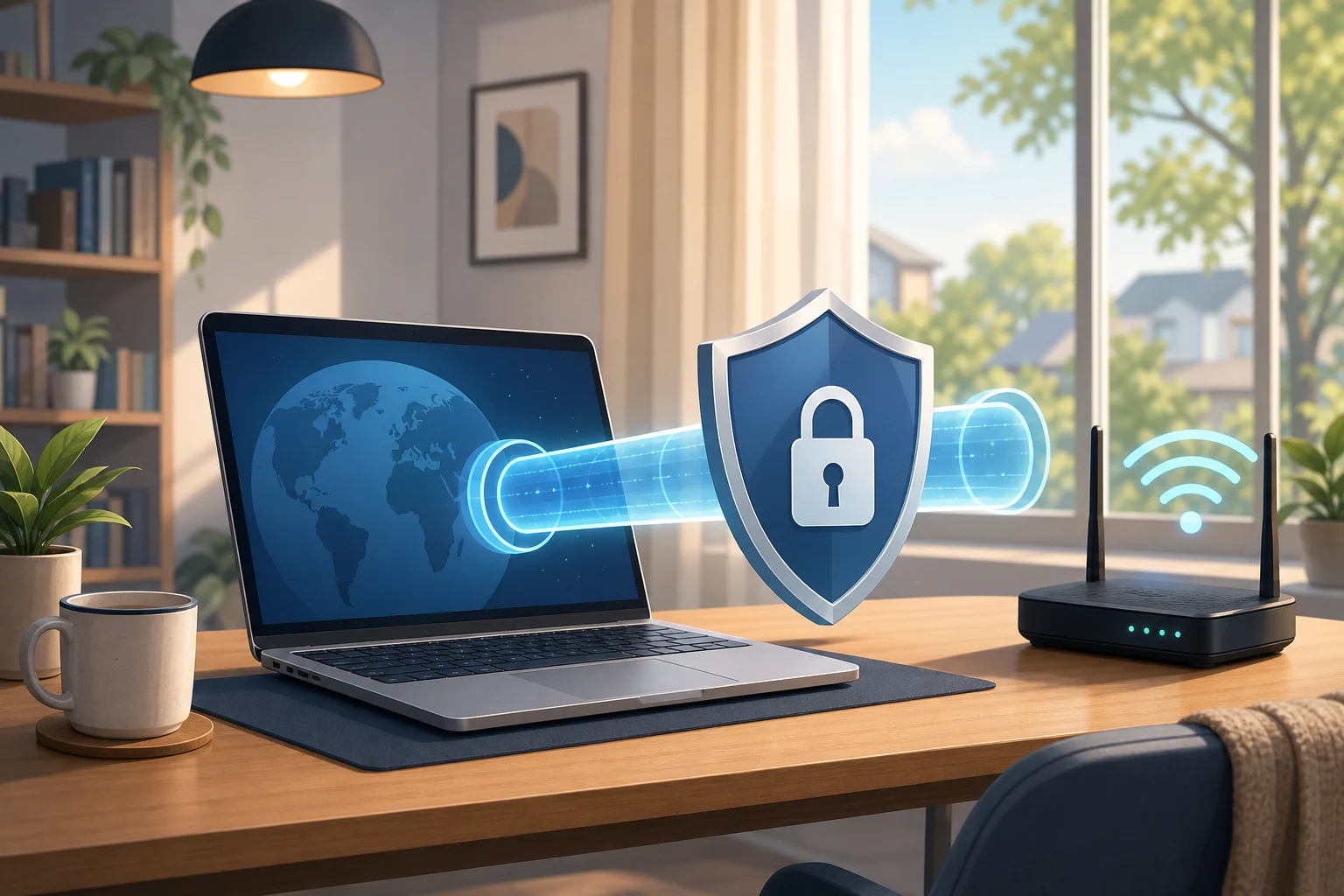
The Problem with Ads: How Free VPNs Compare
Many free apps rely on ads. That includes some free VPN services. Ads may seem harmless at first, but they can create a worse experience, especially when you need a stable and focused connection for work.
Think of ads as distracting billboards on your virtual highway. You are trying to drive directly to your destination, but pop-ups, banners, and tracking scripts keep pulling your attention away. In some cases, ads can also slow down the app, increase data use, or make the interface confusing for beginners.
A free VPN with no ads is closer to a clean desk. Nothing flashes. Nothing interrupts your setup. You open the app, connect, and get back to work.
No-ad VPN vs ad-supported VPN
| Feature | Free VPN with no ads | Free VPN with ads |
|---|---|---|
| User experience | Clean and simple | Can feel cluttered |
| Focus during work | Fewer distractions | Pop-ups may interrupt |
| Setup for beginners | Easier to understand | Extra screens may confuse users |
| Privacy comfort | No advertising layer in the app experience | Ads may involve third-party systems |
| Connection flow | Usually more direct | Ads can slow or disrupt use |
Not every ad-supported VPN is unsafe, and not every no-ad VPN is automatically perfect. Still, removing ads from the experience is a meaningful benefit. It reduces noise and helps you focus on the core job: protecting your connection.
How Free VPNs Ensure Your Privacy Without the Cost
A common question is simple: if a VPN is free and has no ads, how can it exist? The answer depends on the provider. Some free VPNs are offered as a basic plan alongside paid upgrades. Others are supported by donations, partnerships, limited free features, or a mission to make privacy more accessible.
For beginners, the key is to choose a service that is clear about what it offers. Look for plain-language details about privacy practices, device support, data limits, server access, and whether an upgrade is optional.
A no-cost VPN can be useful for home offices because it lowers the barrier to better security. You do not need to become a networking expert or pay upfront just to protect everyday tasks. For freelancers, students, remote employees, and small teams, that can make a real difference.
Case study: a small remote team
Consider a small design studio with five people working from home and shared workspaces. The team uses cloud storage, project management tools, and email every day. They do not have a full IT department, but they still need safer connections.
By choosing a free no-ad VPN for basic remote work protection, the team can:
- Encourage safer use of public Wi-Fi
- Reduce exposure of IP addresses
- Add encryption for everyday browsing and work tools
- Make privacy part of the team routine
- Avoid distracting ads during client work
This does not replace strong passwords, two-factor authentication, device updates, or good security habits. However, it does add one practical layer that beginners can understand and use.
Using a Free VPN: Setting the Scene for Beginners
Installing a VPN is easier than many people expect. Think of it like setting up a home security system. You choose a trusted tool, install it, turn it on, and let it protect the entry points while you focus on your day.
Most modern VPN apps are designed for non-techies. You usually do not need to adjust complex settings or understand encryption protocols to get started. The main action is simple: connect before you browse, especially when using public or shared networks.
Step-by-step guide to getting started with a no-ad VPN
-
Choose a free VPN with no ads
Look for a service that clearly says it does not show ads in the app experience. Also check that it supports your device, such as Windows, macOS, Android, or iOS. -
Download from the official source
Use the provider’s official website or a trusted app store. This helps you avoid fake apps or modified installers. -
Install the app
Follow the on-screen prompts. On phones, you may need to allow the VPN configuration. This is normal for legitimate VPN apps. -
Open the VPN and sign in if needed
Some free VPNs require an account. Others let you connect right away. Read the setup screen carefully. -
Tap or click connect
Choose the recommended server if you are unsure. Many apps select a nearby or optimized server automatically. -
Check your connection
Once connected, you should see a VPN icon or status message. Then browse, email, or work as usual. -
Make it a habit
Turn on the VPN before using public Wi-Fi, working with sensitive files, or logging in to business tools.
Beginner tips for smoother use
- Keep your VPN app updated.
- Use strong passwords with your work accounts.
- Turn on two-factor authentication where possible.
- Disconnect and reconnect if a network changes.
- Avoid downloading VPN apps from unknown websites.
These simple habits make your home office security stronger without making your day more complicated.
Think of It Like This: VPNs as Secret Tunnels in the Internet
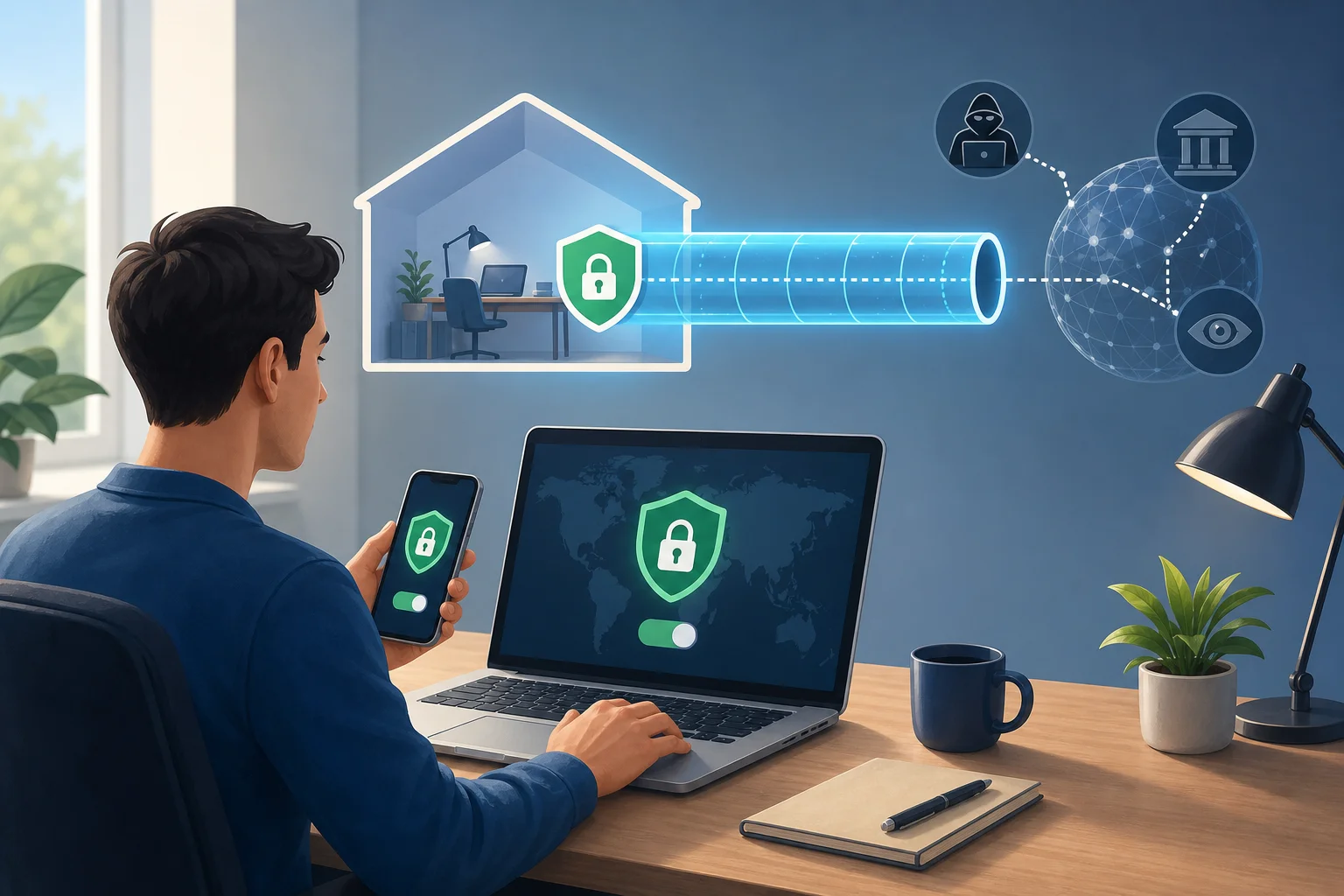
If the internet is a jungle, your normal connection is like walking on a visible path. Other travelers, signs, and checkpoints may notice where you are going. A VPN creates a hidden route through that jungle. You still reach your destination, but your path is less exposed.
Another way to picture it is as a secret tunnel. Your data enters the tunnel on your device, travels through an encrypted route, and exits near the VPN server. Websites and services may see the VPN server’s IP address instead of your home IP address. Meanwhile, your local network has less visibility into the details of your activity.
For remote work, this secret tunnel is valuable because your job may follow you everywhere. You might work from a spare bedroom in the morning, a train station in the afternoon, and a hotel at night. A VPN helps create a more consistent layer of privacy across those environments.
It is important to be realistic. A VPN is not a magic shield against every threat. It will not stop phishing emails, weak passwords, malware, or careless file sharing. But when used with good digital habits, a VPN for free with no ads can become a simple and useful part of your security routine.
FAQ: VPN for Free with No Ads
Is a free VPN with no ads safe?
It can be safe if the provider is transparent, uses secure connections, and avoids intrusive advertising. Always review the service’s privacy information and download only from official sources.
Will a VPN slow down my internet?
A VPN may slightly affect speed because your traffic is encrypted and routed through a VPN server. However, for normal browsing, email, and many remote work tasks, a well-designed VPN should still feel smooth.
Do I need a VPN when working from home?
Yes, it can still help. Even at home, a VPN adds privacy, masks your IP address, and protects traffic when you connect to work tools. It is especially useful if you switch between home Wi-Fi and public Wi-Fi.
Can I use a no-ad free VPN on multiple devices?
That depends on the VPN provider. Some free plans support several devices, while others limit usage. Check the app details before installing it across your laptop, phone, and tablet.
What should beginners look for in a free VPN?
Look for no ads, easy installation, clear privacy information, device compatibility, stable connections, and a simple connect button. Beginners should avoid tools that feel confusing or make vague promises.
Secure Your Home Office Without Extra Complexity
A VPN is one of the easiest ways to add privacy to your remote work setup. It works like a lock, a sealed envelope, and a secret tunnel for your internet connection. Choosing a VPN for free with no ads makes the experience cleaner and easier, especially for beginners who want protection without pop-ups or complicated setup screens. Try BeFreeVPN to protect your home office with a free VPN that has no ads, ensuring your data remains private on any device.