Online VPN for home: your essential faq guide
Are you wondering how an online VPN can protect your family at home? Here’s a detailed FAQ to clear your doubts! An online VPN for home helps secure everyday browsing, streaming, schoolwork, shopping, and communication across your household. In this guide, you’ll learn what a home VPN does, how it supports children’s online safety, which devices it can protect, what myths to ignore, and how to choose a VPN service that fits family life.
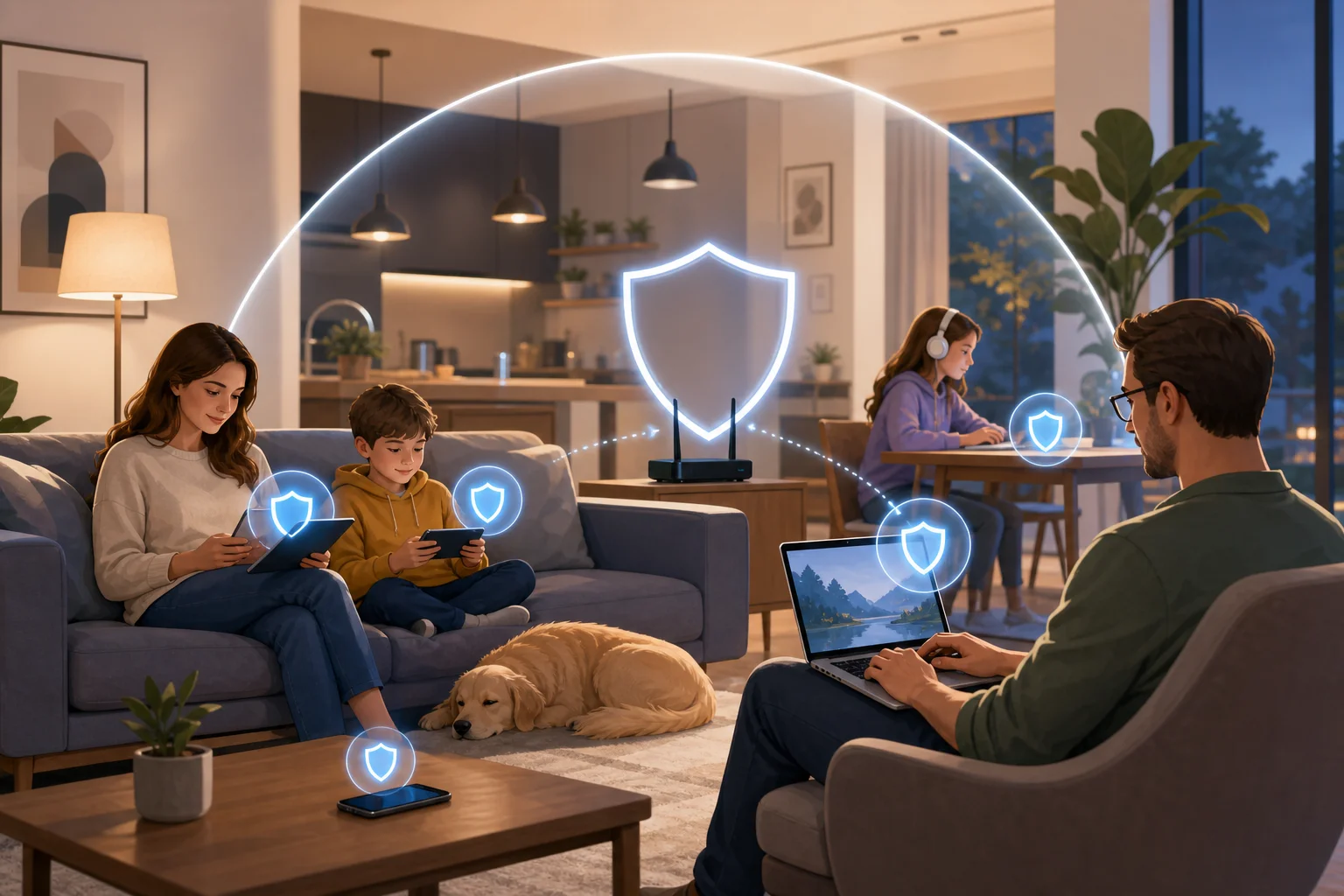
What is an online VPN for home?
An online VPN, or Virtual Private Network, for home is a service that encrypts your internet connection. In simple terms, it creates a private, protected tunnel between your device and the websites or apps you use. This makes it harder for hackers, advertisers, network snoopers, or unsafe public Wi-Fi operators to see what your family is doing online.
For households, a VPN is useful because it can protect multiple devices under one account or network setup. Instead of thinking about security one device at a time, families can use a single VPN service across phones, tablets, laptops, desktops, and sometimes smart TVs or routers.
A home VPN can also help with access to restricted content. For example, some websites, streaming libraries, or services may vary by location. A VPN can change your visible IP address, which may allow access when you are traveling or when content is limited by region. However, you should always follow the terms of service of the platforms you use.
In daily life, an online VPN for home is mainly about three things:
- Privacy: It masks your IP address and reduces exposure to tracking.
- Security: It encrypts your connection to help protect personal data.
- Flexibility: It can support safer browsing across many household devices.
How can a VPN enhance children’s online safety at home?
A VPN can support children’s online safety by making their internet activity harder for outsiders to intercept. This is especially important when kids use shared Wi-Fi, school portals, gaming platforms, messaging apps, and learning websites.
Encryption is the key benefit. When a child browses online through a VPN, the connection is protected from many forms of snooping. This can reduce the risk of malicious actors collecting sensitive details such as location clues, login data, or browsing patterns.
A VPN may also help reduce exposure to certain malicious sites, depending on the provider’s features. Some VPN services include threat blocking, phishing protection, or unsafe-domain filtering. These tools are not a replacement for parental guidance, but they can add another layer of defense.
Parents may also use a VPN as part of a balanced safety approach. Instead of invasive tracking, families can set clear rules, choose safe tools, and protect the connection itself. In this way, a VPN helps secure the environment without turning every online moment into surveillance.
By masking the home IP address, a VPN can also minimize the risk of strangers learning your household’s approximate location through IP-based tracking. This matters for children who play online games, join public chats, or use social platforms. Still, families should combine VPN use with privacy settings, strong passwords, and conversations about not sharing personal information.
Practical steps for safer family VPN use
- Install the VPN on each child’s main device. Start with phones, tablets, and school laptops.
- Turn on auto-connect if available. This helps keep protection active without constant reminders.
- Use strong account passwords. A VPN helps the connection, but weak passwords still create risk.
- Enable threat-blocking features when offered. These may help block known malicious domains.
- Talk about online boundaries. Explain why location, school names, and private photos should not be shared with strangers.
Can an online VPN work on multiple devices in my home?
Yes. Many online VPN services allow simultaneous connections on multiple devices. This means several family members can browse, stream, study, and work securely at the same time. Common supported devices include smartphones, tablets, laptops, desktop computers, and sometimes smart TVs or browser extensions.
The number of supported devices depends on the VPN provider. Some allow a fixed number of simultaneous connections. Others support unlimited device use. If you have a large household, check this detail before choosing a plan.
Dedicated apps are also important. A VPN with simple apps for Android, iOS, Windows, macOS, and browser use will be easier for the whole family. If setup is too complex, people may forget to use it. Look for a clean interface, quick connect options, and clear settings.
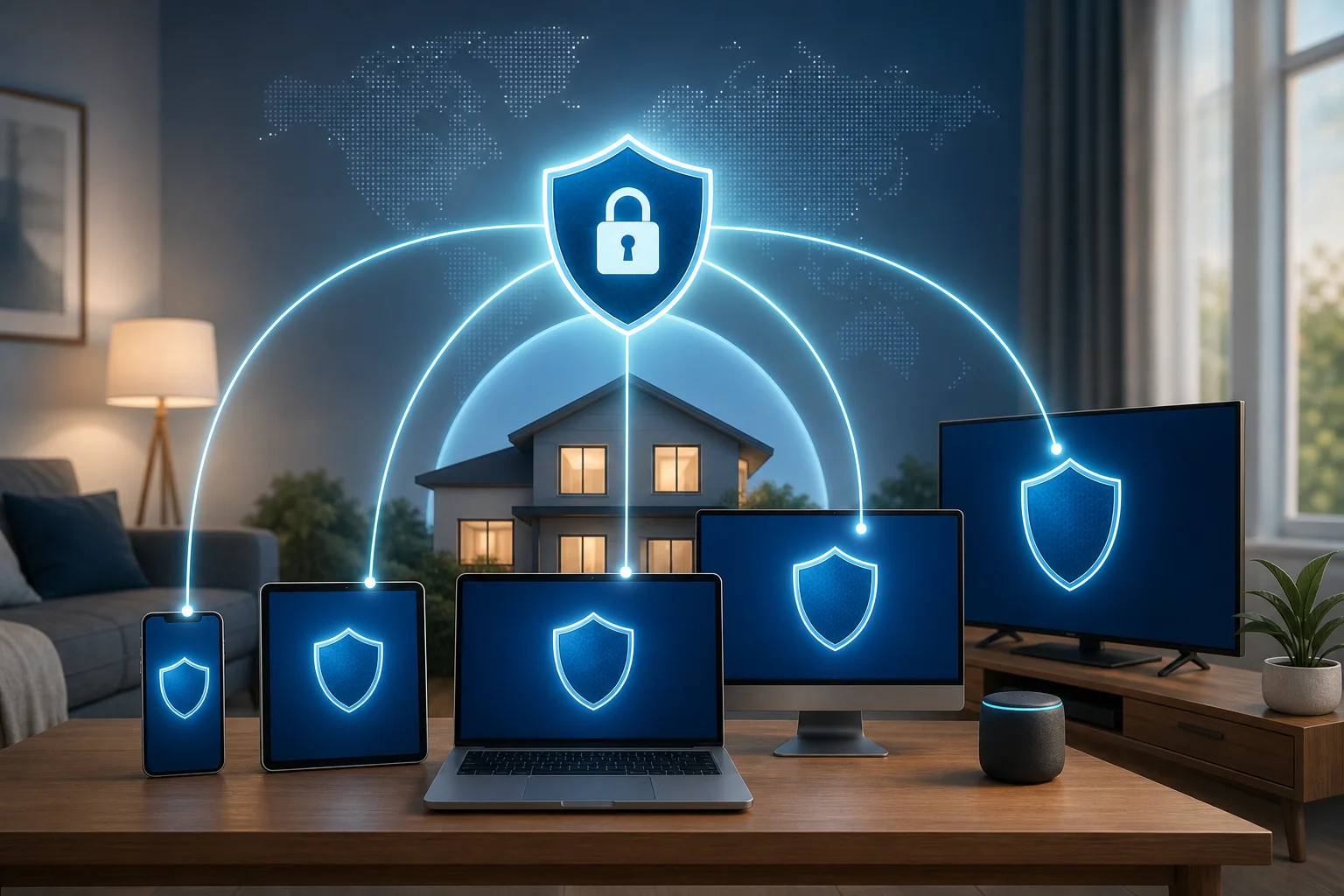
Home VPN device compatibility comparison
| Device type | How a VPN helps | What to check before choosing |
|---|---|---|
| Smartphones | Protects browsing, apps, and public Wi-Fi use | iOS and Android apps, auto-connect |
| Tablets | Secures schoolwork, videos, and browsing | Child-friendly setup and stable performance |
| Laptops | Protects work, shopping, banking, and study | Windows, macOS, or Linux support |
| Smart TVs | May support private streaming access | Native app or router setup options |
| Home router | Can protect many connected devices at once | Router compatibility and setup difficulty |
For most families, installing the VPN app on each device is the easiest option. Router-level VPN setup can be powerful, but it is usually more technical. If you want simple protection, choose a VPN that works well through dedicated apps.
Are there any myths about VPNs for household use?
Yes. VPNs are often misunderstood. These myths can stop families from using a tool that may improve privacy and security.
Myth 1: “VPNs are only for tech experts.”
This is outdated. Many modern VPNs are designed for everyday users. In most cases, you install an app, choose a server or tap a quick-connect button, and start browsing. Families do not need advanced networking knowledge to benefit from a home VPN.
Myth 2: “A VPN always makes the internet painfully slow.”
A VPN can reduce speed because encryption and server routing add extra steps. However, many services optimize performance well enough for normal browsing, video calls, streaming, and schoolwork. Speed depends on your internet plan, distance to the VPN server, server load, and the VPN protocol used.
If performance matters, choose a nearby server, use modern protocols when available, and test the VPN during your family’s busiest online hours.
Myth 3: “Free VPNs can never protect privacy.”
It is true that some free VPNs have poor privacy practices, limited speeds, or intrusive ads. However, the idea that every free VPN is unsafe is too broad. Reputable free VPNs, such as BeFreeVPN, can provide strong security without charging fees. The key is to check the privacy policy, understand limits, and avoid services that collect or sell unnecessary user data.
Myth 4: “A VPN replaces parental controls.”
A VPN is not the same as parental control software. It protects the connection and may hide your IP address, but it does not automatically decide what content is age-appropriate. For children, a VPN works best alongside safe search settings, device rules, app permissions, and open family conversations.
What should I look for in an online VPN for home use?
Choosing an online VPN for home use should be practical. The best option is not just the one with the longest feature list. It is the one your household will actually use every day.
Start with strong encryption. Look for modern VPN protocols and clear security information. A VPN should protect data in transit and help prevent outsiders from viewing your online activity.
Next, check device compatibility. If your family uses iPhones, Android phones, tablets, Windows laptops, and smart TVs, your VPN should support as many of them as possible. Dedicated apps make setup easier and reduce confusion.
Privacy policy matters as well. Choose a service that does not keep logs of user activity. A no-logs approach means the provider should not store detailed records of what your family does online. Read the policy in plain language where possible. Avoid providers that are vague about data collection.
You should also consider usability. A VPN for home should be easy to install, easy to turn on, and stable enough for daily browsing. Features such as quick connect, auto-connect, and simple server selection can make a big difference for non-technical users.
Quick checklist for choosing a home VPN
- Strong encryption and modern VPN protocols
- Apps for the devices your family uses most
- Multiple simultaneous connections
- Clear no-logs or privacy-focused policy
- Reliable speeds for streaming, study, and work
- Simple setup for children, parents, and guests
- Optional protection against malicious websites
- Transparent pricing, or a trustworthy free option
Final answer: Is an online VPN for home worth it?
For many households, yes. An online VPN for home can improve privacy, strengthen security, and help protect family devices across everyday online activities. It is especially useful when children use connected devices, when family members work or study from home, or when you want safer browsing without complicated tools.
To get started with simple household protection, explore BeFreeVPN for an easy-to-use, free VPN solution that protects your family online without the hassle of registration.