Solving slow connections: the best VPN for Android TV with fast connection
Frustrated by lagging streams and buffering while enjoying your favorite shows on Android TV? There's a solution that brings speed without compromise. If you are looking for a vpn for android tv with fast connection, the goal is simple: keep streams stable, reduce slowdowns, and avoid a complicated setup. This guide explains why Android TV streaming can become sluggish, how a fast VPN can help, and how to set up BeFreeVPN for smoother viewing.
1. The Problem: Slow Streaming on Android TV
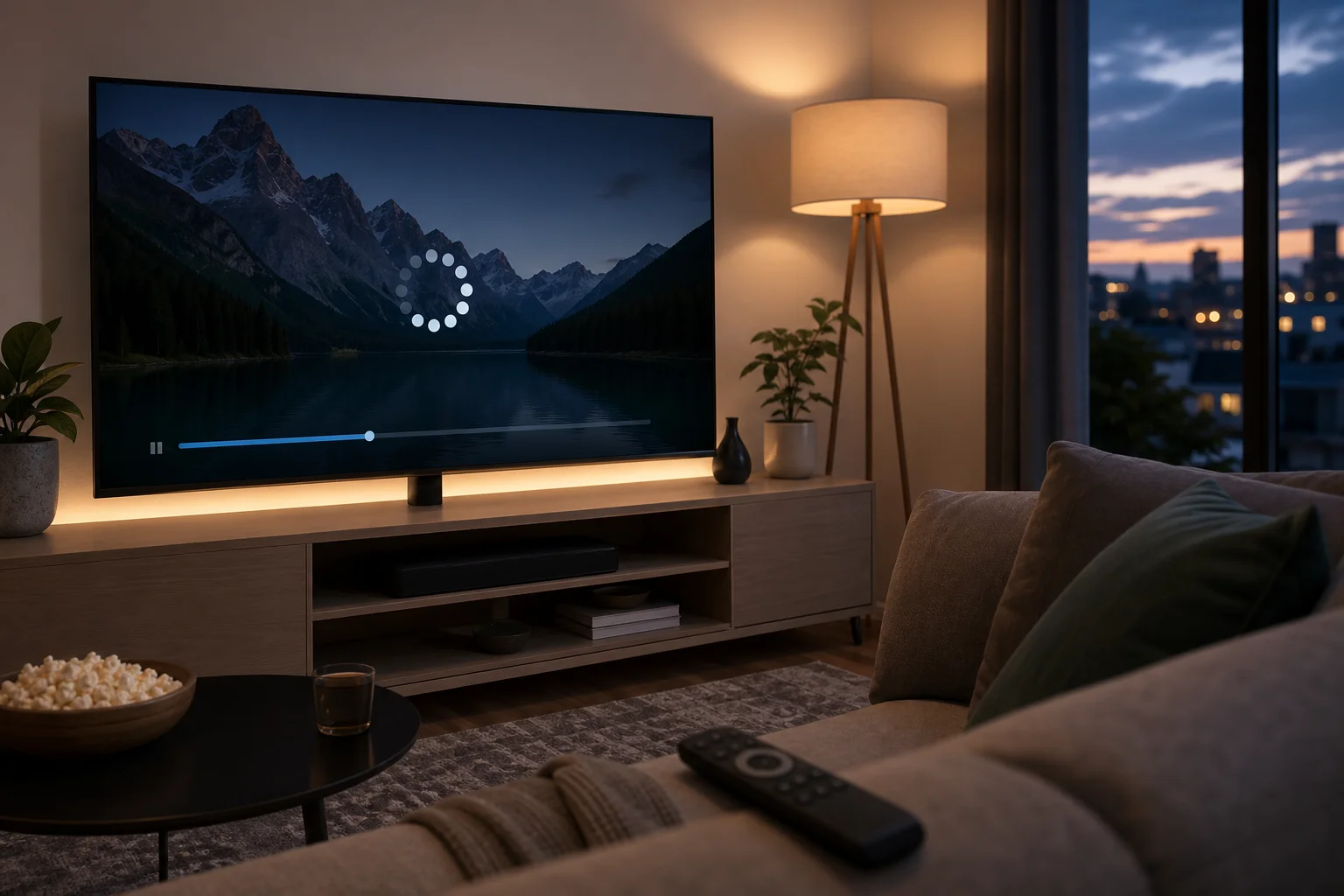
Android TV is built for comfort. You open an app, choose a movie, and expect it to play. Yet many users deal with buffering, sudden quality drops, frozen screens, and long loading circles, especially in the evening or on weekends.
This is frustrating because the issue often appears at the worst time. A show may start in full HD, then drop to a blurry picture. A live sports stream may lag behind. A movie may pause every few minutes, even when your internet plan seems fast enough.
Common symptoms include:
- Streams that buffer during peak hours
- Video quality switching from HD or 4K to low resolution
- Apps loading slowly or timing out
- Smooth playback on a phone but poor playback on Android TV
- Better performance at night or early morning than during busy hours
For many people, the biggest problem is not just speed. It is uncertainty. You may not know whether the cause is your internet provider, Wi-Fi, the streaming app, or the Android TV device itself. As a result, users often try random fixes: restarting the router, clearing app cache, changing HDMI ports, or lowering the video quality.
Some of those steps can help. However, they do not always solve the core issue. Worse, many solutions sound too technical. Not everyone wants to adjust router firmware, change DNS settings, or connect extra hardware just to watch TV.
That is why a simple, performance-focused VPN approach can be useful. The key is choosing a VPN built for fast connections, not one that adds more delays.
2. Why It Happens: Understanding the Speed Drop
Slow streaming on Android TV can come from more than one source. Before choosing a solution, it helps to understand what may be happening in the background.
ISP throttling during heavy streaming
Internet service providers may manage network traffic during busy periods. In some cases, streaming traffic can be slowed when many users are online at the same time. This is often called throttling or traffic shaping.
You may notice this pattern if your connection is fast during general browsing but slow when streaming video. It may also happen more often in the evening, when more households are watching content.
A VPN can help because it encrypts your traffic. This makes it harder for your provider to see the type of traffic you are using. As a result, your streaming connection may become more stable when throttling is the cause.
Android TV network configuration issues
Android TV devices are convenient, but they are not always perfectly tuned for every home network. Speed can suffer because of:
- Weak Wi-Fi signal behind the TV
- Too many devices connected to the same router
- Outdated Android TV software
- Old streaming app versions
- Router placement far from the TV
- Congested 2.4 GHz Wi-Fi networks
If possible, use a 5 GHz Wi-Fi connection or an Ethernet cable. Also, keep your Android TV system and streaming apps updated. These basic checks can improve performance before you even install a VPN.
Why some VPNs make streaming slower
A VPN routes your traffic through an encrypted server. This adds extra steps between your Android TV and the streaming service. If the VPN server is overloaded, far away, or poorly optimized, the result can be slower speeds and more buffering.
That is why choosing any random VPN is not enough. You need a fast VPN for Android TV that focuses on minimal speed loss, simple app performance, and reliable server connections. A lightweight, user-friendly option like BeFreeVPN is designed to make this process easier for everyday users.
3. The Solution: Using a Fast VPN for Android TV
The right VPN can solve several problems at once. It can reduce the impact of ISP throttling, improve connection consistency, and add privacy while you stream. However, speed should be the main priority for Android TV.
What to look for in a VPN for Android TV with fast connection
Use this quick comparison when choosing a VPN for streaming:
| Feature | Why it matters for Android TV |
|---|---|
| Fast servers | Helps reduce buffering and quality drops |
| Minimal speed loss | Keeps HD and 4K streams more stable |
| Simple Android TV app | Avoids complex setup or router changes |
| No registration barrier | Lets you start faster with less friction |
| Easy server switching | Helps you find the best connection quickly |
| Stable performance | Prevents disconnects during long viewing sessions |
BeFreeVPN fits this problem-solution use case because it focuses on a straightforward experience: install, connect, and stream without unnecessary steps.
Step-by-step guide: Install BeFreeVPN on Android TV
Follow these steps to get started:
-
Open Google Play Store on your Android TV.
Use your remote to go to the Apps section, then open the Play Store. -
Search for BeFreeVPN.
Type the app name into the search bar. If your remote has voice input, you can use that to make the search faster. -
Install the app.
Select BeFreeVPN from the results and choose Install. Wait until the download is complete. -
Open BeFreeVPN.
Launch the app from the Play Store or your Android TV app list. -
Allow VPN permissions.
Android TV will ask you to approve the VPN connection. This is normal. Confirm the request so the VPN can protect and route your traffic. -
Connect to a server.
Choose a nearby or recommended server for the best speed. In general, the closer the server, the lower the delay. -
Open your streaming app.
Return to your preferred streaming service and test playback.
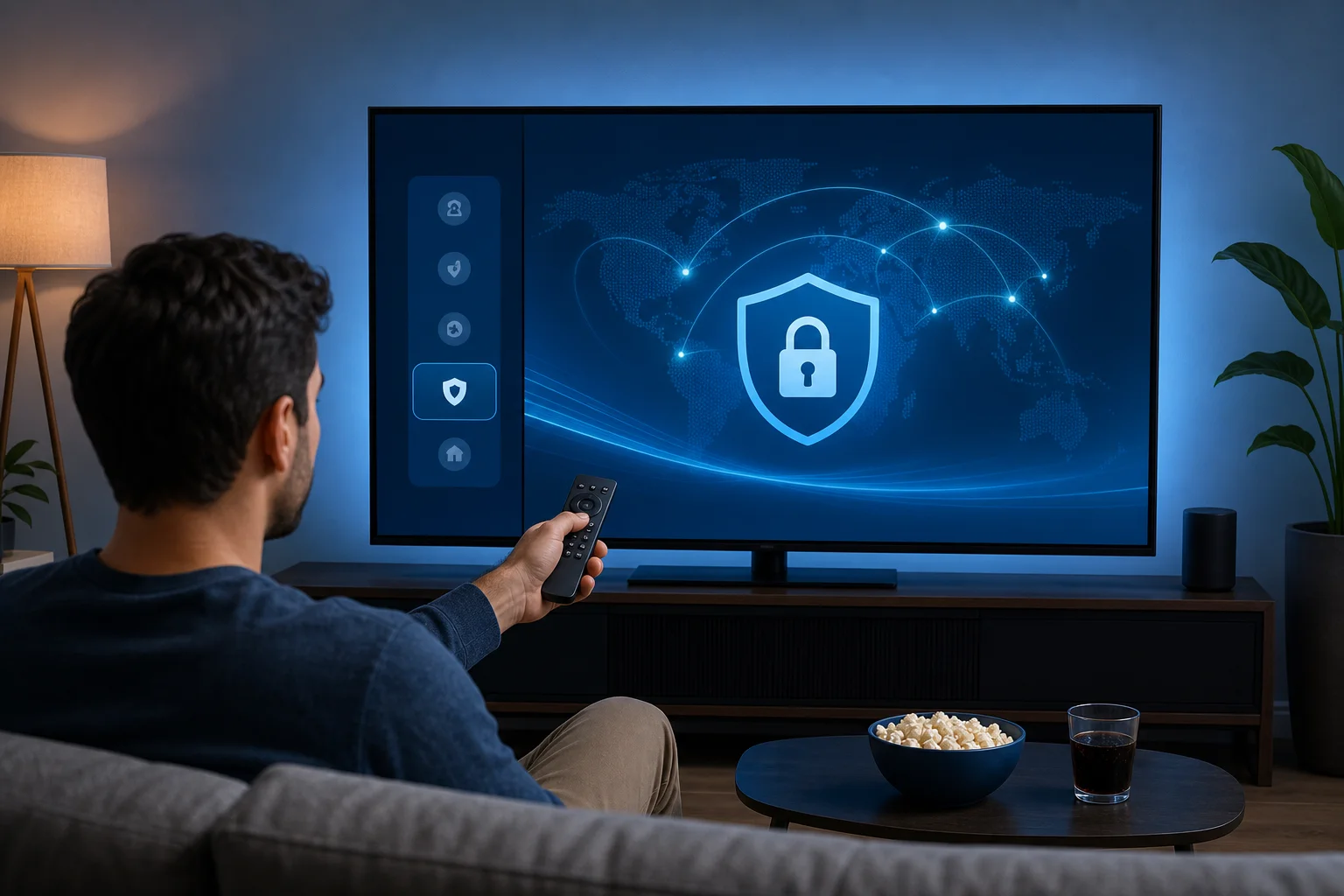
This setup avoids complex router configuration and works directly on Android TV.
Configure BeFreeVPN for optimal streaming performance
After installation, small choices can make a big difference. For the fastest connection, try these settings and habits:
- Choose a nearby server first. Shorter distance often means better speed.
- Switch servers if buffering continues. Another server may be less busy.
- Use 5 GHz Wi-Fi when available. It is usually faster than 2.4 GHz at short range.
- Close unused apps. Background apps can use bandwidth and memory.
- Restart the Android TV after setup. This can refresh network behavior.
- Keep BeFreeVPN updated. Updates may improve stability and compatibility.
If you still see buffering, test your connection without the VPN, then with the VPN. This helps you understand whether the issue is throttling, Wi-Fi strength, or the streaming service itself.
4. Results and Benefits: Enhanced Viewing Experience
A fast VPN should not feel like another technical layer. It should feel invisible. Once connected, your Android TV should stream with fewer interruptions and a more consistent picture.
Buffer-free streaming with better consistency
When your connection is stable, your streaming app can maintain higher quality for longer. That means fewer drops from HD to low resolution and fewer pauses during important scenes.
Of course, no VPN can fix every possible network issue. If your base internet connection is very slow or your Wi-Fi signal is weak, you may still need to improve your home network. However, when throttling or unstable routing is part of the problem, a fast VPN can make a noticeable difference.
Bypass ISP throttling for a steadier connection
Because a VPN encrypts your traffic, it can help prevent your ISP from easily identifying and slowing specific streaming activity. This may lead to a more stable experience during busy hours.
This benefit is especially useful if your internet works well for browsing but struggles with streaming. In that case, your raw speed may not be the issue. The route your traffic takes may be the problem.
Hassle-free setup for everyday users
Many people avoid VPNs because they expect a difficult setup. Android TV users, in particular, do not want to type long passwords, change router settings, or follow advanced networking guides.
BeFreeVPN keeps the process simple. Install the app, approve the connection, choose a server, and start watching. This makes it practical for families, casual streamers, and anyone who wants a quick fix without a technical learning curve.
FAQ: Fast VPNs for Android TV
Will a VPN always make Android TV faster?
No. A VPN is not a magic speed booster. It can help when throttling, poor routing, or network restrictions are causing slowdowns. For best results, use a fast VPN server and make sure your Wi-Fi signal is strong.
What is the best VPN server location for streaming?
Usually, the best choice is a nearby server because it reduces latency. If a nearby server is slow, switch to another location and test again.
Can I use a VPN on Android TV without changing router settings?
Yes. If the VPN offers an Android TV app, you can install it directly from the Play Store. BeFreeVPN is designed for a simple app-based setup, so you do not need advanced router changes.
Why does my Android TV buffer even with fast internet?
Fast internet does not always mean stable streaming. Buffering can be caused by ISP throttling, weak Wi-Fi, crowded networks, outdated apps, or overloaded streaming servers.
Is BeFreeVPN suitable for beginners?
Yes. BeFreeVPN is built for easy use, making it a practical choice if you want a fast VPN for Android TV without a complicated setup process.
Conclusion: Fix Slow Android TV Streaming the Simple Way
Slow streaming can ruin a relaxing night, but you do not have to accept constant buffering. Start with the basics: improve Wi-Fi, update your apps, and restart your device. Then use a VPN that prioritizes speed and simplicity. A fast VPN for Android TV can help reduce throttling, stabilize playback, and make streaming feel smooth again.
Switch to BeFreeVPN for your Android TV today and enjoy fast, buffer-free streaming without the need for registration.