Unlock streaming potential: How BeFreeVPN transformed Harold's TV experience
Imagine wanting to stream your favorite international TV shows, only to be blocked by geo-restrictions. This was Harold's reality until he found a seamless solution. In this case study, we look at how Harold chose a VPN for television for streaming, why BeFreeVPN fit his needs, and what changed in his weekly viewing routine after he set it up on his smart TV and streaming devices.
Harold was not trying to build a complicated home network. He simply wanted dependable access to more shows, smoother regional browsing, and fewer dead ends when opening streaming apps. His story is useful for anyone who understands the basics of VPNs but wants a practical, TV-first example.
Meet Harold: The avid streamer
Harold is the kind of viewer who treats television as a way to explore the world. During the week, he watches British crime dramas, Japanese variety shows, European documentaries, and the occasional international film recommended by friends. He subscribes to several streaming platforms and uses a smart TV in the living room, plus a streaming stick in the bedroom.
He is semi-tech-savvy. He can install apps, update device settings, and troubleshoot Wi-Fi, but he does not want to spend an evening adjusting router firmware or reading advanced networking guides. For Harold, a good technology tool should be simple enough to use after work and reliable enough to forget about once it is running.
That expectation shaped his search for a VPN for TV streaming. He wanted three things:
- A simple setup that worked with his television environment.
- Access to more regional content libraries when available through his streaming subscriptions.
- A low-friction experience without complex registration steps.
Harold had read about VPNs before. He understood that a virtual private network can route traffic through a server in another location, helping with privacy and sometimes making regional streaming catalogs accessible. However, he also knew that not every VPN works well for television. Some are built mainly for laptops. Others need manual configuration. Many require accounts, passwords, or multi-step sign-ins that feel awkward on a TV remote.
So, while Harold was interested, he was cautious. He did not want another app that promised a lot but added more problems to his routine.
The challenge: Facing geo-restrictions
Harold's main frustration was regional availability. A show would appear in an online recommendation thread, but when he searched for it on his streaming app, it was missing. Sometimes a trailer was visible, yet the full episodes were unavailable in his country. At other times, a platform promoted a series that friends abroad could watch, while Harold saw a different catalog.
This did not happen once. It became part of his weekly entertainment routine. Every Friday, he would build a short watchlist. By Saturday night, several titles were blocked, unavailable, or hidden behind regional licensing limits.
Geo-restrictions are common in streaming because licensing rights differ by country. A service may have permission to show a series in Japan, the UK, or Canada, but not in Harold's location. For viewers, the result feels inconsistent. The same app can offer different libraries depending on where the connection appears to come from.
Harold had already tried other VPN options. Yet each attempt had a drawback:
| Option Harold tried | What went wrong | Why it mattered for TV streaming |
|---|---|---|
| Browser-based VPN extensions | Worked only on his laptop browser | His main screen was the living room TV |
| Router-level VPN setup | Too technical and time-consuming | He did not want to risk disrupting the whole home network |
| VPN apps with long sign-up flows | Annoying to use with a remote | Logging in on a TV felt slow and clumsy |
| Inconsistent VPN servers | Streaming apps often detected or blocked them | He still could not reach the shows he wanted |
The problem was not that Harold disliked technology. The problem was that most solutions were not designed around the way he actually watched television. He wanted to sit down, open a streaming app, choose a region when needed, and enjoy the show.
Instead, he spent too much time troubleshooting. That frustration slowly reduced his interest in discovering international content. The experience had become less about entertainment and more about barriers.
The solution: Discovering BeFreeVPN
Harold first heard about BeFreeVPN in a trusted online community focused on streaming setups, smart TV apps, and practical cord-cutting advice. The discussion was not full of hype. Users were comparing what worked on real devices, what was easy to install, and what did not require advanced network changes.
Two points caught Harold's attention right away: BeFreeVPN was described as easy to use, and it offered a no-registration experience. For someone who wanted less friction, that mattered. He did not want to create yet another account before testing whether a VPN could improve his TV streaming setup.
He also checked device compatibility. BeFreeVPN fit his situation because it could work with his smart TV and other streaming devices. That meant he did not have to force a laptop-based workaround or cast every show from another screen.
How Harold set up BeFreeVPN for TV streaming
Harold's process was simple enough to repeat. For readers looking for a featured-snippet-style summary, here is the basic flow he followed:
- He confirmed his device path. Harold checked whether BeFreeVPN could be used directly on his smart TV or through his streaming device.
- He installed or opened the VPN option. He followed the device instructions instead of changing router settings.
- He selected a relevant location. For UK shows, he chose a UK connection. For Japanese content, he selected Japan when available.
- He opened his streaming app. After connecting through BeFreeVPN, he launched the platform tied to the region he wanted to browse.
- He tested playback. He watched a few minutes of video to check loading time, picture quality, and stability.
- He saved a simple routine. Once he knew what worked, he repeated the same steps for future viewing sessions.
This approach gave Harold what he wanted: control without complexity. He did not need to learn networking jargon. He did not need to register before trying the service. Most importantly, the process matched how he watched TV.
Why BeFreeVPN matched Harold's needs
BeFreeVPN worked for Harold because it solved the practical parts of the problem. It was not only about changing a virtual location. It was about making that change easy from the couch.
The main benefits were clear:
- No registration barrier: Harold could start without creating an account.
- TV-friendly use: The setup worked with his smart TV and streaming devices.
- Regional flexibility: He could choose locations based on the content he wanted to explore.
- Low hassle: He avoided router changes and complex manual configurations.
- Better entertainment flow: He spent more time watching and less time fixing access issues.
Harold also stayed realistic. A VPN does not change subscription requirements, remove paywalls, or override a streaming service's terms. He still needed valid access to the platforms he used. BeFreeVPN simply helped him reduce location-based barriers where regional access was the issue.
The results: Unmatched streaming experience
After using BeFreeVPN, Harold's TV routine changed quickly. The biggest difference was not just the number of shows he could find. It was the reduction in friction. Instead of ending the night annoyed by unavailable titles, he could explore different regional libraries with a more predictable process.
In his usual viewing sessions, Harold found that playback felt smooth and he did not notice extra buffering when using suitable servers and a stable home connection. That detail mattered because many viewers worry that a VPN will slow down video. While speeds can vary by network, server distance, and device, Harold's experience was strong enough that he kept using BeFreeVPN as part of his regular setup.
His streaming options expanded. He began exploring:
- Japanese dramas and variety programs recommended by online communities.
- UK documentaries and mystery series that were not visible in his default catalog.
- International films that appeared in regional collections.
- New releases discussed by friends abroad.
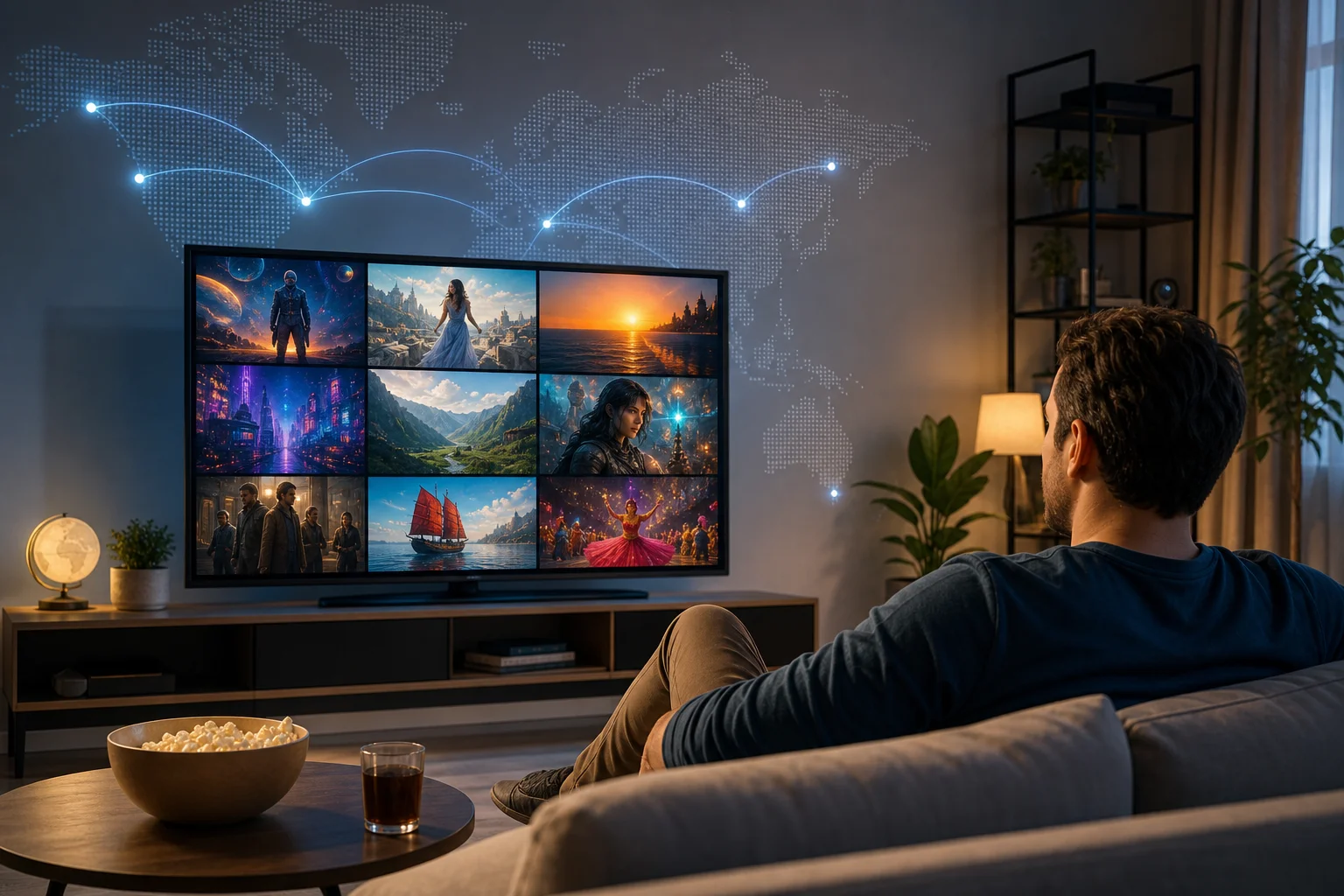
More importantly, Harold regained the feeling of discovery. Before BeFreeVPN, his watchlist felt limited by blocks and missing titles. Afterward, it felt open again. He could follow recommendations more easily and compare what different catalogs offered.
Before and after BeFreeVPN
| Area | Before BeFreeVPN | After BeFreeVPN |
|---|---|---|
| Finding international shows | Frequent dead ends and missing titles | More regional libraries to explore |
| Setup experience | Complicated apps or router-level confusion | Simple, TV-friendly routine |
| Account friction | Sign-ups and login steps slowed testing | No-registration access made starting easier |
| Weekly viewing mood | Frustration and abandoned watchlists | More relaxed exploration |
| Device fit | Laptop workarounds did not suit TV viewing | Smart TV and streaming device compatibility helped |
The change was practical, not magical. Harold still checked platform availability, kept his subscriptions active, and understood that streaming rules can change. However, his VPN for television streaming problem was finally manageable.
Takeaways: A new world of entertainment
Harold's case shows that the best VPN choice is often the one that fits real habits. He did not need the most complicated setup. He needed a free VPN with no registration that worked well enough on television and did not interrupt his evening.
His main takeaways were simple:
- Ease matters. A VPN can have strong features, but if it is awkward on a TV, it may not become part of daily use.
- No registration lowers the barrier. Harold appreciated being able to try BeFreeVPN without a long onboarding process.
- Device compatibility is essential. A VPN for television for streaming should work where people actually watch: smart TVs, streaming sticks, and living room setups.
- Streaming access is about consistency. The value came from repeating a simple process whenever Harold wanted to explore a different region.
- Recommendations become more useful. When friends suggested shows from Japan, the UK, and other regions, Harold could investigate them with less frustration.
Because the experience worked for him, Harold started recommending BeFreeVPN to friends and family who had similar problems. His advice was practical: check your device, connect to the right region, keep your streaming subscriptions valid, and test the shows you want to watch.
He also reminded people to respect local laws and streaming service terms. A VPN is a privacy and connectivity tool, not a guarantee that every title will be available everywhere. Still, for Harold, it made international TV discovery far more enjoyable.
Common questions about using a VPN for television streaming
Can I use a VPN on a smart TV for streaming?
Yes, in many cases you can use a VPN with a smart TV or a connected streaming device. The exact setup depends on the TV platform and the VPN app or connection method. Harold chose BeFreeVPN because it fit his TV-focused routine without requiring complex router changes.
Will a VPN always unblock every streaming service?
No. Streaming access depends on licensing, platform rules, VPN server availability, and detection systems. A VPN can help with regional access, but it does not guarantee that every service or title will work every time.
Does a VPN slow down TV streaming?
A VPN can affect speed because traffic is routed through another server. However, the impact varies. Harold's experience was smooth when he used a stable home connection and selected an appropriate region. For best results, choose a nearby relevant server when possible and test playback before starting a long movie.
Is a no-registration VPN useful for streaming?
A no-registration VPN can be useful if you want to test access quickly and avoid extra account steps on a TV remote. Harold valued this feature because it made BeFreeVPN easy to try and simple to keep using.
What should I check before choosing a VPN for TV streaming?
Check device compatibility, ease of setup, server locations, privacy features, and whether the VPN works with your normal streaming workflow. Also confirm that you have valid subscriptions for the services you want to watch.
Conclusion: Harold's streaming setup became simpler and broader
Harold's story is a practical example of how the right VPN can improve television streaming without turning entertainment into a technical project. By choosing BeFreeVPN, he reduced geo-restriction frustration, expanded his international watchlist, and kept his setup simple enough for everyday use.
Join Harold and enhance your streaming experience with BeFreeVPN — the free, no-registration VPN that opens up a world of content on your television.