5 best free VPNs for your smart TV
Ever wondered how to stream your favorite content securely on your smart TV without breaking the bank? If you are searching for a vpn for smart tv free, the best choice depends on your TV platform, how much you stream, and whether you need an app, browser option, or router setup. Below are five free VPN options that can help you watch more privately, reduce tracking, and protect your connection on popular smart TV setups.
Free VPNs can be useful, but they also have limits. Some cap data, some restrict server locations, and some work only through a browser or Android TV app. So, before choosing one, check whether your TV runs Android TV, Google TV, Fire TV, Samsung Tizen, LG webOS, or another system.
Quick comparison of free VPNs for smart TV
| VPN | Best for | Free limit | Smart TV setup options | Registration |
|---|---|---|---|---|
| BeFreeVPN | Fast no-sign-up access | Free plan | Smart TV-compatible setup options | No registration needed |
| Windscribe | Moderate streaming | 10 GB/month on free plan | Android TV, Fire TV, router options | Account required for full free data |
| ProtonVPN | Unlimited data | No bandwidth limit | Android TV, Google TV, router options | Account required |
| OperaVPN | Browser-based viewing | Free browser VPN | Opera browser where supported | No account required |
| hide.me | Simple private browsing | Free plan limits vary by region and plan | Android TV, Fire TV, router options | Account may be required |
1. BeFreeVPN: No registration needed
BeFreeVPN is a strong first pick if you want a free VPN for smart TV use without creating an account. The main appeal is simplicity. You can get started quickly, avoid long sign-up forms, and protect your streaming sessions without dealing with hidden setup steps.
For many users, the hardest part of using a VPN on a smart TV is compatibility. BeFreeVPN is designed to be easy to set up across different viewing environments, including smart TVs and connected streaming devices. That makes it a practical option if you want a lightweight solution for casual streaming, private browsing, or safer app use.
Key reasons to try BeFreeVPN:
- No registration needed, which makes setup faster.
- Completely free access with no hidden costs.
- Useful for streaming apps, smart TV browsers, and connected devices.
- A good fit for beginners who do not want technical router setup.
However, always choose the setup method that matches your TV. If your smart TV does not support VPN apps directly, you may need to use a compatible streaming stick, share a VPN connection from another device, or configure your router.
2. Windscribe: Generous free data
Windscribe is one of the better-known free VPN services, and its free plan is useful for moderate smart TV streaming. It offers up to 10 GB of free data per month when you confirm your email, which is enough for occasional viewing, browsing, or testing location-based access.
The service has apps for Android TV and Fire TV, which makes it easier to install on many popular streaming devices. If you use a Samsung or LG smart TV, you may need to set it up through a router or use Windscribe on a connected device instead.
Windscribe also includes solid privacy features, such as encryption and a no-identifying-logs approach. That said, free server locations are limited compared with the paid plan. Streaming access can also vary, so it is best to test your preferred apps before relying on it for regular viewing.
Best for:
- Users who stream occasionally.
- Android TV, Google TV, and Fire TV owners.
- People who want a free VPN with clear monthly data limits.
3. ProtonVPN: No bandwidth limits
ProtonVPN is a standout free VPN because it does not place a monthly data cap on its free plan. That makes it attractive if you want a free VPN for smart TV streaming and do not want to run out of data after a few episodes.
Its interface is beginner-friendly, and ProtonVPN offers apps for Android TV and Google TV. You can also use router setup if your smart TV does not support VPN apps. This is helpful for households with multiple devices, because the router can protect the TV, laptop, phone, and tablet at the same time.
Privacy is another major benefit. ProtonVPN follows a strict no-logs policy and is built by the team behind Proton Mail. Still, the free plan has important limits. Free users get fewer server choices, and streaming platforms may not always work reliably on free servers.
Choose ProtonVPN if you want:
- Unlimited data on a free VPN plan.
- A clean app for Android TV or Google TV.
- A privacy-focused provider with a no-logs policy.
4. OperaVPN: Built-in browser VPN
OperaVPN is different from the other options on this list. It is not a full-device VPN for your smart TV. Instead, it is a free VPN-style proxy built into the Opera browser. This can be useful if you mainly watch or browse through a web browser rather than dedicated streaming apps.
Because it is built into Opera, there is no separate subscription and no account registration required. You simply enable the browser VPN feature and use it inside the browser. This makes OperaVPN a lightweight choice for users who want quick privacy while browsing on a TV or connected device.
However, there is one important limitation: OperaVPN protects browser traffic only. It will not cover Netflix, YouTube, Prime Video, or other apps outside the Opera browser. Also, not every smart TV supports installing Opera directly, so you may need to use it on a compatible Android TV device, laptop connected to your TV, or another supported platform.
5. hide.me: Simple setup for Android TV and Fire TV
hide.me is another practical free VPN option for smart TV users, especially if you use Android TV or Fire TV. It offers easy-to-use apps, strong encryption, and a privacy-focused approach. The free plan is suitable for light streaming, browsing, and testing VPN performance before upgrading.
Like most free VPNs, hide.me comes with limits. Available servers may be fewer than on the paid plan, and some features may not be included. Even so, it can be a good backup if you want an alternative to BeFreeVPN, Windscribe, or ProtonVPN.
It is best for users who want:
- A simple app-based VPN experience.
- Support for popular streaming devices.
- A privacy-first free plan for occasional use.
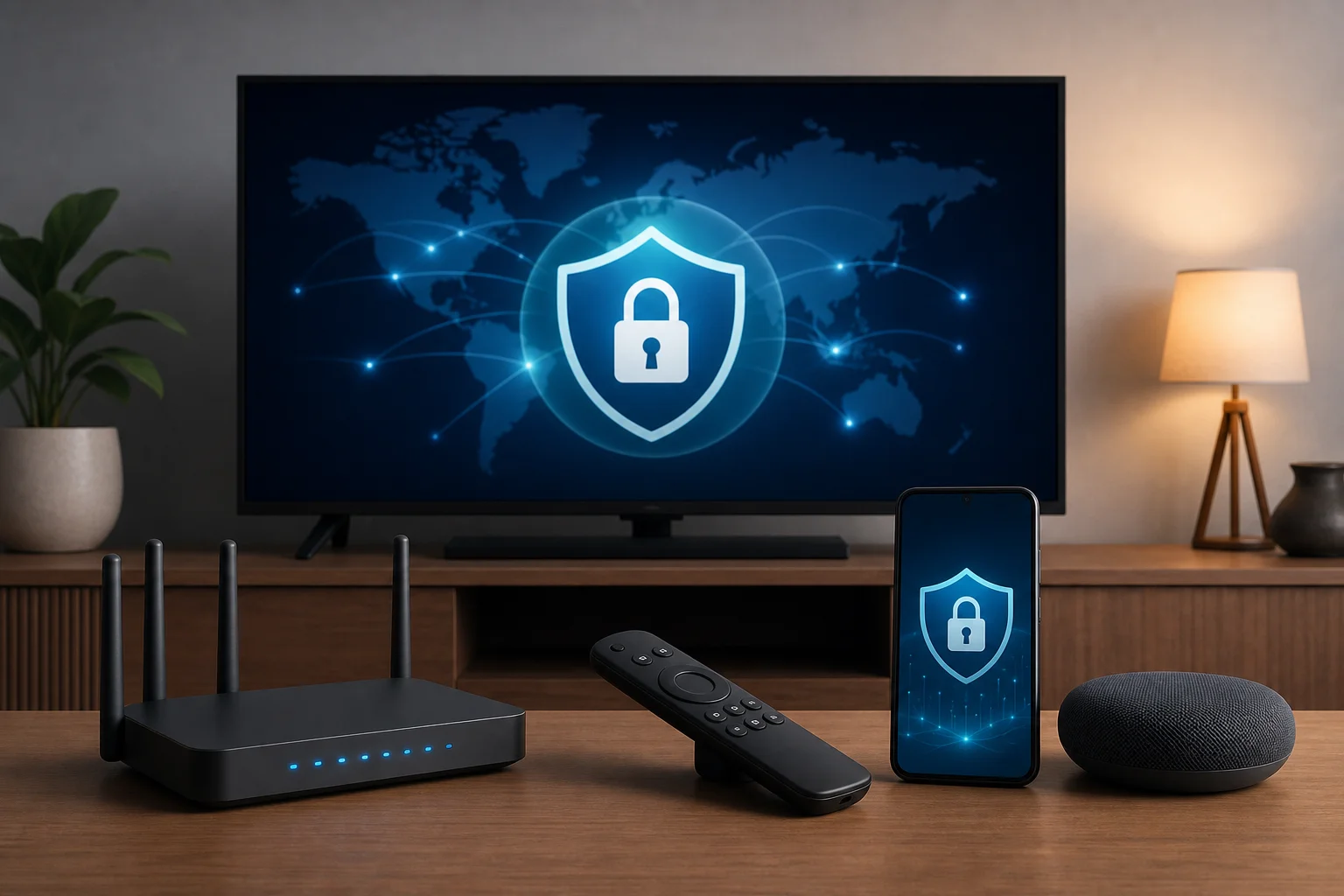
How to set up a free VPN on a smart TV
The setup process depends on your TV system. Here is the simplest way to choose the right method:
- Check your TV platform. Android TV, Google TV, and Fire TV usually support VPN apps. Samsung Tizen and LG webOS usually do not.
- Install the VPN app if supported. Open the TV app store, search for your VPN, install it, and connect.
- Use a streaming device if needed. A Fire TV Stick, Chromecast with Google TV, or Android TV box can make VPN installation easier.
- Set up VPN on your router for whole-home coverage. This can protect TVs that do not support VPN apps, but it takes more technical setup.
- Test your streaming apps. Free VPN servers can be busy, so try different locations if performance is slow.
FAQs about free VPNs for smart TV
Can I use a free VPN on any smart TV?
Not always. Android TV, Google TV, and Fire TV are the easiest. Samsung and LG smart TVs often need router setup or a connected streaming device.
Is a free VPN good enough for streaming?
It can be good for casual use. However, free VPNs may have slower speeds, fewer locations, data caps, or limited streaming access.
Do free VPNs protect all smart TV apps?
Only if the VPN runs at the device or router level. Browser VPNs, such as OperaVPN, protect browser activity only.
Which free VPN for smart TV needs no registration?
BeFreeVPN is a strong option if you want a free smart TV VPN with no registration. OperaVPN also does not require an account, but it works only inside the Opera browser.
Final thoughts
A free VPN can make smart TV streaming more private and flexible, but the best choice depends on your device. BeFreeVPN is the easiest no-registration option, Windscribe is useful for moderate streaming, ProtonVPN is ideal if you need unlimited data, OperaVPN works well for browser-based viewing, and hide.me is a solid app-based alternative. Try BeFreeVPN today for a completely free and easy streaming experience on your smart TV, without the hassle of registration.