VPN for free for computer: top 5 faq answered
Are you looking to protect your family's online activities without breaking the bank? Discover the essential insights about using a VPN for free on your computer. If you are searching for a vpn for free for computer, this FAQ explains what free VPNs do, how safe they are, how they work across household devices, and what limits families should expect before relying on one every day.
A free VPN can be a practical first step for safer browsing at home. However, it is important to understand both the benefits and the trade-offs so you can choose a service that fits your family’s needs.
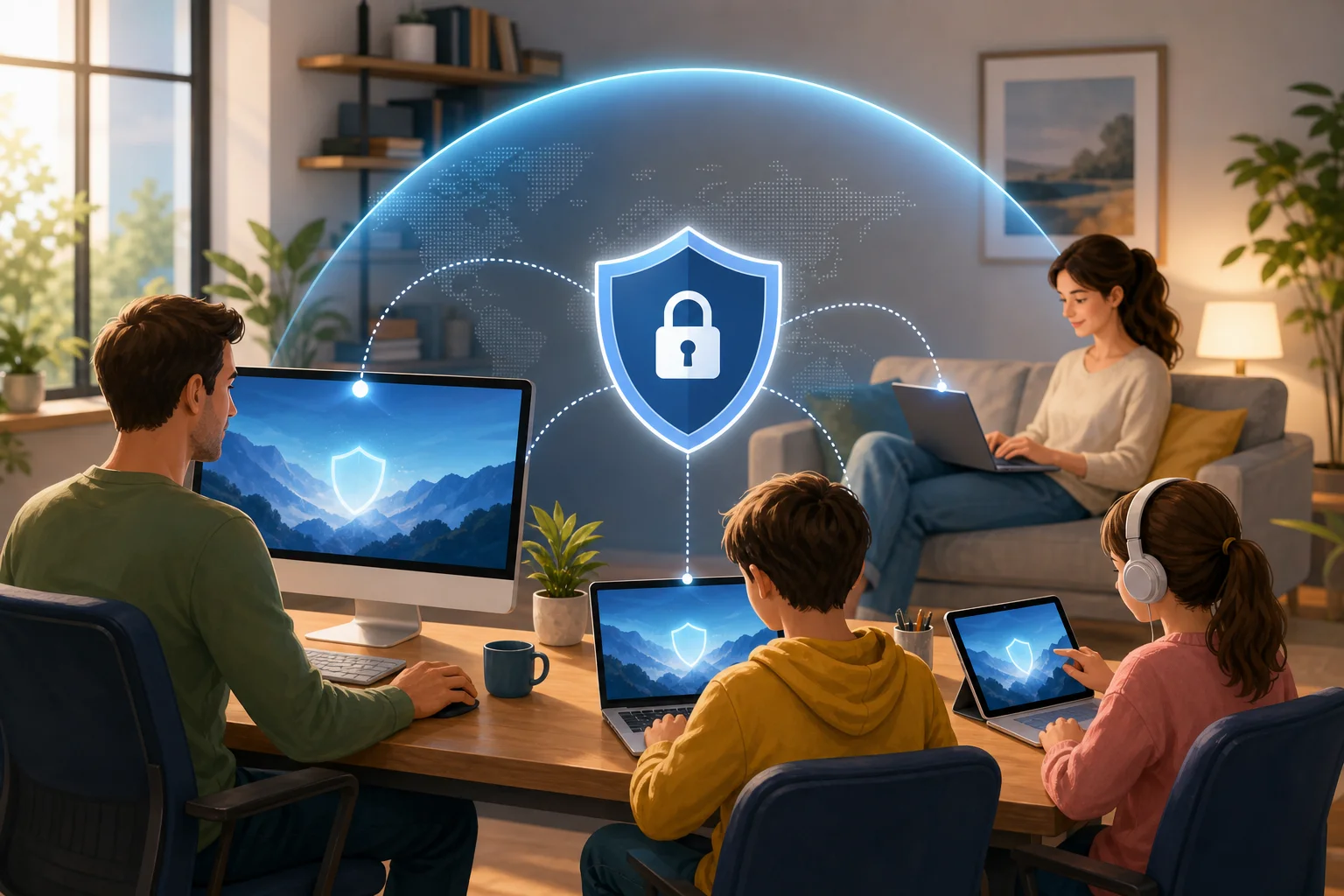
What is a VPN for free for computers and how does it work?
A VPN for free for computers is a virtual private network app that you can install on a desktop or laptop without paying a subscription fee. Once turned on, it creates an encrypted tunnel between your computer and the VPN provider’s server. This helps keep your internet traffic more private from local network snoops, public Wi-Fi risks, and some forms of tracking.
In simple terms, a free VPN works in three main ways:
- It encrypts your internet connection. Your browsing data is wrapped in encryption before it travels across the internet, making it harder for others on the same network to read.
- It masks your IP address. Websites usually see the VPN server’s IP address instead of your home IP address. This can improve anonymity and reduce direct exposure of your location.
- It can help access restricted content. Because your visible IP address changes, some region-based blocks or network restrictions may be bypassed, depending on the VPN server and the website’s rules.
For families, the appeal is clear. A free VPN can help secure multiple computer users without adding another monthly bill. Parents may use it on a shared desktop, a child’s laptop, or a family computer used for homework, shopping, streaming, and banking.
That said, a VPN is not a complete security solution. It does not replace antivirus software, strong passwords, operating system updates, or parental controls. Instead, it adds a privacy layer that helps protect everyday browsing.
Is a VPN for free safe to use on home computers?
Yes, a free VPN can be safe on home computers, but safety depends heavily on the provider. Free VPNs are not automatically unsafe. Some reputable services offer a free plan as a way to introduce users to their product. Others may rely on ads, limited features, or paid upgrades to support the service.
The key is to avoid unknown apps that make unrealistic promises. A trustworthy free VPN should explain its privacy policy clearly, avoid unnecessary permissions, and provide secure VPN protocols.
Quick safety checklist for choosing a free VPN
Use this comparison table before installing a free VPN on a family computer:
| What to check | Why it matters | Family-friendly tip |
|---|---|---|
| Clear privacy policy | Shows how data is handled | Avoid services that are vague about logging |
| No registration or minimal data required | Reduces personal information shared | Useful for shared household devices |
| Data limits | Free plans may cap monthly use | Check if limits fit homework, browsing, and light streaming |
| Device support | Ensures it works on your computers | Look for Windows, macOS, and browser compatibility |
| Reputation | Helps avoid risky apps | Choose services with transparent information and updates |
A common myth is that free VPNs are inherently dangerous. That is not accurate. A reputable free VPN can still protect against basic threats, especially on public Wi-Fi or shared networks. However, families should be aware of potential privacy concerns, ads, speed limits, and data caps. If a free service appears to have no business model and no privacy details, treat it with caution.
Can I use a free VPN on multiple computers in my household?
In many cases, yes. Several free VPNs allow installation on more than one device, which is useful for family sharing. For example, you may want protection on a parent’s work laptop, a child’s school computer, and a shared desktop in the living room.
However, free plans often come with restrictions. Some limit the number of simultaneous connections. Others allow multiple installs but provide a monthly data cap per account or per device. Before choosing a free VPN for computers, check whether the usage limits match your household’s routine.
How to set up a free VPN across family computers
Follow these simple steps:
- List your devices. Include Windows PCs, Macs, shared desktops, and laptops used by children.
- Check platform support. Make sure the VPN offers apps or setup instructions for each computer.
- Review connection limits. Confirm how many devices can use the VPN at the same time.
- Install from the official source. Download only from the provider’s website or a trusted app store.
- Turn on auto-connect if available. This helps protect users who may forget to enable the VPN.
- Test browsing and video calls. Make sure speeds are usable for schoolwork, family calls, and normal browsing.
- Explain the basics to children. Teach them that the VPN supports privacy, but safe online behavior still matters.
Easy setup is especially important for families. If the app is too confusing, younger users may turn it off or ignore it. Look for a clean interface, simple connect button, and clear status indicator.
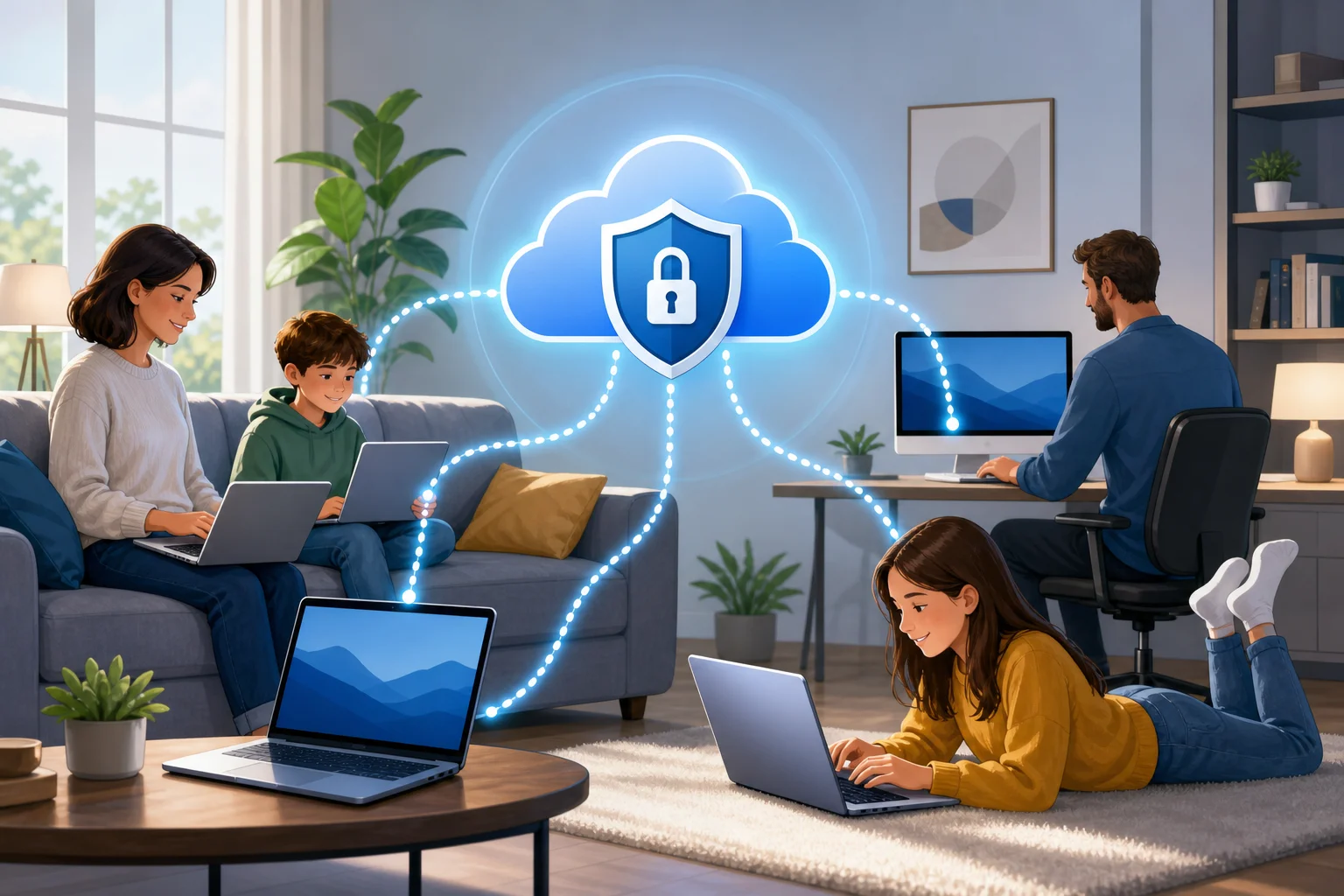
How can a VPN for free protect children online?
A free VPN can support children’s online safety by adding privacy and reducing exposure of personal location details. When a child uses a shared computer or school laptop at home, the VPN can mask the household IP address and make browsing less directly tied to the family’s physical location.
Some VPN services also include security features such as malicious site warnings, DNS filtering, or blocking for harmful websites and content. These tools can help reduce access to unsafe pages. Still, not every free VPN includes content blocking. For stronger child protection, use the VPN together with parental controls, safe search settings, browser restrictions, and open conversations about online risks.
A VPN can also help when children use shared devices outside the home, such as on public Wi-Fi at libraries, cafés, airports, or hotels. In those cases, encryption is valuable because public networks are easier for attackers to monitor.
For families, the best approach is layered protection:
- Use a VPN for privacy and safer connections.
- Enable parental controls on computers and browsers.
- Keep devices updated.
- Teach children not to share personal details online.
- Review downloads, games, and websites together.
In short, a free VPN is not a digital babysitter. But it can be a helpful part of a safer browsing setup for children and shared household computers.
What limitations should I expect with a VPN for free for computers?
Free VPNs can be useful, but they usually have limits compared with paid versions. Understanding these limits helps families set realistic expectations and avoid frustration.
The most common limitation is a data usage cap. A free VPN may work well for web browsing, email, and light research but may run out quickly if the family streams video, downloads large files, or uses video calls for long periods.
Another common limit is fewer server locations. Paid VPNs often provide many countries and city-level options, while free plans may offer only a small selection. This can affect speed and access to region-specific content.
You may also notice slower speeds. Free servers can be more crowded because many users share limited resources. During peak hours, pages may load more slowly or streaming quality may drop.
Other possible limitations include:
- Fewer advanced privacy settings.
- Limited customer support.
- Restrictions on simultaneous connections.
- No dedicated streaming or gaming servers.
- Occasional prompts to upgrade to a paid plan.
These drawbacks do not mean a free VPN is useless. For many families, a no-cost VPN is enough for basic privacy, safer browsing on shared networks, and protecting a computer during everyday tasks. The key is to match the tool to the job. If your family needs heavy streaming, constant downloads, or many devices online at once, you may eventually need a more advanced plan.
Final thoughts: should your family use a free VPN on computers?
A free VPN for computer use can be a smart starting point for families that want better privacy without extra cost. It encrypts your connection, masks your IP address, helps protect shared devices, and can support safer browsing for children when combined with parental controls and good digital habits.
Choose a reputable provider, understand the limits, and install it carefully on each household computer. Most importantly, treat a VPN as one part of a broader family safety plan.
Protect your family's online presence effortlessly with BeFreeVPN — a free, no-registration solution perfect for all your devices.