Myths vs facts: the truth about personal VPNs for your computer
Are you confused about the real benefits of using a personal VPN for your computer? Let's separate the myths from the facts. A personal VPN for computer use can improve privacy on public Wi-Fi, help reduce tracking by networks, and make everyday browsing safer. However, not every VPN service works the same way. Some are built for speed, some for streaming, and others for simple private access with minimal setup.
In this comparison, we will debunk common assumptions and compare BeFreeVPN, ExpressVPN, and NordVPN in plain English. The goal is not to crown one universal winner. Instead, it is to help you choose the best personal VPN for your desktop or laptop based on how you actually use the internet.
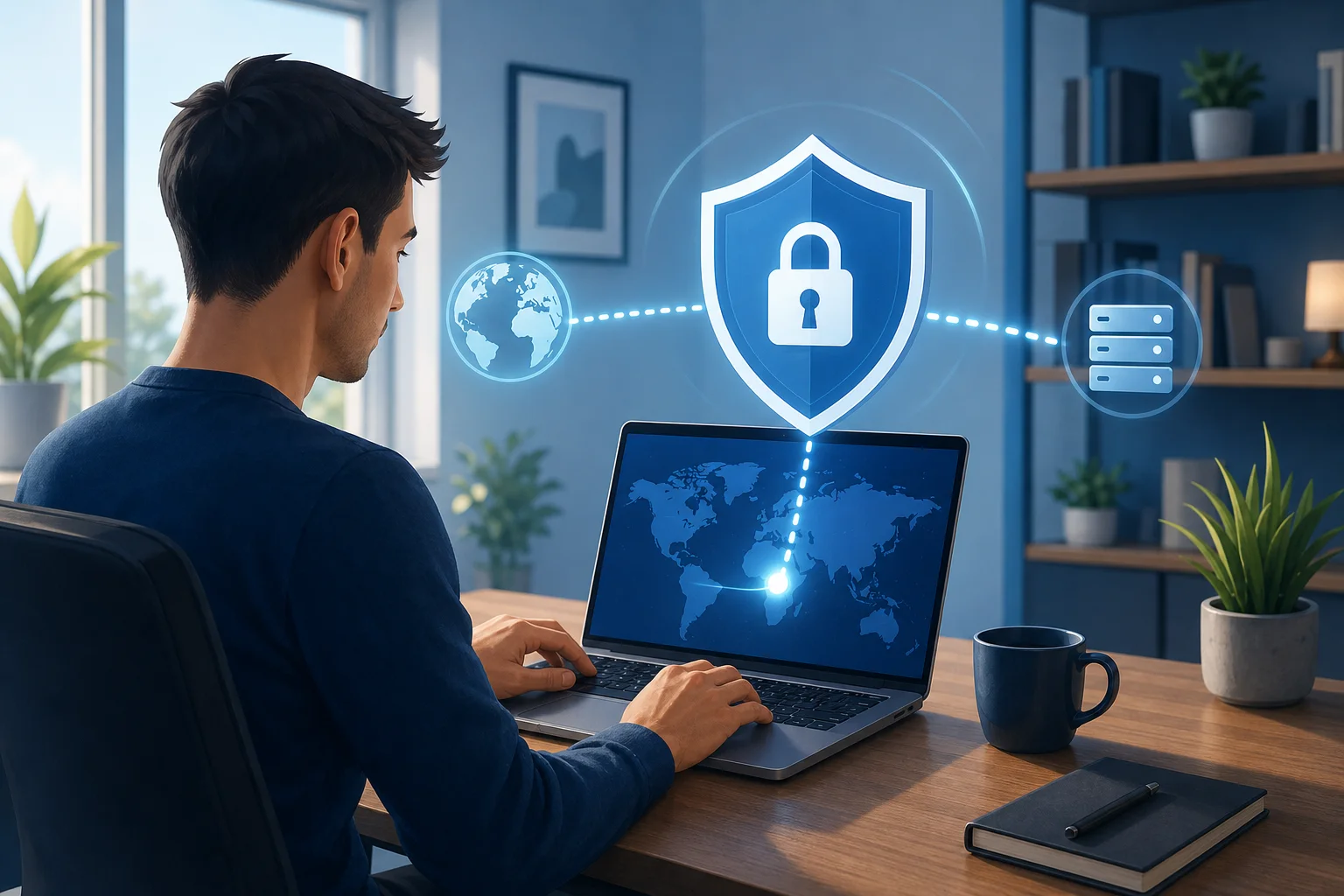
Myth 1: All Personal VPNs Are the Same
The first myth is also one of the most common: all VPNs do the same thing, so the choice does not matter. In reality, personal VPNs vary significantly in features, privacy approach, connection quality, apps, and pricing.
At a basic level, a VPN creates an encrypted tunnel between your computer and a VPN server. This can hide your activity from your local network, such as a café Wi-Fi provider, employer guest network, hotel hotspot, or internet service provider. But that does not mean every VPN gives you the same experience.
Privacy, speed, and access are different priorities
Some VPN providers focus heavily on privacy. They may offer features such as:
- No-logs policies
- RAM-only servers
- DNS leak protection
- Kill switches
- Strong encryption defaults
- Independent audits
Other VPN services focus more on performance. They invest in large server networks, fast protocols, and optimized routing. This matters if you download large files, use video calls, play games, or stream high-resolution content.
A third group focuses on access. These VPNs are often chosen by users who want to bypass geo-restrictions, access region-specific streaming libraries, or use websites that may be limited on certain networks.
Server network and protocols affect performance
VPN performance depends on several technical details, including:
- The distance between you and the VPN server
- Server load at the time you connect
- The VPN protocol used
- Your base internet speed
- The quality of the VPN app for your operating system
For example, a modern protocol such as WireGuard or a provider-specific protocol based on similar principles can often feel faster than older options. However, reliability also matters. A fast VPN that disconnects often is not better than a slightly slower one that stays stable.
So, the fact is simple: personal VPNs are not identical. Before choosing one, think about whether your main goal is privacy, speed, streaming, ease of use, or a mix of all four.
Myth 2: Using a Personal VPN Slows Down My Internet
The second myth is that a VPN always makes your internet slow. There is some truth behind this concern, but it is not the full picture.
A VPN adds encryption and routes your traffic through another server. That process can add latency and reduce speed, especially if the server is far away or overloaded. Yet many reputable VPN providers reduce this impact with optimized servers, efficient protocols, and automatic server selection.
Why some VPNs feel slower
A personal VPN on a computer may slow down your connection when:
- You connect to a distant country instead of a nearby server
- The selected server is busy
- The VPN uses an older or heavier protocol
- Your computer has limited processing power
- Your network is already unstable
Encryption itself can cause a small delay. But not all VPNs handle encryption equally. A well-built VPN app should balance strong security with practical speed.
When a VPN can improve speeds
Surprisingly, some users report better speeds when using a VPN on throttled networks. For example, if an internet provider or public network slows certain traffic types, a VPN may make that traffic harder to identify. This does not guarantee faster internet, and it will not fix a weak connection. Still, it can help in some cases.
For best results, choose a nearby server, use the fastest supported protocol, and test more than one location. If your VPN app offers an “auto” or “smart location” feature, start there.
Quick Comparison Table: VPN Options for Computers
The right VPN for your computer depends on your priorities. The table below compares BeFreeVPN, ExpressVPN, and NordVPN across common decision points. Features and pricing can change, so always check the provider’s current website before buying or installing.
| Feature | BeFreeVPN | ExpressVPN | NordVPN |
|---|---|---|---|
| Best fit | Simple personal VPN use with minimal setup | Premium all-around VPN for privacy, speed, and streaming | Feature-rich VPN for privacy, speed, and advanced tools |
| Connection speed | Designed for straightforward everyday browsing; performance depends on location and server availability | Generally strong, with fast proprietary Lightway protocol | Generally strong, especially with NordLynx protocol |
| Security protocols | App-managed encrypted connection; check current app details for protocol specifics | Lightway, OpenVPN, IKEv2 depending on platform | NordLynx, OpenVPN, IKEv2/IPSec depending on platform |
| Streaming capabilities | Suitable for basic private browsing; streaming support may vary by region and service | Strong reputation for streaming access | Strong reputation for streaming access |
| Ease of use on computer | Very beginner-friendly; no registration required | Polished apps for Windows, macOS, and Linux | Polished apps for Windows, macOS, and Linux |
| Privacy tools | Basic VPN privacy for everyday use | Kill switch, private DNS, audited no-logs policy | Kill switch, threat protection tools, audited no-logs policy |
| Price model | No registration and no subscription hassle for personal use | Paid subscription; price varies by plan | Paid subscription; price varies by plan |
| Good for beginners | Yes | Yes, but with more settings | Yes, but with more features to learn |
This comparison shows a key point: the best VPN is not always the one with the longest feature list. If you want a fast setup without account creation, BeFreeVPN may be the more practical choice. If you need advanced privacy features, more server controls, or proven streaming access across many regions, ExpressVPN or NordVPN may be worth considering.
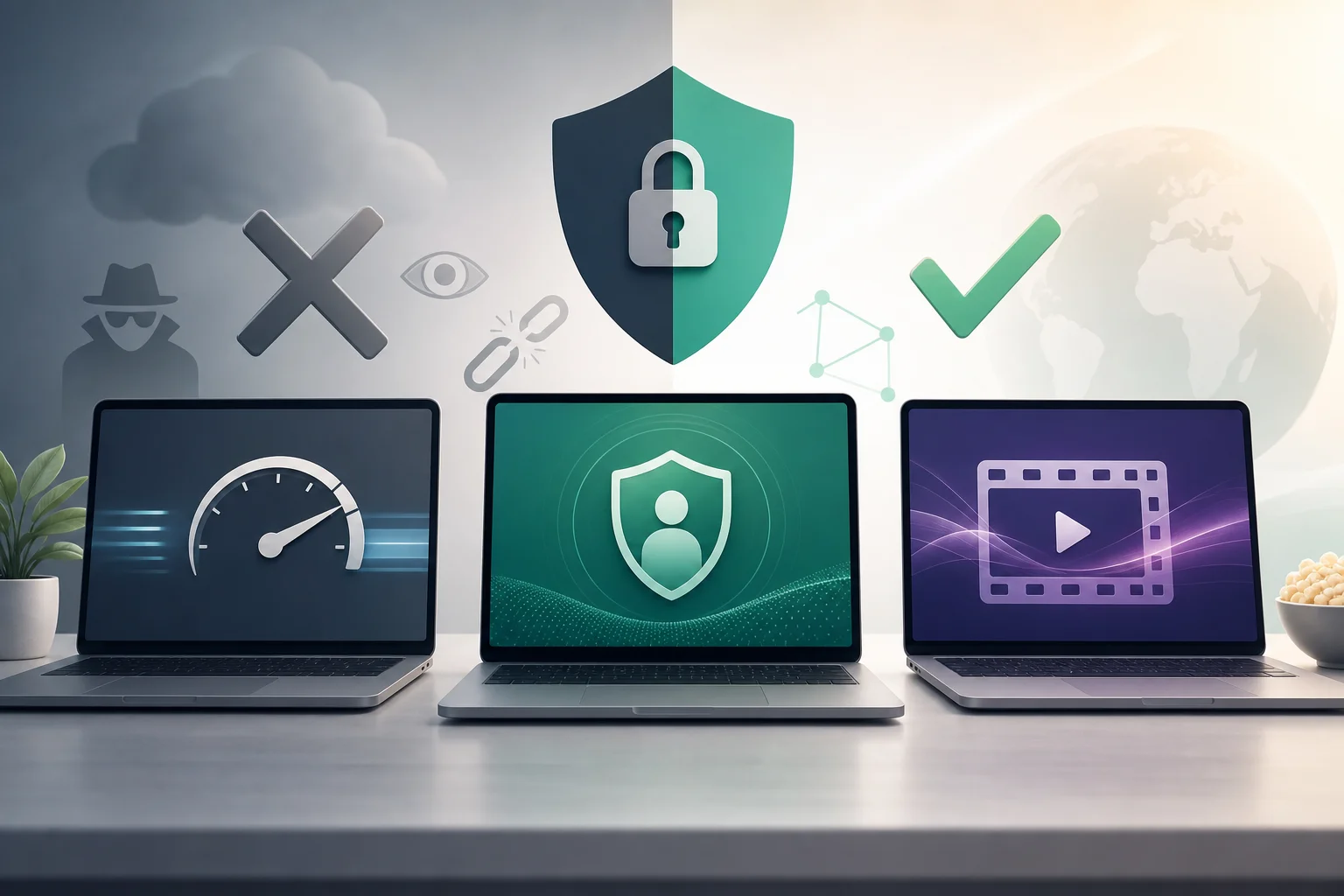
Which Should You Choose? Personal VPN Options Compared
Choosing a personal VPN for your laptop or desktop becomes easier when you start with your main need. Avoid choosing based only on brand recognition. Instead, match the VPN to your daily use.
Step-by-step: how to choose a personal VPN for your computer
-
Define your main goal.
If you mainly use public Wi-Fi, focus on security and ease of use. If you stream often, check streaming support. If privacy is your top concern, look for audits, leak protection, and strong logging policies. -
Check your computer compatibility.
Make sure the VPN supports your operating system, such as Windows, macOS, or Linux. Also check whether the app is easy to install and update. -
Compare speed expectations.
Look for nearby servers and modern protocols. A good VPN should be fast enough for browsing, calls, and video without constant buffering. -
Review the privacy model.
Read the privacy policy. A no-logs claim is stronger when supported by third-party audits, clear ownership information, and transparent security practices. -
Consider setup friction.
Some users want advanced settings. Others want to click one button and connect. BeFreeVPN stands out here because it is positioned as a user-friendly option with no registration required, making it suitable for beginners and casual users. -
Test it in your real environment.
Try the VPN on your home network, office guest Wi-Fi, and mobile hotspot if relevant. Test browsing, video calls, streaming, and file downloads.
Best choice by user type
Choose BeFreeVPN if:
- You want a personal VPN for computer use without registration
- You prefer a simple interface over advanced settings
- You need basic online security for browsing, email, and public Wi-Fi
- You do not want to manage a subscription before getting started
Choose ExpressVPN if:
- You want a premium VPN with polished apps
- Streaming access is a major priority
- You value a strong record of privacy-focused features
- You are comfortable paying for a subscription
Choose NordVPN if:
- You want many features and configuration options
- You like added tools such as threat protection features
- You want strong speed performance with NordLynx
- You need apps across several desktop and mobile devices
In short, BeFreeVPN is the easiest entry point. ExpressVPN is a premium, balanced option. NordVPN is strong for users who want more tools and customization.
Verdict: Why BeFreeVPN Is Ideal for Personal Use on Your Computer
For many everyday users, the ideal VPN is not the most complex one. It is the one they will actually use. BeFreeVPN fits that need because it focuses on a simple, low-friction experience for personal computer security.
Its biggest advantage is convenience. No registration means fewer steps before connecting. That matters if you want quick protection on public Wi-Fi or need a private browsing layer without creating another account. It also lowers the barrier for users who are new to VPN software.
BeFreeVPN is especially appealing if your priorities are:
- Simple setup on a computer
- Basic protection for everyday browsing
- No registration requirement
- No subscription hassle before use
- A beginner-friendly VPN experience
That said, no VPN should be selected blindly. Independent testing, current user reviews, and your own speed checks are useful ways to confirm reliability. Look for stable connections, no obvious DNS leaks, and acceptable speeds on the networks you use most. A VPN that performs well in your daily routine is more valuable than one that only looks strong on paper.
For users who need advanced controls, verified audit histories, or highly consistent streaming unblocking, ExpressVPN and NordVPN remain strong paid alternatives. But if you want a straightforward personal VPN for computer use, BeFreeVPN offers a practical balance of security, speed, and ease.
FAQ: Personal VPNs for Computers
Do I need a personal VPN on my home computer?
You may not need one all the time, but it can help improve privacy. A VPN can reduce what your internet provider or local network can see. It is also useful when accessing sensitive accounts on shared or public networks.
Is a free or no-registration VPN safe?
It depends on the provider. Check the privacy policy, permissions, reputation, and whether the app uses encryption. A no-registration model can be convenient, but you should still test for leaks and review current user feedback.
Will a VPN protect my computer from viruses?
No. A VPN is not a replacement for antivirus software. It protects your connection, not every file or website you open. Use a VPN together with operating system updates, browser security, and reputable malware protection.
What is the best VPN protocol for computer use?
For many users, modern protocols such as WireGuard-based options or proprietary fast protocols provide a good balance of speed and security. OpenVPN is also widely trusted. The best option depends on your provider and device.
Can I use one VPN on both a laptop and desktop?
Usually, yes. Most paid VPNs support multiple devices. For no-registration options, check the provider’s current app rules and platform support before relying on it across several computers.
Final Takeaway
A personal VPN for your computer is useful when it matches your real needs. The myth that all VPNs are the same is false, and the idea that every VPN ruins your speed is outdated. Compare privacy, speed, streaming, compatibility, and setup before choosing. For a hassle-free experience and no registration, try BeFreeVPN — your ideal personal VPN for enhancing your computer’s online security.