Why you need an online VPN for internet privacy
Ever wondered how much of your personal data is exposed online? Discover how an online VPN for internet privacy can shield your digital footprint effortlessly. In this beginner-friendly guide, you’ll learn what a VPN is, why privacy matters, how VPN encryption helps protect your data, and which features to look for when choosing a simple VPN service.
The internet is useful, fast, and always available. However, every website visit, app login, and public Wi-Fi connection can reveal something about you. An online VPN helps reduce that exposure by creating a more private connection between your device and the websites or services you use.
1. What is an Online VPN?
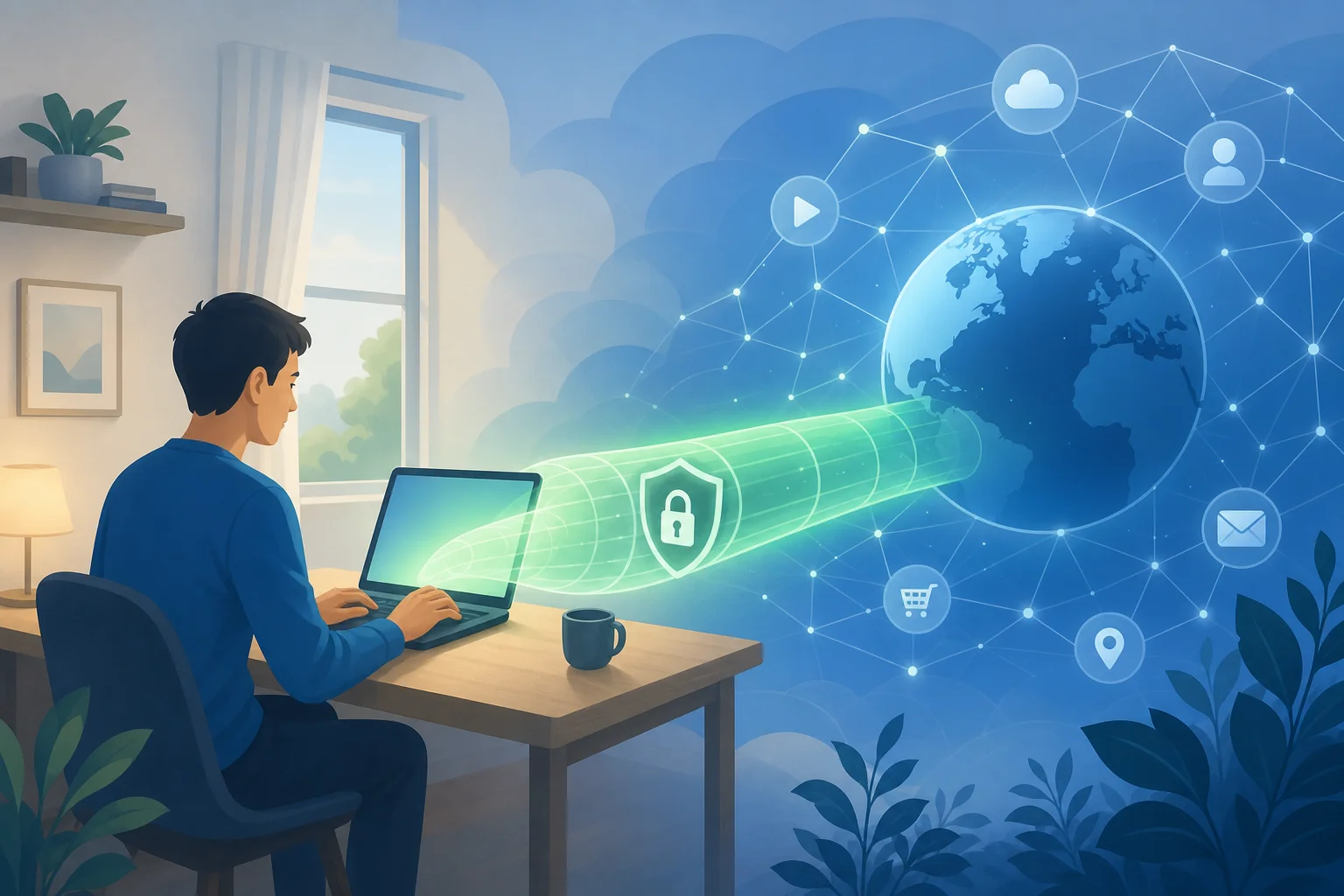
A VPN, short for Virtual Private Network, is a tool that helps protect your internet connection. When you connect to a VPN, your traffic is routed through a secure VPN server before it reaches the website, app, or online service you want to use.
In simple terms, instead of your device talking directly to the internet, it first talks to the VPN. The VPN then passes your request along. This can help hide your real IP address and make your browsing activity harder for others on the network to inspect.
The “virtual tunnel” concept
Think of a VPN as a private tunnel through the public internet. Without a VPN, your data may travel across networks in a more exposed way, especially on public Wi-Fi. With a VPN, your data is wrapped in encryption as it moves through this tunnel.
This tunnel does not make you invisible or immune to every online risk. However, it adds an important privacy layer. It can help protect sensitive activity such as checking email, logging in to accounts, or browsing while connected to a café, airport, or hotel network.
How to set up an online VPN in simple steps
You do not need to be technical to start using a VPN. Most beginner-friendly VPNs follow a process like this:
- Choose a VPN service that fits your needs, such as privacy, ease of use, and device support.
- Open the VPN website or app on your phone, tablet, or computer.
- Connect to a VPN server by pressing a connect button or choosing a location.
- Browse the internet as usual while the VPN runs in the background.
- Disconnect when needed, or keep it on for ongoing privacy protection.
The best setup is the one you will actually use. For beginners, a simple interface matters more than a long list of advanced settings.
2. Why is Online Privacy Important?
Online privacy matters because your internet activity can reveal more than you think. Websites, apps, advertisers, analytics tools, internet service providers, and public Wi-Fi operators may collect or observe different kinds of data.
This can include your approximate location, device type, browser details, search behavior, pages visited, and account activity. Some of this data is used for normal website functions. Some is used for advertising, tracking, fraud prevention, or analytics. The problem is that users often do not know what is being collected, how long it is stored, or who it is shared with.
Risks of unprotected internet surfing
Browsing without protection can create several privacy and security risks:
- Public Wi-Fi snooping: On unsecured networks, attackers may try to monitor traffic or trick users into connecting to fake hotspots.
- IP address exposure: Your IP address can reveal your approximate location and internet provider.
- Tracking across websites: Advertisers and data brokers may use cookies, device fingerprints, and other signals to build profiles.
- Account takeover risks: If you enter passwords on unsafe networks or fake pages, your accounts may be at risk.
- Data misuse: Information collected for one purpose may later be shared, sold, breached, or used in ways you did not expect.
Real-life examples of data breaches
Data breaches are not rare edge cases. Large companies, healthcare providers, retailers, and social platforms have all experienced breaches where customer information was exposed. Consequences can include phishing attempts, identity theft, spam, financial fraud, and long-term loss of control over personal information.
For example, when email addresses and passwords are leaked, attackers may test those same login details on other sites. If someone reused a password, one breach can turn into several compromised accounts. When names, addresses, phone numbers, or payment-related data are exposed, victims may face scams that look more convincing because the attacker already knows personal details.
A VPN cannot prevent every data breach. Still, it can reduce certain exposure points, especially when you use public networks or want to limit how much your connection reveals.
3. How Does an Online VPN Protect Your Data?
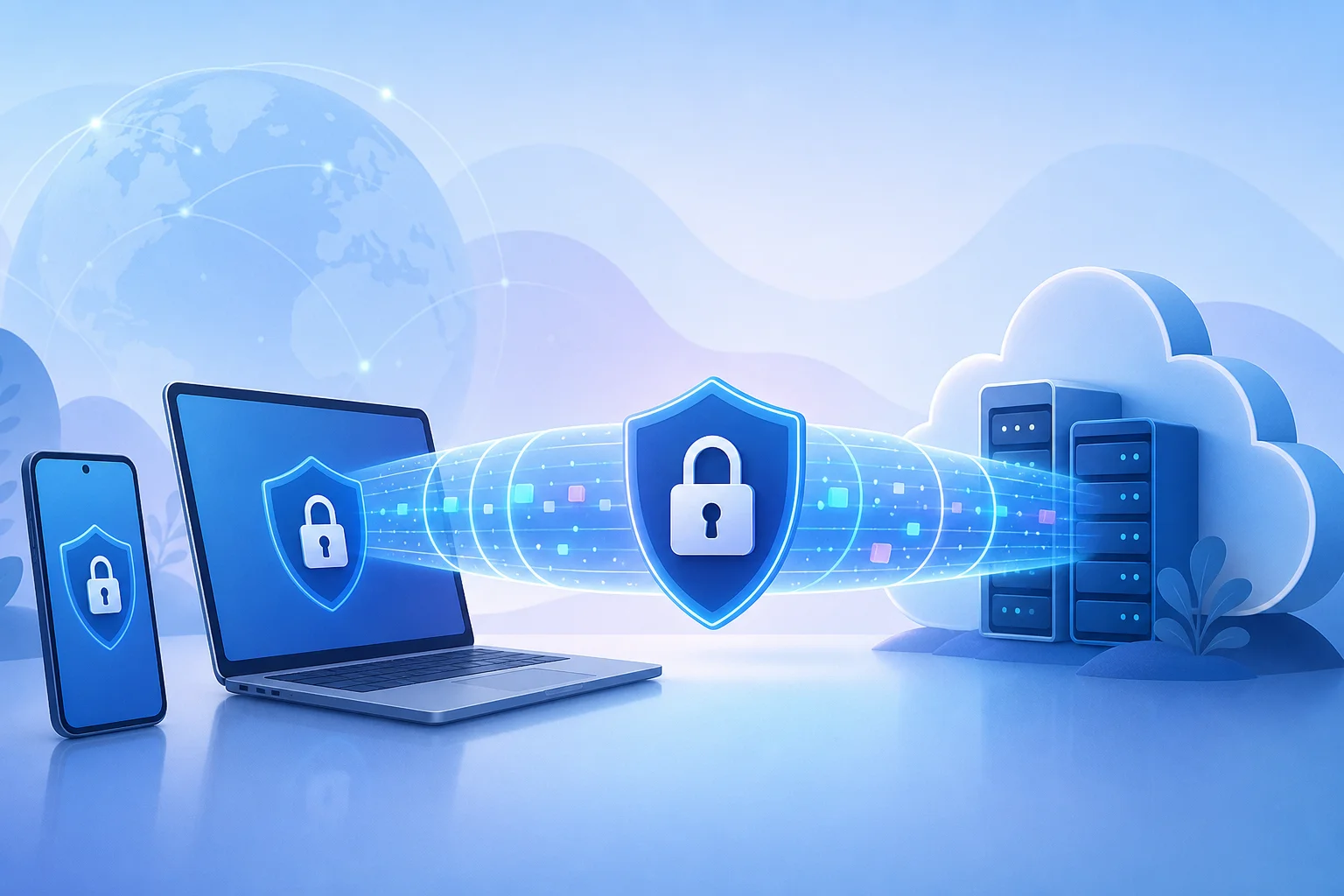
An online VPN protects your data mainly through two privacy benefits: encryption and IP address masking.
Encryption turns readable data into scrambled information while it travels between your device and the VPN server. This helps prevent people on the same network from easily viewing your activity. It is especially useful on public Wi-Fi, where you may not know who controls the network or who else is connected.
IP masking means websites and online services see the VPN server’s IP address instead of your device’s real IP address. This can make it harder to link your activity directly to your home network or physical location.
Public browsing vs. using a VPN
| Situation | Without a VPN | With an online VPN |
|---|---|---|
| Public Wi-Fi use | Network operators or attackers may have more chances to inspect traffic | Traffic is encrypted between your device and the VPN server |
| IP address visibility | Websites can see your real public IP address | Websites usually see the VPN server IP address |
| Location privacy | Your approximate location may be easier to infer | Your real location is less directly exposed |
| ISP visibility | Your provider may see domains or connection patterns depending on traffic | Your provider sees a VPN connection, not every destination in the same way |
| Overall privacy | Basic browser protections only | Added privacy layer for everyday browsing |
A VPN is not a replacement for good habits. You should still use strong passwords, enable two-factor authentication, update your devices, avoid suspicious links, and check that websites use HTTPS. However, a VPN works well as part of a broader privacy routine.
4. What Features Should You Look for in an Online VPN?
Choosing an online VPN for internet privacy can feel confusing at first. Many services use similar language, so focus on practical features that matter for beginners.
No-log policy
A no-log policy means the VPN provider says it does not store records of your browsing activity. This is important because a VPN handles your traffic while you are connected. If privacy is your goal, you want a provider that is clear about what it does and does not collect.
Look for plain privacy explanations. Avoid services that are vague about data collection, advertising practices, or account tracking.
Free, no-registration access
A free, no-registration VPN like BeFreeVPN can be useful for beginners because it reduces friction. You do not have to create an account, share personal details, or go through a complicated setup before trying VPN protection.
This is especially helpful if you want quick privacy on public Wi-Fi or you are new to VPNs and want to understand how they work before making a long-term decision.
Device compatibility
A good VPN should work on the devices you use every day. Before choosing one, check whether it supports:
- Windows or macOS computers
- Android or iOS phones
- Tablets
- Browser-based use, if available
- Multiple devices, if you switch between work and personal browsing
The easier it is to connect, the more likely you are to keep using it.
Simple user experience
For beginners, simplicity is a feature. Look for a VPN that offers:
- A clear connect button
- Fast setup
- Easy server selection
- Minimal technical terms
- Stable browsing performance
- Clear privacy information
Advanced settings can be useful later. But when starting out, the goal is simple: connect safely and browse with more privacy.
Frequently Asked Questions About Online VPNs
Is an online VPN legal?
In many countries, using a VPN is legal. However, laws vary by location, and using a VPN does not make illegal activity legal. Always follow local laws and the terms of the services you use.
Will a VPN make me completely anonymous?
No. A VPN improves privacy, but it does not make you completely anonymous. Websites may still identify you if you log in, accept tracking cookies, or share personal details. A VPN is one layer of protection, not a magic shield.
Do I need a VPN at home?
A VPN can still be useful at home. It can help mask your IP address, reduce some forms of tracking, and add privacy from your internet provider. It is even more important when using public Wi-Fi.
Can beginners use a VPN without technical knowledge?
Yes. Many online VPN services are designed for beginners. In most cases, you simply open the VPN, tap or click connect, and browse as usual.
Final Thoughts
An online VPN is one of the simplest tools beginners can use to improve internet privacy. It helps encrypt your connection, mask your IP address, and reduce exposure on public networks. It will not solve every privacy problem, but it is a smart first step toward safer everyday browsing.
Ready to safeguard your privacy? Try BeFreeVPN today—it's free, requires no registration, and works seamlessly on multiple devices.