What you should know about a personal VPN for internet privacy
Are you concerned about your online privacy? A personal VPN can be your shield against prying eyes, but what exactly does it do? If you are looking for a personal VPN for internet privacy, this beginner-friendly guide explains how VPNs work, why they matter for everyday browsing, and how to choose and start using one safely.
A VPN is not magic, and it does not make you completely anonymous. However, it can reduce many common privacy risks. It helps protect your data on public Wi-Fi, hides your real IP address from websites, and makes your internet traffic harder to inspect.
1. What Is a Personal VPN and How Does It Work?
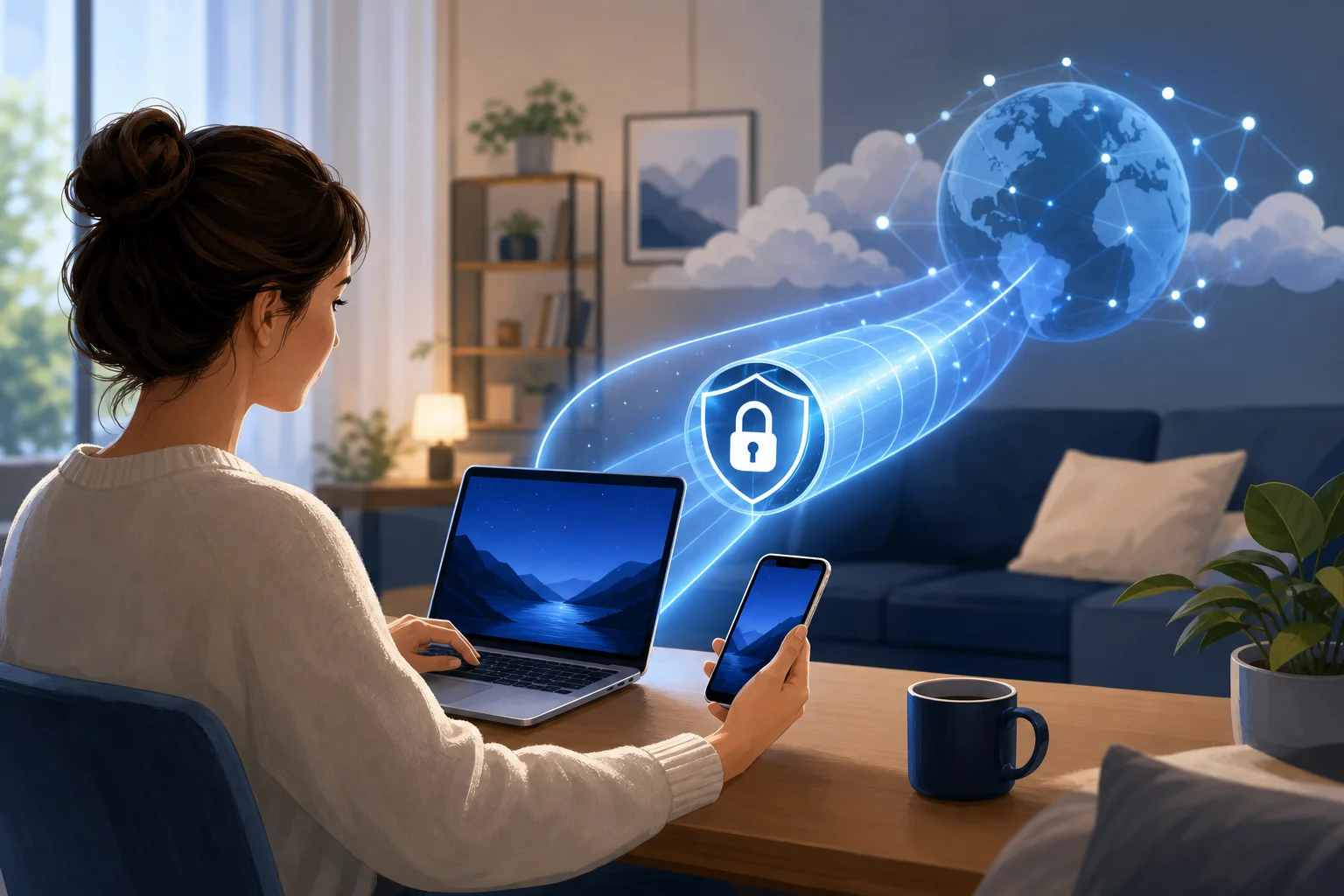
A personal VPN, or Virtual Private Network, creates a secure connection between your device and the internet. Think of it as a private tunnel for your online activity. Instead of your traffic going directly from your phone, laptop, or tablet to a website, it first passes through a VPN server.
Here is the basic process:
- You open the VPN app on your device.
- You choose a server location or let the app pick one automatically.
- The VPN creates an encrypted connection between your device and the VPN server.
- Your internet traffic travels through that encrypted tunnel.
- Websites see the VPN server’s IP address instead of your real IP address.
VPN encryption in simple terms
A VPN encrypts your internet traffic, making it unreadable to anyone trying to monitor your online activities. Encryption scrambles data so it cannot be easily understood if someone intercepts it.
This is especially useful on public Wi-Fi networks in places like cafes, airports, hotels, and libraries. Without extra protection, a poorly secured network can make it easier for attackers to snoop on what you are doing. A personal VPN adds a privacy layer by making your traffic much harder to read.
How a VPN masks your IP address
Your IP address is like a return address for your internet connection. It can reveal general location details and can be used by websites, apps, and advertisers as one signal to track activity.
VPNs mask your IP address, allowing for greater anonymity online. When you connect through a VPN, the sites you visit typically see the VPN server’s IP address, not yours. This can reduce location-based tracking and make your browsing feel more private.
Still, remember that a VPN does not block every type of tracking. Cookies, browser fingerprinting, account logins, and social media activity can still identify you. For better privacy, use a VPN along with safe browsing habits.
2. Why Do You Need a Personal VPN for Internet Privacy?
You may not need a VPN every second of the day, but there are many moments when it is helpful. For beginners, the main reason to use a personal VPN for the internet is simple: it adds privacy and security to common online activities.
Protect sensitive information from hackers
A VPN helps protect sensitive information such as passwords, messages, and financial details from hackers, especially when you are using public or shared Wi-Fi. If you check your bank account while connected to a hotel network, a VPN can help prevent outsiders on that network from reading your traffic.
Most banking and shopping sites already use HTTPS, which is important. However, a VPN adds another layer of protection around your connection. This can be useful when you are not sure how safe the network is.
Reduce tracking by websites and advertisers
Many websites and advertisers collect personal data to build profiles about your habits. They may use your IP address, location, browsing behavior, device information, and cookies to follow you across the web.
A personal VPN can help you avoid some data tracking by hiding your real IP address. This makes it harder to connect your browsing activity to your home network or physical location. For stronger privacy, combine your VPN with browser privacy settings, tracker blockers, and careful cookie choices.
Access content more privately
A VPN can also help you access content without geographical restrictions while keeping your browsing secure. For example, some websites or services show different content depending on your location. By connecting to a VPN server in another region, you may be able to view content as if you were browsing from that area.
That said, always follow the terms of service for any platform you use and respect local laws. A VPN is a privacy tool, not a license to break rules.
3. How to Choose the Right Personal VPN?
Choosing a VPN can feel confusing at first because many services sound similar. The best choice depends on your needs, devices, budget, and comfort level. Start with privacy basics, then compare speed, usability, and support.
Personal VPN comparison checklist
| What to check | Why it matters | Beginner tip |
|---|---|---|
| Strong encryption | Helps protect your data from being read by outsiders | Look for modern VPN protocols and clear security information |
| No-logs policy | Reduces the amount of activity data the VPN provider stores | Read the privacy policy, not just the marketing page |
| Device compatibility | Ensures the VPN works on your phone, tablet, or computer | Check support for your operating system before signing up |
| Reliable speed | Keeps browsing, streaming, and video calls usable | Try a nearby server if your connection feels slow |
| Easy-to-use app | Makes it more likely you will actually use the VPN | Choose a simple interface if you are new to VPNs |
| Customer support | Helps when setup or connection issues happen | Look for guides, FAQs, or responsive support channels |
Look for strong privacy features
Look for a VPN that offers strong encryption and a no-logs policy for maximum privacy. A no-logs policy generally means the provider says it does not store records of your browsing activity. The exact meaning can vary, so it is worth reading the provider’s privacy policy.
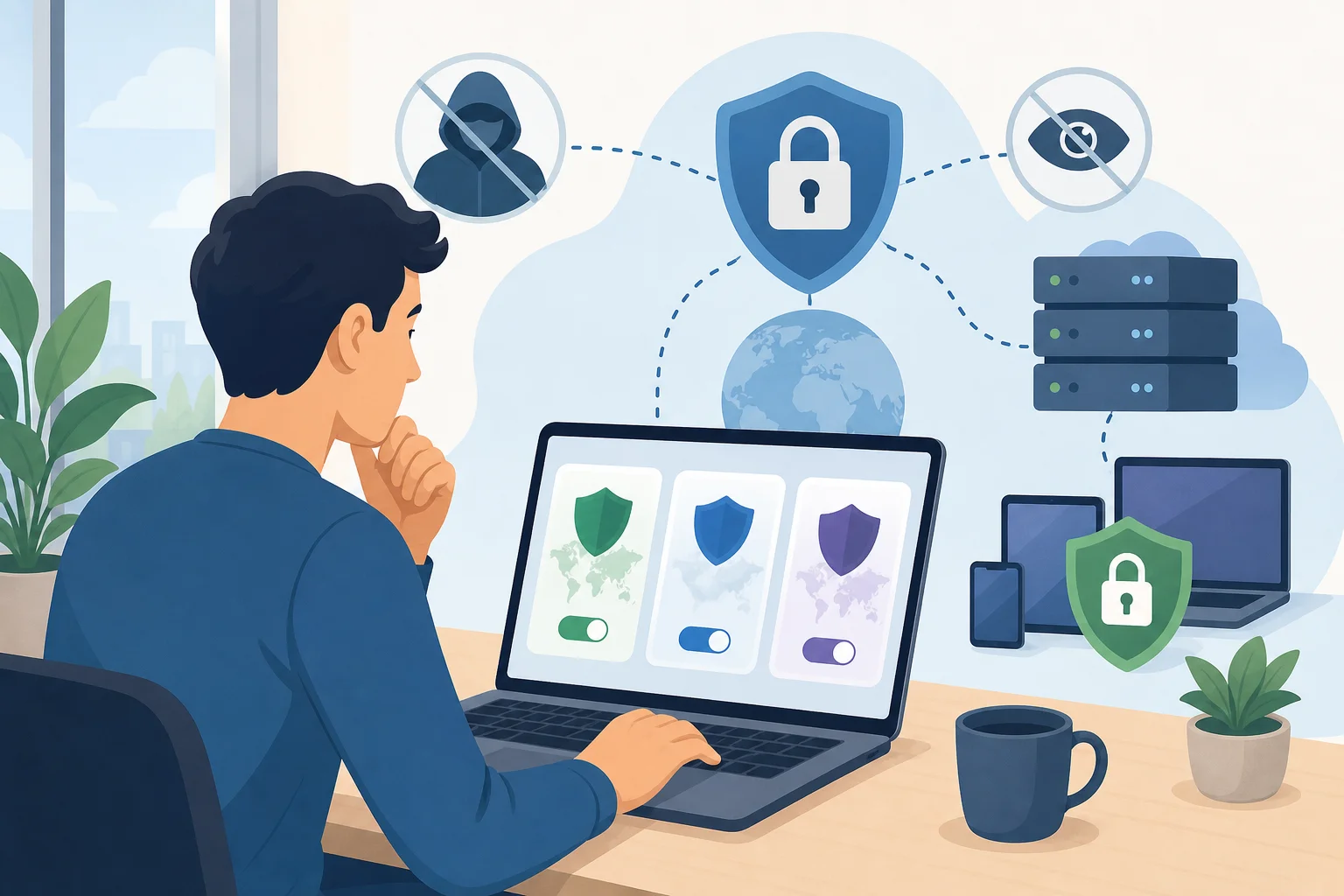
Other helpful features may include a kill switch, which can block internet traffic if the VPN connection drops, and DNS leak protection, which helps keep your browsing requests inside the VPN tunnel.
Make sure it works on your devices
Check for compatibility with your devices, whether it is a smartphone, tablet, or computer. If you use more than one device, see whether the VPN allows multiple connections. A good personal VPN should be easy to install and simple to turn on before you browse.
Review user feedback and performance
Review user feedback to find a service that provides reliable speed and customer support. Speed matters because all VPNs can add some extra routing to your connection. A well-designed service should still feel smooth for normal browsing, messaging, and streaming.
4. How Can You Start Using a Personal VPN Today?
Getting started is usually quick. You do not need to be a network expert. Follow these steps to use a personal VPN for internet privacy in your daily routine.
- Research and choose a provider. Pick a personal VPN provider that suits your privacy needs, such as BeFreeVPN. Look at encryption, privacy policy, device support, and ease of use.
- Download the official app. Install the VPN application on your preferred device. Use the provider’s official website or trusted app store to avoid fake apps.
- Open the app and choose a server. If you are unsure, select the recommended or fastest server. This is often the best option for everyday privacy.
- Connect before browsing. Turn on the VPN before you check email, shop, bank, or use public Wi-Fi.
- Confirm it is working. Many VPN apps show a connected status. You can also check that your visible IP address has changed using a reputable IP lookup site.
- Keep the app updated. Updates often include security improvements, bug fixes, and better performance.
Once this becomes a habit, using a VPN feels as normal as locking your phone screen.
FAQ About Personal VPNs for Internet Privacy
Does a personal VPN make me completely anonymous online?
No. A VPN improves privacy by encrypting traffic and masking your IP address, but it does not make you invisible. Websites can still identify you if you log in, accept tracking cookies, or share personal details.
Should I use a VPN on home Wi-Fi?
Yes, it can still be useful. Home Wi-Fi is usually safer than public Wi-Fi, but a VPN can reduce tracking by your internet provider and websites. It also helps keep your IP address more private.
Will a VPN slow down my internet?
Sometimes. A VPN may slightly reduce speed because your traffic is encrypted and routed through a VPN server. Choosing a nearby server and a reliable provider can help keep the connection fast.
Is a free personal VPN safe to use?
It depends on the provider. Free VPNs vary widely. Before using one, check the privacy policy, permissions, reputation, and whether registration is required. Choose a service that is clear about how it handles user data.
Final Thoughts
A personal VPN is one of the easiest tools beginners can use to improve internet privacy. It creates a secure connection, encrypts your traffic, and masks your IP address so everyday browsing is better protected. For the best results, choose a trustworthy VPN, keep your app updated, and combine it with smart habits like using strong passwords and avoiding suspicious links.
Ready to enhance your online privacy? Try BeFreeVPN today—it’s free and requires no registration, so you can start protecting your personal data in no time!