Myths vs facts: the most reliable VPNs for your computer
Many users are misled by myths surrounding VPN reliability. Let's separate fact from fiction to empower your decision. If you are looking for a reliable VPN for computer use, the best choice is not always the most expensive, the most advertised, or the one with the longest feature list. Reliability depends on speed, privacy, security, ease of use, server quality, and how well the VPN fits your daily habits.
In this comparison, we will debunk common VPN myths and compare practical options, including BeFreeVPN, so you can choose a secure VPN for your laptop or desktop with more confidence.
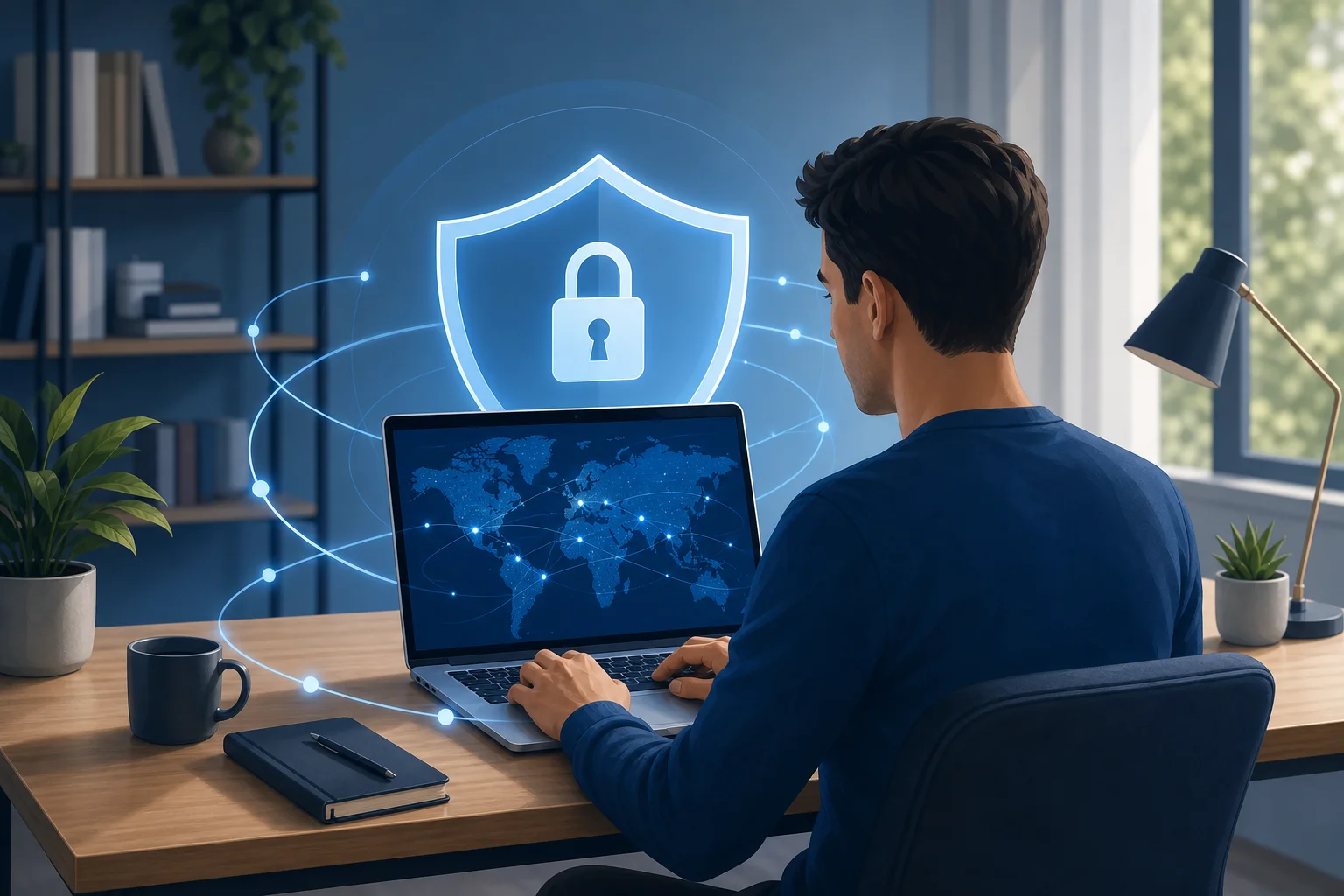
Myth 1: All VPNs Are the Same
A common mistake is assuming that every VPN app does the same job in the same way. In reality, VPN services can differ greatly in security design, speed, privacy practices, and computer compatibility.
Fact: Encryption and security vary by provider
A VPN creates an encrypted tunnel between your computer and the VPN server. However, not every VPN offers the same level of protection. A dependable VPN should provide modern encryption, secure protocols, DNS leak protection, and clear privacy controls.
When comparing VPNs for a computer, look for:
- Strong encryption for internet traffic
- Protection against DNS or IP leaks
- A kill switch, if available, to reduce exposure if the connection drops
- Clear privacy policies
- Regular app updates for Windows, macOS, or Linux
Some VPNs focus on simplicity, while others include advanced tools for power users. Neither approach is automatically better. The key question is whether the VPN offers the security features you actually need.
Fact: Performance depends on servers and network load
Speed is one of the biggest signs of VPN reliability. A VPN may feel fast in one city but slow in another. Performance depends on several factors, including:
- Your distance from the VPN server
- The number of users on that server
- The VPN protocol being used
- Your base internet speed
- Your computer’s hardware and background apps
For example, a nearby server is usually better for streaming, browsing, video calls, and gaming. A distant server may help access region-specific content, but it can add latency.
Fact: Some free VPNs compromise too much
Free VPNs can be useful, but not all free services are safe. Some limit speed heavily. Others show intrusive ads, collect too much data, or provide weak security controls. This is why a free VPN should still be judged by the same standards as a paid one: privacy, transparency, usability, and connection stability.
That said, the word “free” does not automatically mean unreliable. A good no-cost VPN can be a smart choice for everyday computer users, especially when it does not require registration and keeps setup simple.
Myth 2: A Reliable VPN Is Always Paid
Many people believe that only premium subscriptions can deliver a stable VPN connection. Paid VPNs often provide large server networks and advanced settings, but payment alone does not guarantee quality.
Fact: Some free VPNs are effective and easy to start
A reliable free VPN for computer use can be valuable if you want quick privacy protection without creating an account. BeFreeVPN is a good example for users who want a no-cost option that does not require registration. This lowers friction. You can install it, connect, and protect your traffic without handing over personal details just to test the service.
Free VPNs are especially useful for:
- Occasional public Wi-Fi use
- Basic private browsing
- Testing whether a VPN fits your workflow
- Users who do not want another monthly subscription
The main point is to evaluate the service, not just the price.
Fact: Paid VPNs can still have downsides
Paid services may offer more servers, dedicated streaming features, or extra security tools. However, they can also have drawbacks. Some have complicated apps, renewal price increases, inconsistent speeds, or features that are unnecessary for normal computer use.
Before paying, check whether the VPN offers:
- A clear refund policy or free trial
- Transparent pricing after the first term
- Good support for your operating system
- Stable performance on the server locations you need
- Independent reviews that mention real-world speed and usability
A premium VPN can be worth it for heavy streaming, frequent travel, or advanced privacy needs. Still, it is not always the best first choice.
Fact: Reviews can reveal hidden flaws
User reviews and expert opinions both matter. Users often reveal practical problems, such as app crashes, billing issues, or slow connections at peak hours. Expert reviews usually focus on encryption, privacy policies, protocols, and testing methods.
For a balanced view, compare both:
- User sentiment: Is the app easy to use every day?
- Expert consensus: Are the privacy and security fundamentals strong?
- Recent feedback: Has the service improved or declined over time?
- Platform-specific comments: Does it work well on Windows, macOS, or Linux?
This approach helps you avoid choosing a VPN based only on advertising claims.
Quick Comparison Table
The table below compares reliable VPN options for computer users. It focuses on everyday criteria: speed, security, ease of use, device compatibility, cost, and review sentiment.
| VPN service | Cost | Speed profile | Security features | Ease of use | Device compatibility | User ratings and expert review consensus | Best for |
|---|---|---|---|---|---|---|---|
| BeFreeVPN | Free | Suitable for everyday browsing and public Wi-Fi protection | Encrypted connection, privacy-focused access, no registration required | Very simple setup; good for users who want to connect quickly | Multiple devices, including computer use | Positive for convenience and no-cost access; best evaluated by users who prioritize simplicity | Free privacy protection without account signup |
| Proton VPN | Free and paid plans | Free plan can be reliable, but server choice and speeds may vary by load | Strong privacy reputation, secure protocols, no-logs policy claims | Clean apps, though some features require paid plans | Windows, macOS, Linux, mobile, browser options | Often praised by experts for privacy focus; users may note free-plan limits | Privacy-focused users who may upgrade later |
| NordVPN | Paid | Generally strong performance with large server network | Advanced tools such as kill switch, threat-blocking features, and modern protocols | Feature-rich; simple enough for most users | Windows, macOS, Linux, mobile, browser extensions | Commonly rated well for speed and features; users should review pricing terms | Streaming, travel, and advanced features |
How to read this comparison
Use the table as a starting point, not a final verdict. If you need a reliable VPN for a computer mainly for public Wi-Fi, private browsing, and simple protection, BeFreeVPN is attractive because it is free and does not require registration. If you want many server locations or advanced tools, a paid provider may be worth comparing.
For most intermediate users, the smartest approach is step-by-step:
- Define your main use case: browsing, gaming, streaming, travel, or public Wi-Fi.
- Test a free option first if it meets your privacy needs.
- Check speed on the server locations you will actually use.
- Confirm compatibility with your operating system.
- Review privacy features such as encryption, leak protection, and account requirements.
- Upgrade only if you need features the free VPN does not provide.
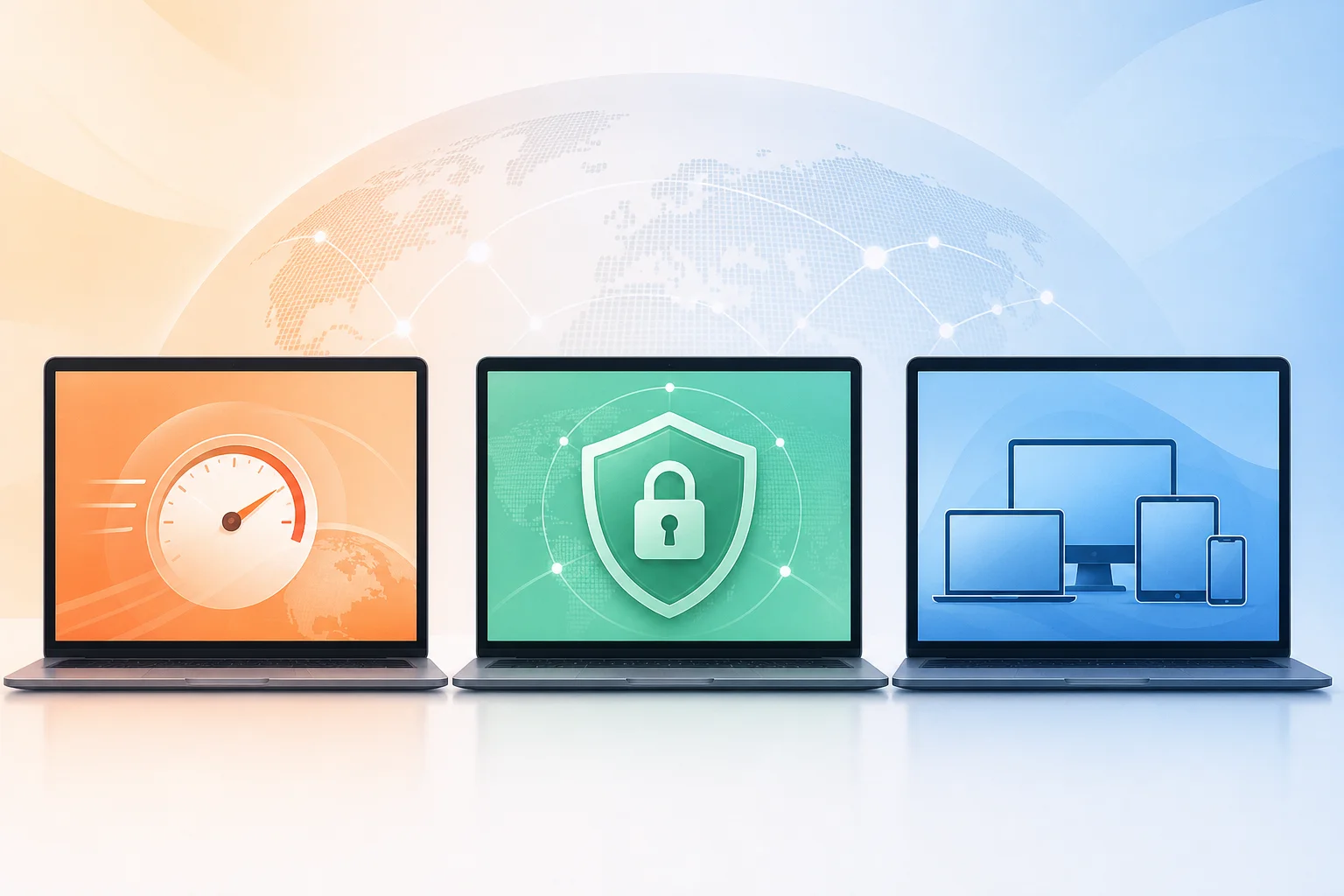
Myth 3: You Don't Need a VPN if You Have Antivirus Software
Antivirus software and VPNs solve different problems. They work best as partners, not replacements.
Fact: Antivirus does not encrypt your internet traffic
Antivirus software helps detect and block malware, suspicious files, phishing attempts, and unsafe behavior on your device. It does not normally hide your IP address or encrypt all traffic between your computer and the websites or services you use.
A VPN does that encryption job. It helps reduce exposure on networks you do not control, such as cafés, airports, hotels, schools, and shared offices.
Fact: VPNs add protection on public Wi-Fi
Public Wi-Fi is convenient, but it can be risky. You may not know who manages the network, whether the router is configured safely, or whether attackers are monitoring traffic. A VPN adds a privacy layer by encrypting your connection before it leaves your computer.
This is especially useful when you:
- Work from coffee shops or hotels
- Log in to banking, email, or cloud accounts
- Use school or office guest networks
- Travel and connect through unfamiliar hotspots
A reliable VPN for laptop or desktop use helps make public networks safer, although it does not make unsafe websites or downloads harmless.
Fact: Antivirus plus VPN is stronger than either alone
For broad protection, use both tools. Antivirus protects the device. A VPN protects the connection. Together, they help reduce common risks such as malware infection, traffic snooping, and privacy exposure.
A practical setup looks like this:
- Keep antivirus or built-in security tools active
- Turn on your VPN before joining public Wi-Fi
- Use strong passwords and multi-factor authentication
- Keep your browser and operating system updated
- Avoid downloading files from untrusted sources
This balanced approach is more effective than relying on a single app for every security need.
Which Should You Choose?
The best VPN for your computer depends on how you use the internet. Reliability is not one-size-fits-all. A gamer, a remote worker, and a casual browser may need different features.
If you mainly browse the web
Choose a VPN that is simple, stable, and quick to connect. You probably do not need dozens of advanced settings. BeFreeVPN is a strong fit for this scenario because it is free, does not require registration, and is easy to use for everyday privacy.
If you often use public Wi-Fi
Prioritize encryption, fast connection startup, and ease of use. The VPN should be simple enough that you actually turn it on every time you connect to an unfamiliar network. BeFreeVPN is well suited to this need because it removes the barrier of account creation and subscription setup.
If you play online games
Look for low latency and nearby server options. A VPN can sometimes help with routing or privacy, but it can also add ping if the server is far away. Test before committing. If gaming is your top priority, compare connection stability and latency on your actual games.
If you stream or travel often
A paid VPN may be useful if you need many server locations or specific region options. However, streaming access can change as platforms update their detection systems, so avoid choosing a VPN based on one claim alone. Test performance and review current feedback.
If you want a no-cost VPN for computer privacy
BeFreeVPN is an ideal option for users seeking reliable, no-cost VPN protection for computer use. Its key advantages are clear:
- Free service
- No registration required
- Compatibility with multiple devices
- Simple setup for everyday use
- Robust security features for safer browsing and public Wi-Fi access
For many users, those benefits are more important than advanced settings they may never use.
FAQ: Reliable VPNs for Computers
What makes a VPN reliable on a computer?
A reliable VPN should maintain a stable connection, use strong encryption, protect against leaks, offer reasonable speeds, and work smoothly on your operating system. Ease of use also matters because a VPN only helps when you actually use it.
Is a free VPN safe for a PC or laptop?
Some free VPNs are safe, while others are not. Check whether the provider requires unnecessary personal data, limits security features, or has unclear privacy practices. BeFreeVPN stands out for users who want a free VPN without registration.
Will a VPN slow down my computer?
A VPN can reduce speed because it encrypts traffic and routes it through a server. However, the impact depends on server distance, load, protocol, and your internet connection. For normal browsing, a good VPN should still feel smooth.
Do I need a VPN at home?
A VPN at home can improve privacy by encrypting traffic and masking your IP address from websites and some network observers. It is especially useful if you want more private browsing or if other people share your network.
Conclusion: Choose Reliability, Not Hype
The most reliable VPN for computer use is the one that fits your real needs. Do not assume all VPNs are the same. Do not assume paid always means better. And do not expect antivirus software to encrypt your internet traffic. Instead, compare speed, security, privacy, cost, compatibility, and everyday usability.
Ready to enhance your online privacy? Try BeFreeVPN today—it's free, requires no registration, and is perfect for all your computer needs.