How Alex streamed without limits: a case study on VPN software for computer
Meet Alex, a remote worker who yearned to access his favorite shows from anywhere but faced unexpected geo-restrictions. This case study follows how he evaluated VPN software for computer use, installed BeFreeVPN, and improved his streaming access while keeping everyday browsing more private. Unlike a generic VPN guide, Alex’s story focuses on real choices: ease of setup, streaming quality, reliability, and the small habits that make a VPN more useful on a laptop or desktop.
For intermediate computer users, the lesson is practical. A VPN is not just an app you turn on. It is part of a workflow. It can help protect traffic on public Wi-Fi, route your connection through another location, and make online entertainment easier to access when regional availability gets in the way.
1. Meet Alex: The Remote Worker with a Streaming Passion
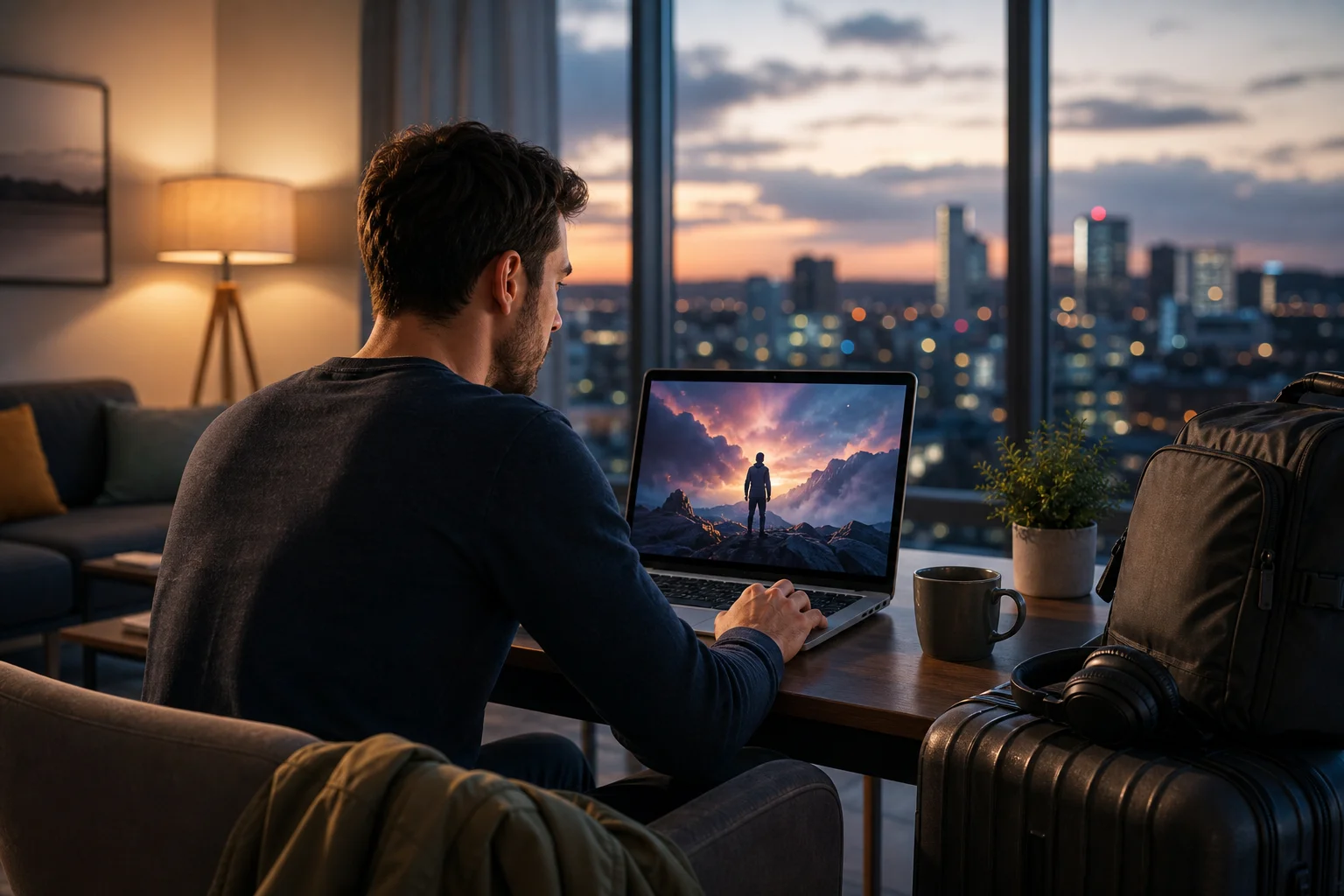
Alex works as a freelance product designer. His office changes often: a rented apartment in Lisbon, a coworking space in Prague, a quiet hotel room in Bangkok, or a café near an airport gate. His computer is the center of his workday. It holds design files, client chats, project management tools, and the browser tabs he depends on.
Because he moves frequently, Alex also relies on his laptop for downtime. After a long day of wireframes and client feedback, he likes to stream movies, documentaries, and comfort shows. Streaming is his way to reset without needing to learn a new city every evening.
However, remote work also makes internet access unpredictable. Some networks are fast but public. Others are private but unstable. Alex had three recurring needs:
- Reliable access to websites, work tools, and streaming platforms.
- More secure browsing when using hotel, airport, or café Wi-Fi.
- A simple computer VPN app that would not interrupt his workflow.
At first, he treated streaming issues as a minor inconvenience. If a show was unavailable, he watched something else. But as he traveled more, the problem became harder to ignore.
2. The Challenge: Overcoming Geo-Restrictions
The main obstacle was not Alex’s streaming subscription. It was regional availability. A show he started in one country might disappear from the same platform in another. A new movie recommended by a friend might be visible in search results but unavailable when he clicked play. In other cases, a service would show a message explaining that the content could not be accessed from his current location.
This was especially frustrating because Alex’s schedule was already demanding. His leisure time came in short windows: 45 minutes after a meeting, a weekend night, or a break between flights. Losing that time to location errors made streaming feel like troubleshooting instead of relaxing.
Examples of the restrictions Alex faced
Alex ran into common regional limitations, including:
- A drama series he had been watching that was unavailable while he was abroad.
- A sports documentary that appeared only in certain catalogues.
- A comedy special that friends could stream at home but he could not access in his current region.
- Occasional login or playback prompts when services detected a location change.
He understood that streaming rights differ by region and that users should follow each platform’s terms. Still, he wanted a legal, privacy-minded tool that could help him maintain a more consistent browsing experience while traveling.
Why the issue affected more than entertainment
The problem also changed how Alex planned his evenings. He began downloading content in advance, checking availability before trips, and avoiding new shows because he might lose access later. That made his downtime feel less spontaneous.
In addition, he was using more public networks than before. Even when he was not streaming, he wanted a safer way to browse on shared Wi-Fi. This pushed him to look for VPN software for computer use that would be simple enough for daily use and flexible enough for travel.
3. The Solution: Discovering BeFreeVPN
Alex first heard about BeFreeVPN from another remote worker in a coworking space. What caught his attention was the low barrier to entry: BeFreeVPN was presented as a free VPN option with no registration required. For Alex, that mattered. He did not want to create another account, remember another password, or test a complicated setup during a busy workweek.
He decided to try it on his computer during a quiet afternoon. His goal was simple: install the app, connect to a VPN location, and test whether streaming and browsing felt smooth enough for regular use.
Step-by-step: How Alex set up BeFreeVPN on his computer
-
He visited the BeFreeVPN website.
Alex looked for the computer version that matched his operating system. He avoided third-party download pages and used the official source. -
He downloaded the installer.
After choosing the correct version, he saved the installation file to his downloads folder. -
He installed the VPN app.
He opened the installer, followed the on-screen prompts, and allowed the app to add the required VPN configuration. -
He launched BeFreeVPN.
Because no registration was required, he did not need to verify an email address or enter payment details before testing the service. -
He selected a VPN location.
Alex chose a location relevant to the content he wanted to access and the browsing experience he wanted to test. -
He connected and checked his IP location.
Before streaming, he confirmed that his traffic appeared to route through the chosen VPN server. -
He opened his streaming platform.
Finally, he refreshed the streaming service, searched for the show, and tested playback.
This process took only a few minutes. More importantly, it did not require Alex to adjust advanced network settings manually.
First impressions: user-friendliness and performance
Alex’s first reaction was that BeFreeVPN felt approachable. The interface did not overwhelm him with technical options. He could connect, disconnect, and change location without studying documentation.
Performance was the next concern. VPNs can add latency because traffic travels through an extra server. Alex expected some slowdown. However, for normal browsing and streaming tests, the experience felt usable. Pages loaded normally, and video playback was stable enough for casual viewing.
He also liked that he could turn the VPN on for specific activities, such as streaming or public Wi-Fi browsing, and turn it off when he needed to test client websites from his actual location.
4. Results: A World of Content at His Fingertips
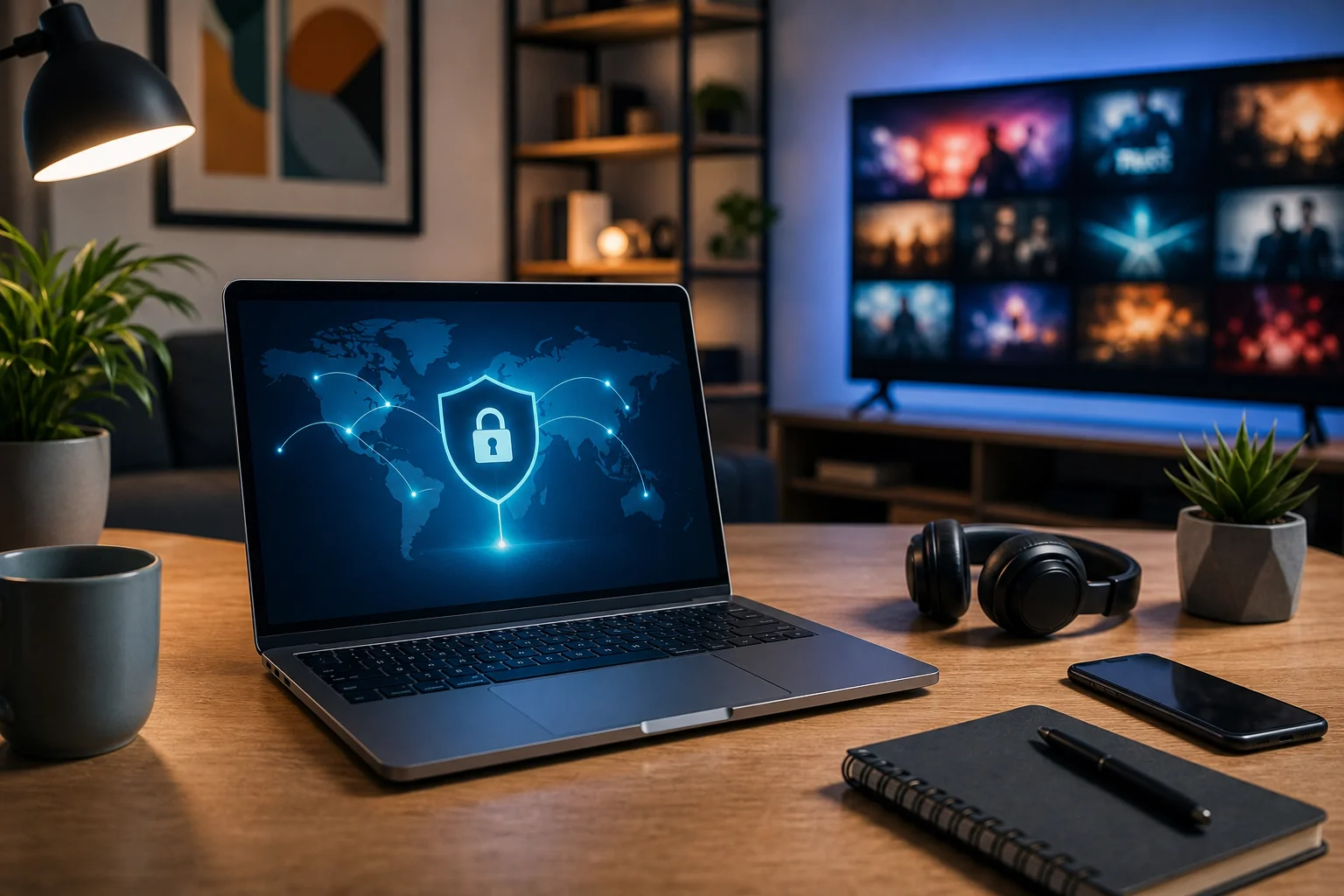
The first successful test happened on a weeknight. Alex connected through BeFreeVPN, opened his streaming service, and searched for the show that had been unavailable earlier that day. This time, the title appeared as expected. He clicked play, waited for the video to load, and watched without the location error that had blocked him before.
That small win changed how he viewed VPN software. It was no longer an abstract privacy tool. It became part of his travel setup, like a universal power adapter or cloud backup.
Before and after using the VPN
| Area | Before BeFreeVPN | After using BeFreeVPN |
|---|---|---|
| Streaming access | Some titles unavailable by region | More consistent access when connected to a relevant VPN location |
| Setup process | No VPN workflow; repeated platform checks | Simple connect-and-test routine |
| Public Wi-Fi confidence | Cautious on shared networks | More comfortable browsing with VPN protection enabled |
| Downtime | Time lost to errors and searching | Faster path to watching planned content |
| Work breaks | Often interrupted by troubleshooting | More relaxing and predictable |
This comparison was not about perfection. Some platforms still apply their own rules, and VPN performance can vary by server, distance, and network quality. But Alex found that using a VPN improved his odds of a smooth streaming session and gave him a clearer process when content was blocked.
Streaming speed and quality
Before using a VPN, Alex’s speed depended entirely on the local network and the streaming platform’s regional routing. Sometimes the connection was fast, but the content was unavailable. Other times, the content worked, but hotel Wi-Fi caused buffering.
After adding BeFreeVPN to his setup, Alex learned to test a few practical variables:
- Choose a VPN location close to the content region he needed.
- Switch servers if playback was slow.
- Close bandwidth-heavy apps before streaming.
- Use a stable Wi-Fi network when possible.
- Lower video quality temporarily if traveling on weak connections.
In many sessions, HD playback was comfortable. In weaker network conditions, he adjusted expectations and chose a lower resolution. The key improvement was control. Instead of giving up after a geo-restriction message, Alex had a clear next step.
Positive changes in productivity and enjoyment
Surprisingly, better streaming access also helped Alex’s work rhythm. His breaks became cleaner. When he knew he could watch an episode after finishing a task, he was less tempted to keep checking platforms during work hours.
He also felt more prepared on public Wi-Fi. While a VPN is not a complete security solution, it can encrypt traffic between the computer and the VPN server, which is useful on shared networks. Alex still followed good security habits: using HTTPS sites, enabling multi-factor authentication, updating his operating system, and avoiding sensitive work on suspicious networks.
The result was a balanced routine. Work stayed focused. Breaks felt rewarding. Travel felt less disruptive.
5. Takeaways: Making the Most of VPN Software for Computer
Alex’s experience offers several practical lessons for anyone considering VPN software for computer use, especially remote workers, travelers, and streaming fans.
Tips from Alex’s VPN workflow
- Start with a clear use case. Decide whether you need a VPN mainly for streaming, public Wi-Fi, privacy, or all three.
- Install from the official source. This reduces the risk of downloading modified or unsafe software.
- Test more than one server location. Streaming quality can change based on distance, congestion, and platform behavior.
- Check your connection before logging in. Connect to the VPN first, then open the streaming service or browser session.
- Keep expectations realistic. A VPN can help with regional access and privacy, but it cannot guarantee every title will work on every platform.
- Respect local laws and service terms. Use VPN tools responsibly and understand the rules that apply where you are.
- Combine VPN use with basic security. Updates, strong passwords, and multi-factor authentication still matter.
Why BeFreeVPN worked for Alex
BeFreeVPN appealed to Alex because it was simple to try. The free, no-registration setup removed friction. For a computer user who wanted quick access without a long onboarding process, that was a meaningful advantage.
It also fit into his daily habits. He did not need to become a networking expert. He could connect before streaming, browse more confidently on shared Wi-Fi, and disconnect when a client task required his normal location.
For intermediate users, this balance is important. The best VPN for a computer is not always the one with the longest feature list. Often, it is the one you will actually use correctly and consistently.
FAQ: VPN Software for Computer and Streaming
What is VPN software for computer used for?
VPN software for a computer creates an encrypted connection between your device and a VPN server. It can help improve privacy on public Wi-Fi, mask your IP address, and route browsing through another location.
Can a VPN help access geo-restricted streaming content?
A VPN can help by changing the apparent location of your connection. However, streaming platforms set their own rules, and access is not guaranteed. Always use VPNs responsibly and follow applicable terms.
Is BeFreeVPN suitable for beginners and intermediate users?
Yes. BeFreeVPN is designed to be easy to try, with a free, no-registration approach. Intermediate users can still apply smart habits, such as testing server locations and checking connection quality.
Will a VPN slow down my computer internet connection?
A VPN may reduce speed because traffic passes through an extra server. The impact depends on your network, server distance, server load, and device. Choosing a nearby or less congested location can help.
Should I keep my VPN on all the time?
It depends on your needs. Alex kept it on for public Wi-Fi and streaming tests, then turned it off for tasks that required his real location. Many users choose a similar activity-based approach.
Conclusion: Alex’s Practical Win with BeFreeVPN
Alex did not need a complicated system to improve his streaming routine. He needed VPN software for computer use that was easy to install, quick to connect, and practical for life as a remote worker. BeFreeVPN gave him a simple way to test regional access, browse more confidently on shared networks, and make his downtime feel less restricted.
Ready to unlock a world of streaming with ease? Try BeFreeVPN today — it's free and requires no registration, perfect for any computer user looking to access their favorite content!