How Alex discovered the power of an anonymous VPN for computer use
What happens when a remote worker can't access their favorite shows due to geographic restrictions? Meet Alex, who turned to an anonymous VPN for computer use to improve privacy, browse more securely, and stream while traveling. This case study follows Alex’s practical journey: the problem, the tool they chose, the setup process, and the results they experienced with BeFreeVPN.
For remote workers, the internet is not just entertainment. It is the office, the meeting room, the research desk, and the after-hours movie theater. But travel can make that internet feel smaller. Websites change by location. Streaming libraries differ from country to country. Public Wi-Fi can feel risky. Alex needed a simple way to work and relax without constantly wondering who could see their activity or why familiar content had disappeared.
1. Meet Alex: A Remote Worker Seeking Freedom
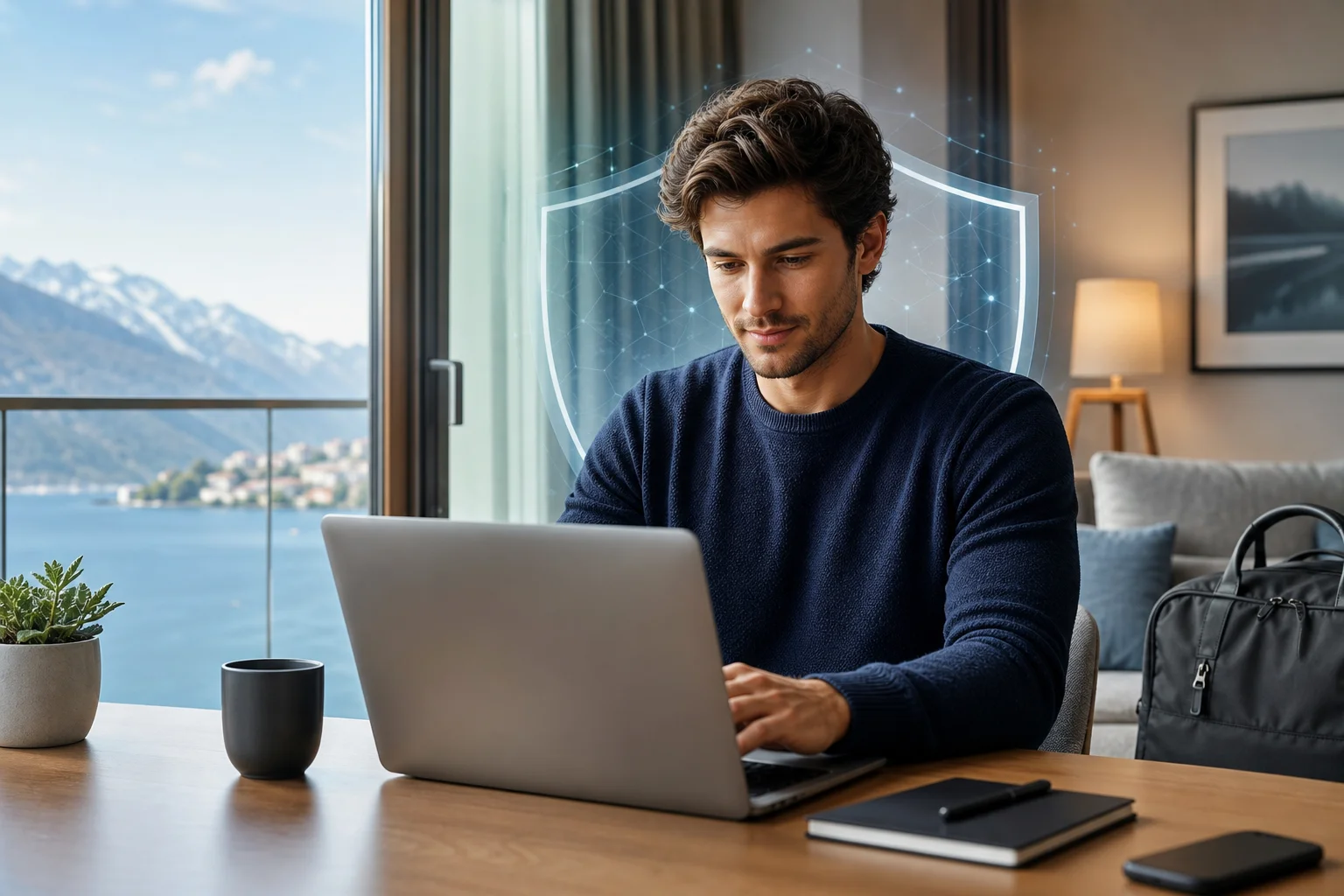
Alex works remotely as a digital project manager. Their job involves video calls, cloud documents, client dashboards, and regular travel between cities and countries. Most days are manageable with a laptop, stable internet, and a good pair of headphones.
However, travel created a recurring problem. When Alex opened a streaming service after work, the available shows often changed. Sometimes a favorite series was missing. At other times, a platform displayed a message saying the content was not available in that region.
This was more than a small annoyance. After a long workday, Alex wanted a normal routine: finish tasks, cook dinner, and watch something familiar. Instead, they spent time troubleshooting region-based blocks and trying to understand why services worked at home but not abroad.
At the same time, Alex cared about privacy. Remote work meant logging in to business tools from hotels, coworking spaces, airports, and cafés. Those networks were convenient, but not always reassuring. Alex wanted a solution that would help protect browsing activity without making everyday work harder.
Their requirements were clear:
- A private way to browse on a computer while traveling.
- Access to more consistent online services across locations.
- A simple setup that did not require advanced technical skills.
- Reliable performance for work tools, calls, and streaming.
- A no-registration option to reduce friction and limit account setup.
In short, Alex was looking for an anonymous VPN that fit into a remote work lifestyle instead of disrupting it.
2. The Challenge: Bypassing Restrictions and Ensuring Privacy
Alex’s main frustration came from content blocking. Streaming platforms often organize content by region because of licensing agreements. As a result, a movie or show that appears in one country may not be available in another. For someone who travels often, that can make entertainment feel unpredictable.
There was also a privacy concern. Internet service providers, public network operators, and websites can collect or infer information about browsing activity. While not every network is unsafe, remote workers often connect from places they do not control. That makes privacy tools more important.
Alex had tried to solve the issue with basic browser settings. Clearing cookies helped with some website glitches, but it did not address location-based access. Private browsing mode stopped local browser history from being saved, yet it did not hide internet traffic from the network or ISP.
Why normal browsing was not enough
Alex compared the common options and found that each had limits:
| Option | What it helps with | What it does not solve |
|---|---|---|
| Private browsing mode | Keeps local history off the device | Does not encrypt all traffic or change network location |
| Clearing cookies | Resets some website preferences | Does not prevent ISP-level visibility |
| Public Wi-Fi login pages | Provides internet access | Does not make the connection private by itself |
| Browser extensions | May help with specific browser traffic | May not protect all apps on the computer |
| Anonymous VPN for computer use | Encrypts traffic and routes it through a VPN server | Still requires responsible use and platform terms may apply |
This comparison made the decision clearer. Alex did not need a complicated security system. They needed a practical privacy layer for everyday computer use.
Speed mattered too. A tool that made video calls unstable or caused constant buffering would not be useful. Alex wanted stronger privacy, but not at the cost of productivity. The right VPN had to feel almost invisible during normal work.
3. The Solution: Choosing BeFreeVPN for Anonymous Access
After reviewing several options, Alex chose BeFreeVPN because it matched the core requirements: a user-friendly interface, quick setup, and no registration requirement. For someone who was already juggling deadlines and travel logistics, the ability to start without creating another account was a major advantage.
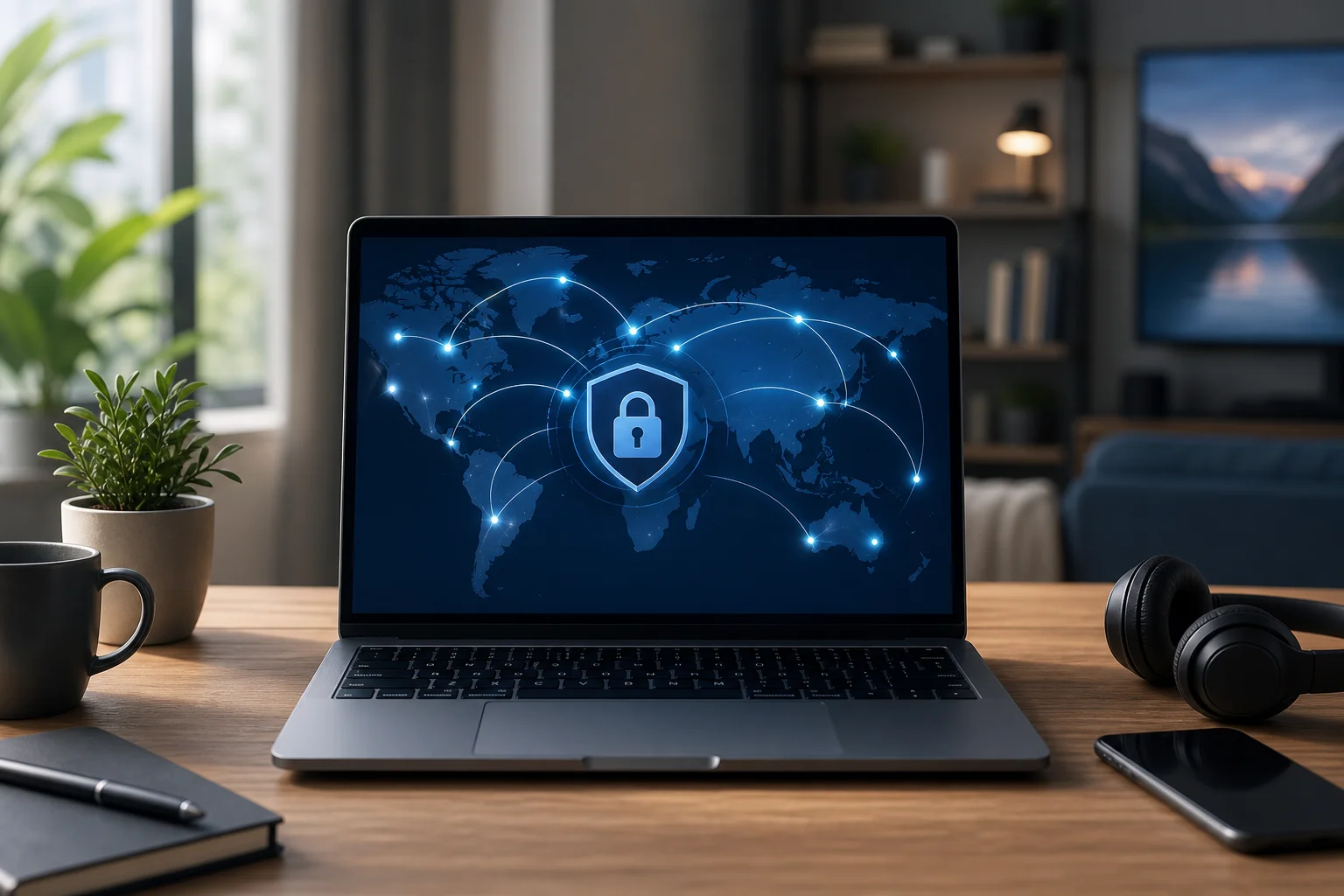
The setup on Alex’s computer was straightforward. Instead of spending time adjusting complex settings, Alex could install the app, choose a location, and connect. That made the VPN feel less like a technical project and more like a practical work tool.
BeFreeVPN also appealed because it supported multiple devices. Alex primarily needed an anonymous VPN for a computer, but they also streamed and browsed on mobile devices while moving between airports, hotels, and coworking spaces. A consistent VPN experience across devices made the setup easier to manage.
Step-by-step: how Alex started using BeFreeVPN on a computer
Alex followed a simple process:
- Downloaded BeFreeVPN on the computer used for remote work and streaming.
- Opened the app without registration, avoiding a lengthy sign-up process.
- Selected a VPN server location that matched the browsing or streaming need.
- Connected before opening sensitive work tools, especially on public or shared Wi-Fi.
- Checked streaming platforms after connecting to see which content was available in that location.
- Kept the VPN on during regular browsing when privacy was a priority.
- Disconnected when not needed, such as on a trusted home network or when troubleshooting a site.
This routine quickly became part of Alex’s travel workflow. Before checking email in a hotel lobby or opening a streaming service after work, Alex connected to BeFreeVPN first.
It is important to note that VPN use should still follow local laws and the terms of the services you use. A VPN can improve privacy and help with location-based access, but it does not override platform rules or guarantee that every streaming catalog will be available at all times.
4. Results: Enhanced Streaming and Peace of Mind
The first noticeable result was consistency. When Alex traveled, they no longer felt locked into whatever content was available by default in the current country. By connecting through BeFreeVPN, Alex could access streaming platforms such as Netflix, Hulu, and other geo-restricted services more smoothly during trips, depending on platform availability and policies.
The experience felt less fragmented. Instead of searching for workarounds, Alex had one familiar step: connect to the VPN, then browse or stream as usual. That reduced frustration and saved time in the evenings.
Security also improved in a practical sense. When Alex worked from public Wi-Fi, BeFreeVPN encrypted the connection between the computer and the VPN server. This helped reduce exposure on networks that Alex did not manage. For work-related browsing, client portals, and cloud tools, that added privacy layer brought peace of mind.
Performance was another key part of the case study. Alex expected some slowdown because VPNs route traffic through an additional server. However, during typical streaming sessions and routine work tasks, Alex did not notice buffering or meaningful speed loss. Video calls, document editing, and streaming remained usable.
What changed in Alex’s daily routine
Before using BeFreeVPN, Alex’s travel routine was inconsistent:
- Streaming libraries changed without warning.
- Public Wi-Fi felt convenient but uncomfortable.
- Work sessions started with privacy concerns.
- Troubleshooting took time away from rest.
After adopting BeFreeVPN, the routine became simpler:
- Connect the VPN before work or streaming.
- Use a preferred server location when needed.
- Browse with stronger privacy on shared networks.
- Spend less time dealing with access errors.
- Keep a consistent setup across travel locations.
The biggest benefit was not just access to shows. It was control. Alex felt more in charge of the online environment, even when working from unfamiliar places.
5. Takeaways: Why an Anonymous VPN is Essential for Remote Workers
Alex’s experience shows why an anonymous VPN can be valuable for remote workers who depend on their computers every day. Travel introduces privacy risks, network uncertainty, and region-based restrictions. A VPN helps address those issues with one practical tool.
Privacy is not only for experts
Many people think online privacy is only a concern for security professionals. Alex’s case shows the opposite. If you use public Wi-Fi, log in to work accounts, or handle sensitive information while traveling, privacy should be part of your basic routine.
An anonymous VPN for computer use can help by encrypting traffic and masking your IP address from the websites and networks you connect through. It does not make you invisible everywhere online, but it can reduce unnecessary exposure.
Streaming is easier with the right setup
Streaming services often vary by location. For remote workers, that can make downtime feel less predictable. A VPN may help access content available in other regions, depending on the service and its rules.
For Alex, the value was convenience. Instead of repeatedly hitting geo-restriction messages, they had a clear path to try: connect through BeFreeVPN and continue browsing.
Convenience matters as much as security
A privacy tool only works if people actually use it. BeFreeVPN stood out to Alex because it was simple, free, and required no registration. That lowered the barrier to using a VPN regularly.
For intermediate users, this balance is important. You may understand why encryption and IP masking matter, but you still need a tool that fits your workflow. A complicated setup often gets ignored. A simple one becomes habit.
FAQ: Anonymous VPN for Computer Use
What is an anonymous VPN for a computer?
An anonymous VPN for a computer is a privacy tool that encrypts your internet connection and routes traffic through a VPN server. This can help mask your IP address and reduce what websites, networks, or ISPs can see about your browsing activity.
Does a VPN make me completely anonymous online?
No. A VPN improves privacy, but it does not make you completely anonymous. Websites may still identify you through logins, cookies, browser fingerprinting, or account activity. For better privacy, combine a VPN with strong passwords, updated software, and careful browsing habits.
Can I use a VPN for streaming while traveling?
Yes, many travelers use VPNs to improve access to streaming services while abroad. However, availability depends on the platform, licensing rules, and terms of service. Results can vary, so it is best to use a VPN responsibly.
Will BeFreeVPN slow down my computer?
Any VPN can affect speed because traffic takes an extra route through a VPN server. In Alex’s case, BeFreeVPN worked well for normal browsing and streaming without noticeable buffering during typical sessions. Your experience may depend on your internet connection, server location, and network conditions.
Why choose a no-registration VPN?
A no-registration VPN reduces setup time and avoids creating another account. For users like Alex, that makes it easier to start quickly and use privacy protection when it matters most, such as on public Wi-Fi or while traveling.
Conclusion: A More Flexible Way to Work and Stream
Alex’s case shows how the right VPN can make remote work smoother and online entertainment more flexible. By choosing BeFreeVPN, Alex gained a simple way to browse more privately, access geo-restricted content while traveling, and keep a familiar digital routine on the road.
Ready to experience the same freedom as Alex? Try BeFreeVPN today—it's free and requires no registration!