The ultimate faq guide to VPN for free for computer: ensuring family safety online
Wondering if you can protect your family's online activities for free? This guide explores the best options for a VPN for free for computer use, with practical tips for multiple devices and children's safety. You will learn what a VPN does, where free VPNs are useful, what limits to expect, and how to choose a safer service for home computers, laptops, tablets, and phones.
What is a VPN and how does it benefit my computer?
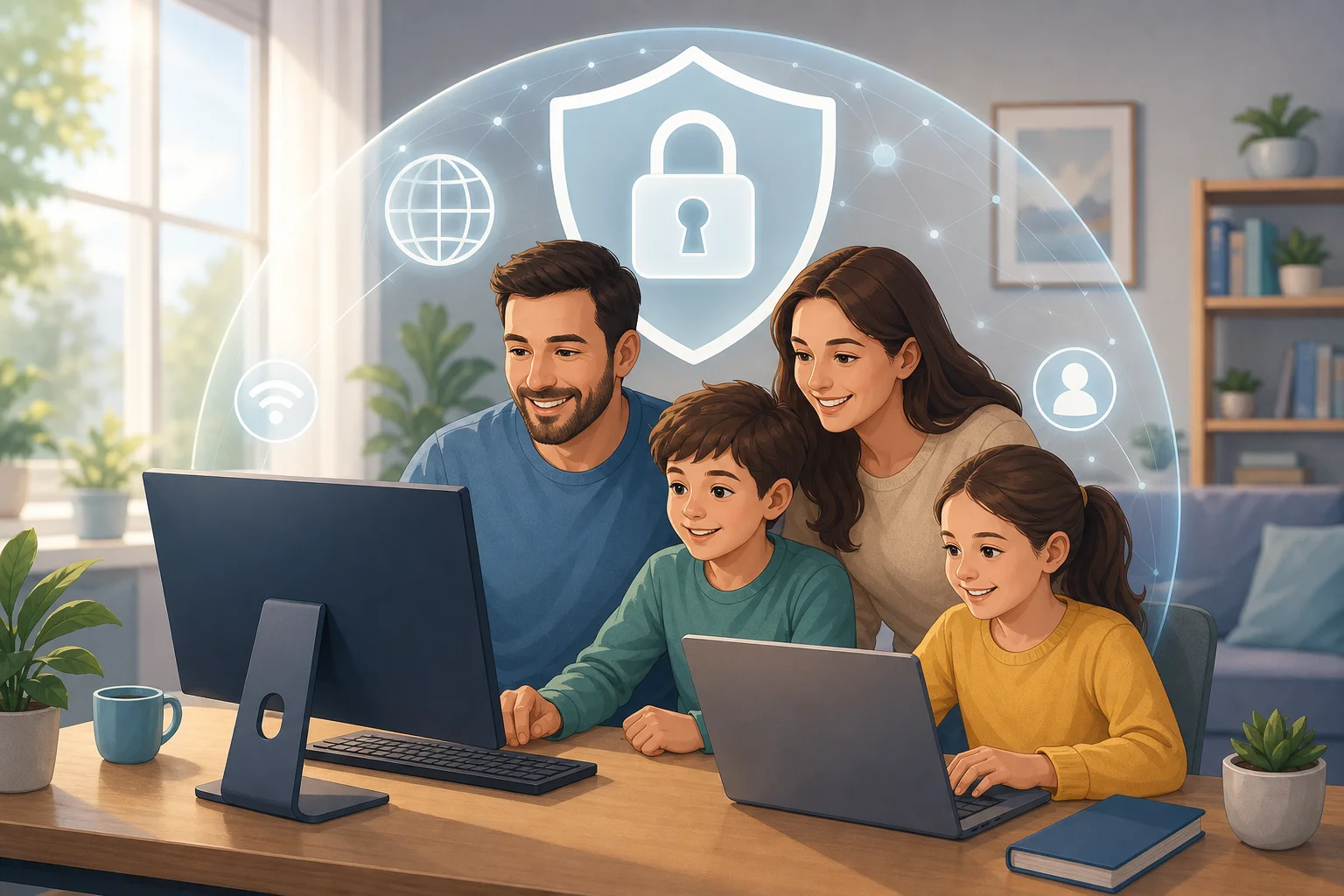
A VPN, or Virtual Private Network, creates an encrypted connection between your computer and the internet. Instead of sending your browsing activity directly through your internet provider or a public Wi-Fi network, the VPN routes it through a secure server. This helps keep your family's online activity more private.
For a home computer, a VPN can offer three main benefits:
- Privacy for everyday browsing: Encryption makes it harder for outsiders to see what websites your family visits, especially on shared or unsecured networks.
- Safer public Wi-Fi use: If your child or another family member uses a laptop at school, a library, an airport, or a café, a VPN can reduce the risk of snooping by attackers on the same network.
- Access to broader online content: A VPN may help bypass some geo-restrictions, allowing family members to reach legitimate educational, entertainment, or travel-related content that may vary by location.
However, a VPN is not a complete security solution by itself. It does not replace antivirus software, strong passwords, software updates, or careful online behavior. Think of it as one layer in your family's digital safety plan.
Are there truly free VPN options available for computers?
Yes. There are free VPN options for computers, including services such as BeFreeVPN, which offers free use with no registration. Many VPN providers also offer a free tier alongside paid plans.
That said, free VPNs often come with trade-offs. Common limits include slower speeds, fewer server locations, device limits, or data caps. These limits may be fine for light browsing, checking email, school research, or occasional public Wi-Fi use. They may be less ideal for streaming, gaming, or large downloads.
Quick comparison: free VPN vs paid VPN for family computers
| Feature | Free VPN for computer | Paid VPN plan |
|---|---|---|
| Cost | No monthly payment | Monthly or yearly fee |
| Registration | Some require an account; some, like BeFreeVPN, may not | Usually required |
| Speed | May be slower during busy times | Often faster and more consistent |
| Data limits | May include caps | Usually unlimited |
| Server choice | Often limited | Larger choice of countries and servers |
| Family use | Good for basic protection | Better for heavy use and many devices |
When choosing any free VPN for your family's computers, focus on trust. Look for a clear privacy policy, transparent terms, modern encryption, and a statement about whether user activity is logged. Avoid unknown apps that promise unlimited everything but give no details about how they protect data.
How can a free VPN ensure my children's safety online?
A free VPN can support children's online safety by making their connection more private and reducing exposure on unsecured networks. For example, if your child uses a laptop on public Wi-Fi, the VPN can help protect logins, browsing sessions, and school-related activity from network snooping.
Some VPN services also include extra safety tools, such as malicious site warnings, DNS filtering, or content-blocking options. These features can help restrict access to harmful or inappropriate websites. Still, not every free VPN includes them, so check the feature list before installing.
A VPN can also mask your child's IP address from websites and services. This does not make a child anonymous in every situation, but it can reduce tracking based on location and network identity.
Steps to make a free VPN safer for children
- Choose a reputable free VPN. Read the privacy policy and avoid services with unclear ownership or aggressive advertising.
- Install it from the official website or trusted app store. This helps avoid fake installers and malware.
- Turn on the VPN before your child uses public Wi-Fi. Make this a simple family rule.
- Add parental controls. Use built-in Windows, macOS, browser, or router controls to manage websites, screen time, and downloads.
- Use safe search and child accounts. These tools work alongside a VPN and help filter inappropriate results.
- Talk about online safety. Explain scams, oversharing, suspicious links, and privacy in age-appropriate language.
In short, a VPN helps protect the connection. Parental controls help manage content. Good family habits help children make safer choices.
What devices can I use a free VPN on with my family?
Most free VPNs are compatible with common computers, including Windows PCs and macOS laptops or desktops. This makes them practical for homework, remote work, browsing, and shared household devices.
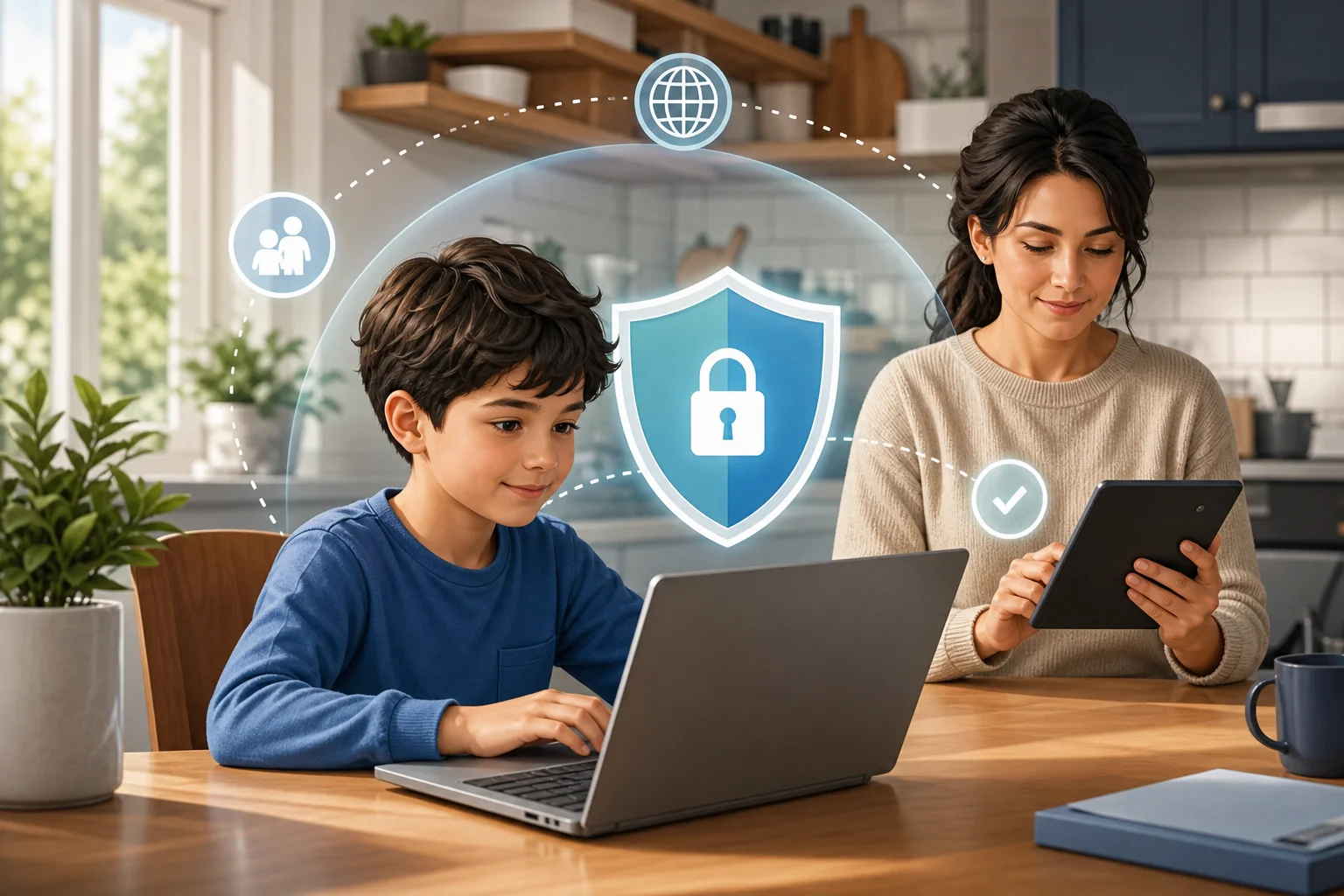
Many VPNs also support smartphones and tablets. That matters because children often move between devices during the day. If a VPN is available for Windows, macOS, Android, and iOS, it is easier to create a consistent safety routine at home and on the go.
Some VPN services can also be installed on a router. Router setup can protect every connected device in the home, including computers, tablets, phones, and some smart TVs. However, router VPN setup may be more technical, and free VPNs do not always support it. Check the provider's setup guides before relying on this option.
For families, the best setup is usually simple:
- Install the VPN app on each main computer.
- Add the VPN to phones and tablets if supported.
- Use router-level parental controls where available.
- Keep antivirus and operating system updates turned on.
This balanced approach gives your household broader protection without making daily internet use too complicated.
Is it true that free VPNs compromise my online security?
Not always. It is a myth that every free VPN is unsafe. However, it is also true that some free VPNs have weak privacy practices, intrusive ads, limited encryption, or unclear data policies. That is why research matters.
A reputable free VPN should explain what data it collects, how it protects users, and whether it logs browsing activity. Services like BeFreeVPN are positioned as privacy-friendly options, with no registration required and a no-logs approach. For families, fewer required personal details can be a meaningful advantage.
Before installing a free VPN on a family computer, ask these questions:
- Does the provider clearly state its privacy policy?
- Does it require unnecessary personal information?
- Does it use modern VPN protocols and encryption?
- Does it show too many ads or redirect searches?
- Is the app available from official, trusted sources?
- Are the limitations clear, such as speed or server access?
If the answer to these questions is unclear, choose another provider. A trustworthy free VPN should make safety easy to understand, not hidden behind vague claims.
Common FAQ: choosing the best free VPN for family computers
What is the best free VPN for a computer at home?
The best free VPN is one that is reputable, easy to use, transparent about privacy, and compatible with your operating system. BeFreeVPN is one option for users who want a free VPN with no registration.
Can I use one free VPN on multiple family devices?
Sometimes. Many VPNs support several platforms, but free plans may limit simultaneous connections. If you need coverage for several computers, phones, and tablets, check the provider's device rules first.
Will a VPN make my computer completely safe?
No. A VPN protects your internet connection, but it does not stop every threat. Use it with antivirus software, parental controls, strong passwords, and regular updates.
Is a free VPN good enough for children?
A free VPN can be good enough for basic privacy and safer public Wi-Fi use. For stronger filtering, use parental controls and safe-search tools alongside the VPN.
Conclusion: should your family use a free VPN for computers?
A free VPN for computers can be a smart first step for family online safety. It can encrypt browsing, protect laptops on public Wi-Fi, and make everyday internet use more private. Still, choose carefully. Look for a service with clear privacy practices, simple setup, and support for the devices your household uses most.
Ready to protect your family's online safety? Try BeFreeVPN for free, with no registration, and secure multiple devices effortlessly.