The ultimate guide to using an anonymous VPN without registration
Why pay for a VPN service when you can have anonymity, security, and freedom online with BeFreeVPN—completely free and no registration required? If you are searching for an anonymous VPN without registration, this guide explains what matters, how VPN privacy works, what paid services really cost, and how to use a no-sign-up VPN more safely across everyday devices.
Online privacy is no longer a niche concern. Public Wi-Fi, tracking networks, location-based restrictions, and data-hungry apps can expose more about you than you expect. A VPN can help, but many VPN services ask for an email address, payment details, and account setup before you even connect. That creates a contradiction: you want privacy, but you must hand over personal information first.
This ultimate guide focuses on the practical alternative: using a free VPN with no registration, with BeFreeVPN as the central example.
1. What Is an Anonymous VPN and Why You Need One?
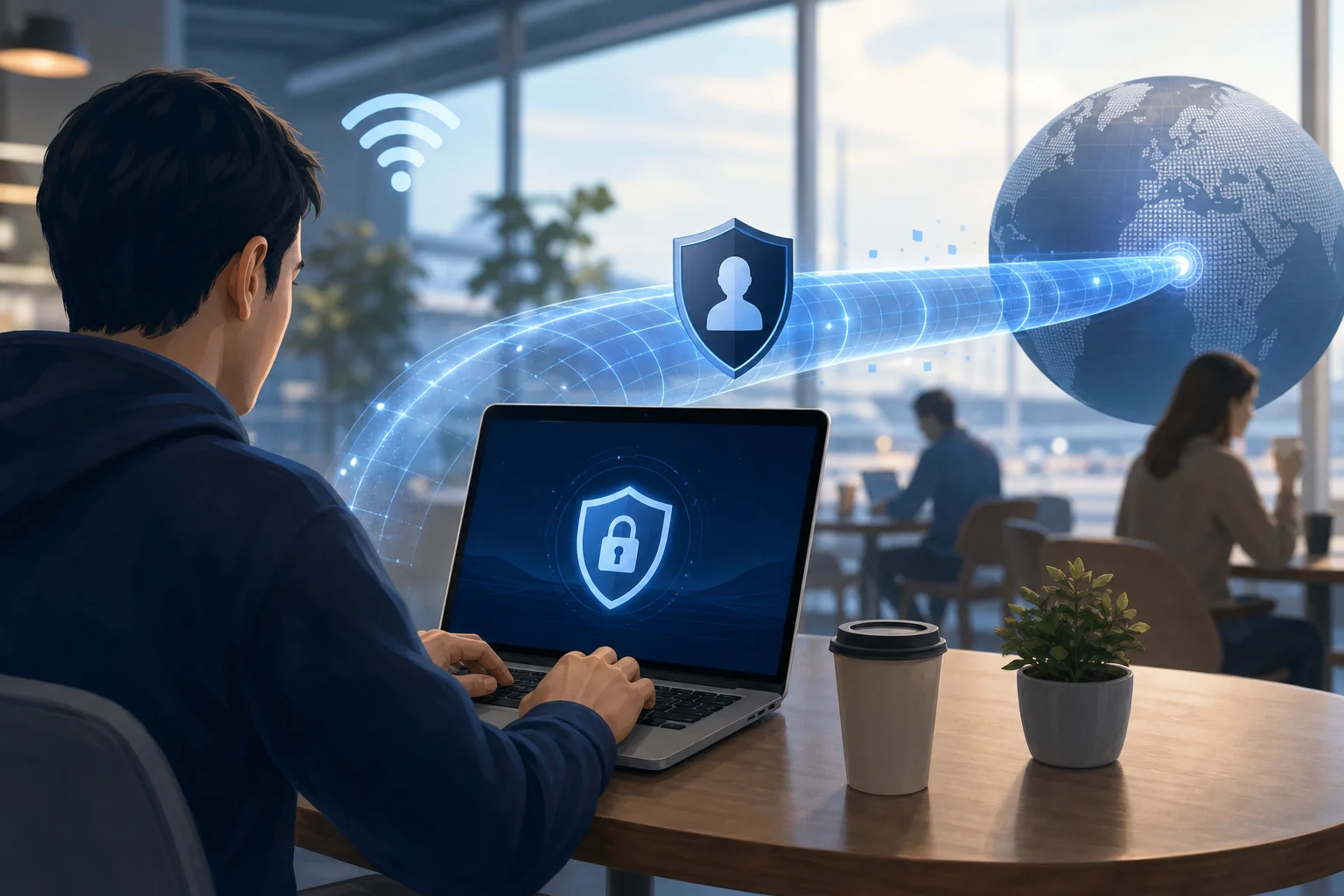
An anonymous VPN is a virtual private network designed to reduce how much identifying information is exposed when you browse, stream, message, work, or use apps online. It does this by routing your internet traffic through an encrypted tunnel and replacing your visible IP address with the IP address of a VPN server.
In simple terms, websites and online services see the VPN server instead of your direct network connection.
Key Features of an Anonymous VPN
A privacy-focused anonymous VPN should offer several core features:
- No registration requirement: You should be able to connect without creating an account or sharing an email address.
- IP address masking: Your real IP address should be hidden from websites, trackers, and many online services.
- Strong encryption: Traffic should be protected from local network snooping, especially on public Wi-Fi.
- Secure VPN protocols: Modern protocols help protect both speed and security.
- No unnecessary personal data collection: The less information a VPN provider asks for, the better.
- Easy setup: A privacy tool should be simple enough for anyone to use.
- Multi-device support: People browse on phones, laptops, tablets, and sometimes smart TVs, so compatibility matters.
An anonymous VPN does not make you invisible in every possible way. Your browser fingerprint, cookies, account logins, payment activity, and app permissions can still identify you. However, a good VPN is one of the most useful first steps toward better online privacy.
Why Online Privacy Matters Today
Everyday internet use creates a data trail. Your internet service provider can see the domains you connect to. Websites can record your IP address. Advertising networks can follow you across pages. Public Wi-Fi operators may monitor traffic patterns. In some places, access to information may also be restricted by location.
A VPN helps by reducing exposure at the network level. This is especially useful when you:
- Use airport, hotel, café, or campus Wi-Fi.
- Want to avoid revealing your home IP address to websites.
- Prefer not to let your internet provider profile every site you visit.
- Need a more private connection while traveling.
- Want to reduce location-based tracking.
- Use apps that connect in the background.
How an Anonymous VPN Protects Your Identity
When you connect to a VPN, your device creates an encrypted tunnel to a VPN server. Your traffic goes through that server before reaching the wider internet.
Here is the basic flow:
- You open the VPN app or connection.
- The VPN encrypts traffic leaving your device.
- Your internet provider sees a connection to the VPN server, not the final websites in the same way.
- Websites see the VPN server IP address, not your original IP address.
- Your data returns through the same protected route.
This process helps separate your browsing activity from your direct network identity. When combined with privacy-friendly browser settings, careful app permissions, and good security habits, it becomes much harder for casual trackers to connect your activity to you.
2. The Cost of Paying for VPN Services
Paid VPN services are common, and many are legitimate. They usually charge a monthly, yearly, or multi-year subscription fee. Some also offer add-ons for dedicated IP addresses, password managers, cloud storage, or antivirus tools.
The problem is not that paid VPNs are always bad. The problem is that payment and registration can add friction and create privacy trade-offs.
Typical Costs of Paid VPN Services
Paid VPN pricing varies, but common models include:
- Monthly plans: Often the most expensive option over time.
- Annual plans: Lower monthly equivalent, but require upfront payment.
- Two-year or three-year plans: Larger discount, longer commitment.
- Premium add-ons: Dedicated IPs, business features, extra device slots, or security bundles.
Even when the price looks small, you usually need to provide an email address and payment method. That can connect your identity to your VPN account unless privacy-preserving payment options are available.
Free vs. Paid VPN Options: A Practical Comparison
| Feature | Paid VPN Services | Typical Free VPNs | BeFreeVPN No-Registration Approach |
|---|---|---|---|
| Upfront cost | Usually subscription-based | Usually free, sometimes limited | Free to start |
| Registration | Often required | Often required | No registration required |
| Payment details | Usually required | Usually not required | Not required |
| Ease of access | Account setup needed | Varies | Designed for quick connection |
| Privacy friction | Email and billing may identify you | Depends on provider | Less personal data needed to begin |
| Best for | Users needing specific premium features | Casual or limited use | Users wanting simple anonymous access |
A paid VPN may be useful if you need enterprise controls, dedicated IP addresses, specialty servers, or customer support with service-level commitments. However, many people simply want a private connection without creating another account. For that use case, an anonymous VPN without registration is often more aligned with the goal.
Why Many Users Think Paid Is the Only Safe Option
Many people have had poor experiences with free tools. Some free VPNs have used intrusive ads, unclear data practices, slow servers, or tight bandwidth limits. As a result, users often assume that paying is the only way to get privacy.
That assumption is understandable, but it is not always correct. What matters is the VPN’s design, transparency, access model, and security posture. A free VPN that does not require registration can reduce the amount of personal information you hand over before connecting. That is a real privacy advantage when implemented responsibly.
3. Introducing BeFreeVPN: The Free, No Registration Option
BeFreeVPN is positioned for users who want simple VPN protection without subscriptions, account creation, or payment details. Its main appeal is direct: you can use a VPN without registering first.
For privacy-conscious users, this matters. An email address, account password, billing record, and subscription profile can all become identifying data. Removing those steps makes it easier to start with less exposure.
Key Features That Make BeFreeVPN Stand Out
BeFreeVPN’s strongest value comes from its low-friction privacy model. Key benefits include:
- No registration: Start without creating a user account.
- No payment requirement: Use the service without entering card details.
- Free access: Helpful for students, travelers, casual users, and anyone avoiding subscription fatigue.
- Simple connection flow: A VPN is most useful when people actually turn it on. Ease of use helps.
- Anonymous browsing support: By masking your IP address, it helps reduce direct exposure.
- Device-friendly access: It is intended for practical use across common devices.
As with any VPN, users should still review available privacy information, app permissions, and platform-specific settings. A good privacy setup is a combination of the right tool and the right habits.
How to Get Started With BeFreeVPN Without Registration
Use this quick step-by-step process:
- Open the BeFreeVPN website or app source. Use the official source to reduce the risk of fake apps or modified installers.
- Install or launch the VPN. Follow the instructions for your device.
- Do not create an unnecessary account. If no registration is required, skip sign-up prompts and connect directly.
- Choose a server or automatic location. Automatic selection is often best for speed. A specific region may help if you need location flexibility.
- Connect to the VPN. Wait until the app confirms that the VPN tunnel is active.
- Check your visible IP address. Use a reputable IP-checking page to confirm that your public IP has changed.
- Browse with privacy-aware habits. Avoid logging into personal accounts if your goal is maximum anonymity.
This simple process makes BeFreeVPN attractive for anyone who wants quick protection without building another digital profile.
Device Compatibility for BeFreeVPN Users
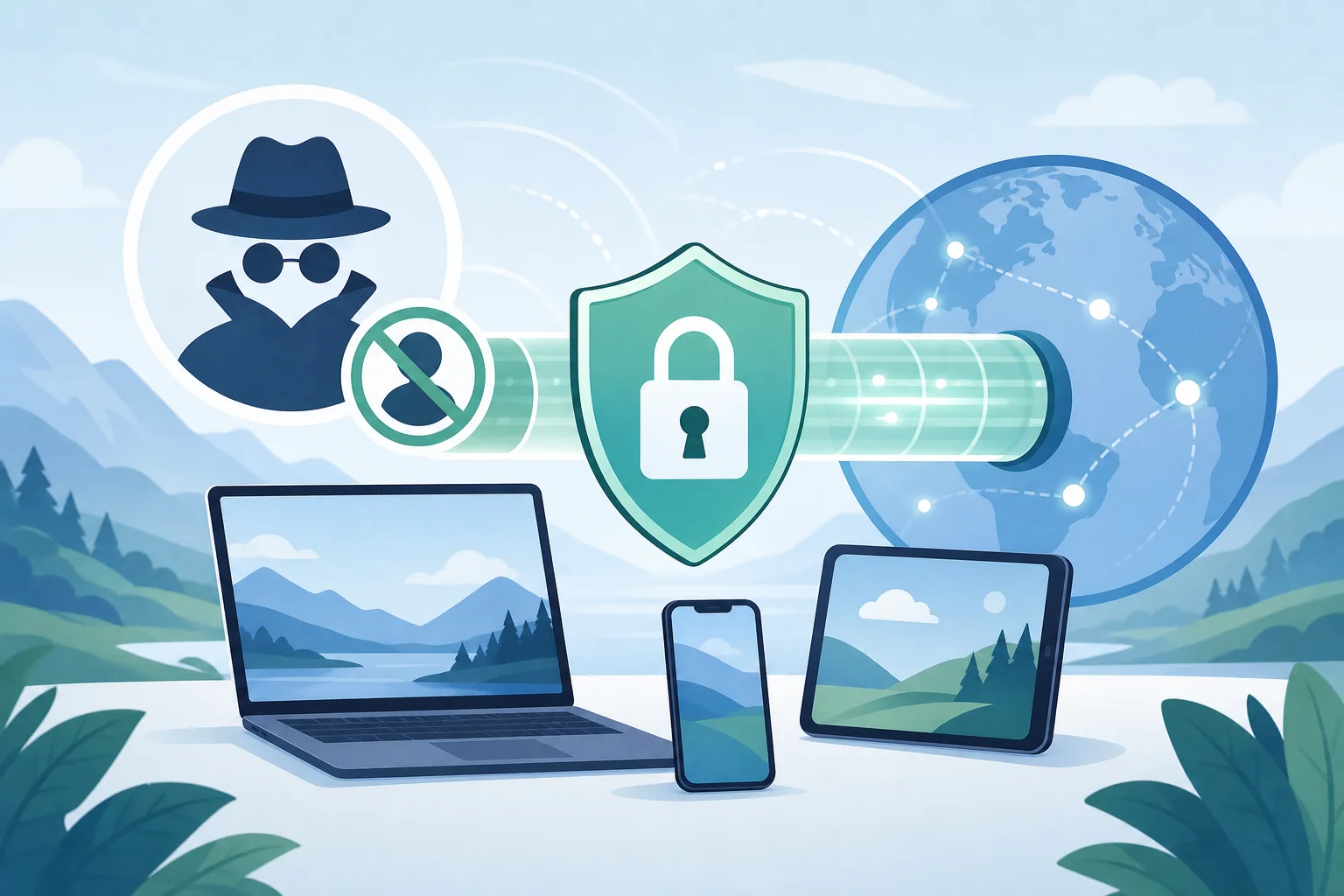
People do not use the internet from one device anymore. A useful no-registration VPN should support common everyday environments, such as:
- Windows laptops and desktops.
- macOS devices.
- Android phones and tablets.
- iPhone and iPad devices.
- Browsers or lightweight access methods, where available.
- Shared networks, such as hotel or café Wi-Fi.
Before installing any VPN, check that you are using the correct version for your operating system. Also keep your device updated. VPN encryption helps protect traffic, but outdated systems and unsafe apps can still create risk.
4. How to Maintain Anonymity Without Registration
Using an anonymous VPN without registration is a strong start, but privacy depends on behavior too. If you connect to a VPN and then sign in to every personal account, websites can still recognize you through those accounts. If you accept every tracking cookie, your browser can still leak patterns.
The goal is not perfection. The goal is to reduce avoidable exposure.
Privacy Settings and Practices That Help
Use these practical habits while connected to any VPN:
- Turn the VPN on before opening sensitive apps or websites. This avoids accidental direct connections.
- Use private browsing windows when appropriate. They reduce local history and cookie persistence.
- Limit account logins. If anonymity is the goal, avoid logging into accounts tied to your real identity.
- Block third-party trackers. Use browser privacy settings or reputable content blockers.
- Disable unnecessary location permissions. Apps can use GPS, Wi-Fi, or Bluetooth signals even when your IP is masked.
- Clear cookies and site data regularly. Cookies can identify you across sessions.
- Use HTTPS websites. Most modern sites support HTTPS, which protects content between your browser and the site.
- Keep apps and operating systems updated. Security patches matter.
- Avoid suspicious browser extensions. Extensions can often read or modify browsing data.
Why Secure Protocols Matter
A VPN protocol controls how your device creates and maintains the encrypted tunnel. Modern protocols are designed to balance security, speed, and reliability. Older or weak configurations can create vulnerabilities or unstable connections.
Look for VPN services that support secure, current protocols and avoid outdated options when possible. Also consider features such as DNS leak protection and automatic reconnection. These reduce the chance that traffic will leave the encrypted tunnel unexpectedly.
How BeFreeVPN Makes These Practices Easier
A no-registration model removes a major privacy hurdle: account identity. With BeFreeVPN, the core idea is simple access without personal sign-up. That means users can focus on safe browsing habits instead of managing another username, password, and billing profile.
For best results, combine BeFreeVPN with:
- Updated device software.
- Strong browser privacy settings.
- Minimal account logins during private sessions.
- Careful app permission management.
- Regular checks for IP and DNS leaks when changing networks.
This layered approach gives you stronger privacy than relying on any single tool alone.
5. Common Myths About Free VPNs Dispelled
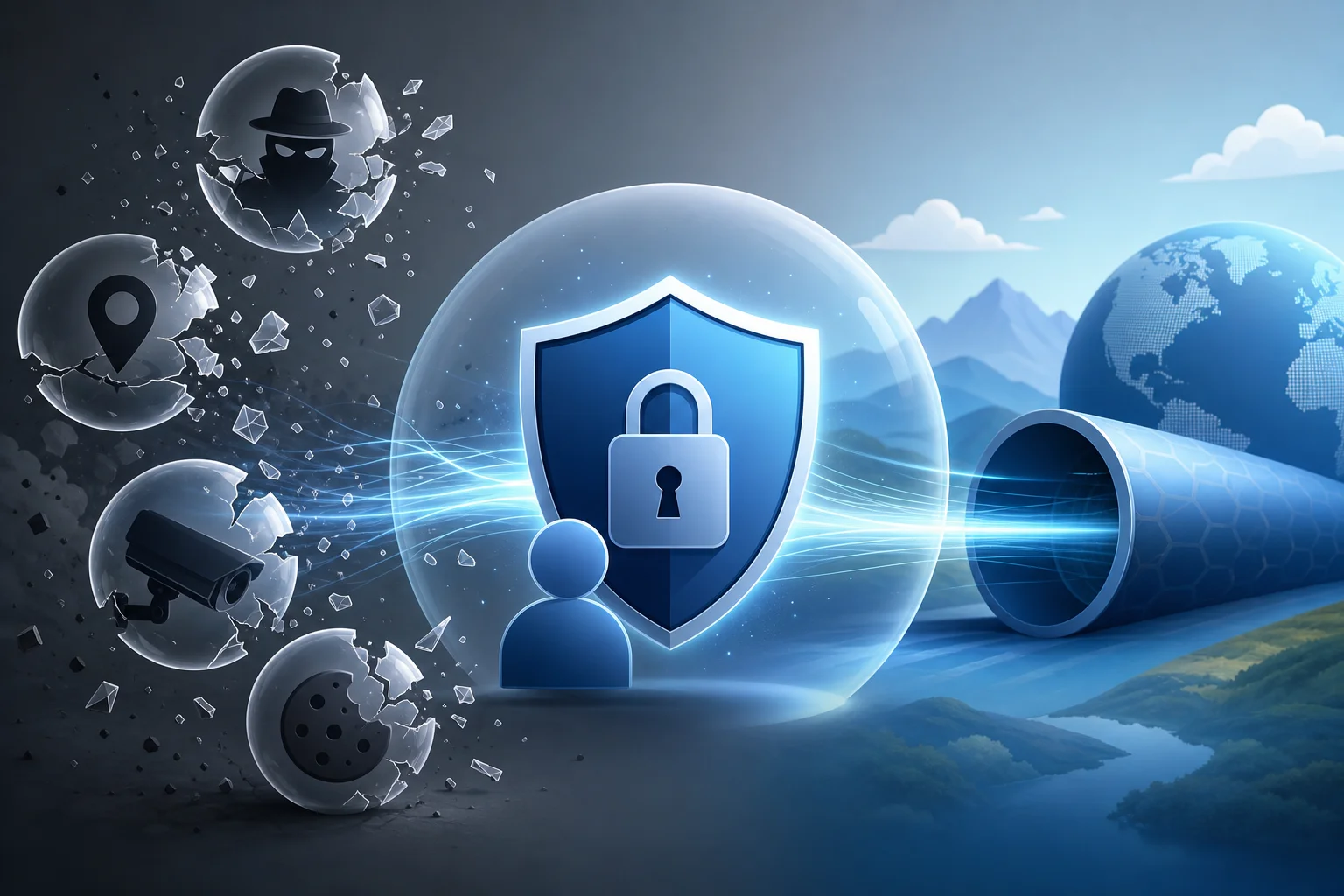
Free VPNs often get dismissed as unsafe or useless. Some criticism is fair. Not every free VPN is trustworthy. However, broad claims can be misleading. The better approach is to evaluate each VPN by its privacy model, data requirements, security practices, and user experience.
Myth 1: “Every Free VPN Is Dangerous”
Some free VPNs have poor practices, but “free” does not automatically mean unsafe. Many respected privacy and security tools are free or open-access because they use alternative funding models, freemium structures, donations, public-interest missions, or simplified service designs.
What matters is whether the VPN is transparent about how it operates. A safer free VPN should avoid unnecessary registration, explain its privacy approach, and use secure connection methods. BeFreeVPN’s no-registration model is valuable because it reduces the amount of personal data needed to start.
Myth 2: “You Must Pay to Get Real Privacy”
Payment does not automatically create privacy. In fact, paying with a personal card can link your real identity to your VPN subscription. A paid VPN may still be a good product, but the payment record and account profile are privacy considerations.
For many users, a free VPN without registration better matches the goal of minimizing personal data exposure. If your main needs are IP masking, safer public Wi-Fi use, and easier private browsing, a no-sign-up VPN can be enough.
Myth 3: “Free VPNs Are Always Too Slow”
Speed depends on server load, distance, network quality, device performance, and VPN protocol. Some free VPNs are slow because they restrict resources or overload servers. Others are usable for everyday browsing, messaging, and general online activity.
To improve speed on any VPN:
- Choose the nearest suitable server.
- Use automatic server selection when available.
- Close bandwidth-heavy background apps.
- Update the VPN app.
- Test both Wi-Fi and mobile data if available.
Myth 4: “Free VPNs Cannot Be Secure”
Security depends on implementation. A VPN should use strong encryption, secure protocols, and sensible privacy defaults. Cybersecurity guidance from public agencies and privacy organizations consistently supports the use of encrypted connections, especially on untrusted networks. A VPN can be one useful part of that safer connection strategy.
Still, users should be realistic. A VPN does not replace antivirus protection, secure passwords, multi-factor authentication, or careful browsing. It protects the network path; it does not make unsafe behavior safe.
How to Judge a Quality Free VPN
Before trusting any free VPN, ask these questions:
- Does it require registration?
- Does it ask for payment details?
- Does it clearly explain privacy practices?
- Does it use secure VPN protocols?
- Does it request excessive device permissions?
- Is it easy to turn on and verify?
- Does it work reliably on your device?
BeFreeVPN stands out because it focuses on the simplest privacy promise: free access without registration.
6. Quick Answer: Your Questions Answered
What features should I look for in an anonymous VPN?
Look for no registration, IP masking, strong encryption, secure protocols, DNS leak protection, clear privacy practices, and easy setup. Multi-device compatibility is also important if you move between phone, laptop, and tablet.
How can I ensure my data is secure on a free VPN?
Use the official VPN source, keep your device updated, choose secure protocols when settings are available, avoid unnecessary permissions, and check that your IP address changes after connecting. Also use HTTPS websites and avoid logging into personal accounts when you want maximum anonymity.
Can I use BeFreeVPN on multiple devices safely?
Yes, you can use BeFreeVPN safely on multiple devices when you install it from official sources, keep each device updated, and apply the same privacy habits everywhere. Each device should be checked for VPN connection status before sensitive browsing.
Is an anonymous VPN without registration legal?
In many countries, using a VPN is legal. However, laws and platform rules vary by location. A VPN should be used for legitimate privacy, security, and access purposes. It does not give permission to break laws or violate service terms.
Does a no-registration VPN make me completely anonymous?
No VPN can guarantee complete anonymity by itself. A no-registration VPN reduces account-based identification, and IP masking helps protect your network identity. For stronger privacy, combine it with private browsing habits, tracker blocking, secure passwords, and careful account use.
7. Key Takeaways
- An anonymous VPN is essential for online privacy. It helps mask your IP address, encrypt traffic, and reduce exposure on public and private networks.
- Registration can weaken privacy. If a VPN asks for your email, account details, and payment method, that information may link you to the service.
- BeFreeVPN offers a reliable, no-cost alternative to paid services. Its free, no-registration approach is ideal for users who want quick and simple privacy protection.
- Free does not always mean unsafe. Quality depends on the provider’s design, transparency, security practices, and data requirements.
- Your habits still matter. Avoid unnecessary logins, manage cookies, block trackers, and keep your devices updated.
- A VPN is one layer of privacy. It works best alongside secure browsing, strong passwords, HTTPS, and careful app permissions.
Choosing an anonymous VPN without registration is a practical way to reduce personal data exposure before you even connect. Instead of creating another account or paying for features you may not need, you can start with a simpler privacy model. Experience online freedom with BeFreeVPN today—it's completely free, requires no registration, and works seamlessly on any device!