How Alex used a private VPN for computer to unlock streaming potential
Meet Alex, a remote worker whose love for streaming was hindered by geo-restrictions, until he found a solution in BeFreeVPN. In this case study, we follow how a private VPN for computer helped Alex reduce streaming roadblocks, access a wider range of content, and make better use of his work-from-home setup without complicated registration steps or device changes.
Alex’s story is familiar to many people who work online, relax online, and expect entertainment to be as flexible as their schedule. Yet, as he learned, streaming access often depends on where you are, how your internet provider manages traffic, and whether your device can connect through a reliable VPN service.
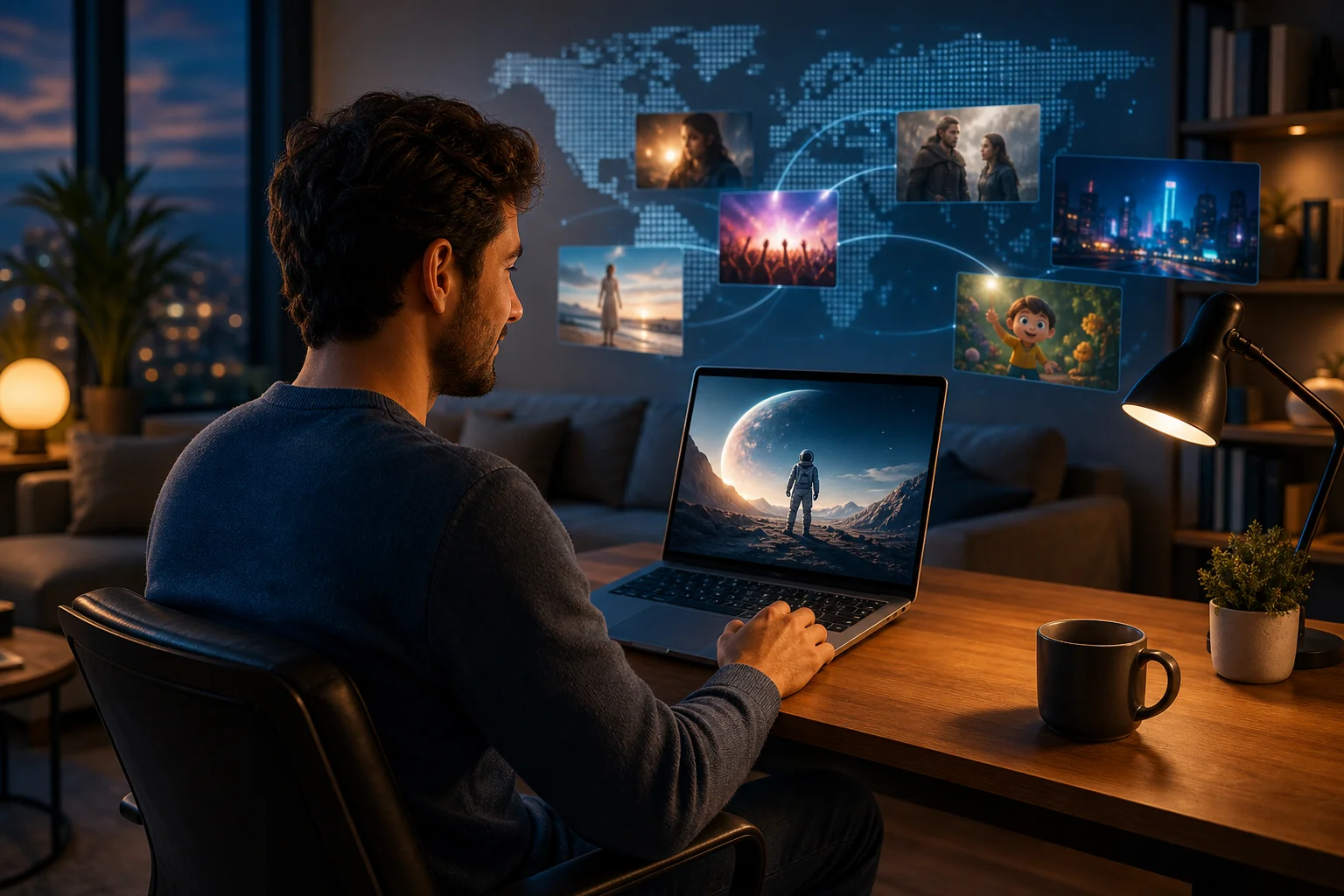
1. Meet Alex, the Remote Worker
Alex works from home as a project coordinator for a distributed team. His day is built around video calls, shared documents, and flexible blocks of focus time. Some mornings start early with clients in another time zone. Other days end late after a product launch or team review.
That flexibility is one of the reasons he enjoys remote work. Instead of commuting, he can prepare lunch at home, walk between meetings, and plan his evenings around the shows and films he wants to watch.
A movie and series fan with global taste
Alex is not a casual viewer. He loves international films, limited series, documentaries, and regional releases that rarely appear on the same platform at the same time. On weekends, he often searches for new titles from Europe, Asia, and Latin America. He follows critics, reads watchlists, and keeps notes on what to stream next.
However, his interest in global content soon ran into a common problem: streaming libraries are not the same everywhere. A series recommended by a friend abroad might be missing from his account. A documentary available in one country might show an error message in his region. A film he planned to watch after work could disappear behind a location-based restriction.
For Alex, the issue was not a lack of interest. It was a lack of access.
2. The Challenge: Streaming Restrictions
At first, Alex treated geo-restrictions as a minor inconvenience. If one title was unavailable, he searched for another. If one platform blocked a show, he checked a different service. But over time, the pattern became frustrating.
He would read about a new release, open the platform on his computer, and find that it was not available in his location. Sometimes the platform showed a generic message. Other times, the title simply did not appear in search results.
Hours lost to workarounds
Because Alex is comfortable with technology, he tried to solve the problem on his own. He compared release dates, checked regional availability pages, searched forums, and looked for legal alternatives. Some methods worked occasionally, but none were simple or consistent.
The real problem was the time cost. A relaxing movie night could turn into an hour of searching. Instead of watching the show he wanted, Alex would end up reading comments about why it was unavailable.
Peak-hour slowdowns made it worse
Geo-restrictions were only part of the challenge. During peak evening hours, Alex noticed that streaming quality often dropped. Videos took longer to load. High-definition playback would sometimes shift to a lower resolution. In some cases, buffering interrupted scenes at the worst possible moment.
There can be many reasons for slower streaming, including network congestion, Wi-Fi issues, device performance, or platform-side problems. In Alex’s case, the pattern suggested that his internet service provider may have been limiting certain types of traffic during busy periods. That meant even when content was available, the viewing experience was not always smooth.
Alex’s streaming pain points at a glance
| Problem | What Alex experienced | Why it mattered |
|---|---|---|
| Geo-restricted libraries | Shows and films blocked in his region | Fewer entertainment choices |
| Time-consuming searches | Long sessions looking for alternatives | Less time actually watching |
| Peak-hour slowdowns | Buffering and lower quality | Frustrating viewing experience |
| Device dependence | Most watching happened on his computer | Needed a VPN that worked well on desktop |
By this point, Alex knew he needed a more direct solution. He did not want a complicated setup. He wanted a private VPN for his computer that could help him stream more freely while fitting into his normal routine.
3. The Solution: Discovering BeFreeVPN
After comparing options, Alex discovered BeFreeVPN. What caught his attention first was its free, no-registration approach. He did not want to create yet another account just to test whether a VPN could help. He also wanted something he could use quickly on the computer where he watched most of his content.
BeFreeVPN appealed to him because it was designed to be simple. Instead of forcing him through a long sign-up process, it gave him a practical way to connect and start testing access. For someone who had already spent too much time troubleshooting streaming problems, that mattered.
Why a private VPN for computer made sense
A VPN, or virtual private network, routes your internet connection through a remote server. This can help mask your visible IP address and make your connection appear as though it is coming from another supported location. For streaming, that can be useful when content availability varies by region.
A VPN may also help in cases where an internet provider slows certain types of traffic. Because VPN traffic is encrypted, the provider may have less visibility into the specific service being used. That said, results can vary. A VPN is not a magic speed booster, and performance depends on server quality, distance, network load, and your base internet connection.
For Alex, the goal was realistic: find a simple computer VPN that could help him access more content and create a more consistent streaming experience.
What Alex liked about BeFreeVPN
Alex focused on three practical features:
- Free access: He could try the service without a paid commitment.
- No registration: He did not need to create an account before getting started.
- Computer support: He could use it on the device where he streamed most often.
These points made BeFreeVPN feel less like a technical project and more like a quick fix he could test after work.
Step-by-step: how Alex got started
To keep things simple, Alex followed a short setup process:
- He chose BeFreeVPN after reviewing its free, no-registration access.
- He installed it on his computer so he could use it with his usual streaming setup.
- He opened the VPN app or connection tool and selected an available server.
- He connected before launching his streaming platform to make sure the session used the VPN connection.
- He tested previously restricted titles to see whether access improved.
- He checked playback quality during peak hours to compare the experience with his usual connection.
The process was direct enough that Alex did not need to change his viewing habits. He still used the same computer, same browser, and same streaming accounts. The main difference was that BeFreeVPN became part of his pre-streaming routine.
4. Results: Unlocking the World of Streaming
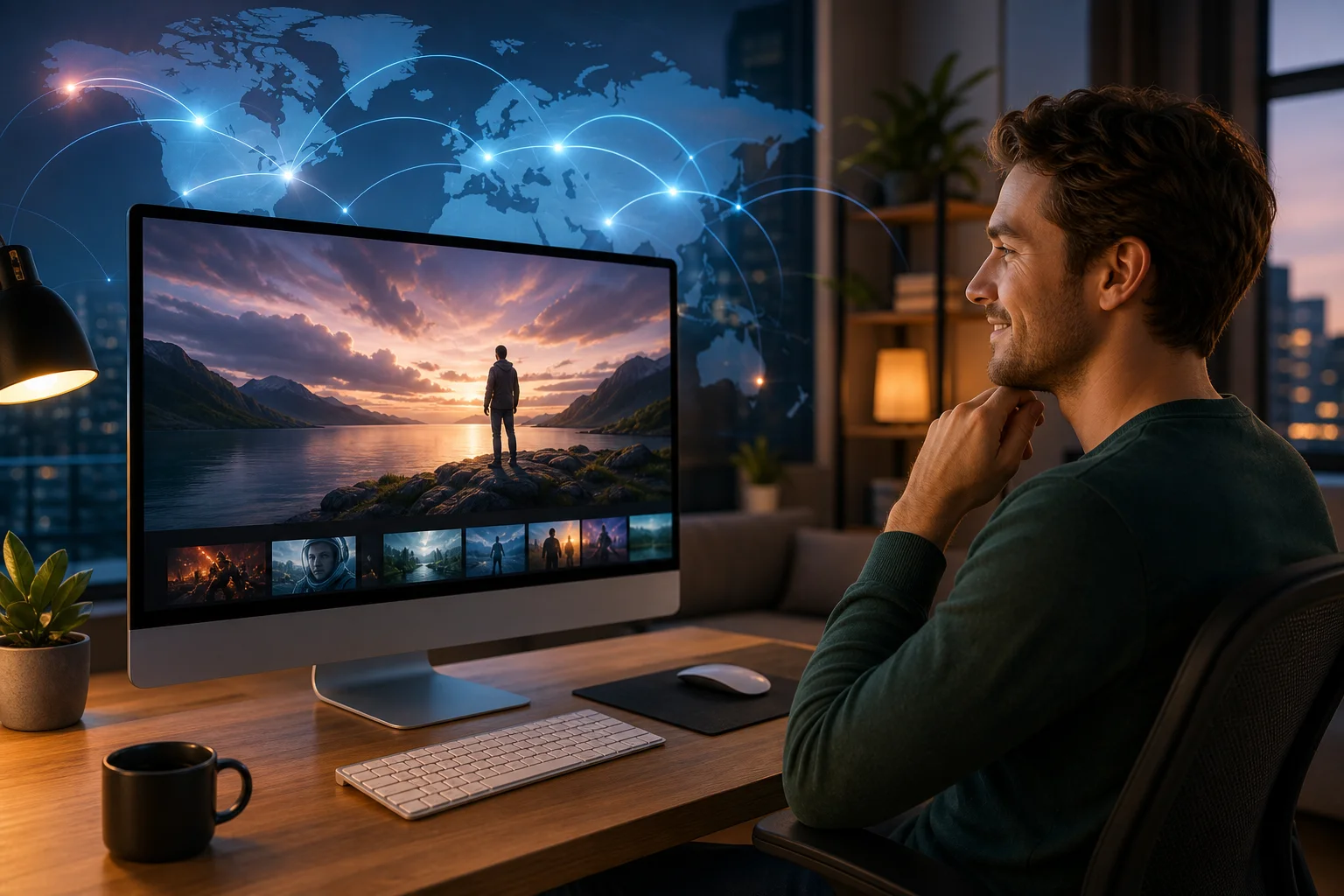
Once BeFreeVPN was installed, Alex connected to a server and opened one of the platforms that had previously limited his viewing options. The difference was immediate. Titles that had not appeared before were now visible, and some region-blocked pages loaded without the familiar access message.
For Alex, this was the moment the value became clear. A private VPN for computer was not just a privacy tool. In his daily life, it became a practical way to reduce entertainment friction.
More content, less searching
The biggest improvement was choice. Instead of spending his evening searching for workarounds, Alex could browse a wider range of available shows and films. He found international titles he had bookmarked weeks earlier. He also discovered new categories that were not visible in his standard regional library.
This changed how he planned his downtime. He no longer treated streaming as a gamble. If a friend recommended a show, he had a better chance of finding it. If an article mentioned a regional release, he could check it quickly.
Better playback consistency
Alex also noticed smoother viewing during the hours when his connection usually struggled. In his case, using BeFreeVPN appeared to reduce the impact of traffic-based throttling. Video quality stayed more stable, and buffering became less frequent.
It is important to set expectations here. A VPN can sometimes improve streaming consistency if the problem is related to ISP throttling or routing. However, it can also slow down a connection if the server is far away or overloaded. Alex’s positive result came from choosing a server that worked well with his location and streaming needs.
A simple before-and-after view
Before BeFreeVPN, Alex’s evenings often looked like this:
- Search for a title.
- Find it unavailable.
- Look for alternatives.
- Deal with buffering during peak hours.
- Give up or watch something else.
After using BeFreeVPN, the routine became smoother:
- Connect to a VPN server.
- Open the streaming platform.
- Browse a broader library.
- Start playback with fewer interruptions.
- Spend more time watching and less time troubleshooting.
That shift was the real win. BeFreeVPN helped Alex turn streaming back into entertainment instead of a technical chore.
5. Takeaways: How a Private VPN Changed Alex’s Streaming Game
Alex’s experience highlights how the right VPN can make a meaningful difference for viewers who face location blocks and inconsistent streaming performance.
Key lessons from Alex’s case
First, a VPN is most useful when it solves a clear problem. Alex was not looking for extra complexity. He had specific pain points: geo-restricted content, time wasted on searches, and peak-hour slowdowns.
Second, ease of use matters. A VPN that requires too many steps can become another obstacle. BeFreeVPN’s free, no-registration model made it easier for Alex to test the service and decide whether it fit his needs.
Third, the best results come from practical testing. Alex did not assume every server would perform the same way. He checked content access, watched playback quality, and adjusted his connection when needed.
Why Alex recommended BeFreeVPN to friends
After a few successful streaming sessions, Alex started telling friends about his setup. Some of them had similar issues with region-locked libraries. Others wanted a simple VPN for computer use without creating a new account.
His recommendation was not based on hype. It came from a clear before-and-after experience. BeFreeVPN gave him a way to enjoy more global content, reduce hassle, and feel less limited by his default location.
Responsible streaming still matters
Alex also learned that using a VPN does not remove the need to follow platform rules, copyright laws, and local regulations. Streaming services may have terms that address VPN use, and availability can change over time. A private VPN can help improve access and privacy, but users should make informed choices and respect applicable rules.
For Alex, that meant using BeFreeVPN as a convenience and privacy tool while continuing to rely on legitimate streaming accounts.
6. Final Thoughts: Experience the Freedom with BeFreeVPN
Alex’s story shows how a private VPN for computer can enhance streaming when geo-restrictions and network slowdowns get in the way. It helped him access a broader selection of content, reduce time spent searching for alternatives, and create a more reliable entertainment routine after work.
BeFreeVPN stood out because it matched what Alex needed: free access, no registration, and support for computer-based streaming. For intermediate users who understand the basics of VPNs but want a simple option, that balance can be especially useful.
FAQ: private VPN for computer and streaming
What is a private VPN for computer?
A private VPN for computer is a tool that routes your desktop or laptop internet traffic through an encrypted VPN server. It can help protect privacy, change your visible IP location, and access content that may vary by region.
Can a VPN help with geo-restricted streaming?
Yes, a VPN can help in many cases by making your connection appear to come from a different supported location. However, results depend on the streaming platform, the VPN server, and the service’s current policies.
Will BeFreeVPN always make streaming faster?
Not always. No VPN can guarantee faster speeds in every situation. BeFreeVPN may improve consistency if your ISP is throttling specific traffic, but speed also depends on your internet connection, server distance, and network conditions.
Do I need to register to use BeFreeVPN?
BeFreeVPN offers free, no-registration access, which makes it easy to try before making it part of your streaming routine.
Is a computer VPN useful beyond streaming?
Yes. A VPN for computer can also help protect browsing privacy on public Wi-Fi, reduce exposure of your IP address, and add encryption to your internet connection.
Conclusion
If streaming restrictions have made your evenings feel limited, Alex’s experience offers a practical path forward. A simple VPN setup can give you more control over how you browse, stream, and enjoy global entertainment on your computer.
If you're like Alex and want to enjoy unlimited streaming without restrictions, try BeFreeVPN today for free—no registration required!