VPN for Fire TV for streaming: myths vs facts comparison
Are you still believing common myths about VPNs for Fire TV streaming? It's time to uncover the truth and enhance your streaming experience. If you are looking for a VPN for Fire TV for streaming, the real question is not whether VPNs are “good” or “bad.” It is whether the service you choose is fast, easy to install, compatible with Fire TV, and suited to the apps you actually use.
This comparison separates common myths from practical facts. You will see how VPNs affect speed, how setup works on Amazon Fire TV devices, and how popular VPN options compare for streaming-focused users.
Quick comparison table
A VPN on Fire TV can help protect your connection, reduce exposure on shared networks, and make streaming more private. However, it is not magic. It cannot fix a poor internet plan, guarantee access to every streaming library, or bypass every platform restriction. The best approach is to compare realistic benefits against common assumptions.
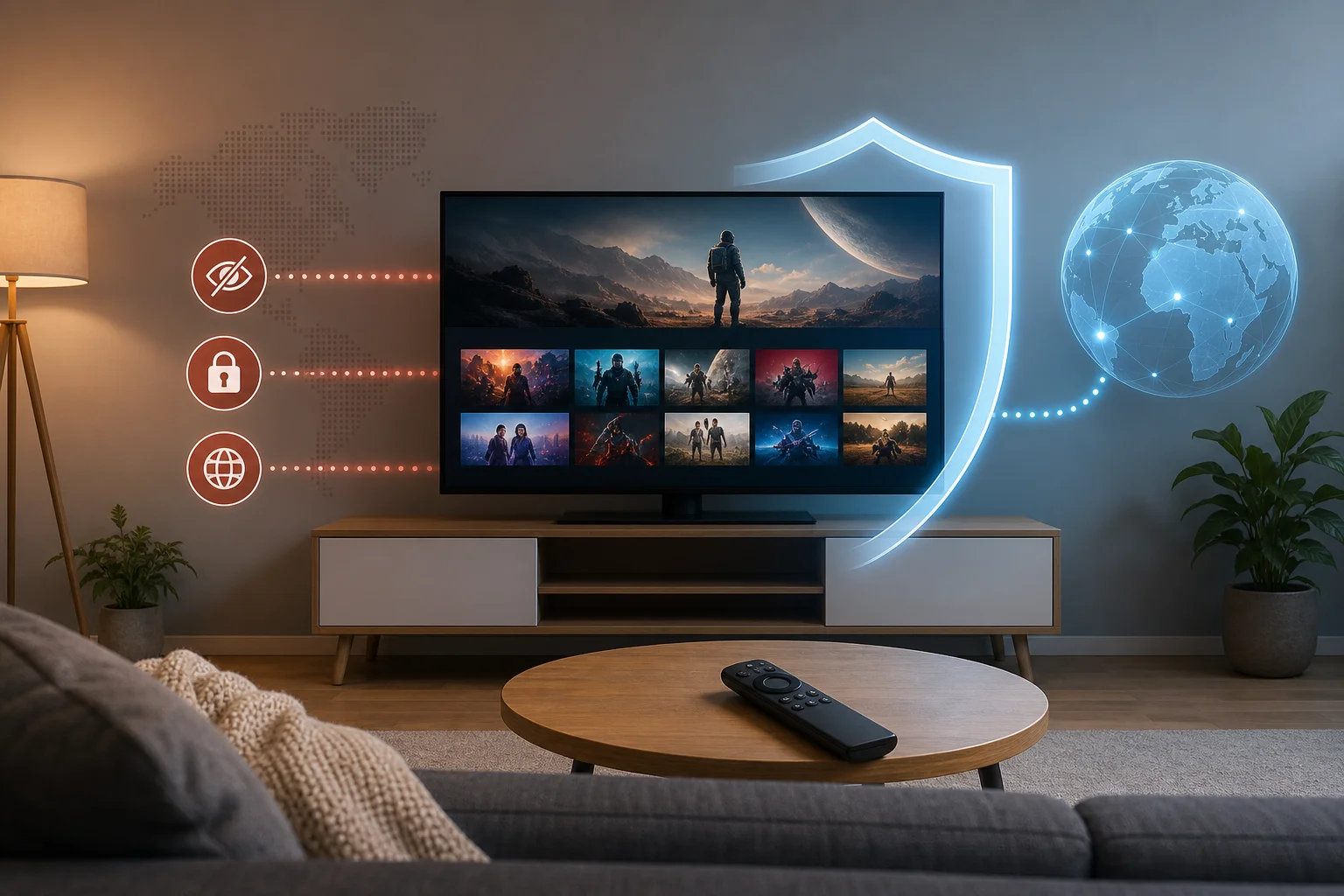
Key myths vs facts about VPNs for Fire TV streaming
| Myth | Fact | What it means for Fire TV users |
|---|---|---|
| A VPN always slows streaming to a crawl | A well-optimized VPN can maintain stable HD or 4K-capable speeds when the base connection is strong | Choose nearby servers and a modern protocol for better performance |
| VPN setup requires advanced technical skill | Most Fire TV VPN apps install from the Amazon Appstore in a few steps | Intermediate users can set up a VPN without router changes or sideloading |
| All VPNs work the same for streaming | VPNs differ in app design, server load, protocol support, and streaming reliability | Pick a service built for TV use, not only desktop browsing |
| Free VPNs are always unusable | Some free options can be useful if they are transparent, no-registration, and easy to control | Check limits, privacy terms, and Fire TV compatibility before relying on one |
| A VPN guarantees access to every streaming platform | Streaming services may restrict VPN traffic and terms vary by provider | Use VPNs responsibly and follow the rules of each streaming service |
Side-by-side comparison of popular VPN services for Fire TV
| VPN service | Fire TV compatibility | Setup experience | Streaming performance focus | Best fit |
|---|---|---|---|---|
| BeFreeVPN | Designed for simple Fire TV use | Free, no-registration flow; minimal friction | Ease, quick connection, and simple streaming protection | Users who want a fast start without signup steps |
| NordVPN | Fire TV app available | App-based setup with account login | Large server network and modern protocols | Users who want advanced features and many server choices |
| ExpressVPN | Fire TV app available | Polished app with account login | Known for simple apps and stable performance | Users who value premium usability |
| Surfshark | Fire TV app available | App-based setup with account login | Multi-device plans and streaming-friendly features | Households with many devices |
| Proton VPN | Fire TV support may depend on app availability and plan | More privacy-focused setup | Strong privacy positioning; streaming features vary by plan | Users who prioritize privacy controls |
The main takeaway is simple: the best VPN for Fire TV streaming is not only the one with the longest feature list. It is the one that stays easy to use from the couch, connects quickly, and performs well on your home network.
Myth: VPN slows down streaming speeds
The most common concern is speed. Many users assume that switching on a VPN will instantly cause buffering, lower video quality, and delayed loading. This myth comes from real but outdated experiences with crowded servers, weak encryption protocols, or low-quality free VPNs.
The fact is more balanced. Any VPN adds an extra step between your Fire TV and the streaming service. That can increase latency and reduce speed. However, quality VPN services optimize server routing, use efficient protocols, and provide locations that are close enough to keep the connection smooth.
For streaming, stability often matters more than peak speed. A connection that holds steady is better than one that tests fast for five seconds and then drops. On Fire TV, that means fewer quality shifts and less buffering during long viewing sessions.
What affects VPN streaming speed on Fire TV
Several factors decide whether a VPN feels fast or slow:
- Your original internet speed: A VPN cannot create bandwidth that your internet plan does not provide.
- Server distance: A nearby VPN server usually performs better than one across the world.
- Server congestion: Busy servers may slow down during peak hours.
- VPN protocol: Modern protocols are often faster and more stable than older ones.
- Wi-Fi quality: Fire TV devices on weak Wi-Fi may buffer even without a VPN.
- Streaming resolution: 4K streaming needs much more consistent bandwidth than HD.
Case examples of VPNs that maintain speed on Fire TV
Premium services such as NordVPN, ExpressVPN, and Surfshark are often chosen by users who want a wide server selection and streaming-oriented performance. They provide native Fire TV apps and usually allow quick server switching if one location feels slow.
BeFreeVPN takes a different route by focusing on simplicity. For many streaming users, fewer setup barriers matter. A no-registration VPN can reduce friction when you simply want to connect and watch. As with any VPN, results depend on your base internet speed, chosen server, and the streaming app you use.
To get the best performance, connect to the nearest suitable server first. Then test your usual streaming app. If playback buffers, switch servers before assuming the VPN is the problem.
Myth: VPNs are complicated to set up on Fire TV
Another common myth is that installing a VPN on Fire TV requires router configuration, sideloading APK files, or advanced networking knowledge. That may have been true for some older setups. Today, many VPNs offer dedicated Fire TV apps through the Amazon Appstore.
For most users, the process feels similar to installing any other streaming app. You search, install, open, connect, and return to your streaming service. Some VPNs require an account and subscription. Others, such as BeFreeVPN, emphasize a no-signup experience.
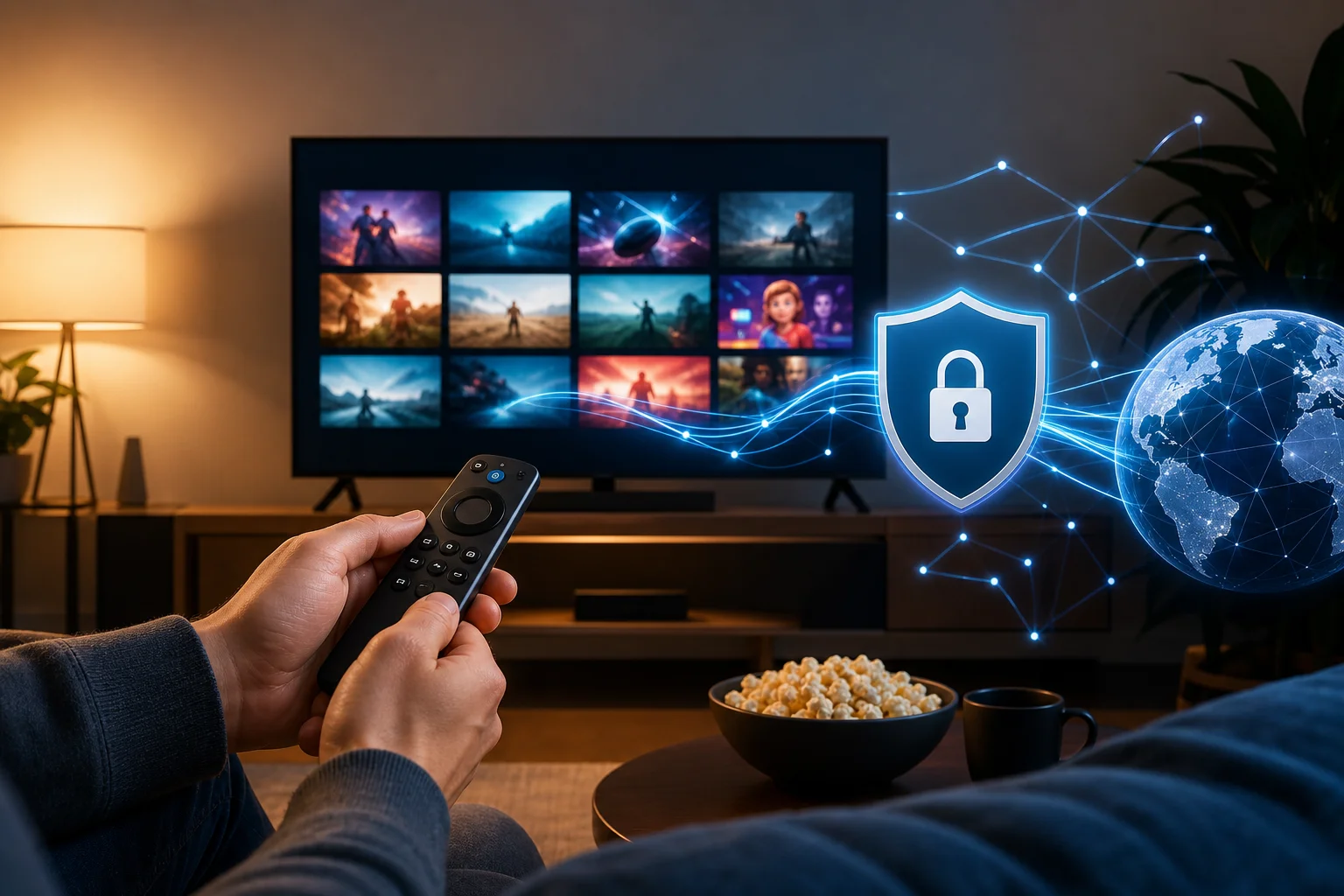
How to install a VPN on Fire TV step by step
Follow these steps for a typical Fire TV VPN setup:
- Open your Fire TV home screen. Make sure your device is connected to the internet.
- Go to Find or Search. Use the remote or voice search to look for your VPN app.
- Select the VPN app. Choose the official app from the results. Avoid unknown copies or lookalike apps.
- Install the app. Wait for the download and installation to finish.
- Open the VPN. Launch it from the app page or your Fire TV apps list.
- Sign in if required. Paid VPNs usually ask for account login. A no-registration option may let you continue without this step.
- Choose a server. For speed, start with a nearby or recommended location.
- Connect the VPN. Accept any Fire TV VPN connection prompt if shown.
- Open your streaming app. Test playback and check whether the connection feels stable.
- Adjust if needed. If buffering appears, try another server or restart the Fire TV app.
This process is simple enough for most intermediate users. Router-level VPN setup is still useful if you want to protect every device in your home, but it is not required for basic Fire TV streaming.
Which should you choose?
Choosing a VPN for Fire TV depends on your streaming habits, technical comfort level, and privacy expectations. A powerful VPN with many settings may be ideal for advanced users. A lightweight no-registration VPN may be better if you value speed of setup and minimal hassle.
Criteria to consider when selecting a VPN for Fire TV
Use this checklist before choosing:
- Native Fire TV app: This is the easiest setup path.
- Simple remote-friendly interface: Big buttons and clear server lists matter on TV.
- Reliable performance: Look for stable playback, not only advertised speed.
- Server choice: More locations can help when one server is busy.
- Privacy policy: Understand what data is collected and why.
- Registration requirements: Some users prefer no-signup tools for convenience.
- Cost: Free can be useful, but paid plans may offer more server choices and features.
- Support options: Help pages and live support can matter if streaming apps fail to load.
Comparing user interfaces and ease of use
Fire TV is not a laptop. You are using a remote, often from several feet away. So the best VPN interface is the one that reduces clicks.
BeFreeVPN is appealing for users who want a direct path: open the app, connect, and stream. NordVPN and Surfshark offer more settings, which can be useful but may feel busier. ExpressVPN is known for a clean app experience, though it still requires an account. Proton VPN may suit privacy-focused users, but the ideal setup can vary by device and plan.
If you often switch regions, choose a VPN with a clear location list. If you mostly want private streaming on your regular apps, choose one with quick connect and minimal setup.
How to match VPN features with your streaming needs
If you stream mostly in HD, almost any stable modern VPN can work well on a strong connection. If you stream in 4K, prioritize speed, nearby servers, and low congestion. If your household has many devices, a multi-device plan may be more practical. If you want a quick Fire TV-only solution, a free no-registration app may be enough.
Also consider your tolerance for troubleshooting. Streaming services can change how they detect VPN traffic. When that happens, server switching and app updates become important. A VPN with a simple interface makes this easier.
Does a VPN work with Netflix, Prime Video, and other streaming apps?
A VPN can work with many streaming apps, but access is not guaranteed. Platforms have their own terms, licensing rules, and VPN detection systems. Always follow the terms of the streaming service you use.
Is a free VPN for Fire TV safe for streaming?
It depends on the provider. Look for clear privacy practices, transparent limits, and an official Fire TV app. Avoid unknown apps that ask for unnecessary permissions or make unrealistic promises.
Should I keep my VPN on all the time on Fire TV?
You can, but it is not always necessary. Keep it on when you want added privacy or a protected connection. Turn it off if a specific app has trouble loading and you need to test the cause.
Verdict: why choose BeFreeVPN
BeFreeVPN stands out because it directly answers the two biggest myths about using a VPN for Fire TV for streaming. First, it focuses on an efficient experience rather than forcing users through a complex setup. Second, its free, no-registration model removes one of the biggest barriers for people who want to try a VPN on Fire TV without creating another account.
For streaming users, convenience matters. You do not want to spend your evening comparing protocols, copying activation codes, or troubleshooting a cluttered interface. You want a service that gets you connected quickly, protects your session, and lets you return to your movie or show.
That does not mean every user has the same needs. If you want advanced settings, many server locations, or bundled security tools, a premium VPN may be a better fit. But if your priority is a simple Fire TV VPN experience with no signup and no cost to start, BeFreeVPN is a practical choice.
The myths around VPNs for Fire TV often make the topic seem harder than it is. A good VPN does not have to ruin streaming speed, and setup does not have to be technical. Choose based on compatibility, ease of use, privacy expectations, and how you stream.
Experience uninterrupted streaming on your Fire TV with BeFreeVPN's no-signup, free service—simple and perfect for your streaming needs.