The ultimate guide to VPNs for free for phones: breaking through censorship
In regions where internet content is carefully controlled, accessing the full web on your phone can be a challenge. Discover how free VPN technology can help you bypass these barriers efficiently. This deep dive explains how to choose, configure, and troubleshoot a vpn for free for phone use while keeping privacy, performance, and mobile security in focus.
A virtual private network is not magic. It is a set of protocols, cryptographic choices, routing decisions, and trust assumptions. Used well, a free VPN on Android or iPhone can help you reach blocked services, protect traffic on hostile Wi-Fi, and reduce exposure to network-level surveillance. Used poorly, it can leak metadata, slow down your apps, or shift trust from an ISP to an unknown provider.
Before using any circumvention tool, understand your local laws, your threat model, and the risks of connecting to restricted content. The goal is to make informed technical decisions.
1. Understanding VPNs: How Do They Work?
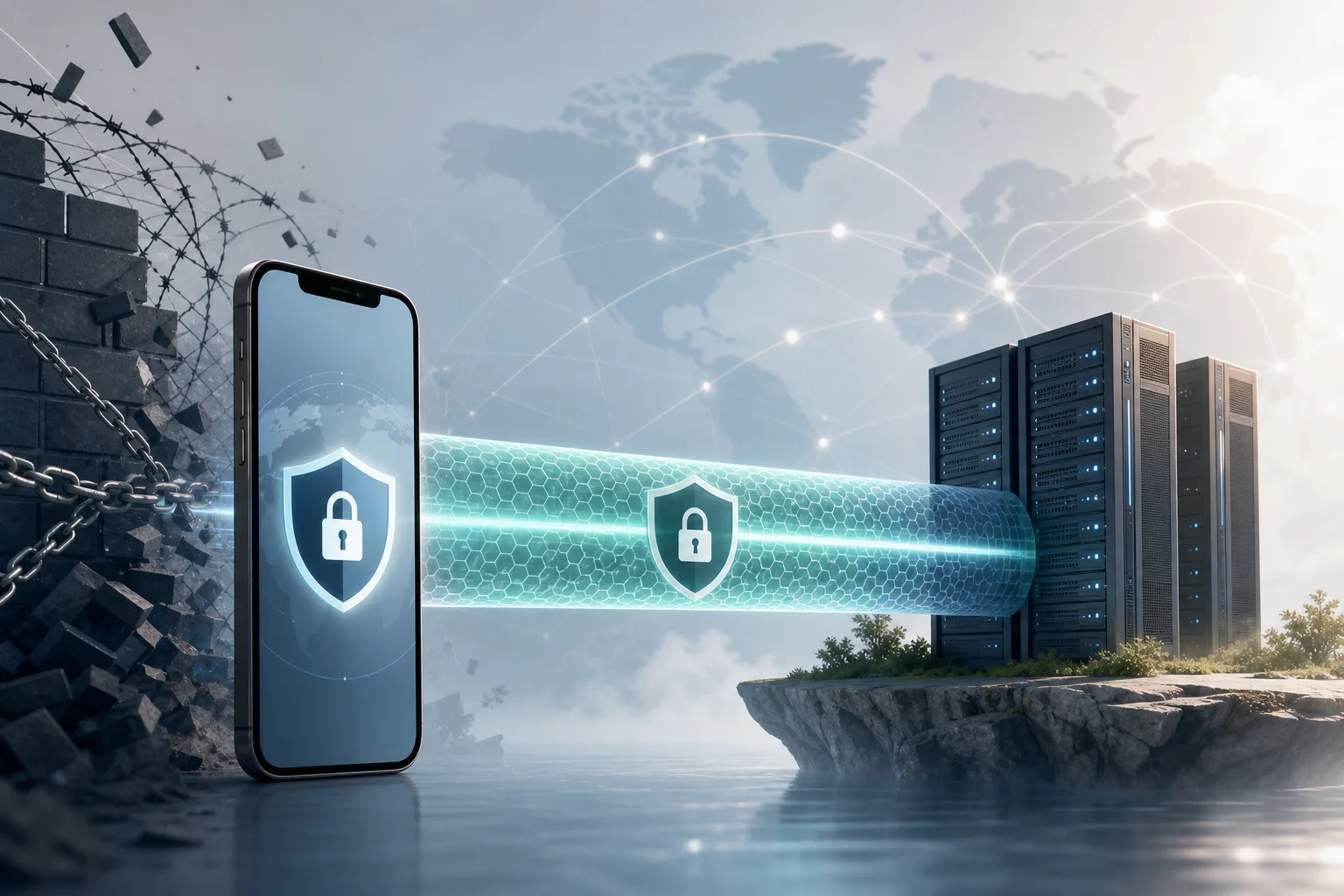
A VPN creates an encrypted tunnel between your phone and a remote VPN server. Instead of sending traffic directly from your mobile device to a website or app endpoint, your phone encapsulates packets and sends them to the VPN server. The server decrypts or decapsulates the traffic, forwards it to the destination, and returns responses through the same tunnel.
To the local network, your traffic generally appears to be going to the VPN server. To the destination website, your traffic appears to originate from the VPN server’s IP address. This can help when content is blocked by local IP filtering, DNS manipulation, or simple geographic restrictions.
Definition and Components of a VPN
A phone VPN typically includes these components:
- VPN client: The Android or iOS app, or the native VPN profile installed on the device.
- VPN server: The remote endpoint that terminates the tunnel and forwards traffic.
- Tunnel interface: A virtual network interface on the phone that routes selected traffic into the VPN.
- Authentication mechanism: Credentials, certificates, pre-shared keys, tokens, or app-managed session keys.
- Encryption suite: Cryptographic algorithms that protect data confidentiality and integrity.
- Routing and DNS rules: Controls that determine which traffic uses the tunnel and which DNS resolvers handle lookups.
On mobile operating systems, the VPN client integrates with a system VPN API. This is important because mobile apps usually cannot create unrestricted low-level network interfaces without OS permission. Android’s VpnService and Apple’s Network Extension framework provide controlled ways to route traffic through the tunnel.
Tunneling Protocols: OpenVPN, L2TP/IPSec, and PPTP
Different VPN protocols package traffic in different ways. The protocol affects censorship resistance, battery use, speed, and reliability.
| Protocol | Typical mobile use | Security status | Notes for censorship resistance |
|---|---|---|---|
| OpenVPN | Common in third-party apps | Strong when configured well | Can run over TCP 443 to resemble HTTPS-like traffic patterns, though not fully invisible |
| L2TP/IPSec | Supported by many systems | Acceptable but older | Easier to block because it uses recognizable ports and protocol patterns |
| PPTP | Legacy only | Insecure | Should be avoided; weak cryptography and widely fingerprinted |
OpenVPN is mature and flexible. It can use UDP for speed or TCP for networks that block UDP. It supports strong authentication and modern ciphers, but configuration matters.
L2TP/IPSec combines Layer 2 Tunneling Protocol with IPSec encryption. It is older and often easier for restrictive networks to identify because it uses common IPSec-related ports.
PPTP is obsolete. It is fast because it is lightweight, but its security weaknesses make it unsuitable for privacy. If a free phone VPN offers only PPTP, choose another option.
The Role of Encryption in VPNs
Encryption protects the contents of your traffic inside the tunnel. However, it does not hide everything. A network operator may still see that your phone is connecting to a VPN server, the timing and volume of packets, and sometimes protocol fingerprints.
Good VPN security depends on:
- Confidentiality: Preventing local networks from reading tunneled traffic.
- Integrity: Preventing tampering with packets in transit.
- Authentication: Ensuring your phone connects to the intended VPN server.
- Forward secrecy: Reducing damage if a long-term key is compromised later.
- DNS protection: Preventing domain lookups from leaking outside the tunnel.
In censorship-heavy regions, encryption helps prevent basic inspection. Yet advanced filtering systems may block known VPN IP addresses, detect protocol signatures, or throttle encrypted traffic. That is why protocol choice, server rotation, and DNS handling matter.
2. Why Use a Free VPN on Your Phone?
A free VPN for phone users is attractive because the phone is often the primary internet device. In many places, mobile data is more available than fixed broadband. Phones are also used for messaging, banking, news, navigation, work, and emergency communication.
Comparative Advantages: Cost and Accessibility
The main advantage is obvious: no subscription barrier. A free mobile VPN can be useful when you need immediate access, when payments are restricted, or when international cards are not available.
Other practical advantages include:
- Fast deployment: Install an app or profile and connect within minutes.
- No router configuration: The tunnel runs directly on the device.
- Works across networks: Use it on mobile data, public Wi-Fi, campus networks, or hotel networks.
- App-level convenience: Many mobile VPN apps include one-tap connection and automatic reconnection.
For advanced users, the value is not just “free.” It is the ability to test reachability, compare protocols, and maintain fallback connectivity without committing to one provider.
Importance for Users in Censor-Heavy Regions
When content filtering blocks news sites, social platforms, messaging services, app stores, or documentation, a VPN can restore access by routing traffic through a less restricted network path.
A phone VPN may help against:
- DNS poisoning or DNS blocking by using VPN-provided resolvers.
- IP blocking when the VPN server is outside the filtered network.
- Basic URL filtering when HTTPS and VPN encapsulation hide request details.
- Public Wi-Fi restrictions in airports, schools, cafés, or workplaces.
However, severe censorship may use deep packet inspection, active probing, and VPN server blacklists. In those cases, a standard free VPN may work intermittently. Reliability depends on server diversity, protocol options, and how quickly the provider adapts.
Potential Limitations and How to Mitigate Them
Free VPNs often have trade-offs. The most common are bandwidth limits, fewer server locations, congestion, ads, limited protocol choices, or weaker support.
Mitigate these limitations with practical controls:
- Choose providers with clear privacy policies. Avoid vague claims and unknown ownership.
- Prefer modern protocols. WireGuard, IKEv2/IPSec, and well-configured OpenVPN are better options than PPTP.
- Enable the kill switch if available. It reduces accidental traffic leaks during drops.
- Use secure DNS inside the tunnel. Prevent DNS queries from escaping to the local ISP.
- Keep multiple options. Have more than one reliable free VPN app or configuration ready.
- Test before you need it. Verify that messaging, browsers, app stores, and critical sites work.
3. Setting Up a Free VPN on Your Phone
The exact setup depends on the provider and operating system. Still, the process follows a predictable pattern: select a trustworthy provider, install the app or profile, verify permissions, connect, and test for leaks.
Step-by-Step Guide for Android
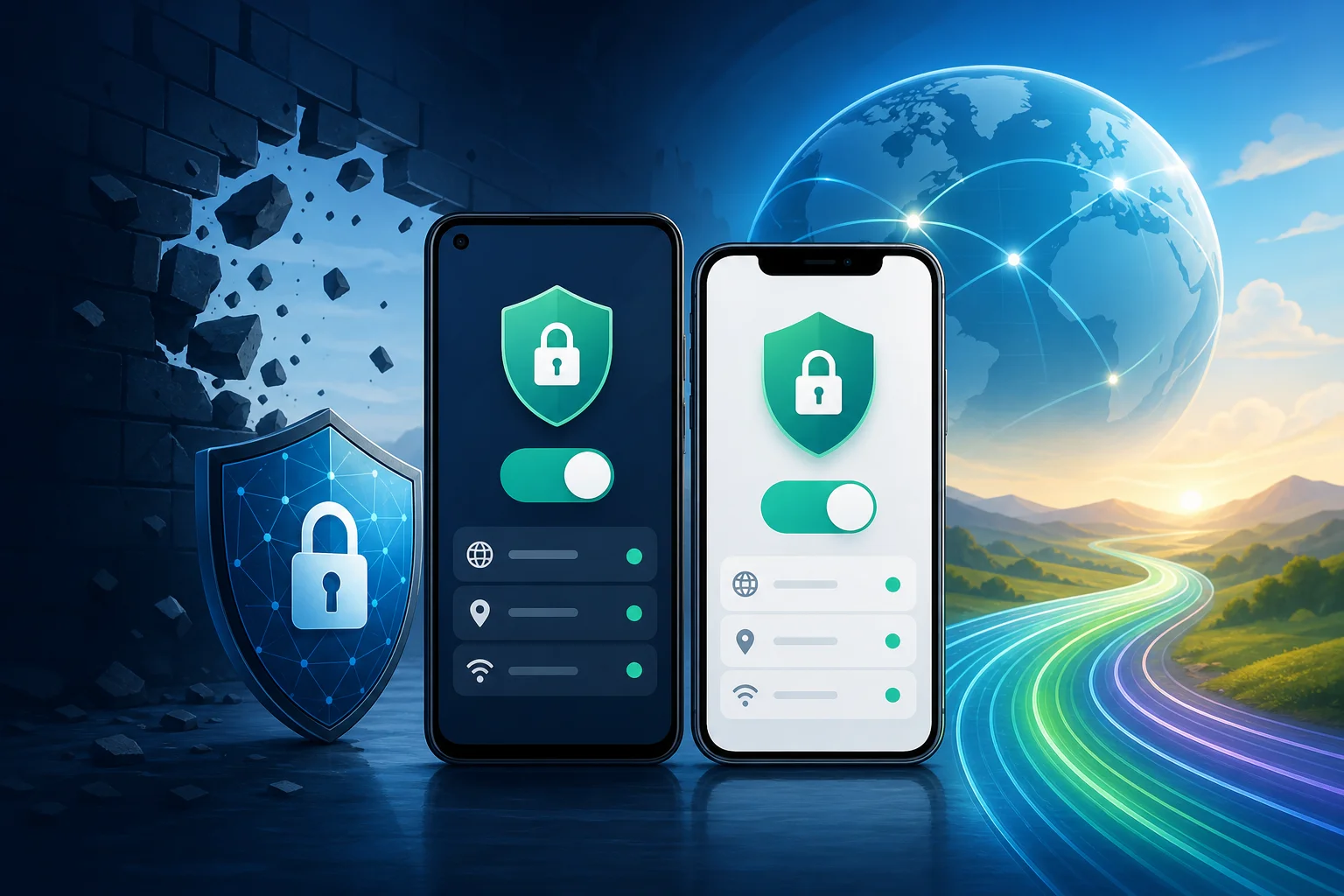
- Choose a reputable free VPN provider. Look for transparent terms, reasonable limits, and modern protocol support.
- Install from a trusted source. Prefer Google Play or the provider’s official website if Play access is blocked.
- Review requested permissions. A VPN app needs VPN permission, but it should not require unnecessary access to contacts, SMS, microphone, or photos.
- Open the app and select a server. Choose a nearby region for speed or a specific region for content access.
- Select the protocol if available. Start with WireGuard or IKEv2 for mobile performance. Use OpenVPN TCP 443 if UDP is blocked.
- Approve the VPN connection prompt. Android will show a system dialog before allowing tunnel creation.
- Enable Always-on VPN. Go to Android settings and set the VPN as always-on if reliability is critical.
- Enable “Block connections without VPN.” This Android option acts like a kill switch.
- Test IP and DNS behavior. Use a trusted leak test site and confirm DNS resolvers are not local ISP resolvers.
- Test your real apps. Browsers are not enough. Check messaging, email, app updates, and video if needed.
Step-by-Step Guide for iOS
- Select a reliable free VPN app. Install from the App Store where possible.
- Open the app and read the privacy prompts. Avoid apps with unclear data practices.
- Allow VPN configuration. iOS requires approval before adding a VPN profile.
- Authenticate with Face ID, Touch ID, or passcode. This confirms profile installation.
- Choose a server and protocol. IKEv2 and WireGuard-based implementations often perform well on iPhones.
- Connect and verify the VPN indicator. iOS shows a VPN status icon or entry in Control Center/settings.
- Check DNS and IP address. Confirm that traffic exits through the expected VPN region.
- Review Connect On Demand options. If supported, use automatic reconnection on untrusted networks.
- Disable risky local network access if not needed. Reduce exposure when using public Wi-Fi.
- Keep the app updated. VPN profile behavior and protocol libraries change over time.
Selecting Reliable Free VPN Providers
Advanced users should evaluate more than marketing claims. Use this checklist:
- Does the provider explain how it funds the free tier?
- Are data limits, speed limits, and server locations clearly stated?
- Are there third-party audits, open-source clients, or reproducible builds?
- Does the app support a kill switch or OS-level equivalent?
- Does it protect DNS by default?
- Does it avoid intrusive permissions?
- Does it support modern mobile protocols?
- Is registration optional or minimal?
Free does not automatically mean unsafe. But “free and opaque” is a risk. A good free VPN for phone use should be transparent about limits and should not monetize sensitive browsing data.
Ensuring Privacy Through Security Settings
After setup, harden the configuration:
- Turn on auto-connect for untrusted Wi-Fi.
- Turn on kill switch or OS-level traffic blocking.
- Disable split tunneling unless you need it and understand the leak risk.
- Use private DNS carefully. On Android, Private DNS may conflict with the VPN’s DNS design.
- Block IPv6 leaks if the VPN does not tunnel IPv6 properly.
- Clear old VPN profiles you no longer use.
- Use a privacy-focused browser and keep HTTPS-only mode enabled.
4. Technical Behind the Scenes: VPN Protocols on Mobile
Mobile networks are unstable. Phones switch between LTE, 5G, Wi-Fi, captive portals, and power-saving states. A protocol that works well on a desktop may behave poorly on a phone if it cannot handle network changes efficiently.
In-Depth Look at Mobile-Specific Protocols
Although OpenVPN, L2TP/IPSec, and PPTP are widely known, modern mobile VPNs often rely on protocols designed or tuned for roaming.
IKEv2/IPSec is strong for mobile because it supports MOBIKE, which helps maintain sessions when the device changes networks. For example, moving from Wi-Fi to cellular can be smoother than with older tunnels.
WireGuard uses a lean codebase and modern cryptography. It is usually fast on phones and efficient with battery. Its roaming behavior is good because endpoints can update as network paths change.
OpenVPN remains valuable because it is flexible. It can run over UDP for performance or TCP 443 when restrictive firewalls block other traffic. The downside is higher overhead and sometimes more battery usage than WireGuard.
L2TP/IPSec is mostly a compatibility fallback. It can still work, but it is less ideal for restrictive regions because network filters often identify IPSec traffic.
PPTP should be treated as deprecated. It does not provide modern security and is not suitable for anonymity or sensitive access.
How These Protocols Help Bypass Censorship
Censorship systems often rely on a mix of DNS blocking, IP blacklists, protocol blocking, and traffic fingerprinting. VPN protocols help by changing both the route and the observable structure of traffic.
- Route change: Traffic exits from a VPN server outside the restricted path.
- DNS isolation: Domain lookups happen through the tunnel rather than through local resolvers.
- Encryption: Local filters cannot easily inspect the content of tunneled traffic.
- Port flexibility: Some protocols can use commonly allowed ports such as 443.
- Server rotation: Changing endpoints can evade static IP blocks.
Still, no free VPN can guarantee access in every region or at every time. Advanced filtering can block known VPN infrastructure. That is why mobile users should keep updated apps and multiple protocol options.
Performance Analysis of Different Protocols on Phones
Performance depends on CPU, signal quality, server distance, congestion, and protocol overhead. In general:
| Protocol | Speed | Battery impact | Roaming stability | Best use case |
|---|---|---|---|---|
| WireGuard | High | Low to moderate | Good | Daily mobile browsing and messaging |
| IKEv2/IPSec | High | Moderate | Excellent with MOBIKE | Switching between Wi-Fi and cellular |
| OpenVPN UDP | Medium to high | Moderate to high | Moderate | Balanced security and compatibility |
| OpenVPN TCP | Medium | Higher under packet loss | Moderate | Networks that block UDP |
| L2TP/IPSec | Medium | Moderate | Moderate | Legacy compatibility |
| PPTP | High | Low | Poor security | Avoid |
For advanced users, the best strategy is empirical. Test each protocol on your actual network. Measure latency, packet loss, reconnection time, app behavior, and battery drain over a normal day.
5. Common Misconceptions About Free VPNs for Phones
Free mobile VPNs are often discussed in extremes. Some users assume every free VPN is dangerous. Others assume a VPN makes them fully anonymous. Both views are incomplete.
Privacy Concerns and the Truth Behind Them
A VPN does not eliminate trust. It moves part of your trust from the local ISP or Wi-Fi operator to the VPN provider. That is why provider selection matters.
A trustworthy free VPN should minimize logs, explain operational data collection, and avoid selling browsing activity. However, even a privacy-focused VPN may need temporary technical data for abuse prevention, load balancing, or service reliability.
Also, a VPN does not hide everything from everyone. Websites can still identify you through logins, cookies, browser fingerprints, device identifiers, and behavioral patterns. If you sign into a personal account, the site knows it is you regardless of VPN use.
Understanding Speed Reductions
Speed loss is normal because traffic takes a longer route and passes through encryption. On a phone, speed can also drop because of weak radio signal, background battery limits, or congested free servers.
To reduce slowdowns:
- Use the nearest reliable server unless you need a specific region.
- Prefer WireGuard or IKEv2 when available.
- Use UDP-based modes unless UDP is blocked.
- Avoid overloaded peak hours if possible.
- Disconnect apps that sync large files in the background.
Misunderstandings About Data Limits
A data cap does not always mean the VPN is low quality. Free providers use limits to control abuse and server costs. The key is whether the limit is clear and reasonable for your needs.
For messaging, email, and text-heavy browsing, small limits may be usable. For video, app downloads, and cloud backups, free limits can disappear quickly. Advanced users should separate critical access from high-bandwidth entertainment when using a free VPN on a phone.
FAQ: Is a VPN for Free for Phone Safe?
It can be safe if the provider is transparent, uses modern encryption, avoids intrusive permissions, and protects DNS traffic. Avoid unknown apps with aggressive ads, unclear ownership, or requests for unrelated phone permissions.
FAQ: Can a Free Phone VPN Bypass All Censorship?
No. A free phone VPN can bypass many common blocks, but advanced censorship can block VPN IPs or detect protocol signatures. Keep multiple protocols available and update apps regularly.
FAQ: Does a VPN Make My Phone Anonymous?
Not by itself. A VPN hides some network-level information from local observers, but websites and apps can still track accounts, cookies, device fingerprints, and behavior.
6. Troubleshooting Common Issues with Free VPNs
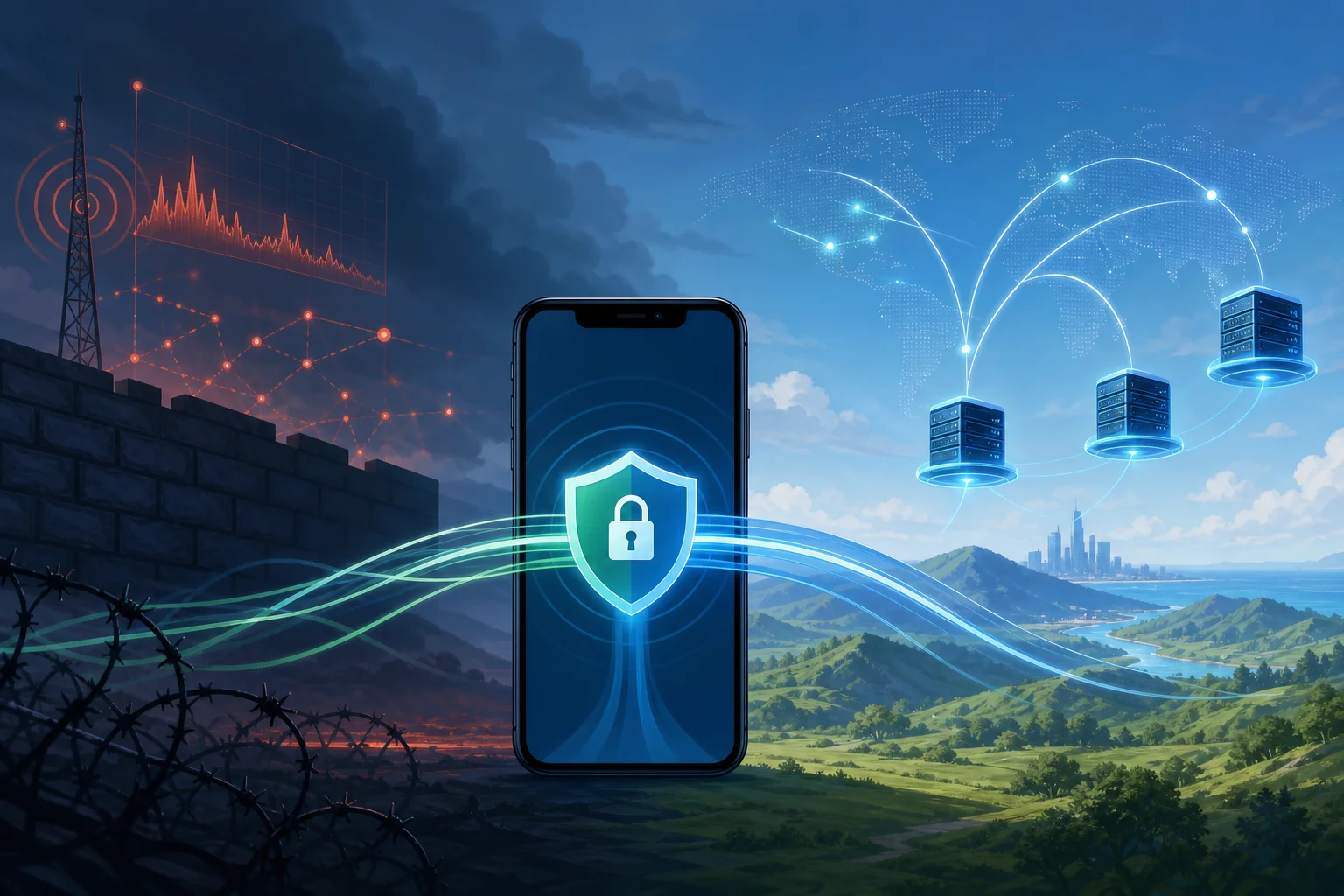
Even a well-chosen free VPN can fail under real mobile conditions. Troubleshooting should be systematic: identify whether the problem is the network, protocol, server, phone settings, or app compatibility.
Connection Drops and How to Prevent Them
Drops happen when the phone changes networks, enters battery-saving mode, loses signal, or when the VPN server becomes unreachable.
Try these fixes:
- Switch protocol. Use IKEv2 or WireGuard for better roaming. Try OpenVPN TCP if UDP fails.
- Change servers. The current endpoint may be blocked or overloaded.
- Disable aggressive battery optimization. On Android, exclude the VPN app from battery restrictions.
- Enable auto-reconnect. Use app settings or OS-level VPN controls.
- Use always-on VPN with blocking. This prevents accidental leaks during reconnects.
- Check captive portals. Hotel or café Wi-Fi may require browser login before the VPN can connect.
Addressing Slow Speeds and Latency
Slow VPN performance is not always the VPN’s fault. Test baseline speed without the VPN, then compare.
Useful checks:
- If baseline mobile data is poor, move location or switch networks.
- If only one server is slow, try another region.
- If all VPN servers are slow, switch protocol.
- If latency is high, choose a geographically closer server.
- If downloads are slow but browsing is fine, the free tier may throttle bulk traffic.
For technical testing, measure ping, jitter, DNS lookup time, and packet loss. A high download speed with bad jitter can still make calls and messaging feel unstable.
Overcoming App Compatibility Problems
Some apps block VPN traffic, require local network discovery, or use region-specific endpoints. Others fail when DNS responses differ from expected local results.
Possible solutions:
- Use split tunneling cautiously for apps that must bypass the VPN.
- Clear app DNS/cache data after changing VPN regions.
- Switch VPN servers to avoid IPs flagged by the service.
- Disable private relay or other proxy layers if they conflict with the VPN.
- Update the app and VPN client to fix network API issues.
If an app handles sensitive personal data, think carefully before excluding it from the VPN. Split tunneling improves compatibility but can reveal traffic to the local network.
7. Ensuring Maximum Privacy and Security
A VPN is one layer. Strong mobile privacy requires device hygiene, account security, browser controls, and careful operational habits.
Tips for Maintaining Anonymity
For high-risk environments, reduce linkability:
- Do not log into personal accounts when you need separation.
- Use privacy-focused browsers with tracker blocking.
- Clear cookies and site data between identities.
- Avoid reusing usernames, emails, and profile photos.
- Disable ad identifiers where possible.
- Keep location permissions restricted.
- Use end-to-end encrypted messaging for sensitive conversations.
- Avoid installing unknown APKs or configuration profiles.
Also remember metadata. Even if content is encrypted, timing and volume may reveal patterns. For example, a burst of traffic after a major event may still be observable.
Using Extra Security Features Available in Free VPNs
Some free VPNs include useful safeguards. Enable them when available:
- Kill switch: Blocks traffic if the VPN disconnects.
- DNS leak protection: Forces DNS requests through the tunnel.
- Auto-connect: Starts VPN on untrusted networks.
- Protocol selection: Lets you adapt to blocking and performance conditions.
- Malicious domain blocking: Filters known dangerous domains, if implemented transparently.
- No-registration mode: Reduces account-level identifiers.
Do not enable features blindly. For example, ad blocking may route DNS through a specific resolver. Read how the feature works and confirm it matches your threat model.
Regular Updates and Why They Matter
VPN apps depend on cryptographic libraries, OS networking APIs, and server-side configurations. Updates can patch vulnerabilities, improve censorship resistance, add new servers, and fix battery drain.
Keep updated:
- The VPN app.
- Android or iOS system software.
- Browser and messaging apps.
- Security patches and WebView components.
- VPN profiles or configuration files.
If you manually import OpenVPN or WireGuard profiles, replace outdated configs when the provider rotates keys or changes servers. Old profiles may fail silently or use weaker settings.
Final Technical Checklist for Using a Free Phone VPN
Before relying on a VPN for free for phone access in a restrictive region, verify the essentials:
- The provider is transparent about the free tier.
- The app requests only necessary permissions.
- The protocol is modern and secure.
- DNS queries stay inside the tunnel.
- Kill switch or OS-level blocking is enabled.
- The VPN reconnects after switching networks.
- Critical apps work under real conditions.
- You have a backup server or provider.
- The app and phone OS are updated.
- You understand what the VPN does not hide.
A free VPN on your phone can be a practical tool for censorship circumvention, but it works best when treated as part of a broader security model. Choose carefully, test often, and tune the protocol and privacy settings for your actual network conditions.
Explore BeFreeVPN to experience seamless connections on your phone at no cost, with no registration required, perfect for maintaining internet access in restrictive regions.