Unlocking the world: how Alex streamed with an online VPN for computer
Meet Alex, a remote worker who craved access to global streaming services but faced constant geo-restrictions on his computer. This case study follows how he used an online VPN for computer streaming to reduce location-based barriers, protect his privacy, and make his viewing routine simpler. Instead of a generic feature list, we will look at Alex’s real-world problem, the steps he took with BeFreeVPN, and the practical results he noticed when watching international shows and movies from his laptop.
For Alex, streaming was not just a way to relax. It was also part of how he stayed connected to different cultures, languages, and colleagues around the world. Yet each time he opened a platform and saw “not available in your region,” the experience became frustrating.
1. Meet Alex: The Remote Worker
Alex works for an international company with teammates across Europe, North America, and Asia. His workday often includes calls with people in different time zones, reading regional news, and following cultural references that come up in meetings. Because of that, he likes to watch shows, documentaries, and movies from different countries.
His main device is his computer. It is where he works, researches, streams, and plans travel. While he sometimes uses a phone or tablet, his laptop gives him the best screen size, keyboard control, and browser access. So when Alex searches for a series recommended by a colleague in another country, he usually does it from his computer first.
However, he kept running into the same issue. Popular streaming platforms, including services such as Netflix and Hulu, display different libraries depending on the viewer’s location. A show available to one teammate was missing from Alex’s account. Another movie appeared in search results, but the play button was blocked because it was not licensed for his region.
At first, Alex assumed this was a minor inconvenience. Over time, it became a pattern. He would hear about a new release, open his streaming account, and find that the title was unavailable. He wanted a practical way to browse more freely while still keeping his computer secure.
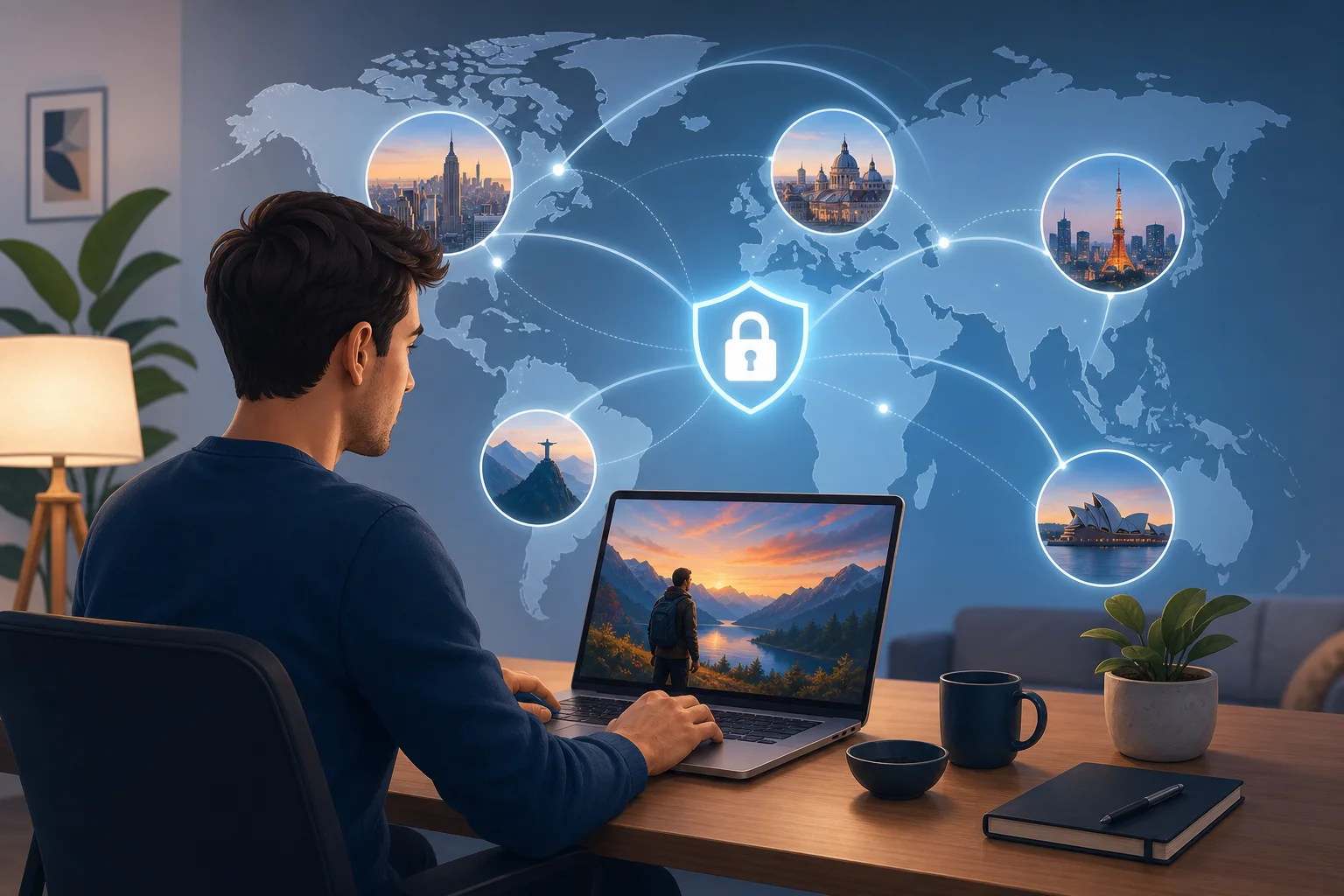
2. The Challenge: Streaming Restrictions
The challenge was not that Alex lacked subscriptions or interest. The challenge was regional access. Streaming providers often license content country by country. As a result, a film, comedy special, anime season, or documentary can be visible in one location but hidden in another.
Alex discovered this in several ways:
- A colleague recommended a thriller that appeared only in another country’s catalog.
- A documentary he needed for a weekend watchlist was blocked from his home location.
- A show he had started during a trip disappeared when he returned home.
- Search results on fan sites did not match what he saw inside his streaming apps.
These restrictions disrupted his viewing. Instead of sitting down to watch, he had to search for availability, compare regions, or wait for a local release date. Sometimes he gave up entirely.
Alex also wanted the experience to be smooth. He did not want constant buffering, repeated logins, or complicated settings. Since he used his computer for both work and entertainment, he needed a tool that was simple enough for everyday use but reliable enough to stay connected during a full episode or movie.
Privacy mattered too. As a remote worker, Alex spends many hours online. He uses home Wi-Fi, hotel networks, coworking spaces, and airport lounges. A VPN for computer use could help add a layer of privacy by routing traffic through an encrypted connection, especially on networks he does not fully control.
Still, Alex had concerns. Would a VPN slow down his connection? Would setup take too long? Would he have to create another account, share payment details, or manage a complicated dashboard? These were the questions he needed answered before trying anything new.
3. The Solution: Discovering BeFreeVPN
Alex learned about BeFreeVPN while looking for a free, no-registration online VPN for computer use. The promise was simple: install it, choose a virtual location, and connect without a lengthy sign-up process.
That mattered to him. He did not want to spend an afternoon comparing technical settings. He wanted to test whether a VPN could help him stream more comfortably from his laptop, with less friction and more control over his virtual location.
BeFreeVPN stood out for three reasons:
| Alex’s need | Why it mattered | How BeFreeVPN helped |
|---|---|---|
| Simple computer setup | He wanted to start quickly without advanced networking knowledge. | BeFreeVPN was easy to install and use within minutes. |
| No registration | He did not want to create another account just to test a VPN. | BeFreeVPN allowed access without registration. |
| Virtual location choice | He needed a way to view content availability from other regions. | He could choose a desired VPN location before streaming. |
| Privacy while browsing | He often used shared or public networks. | A VPN connection helped add privacy to his online activity. |
How Alex set up BeFreeVPN on his computer
To keep the process simple, Alex followed a short step-by-step routine:
-
He downloaded BeFreeVPN on his computer.
He chose the version suitable for his device and installed it like a normal app or browser-based VPN tool, depending on his setup. -
He opened BeFreeVPN without creating an account.
Because there was no registration step, he did not need to confirm an email address or enter payment information before trying it. -
He selected a virtual location.
Alex picked a location connected to the streaming catalog he wanted to access. This helped him browse as if he were connecting from that region. -
He connected before opening his streaming platform.
To avoid session conflicts, he started the VPN first, then refreshed or reopened his streaming service. -
He tested streaming quality.
He played a short episode first, checked the loading time, and watched for buffering before starting a full movie. -
He kept privacy and platform rules in mind.
Alex understood that streaming services may have their own terms for regional access. He used the VPN responsibly and checked service rules where needed.
This workflow gave Alex what he wanted most: a low-effort way to test international streaming access from his computer. He did not need to become a network expert. He only needed to connect, choose a location, and start watching.
4. Results: A World of Content Unlocked
After using BeFreeVPN, Alex noticed a clear change in his routine. The shows and movies he had struggled to access were easier to find when he selected the right virtual location. Instead of hitting a regional block and abandoning the search, he could explore different catalogs more efficiently.
The biggest improvement was convenience. Alex no longer treated geo-restrictions as an automatic dead end. When a colleague recommended a series, he could check whether changing his virtual location made it available. When a title disappeared after travel, he had a way to continue his search from his computer.
Streaming performance also mattered. A VPN can sometimes affect speed because traffic is routed through an extra server. In Alex’s case, he found the sessions smooth enough for regular viewing. He tested shorter videos first, then moved to full-length episodes. During his typical sessions, he did not experience the constant buffering he had worried about.
There was another benefit: peace of mind. Alex knew a VPN was not a magic shield against every online risk, but it helped protect his connection on networks outside his home. When he worked from a coworking space and later streamed during a break, using BeFreeVPN gave him more confidence than connecting directly through shared Wi-Fi.
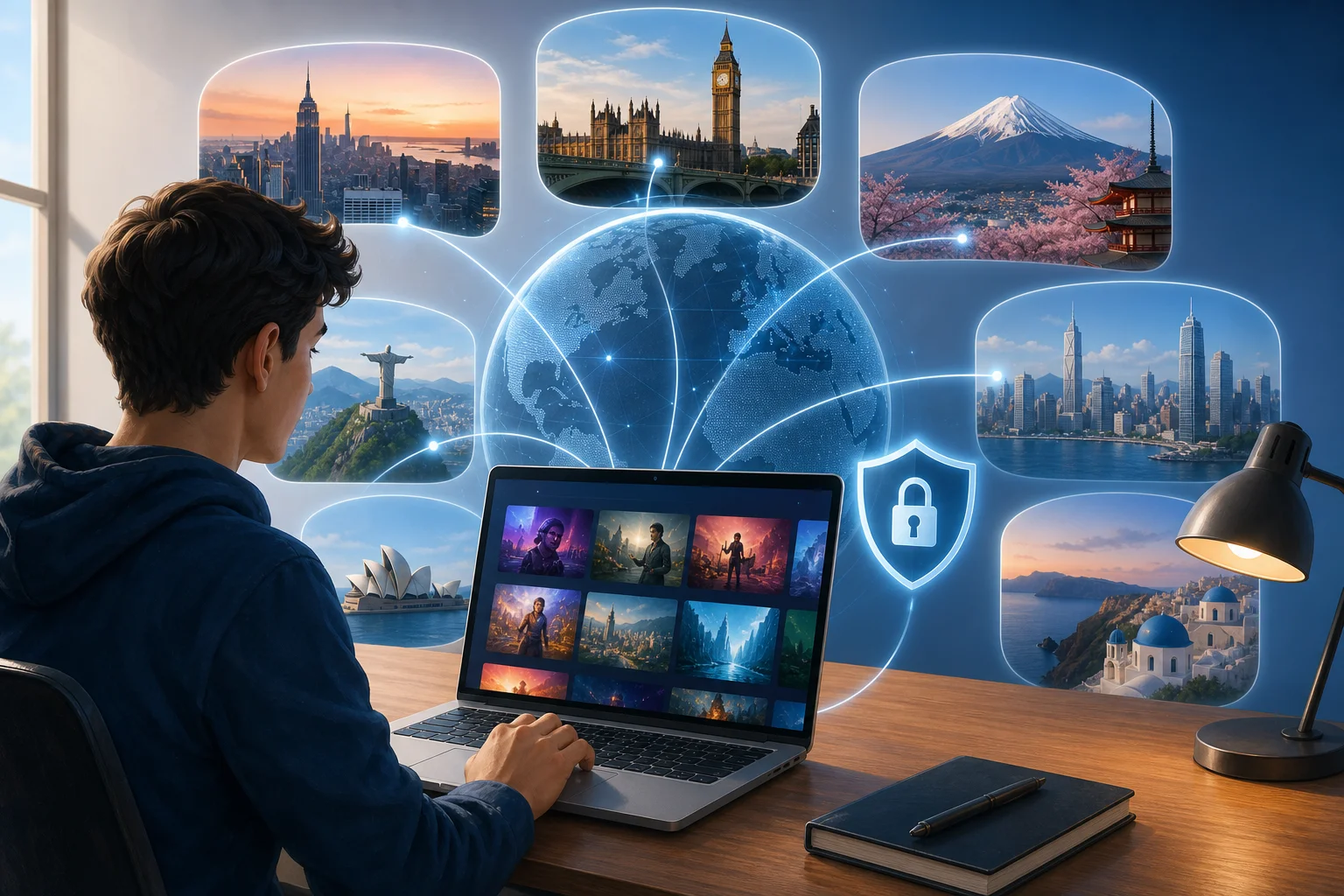
Before and after using an online VPN for computer streaming
| Area | Before BeFreeVPN | After BeFreeVPN |
|---|---|---|
| Content discovery | Many recommended titles appeared unavailable. | Alex could test access through different virtual locations. |
| Setup effort | He expected a complex technical process. | Setup was quick and simple. |
| Account friction | He wanted to avoid extra sign-ups. | No registration made testing easier. |
| Streaming confidence | He worried about interruptions and blocked catalogs. | He had a repeatable process for smoother viewing. |
| Privacy | Public Wi-Fi felt exposed. | VPN use added a privacy layer to browsing and streaming. |
The result was not only more content. It was a better process. Alex gained a practical tool he could use whenever streaming access became limited by location.
5. Takeaways: Embracing Freedom with BeFreeVPN
Alex’s experience shows why an online VPN for computer use can be valuable for people who stream across borders, travel often, or work with international teams. The main benefit is control. Instead of relying only on the default region assigned by his internet connection, Alex could choose a virtual location and explore content more flexibly.
Several lessons stand out:
- A simple VPN is easier to use consistently. If setup takes too long, most people stop using the tool. BeFreeVPN’s no-registration approach helped Alex start fast.
- Computer streaming benefits from stable setup. A laptop or desktop often provides better screen size and browser control than a phone, making it a natural place to use a VPN.
- Virtual location choice is useful for global content. It helps users check regional availability without switching devices or networks.
- Privacy still matters during entertainment. Streaming may feel casual, but online activity can still reveal location and connection details.
- Responsible use is important. VPN users should understand local laws and the terms of the platforms they use.
For Alex, BeFreeVPN became part of a broader digital routine. He used it when traveling, when browsing on shared networks, and when exploring international streaming catalogs. Most importantly, he felt less limited by location-based restrictions.
FAQ: Online VPN for Computer Streaming
What is an online VPN for computer use?
An online VPN for computer use is a tool that routes your internet connection through a secure VPN server. This can help mask your visible IP address, add privacy, and let you choose a virtual location for browsing or streaming.
Can a VPN help with geo-restricted streaming content?
Yes, a VPN can help you access content based on a selected virtual location. However, streaming availability depends on platform licensing and terms of service, so it is wise to use a VPN responsibly.
Is BeFreeVPN free to use on a computer?
BeFreeVPN is presented as a free VPN option with no registration required, making it convenient for users who want to try VPN access without creating an account first.
Will a VPN always improve streaming speed?
Not always. A VPN may improve privacy and location flexibility, but speed depends on your internet connection, the VPN server, distance, network congestion, and the streaming platform. Choosing a nearby or stable server can help.
Why did Alex choose BeFreeVPN instead of a complicated VPN service?
Alex wanted quick access, simple setup, and no account creation. BeFreeVPN matched those needs, so he could test international streaming on his computer without a long onboarding process.
Conclusion: A More Open Streaming Routine
Alex’s story is a practical example of how the right VPN can change everyday streaming. He began with a common problem: regional restrictions blocking shows and movies on his computer. By trying BeFreeVPN, he found a simple way to choose a virtual location, explore more global content, and add privacy to his online sessions.
If you're like Alex and want to unlock a world of streaming possibilities, try BeFreeVPN today — it's free, requires no registration, and works seamlessly on your computer!