Unlock seamless streaming on Apple TV: A case study with BeFreeVPN
How did Alex, an avid streaming enthusiast, overcome regional restrictions on his Apple TV to access content from around the world? This case study follows his search for a vpn for apple tv for streaming, the problems he ran into, and how BeFreeVPN helped him turn a frustrating living-room setup into a more flexible way to watch the shows and films available through his own streaming subscriptions.
Alex’s story is familiar to many Apple TV users. The device is fast, polished, and ideal for a large-screen streaming experience. Yet the moment he tried to follow international releases, travel with his subscriptions, or compare catalogs across regions, he hit the same wall again and again: geo-restrictions.
This article breaks down what happened, what Alex tested, and what other Apple TV users can learn from his experience.
Meet Alex, the avid streamer
Alex is the kind of viewer who plans Friday evenings around new film releases. He follows crime dramas from Europe, documentaries from the United States, anime releases from Japan, and indie films that often appear in one country long before another.
Apple TV was his preferred device because it kept everything simple. His streaming apps were organized in one place. The interface was smooth. The picture quality on his TV was excellent. For most everyday viewing, it worked exactly as he wanted.
However, his frustration started when friends recommended shows that were not available in his region. Sometimes he could see an article about a new season, but the title did not appear in his app. At other times, he would travel and find that his usual catalog looked different. In a few cases, a show appeared in search results but could not be played from his location.
Alex was not looking for shortcuts or illegal access. He already paid for several streaming services. His goal was practical: he wanted more consistent access to content libraries while using his Apple TV, especially when traveling or watching international releases that his subscriptions supported in other regions.
Because Alex is reasonably tech-savvy, he did not stop at generic advice. He compared options, read about VPNs, checked how Apple TV handles network settings, and looked for a tool that would not make streaming feel slower or more complicated.
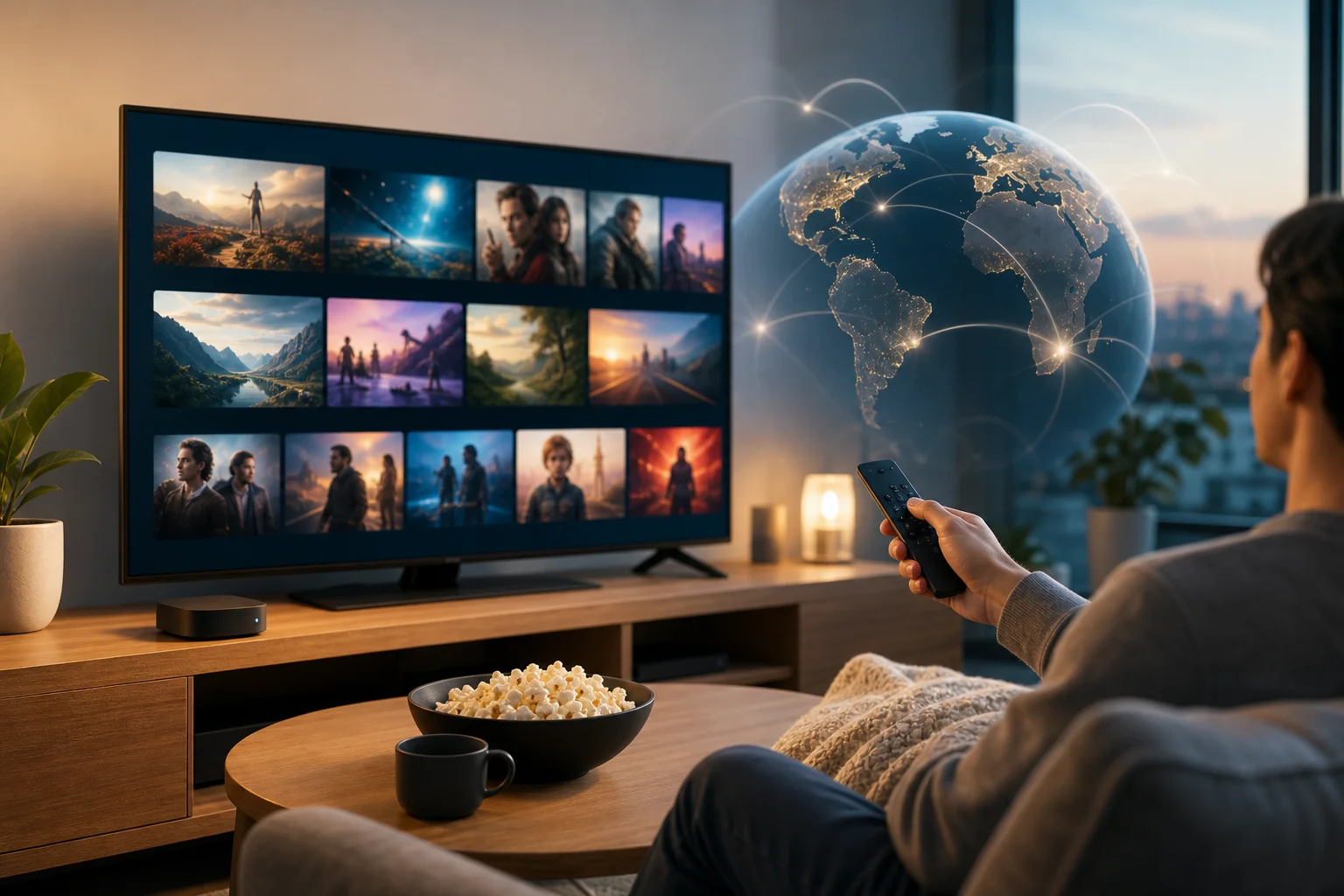
The challenge: geo-restrictions on Apple TV
Geo-restrictions are location-based content rules. Streaming platforms use your IP address and other signals to decide which catalog, language options, or playback rights apply to your session. That means two users with the same subscription can sometimes see different content depending on where they are.
For Alex, the issue became clear in three situations:
- A series recommended by a friend was available abroad but missing from his local catalog.
- While traveling, his usual watchlist changed and some titles became unavailable.
- Certain international releases arrived late in his region, even though reviews and discussions were already everywhere online.
On a laptop or phone, using a VPN can be straightforward. Apple TV, however, has historically been more restrictive than desktop devices. Depending on the Apple TV model, tvOS version, and VPN provider, users may need to use a dedicated tvOS VPN app, configure a VPN on a router, or share a protected connection from another device.
Alex first tried workarounds that did not fully solve the problem. AirPlay from a laptop was inconsistent for long viewing sessions. Browser-based viewing was less convenient than using native Apple TV apps. Changing app store regions created more friction than value. None of these options felt like a living-room solution.
His ideal solution had to meet four requirements:
- Work well with Apple TV streaming. It had to fit the way he actually watched content.
- Protect speed. Buffering would ruin the point of watching in 4K or HD.
- Be easy to start. He did not want a long registration process or complex account setup.
- Feel reliable. A VPN that disconnects often is not useful for movie nights.
In short, Alex needed a VPN for Apple TV that focused on streaming performance, simple access, and stable viewing.
The solution: Discovering BeFreeVPN
Alex found BeFreeVPN while comparing lightweight VPN options for streaming devices. What caught his attention was the promise of a free VPN experience with no registration required. For someone who had already tested tools that demanded accounts, email confirmations, and upsell screens before basic use, this stood out.
He still had doubts. Free VPN tools can vary widely in quality, and Alex cared about privacy, speed, and stability. So he treated BeFreeVPN as a test rather than an instant fix. His plan was to evaluate it the same way he would evaluate any streaming setup: install or connect, pick a location, open the streaming apps he already used, and check whether playback remained smooth.
How Alex approached setup on Apple TV
The exact setup path for a VPN on Apple TV can depend on your tvOS version and the VPN features available in your region. Alex kept the process practical and followed a simple checklist.
-
Check the Apple TV software version.
He first confirmed that his Apple TV was updated. Newer tvOS versions offer better support for VPN apps than older setups. -
Look for the simplest BeFreeVPN connection method.
Where a direct Apple TV app or supported setup was available, he preferred that route. It kept the experience closer to using any other TV app. -
Consider router-level VPN use if needed.
As a backup, he reviewed whether his home router could route Apple TV traffic through a VPN. This can protect every device connected to that router, but it requires more care. -
Select a relevant VPN location.
Alex chose locations based on the catalog or region he wanted to access, then tested one streaming service at a time. -
Test playback before a full movie night.
He played trailers, skipped through episodes, and watched for buffering before committing to a long film. -
Keep expectations realistic.
A VPN does not create subscriptions, remove platform rules, or guarantee that every title will work. It can help with location-based access, but streaming services may change detection methods over time.
Why BeFreeVPN stood out for Alex
Alex compared his experience with the common problems he had seen in other VPN tools.
| Need | What Alex wanted | How BeFreeVPN helped in his case |
|---|---|---|
| Easy start | No long signup process | BeFreeVPN required no registration to begin using it |
| Streaming comfort | Smooth playback on Apple TV | His tests showed stable viewing with fewer interruptions |
| Flexibility | Access to international catalogs | He could test different locations for supported services |
| Low commitment | Try before relying on it | The free model made testing simple |
| Living-room usability | A setup that did not feel technical every time | Once configured, it fit into his normal Apple TV routine |
This comparison did not make Alex careless. Instead, it made him more confident. BeFreeVPN reduced the friction that had stopped him from using a VPN consistently on Apple TV.
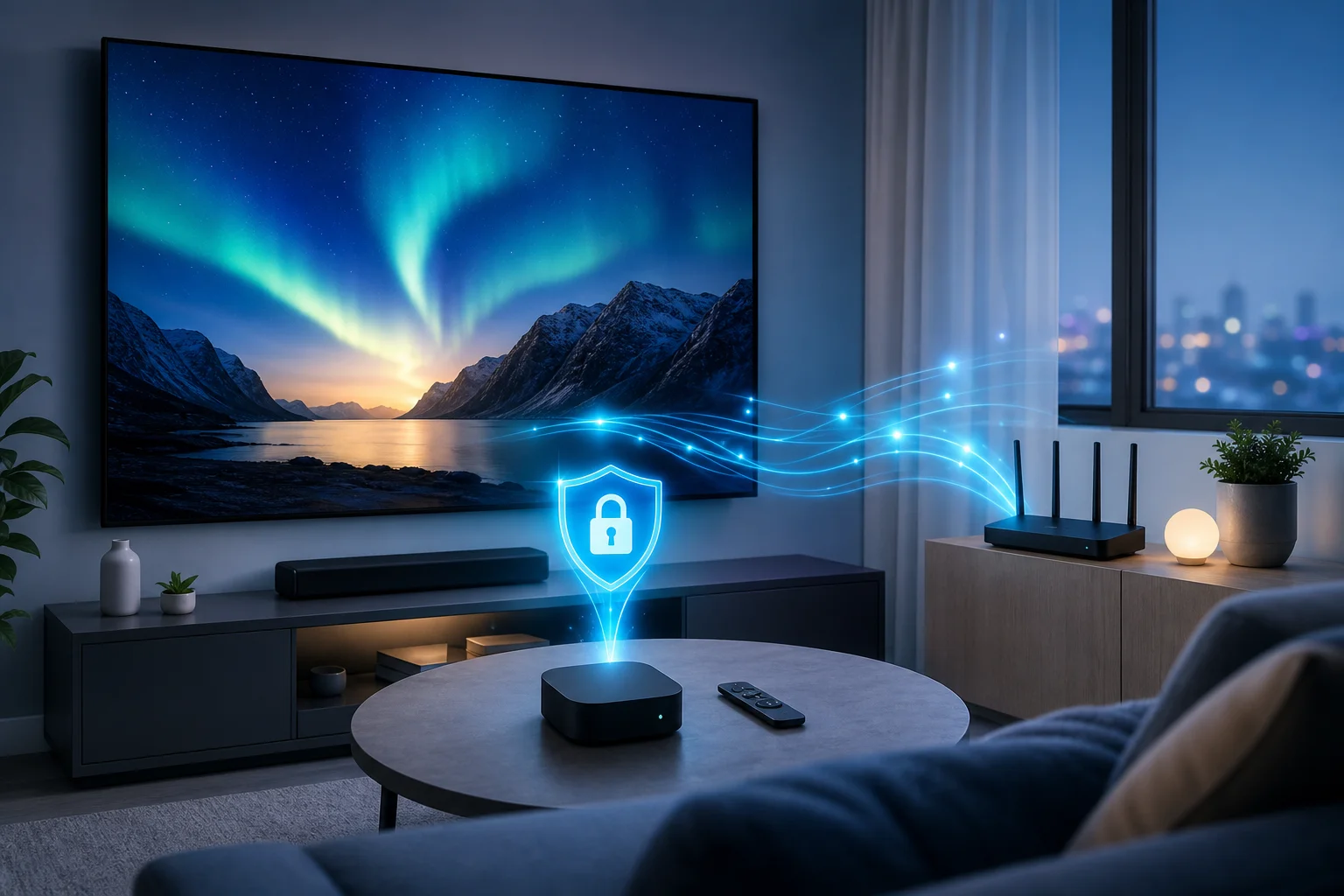
Results: Unlocked streaming potentials
After setup, Alex started with the titles that had caused the most frustration. He opened the streaming apps he already subscribed to, selected the appropriate VPN location, and checked whether the missing catalogs or titles appeared.
In his tests, the biggest improvement was consistency. Instead of switching devices or searching for awkward workarounds, he could use Apple TV as intended. His watchlist became easier to manage. International recommendations from friends were more useful. Travel-related catalog changes were less disruptive.
Playback quality also mattered. Alex expected some speed loss because VPNs encrypt and reroute traffic. However, he found that his normal viewing remained smooth when he selected nearby or well-performing server locations. For everyday HD streaming, the experience was stable enough that he stopped thinking about the VPN and focused on the show.
Alex described the change this way:
“Before using BeFreeVPN, I felt like Apple TV was powerful but boxed in. After setting it up, I could explore more of the content I already cared about without turning movie night into a technical project.”
He also noticed a less obvious benefit: discovery improved. When he could view different regional catalogs, he found documentaries, local dramas, and older films that rarely appeared in his default recommendations. This made Apple TV feel less like a closed shelf and more like a global entertainment hub.
Still, Alex kept sensible habits. He did not assume every service would work every time. He tested locations before inviting friends over for a specific title. He also made sure he respected the terms of the streaming platforms he used and understood that licensing rules can change.
For him, the result was not magic. It was better control. BeFreeVPN gave him a practical way to reduce geo-blocking friction without abandoning the Apple TV experience he already liked.
Takeaways: What Alex learned
Alex’s experience offers a useful blueprint for other intermediate Apple TV users who want better streaming access without overcomplicating their setup.
Key benefits he found with BeFreeVPN
Alex identified several benefits that mattered most for Apple TV streaming:
- No registration barrier. He could start testing without creating another account.
- Free access. This lowered the risk of trying a VPN for Apple TV before building it into his routine.
- More flexible streaming. He could explore region-based catalogs through his existing services.
- Better living-room workflow. Once configured, Apple TV remained the center of the experience.
- Stable viewing in real use. The setup worked best when he chose suitable locations and tested playback first.
These points made BeFreeVPN a practical option for his needs. More importantly, they helped him avoid the usual trap of choosing a tool based only on marketing claims. He judged it by the actual streaming experience on his TV.
Advice for Apple TV users facing similar issues
If you are considering a VPN for Apple TV for streaming, Alex’s process is a good starting point.
- Update your Apple TV first. Newer software may offer better VPN support and app compatibility.
- Use a VPN location that matches your goal. Do not choose a random country. Pick the region related to the catalog you want to access.
- Test with short content first. Try an episode preview, trailer, or a short show before starting a long film.
- Prioritize speed and stability. The fastest VPN location is often geographically closer, but results can vary.
- Keep your subscriptions active. A VPN changes location signals; it does not replace paid streaming access.
- Have a backup setup. If direct Apple TV use is not available, router-level configuration may be worth exploring.
By following these steps, users can avoid many common mistakes, such as blaming the streaming app when the real issue is a weak server choice or outdated device software.
Common questions about using a VPN on Apple TV
Can I use a VPN on Apple TV for streaming?
Yes, in many cases. Depending on your Apple TV model, tvOS version, and VPN provider, you may be able to use a dedicated tvOS VPN app or route Apple TV traffic through a VPN-enabled router. The goal is to change the network location used by your streaming apps.
Will a VPN improve Apple TV streaming speed?
A VPN does not automatically make streaming faster. In fact, encryption can add overhead. However, a stable VPN connection can reduce location-related blocks and may provide smooth playback when the server is well chosen and your base internet speed is strong.
Does BeFreeVPN require registration?
BeFreeVPN is designed to be free and require no registration, which was one of the reasons Alex tested it. That made it easier for him to try the service on his Apple TV setup without committing to a long signup process.
Is using a VPN the same as getting free streaming content?
No. A VPN does not give you subscriptions or paid titles for free. Alex used BeFreeVPN with services he already paid for. A VPN can help with regional access, privacy, and network routing, but streaming platform rules and content licenses still apply.
What should I do if a streaming app still blocks content?
Try another VPN location, restart the app, check your Apple TV software, and confirm that the title is included with your subscription in that region. If it still does not work, the platform may be blocking VPN traffic or limiting access based on account rules.
Conclusion: Turning Apple TV into a more flexible streaming hub
Alex’s case shows that the right VPN setup can make Apple TV more useful for international streaming. His challenge was not a lack of subscriptions or interest. It was the friction caused by geo-restrictions, travel changes, and fragmented content libraries. By testing BeFreeVPN carefully, he found a simple way to access more of the entertainment he cared about while keeping Apple TV at the center of his home setup.
Experience the freedom Alex felt by using BeFreeVPN on your Apple TV — it's free, requires no registration, and elevates your streaming adventures effortlessly.