VPN without payment for phone: a beginner's guide to privacy and data protection
Did you know you can protect your personal data with a VPN on your phone without spending a dime? If you are looking for a vpn without payment for phone, this beginner-friendly guide explains what free mobile VPNs do, how they help protect your privacy, what limits to watch for, and how to get started safely. You do not need to be technical. With the right app, securing your phone can be simple, quick, and free.
What is a VPN Without Payment for Phone?
A VPN, or virtual private network, is a privacy tool that creates a secure connection between your phone and the internet. Instead of your browsing data going directly from your phone to websites, apps, or online services, it first passes through an encrypted VPN tunnel.
In simple terms, a VPN helps hide parts of your online activity from third parties on the same network. It can also mask your IP address, which is a number linked to your internet connection and approximate location.
On a phone, a VPN usually works through an app. Once you install the app and tap connect, the VPN runs in the background while you use your browser, messaging apps, email, maps, shopping apps, or other online services.
A VPN without payment for phone means you can use a VPN service without paying upfront. Some free VPN apps also do not require registration, which makes them easier for beginners. You install the app, open it, connect, and start browsing with extra protection.
What “free” should mean for beginners
A free VPN should be easy to understand and simple to use. Ideally, it should offer:
- No payment before you can connect
- No complicated setup
- No required technical knowledge
- Clear privacy information
- A simple connect button
- Basic protection for everyday browsing
However, not every free VPN is equal. Some may show too many ads, limit speed, collect too much data, or offer only a small number of server choices. That is why it is important to choose carefully.
Why Use a VPN on Your Phone?
Your phone holds a lot of personal information. It may include your email, photos, bank apps, social media accounts, work messages, location data, and browsing history. Because phones are always connected, they can also be exposed to privacy risks throughout the day.
A VPN helps reduce some of those risks by adding a layer of protection between your phone and the internet.
Better privacy on public Wi-Fi
Public Wi-Fi in cafes, airports, hotels, libraries, and shopping centres is convenient, but it is not always secure. Other people may be using the same network. In some cases, attackers can try to intercept data or trick users into joining fake networks.
When you use a VPN on public Wi-Fi, your traffic is encrypted. This makes it much harder for someone on the same network to read your activity.
Protection from third-party tracking
Websites, advertisers, network operators, and some apps may collect information about your online behaviour. A VPN cannot stop every type of tracking, but it can help limit tracking based on your IP address and network connection.
For better privacy, use a VPN together with other good habits, such as:
- Keeping your phone updated
- Using strong passwords
- Turning on two-factor authentication
- Avoiding suspicious links
- Checking app permissions
- Using privacy-focused browser settings
Safer browsing while travelling
When you travel, you may connect to many unfamiliar networks. A free VPN for phone can give you a simple way to add protection without needing to buy a plan first. This is useful if you only need basic security for browsing, messaging, or checking email on the go.
How Does a Free VPN Protect Your Data?
A VPN protects your phone data mainly through encryption. Encryption turns readable information into scrambled data while it travels across the network. If someone tries to intercept it, they should not be able to easily understand what they see.
Think of it like sending your data through a locked tunnel. Your phone enters the tunnel, the VPN server receives the request, and then the website or app responds through the same protected route.
What threats can a VPN help with?
A free mobile VPN can help protect against several common risks, especially on unsecured networks:
| Risk | How a VPN helps |
|---|---|
| Public Wi-Fi snooping | Encrypts your internet traffic so others on the network cannot easily read it |
| IP-based tracking | Masks your real IP address from websites and online services |
| Network monitoring | Makes your browsing activity less visible to the network owner |
| Fake or unsafe hotspots | Adds protection if you accidentally connect to a risky network |
A VPN is especially useful when you are using public Wi-Fi. It can also help when you want more privacy from network-level tracking.
What a VPN does not do
It is important to understand the limits. A VPN is not a complete security shield. It does not automatically block all malware, stop phishing scams, fix weak passwords, or make unsafe websites safe.
Also, the VPN provider itself can see certain connection details depending on how the service is designed. That is why you should look for a provider with a clear no-logs policy and transparent privacy practices.
Limitations of free VPNs
Free VPNs often come with trade-offs. Some may include:
- Slower speeds during busy times
- Fewer server locations
- Data limits
- Ads inside the app
- Limited customer support
- Fewer advanced features than paid VPNs
This does not mean free VPNs are bad. It means you should choose one that fits your needs and does not make privacy confusing. For most beginners, the best free VPN is one that is simple, honest about its limits, and easy to turn on before browsing.
How Can I Get Started with a Free VPN on My Phone?
Getting started with a VPN without payment for phone is usually easy. You do not need to change router settings or understand complex security terms. In most cases, you only need to install an app and connect.
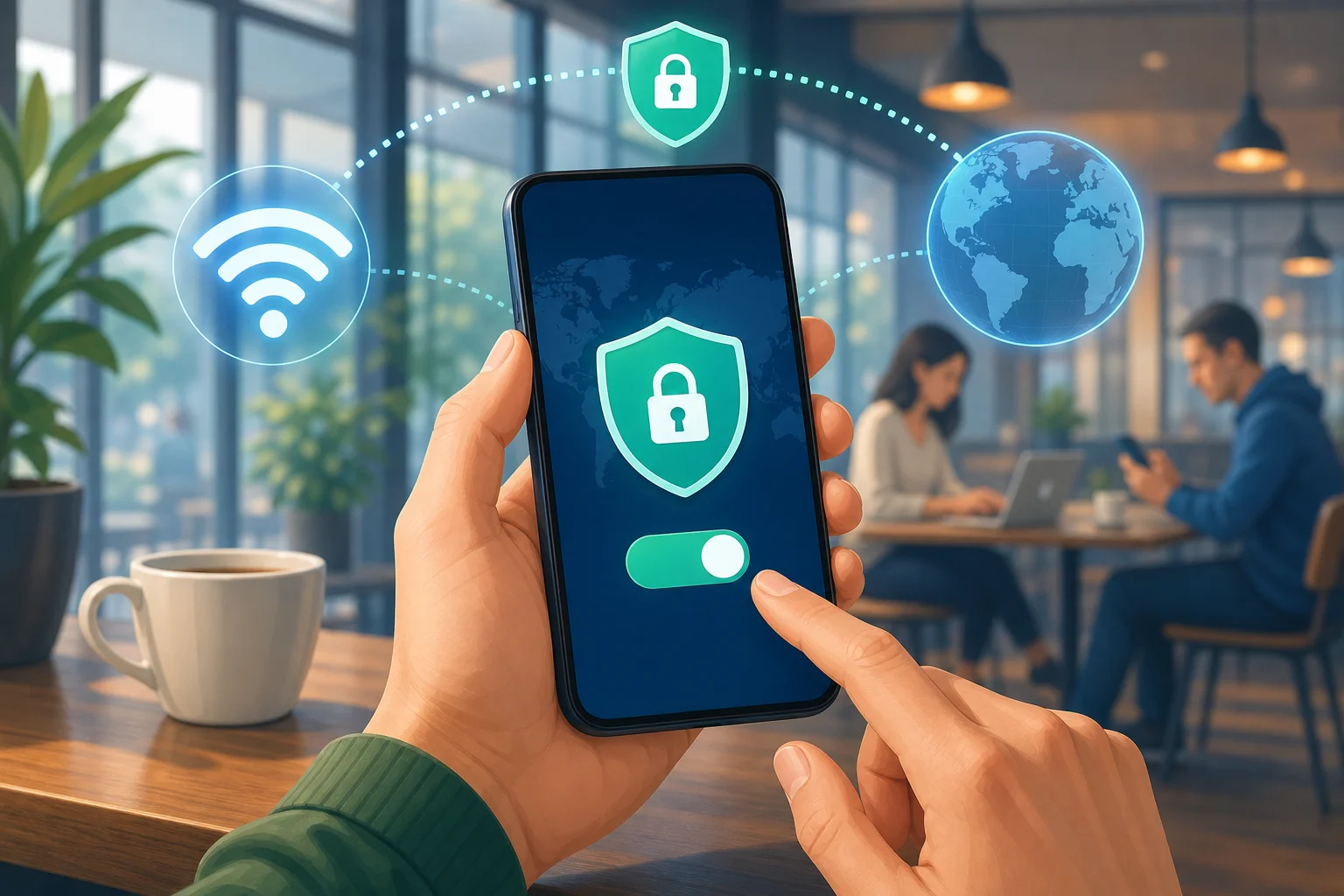
Step-by-step: how to install and use a free VPN app
-
Choose a trusted VPN app
Look for a VPN with clear privacy information, a simple interface, and no unnecessary permissions. -
Download it from the official app store
Use the Apple App Store or Google Play Store. Avoid random download links from unknown websites. -
Open the VPN app
Read the basic setup screens. A beginner-friendly VPN should make this quick and clear. -
Allow the VPN configuration
Your phone may ask permission to add a VPN profile. This is normal. It lets the app create the secure connection. -
Tap connect
Once connected, you may see a VPN icon in your phone’s status bar. -
Browse as usual
Use your phone normally. Your internet traffic will pass through the VPN while it is active. -
Disconnect when needed
If an app does not work well with the VPN, you can disconnect and reconnect later.
Features to look for in a free VPN for phone
Before you install any free VPN, check for the features that matter most:
- No registration required: Faster setup and less personal information shared.
- No-logs policy: The provider should state that it does not keep records of your browsing activity.
- Simple interface: A clear connect button is ideal for beginners.
- Strong encryption: This is the core of VPN protection.
- Stable connection: The VPN should stay connected while you browse.
- Transparent privacy policy: You should be able to understand what data is collected and why.
- No confusing permissions: Be careful if an app asks for access that does not seem related to VPN use.
Starting simply with BeFreeVPN
If you want a quick and beginner-friendly option, BeFreeVPN is designed to make mobile privacy simple. You can start without registration, connect for free, and add a layer of security to your browsing on your phone.
For beginners, that simplicity matters. Instead of dealing with accounts, payment forms, or complex settings, you can focus on protecting your personal data while browsing, travelling, or using public Wi-Fi.
FAQ About Using a VPN Without Payment on Your Phone
Is a free VPN safe for my phone?
A free VPN can be safe if you choose carefully. Look for clear privacy terms, strong encryption, and a no-logs policy. Avoid apps that seem unclear about how they make money or ask for unnecessary permissions.
Can I use a VPN without registration?
Yes. Some VPN apps let you connect without creating an account. This is helpful if you want less friction and prefer not to share personal details before using basic privacy protection.
Will a free VPN slow down my phone?
A VPN may slow your internet connection because your data travels through an encrypted server. The effect depends on the VPN quality, server load, your location, and your network speed. For everyday browsing, a good free VPN should still feel usable.
Does a VPN protect all apps on my phone?
In most cases, a phone VPN protects internet traffic from apps while the VPN is connected. However, protection can vary depending on the app, phone settings, and VPN configuration. Always check that the VPN icon is visible when you expect it to be active.
Do I need a VPN on mobile data?
A VPN is most useful on public Wi-Fi, but it can also help on mobile data by masking your IP address and adding privacy from some network-level tracking. It is a good option when you want extra privacy wherever you connect.
Final Thoughts
A VPN without payment for phone is a simple way to improve privacy without buying a subscription. It can encrypt your connection, help protect you on public Wi-Fi, and reduce some forms of tracking. Still, it is important to understand the limits and choose a VPN that is transparent, easy to use, and privacy-focused.
Protect your personal data on the go by downloading BeFreeVPN on your phone — it's free, requires no registration, and keeps your browsing secure.