Debunking myths: free VPN without registration compared
Think you can't find a reliable free VPN without registration? Let’s debunk common myths and guide you to the best option for your needs! A no-sign-up VPN can be useful when you want quick privacy on public Wi-Fi, lighter tracking, or access to basic encrypted tunneling without creating another account. Still, “free” and “no registration” do not automatically mean private, fast, or safe. In this comparison, we separate realistic benefits from marketing claims and compare practical options for security, speed, usability, and everyday browsing.
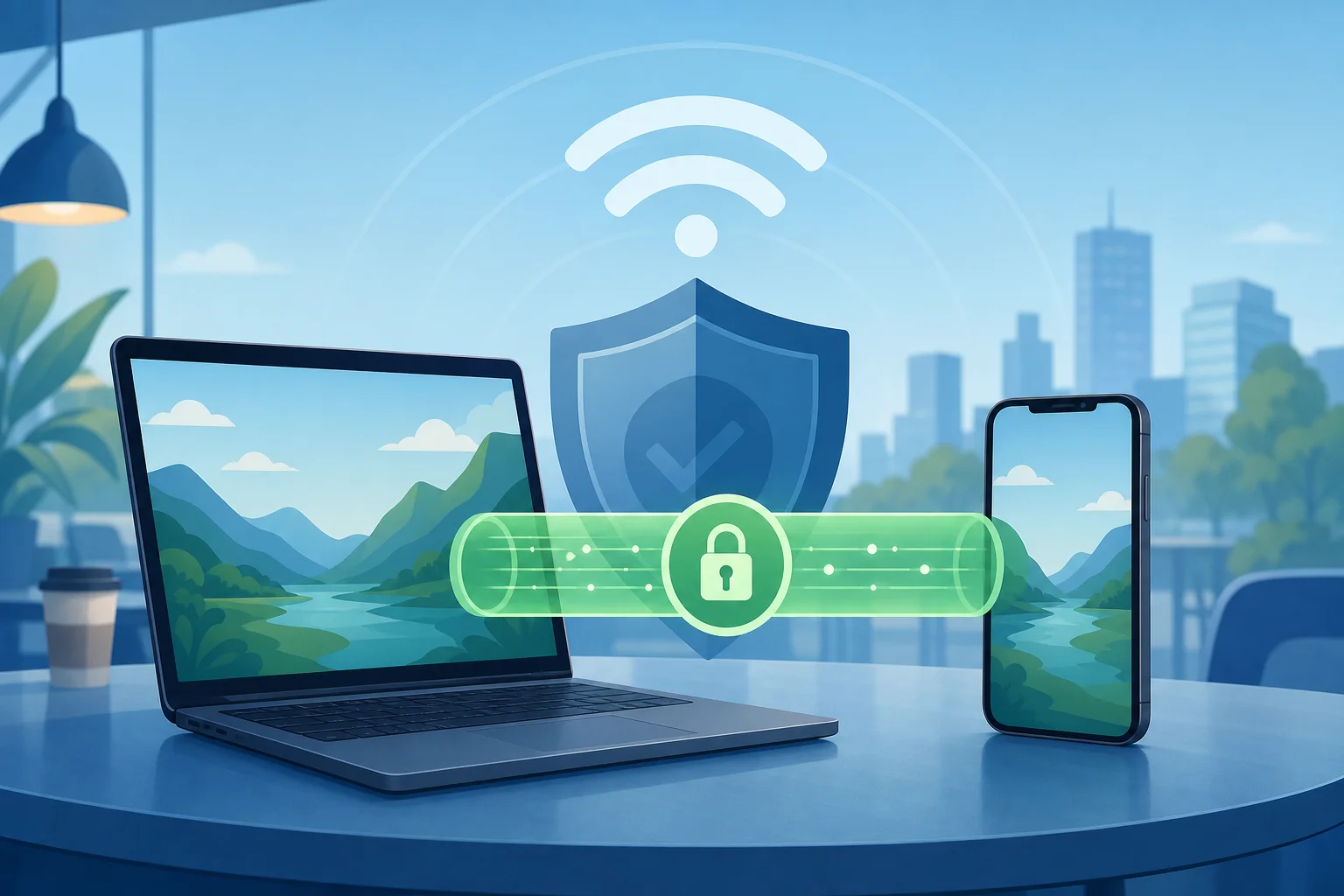
Before choosing any free VPN with no account, keep one point in mind: the best choice depends on your threat model. A casual user on hotel Wi-Fi has different needs from a journalist, gamer, streamer, or remote worker. The sections below address the most common myths so you can make a more informed decision.
Myth 1: Free VPNs Without Registration Are Always Unsafe
The first myth is simple: if a VPN is free and does not ask for an email address, it must be unsafe. That is too broad. Some free VPNs without registration use strong encryption and modern tunneling methods. Others are little more than browser proxies with limited protection. The difference matters.
A safer no-registration VPN should offer at least:
- Encrypted traffic between your device and the VPN server
- A clear privacy policy written in plain language
- Minimal logging, especially no activity logs
- Protection against DNS leaks where possible
- Apps or configuration files from a trusted source
- A history of responsible security practices
However, free VPNs often come with trade-offs. Some show ads. Some collect diagnostic data. Some only protect browser traffic, not the whole device. Others publish public server credentials, which can be convenient but less polished than a managed app.
In reality, the safest approach is not to assume. Check independent reviews, security discussions, and any available audits. If a provider has had third-party assessments, transparent ownership, or open-source clients, that is a positive signal. If the website is vague, makes extreme promises, or hides its logging policy, treat it with caution.
Also, remember what a VPN cannot do. It will not make you anonymous by itself. It cannot protect you from phishing pages. It will not secure accounts that use weak passwords. A VPN is one layer in a broader privacy setup.
Myth 2: All Free VPNs Have Data Caps and Speed Limits
Many free VPN services impose data caps, speed limits, or server restrictions. That is true. But it is not universal. Some no-sign-up VPN options offer generous bandwidth for casual use, while others limit features instead of data.
For example, a browser-based VPN may not cap data but only protect traffic inside that browser. A network tunnel may offer unlimited traffic but no choice of server location. A community-run service may be free and accountless but have variable speed because capacity depends on demand.
Data caps are not the only factor that affects browsing. Your real experience depends on:
- Server distance — Nearby servers usually feel faster.
- Network congestion — Free servers can slow down at peak times.
- Protocol efficiency — Modern protocols often perform better.
- Device performance — Older phones and laptops may encrypt traffic more slowly.
- Traffic type — Video calls, streaming, gaming, and downloads all behave differently.
- Scope of protection — Browser-only VPNs may feel fast because they do less.
So, compare more than the headline bandwidth. If you only read news, check email, and use messaging apps on public Wi-Fi, speed may be “good enough.” If you need 4K streaming, torrenting, remote work, or low-latency gaming, a free no-registration VPN may not be the best fit.
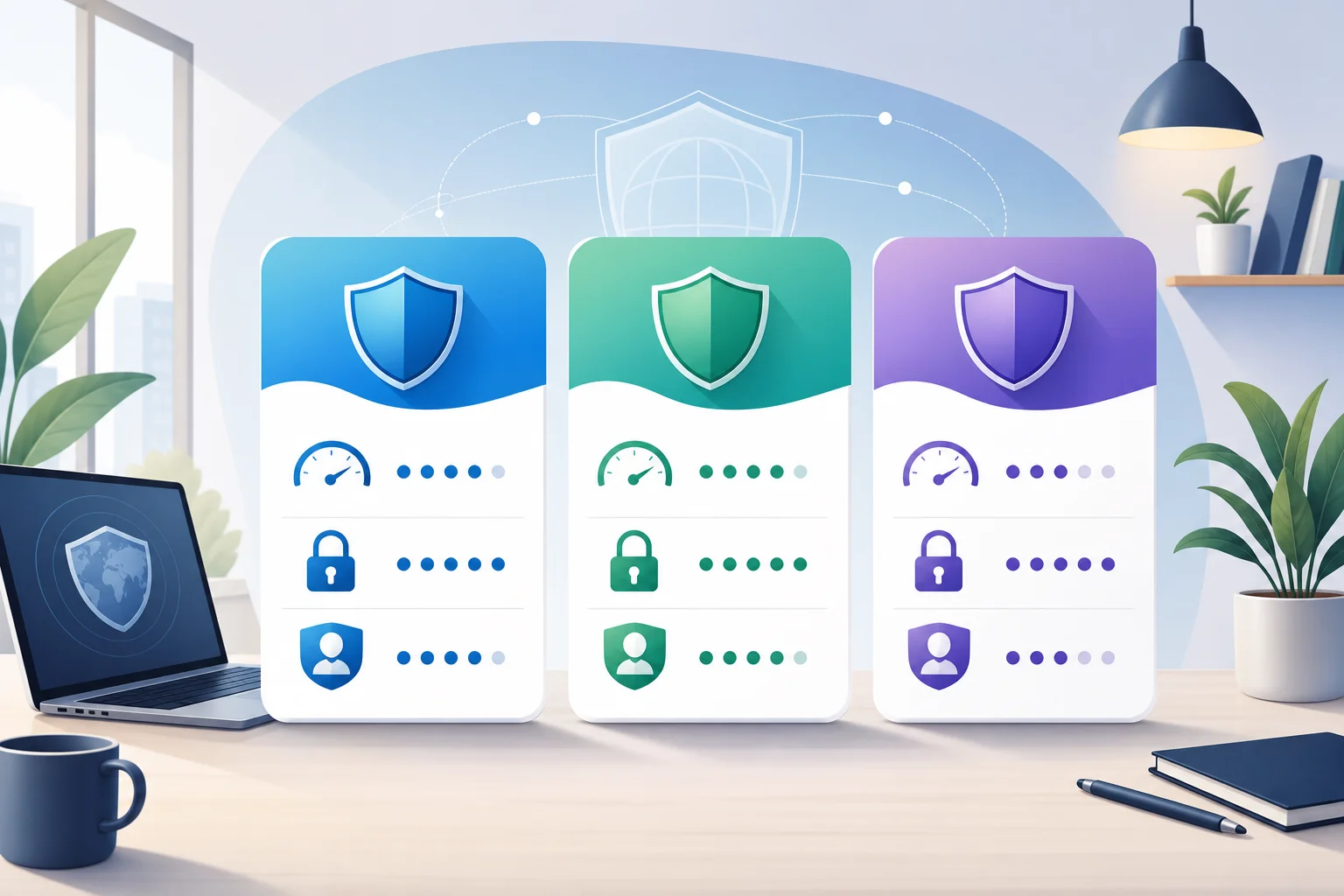
Quick Comparison Table: Top Free VPNs Without Registration
The table below compares popular free VPN or VPN-like services that can be used without creating a typical email-based account. Availability, policies, and features can change, so always verify details before installing.
| Service | Best For | Registration Needed? | Data Limit | Speed Experience | Security & Privacy Notes | User/Expert Context |
|---|---|---|---|---|---|---|
| Cloudflare WARP | Simple whole-device encrypted connection | No standard account required | Generally no fixed data cap for basic use | Usually stable for browsing; location choice is limited | Encrypts device traffic to Cloudflare’s network; not designed for choosing countries or bypassing every geo-block | Often reviewed positively for ease of use, but experts note it is not a traditional location-switching VPN |
| Opera Browser VPN | Private browsing inside one browser | No account for basic browser VPN | No typical browser VPN data cap | Good for light web browsing; does not protect other apps | Works more like a secure browser proxy than a full-device VPN; privacy depends on browser policy | Users like convenience; experts often recommend it only for low-risk browsing |
| VPNBook | Manual OpenVPN/PPTP setup and occasional use | No account, but public credentials may be used | No clear consumer-style cap, but performance varies | Can be inconsistent due to public servers | Supports OpenVPN configuration; requires more setup and careful protocol choice | Advanced users appreciate no signup; reviews are mixed on usability and transparency |
How to Read the Comparison
A side-by-side table is useful, but it should not decide for you. Instead, match each option to your main goal.
- Choose Cloudflare WARP if you want simple encryption for everyday apps and do not need to select a VPN country.
- Choose Opera Browser VPN if you only need quick privacy inside a browser and prefer not to install a full VPN app.
- Choose VPNBook if you are comfortable with manual configuration and understand the limits of public VPN servers.
For most intermediate users, the key distinction is full-device protection versus browser-only protection. Full-device VPNs route traffic from apps, system services, and browsers. Browser VPNs usually protect only pages opened in that browser.
Myth 3: You Get What You Pay For—Free Equals Low Quality
“Free equals low quality” is another common myth. It is partly understandable because many free VPNs are poor. Some are slow. Some have intrusive ads. Some log too much. A few may even create more privacy risk than they solve.
Still, not every free VPN without registration is useless. Some reputable services use a free tier to introduce users to paid products. Others are built for accessibility, censorship resistance, or simple network security. In these cases, the free model can still offer real value.
The quality question is not just about price. It is about incentives. Ask:
- How does the service pay for servers and development?
- Does it sell premium upgrades, show ads, rely on donations, or monetize data?
- Is the privacy policy specific about what is collected?
- Are server locations and limits clearly described?
- Are the apps updated regularly?
Many users prefer free options for casual use. If you only need a VPN for a short trip, a café connection, or occasional browsing, a no-registration VPN can be practical. You avoid account creation, reduce friction, and get online quickly.
However, a free service is less suitable when the stakes are high. If you handle sensitive client files, need consistent streaming access, or depend on privacy for personal safety, consider a carefully vetted paid VPN with stronger guarantees, audited infrastructure, and support.
Which Should You Choose?
The best free VPN without registration depends on how you plan to use it. Start with your main need, then check the trade-offs.
If You Want Safer Public Wi-Fi Browsing
Choose a service that encrypts your whole device connection. This helps protect traffic from local network snooping, especially in airports, hotels, and cafés. Cloudflare WARP-style tools can be a good fit for this scenario because setup is simple and protection extends beyond one browser.
If You Want Lightweight Browser Privacy
A browser VPN can be enough for reading, searching, and accessing websites with less exposure to local network risks. Opera’s built-in VPN is convenient here. Still, remember that apps outside the browser are not covered.
If You Want Streaming
Free no-registration VPNs are usually not ideal for streaming. Many streaming platforms block shared VPN IP addresses. Also, no-sign-up options often provide limited region choice. If streaming is your main goal, check whether the service supports the region you need and expect mixed results.
If You Want Strong Privacy
Look beyond the “no registration” label. A VPN that does not ask for your email can still log IP addresses, device data, or connection times. Read the privacy policy and check for independent audits. Also consider using privacy-focused browsers, tracker blockers, secure DNS, and multi-factor authentication.
If You Want Ease of Use
Choose a service with a simple app, automatic connection, and clear controls. Manual OpenVPN setup is powerful but can be frustrating if you want quick protection. For daily use, ease of use matters because a VPN only helps when you actually turn it on.
Quick Decision Steps
Use this simple checklist to narrow your choice:
- Define your main purpose: browsing, public Wi-Fi, streaming, privacy, or testing.
- Check protection scope: full-device VPN or browser-only VPN.
- Read the privacy policy: look for activity logs, IP logs, and data sharing.
- Compare limits: data caps, server choice, speed restrictions, and device support.
- Test performance: try common tasks such as video calls, search, email, and downloads.
- Review safety signals: audits, reputation, app updates, and expert reviews.
- Keep expectations realistic: free no-sign-up VPNs are convenient, not magic.
FAQ: Free VPN Without Registration
Is a free VPN without registration really anonymous?
Not by default. No registration means you may not provide an email address, but the VPN can still see connection metadata. Your browser fingerprint, account logins, cookies, and payment details on websites can also identify you.
Can I use a no-sign-up VPN for Netflix or other streaming services?
Sometimes, but results vary. Many free VPNs without registration have limited server locations and shared IP addresses that streaming platforms may block. For reliable streaming, a paid VPN is usually more consistent.
Is a browser VPN the same as a full VPN?
No. A browser VPN usually protects traffic only inside that browser. A full VPN can protect traffic from most apps on your device, depending on the operating system and configuration.
What is the safest way to test a free VPN?
Install it from the official source, read the permissions, check for DNS or IP leaks, and avoid entering sensitive information until you trust the connection. Also, review recent expert feedback before relying on it.
Final Verdict
Free VPNs without registration are not all unsafe, slow, or low quality. But they are not equal either. Some are best for simple encryption. Others work only inside a browser. A few appeal to advanced users who do not mind manual setup. The right choice depends on your device, privacy needs, speed expectations, and comfort with configuration.
For a hassle-free experience, consider BeFreeVPN. Enjoy unrestricted browsing without registration and stay safe—all for free!