5 reasons to use an online VPN for your phone
Did you know that using an online VPN on your phone can enhance your security and unlock content effortlessly? Your phone is often the device you use most for banking, messaging, shopping, streaming, and browsing. That also makes it a high-value target on public networks and a source of personal data for trackers. In this guide, you’ll learn five practical reasons to use an online VPN for phone protection, privacy, and a smoother mobile internet experience.
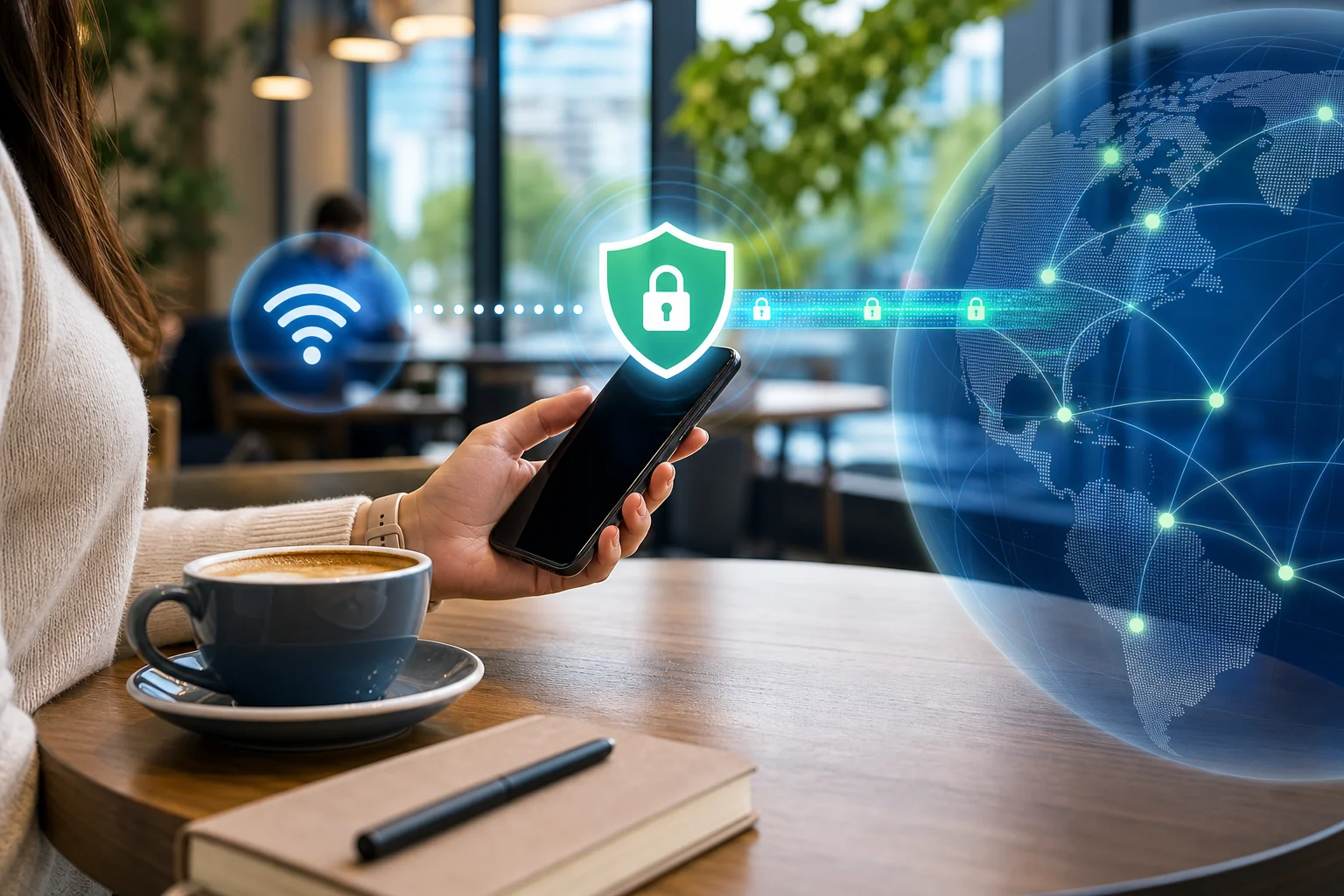
1. Enhanced Security on Public Wi-Fi
Public Wi-Fi is convenient, but it is not always safe. Cafes, airports, hotels, malls, and train stations often offer open networks that anyone nearby can join. That means attackers may try to monitor traffic, create fake hotspots, or intercept unprotected data.
An online VPN for your phone helps by creating an encrypted tunnel between your device and the VPN server. This makes your mobile data much harder to read if someone is snooping on the same network.
Your phone can be more exposed on public Wi-Fi because it connects quickly and often in the background. Apps may refresh email, sync files, load notifications, or send session data while you are not paying attention. A VPN adds a protective layer for these everyday connections.
Use a mobile VPN especially when you:
- Check email or work apps on public Wi-Fi
- Log in to banking, shopping, or travel accounts
- Send private messages or documents
- Connect to hotel or airport networks
- Use unfamiliar hotspots while traveling
A VPN does not replace strong passwords or software updates. However, it is one of the simplest ways to reduce risk when using shared networks.
2. Access Geo-Restricted Content
Streaming services, news sites, sports platforms, and apps may show different content based on your location. Sometimes, content available at home is blocked when you travel. Other times, a website limits access to certain regions.
With an online VPN app, you can switch your virtual location by connecting to a server in another country. Your phone then appears to browse from that server location. This can help you access region-specific websites or keep up with local content from back home while abroad.
This is especially useful for travelers who want to:
- Watch familiar shows while away from home
- Read local news from their country
- Access region-based services securely
- Avoid location-based blocks on certain websites
Always remember to follow the terms of the services you use. A VPN is a helpful privacy and access tool, but rules can vary by platform and region.
3. Maintain Privacy and Anonymity
Your phone reveals a lot about your online habits. Mobile browsers, apps, websites, ad networks, and internet service providers can collect or infer information about what you do online.
A VPN helps protect your privacy by masking your IP address and encrypting your internet traffic. Your ISP can usually see that you are connected to a VPN, but it cannot easily view the specific websites or app traffic inside the encrypted tunnel.
This makes a VPN useful if you want to reduce tracking while browsing, shopping, reading, or streaming on your phone.
Simple steps to stay more anonymous on mobile
- Turn on your VPN before opening sensitive apps. This protects traffic from the start of your session.
- Use private browsing when needed. It helps reduce local browser history on your phone.
- Limit app permissions. Disable location, contacts, or camera access when an app does not need them.
- Avoid logging in everywhere. Staying logged out can reduce account-based tracking.
- Clear cookies and trackers regularly. This helps reduce personalized profiling.
A VPN is not a full anonymity solution on its own. Still, when paired with smart privacy habits, it can make mobile browsing much more private.
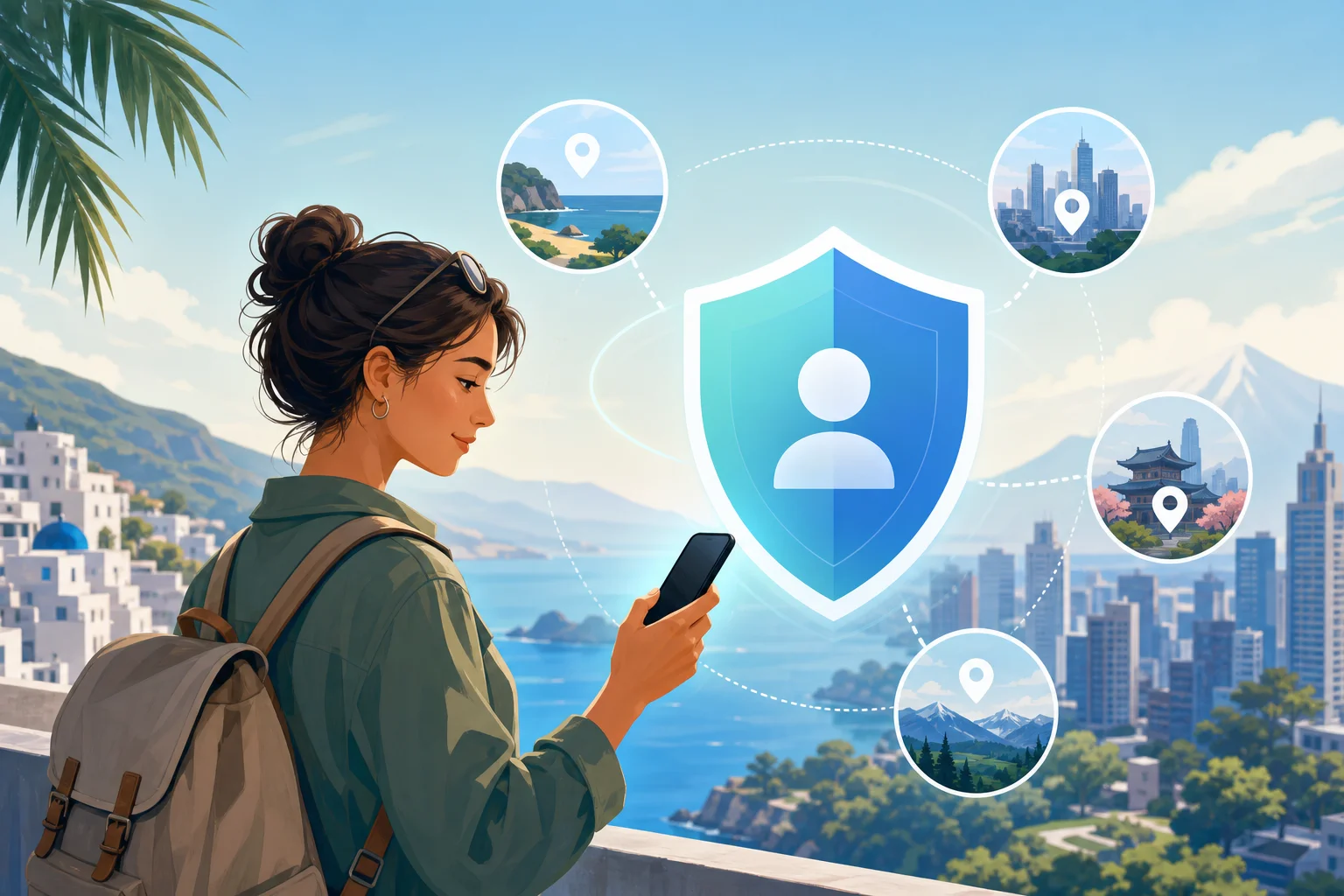
4. Reduce Data Throttling
Some mobile carriers or internet providers may slow certain types of traffic, such as video streaming, gaming, or large downloads. This is often called throttling. It can lead to buffering, lower video quality, or uneven speeds.
A VPN can help in some cases because it encrypts your traffic, making it harder for a provider to identify the exact service or type of content you are using. As a result, you may get a more consistent mobile internet experience.
However, results depend on your network, location, and VPN server quality. If your connection is slow because of weak signal, network congestion, or a distant VPN server, a VPN may not increase speed. In some cases, encryption can add a small amount of overhead.
VPN vs. no VPN on your phone
| Situation | Without VPN | With VPN |
|---|---|---|
| Public Wi-Fi | Data may be easier to intercept | Traffic is encrypted |
| Streaming while traveling | Content may be region-limited | Virtual location can be changed |
| ISP visibility | ISP may see more browsing activity | ISP sees VPN connection, not detailed traffic |
| Possible throttling | Certain traffic may be slowed | Some restrictions may be harder to apply |
| IP address exposure | Websites see your real IP | Websites see the VPN server IP |
For best results, choose a nearby VPN server when speed matters. If you need content from another region, choose a server in that location.
5. Protect Everyday Mobile Activities
Your phone is more than a browser. It is also your wallet, map, mailbox, calendar, camera, and personal assistant. That means a lot of your daily life passes through mobile apps.
A VPN can help protect common phone activities such as:
- Online shopping on mobile networks
- Checking bank accounts while traveling
- Sending work files from your phone
- Using messaging apps on public Wi-Fi
- Signing in to cloud storage or email
This is why using a VPN on your phone is not only for tech experts. It is a practical habit for anyone who wants safer browsing with less effort.
FAQ About Using an Online VPN for Phone
Do I need a VPN on my phone?
Yes, a VPN is useful if you use public Wi-Fi, travel often, stream on mobile, or want more private browsing. It adds encryption and helps hide your real IP address.
Does a phone VPN work on mobile data?
Yes. A VPN can work on both Wi-Fi and mobile data. It protects traffic from your phone to the VPN server, regardless of the network type.
Will a VPN drain my phone battery?
A VPN may use some extra battery because it encrypts traffic and keeps a secure connection active. In most cases, the impact is manageable, especially with a lightweight mobile VPN app.
Can I use a free VPN for my phone?
You can, but choose carefully. Look for a service with clear privacy practices, stable connections, and no unnecessary sign-up steps. Avoid unknown apps that request excessive permissions.
Final Thoughts
An online VPN for phone use can make everyday browsing safer, more private, and more flexible. It helps secure public Wi-Fi, access region-based content, reduce tracking, and protect sensitive mobile activity. For simple protection without extra hassle, try BeFreeVPN today to secure your phone with no registration and experience free, seamless internet protection.