Why use an anonymous VPN for internet security?
Ever wondered how to keep your personal information secure online without turning into a tech expert? An anonymous vpn for internet privacy is one of the simplest tools beginners can use to reduce tracking, protect data on public Wi-Fi, and browse with more confidence. In this guide, you’ll learn what an anonymous VPN does, how it protects your data, and how to choose a service that fits your everyday internet use.
What Is an Anonymous VPN?
A Virtual Private Network, or VPN, is a tool that creates a secure connection between your device and the internet. Instead of your traffic going directly from your phone or laptop to a website, it first travels through a VPN server. This helps hide parts of your online activity from networks, websites, and some third parties.
Think of it like sending a letter through a trusted forwarding address. The website sees the VPN server’s address, not your home network’s address.
VPN basics in simple terms
When you connect to a VPN:
- Your device creates an encrypted “tunnel” to a VPN server.
- Your internet requests pass through that tunnel.
- Websites see the VPN server’s IP address instead of your real IP address.
- Your internet service provider can usually see that you are using a VPN, but not the exact websites you visit through the encrypted tunnel.
This makes a VPN useful for everyday privacy, especially when you use shared networks at cafes, hotels, airports, or schools.
How anonymity improves online privacy
Your IP address can reveal general information about your location and internet provider. It is also one of the signals websites and advertisers may use to track visits, build profiles, or limit access based on region.
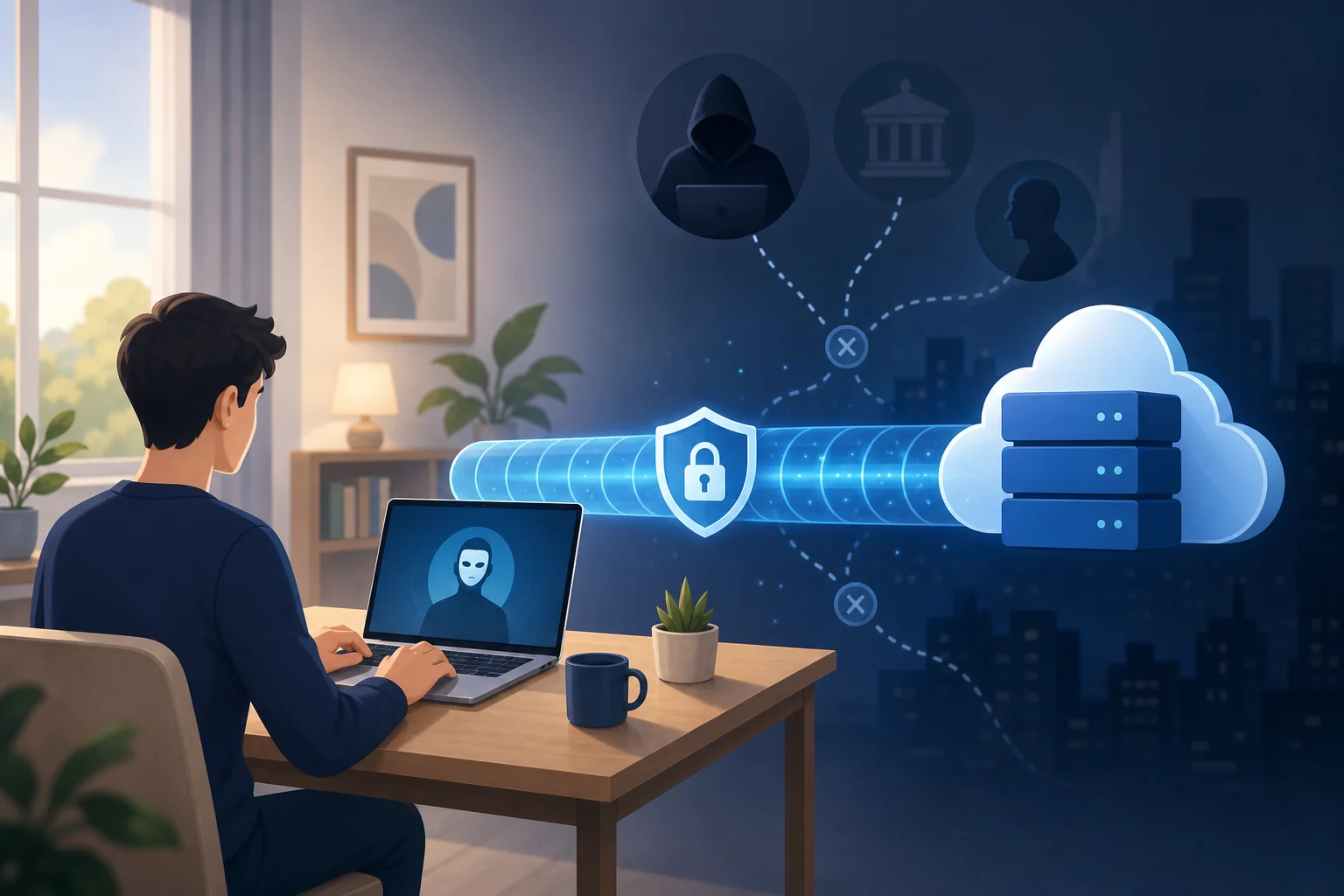
An anonymous VPN masks your real IP address by replacing it with the IP address of the VPN server. This does not make you invisible online, but it does reduce how easily your browsing can be linked back to your home connection or device.
Anonymous VPNs vs. regular VPNs
Not every VPN is equally focused on anonymity. A regular VPN may provide encryption and location masking, but an anonymous VPN usually puts more emphasis on privacy-friendly access, minimal data collection, and simple use without unnecessary personal details.
| Feature | Regular VPN | Anonymous VPN |
|---|---|---|
| Encrypts traffic | Usually yes | Yes |
| Masks your IP address | Usually yes | Yes |
| Focus on minimal user data | Varies by provider | Stronger focus |
| No-log approach | Varies | Often a key feature |
| Beginner-friendly privacy | Varies | Usually central to the service |
In short, a regular VPN protects the connection. An anonymous VPN aims to protect the connection while also reducing the amount of personal information tied to your VPN use.
Why Do You Need an Anonymous VPN for Internet Use?
Most people do not think about online privacy until something goes wrong. However, daily browsing creates a trail. Websites may log visits. Advertisers may follow behavior across pages. Public Wi-Fi networks may expose unprotected traffic. An anonymous VPN for internet security helps limit these risks.
Protecting personal data from hackers and surveillance
Public Wi-Fi is convenient, but it is not always safe. If a network is poorly secured, attackers may try to intercept data or trick users into connecting to fake hotspots. A VPN helps by encrypting the traffic leaving your device, making it much harder for someone on the same network to read what you are doing.
A VPN can also reduce casual monitoring by network owners. For example, a hotel, airport, workplace, or school network may be able to see domain-level activity when you browse without a VPN. With a VPN connection, the network mainly sees an encrypted connection to the VPN server.
Preventing tracking by websites and advertisers
Advertisers use many methods to track people, including cookies, browser fingerprinting, device identifiers, and IP addresses. A VPN does not block every type of tracking by itself. Still, IP masking makes one important tracking signal less reliable.
For stronger privacy, combine an anonymous VPN with good browsing habits:
- Use privacy-focused browser settings.
- Clear cookies regularly.
- Avoid logging into personal accounts when you want more private browsing.
- Turn off unnecessary app permissions.
- Use multi-factor authentication for important accounts.
Together, these steps make it harder for companies or trackers to build a complete profile of your activity.
Real-world privacy risks a VPN can help reduce
Here are common situations where a VPN can help:
- Using airport Wi-Fi: A VPN encrypts your traffic while you check email or browse travel sites.
- Working from a cafe: It reduces the chance of data exposure on a shared network.
- Researching sensitive topics: IP masking helps separate your browsing from your home IP address.
- Avoiding location-based profiling: Websites see the VPN server location rather than your exact network location.
- Traveling abroad: A VPN can help keep your connection more private on unfamiliar networks.
A VPN is not a magic shield against every threat. It will not stop phishing emails, weak passwords, or malware. But it is a practical first layer of protection for everyday internet privacy.
How Does an Anonymous VPN Protect Your Data Online?
An anonymous VPN uses two main privacy tools: encryption and IP masking. Some services also add privacy-focused policies, such as no-log operation, to reduce the amount of data stored about users.
Encryption: locking your internet traffic
Encryption turns readable data into scrambled information that can only be understood with the right key. VPNs commonly use strong encryption standards and secure VPN protocols to protect traffic between your device and the VPN server.
Common VPN protocols include:
- WireGuard: Often fast and modern, with a lightweight design.
- OpenVPN: Widely trusted and flexible.
- IKEv2/IPsec: Often stable on mobile devices, especially when switching networks.
For beginners, the exact protocol matters less than choosing a VPN that uses modern, well-regarded security methods and keeps the connection stable.
IP masking: hiding your network identity
Every internet connection uses an IP address. Without a VPN, websites can usually see the IP address assigned by your internet provider or mobile carrier. With a VPN, your traffic appears to come from the VPN server.
This helps anonymize your online presence in a few ways:
- It hides your real IP address from websites you visit.
- It reduces location signals linked to your home or mobile network.
- It makes basic IP-based tracking less accurate.
However, remember that logging into personal accounts can still identify you. If you sign into your email, social media, or shopping account, those services know it is you regardless of the IP address.
Why a no-log VPN matters
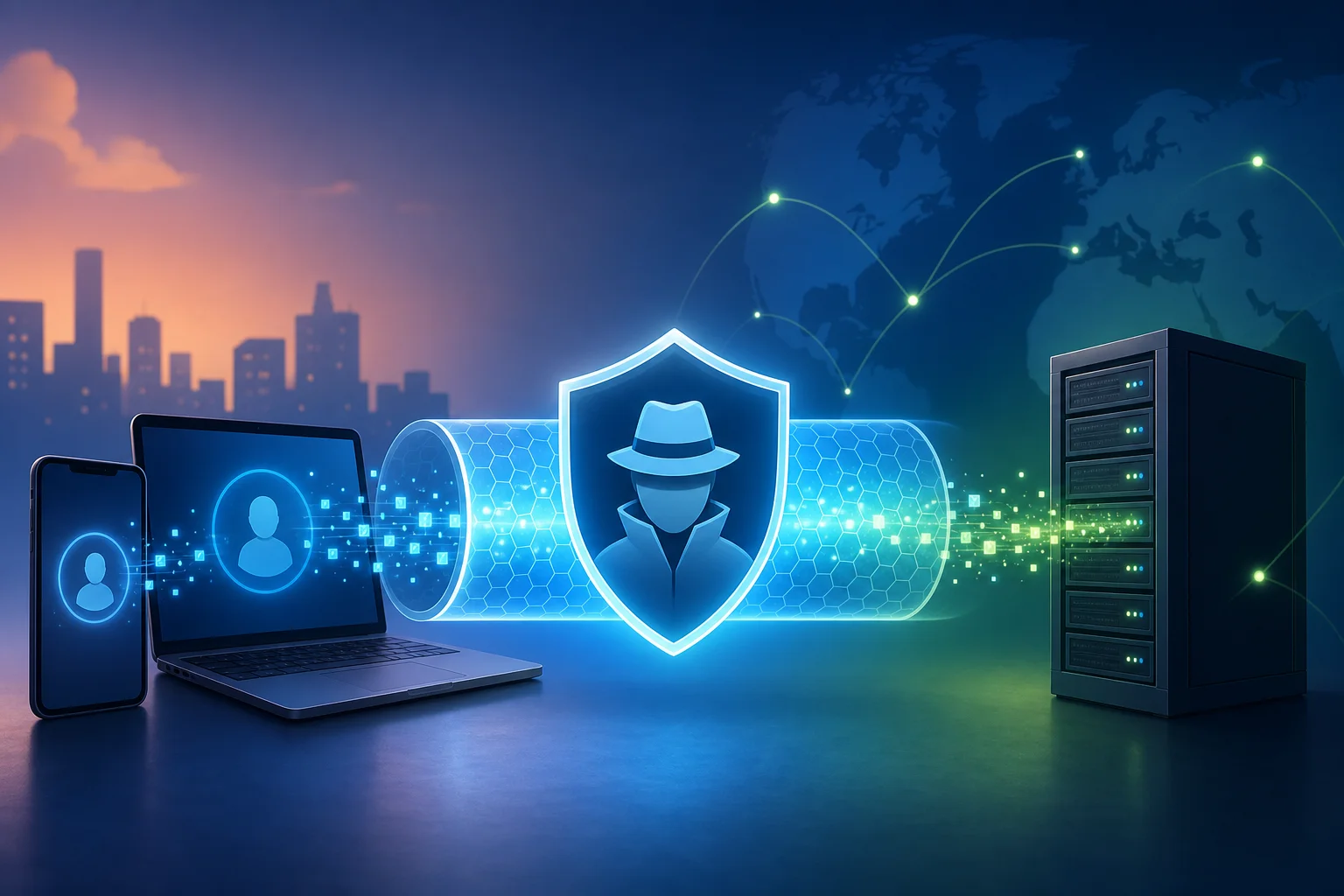
A no-log VPN is designed not to store activity logs, such as browsing history, connection destinations, or online behavior. This is important because a VPN provider sits between your device and the wider internet. The less it records, the better for privacy.
When comparing providers, look for clear privacy policies written in simple language. Be cautious of vague promises. A good VPN should explain what data it does and does not collect.
How to Choose the Right Anonymous VPN for You
Choosing a VPN can feel confusing at first. There are many apps, plans, protocols, and claims. The best choice for beginners is usually the service that is private, simple, reliable, and easy to use on the devices you already own.
Important features to look for
Use this checklist when choosing an anonymous VPN service:
- No-log policy: The service should minimize stored activity data.
- Strong encryption: Look for modern protocols and secure defaults.
- IP masking: The VPN should hide your real IP address effectively.
- No-registration option: Fewer sign-up details can mean less personal data shared.
- Multiple device support: Check that it works on your phone, laptop, tablet, or browser.
- Stable speeds: A VPN should protect you without making basic browsing frustrating.
- Easy interface: Beginners should be able to connect in one or two taps.
- Transparent terms: Privacy and usage policies should be clear.
Step-by-step: how to evaluate a VPN before using it
- Read the privacy policy. Check whether the provider logs browsing activity or personal details.
- Check device support. Make sure it works on the devices and systems you use most.
- Test connection speed. Try normal tasks like browsing, video calls, and streaming.
- Look for easy controls. You should be able to connect, disconnect, and change settings without confusion.
- Review access requirements. If privacy is your priority, consider services that do not require unnecessary registration.
- Use it in real situations. Test it on public Wi-Fi, mobile data, and your home network.
How BeFreeVPN helps beginners get started
BeFreeVPN is built for users who want a simple way to protect their online activity without a complicated setup. It offers hassle-free, no-registration VPN access, which is helpful if you want to start using a VPN without sharing extra personal information.
It also supports use across multiple devices, making it practical for everyday browsing at home, at work, or while traveling. For beginners, that simplicity matters. The easier a VPN is to use, the more likely you are to keep it on when it counts.
FAQ About Using an Anonymous VPN for Internet Privacy
Is an anonymous VPN legal?
In many countries, using a VPN is legal. However, laws vary by location, and using a VPN does not make illegal activity legal. Always follow local rules and the terms of the services you use.
Will a VPN make me completely anonymous online?
No. A VPN improves privacy by encrypting traffic and masking your IP address, but it does not make you fully anonymous. Accounts you log into, cookies, browser fingerprints, and unsafe habits can still identify you.
Should I use a VPN all the time?
For many beginners, keeping a VPN on during everyday browsing is a good habit, especially on public Wi-Fi. You may choose to turn it off for certain trusted services if needed, but using it regularly gives more consistent protection.
Does an anonymous VPN slow down the internet?
A VPN can reduce speed because your traffic is encrypted and routed through a VPN server. The impact depends on the service, server distance, network quality, and device. A reliable VPN should still handle normal browsing smoothly.
Start Browsing With More Privacy
An anonymous VPN for internet use is a beginner-friendly way to protect personal data, mask your IP address, and reduce everyday tracking. It works best as part of a smart privacy routine that includes strong passwords, careful browsing, and secure device settings. Try BeFreeVPN today to enjoy a free, no-registration VPN service that keeps your online activities and personal data safe and anonymous.