5 best free VPNs for your router
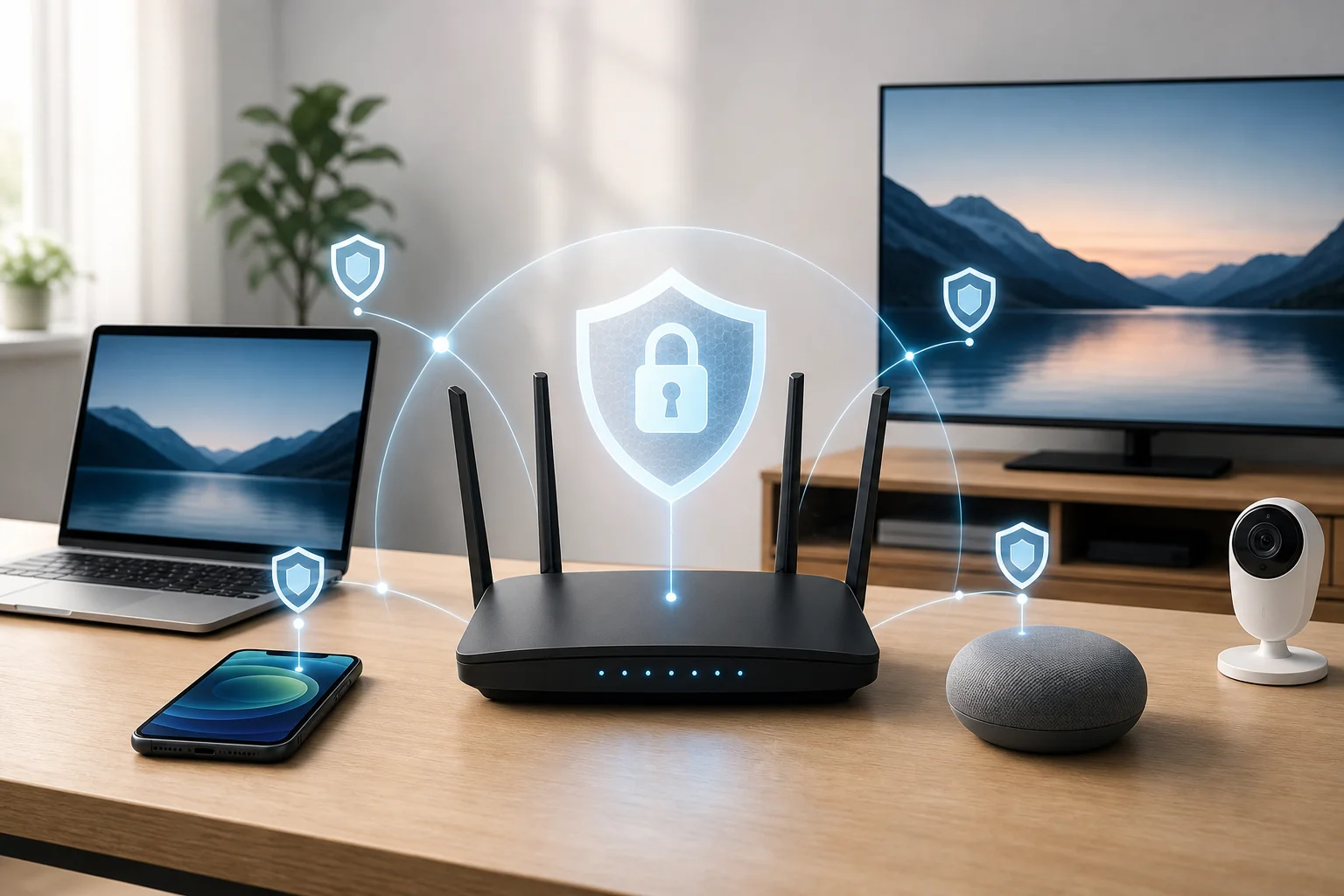
Looking to secure your entire home network without breaking the bank? Explore the top free VPNs that are perfect for your router. If you are searching for a vpn for router free setup, the goal is simple: protect phones, laptops, smart TVs, and other connected devices through one router-level VPN connection. However, free VPN plans can come with limits, so the best choice depends on your data needs, router firmware, and privacy expectations.
Before you start, check whether your router supports VPN client mode. Common compatible firmware includes DD-WRT, OpenWrt, Tomato, AsusWRT, and some GL.iNet systems. Also confirm that the free plan provides usable OpenVPN or WireGuard configuration files, as this can change by provider and region.
Quick comparison of free VPNs for routers
| VPN | Best for | Free data | Router-friendly notes |
|---|---|---|---|
| ProtonVPN | Unlimited bandwidth | Unlimited | Strong privacy, but verify free-plan router config availability |
| Windscribe | Monthly allowance | Up to 10GB | Good guides for DD-WRT and Tomato-style setups |
| Hide.me | Privacy controls | Limited free allowance | Supports manual configuration on popular firmware |
| Hotspot Shield | Speed on supported devices | Limited free plan | Router use may depend on plan and protocol access |
| TunnelBear | Casual use | 500MB | Very easy apps, but router support is more limited |
1. ProtonVPN – unlimited bandwidth
ProtonVPN is one of the most attractive free VPN options because its free plan has no data limits. That makes it useful if you want a router VPN for regular browsing, messaging, and light streaming without watching a data meter every day.
Its main strength is security. ProtonVPN is based in Switzerland, follows a no-logs policy, and uses strong encryption. When installed at router level, a VPN can help cover every device connected to your Wi-Fi, including devices that do not support VPN apps.
That said, router setup depends on your account features and current ProtonVPN configuration access. Proton publishes setup instructions for many router brands and firmware types, but you should confirm that your free account can access the required OpenVPN or WireGuard files before committing.
Choose ProtonVPN if:
- You want no monthly data cap.
- Privacy matters more than server choice.
- You are comfortable following detailed router setup instructions.
2. Windscribe – generous monthly data
Windscribe is a strong pick for anyone who wants a practical free VPN for a router without starting with a paid plan. Its free tier can offer up to 10GB of data per month when you create and confirm an account, which is generous compared with many competitors.
Windscribe also provides strong encryption and useful privacy features. For router users, its biggest advantage is documentation. The provider offers setup guides for router firmware such as DD-WRT and Tomato, making the process less confusing for beginners.
The 10GB limit is still a limit, though. If your household streams video, downloads large files, or runs several smart devices all day, the free data can disappear quickly. For lighter browsing and occasional secure sessions, it works well.
Choose Windscribe if:
- You want a clear monthly data allowance.
- You use DD-WRT, Tomato, or another supported router setup.
- You want a balance of privacy, usability, and free access.
3. Hide.me – robust privacy protection
Hide.me focuses heavily on privacy and transparent security features. Its free plan includes access to a limited selection of server locations, which can be helpful if you need basic global access while reducing the risk of DNS or IP leaks.
The service has a no-logs policy and supports secure VPN protocols. It is also compatible with popular router firmware such as DD-WRT in manual setups. This makes Hide.me a sensible option for users who want control over their router VPN settings.
Like most free VPN services, Hide.me has restrictions. Server selection, data allowance, and speed may be limited compared with the paid version. Still, it is a reliable choice for privacy-focused users who want to experiment with a free router VPN before upgrading.
Choose Hide.me if:
- You care about no-logs privacy.
- You want manual configuration options.
- You have a router that supports DD-WRT or similar firmware.
4. Hotspot Shield – fast and reliable
Hotspot Shield is known for fast connections and simple apps. Its free plan can be useful for basic browsing, especially if speed is your main concern. For households that need consistent browsing rather than heavy streaming, it can be worth considering.
However, router installation is the key point to verify. Hotspot Shield’s free plan may not include the same manual router configuration options as its paid plans. If you want to run it directly on a router, check whether your account includes the needed protocol credentials and router instructions.
When supported, Hotspot Shield can be easy to install and configure on common router types. Its paid upgrades also offer broader options if the free plan feels too limited.
Choose Hotspot Shield if:
- You value speed and simple setup.
- You only need light free VPN use.
- You may upgrade later for more router features.
5. TunnelBear – user-friendly interface
TunnelBear is famous for being beginner-friendly. Its apps are simple, visual, and easy to understand, which makes it less intimidating for new VPN users. The free plan includes 500MB of data per month, so it is best for casual browsing, testing, or occasional privacy protection.
For router use, TunnelBear is less flexible than some alternatives. It is not the first choice for advanced router installations, and you should confirm current support before planning a full home-network setup. Still, its user-friendly approach makes it useful for people who want to learn how VPN protection works before moving to a router-first solution.
Because the data allowance is small, TunnelBear is not ideal for streaming or protecting a busy household full time. Think of it as a simple entry point rather than a complete free VPN router solution.
Choose TunnelBear if:
- You want the easiest VPN experience.
- You only need a small amount of free data.
- You are testing VPN basics before configuring a router.

How to set up a free VPN on your router
Follow these general steps. The exact menus differ by router model.
- Check router compatibility. Look for VPN client support, not just VPN passthrough.
- Choose a free VPN plan. Confirm that it provides OpenVPN or WireGuard configuration files.
- Download the VPN configuration. Get the server file, username, password, and certificates if required.
- Log in to your router dashboard. This is often at an address such as 192.168.1.1.
- Open the VPN client section. Upload the configuration file and enter credentials.
- Connect and test. Visit an IP-checking site to confirm your router is using the VPN server.
- Check for leaks. Run DNS and WebRTC leak tests on connected devices.
Frequently asked questions
Can I really get a vpn for router free?
Yes, but with limits. Some free VPNs work with routers if they provide manual configuration files. Others only support router setup on paid plans, so always check before installing.
Is a free router VPN safe?
A free router VPN can be safe if it has strong encryption, a clear privacy policy, and no shady data practices. Avoid unknown services that do not explain how they make money.
Will a VPN on my router slow down my internet?
Usually, yes, at least a little. Speed depends on your router’s processor, VPN protocol, server distance, and network load. WireGuard is often faster than OpenVPN when supported.
What is the best free VPN for streaming on a router?
ProtonVPN is attractive because it has unlimited data, but server choice and streaming access may be restricted on free plans. Windscribe can also work for light streaming, though its free data cap limits usage.
Final thoughts
The best free VPN for router use depends on what you value most. ProtonVPN is best for unlimited data, Windscribe offers a strong free allowance, Hide.me is privacy-focused, Hotspot Shield is speed-oriented, and TunnelBear is the easiest for beginners. For full-time protection, always confirm router support before setup. Secure your entire home network with BeFreeVPN, offering a free, registration-free option that ensures privacy across all your devices.