Understanding anonymous VPNs for your phone: a beginner's guide to secure remote work
Did you know that using your phone for remote work exposes you to unique digital threats? An anonymous VPN for phone use can be your shield against these risks. Whether you check work email in a café, join video calls from an airport, or access files on the go, your mobile connection can reveal more than you think. In this guide, you’ll learn what an anonymous VPN does, why it matters for remote work, how it protects your phone, and how to choose one that fits your needs.
What is an Anonymous VPN for Your Phone?
An anonymous VPN is a mobile privacy tool that encrypts your internet connection on your phone, keeping your online activity private. When you open apps, browse websites, send messages, or connect to work platforms, your data travels through networks. Without protection, parts of that activity may be visible to network operators, Wi-Fi owners, advertisers, or attackers on unsafe networks.
A VPN, short for virtual private network, creates a protected connection between your phone and a remote VPN server. Instead of your traffic going directly from your phone to a website or app, it first passes through this encrypted connection.
An anonymous VPN also masks your IP address. Your IP address can reveal your general location and can be used to connect online activity back to your device or network. By routing traffic through a VPN server, websites and services see the VPN server’s IP address instead of your real one.
Unlike regular VPNs that may focus mainly on access or basic encryption, anonymous VPNs put stronger emphasis on hiding your identity. That often means privacy-focused features such as no-log policies, minimal sign-up requirements, strong encryption, and leak protection.
In simple terms, an anonymous VPN for your phone helps you:
- Keep mobile browsing private
- Hide your real IP address
- Secure app traffic on public Wi-Fi
- Reduce tracking linked to your network location
- Protect work-related activity while traveling

Why Do You Need an Anonymous VPN for Remote Work?
Remote work has made phones more important than ever. Your phone may now be your backup office. You use it to approve documents, join team chats, read client messages, access cloud storage, and connect to company tools.
However, remote work also means you may connect from places you do not control. Your home network, a hotel Wi-Fi connection, a coworking space, or a coffee shop hotspot can all have different security risks. Public networks are especially risky because you usually do not know who runs them, how secure they are, or who else is connected.
An anonymous VPN protects sensitive work-related communications by securing your internet connection. This is useful when you handle emails, login pages, customer records, project documents, or internal company systems from your phone.
Think of it like adding a secure lock to your home office door. The lock does not stop you from working. Instead, it keeps intruders out while allowing you to work safely. A VPN works in a similar way. It adds a protective layer between your phone and the wider internet.
For beginners, the biggest benefit is peace of mind. You do not need to understand every technical detail to use a VPN well. Once it is installed and turned on, it can protect your traffic in the background while you focus on your work.
Common remote work moments when a mobile VPN helps
| Situation | Risk without a VPN | How an anonymous VPN helps |
|---|---|---|
| Checking email on public Wi-Fi | Login details or messages may be exposed on unsafe networks | Encrypts the connection before data leaves your phone |
| Opening cloud documents | Work files travel across a network you do not control | Helps shield file access and app traffic |
| Using hotel or airport Wi-Fi | Unknown network setup and possible snooping | Routes traffic through a secure VPN tunnel |
| Joining work chats outside the office | Your IP address and network location may be visible | Masks your real IP address |
| Managing tasks while traveling | More chances of connecting to unfamiliar networks | Adds consistent protection wherever you connect |
How Does an Anonymous VPN Secure Your Phone?
An anonymous VPN secures your phone through encryption, IP masking, and traffic routing. These ideas may sound technical, but they are easy to understand with a basic example.
When your phone connects to the internet without a VPN, your data travels through your network provider or Wi-Fi network on its way to websites and apps. Some of that data is protected by website encryption, such as HTTPS. However, a VPN adds another layer of protection around your connection.
The encryption process transforms your data into an unreadable format. This means external parties cannot easily intercept and understand it. If someone tries to look at your traffic on an unsafe Wi-Fi network, they should only see scrambled data rather than readable activity.
Next, the VPN connects your phone to a remote server. Your phone’s network traffic is redirected through that server, which further enhances your online security. The websites and apps you use see the VPN server as the connection point, not your real mobile or Wi-Fi IP address.
This is like using a secure tunnel for your data. Your information travels safely from point A to point B without being seen by onlookers along the way.
Step-by-step: what happens when you turn on a phone VPN
-
You open the VPN app on your phone.
The app prepares a secure connection. -
You choose a server or use the recommended one.
Many beginner-friendly VPN apps pick a fast server automatically. -
The VPN creates an encrypted tunnel.
Your phone’s internet traffic is wrapped in encryption. -
Your traffic passes through the VPN server.
Websites and apps see the VPN server IP address instead of your real IP. -
You browse, message, and work more privately.
Your connection is safer, especially on public Wi-Fi and unfamiliar networks.
Selecting the Right Anonymous VPN for Your Phone
Choosing a VPN can feel confusing at first. There are many apps, many claims, and many settings. The good news is that beginners can focus on a few practical features.
First, look for user-friendly applications that can be easily installed on your mobile device. A good mobile VPN should have a clear interface, a simple connect button, and stable performance on both Wi-Fi and mobile data. If the app feels difficult to use, you may forget to turn it on when you need it most.
Second, check for a no-log policy. This means the VPN service says it does not store or monitor your online activities. Read the privacy policy in plain terms where possible. Look for clear statements about what is collected, what is not collected, and why.
Third, choose fast and reliable connections. Speed matters for remote work. You may need smooth video calls, quick file downloads, stable chat apps, and responsive cloud tools. A slow VPN can make work frustrating, so reliability is more than a nice extra.
Also consider these mobile VPN features:
- Strong encryption: Helps protect your traffic from interception.
- Kill switch: Blocks internet access if the VPN connection drops, reducing accidental exposure.
- DNS leak protection: Helps prevent your browsing requests from leaking outside the VPN tunnel.
- No registration or minimal sign-up: Useful if privacy and convenience matter to you.
- Customer support: Helpful when setup questions appear.
- Battery-friendly performance: Important for long workdays on your phone.
A good anonymous VPN for phone use should balance privacy, speed, ease of use, and trust. You do not need the most complicated app. You need one you will actually use every day.
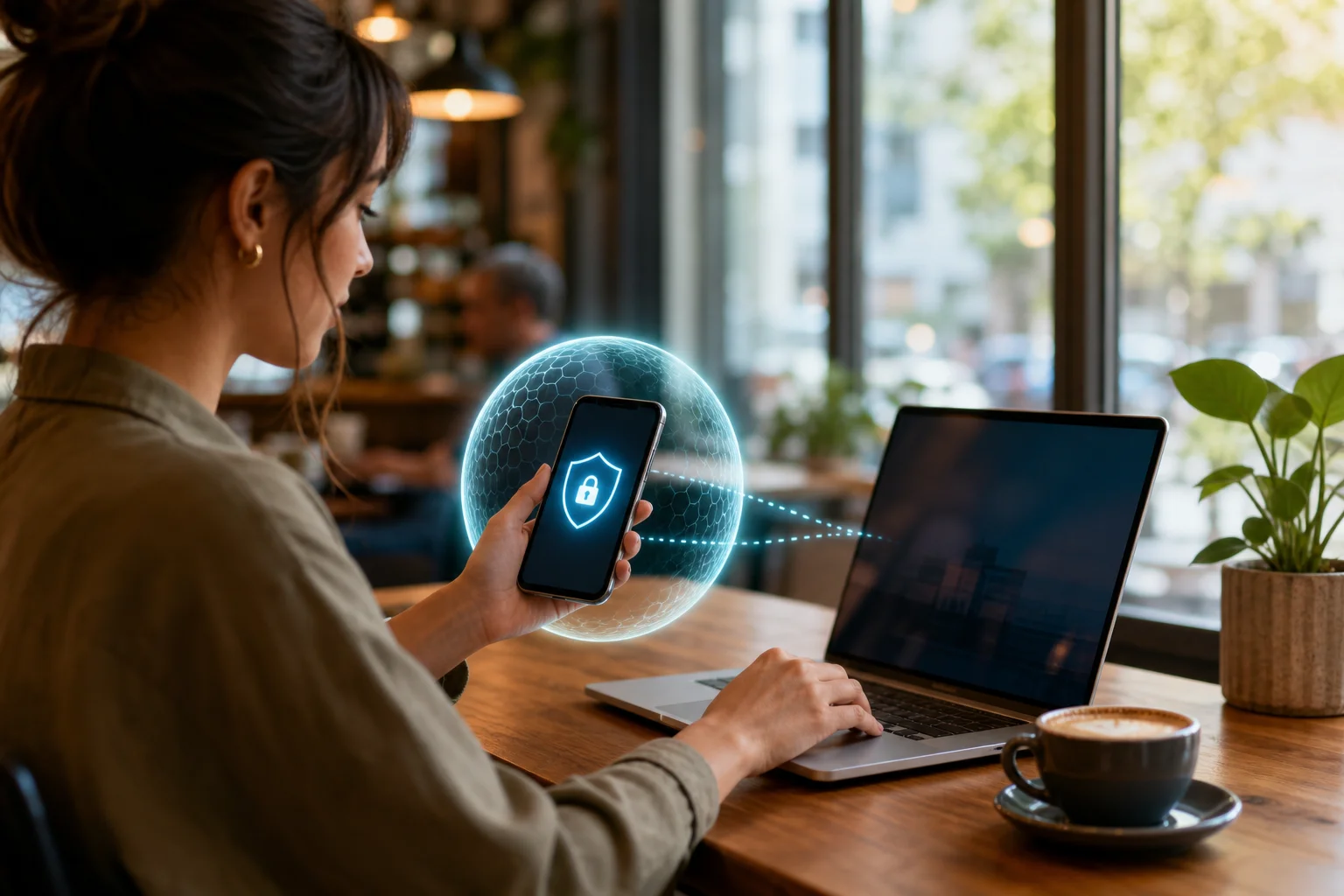
Tips for Using an Anonymous VPN on Your Phone
Once your VPN is installed, a few simple habits can make it much more effective. These tips are especially useful for remote workers who move between networks often.
1. Turn on your VPN before joining public Wi-Fi
Always activate your VPN before connecting to public Wi-Fi to safeguard your information. This includes coffee shops, airports, hotels, libraries, and coworking spaces. If possible, connect to the VPN as soon as your phone joins the network.
2. Keep the VPN app updated
Regularly update the VPN application to benefit from the latest security enhancements. Updates may fix bugs, improve speed, add features, or strengthen privacy protections. Turn on automatic updates if your phone allows it.
3. Use trusted networks, even with a VPN
A VPN is powerful, but it is not a magic shield against every risk. Avoid suspicious Wi-Fi networks with strange names. Do not ignore browser warnings. Be careful with links in messages and emails.
4. Check that the VPN is connected before work tasks
Before opening work email, cloud storage, or company apps, glance at your VPN status. Most phone VPN apps show a small icon or connected label. This quick check can help prevent mistakes.
5. Contact support when you need help
Feel free to reach out to customer support for assistance. It is like having a tech-savvy friend on speed dial when you need help. Support can help with setup, slow connections, server choices, or app settings.
FAQ: Anonymous VPNs for Phones
Is an anonymous VPN for phone use legal?
In many countries, using a VPN is legal. However, rules vary by location, and a VPN does not make illegal activity legal. Always follow local laws and your employer’s security policies.
Will a VPN make my phone completely anonymous?
No tool can guarantee complete anonymity. A VPN can hide your IP address and encrypt your connection, but websites, apps, cookies, account logins, and device settings can still identify you in other ways. It is best used as one part of a broader privacy routine.
Does a phone VPN work on mobile data as well as Wi-Fi?
Yes. Most mobile VPN apps can protect traffic over both Wi-Fi and mobile data. This helps keep your connection more private whether you are at home, traveling, or using a public hotspot.
Will an anonymous VPN slow down my phone?
A VPN can reduce speed slightly because your traffic is encrypted and routed through a server. However, a reliable VPN should still be fast enough for browsing, messaging, file access, and many remote work tasks.
Do I need a VPN if work apps already use HTTPS?
HTTPS is important, but it does not hide everything. A VPN adds another privacy layer by encrypting more of your connection and masking your IP address, which is especially useful on public or unfamiliar networks.
Work Safely From Your Phone With Better Privacy
An anonymous VPN for your phone is a practical tool for safer remote work. It encrypts your connection, masks your IP address, and helps protect sensitive activity when you use public Wi-Fi or unfamiliar networks. For beginners, the key is simple: choose a user-friendly VPN, check for a no-log policy, keep the app updated, and turn it on before handling work tasks.
Try BeFreeVPN for free today—no registration required! Enjoy seamless and secure connections on your phone while working remotely.