The ultimate guide to private VPN without registration: save money with BeFreeVPN
Why spend money on a VPN when you can enjoy premium privacy features absolutely free, with no registration needed? If you are looking for a private VPN without registration, this guide explains what that means, why it matters, and how BeFreeVPN can help you protect your browsing without creating an account, sharing personal details, or committing to a paid subscription.
Online privacy should not feel complicated. Yet many VPN services ask you to choose a plan, enter an email address, add payment details, and manage renewals before you can even connect. A no-registration VPN changes that experience. It focuses on fast access, fewer data-sharing steps, and simple protection for everyday browsing.
Below, you will learn how VPNs work, why paid plans are not the only option, how BeFreeVPN removes signup friction, and how to get the best results across devices.
1. Understanding VPNs: What You Need to Know
What Is a VPN?
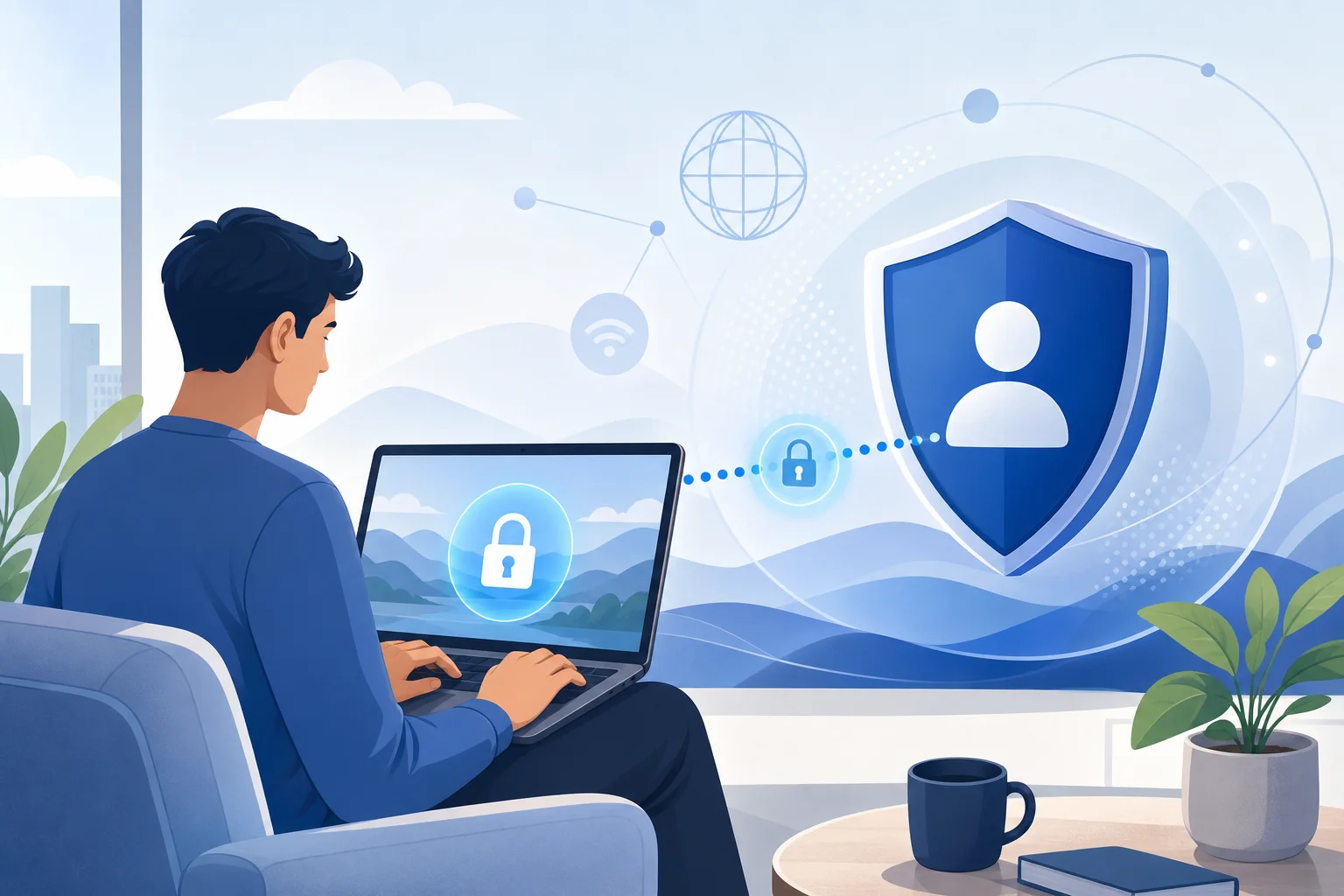
A VPN, or virtual private network, creates an encrypted connection between your device and a remote VPN server. Instead of sending your internet traffic directly through your internet service provider, the VPN routes that traffic through a secure tunnel.
In practical terms, a VPN can help you:
- Mask your real IP address from websites and apps.
- Reduce exposure on public Wi-Fi networks.
- Add a layer of encryption to your connection.
- Limit how much your internet provider can see about your browsing activity.
- Access the internet with more privacy when traveling or working remotely.
A VPN does not make you completely invisible online. Websites may still use cookies, browser fingerprinting, account logins, and other tracking methods. However, a VPN is a useful privacy tool because it hides your network-level identity and helps secure traffic from your device to the VPN server.
Why Privacy Matters in the Digital World
Everyday internet use creates a trail. Search queries, location signals, device details, app activity, and website visits can all reveal information about your habits. In many cases, this data is used for advertising, analytics, personalization, or security. In other cases, it may be collected in ways users do not fully understand.
Privacy matters because it gives you more control. It helps you decide what you share, when you share it, and with whom. This is especially important when using public Wi-Fi in airports, hotels, cafés, schools, libraries, or co-working spaces. These networks are convenient, but they are often shared by many unknown users.
A private VPN without registration is appealing because it removes one common privacy trade-off: giving personal details to a privacy provider before you can use the service.
Why Many Users Hesitate to Pay for VPN Services
Paid VPNs can be useful, especially for users who need dedicated servers, advanced controls, or business-level features. Still, many people hesitate before subscribing. Common reasons include:
- Monthly or annual fees add up over time.
- Payment details may reduce anonymity.
- Long signup forms feel inconvenient.
- Auto-renewals can be easy to forget.
- Users may not know whether they will use the VPN often enough.
- Some people only need basic privacy for public Wi-Fi or casual browsing.
This is where BeFreeVPN stands out. By offering VPN access without registration, it gives users a simpler way to begin protecting their connection.
2. The Cost of Privacy: Why You Don't Need to Pay
Common VPN Pricing Models
Most commercial VPNs use one of several pricing structures:
| Pricing model | How it works | Common drawback |
|---|---|---|
| Monthly subscription | Pay each month for access | Usually the highest monthly cost |
| Annual plan | Pay once for a year | Lower monthly equivalent, but larger upfront payment |
| Multi-year deal | Commit for two or more years | Best discount, but long commitment |
| Freemium plan | Use limited features for free | May include speed, server, or data limits |
| Business plan | Pay per user or team | Often unnecessary for personal use |
For users who just want a private VPN without registration, these models can feel excessive. You may not need a long-term contract to browse safely on hotel Wi-Fi or protect your connection while checking email at a café.
Hidden Costs of Paid VPN Subscriptions
The price on the checkout page is not always the full cost. Paid VPNs may create indirect costs, such as:
- Forgotten renewals: A low introductory price may renew at a higher rate.
- Unused subscriptions: You may pay monthly even when you rarely connect.
- Payment exposure: Card or billing details can connect your identity to the account.
- Time cost: Comparing plans, reading terms, and managing accounts takes effort.
- Upgrade pressure: Some features may sit behind higher-tier plans.
None of these issues mean paid VPNs are bad. They simply show why a free VPN without signup can be the better fit for many everyday users.
BeFreeVPN as a Cost-Effective Alternative
BeFreeVPN reduces cost in two ways. First, it removes the direct subscription fee. Second, it removes the account-management burden that often comes with traditional VPN services.
Consider these common scenarios:
- Student on campus Wi-Fi: A student wants extra privacy when researching, messaging, and checking accounts between classes. A no-registration VPN avoids another paid service.
- Traveler in a hotel: A traveler needs quick protection on shared Wi-Fi. BeFreeVPN offers a simple way to connect without creating an account from a new location.
- Occasional privacy user: Someone may only need a VPN a few times per month. Paying for a full subscription may not make sense.
- Budget-conscious household: Families already manage many digital subscriptions. A free privacy tool can help reduce recurring expenses.
The key benefit is flexibility. You can improve your privacy without first deciding whether a paid plan is worth it.
3. How BeFreeVPN Works Without Registration
Step-by-Step Guide to Accessing BeFreeVPN
Using a private VPN without registration should be simple. While exact steps may vary by platform, the process generally looks like this:
- Go to the official BeFreeVPN access point. Use the official website or trusted app source to avoid copycat services.
- Choose your device or platform. Select the option that matches your operating system, browser, or connection method.
- Install or open the VPN tool. Follow the on-screen instructions if installation is required.
- Select a server or default connection. Many users can start with the recommended option.
- Connect to the VPN. Once connected, your traffic routes through the VPN tunnel.
- Check your IP address if needed. You can confirm that your public IP appears different from your original one.
- Browse with better privacy. Keep the VPN on while using public Wi-Fi, researching sensitive topics, or accessing routine accounts.
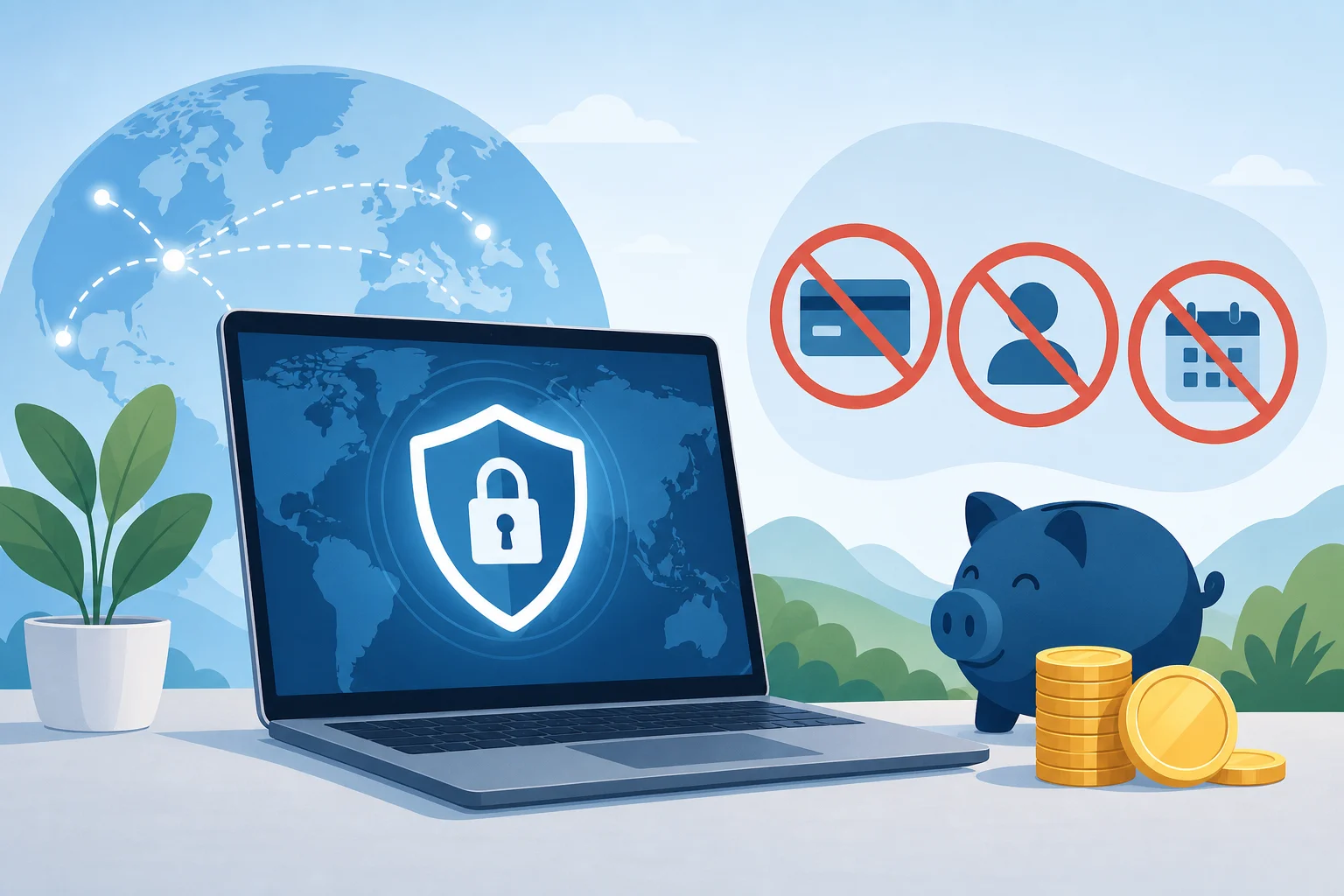
The main advantage is what is missing from the process. You do not need to create a username, remember another password, or provide payment details before getting started.
Benefits of a No-Registration VPN
A no-registration VPN supports privacy by reducing the personal information you hand over at the beginning. That matters because every account creates another record.
Important benefits include:
- Faster setup: Start using the service without a lengthy onboarding process.
- Less personal data shared: No email or billing details are required for signup.
- Lower friction: Ideal for quick protection while traveling or working remotely.
- Better accessibility: More people can use VPN protection without a payment barrier.
- Simple privacy habit: The easier a tool is, the more likely users are to keep using it.
Anonymity and Security Without Signup Hassles
A VPN without registration can support anonymity because it separates VPN use from account identity. However, good privacy also depends on your habits.
For stronger protection, combine BeFreeVPN with these practices:
- Use privacy-focused browser settings.
- Avoid logging into personal accounts when you want separation.
- Clear cookies or use private browsing where appropriate.
- Keep your operating system and browser updated.
- Use HTTPS websites whenever possible.
- Review the VPN provider’s privacy policy to understand data handling.
BeFreeVPN removes the signup step, which is a major convenience. Still, users should remember that a VPN is one layer of a broader privacy strategy.
4. Comparing Private VPNs: Paid vs. Free Options
Paid Private VPNs: Advantages and Disadvantages
Paid VPNs often offer strong feature sets. They may include many server locations, dedicated apps, customer support, split tunneling, streaming features, or business controls. For power users, these can be valuable.
However, paid VPNs also have drawbacks:
- They require ongoing payment.
- They often require registration.
- Billing information may connect you to the service.
- You may pay for advanced features you never use.
- Some plans are confusing or heavily promotional.
A paid VPN can be the right choice for specific needs. But if your main goal is simple privacy without cost or signup, BeFreeVPN is a more direct solution.
Free VPNs: What to Watch For
Not all free VPNs are equal. Some free services may show intrusive ads, limit performance, restrict data, or use unclear privacy practices. That is why users should look carefully at any free VPN provider.
Before choosing a free private VPN, ask:
- Does it require registration?
- Is the privacy policy easy to find and understand?
- Are there clear explanations of limits or restrictions?
- Does it use secure connection methods?
- Is the official download source trustworthy?
- Does it avoid unnecessary permissions?
BeFreeVPN’s no-registration approach makes it attractive because it reduces upfront personal data collection. For many users, that is exactly what they want from a privacy tool.
What Sets BeFreeVPN Apart
BeFreeVPN is built around three practical ideas: privacy, simplicity, and cost savings.
| Feature | Traditional paid VPN | BeFreeVPN |
|---|---|---|
| Registration | Usually required | No registration needed |
| Payment details | Usually required | Not needed to start |
| Setup friction | Can involve account creation | Designed for quick access |
| Cost | Subscription-based | Free to use |
| Best for | Heavy users and advanced needs | Everyday privacy and simple protection |
BeFreeVPN is especially useful for people who want privacy without adding another subscription. It gives users a low-friction way to make VPN use part of daily browsing.
User Success Stories Without Unsupported Hype
Rather than relying on unverifiable claims, it is more useful to look at realistic outcomes users commonly want from a no-registration VPN:
- A remote worker connects before using café Wi-Fi to reduce exposure on the shared network.
- A traveler protects routine browsing while moving between airports and hotels.
- A student researches online without immediately tying VPN use to a personal account.
- A casual user avoids paying for a service they only need occasionally.
These examples show the real appeal of BeFreeVPN: it makes privacy easier to start and easier to maintain.
5. Intermediate Features of BeFreeVPN You Should Know
Advanced Security Features to Look For
When using BeFreeVPN or any private VPN, it helps to understand the features that improve security and reliability. Availability may vary by platform, so check the current BeFreeVPN interface or documentation.
Useful VPN features include:
- Encrypted tunnel: Protects traffic between your device and the VPN server.
- IP masking: Replaces your visible IP address with the VPN server’s IP.
- DNS leak protection: Helps prevent DNS requests from bypassing the VPN tunnel.
- Kill switch: Blocks traffic if the VPN disconnects unexpectedly.
- Server selection: Lets you choose a connection point when options are available.
- Auto-connect: Helps you stay protected on unknown or public networks.
These features matter because privacy is not just about hiding an IP address. It is also about preventing accidental exposure when networks change or connections drop.
How to Optimize Your VPN Experience on Different Devices
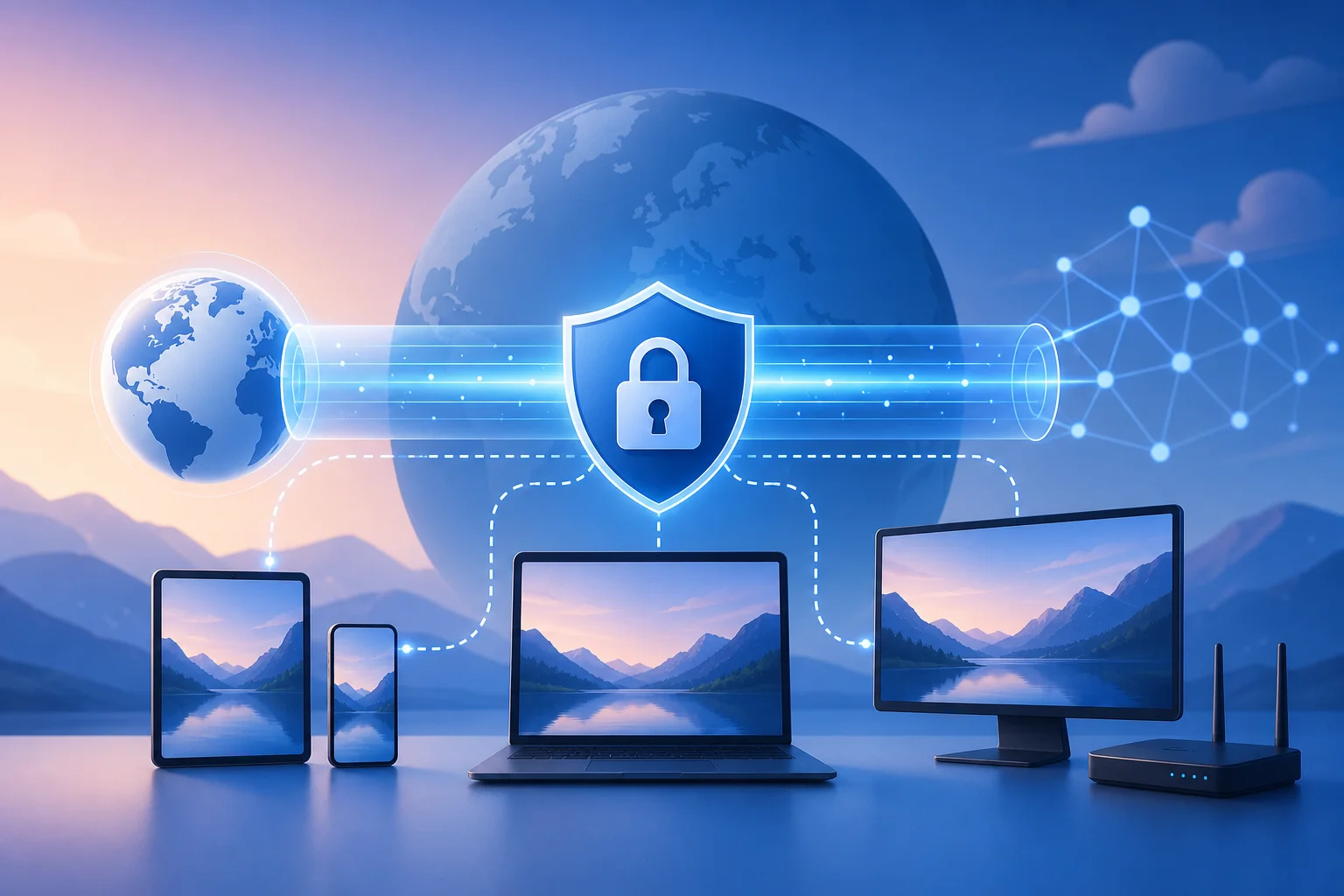
A VPN should fit your workflow. Here are practical tips for common devices:
On Windows or macOS
- Connect before opening sensitive websites.
- Keep your VPN client updated.
- Use a trusted browser with strong privacy settings.
- Disable extensions you do not recognize.
- If speed feels slow, try another server if available.
On iPhone or Android
- Enable the VPN before joining public Wi-Fi.
- Review app permissions regularly.
- Keep the VPN app and operating system updated.
- Avoid sideloading VPN apps from unknown sources.
- Use mobile data for highly sensitive tasks if public Wi-Fi feels risky.
On Shared or Public Computers
- Avoid logging into sensitive accounts when possible.
- Do not save passwords in the browser.
- Log out after each session.
- Clear browsing data before leaving.
- Remember that a VPN cannot protect you from local monitoring on a compromised device.
Common Troubleshooting Tips for New Users
If BeFreeVPN does not connect or performance seems limited, try these steps:
- Check your internet connection. Make sure your device is online before connecting to the VPN.
- Switch networks. Some public networks block VPN traffic or require a captive portal login first.
- Restart the VPN app or browser session. A fresh connection often fixes temporary errors.
- Try another server. If available, a different location may improve speed or stability.
- Update your software. Outdated apps, browsers, or operating systems can cause connection issues.
- Disable conflicting tools. Other VPNs, firewalls, or proxy extensions may interfere.
- Review permissions. On mobile devices, the VPN may need permission to create a secure connection.
If problems continue, check BeFreeVPN’s official help resources for platform-specific guidance.
6. Quick Answer Box: FAQs About Private VPNs Without Registration
What Is a Private VPN Without Registration?
A private VPN without registration is a VPN service that lets you connect without creating an account. You do not need to provide an email address, username, password, or payment details before using it. This reduces friction and limits the personal information shared during setup.
Is BeFreeVPN Safe for Public Wi-Fi?
BeFreeVPN can help improve safety on public Wi-Fi by routing your traffic through a VPN tunnel and masking your IP address. This is useful in cafés, hotels, airports, and other shared networks. For best results, also use HTTPS websites, keep your device updated, and avoid entering sensitive information on suspicious pages.
How Does BeFreeVPN Maintain My Anonymity?
BeFreeVPN supports anonymity by removing the registration step. Because you do not create an account to start, there is less personal signup data attached to your VPN use. For stronger anonymity, avoid logging into personal accounts, reduce tracking cookies, and review privacy settings in your browser.
Can I Use a Free VPN Without Signup Every Day?
Yes, many users can use a free VPN without signup for daily browsing, especially for public Wi-Fi, general research, and routine privacy. However, if you need specialized features such as dedicated IP addresses, enterprise controls, or guaranteed server locations, compare your needs carefully.
Will a VPN Make Me Completely Anonymous Online?
No VPN can guarantee complete anonymity by itself. A VPN hides your IP address and helps secure your connection, but websites, apps, cookies, account logins, and device fingerprints can still identify you. Use a VPN as one part of a larger privacy routine.
7. Key Takeaways: Maximizing Your Online Privacy for Free
A private VPN without registration gives you a faster, simpler way to protect your online activity. It is especially useful if you want privacy without sharing personal details, managing another password, or paying for a subscription.
BeFreeVPN is a strong option for users who value:
- Cost savings: You can avoid monthly VPN fees.
- No signup friction: You do not need an account to begin.
- Everyday privacy: You can protect browsing on public or shared networks.
- Accessibility: VPN protection becomes easier for students, travelers, remote workers, and casual users.
- Simplicity: Fewer steps make it easier to build a consistent privacy habit.
At the same time, remember that smart privacy requires more than one tool. Keep your device updated, use strong passwords, enable two-factor authentication where possible, and stay alert to phishing attempts. A VPN improves network privacy, but your browsing behavior still matters.
The best VPN is the one you will actually use. For many people, that means choosing a service that is free, fast to access, and does not require registration. BeFreeVPN meets that need by making private browsing more accessible without the usual cost and complexity.
Ready to protect your online privacy for free? Try BeFreeVPN today and enjoy complete anonymity without the need for registration!